 ProMapRanker
Best Flashcard App in 2026: 8 Apps Compared

Key takeaways
- Anki is our pick for serious long-term learners, thanks to its free desktop app, huge shared deck library and strong spaced repetition.
- Quizlet suits casual study and finding ready-made sets, while Brainscape suits learners who like rating their confidence on each card.
- Mochi and RemNote suit note-takers who want cards built from their own notes, with Markdown and note linking respectively.
- The best flashcard app free options are strong: Anki, Cram and Knowt all let students study without paying, though mobile and sync limits vary.
Quick comparison
| Pick | Great for | Pricing starts at | Free tier | |
|---|---|---|---|---|
 Anki Anki | Serious long-term study | Free | Yes | Visit |
 Quizlet Quizlet | Ready-made sets and games | $7.99 per month | Yes | Visit |
 Brainscape Brainscape | Confidence-based review | $9.99 per month | Yes | Visit |
 Mochi Mochi | Markdown notes and cards | $5 per month | Yes | Visit |
 RemNote RemNote | Notes plus flashcards | $8 per month | Yes | Visit |
 StudySmarter StudySmarter | Study plans and shared content | See website | Yes | Visit |
 Cram Cram | Simple free flashcards | Free | Yes | Visit |
 Knowt Knowt | Free Quizlet alternative | Free | Yes | Visit |
The best flashcard app
Flashcards work because spaced repetition shows you a card just before you would forget it. The apps below all use that idea differently: some rely on strict algorithms, some on confidence ratings, and some on ready-made decks. The right pick depends on your subject, your patience for setup, and how long you plan to study.
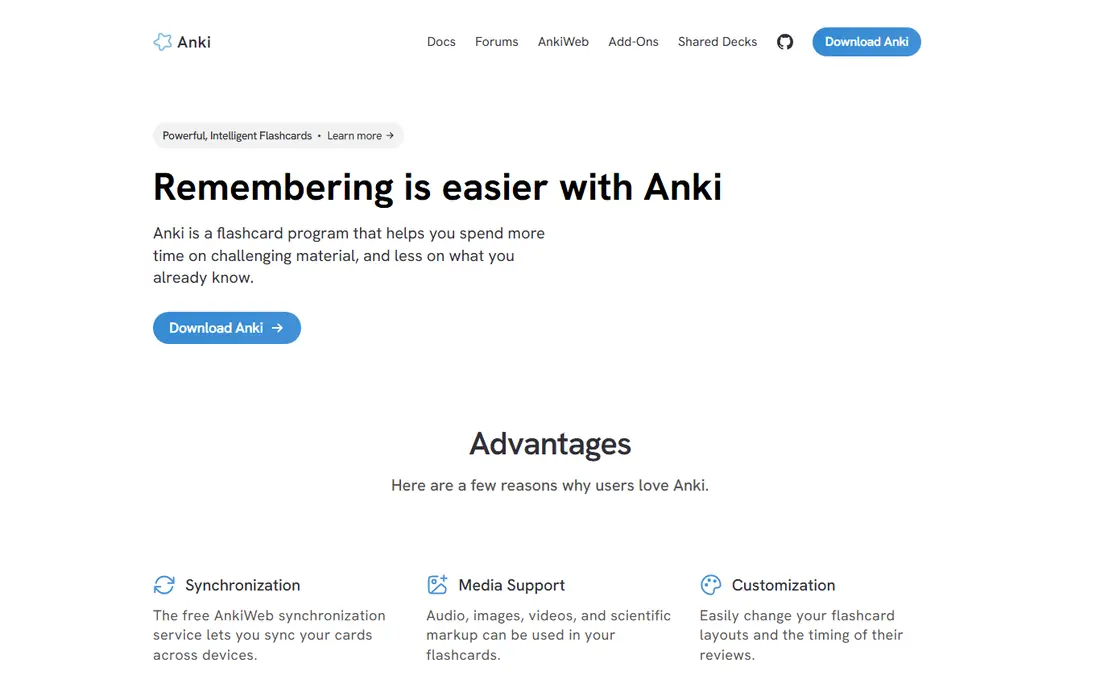
Anki is the best flashcard app for learners who study for months or years, such as medical students and language learners. Its spaced repetition system adapts intervals to how well you remember each card, and the shared deck library covers an enormous range of subjects. The desktop app is free, and cards sync to mobile for review anywhere.
The learning curve is real. New users face terms like notes, decks and ease factors, and the interface looks plain next to modern apps. The iOS app costs a one-time fee, while Android is free. If you push through the setup, Anki rewards you with a system that many serious learners still use after years, which no prettier app here can quite match.
- Free on desktop and Android
- Huge community deck library
- Strong scheduling with modern FSRS algorithm option
- Interface looks dated and takes learning
- IOS app is a one-time paid purchase
- Setup can overwhelm new users
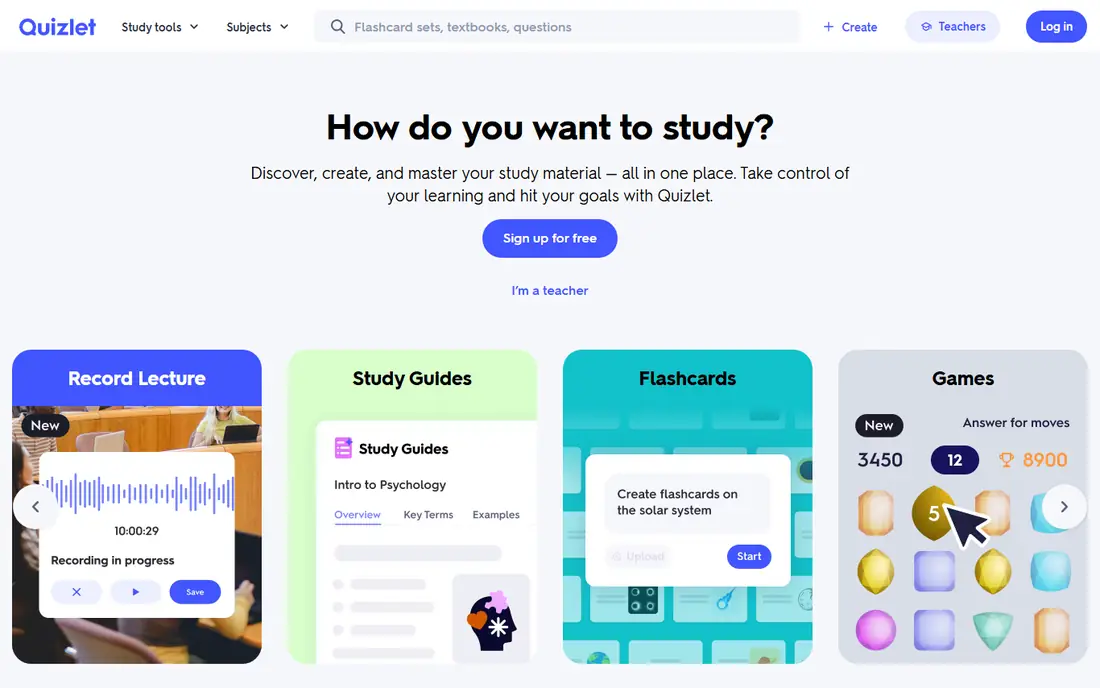
Quizlet is the friendliest way to start with flashcards, especially for school and college subjects where someone has already made a set. Search for a topic, open a set, and study with flashcards, Learn mode or matching games. That low friction is why so many students land here first.
For long-term memory, Quizlet is weaker than Anki, since its scheduling is simpler and its strength is breadth, not algorithm depth. The free tier works for casual study, while Plus removes ads and adds offline access and AI help. If you want the best flashcards app for quick class prep, Quizlet is the easy pick.
- Massive library of user-made sets
- Learn mode and games make study feel lighter
- Easy to use on any device
- Free tier carries ads and limits
- Spaced repetition is lighter than Anki
- Offline study needs a paid plan
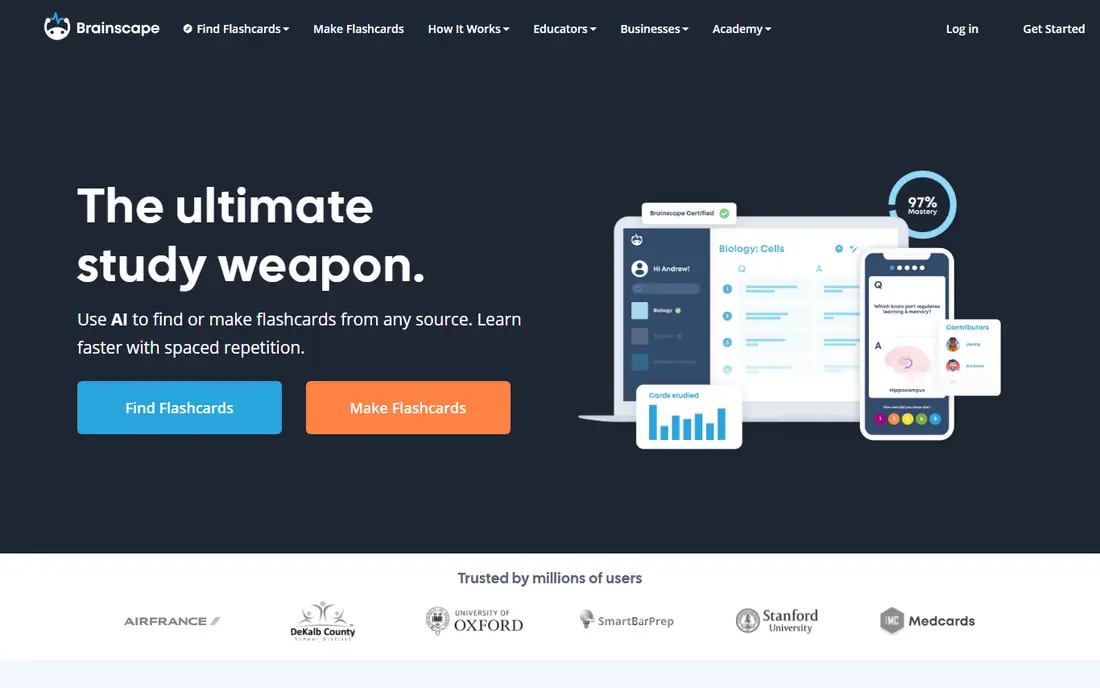
Brainscape asks you to rate each card from one to five for how well you knew it, then repeats weak cards sooner and strong cards later. That confidence-based repetition feels natural, and it helps learners who like judging their own recall rather than trusting a hidden algorithm. Certified decks add vetted content for exams and languages.
The price is the main drawback, since Anki does similar work for free on desktop. Brainscape earns its fee with a gentler interface and curated decks, which suits learners who want structure without setup. For students who dislike Anki's learning curve but want real spaced repetition, Brainscape is a strong middle choice.
- Confidence-based repetition adapts to self-ratings
- Certified decks for popular subjects
- Clean review flow
- Monthly price is high next to Anki
- Free tier limits some features
- Fewer community decks than Quizlet
Mochi suits writers, developers and researchers who already think in Markdown. Notes and cards live in one clean system, and the spaced repetition engine handles review timing without fuss. The free tier covers local study, which is enough for many solo learners.
The limits matter: Mochi lacks the giant shared libraries of Anki and Quizlet, and mobile support has been thinner than its desktop experience. If your cards come from your own notes and you like plain text, Mochi is the best flashcard app for that workflow. If you rely on finding sets others made, pick Quizlet or Anki instead.
- Markdown support for clean notes and cards
- Spaced repetition based on modern scheduling
- Local-first study with optional sync
- No mobile app in some reports, so check your device
- No ready-made deck library like Quizlet
- Sync and unlimited cards need Pro
RemNote blends a note-taking app with a flashcard system, so a concept you highlight in your notes can become a card without retyping. That link between notes and review suits students who study from lectures and textbooks and want one place for both jobs. The free tier covers unlimited notes and cards with caps on AI and uploads.
The combined tool takes learning, and casual users may prefer a simpler app. For note-first learners, though, RemNote removes the usual split between reading notes and drilling cards. It is the best app for flashcards if your study starts with notes rather than with a downloaded deck.
- Notes and flashcards in one tool
- Cards generated from highlighted notes
- Spaced repetition built in
- Free tier caps some features
- Interface takes time to learn
- Best for note-heavy learners, less so for quick set study
StudySmarter, also known as StudySmarter in some regions, wraps flashcards in a broader study system with plans, summaries and shared material. Students who want one app for organizing study, not just drilling cards, will like the structure. The free tier gives a real taste of the system before paying.
The trade is depth: its flashcard scheduling is less configurable than Anki, and shared content quality depends on who made it. Pricing also varies, which is why we list it as "See website" rather than a single figure. For students who want plans plus cards in one place, StudySmarter is worth a try.
- Combines flashcards with study plans and shared notes
- Content for school and university subjects
- Mobile and web access
- Pricing and premium features vary by region, so check the live page
- Spaced repetition depth trails Anki
- Some content quality varies by contributor
Cram is the simplest free option in this list, and that simplicity is its appeal. Create a set, share it, and study it, without subscriptions or complex settings. The library of user-made sets covers many school topics, and the price is right for students who only need basic drilling.
Serious learners should know the limit: Cram lacks the spaced repetition engine that makes Anki and Brainscape effective over months. For a quick test or a short topic, that hardly matters. For long-term retention, pair Cram with a schedule of your own, or move to Anki once the habit sticks.
- Free to use
- Simple card creation
- Large library of user-made sets
- No real spaced repetition system
- Basic interface
- Fewer study modes than Quizlet
Knowt has grown as the best free flashcard app for students leaving Quizlet, since it imports Quizlet sets and offers Learn mode, practice tests and spaced repetition without payment. The free tier is generous, which matters for students who study daily and cannot pay for every app.
The paid Ultra tier costs more than Quizlet Plus on some listings, so check the current price before upgrading. The community is also smaller, though importing sets softens that gap. For a free, capable all-rounder, Knowt is the strongest no-cost pick next to Anki.
- Free tier with Learn mode, practice tests and spaced repetition
- Imports Quizlet sets
- AI card creation on free tier
- Paid Ultra plan is pricey for full features
- Smaller community than Quizlet
- Some features carry ads or limits
How we picked these
We compared official feature pages, app store listings and current pricing for flashcard apps available in October 2026. We kept apps that genuinely support flashcard study with review tracking, and we weighed spaced repetition quality, deck libraries, note integration, platform support and price. Apps that only quiz without cards, or that had stopped working, did not make the list.
We did not claim hands-on testing. Where a vendor did not publish a clear current price, we wrote "See website" rather than guessing, and where free tiers carry limits, we said so plainly.
How to choose a flashcard app
Start with how you study, not with the prettiest interface. Long-term learners need strong scheduling. Class crammers need ready-made sets. Note-takers need cards from notes. Each style points to a different app here.
Check the scheduling system
Anki and Brainscape offer the strongest review timing, while Quizlet and Cram are lighter. If you study a subject for months, scheduling quality matters more than games or themes. If you study for one test, a simple app is fine.
Count the cost on your device
Anki is free on desktop and Android but paid once on iOS, while other apps charge monthly across devices. Check the price on the device you actually use, and check offline access if you study without reliable internet.
Try your real subject first
Search for your subject or import your notes before committing. A huge deck library means little if your topic is missing, and a note-based app means little if you never take notes. A week of real cards tells you more than any feature list.
Frequently asked questions
What is the best flashcard app for students?
Anki is the best flashcard app for serious students, thanks to free desktop access and strong spaced repetition, while Quizlet suits casual class prep with ready-made sets. Students who want a free all-rounder should also try Knowt. The best choice depends on whether you study for months or for one test.
What is the best flashcard app free?
Anki is free on desktop and Android, Cram is free for basic cards, and Knowt offers a generous free tier with spaced repetition. Each has limits: Anki charges once on iOS, Cram lacks spaced repetition, and Knowt reserves some features for paid plans. For free long-term study, Anki leads.
What is the best app for flashcards for language learning?
Anki leads for language learning because community decks cover vocabulary for many languages, with audio and sentence cards. Brainscape and Quizlet also offer language decks, and Mochi suits learners who build cards from their own reading. Pick the app whose decks match your language and level.
What is the best flash card app for exam prep?
Anki and Brainscape suit exam prep best, since both use spaced repetition that spaces reviews over weeks. Brainscape adds certified decks for popular exams, while Anki adds community decks and deep customization. Quizlet helps for quick review, but its scheduling is lighter for long exams.
Are paid flashcard apps worth it?
Paid plans are worth it when they remove a real limit you hit, such as offline study, sync or AI card creation. Many students never need to pay, since Anki, Cram and Knowt cover the core job free. Pay only after the free tier has shown you which feature you actually miss.
Sources
See where you really rank - block by block
ProMapRanker scans Google Maps across a grid of your service area. Simple monthly plans from $19, white-label on every plan.
Start freeKeep reading
 zeffy payment processor stripe alternatives
Zeffy and Stripe Alternatives for Nonprofits in 2026
Explore zeffy payment processor stripe alternatives for nonprofits. We compare 8 fundraising platforms on fees, donor tools, and nonprofit focus. Check fees.
Read → workday alternatives
Workday Alternatives in 2026
Workday alternatives compared: we review 8 HR and payroll platforms that replace Workday, with pricing, strengths and honest limits for each team size.
Read → what's the best weather app
What's the Best Weather App in 2026
Wondering what's the best weather app? We compare 10 free and paid apps for forecasts, radar, alerts, and Colorado mountain weather for everyday and storm use.
Read →