 ProMapRanker
Best Employee Monitoring Software in 2026

Productivity analytics without deep surveillance · Pricing starts at: $10 per user per month
Key takeaways
- ActivTrak is the strongest pick for teams that want productivity trends without deep surveillance, and its free plan covers up to three users.
- Teramind leads for security-focused workplaces, with behavior rules and data-loss controls that lighter tools do not offer.
- Hubstaff and Time Doctor suit remote teams best, since they tie tracking to timesheets, payroll, and invoicing.
- Privacy practices differ sharply, so check consent rules in your state, tell staff what is tracked, and favor tools with visible tracking indicators.
Quick comparison
| Pick | Great for | Pricing starts at | Free tier | |
|---|---|---|---|---|
| ActivTrak | Productivity analytics without deep surveillance | $10 per user per month | Yes | Visit |
 Teramind Teramind | Security and data-loss prevention | $14 per seat per month | Free trial | Visit |
 Hubstaff Hubstaff | Remote and field teams with payroll | $4.99 per seat per month | Free trial | Visit |
 Time Doctor Time Doctor | Detailed time records for remote teams | $6.67 per user per month | Free trial | Visit |
 Insightful Insightful | Workforce analytics plus time tracking | $8 per seat per month | Free trial | Visit |
 Controlio Controlio | Screen activity evidence for small teams | $7.99 per user per month | Free trial | Visit |
 DeskTime DeskTime | Simple automatic time tracking | $6.42 per user per month | Free trial | Visit |
 Monitask Monitask | Transparent tracking for small remote teams | $6.49 per user per month | Free trial | Visit |
The best employee monitoring software
Monitoring software ranges from gentle productivity dashboards to full screen recording, and the right choice depends on what problem you are actually solving. The eight tools below cover analytics, time tracking, and security, with honest notes on privacy where they matter.
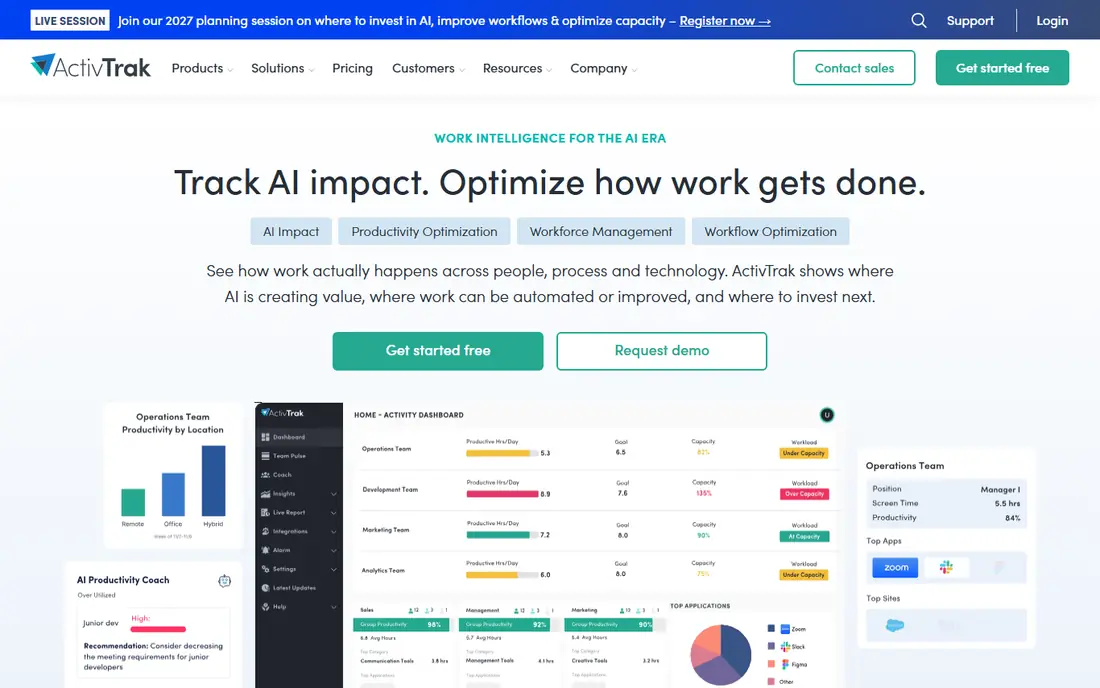
ActivTrak positions itself as workforce analytics rather than surveillance, and that framing fits how most small businesses should use this category. Dashboards show where team time goes, which apps dominate the day, and how workload spreads across staff, without building a file on each individual. Managers get patterns they can act on, such as a team overloaded with meetings, instead of a minute-by-minute replay of one person's screen.
The free plan makes a pilot easy, since three users can try it at no cost before a wider rollout. Paid plans start at ten dollars per user per month on annual billing, and monthly billing is not offered, so budget for the year. If you need forensic evidence or deep content capture, ActivTrak will feel light. If you need honest productivity insight that staff can accept, it is our pick for most teams.
- Free plan for up to three users
- Team-level productivity trends
- App and website usage reports
- Paid plans bill annually only
- No keystroke logging for forensic use
- Advanced features need higher tiers
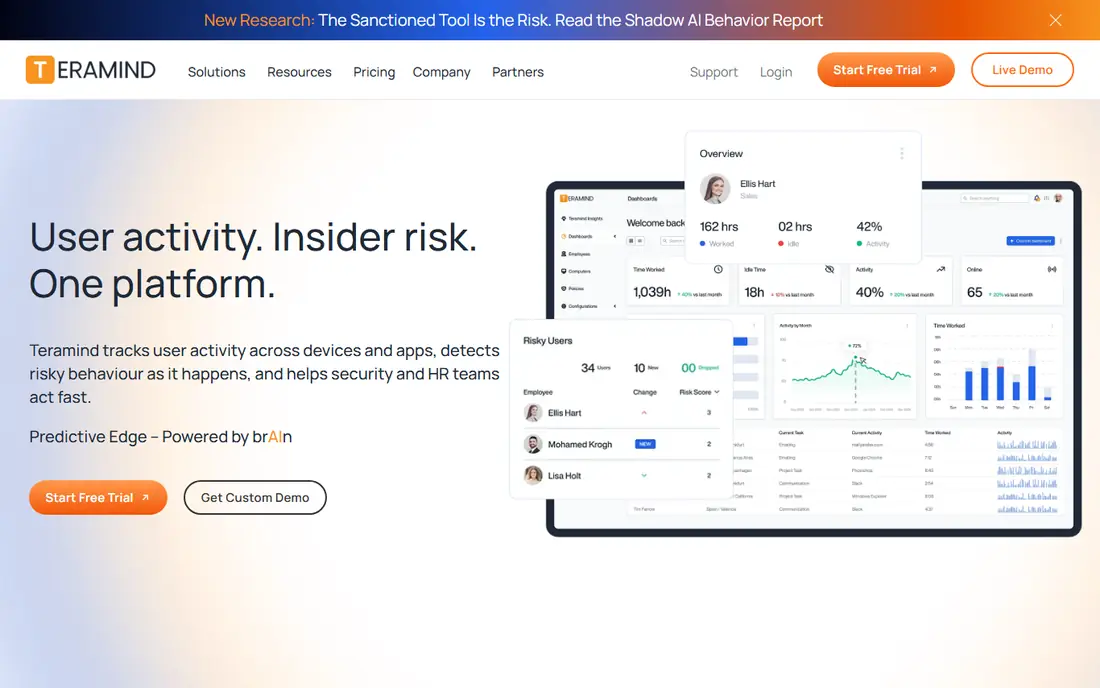
Teramind is the tool to pick when the risk is data leaving the building, not just time drifting away. It watches for risky behavior, flags policy violations, and can block actions such as copying files to removable drives or sending sensitive data outside the company. For finance, healthcare, and outsourcing firms, those controls matter more than a productivity score, and the audit trail helps during compliance reviews.
That depth has a human cost. Staff often view Teramind as surveillance, so rolling it out without a clear written policy and a conversation with the team will damage trust fast. Pricing starts at fourteen dollars per seat per month on annual billing, with a five-seat minimum, and a short cloud trial lets you test the rules engine. Use it where security rules demand it, not as a general productivity tool.
- Behavior rules and alerts
- Data-loss prevention controls
- Cloud and on-premises deployment
- Five-seat minimum on paid plans
- Can feel intrusive to staff
- Higher price than analytics-only tools
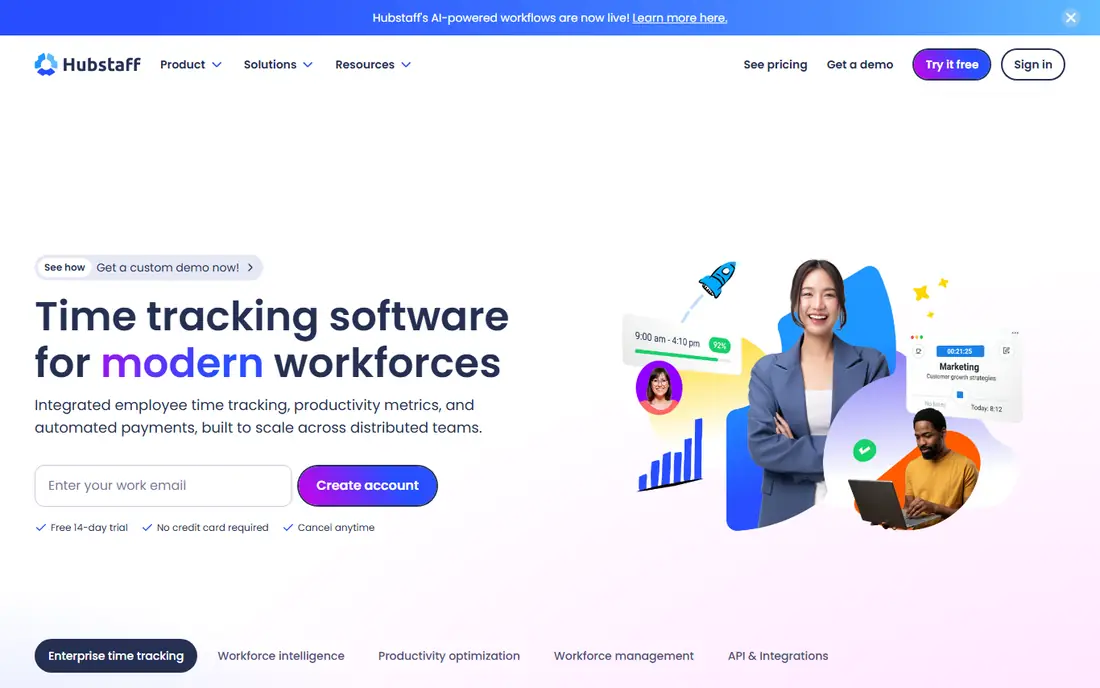
Hubstaff fits teams that already pay people by the hour and need proof of work tied to pay. Timers, screenshots, GPS for field workers, and activity levels feed directly into timesheets, payroll, and client invoices, which cuts admin work for agencies and contractors. The starting price is among the lowest here, at just under five dollars per seat per month on annual billing, with a fourteen-day trial.
The trade-off is that Hubstaff is a tracking tool first and an analytics tool second. Its reports answer who worked when and on what, but they say less about team workload or burnout than ActivTrak does. Screenshot capture also needs a clear policy, since staff should know when screens are recorded and how images are stored. For distributed teams that bill by time, though, the payroll link alone often justifies it.
- Low starting price
- GPS tracking for field staff
- Payroll and invoicing built in
- Screenshot features can strain trust
- Reporting depth trails analytics tools
- Some features need higher plans
Time Doctor has been a remote-work staple for years, and its strength is disciplined record-keeping. It tracks time by task and client, records attendance, and pairs with payroll tools so managers can pay from the same data they manage with. Distraction alerts nudge staff back on task without a manager hovering, which some teams prefer to silent screenshot capture.
Setup is the weak point. Larger teams need time to configure projects, clients, and permissions, and the interface looks older than newer analytics dashboards. Pricing starts at about six dollars and sixty-seven cents per user per month on annual billing, with a fourteen-day trial and no free plan. If your main need is clean, defensible time records for a remote team, Time Doctor delivers that with less fuss than a security suite.
- Detailed time and attendance records
- Payroll integration
- Distraction alerts for staff
- Interface feels dated next to newer rivals
- Setup takes time for large teams
- No free plan
Insightful, formerly Workpuls, blends monitoring with time tracking in a way that suits mid-sized remote teams. Dashboards show productivity trends, app usage, and attendance side by side, so managers can spot both idle time and overload in the same view. The interface is cleaner than older tracking tools, which helps when you need to share reports with team leads who are not data specialists.
Pricing starts at eight dollars per seat per month on annual billing, with a seven-day trial and no permanent free plan. Some deeper analytics sit on higher tiers, so check the plan table against the reports you actually need. Like every tool with screenshots, Insightful needs a written policy on what is captured and how long it is kept. Used openly, it gives a fair picture of how a remote team spends its week.
- Clean analytics dashboards
- Employee monitoring plus time tracking in one tool
- Attendance features
- No free plan
- Higher tiers needed for advanced analytics
- Screenshot settings need careful policy work
Controlio stands out for one feature: it records screen activity as continuous video-style evidence rather than occasional screenshots. For managers handling disputes about work done, or for regulated teams that need a visual record, that detail is hard to match. Live viewing and on-premises deployment add flexibility for firms with strict data rules.
That same feature is also its biggest risk. Continuous screen recording is the most intrusive form of monitoring on this list, and in many workplaces it will harm morale unless the reason is clear, narrow, and documented. Storage costs and review time also grow quickly, since video piles up faster than anyone can watch. Pick Controlio only when you genuinely need visual evidence, and tell staff exactly what is recorded and why.
- Video-style records of screen activity
- Live screen viewing
- Cloud and on-premises options
- Video records raise strong privacy concerns
- Storage needs grow fast
- Analytics are thinner than rivals
DeskTime is the easiest tool on this list to start using. It tracks time automatically, so staff never press a timer, and it sorts apps and sites into productive and unproductive categories with minimal setup. Absence planning and shift scheduling sit in the same account, which suits small offices that want one simple system rather than three separate tools.
Simplicity has limits. DeskTime will not give you forensic security controls or deep workforce analytics, and its productivity scoring is basic next to ActivTrak or Insightful. Pricing starts at about six dollars and forty-two cents per user per month on annual billing, with a fourteen-day trial. For a small team that wants honest time data without a surveillance feel, DeskTime is a low-friction place to start.
- Automatic tracking with no timers to press
- Simple setup
- Absence and shift planning included
- No deep security features
- Productivity scoring is basic
- Reporting depth trails analytics leaders
Monitask pitches itself as transparent tracking, and that pitch matters in this category. Staff see when tracking runs, and managers get screenshots, activity levels, and time reports without hidden capture. For small remote teams and freelancers working with clients, that openness makes rollout conversations much easier than a stealth tool would.
The vendor is smaller than Hubstaff or Time Doctor, so integrations and advanced reporting are thinner, and there is no permanent free plan. Pricing starts at six dollars and forty-nine cents per user per month on annual billing, with a trial to test the workflow. If your team is small, remote, and willing to be tracked openly, Monitask gives you the core evidence without enterprise complexity or cost.
- Consent-based approach with visible tracking
- Screenshots and activity levels
- Simple pricing
- Smaller vendor with fewer integrations
- Reporting is less deep than enterprise tools
- No free plan
How we picked these
We compared official feature pages, pricing pages, privacy policies, and public reviews for each tool, and we favored products that are still sold and supported in October 2026. We weighed pricing transparency, the balance between insight and intrusion, and fit for small and mid-sized teams over raw feature counts. We did not run hands-on trials for this guide, and we did not treat vendor marketing claims as verified facts.
Choosing without breaking trust
Start by writing down the problem you want to solve, since analytics, time records, and security call for different tools. Then check the law for your state and for any state where staff work, because consent and notice rules vary, and stealth monitoring without notice is illegal in many places. Tell staff in writing what is tracked, when it runs, who sees the data, and how long it is kept, and give them a way to ask questions. Favor tools with visible indicators and employee dashboards, and review the data at team level before singling anyone out. A tool that staff accept will give you better data than a stricter tool they work around.
Frequently asked questions
What is the best employee monitoring software for small businesses?
ActivTrak suits most small teams because its free plan covers three users and its dashboards focus on trends rather than surveillance. Hubstaff is a better fit if you pay by the hour and need payroll tied to tracked time.
What is the best free employee monitoring software?
ActivTrak offers the clearest free plan, limited to three users, which works for a tiny team or a pilot. Most other tools offer trials only, so a genuinely free long-term option is rare in this category.
Is employee monitoring software legal?
It can be, but rules vary by state and country, and many places require notice or consent before monitoring. Check local rules, put the policy in writing, and avoid secret capture on personal devices. When in doubt, ask an employment lawyer before rollout.
Do employees know they are being monitored with these tools?
They should. The better tools show visible indicators and give staff their own dashboards, and we recommend telling staff openly regardless of the tool. Secret monitoring damages trust and can create legal risk.
What is the top rated employee monitoring software for security?
Teramind leads for security, with behavior rules, alerts, and data-loss controls that analytics tools lack. It costs more and feels more intrusive, so reserve it for roles where data protection rules demand that depth.
How much does employee monitoring software cost?
Starting prices here run from about five dollars to fourteen dollars per user per month on annual billing, with trials in place of free plans for most tools. Add-on features, storage, and seat minimums can push the real cost above the headline price, so model your full team size first.
Sources
See where you really rank - block by block
ProMapRanker scans Google Maps across a grid of your service area. Simple monthly plans from $19, white-label on every plan.
Start freeKeep reading
 zeffy payment processor stripe alternatives
Zeffy and Stripe Alternatives for Nonprofits in 2026
Explore zeffy payment processor stripe alternatives for nonprofits. We compare 8 fundraising platforms on fees, donor tools, and nonprofit focus. Check fees.
Read → workday alternatives
Workday Alternatives in 2026
Workday alternatives compared: we review 8 HR and payroll platforms that replace Workday, with pricing, strengths and honest limits for each team size.
Read → what's the best weather app
What's the Best Weather App in 2026
Wondering what's the best weather app? We compare 10 free and paid apps for forecasts, radar, alerts, and Colorado mountain weather for everyday and storm use.
Read →