 ProMapRanker
Best Digital Signage Companies in 2026

Key takeaways
- Software-only platforms are the cheapest way to start, while display makers suit buyers who want hardware and software from one brand.
- Yodeck and OptiSigns keep entry pricing low for small screen networks, but large fleets should compare per-screen costs across a full year.
- BrightSign stands out for players built to run all day, while ScreenCloud suits teams that want many ready-made app integrations.
- Always check whether the quoted price covers the player, the software, installation, and support, because those items are often sold separately.
Quick comparison
| Pick | Great for | Pricing starts at | Free tier | |
|---|---|---|---|---|
 ScreenCloud ScreenCloud | App integrations | $24 per screen per month | No | Visit |
 Yodeck Yodeck | Low-cost small networks | $8 per screen per month | Yes | Visit |
 OptiSigns OptiSigns | Small businesses | $10 per screen per month | No | Visit |
 BrightSign BrightSign | Always-on players | See website | No | Visit |
 Samsung Samsung | Commercial displays | See website | No | Visit |
 LG Business Solutions LG Business Solutions | Bright commercial displays | See website | No | Visit |
 Scala Scala | Large enterprises | See website | No | Visit |
 Rise Vision Rise Vision | Schools and nonprofits | $11 per screen per month | No | Visit |
The best digital signage companies
These companies cover different parts of a signage setup, from the screen on the wall to the software that schedules content. We compared official feature pages, pricing pages, and public reviews to sort out who fits which kind of buyer.
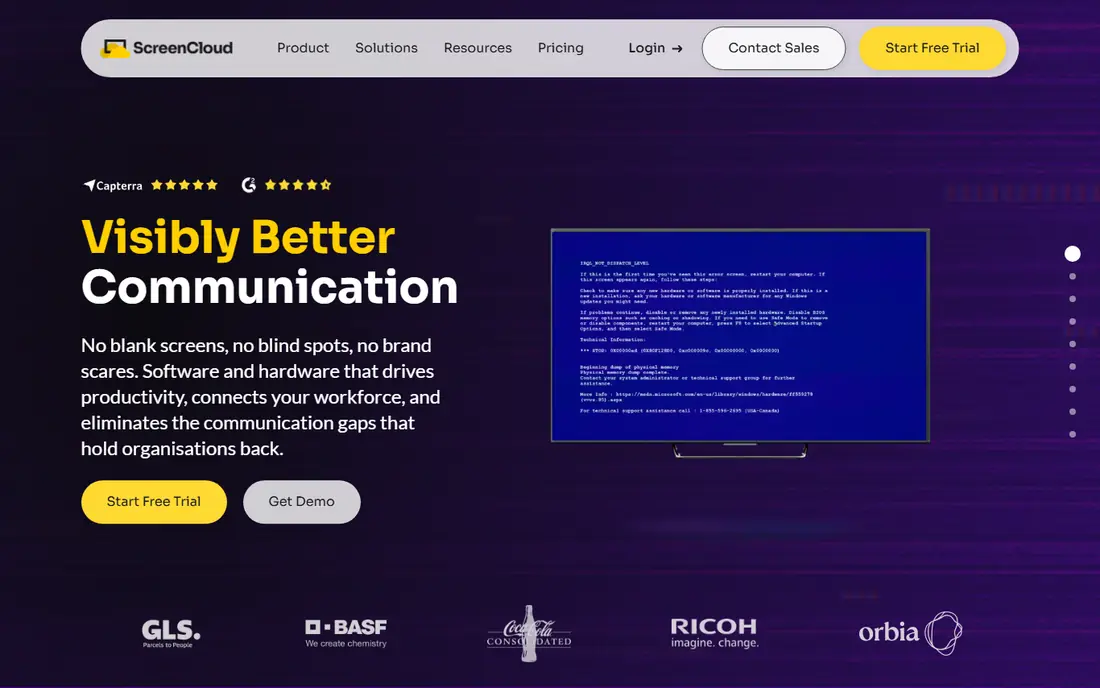
ScreenCloud suits a team that wants screens to show more than slides. Its app library covers social feeds, dashboards, news, weather, and workplace tools, so a lobby or shop screen can pull live information without custom code. Management happens in a browser, which helps when screens sit in different towns and no one wants to visit each one to change a playlist.
The trade-off is cost. At $24 per screen per month, a network of 20 screens adds up quickly, and the display and player still need to be bought. For a single screen in a cafe, a cheaper platform may do the same job. For a chain that values integrations and central control, the extra monthly cost can be easier to justify.
- Large app and integration library
- Cloud management from any browser
- Works with many player devices
- Higher starting price than budget rivals
- Hardware is bought separately
- Advanced features sit on higher plans
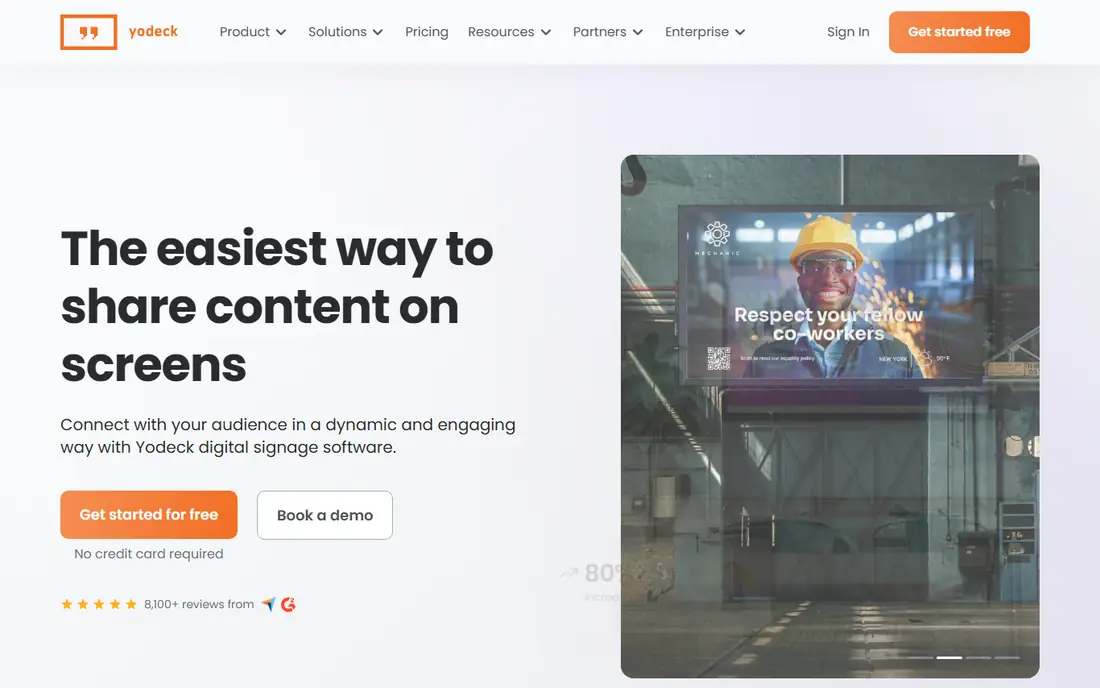
Yodeck is a sensible first step for a small business that owns one or two screens. The free plan covers a single screen, which lets an owner test layouts, schedules, and playlists before paying anything. Setup is straightforward, and the platform pairs well with affordable media players, so the total hardware bill stays modest.
Growth brings a decision. Each extra screen adds a monthly fee, and teams that need finer permissions or priority support may need a higher tier. Even so, the pricing stays clear, and the interface does not demand a technical background. That combination makes Yodeck a strong pick for cafes, clinics, gyms, and small retailers.
- Free plan for one screen
- Simple setup
- Works with low-cost players
- Free plan is limited to one screen
- Some advanced features need higher plans
- Support options vary by plan
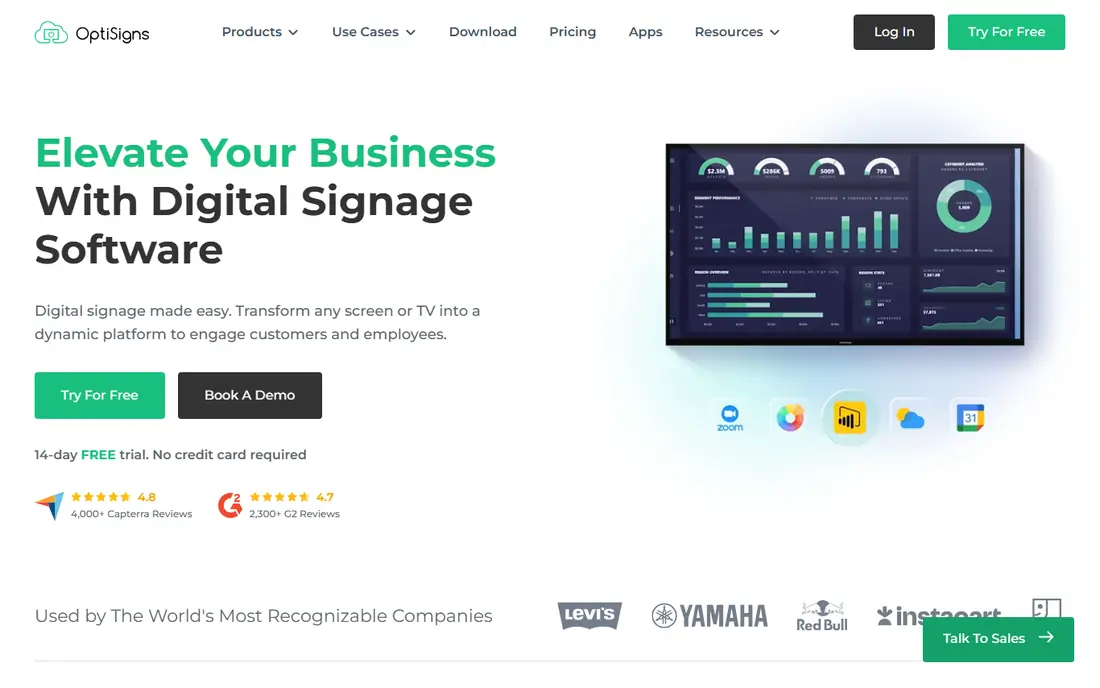
OptiSigns appeals to owners who already make graphics in Canva or store files in Google Drive. Content can move from those tools onto screens with little extra work, and the editor lets staff swap a poster or menu item without calling a designer. That matters in shops where prices and offers change often.
The platform is not a replacement for professional design software, and owners who want complex animations may find its tools basic. It also charges per screen, so a large estate needs a careful count before signing up. For a small team that wants quick updates and a familiar workflow, OptiSigns hits a useful middle ground between price and ease.
- Canva and Google integrations
- Simple drag-and-drop editor
- Supports many device types
- No free plan for ongoing use
- Design tools are simpler than a full design app
- Pricing rises with screen count
BrightSign does not sell screens. It sells the small players that sit behind them and keep content running hour after hour. Its players are designed for continuous operation, and cached content keeps playing during an internet outage, which matters for transport hubs, stadiums, and stores that cannot afford a blank screen.
Buyers should budget for two parts: the player hardware and the content software, which may come from BrightSign or a third party. That flexibility is a strength for integrators, but it can confuse a first-time buyer. If reliability is the top concern and the screens themselves are already chosen, BrightSign is a strong foundation.
- Players built for continuous use
- Offline playback when internet drops
- Works with many content systems
- Hardware must be bought for each screen
- Software pricing is separate
- Setup can feel technical
Samsung is the display maker most buyers meet first, and for good reason. Its commercial range covers small lobby screens, large video walls, and bright panels made for windows where sunlight washes out a normal television. For a buyer who wants one brand behind the panel, the player software, and the warranty process, that range is convenient.
The catch is that Samsung is mainly a hardware choice, not a complete managed service. Installation, mounting, and content creation usually come from a dealer or integrator, and those costs vary by site. Buyers should also check whether they need Samsung VXT or a third-party platform, because the software decision affects the long-term monthly cost.
- Wide range of commercial displays
- Bright options for shop windows
- Samsung VXT software for its own screens
- Software and hardware pricing can be hard to compare
- Best value stays inside the Samsung range
- Installation is separate
LG competes head to head with Samsung on commercial panels, and its range includes video walls, stretched displays for shelves, and outdoor-rated units. Many of its commercial screens run webOS-based signage software, which can reduce the need for an external player on simpler setups. That can cut both cost and clutter behind the screen.
As with Samsung, the headline panel price is only part of the project. Mounting, cabling, content software, and support are often quoted separately, so buyers should ask for a full project price. LG is a good fit for buyers who want a well-known panel brand and a tidy setup, provided they confirm software compatibility before ordering.
- Strong commercial display range
- Options for video walls and outdoor use
- WebOS-based signage options
- Pricing is quoted through partners
- Software choice needs care
- Consumer TVs are not a like-for-like substitute
Scala is aimed at organisations with many sites and strict control needs, such as retailers, banks, and transport operators. Its software handles complex schedules, regional content differences, and approval steps, so head office can keep brand control while local teams update only what they are allowed to change. That structure matters once a network passes dozens of screens.
Smaller buyers will likely find Scala too much. Pricing is custom, deployment takes planning, and staff need training to use the full feature set. For a single shop, a simpler cloud platform is faster and cheaper. For a large estate where consistency and control matter more than a low monthly fee, Scala earns its place on the shortlist.
- Built for large, multi-site networks
- Strong scheduling and content control
- Long track record in enterprise signage
- Pricing is custom and often high
- Setup needs planning and training
- Overkill for a handful of screens
Rise Vision built its name in education, and that focus still shows. Templates for announcements, lunch menus, events, and emergency alerts help a school office update screens fast, without design skills. It runs on widely available hardware, including BrightSign players and low-cost computers, which helps schools reuse equipment they already own.
Retailers chasing advanced advertising or interactive kiosk features may want a broader platform. Rise Vision keeps its toolset focused, and that focus is also its appeal for schools, churches, and community organisations. At $11 per screen per month, it sits in the middle of the market, with a clear purpose and a modest learning curve.
- Templates made for schools
- Alert and announcement features
- Runs on common low-cost hardware
- Less suited to complex retail media networks
- Design options are practical rather than flashy
- Pricing is per display
How we picked these
We compared official feature pages, pricing pages, app store listings, and public reviews for companies that sell signage software, players, or commercial displays. We kept only companies with a current product that a US buyer can buy or subscribe to in October 2026, and we favoured a mix of software platforms, hardware makers, and enterprise options. Where a price could not be verified on the vendor site, we wrote See website rather than guessing. We did not claim hands-on testing, and we treated review claims as a guide, not as proof.
What to check before you buy signage
Start by counting screens, sites, and who will update content. A single-screen shop needs a simple editor and a low monthly fee, while a multi-site chain needs permissions, scheduling, and proof that content actually played. Write down whether staff will update menus daily, weekly, or rarely, because that decides how much editing power you really need.
Next, price the whole system, not just the software. Add the display, the player or built-in system, mounting, cabling, installation, and support for one year. Ask whether the software price includes the player app, whether offline playback is included, and what happens when the internet drops. A cheap monthly plan can turn expensive if every screen also needs paid hardware and a separate support contract.
Finally, test the editor with real content before committing. Upload your own menu, poster, or announcement, set a schedule, and check how it looks on the actual screen size you plan to buy. Check brightness for windows, viewing angles for waiting rooms, and sound rules for quiet spaces. A short pilot on one screen will reveal more than any brochure, and it makes the full rollout far less risky.
Frequently asked questions
What is the best digital signage company for a small business?
For most small businesses, a cloud platform such as Yodeck or OptiSigns is the simplest start, because setup is quick and the monthly cost is clear. Add a commercial display rather than a home television if the screen will run all day. If you already own screens, check which platforms support your existing players before choosing.
What is the best company for digital signage hardware?
Samsung and LG lead on commercial displays, while BrightSign leads on dedicated players built for continuous use. The best hardware choice depends on brightness, size, and whether the screen sits indoors, in a window, or outside. Always compare warranty terms and expected daily run time, not just screen size.
How much does digital signage cost per month?
Software often costs from around $8 to $24 per screen per month for small and mid-size platforms, based on the prices listed above. Hardware, installation, and support sit on top of that figure, so a full first-year cost is higher than the monthly software fee alone. Ask each vendor for a total that covers every part of your setup.
Can I use a normal TV for digital signage?
A home television can work for a short trial, but commercial displays are built for longer daily use, brighter rooms, and remote management. Home TVs may also carry shorter warranties when used all day in a business. For a permanent install, a commercial panel or a player paired with a suitable screen is usually the safer choice.
Do I need internet for digital signage to work?
Most cloud platforms need internet to update content, but some players cache content and keep playing during an outage. If your site has patchy connectivity, ask specifically about offline playback and how long cached content will run. That feature matters far more in transport, healthcare, and outdoor sites than in a well-connected office.
Sources
See where you really rank - block by block
ProMapRanker scans Google Maps across a grid of your service area. Simple monthly plans from $19, white-label on every plan.
Start freeKeep reading
 zeffy payment processor stripe alternatives
Zeffy and Stripe Alternatives for Nonprofits in 2026
Explore zeffy payment processor stripe alternatives for nonprofits. We compare 8 fundraising platforms on fees, donor tools, and nonprofit focus. Check fees.
Read → workday alternatives
Workday Alternatives in 2026
Workday alternatives compared: we review 8 HR and payroll platforms that replace Workday, with pricing, strengths and honest limits for each team size.
Read → what's the best weather app
What's the Best Weather App in 2026
Wondering what's the best weather app? We compare 10 free and paid apps for forecasts, radar, alerts, and Colorado mountain weather for everyday and storm use.
Read →