 ProMapRanker
Best CRM Tools for B2B Startups in 2026

Key takeaways
- HubSpot Free is the safest starting point for a B2B startup that needs marketing and sales in one contact record.
- Pipedrive is the clearest paid choice for a sales-led team that lives in its pipeline and wants fast setup.
- Close and Freshsales are strong picks for teams that call prospects often, with built-in phone tools on entry plans.
- Do not buy a large CRM for features you may need next year; pick for the next 12 months and check export options before you commit.
Quick comparison
| Pick | Great for | Pricing starts at | Free tier | |
|---|---|---|---|---|
 HubSpot CRM HubSpot CRM | Marketing and sales in one database | Free | Yes | Visit |
 Pipedrive Pipedrive | Visual pipeline management | $14 per user per month | Free trial | Visit |
 Zoho CRM Zoho CRM | Low-cost paid CRM with wide customization | $14 per user per month | Yes | Visit |
 Freshsales Freshsales | Small teams that call prospects | $9 per user per month | Free trial | Visit |
 Close Close | Outbound teams that live on the phone | See website | Free trial | Visit |
 Salesforce Starter Suite Salesforce Starter Suite | A careful entry into Salesforce | $25 per user per month | Free trial | Visit |
 monday CRM monday CRM | Sales work tied to delivery work | $12 per seat per month | Free trial | Visit |
 Attio Attio | A flexible, modern contact database | See website | Yes | Visit |
The best crm tools for b2b startups
We compared CRMs that suit small B2B teams, with attention to entry price, free tiers, pipeline clarity, and how much setup a small team can handle without an admin.
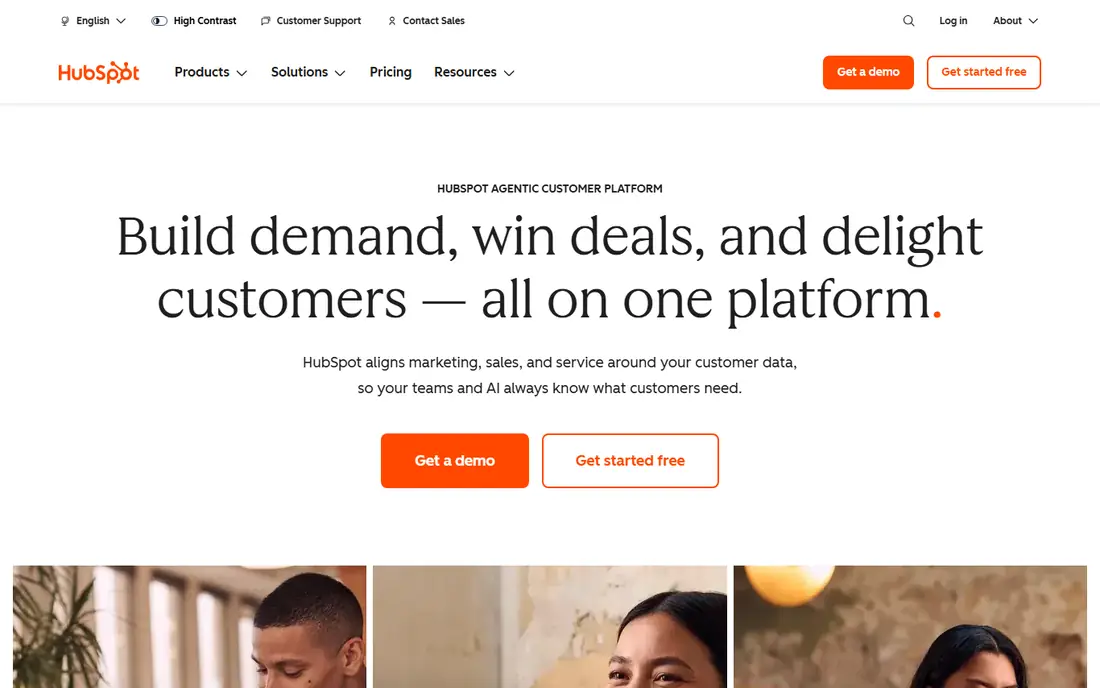
HubSpot is the easiest CRM to start with when a startup is still finding its sales motion. The free CRM covers contacts, companies, deals, and tasks, and it keeps marketing form fills and sales notes on the same record. That shared record matters for B2B teams, where a lead may come from content, a demo request, and a referral before anyone closes a deal.
The catch is the price jump. Starter plans are modest, but Professional plans cost far more per seat and can carry onboarding fees. A small team should start free, prove its pipeline stages, and only move up when automation or reporting is clearly holding deals back. If you never use the marketing side, a sales-only CRM may cost less.
- Free CRM with contacts, deals, and basic sales tools
- Shared record across marketing, sales, and service
- Large integration set
- Paid tiers get expensive fast
- Advanced automation sits on higher plans
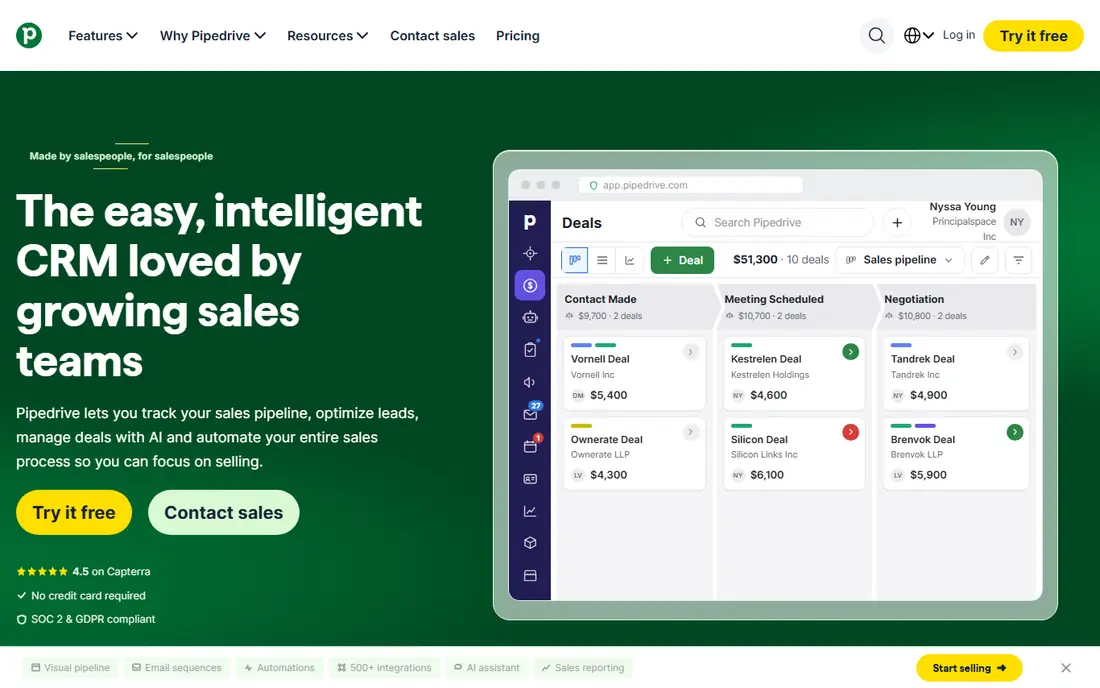
Pipedrive is built for teams that sell through a visible pipeline. Deals move across stages with a drag, overdue activities stand out, and a rep can see the next step without digging through menus. That clarity helps founders who need to know, at a glance, which deals are stuck and which need a follow-up today.
It is less strong as an all-in-one platform. Marketing automation, advanced reporting, and service tools are thinner than HubSpot, and some features need higher tiers or add-ons. For a B2B startup with a clear outbound or inbound sales process and a separate marketing tool, that trade is often worth it.
- Clear drag-and-drop pipeline
- Fast setup for sales teams
- Useful email and activity tracking
- Marketing automation needs add-ons or higher plans
- Service ticketing is not its strength
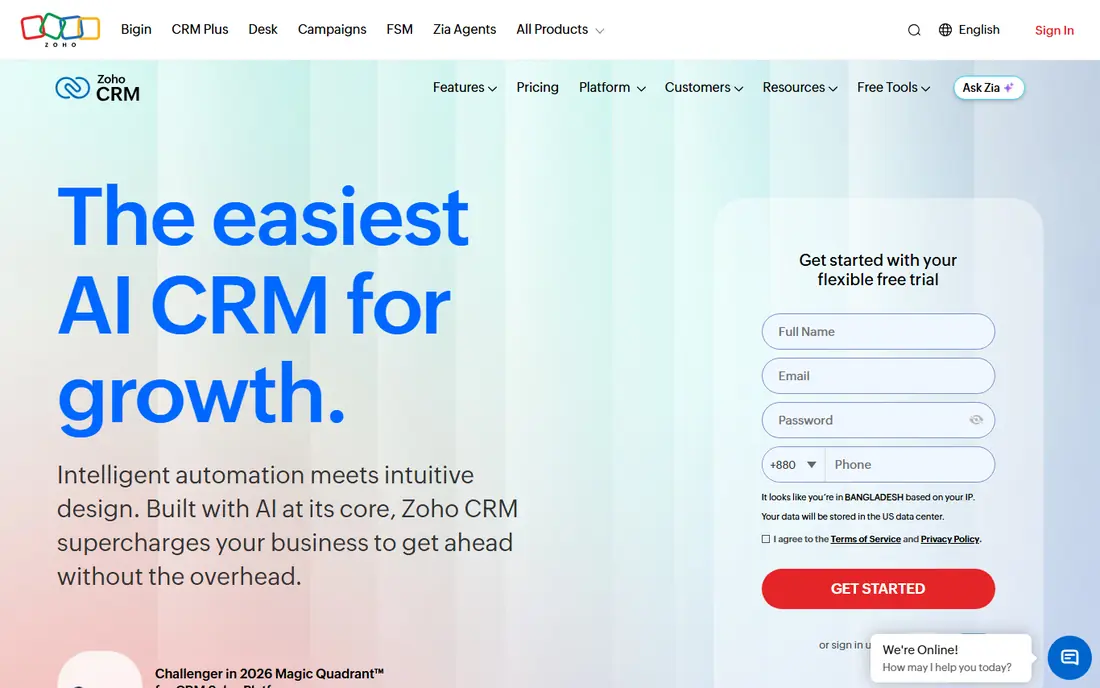
Zoho CRM gives a small B2B team a lot of features per dollar. The free plan covers up to 3 users, which suits a founding team, and paid plans add workflows, custom fields, and reporting that larger CRMs charge more for. Teams that already use Zoho Books, Zoho Mail, or Zoho Desk get extra value from shared data.
The downside is complexity. The settings menu is deep, and a team can spend too long customizing fields that a simpler CRM would handle with defaults. Keep the setup simple at first: a few pipeline stages, one lead source field, and a small set of required fields. Add customization only when a real deal process demands it.
- Free plan for up to 3 users
- Strong customization and workflow options
- Wide Zoho app set
- Interface can feel busy
- Best value comes when a team also uses other Zoho apps
Freshsales suits B2B startups where phone calls drive the pipeline. Reps can call, log notes, and send email from the same record, which cuts the time spent switching tools. The entry price is low for a paid CRM, and the interface is easier to learn than a large enterprise platform.
Teams that need deep marketing automation or complex approval flows may outgrow it sooner. It also works best when a team is comfortable inside the Freshworks family for support or marketing tools. For a small sales team that wants calling built in without buying a separate dialer, it is a strong, low-cost pick.
- Built-in phone and email tools
- Clear deal views
- Part of the wider Freshworks set
- Some advanced features need higher plans
- Reporting is thinner than larger platforms
Close is the CRM for outbound B2B startups. The calling experience is central, not an add-on, so reps can dial, text, and email from one place and keep every touch on the lead record. Power dialing and sequences help a small team work a list quickly without losing track of who answered and who needs a callback.
It is not an all-purpose platform. Teams that rely on content marketing, nurture campaigns, or service tickets will need other tools beside it. Close earns its price when call volume is high. If your team sends a few emails a week and rarely phones prospects, a cheaper pipeline CRM will fit better.
- Built-in calling, SMS, and email in one inbox
- Power dialer for high-volume outreach
- Fast lead follow-up
- Marketing automation is limited
- Less suited to teams that rarely call
Salesforce Starter Suite makes sense when a startup expects to grow into Salesforce anyway, or when a key customer or investor stack already runs on it. It covers contacts, accounts, deals, and basic marketing and service tools in one entry plan, and the upgrade path to Sales Cloud is clear. That path can save a painful migration later.
For a two-person founding team, it can still feel like too much tool. Setup takes longer than Pipedrive or HubSpot Free, and some features that look standard need a higher plan. Buy Starter only when you have a concrete reason to be on Salesforce, such as a planned integration or a hiring plan that includes Salesforce experience.
- Room to grow into the full Salesforce platform
- Wide integration set
- Strong reporting foundations
- Can feel heavy for a very small team
- Advanced automation and API access need higher plans
monday CRM fits B2B startups where a sale does not end at signature. A deal board can link to an onboarding or delivery board, so the team that sold the work and the team that delivers it see the same status. That link is useful for agencies, services firms, and product teams with a hands-on onboarding step.
The limits matter for tiny teams. Pricing starts at a minimum number of seats, so a solo founder pays for more seats than needed. Sales automation and lead scoring are also lighter than in HubSpot or Pipedrive. Pick monday CRM when delivery tracking is as important as pipeline tracking, not when you only need a deal list.
- Flexible boards that link sales to delivery
- Clear visual tracking
- Good for teams already on monday work management
- Minimum seat purchase applies
- Sales features are lighter than a dedicated CRM at the same price
Attio appeals to startups that want a CRM shaped around their own data, not a fixed template. You can model companies, contacts, deals, and custom objects in ways that match how your team actually sells. The free plan covers small teams, and the interface feels modern compared with older CRMs.
The trade is ecosystem size. Attio has fewer ready integrations than the largest platforms, so a team with a complex stack should check each key integration before switching. It is best for a team that values flexibility and is willing to set up its own views and workflows, rather than a team that wants a fixed sales process out of the box.
- Flexible data model for companies, people, and deals
- Free plan for small teams
- Clean modern interface
- Smaller integration set than HubSpot or Salesforce
- Some features need paid plans or setup time
How we picked these
We compared official pricing pages, product pages, and public comparison coverage for each CRM, and we checked that each homepage loads and belongs to the product named. We kept only CRMs that a small B2B team can run without a dedicated admin, with a free plan or trial and a clear entry price. We favored clear pipelines, contact and deal records, email or calling tools, and export options that let a team leave if it outgrows the tool. Where a price could not be verified at the time of writing, we wrote See website rather than guessing.
How to pick a CRM without overbuying
Start with your sales motion, not a feature list. An outbound team needs calling and sequences. An inbound team needs forms, lead routing, and a shared marketing record. A services team needs a link from deal to delivery. Write down the three jobs the CRM must do in the first month, then test only those jobs in a trial. If a tool fails one of them, it is out, no matter how long its feature list is.
Next, model the 12-month cost for your real team size, not one seat. Include the plan you will actually need for automation, extra seats, and any add-ons for calling or reporting. A low entry price can hide a steep jump at the next tier, and that jump often arrives just as the team starts to grow. Also check data export before you import anything. A CRM that exports contacts, deals, and notes cleanly is a safer bet than one that locks history inside its own format.
Trial checklist for a B2B startup
Use the trial to import a small, real list, not sample data. Create a deal, move it through your stages, log a call and an email, and run one report on pipeline value by stage. Invite the people who will use it daily, and ask them what felt slow. If reps avoid logging activity in the trial, they will avoid it after purchase too, and no feature set fixes that.
Frequently asked questions
What is the best free CRM for a B2B startup?
HubSpot Free is the best free starting point for most B2B startups, since it covers contacts, deals, and basic sales tools without a seat charge. Zoho CRM free for up to 3 users and Attio free for small teams are also strong when a team is tiny and wants a simpler or more flexible setup.
How much should a startup pay for a CRM?
Many small B2B teams can start free or at $9 to $14 per user per month on an entry paid plan. The right budget depends on team size and whether you need calling, automation, or marketing tools, so model the cost for your full team over 12 months before you buy.
Is Pipedrive or HubSpot better for B2B startups?
Pipedrive is better for a sales-only team that wants a clear pipeline and fast setup. HubSpot is better when marketing and sales must share one contact record and the team plans to use both sides of the platform.
Do B2B startups need Salesforce?
Most early B2B startups do not need Salesforce, and a lighter CRM will move faster. Salesforce makes sense when growth plans, integrations, or customer requirements point to it from the start, and Starter Suite is the lowest-risk entry point.
Can I switch CRMs later?
Yes, if you keep clean data and check export options first. Export contacts, companies, deals, and activity notes, map pipeline stages to the new tool, and run both systems in parallel for a short handover period so no deal is lost in the move.
Sources
See where you really rank - block by block
ProMapRanker scans Google Maps across a grid of your service area. Simple monthly plans from $19, white-label on every plan.
Start freeKeep reading
 zeffy payment processor stripe alternatives
Zeffy and Stripe Alternatives for Nonprofits in 2026
Explore zeffy payment processor stripe alternatives for nonprofits. We compare 8 fundraising platforms on fees, donor tools, and nonprofit focus. Check fees.
Read → workday alternatives
Workday Alternatives in 2026
Workday alternatives compared: we review 8 HR and payroll platforms that replace Workday, with pricing, strengths and honest limits for each team size.
Read → what's the best weather app
What's the Best Weather App in 2026
Wondering what's the best weather app? We compare 10 free and paid apps for forecasts, radar, alerts, and Colorado mountain weather for everyday and storm use.
Read →