 ProMapRanker
Best CRM for Service Business in 2026

Key takeaways
- Jobber is the best all-round pick for home-service crews, covering quotes, scheduling, dispatch, invoicing, and payments in one mobile app.
- HubSpot CRM is the best free starting point for service firms that win clients through marketing, with a genuinely useful free tier.
- Zoho CRM gives the most CRM depth per dollar for budget-conscious teams that want customization and a large app ecosystem.
- Field-service CRMs and general CRMs solve different problems, so pick by whether your work happens at a client address or in a project pipeline.
Quick comparison
| Pick | Great for | Pricing starts at | Free tier | |
|---|---|---|---|---|
 Jobber Jobber | Home-service crews, end to end | $39 per month | Free trial | Visit |
 Housecall Pro Housecall Pro | Home trades with dispatch and booking | $59 per month | Free trial | Visit |
 HubSpot CRM HubSpot CRM | Marketing-led service firms | Free | Yes | Visit |
 Zoho CRM Zoho CRM | Budget teams wanting deep CRM | $14 per user per month | Yes | Visit |
 Salesforce Salesforce | Large service firms needing scale | See website | Free trial | Visit |
 Pipedrive Pipedrive | Simple pipeline-first service teams | $14 per user per month | Free trial | Visit |
 Freshsales Freshsales | Sales plus built-in phone and email | See website | Yes | Visit |
 Insightly Insightly | Sales plus post-sale project delivery | See website | Free trial | Visit |
The best CRM for service business
A service business needs more than a contact list. It needs quotes that turn into scheduled jobs, a history of what was delivered, and invoices that get paid, all tied to the same client record. The eight tools below split into field-service specialists and general CRMs, and the right pick depends on where your work happens.
Jobber is built for the way home-service work actually flows. A lead becomes a quote, the quote becomes a scheduled job, the job gets dispatched to a tech, and the invoice and payment follow in the same system. Client history sits in one place, so when a customer calls about a past visit, anyone on the team can see quotes, jobs, invoices, and messages without digging through email.
Pricing starts at about thirty-nine dollars per month for a solo plan, with higher tiers as team size grows, and a trial lets you test the mobile app on real jobs. The mobile experience is a real strength, since techs can see job details, collect payment on site, and update status from the field. If your business sends people to client addresses every day, Jobber is the most complete single tool on this list.
- Full job cycle from quote to payment
- Strong mobile app for field staff
- QuickBooks sync
- Price rises with team size
- Marketing tools are lighter than HubSpot
- Some features need higher tiers
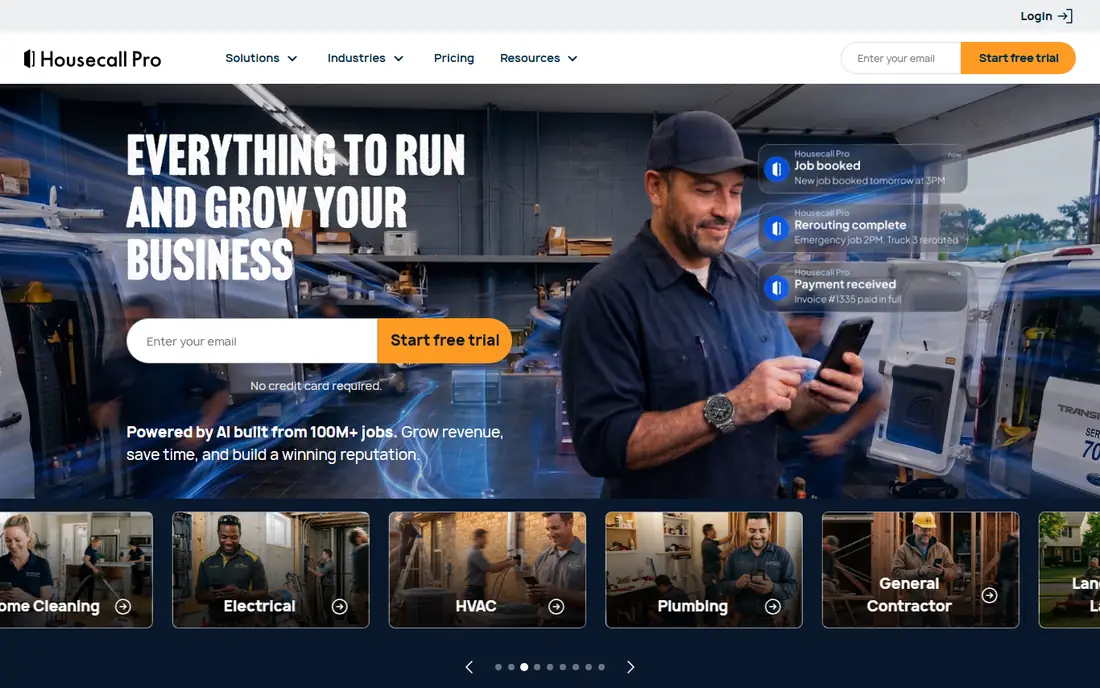
Housecall Pro targets HVAC, plumbing, electrical, and similar trades, and its dispatch board shows that focus. Jobs, techs, and schedules sit on a visual board that office staff can rearrange fast when an emergency call comes in, and customers can book online without a phone call. Automated texts keep clients informed with booking confirmations and on-my-way messages, which cuts no-shows and phone tag.
Starting prices run near fifty-nine dollars per month on annual billing, higher than Jobber at entry level, and some advanced features sit on higher tiers. Office-based service firms such as agencies will find the trade focus less relevant, since the tool assumes jobs at addresses. For a trade business dispatching techs daily, though, Housecall Pro is a polished, proven choice.
- Visual dispatch board
- Consumer-friendly online booking
- Automated customer texts
- Higher starting price than Jobber
- Some pro features cost extra
- Less suited to office-based services
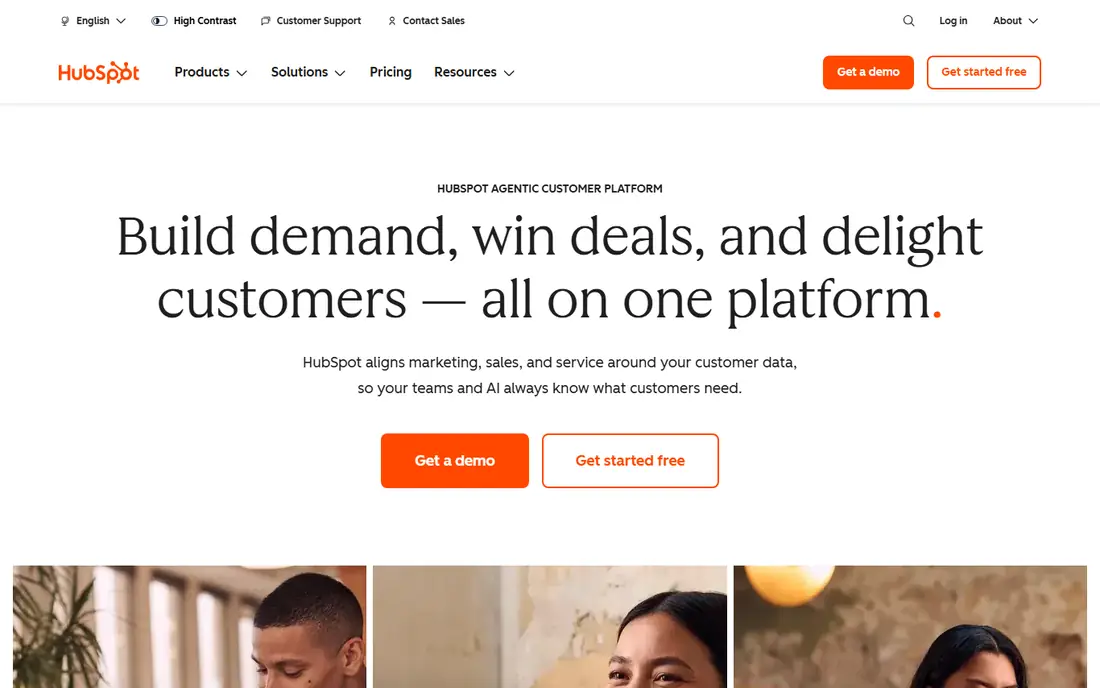
HubSpot CRM is the best free starting point for service firms that win work through content, forms, and email. The free tier covers contacts, deals, pipelines, and basic reporting well enough to run a small firm, and paid Sales Hub plans start near twenty dollars per seat per month when you need more. Integrations run deep, so it connects to calendars, email, accounting, and marketing tools without custom work.
The gap is field work. HubSpot does not dispatch techs or manage job routes the way Jobber does, so trade businesses will need add-ons or a second tool. Costs also climb as you add hubs and seats, so model the full stack before committing. If your service work is won and delivered through relationships, proposals, and projects rather than truck rolls, HubSpot is hard to beat for value.
- Genuinely capable free tier
- Deep integrations
- Room to grow into marketing and service hubs
- Paid hubs get expensive as you scale
- Field-service features need workarounds
- Setup can sprawl
Zoho CRM gives budget-conscious teams more CRM for the money than almost any rival. Standard plans start near fourteen dollars per user per month on annual billing, with a free edition for very small teams, and the depth covers pipelines, automation, forecasting, and custom modules. The wider Zoho ecosystem adds books, projects, and desk tools that share the same client data.
That depth comes with a busier interface and a learning curve. Teams that want a simple pipeline may find Zoho more than they need, and advanced setup takes time to get right. Support also varies by plan, so larger teams should check what their tier includes. For a service firm that wants a real CRM without enterprise pricing, Zoho is the value pick.
- Lots of CRM depth per dollar
- Large app ecosystem
- Strong customization and automation
- Interface can feel busy
- Learning curve for advanced setup
- Support quality varies by plan
Salesforce is the enterprise answer when a service firm outgrows simpler CRMs. It handles complex sales processes, service cases, field service scheduling through its Field Service product, and reporting at a scale smaller tools cannot match. The AppExchange marketplace adds industry tools, and the platform bends to almost any workflow a large firm can describe.
Small teams should stay away. Total cost runs well above the headline per-user price once you add admin time, implementation help, and add-ons, and the platform needs ongoing care. But for a large service firm with multiple teams, territories, and service lines, Salesforce is the safe long-term bet, and its trial and guided setup help you judge fit before signing.
- Deepest customization and scale
- Huge app marketplace
- Strong reporting and service tools
- High total cost
- Needs admin time or a partner
- Overkill for small teams
Pipedrive wins on clarity. Its visual pipeline shows exactly where each deal stands, what comes next, and who owns it, and new staff learn it in an afternoon. Essential plans start near fourteen dollars per user per month on annual billing, which is fair for a focused sales CRM. For service firms with a defined sales process, such as consultancies selling retainers, that clarity keeps follow-up from slipping.
Delivery is the gap. Pipedrive tracks the sale well but says less about the project after it closes, so firms that need post-sale project management will pair it with another tool. Add-ons for email, calling, and reporting also push the real monthly cost up. If your main problem is deals falling through cracks, Pipedrive fixes that cleanly.
- Easiest pipeline to learn
- Clean deal tracking
- Fair per-user pricing
- Project delivery features are thin
- Add-ons raise the real price
- Reporting depth trails larger CRMs
Freshsales, from Freshworks, suits service teams that sell by phone and email and want those channels inside the CRM. Built-in calling, email tracking, and chat mean reps work from one screen, and AI lead scoring helps small teams focus on the deals most likely to close. A free tier covers basic use, with paid plans adding automation and deeper reporting.
Field-service firms will miss dispatch and job management, since Freshsales is a sales CRM at heart. Pricing has also shifted over time, so confirm the current plan table rather than trusting older roundups. For an office-based service firm that lives on calls and follow-up, Freshsales is a clean, modern alternative to larger CRMs.
- Built-in phone, email, and chat
- AI-assisted lead scoring
- Clean interface
- Pricing tiers changed often, so confirm current rates
- Field-service features are limited
- Smaller ecosystem than HubSpot
Insightly earns its place because it links the sale to the work after it. Deals convert into projects with tasks, milestones, and files, all tied to the same contact record, which suits agencies, consultancies, and professional service firms that sell and then deliver. Contact and pipeline management cover the sales side well enough for most small teams.
The interface looks older than HubSpot or Pipedrive, and the mobile app is less polished, which matters for staff who work away from a desk. Pricing also needs a check on the vendor site, since plans and limits change. If your firm keeps losing context between sales and delivery, Insightly closes that gap better than a pure sales CRM.
- Projects linked to deals and contacts
- Solid pipeline and contact management
- Good for agencies and consultancies
- Interface feels older than rivals
- Pricing sits behind plan checks
- Mobile app is less polished
How we picked these
We compared official feature pages, pricing pages, app store listings, and public reviews for each tool, and we favored products still sold and supported in October 2026. We split the list between field-service specialists and general CRMs because the two groups solve different problems, and we weighted real fit for service workflows over raw feature counts. We did not run hands-on trials for this guide.
Field-service CRM or general CRM
Ask where your work happens. If staff travel to client addresses, you need quotes, scheduling, dispatch, route planning, on-site invoicing, and mobile access, which points to Jobber or Housecall Pro. If work happens in proposals, retainers, and projects, you need pipelines, email, documents, and delivery tracking, which points to HubSpot, Zoho, Pipedrive, or Insightly. Trying to force a general CRM to dispatch techs, or a field tool to run a marketing funnel, creates workarounds that staff will resent. Pick the tool that matches the job, then check integrations with your accounting and calendar tools before you buy.
Frequently asked questions
What is the best CRM software for a small service business?
Jobber suits small home-service crews best, while HubSpot CRM suits small office-based service firms because its free tier is genuinely useful. Pick by whether your team travels to clients or sells and delivers projects.
What is the best free client management software?
HubSpot CRM offers the strongest free tier, with contacts, deals, and pipelines at no cost. Zoho CRM also has a free edition, though it caps users and features more tightly.
What is the top ranked CRM software for service businesses overall?
There is no single top pick, since field-service and professional-service firms need different tools. Jobber leads for field work, HubSpot leads for marketing-led firms, and Salesforce leads for large firms that need scale.
Do I need a field-service CRM or a general CRM?
Choose a field-service CRM if you dispatch staff to client sites and need job scheduling and on-site payments. Choose a general CRM if you sell services through proposals and manage delivery as projects.
How much does CRM software for a service business cost?
Entry prices here run from free to about fifty-nine dollars per month, with per-user plans near fourteen dollars per user per month for general CRMs. Field-service pricing often scales by team size, so model your full crew before comparing.
Can a CRM replace my scheduling and invoicing tools?
A field-service CRM such as Jobber can, since it covers quotes, scheduling, invoicing, and payments in one system. A general CRM usually needs accounting and scheduling integrations to cover the same ground.
Sources
See where you really rank - block by block
ProMapRanker scans Google Maps across a grid of your service area. Simple monthly plans from $19, white-label on every plan.
Start freeKeep reading
 zeffy payment processor stripe alternatives
Zeffy and Stripe Alternatives for Nonprofits in 2026
Explore zeffy payment processor stripe alternatives for nonprofits. We compare 8 fundraising platforms on fees, donor tools, and nonprofit focus. Check fees.
Read → workday alternatives
Workday Alternatives in 2026
Workday alternatives compared: we review 8 HR and payroll platforms that replace Workday, with pricing, strengths and honest limits for each team size.
Read → what's the best weather app
What's the Best Weather App in 2026
Wondering what's the best weather app? We compare 10 free and paid apps for forecasts, radar, alerts, and Colorado mountain weather for everyday and storm use.
Read →