 ProMapRanker
Best CRM for Commercial Service Contractors


Large commercial shops with many techs · Pricing starts at: quote only
Key takeaways
- ServiceTitan and BuildOps lead for large commercial work, but both hide prices behind a quote, so budget planning needs a sales call first.
- Jobber, Housecall Pro, Service Fusion and Kickserv publish starting prices from $49 to $208 per month, which makes early comparison simple.
- Flat company pricing from Service Fusion suits crews that keep adding techs, while per-user pricing from Jobber grows with headcount.
- Commercial work needs contract tracking, multi-site customer records, change orders and asset history, not just a contact list.
- Jobber, Housecall Pro and Kickserv offer free trials, so test dispatch and invoicing on real jobs before you commit.
Quick comparison
| Pick | Great for | Pricing starts at | Free tier | |
|---|---|---|---|---|
| ServiceTitan | Large commercial shops with many techs | quote only | No | Visit |
 Jobber | Small and mid-size crews that want clear pricing | $49 per month | Free trial (14 days) | Visit |
 Housecall Pro | Crews that want job costing from the first plan | $59 per month (billed annually) | Free trial (14 days) | Visit |
 BuildOps | Commercial contractors running service and projects | quote only | No | Visit |
 FieldEdge | QuickBooks-heavy HVAC, plumbing and electrical shops | quote only | No | Visit |
 Service Fusion | Growing crews that want flat company pricing | $208 per month (billed annually) | No | Visit |
 Kickserv | Small crews on a tight budget | $60 per month (billed annually) | Free trial (30 days) | Visit |
 mHelpDesk | Small shops that want a simple system with offline access | quote only | Free trial (7 days) | Visit |
The best CRM software for commercial service contractors
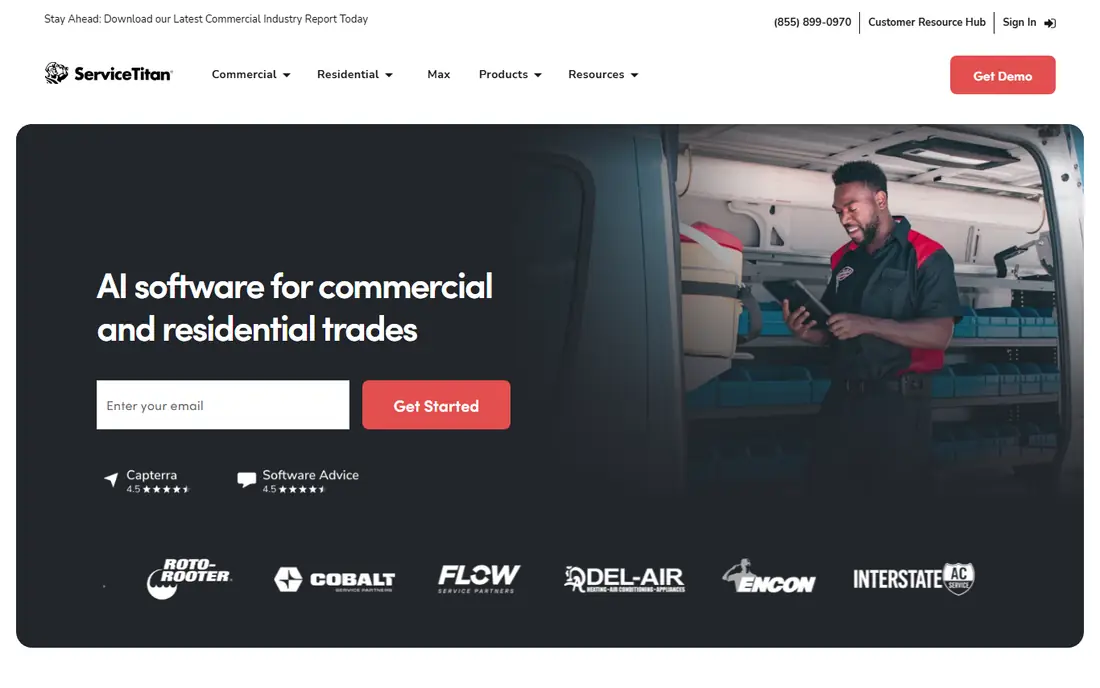
ServiceTitan is built for large service companies that run HVAC, plumbing, electrical and similar trades at scale. Its dispatch board, call booking, pricebook and customer history tools fit commercial shops that handle repeat sites, service agreements and multi-tech jobs. The platform also covers invoicing, payroll management on higher tiers, and reporting that ties revenue to each technician and job.
For commercial contractors, the draw is depth. Equipment records, membership plans and service history stay attached to each customer location, which helps when a property manager calls about a unit serviced months earlier. Marketing Pro, Dispatch Pro and related modules add call tracking and capacity tools, but each one is a separate add-on with its own quote.
The trade-off is cost and setup. Pricing is per technician and quoted only after a demo, and new customers typically sign 12-month or longer agreements. Implementation takes real office time, so ServiceTitan fits best when a shop has office staff to run it and enough techs to spread the cost.
- Deep dispatch, pricebook and equipment history
- Strong reporting by tech and job
- No published price, so you cannot budget without a sales call, and marketing and dispatch Pro modules cost extra
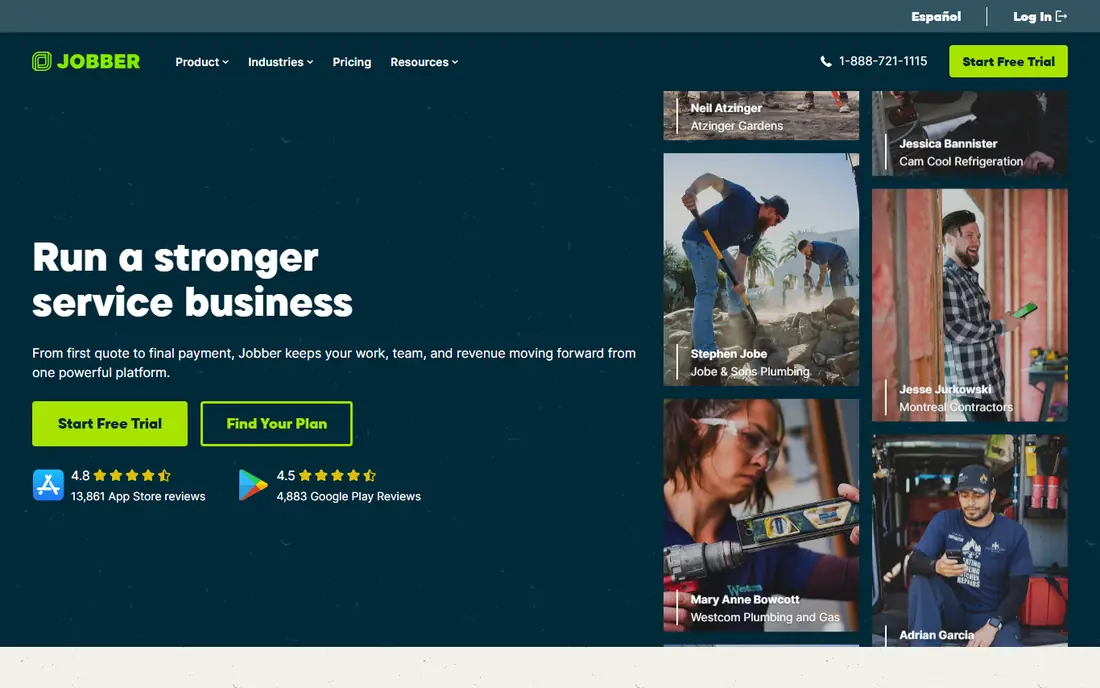
Jobber covers quoting, scheduling, dispatch, invoicing and client records in one system that suits small and mid-size commercial crews. The Core plan starts at $49 per month billed monthly, and higher plans add automated reminders, QuickBooks sync, GPS tracking, two-way texting and job costing. A 14-day trial needs no credit card, so a crew can test the mobile app on live jobs before choosing a plan.
Commercial contractors get practical tools for repeat work. Quotes can carry optional line items, clients can approve work and pay through the client hub, and automated follow-ups chase quotes that go unanswered. Job forms and checklists keep field work consistent across sites, and time tracking feeds payroll preparation.
The limits show at scale. Core leaves out QuickBooks sync, two-way texting and job costing, so a growing shop must step up to Connect or Grow. Extra users cost $29 per month each, and card processing at 2.9 percent plus 30 cents sits on top of the subscription. Jobber works best for crews up to about 15 users that want clear pricing and a fast start.
- Transparent published pricing
- Fast setup with a 14-day trial and no credit card
- Core leaves out QuickBooks sync, two-way texting and job costing, so growing crews must move to higher plans
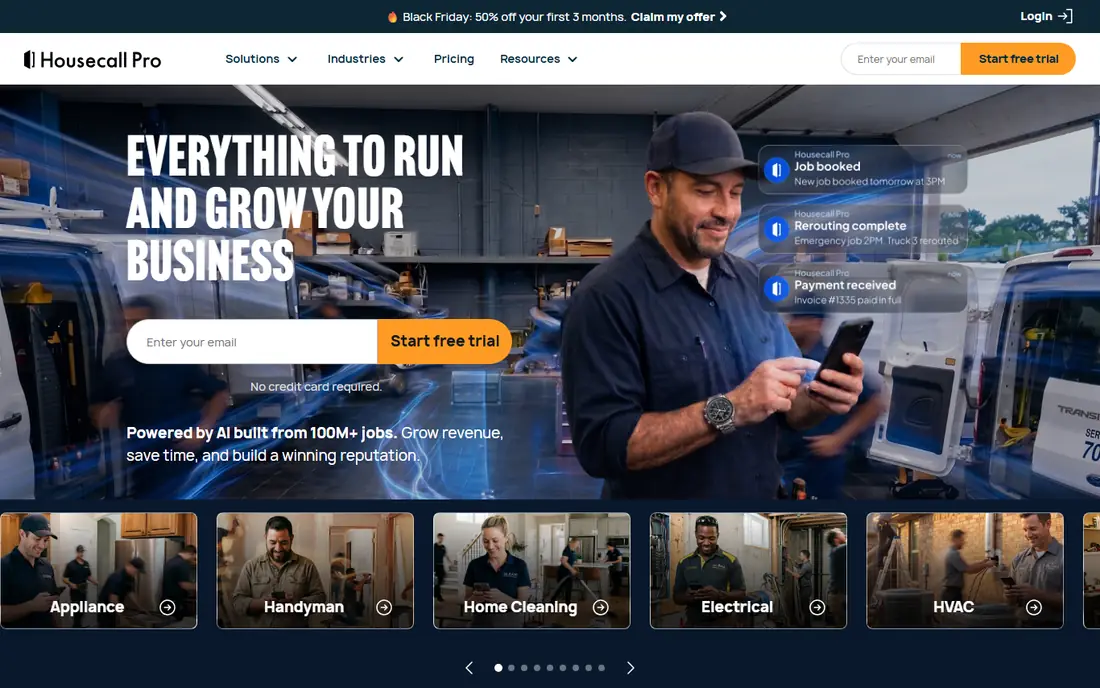
Housecall Pro starts at $59 per month billed annually for the Basic plan, or $79 month to month, and covers scheduling, dispatch, estimates, invoicing, a price book and job costing for one user. Essentials adds routes, flat-rate pricing, employee GPS and QuickBooks Online sync for up to five users, while MAX adds sales proposals, recurring service plans, route optimization and an open API for eight users.
The platform suits commercial contractors that sell maintenance plans and repeat visits. Service plans, online booking and review management help a shop keep commercial accounts warm between visits, and the mobile app works in English and Spanish. A 14-day trial of MAX needs no credit card.
Costs rise through add-ons. CSR AI, payroll, VoIP, websites and vehicle GPS are sold separately, and most carry no published price. The pricing page also shows first-month promo rates that rise to standard rates after, so read the renewal figure before you sign. Housecall Pro fits crews that want job costing from the first plan and can live with add-on pricing.
- Job costing and a price book on the Basic plan
- 14-day trial of MAX with no credit card
- Key add-ons such as payroll, VoIP and vehicle GPS sit outside the plan price and most carry no published rate
BuildOps is built for commercial contractors from the start, not adapted from a residential tool. It joins dispatching, quoting, invoicing, maintenance agreements and project tools such as change orders, submittals, RFIs, daily reports and job costing in one system. Accounting links cover Viewpoint Vista, Viewpoint Spectrum, Sage Intacct, NetSuite and QuickBooks, which matters for commercial shops that run a real ERP.
The sales and CRM side tracks leads through quotes to signed contracts, and asset records with OCR data plate capture keep equipment history tied to each site. Fleet+, Payments+ and CRM+ modules extend the core platform for shops that need them. Subcontractors are managed inside the system without their own licenses.
Pricing is custom and quoted after a demo, based on field and office user counts, trades and modules. There is no self-serve trial, so evaluation means a guided demo and a written proposal. BuildOps fits mid-market and larger commercial HVAC, electrical, plumbing and mechanical contractors that run service and projects together.
- Built for commercial work first, with change orders, RFIs, submittals and job costing
- No published price and no self-serve trial, so every quote starts with a demo and a sales conversation
FieldEdge serves mid-size HVAC, plumbing and electrical contractors and is known for its QuickBooks link, which syncs customers, invoices and payments in both directions. Plans run Select, Premier and Elite, with dispatching, pricebook and flat-rate pricing, service agreements, equipment tracking and custom forms across the tiers. Mobile licenses are included in the plan, with 2 on Select, 4 on Premier and 6 on Elite.
Commercial shops get lead and prospect tracking, automated alerts, reminders and integrated texting, plus saved reports on Premier and unlimited saved reports on Elite. Warehouse inventory management and outbound call recording sit on Elite, while Proposal Pro, MarketingEdge and the customer portal are add-ons that need a separate call for pricing.
FieldEdge publishes no prices, so every plan needs a quote. There is no free trial listed, and GPS tracking is not native, so vehicle tracking usually means a separate tool. Implementation and onboarding take weeks, and annual contracts are standard. FieldEdge fits QuickBooks-heavy shops that value the sync above published pricing.
- Deep QuickBooks sync in both directions
- Service agreements and equipment tracking on higher tiers
- No published price and no free trial, and native GPS tracking is absent, so tracking needs a separate tool
Service Fusion charges one flat company price with unlimited users, which is rare in this group. Starter costs $208 per month billed annually, or $245 month to month, and covers customer management, estimates, scheduling, dispatch, invoicing, integrated payments, QuickBooks integration and reporting. Plus adds job photos, inventory, job costing and integrated voice and text, while Pro adds the open API, custom documents, eSign, a customer portal and progress billing.
The flat model helps commercial contractors that keep hiring. Adding technicians or office staff does not raise the base price, so a 20-tech shop pays the same subscription as a 3-tech shop on the same plan. The technician app puts job details on phones in the field, and text alerts keep customers informed.
The gaps sit on the higher tiers. Job costing, the open API and the customer portal need Plus or Pro, and GPS fleet tracking plus the ServiceCall.ai answering service are add-ons with no published price. Annual billing is charged as one lump sum at sign-up. Service Fusion fits growing commercial crews that want cost certainty as headcount rises.
- One flat company price with unlimited users on every plan
- No per-user fees as you hire
- Job costing, the open API and the customer portal sit on Plus or Pro, and GPS tracking has no published price
Kickserv is the budget pick in this group, with Start at $60 per month billed annually for up to 5 users, Run at $119 for 10 users and Scale at $199 for 20 users. Every plan includes a 30-day free trial with no credit card and no long-term contract. Start covers an embeddable contact form, automated email and text reminders, more than 20 business reports, time and expense tracking and QuickBooks Online integration.
Run adds dispatch mapping, GPS check-ins, custom fields and custom reports, while Scale adds custom templates and review requests. A Kickback program cuts the monthly fee by 5 percent when online payment volume clears a threshold, starting at $1,000 a month on Start. Annual billing saves 20 percent on each plan.
The limits are clear. There is no two-way texting on any plan, and API tokens are limited to the Premium plan, which the pricing page mentions but does not price. QuickBooks Desktop integration costs an extra $50 per month on Run. Kickserv fits small commercial crews that want simple tools, bundled users and a low monthly bill.
- Lowest starting price in this guide, with bundled users and a 30-day trial on every plan
- API access is limited to the unpriced Premium plan, and QuickBooks Desktop integration costs an extra $50 per month on Run
mHelpDesk is a long-running field service platform owned by Angi, covering work orders, scheduling, dispatch, invoicing, estimates, customer records and QuickBooks integration. It suits commercial contractors that want a straightforward system without a large feature catalog to learn. Offline mode helps technicians working in basements, parking garages and other spots with weak signal.
The platform keeps job history, customer notes and invoices in one place, and the mobile app gives field staff job details and the ability to collect payment on site. Reporting covers the basics a small office needs to track open work and outstanding invoices. A free trial is offered, though the sales team runs the evaluation through a demo.
Pricing is not published, so every plan needs a quote, and third-party estimates put entry plans near $169 per month. Renewal price jumps have been reported by users, so get renewal terms in writing. The product has also seen fewer visible updates than newer rivals. mHelpDesk fits small commercial shops that value simplicity and offline access over new features.
- Simple work order and scheduling tools
- Offline mode for basements, garages and weak-signal sites
- No published price, so you cannot compare cost without a quote, and the product has seen fewer visible updates than newer rivals
How we chose
We compared vendor pricing pages, feature pages and plan documentation opened on 2026-11-11, and we checked each homepage to confirm the domain loads. Prices in this guide come from those pages, and tools that hide prices are listed as quote only rather than given an estimated figure. We looked for dispatch, quoting, invoicing, customer records, service agreements, equipment history, accounting links and mobile apps, since commercial work depends on repeat sites and contract billing. We left out general CRMs that lack dispatch and job tracking, and we left out tools built only for residential work. No hands-on testing was done, and no vendor supplied data for this guide.
What to check before you buy
Start with the pricing model, because it decides what growth costs. Per-user pricing from Jobber rises with every hire, while flat company pricing from Service Fusion stays fixed as you add techs. Quote-only tools such as ServiceTitan, BuildOps, FieldEdge and mHelpDesk need a written quote that lists the monthly price, setup fees, contract term and renewal terms.
| Team size | Monthly budget signal | Best starting point | | 1 to 5 people | Under $100 per month | Kickserv Start or Jobber Core | | 5 to 10 people | $100 to $300 per month | Housecall Pro Essentials or Service Fusion Starter | | 10 to 20 people | $300 to $700 per month | Service Fusion Plus or Jobber Grow | | 20 or more techs | Quote based | ServiceTitan or BuildOps |
Check the accounting link next. FieldEdge is the strongest choice when a shop runs QuickBooks Desktop, while Jobber, Housecall Pro, Service Fusion and Kickserv cover QuickBooks Online. BuildOps is the pick when the back office runs Viewpoint, Sage Intacct or NetSuite. Ask which version of QuickBooks is supported and whether the sync runs both ways, because a one-way sync still leaves manual entry in place.
Check contract terms, data export and the trial. Ask how long the contract runs, what renewal costs, and whether you can export customers, job history and invoices in a usable format if you leave. Use the trial on real jobs with your own customers, sites and price book.
Frequently asked questions
What is the best CRM for commercial service contractors?
ServiceTitan fits large commercial shops with many techs, and BuildOps fits commercial contractors that run service work and projects together. Smaller crews often do better with Jobber or Housecall Pro, which publish prices and offer trials. The best pick depends on team size, contract work and accounting software, so shortlist two tools and trial both on real jobs.
How much does CRM software cost for a commercial contractor?
Published starting prices in this guide run from $49 per month for Jobber Core to $208 per month billed annually for Service Fusion Starter. Kickserv starts at $60 per month billed annually and Housecall Pro at $59 per month billed annually. ServiceTitan, BuildOps, FieldEdge and mHelpDesk publish no prices, so those costs depend on a written quote for your team size.
Do commercial contractors need field service software or a general CRM?
Most commercial contractors need field service software, because the work centers on dispatch, job tracking, service agreements and equipment history across many sites. A general CRM tracks contacts and deals but usually lacks dispatch boards, price books and job costing. Use a general CRM only when sales tracking matters more than scheduling and field work.
Which CRM works best with QuickBooks?
FieldEdge has the deepest QuickBooks link in this group, with sync in both directions for QuickBooks Online and Desktop. Jobber, Housecall Pro, Service Fusion and Kickserv also connect to QuickBooks, though some links sit on higher plans or need an add-on. BuildOps is the better pick when the back office runs Viewpoint, Sage Intacct or NetSuite instead of QuickBooks.
Can I switch CRM later without losing job history?
You can switch, but only when the old tool lets you export customers, sites, job history, invoices and equipment records in a usable format. Ask for the export format and a sample file before you sign, and check whether attachments such as photos and signed forms export too. Plan a data migration step in the contract, and keep the old system running until the new one holds the full history.
Sources
See where you really rank - block by block
ProMapRanker scans Google Maps across a grid of your service area. Simple monthly plans from $19, white-label on every plan.
Start freeKeep reading
 best CRM software for salons
Best CRM Software for Salons Compared
Compare the best CRM software for salons with client records, booking, marketing and loyalty in one place. See prices, trials and the right fit for your team.
Read → best CRM software for roofers
Best CRM Software for Roofers
best CRM software for roofers compared on price, pipelines, estimates, and insurance workflows, so a roofing company can pick the system that fits its crews.
Read → best CRM software for med spas
Best CRM Software for Med Spas in 2026
Compare the best CRM software for med spas, with real prices and lead tracking features, so you can pick a CRM that turns more inquiries into booked treatments.
Read →