 ProMapRanker
6 Best Construction Scheduling Software for Subcontractors (2026)

Gantt and calendar plans · Pricing starts at: $9 per member/month (billed annually)
Direct answer
Smartsheet comes first here, mainly for Gantt and calendar plans. Listed starting prices: Smartsheet from $9 per member/month, JobTread from $159 a month and Houzz Pro from $199 per month. If your case is different, Procore suits large job schedules and JobTread suits job budgets and schedules. Prices, free plans and limits for all 6 tools follow.
ProMapRanker put together this guide to construction scheduling software for subcontractors for readers who want a clear shortlist without reading every vendor page. It compares 6 tools on starting price, free plans, who each one suits and where each one falls short.
Key takeaways
- Smartsheet sits first on this list: Gantt and calendar plans.
- For the cheapest start, look at Smartsheet: $9 per member/month.
- A fair warning about JobTread: no free trial, only a 30 day money back guarantee.
- Fieldwire suits field plans and punch lists.
Quick comparison
| Pick | Great for | Pricing starts at | Free tier | |
|---|---|---|---|---|
| Smartsheet | Gantt and calendar plans | $9 per member/month (billed annually) | Free trial (30 days) | Visit |
 Procore | Large job schedules | Quote only | No | Visit |
 JobTread | Job budgets and schedules | $159 a month (billed annually) | No | Visit |
 Houzz Pro | Leads and job schedules | $199 per month (billed annually) | Yes | Visit |
 Knowify | Job costing and scheduling | $99 a month (billed yearly) | No | Visit |
 Fieldwire | Field plans and punch lists | $39 per user/month (billed yearly) | Yes | Visit |
Every option for construction scheduling software for subcontractors explained
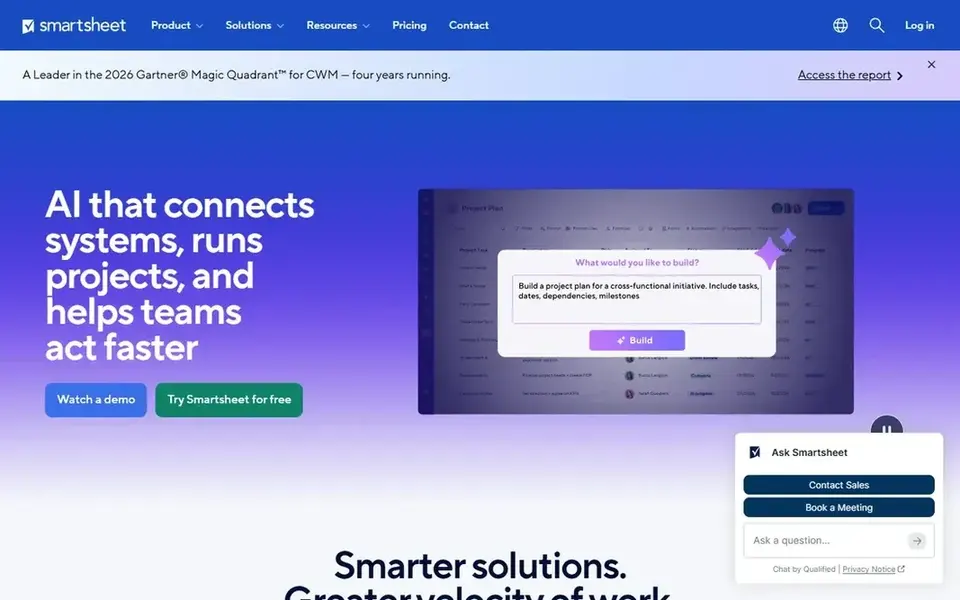
In short, Smartsheet is for Gantt and calendar plans. Smartsheet suits a subcontractor that plans jobs in sheets and wants Gantt, card, and calendar views from the same data.
What you pay to start with Smartsheet: $9 per member/month. Trial and free access: Free trial (30 days).
Drawbacks to consider: only a 30 day trial.
- Grid, Gantt, card
- The lowest entry price in this guide
- Proofing needs Business at $19 per member a month

Procore is built with large job schedules in mind. The system spans scheduling, daily logs, drawings, RFIs, submittals, budgets, and change orders, which fits a sub that works with numerous trades on one job.
From a buyer's view, there is no free plan and no trial stated on the pricing page, so a sub should expect a sales call before it sees a price. There is no list price for Procore, so a quote is the way in. Procore has no free tier.
Watch-outs: the annual fee is set by product and construction volume.
- Scheduling, budgets, drawings
- Unlimited users with no per user charge
- No published price, so a sub must request a quote
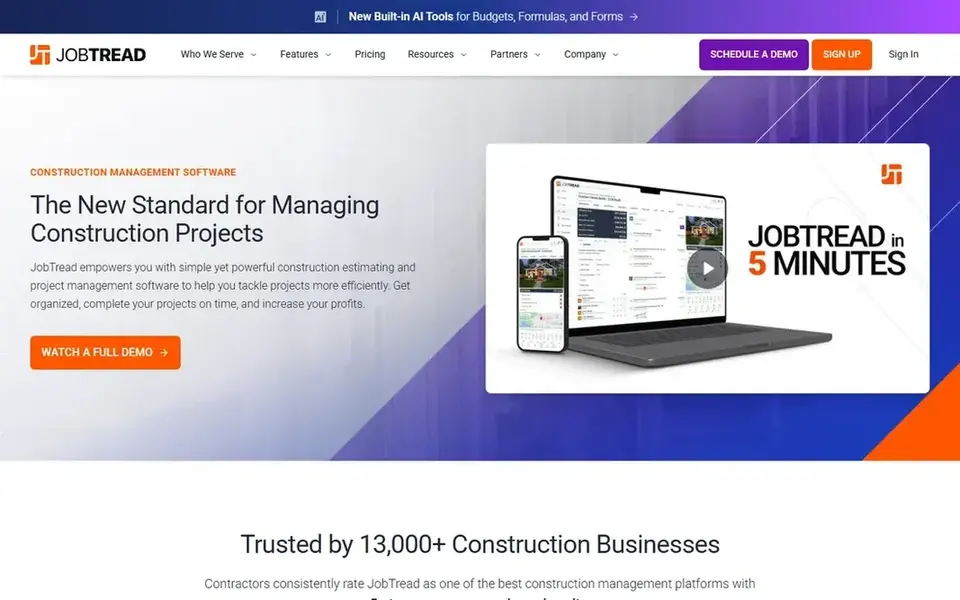
Choose JobTread for job budgets and schedules. The base fee is $159 per month billed yearly, or $199 month to month, and it spans one internal user.
For a subcontractor that wants job budgets and schedules tied together at a clear price, JobTread is a good fit. JobTread cost at the entry level: $159 per month. JobTread does not include a free plan.
Honest limits: the base fee handles one internal user.
- Clear per user rates for additional users
- Budgets, schedules
- No free trial

In short, Houzz Pro is for leads and job schedules. The system fits remodelers and residential subs that want the lead flow and the job flow in one place.
As for the details, Pro plans carry a 30 day trial, and a restricted set of free tools is also available. The starting price for Houzz Pro: $199 per month. A free plan is available with Houzz Pro.
Watch-outs: the highest flat monthly price in this guide at $199 per month.
- Leads, estimates, schedules
- 30 day trial on Pro plans
- The lead tools suit remodelers more than large commercial subs

Knowify is built with job costing and scheduling in mind. There is no free plan and no trial stated on the pricing page. So a sub should ask sales about a demo before it buys.
Where it falls short: no free plan and no trial stated on the pricing page.
In daily use, additional users cost $29 each per month, and Enterprise is quoted. For everyday use, the trade off is scale, because Knowify is aimed at small crews. So a sub with numerous jobs and plenty of users will outgrow it. Advanced costs $329 per month billed yearly for 10 users, and brings purchase orders and more reporting. Starting cost for Knowify: $99 per month. Knowify has no free plan.
- Clear monthly price for a small crew
- Job costing and scheduling in one tool
- Advanced at $329 per month layers on 10 users

In short, Fieldwire is for field plans and punch lists. The trade off is budgeting, since Fieldwire is lighter on budgets and change orders than JobTread or Knowify.
More specifically, business at $64 per user a month billed yearly brings forms, reporting, and integrations, and Business Plus at $89 per user a month billed yearly brings more admin controls. In daily use, the Pro plan at $39 per user a month billed yearly includes unlimited projects, tasks, checklists, and plan markups. What you pay to start with Fieldwire: $39 per user/month. A free plan is available with Fieldwire.
Trade-offs to know: Business at $64 per user a month brings forms and reporting.
- Punch lists work well on phones in the field
- Free Basic plan for small crews
- Budgeting is lighter than JobTread or Knowify
How the list was put together
ProMapRanker looked at what each vendor publishes: pricing, plan limits, feature coverage for construction scheduling software for subcontractors and stated drawbacks. No hands-on testing is claimed. Where a price is missing, the vendor does not list one publicly or ties it to a quote. Always confirm before budgeting. The ranking is editorial: typical fit first, then clear pricing, then free access. If your needs are unusual, read the profiles rather than relying on position.
Before you commit
- Confirm the entry price on the vendor page. For Procore that means a quote rather than a fixed price.
- Read the fine print on the free plans from Houzz Pro and Fieldwire; seat, project and feature caps differ.
- Take the trial from Smartsheet and push a live task through it before you pay.
- Read the limits listed for Smartsheet first: no free plan for new signups, only a 30 day trial.
- Pick one real project and run it in Fieldwire first; a small pilot shows fit faster than a checklist.
- Test the integrations you rely on with JobTread before committing; some connectors sit on upper tiers.
Frequently asked questions
What is the cheapest option for construction scheduling software for subcontractors in this list?
On published monthly entry prices, Smartsheet is the lowest here at $9 per member/month. Entry price is only part of the cost, because seats, add-ons and billing terms can change the total.
Do these tools publish their prices?
Not all of them. Procore publishes no starting price, so expect a quote request for it. The rest, Smartsheet included, show a starting price, though seats and billing terms still change the final cost.
How are the construction scheduling software for subcontractors ordered?
The order follows typical fit for construction scheduling software for subcontractors, with Smartsheet first and Fieldwire last, then price clarity and free access. It is editorial judgement, not a score, so another team could rank the tools differently.
Is Smartsheet the right pick for everyone comparing construction scheduling software for subcontractors?
No single tool suits every team. Smartsheet comes first because it fits Gantt and calendar plans, while Procore suits large job schedules and JobTread suits job budgets and schedules. Match the tool to your own size, budget and workflow before deciding.
Sources
See where you really rank - block by block
ProMapRanker scans Google Maps across a grid of your service area. Simple monthly plans from $19, white-label on every plan.
Start freeBrowse all guides
← Best Salesforce Agent Force Cx Alternatives in 2026CRM for Outside Sales in 2026: Top 6 Compared →
 best sales engagement software for real estate agents
6 Best Sales Engagement Software for Real Estate Agents for 2026
Need the best sales engagement software for real estate agents? We compare 6 tools on cost, free access and who each suits. Limits and pricing notes included.
Read → best prospect follow-up software for agent teams
5 Strong Prospect Follow-Up Software for Agent Teams in 2026
5 best prospect Follow-Up software for agent teams, with entry costs, free tiers and the buyer each one serves. Each profile ends with a plain caveat. No hype.
Read → best real estate lead nurturing software for agents
Best Real Estate Lead Nurturing Software for Agents in 2026
5 best real estate lead nurturing software for agents, compared on pricing, free plans and best-fit use. Plain-spoken summaries throughout. Plain facts.
Read → best shopify apps to increase sales
Best Shopify Apps to Increase Sales in 2026
Searching for the best shopify apps to increase sales? We compare 9 proven Shopify apps for email, reviews, upsells, loyalty, search, and chat in 2026.
Read → best b2b channel partner discovery software
6 Best B2B Channel Partner Discovery Software Options for 2026
6 products for the best B2B channel partner discovery software, ranked by fit, with starting costs and free tiers. Concise write-ups of every option. No hype.
Read → best candidate sourcing tools
Best Candidate Sourcing Tools in 2026
We compared the best candidate sourcing tools for finding, contacting and tracking candidates, covering AI search, outreach and CRM features and more in 2026.
Read →More in Sales & CRM · All guides A to Z by date · Latest guides