 ProMapRanker
Best Construction Risk Management Software

Key takeaways
- Most construction risk tools hide prices behind quotes. SafetyCulture is the one tool here that publishes a starting figure, at $24 per user per month.
- Procore fits large general contractors that want unlimited users and one system for projects, cost, and field work.
- SafetyCulture is the easiest start for small teams, with a free plan for up to 10 seats and mobile inspections.
- HammerTech fits large jobsites, with no per-seat fees and subcontractor prequalification built in.
- Enterprise risk, insurance, and claims teams should shortlist Origami Risk, LogicGate, and Riskonnect, and budget for a sales-led process.
Quick comparison
| Pick | Great for | Pricing starts at | Free tier | |
|---|---|---|---|---|
 Procore | large general contractors | quote only | No | Visit |
 Autodesk Construction Cloud | BIM-led project teams | quote only | Free trial | Visit |
 HammerTech | large jobsites and inductions | quote only | No | Visit |
 SafetyCulture | mobile inspections for small teams | $24 per user/month (billed annually) | Yes | Visit |
 Origami Risk | enterprise risk, insurance, and claims | quote only | No | Visit |
 LogicGate Risk Cloud | no-code GRC workflows | quote only | No | Visit |
 Riskonnect Active Risk Manager | project and program risk portfolios | quote only | Free trial | Visit |
 Avetta | contractor prequalification networks | quote only | No | Visit |
The best construction risk management software
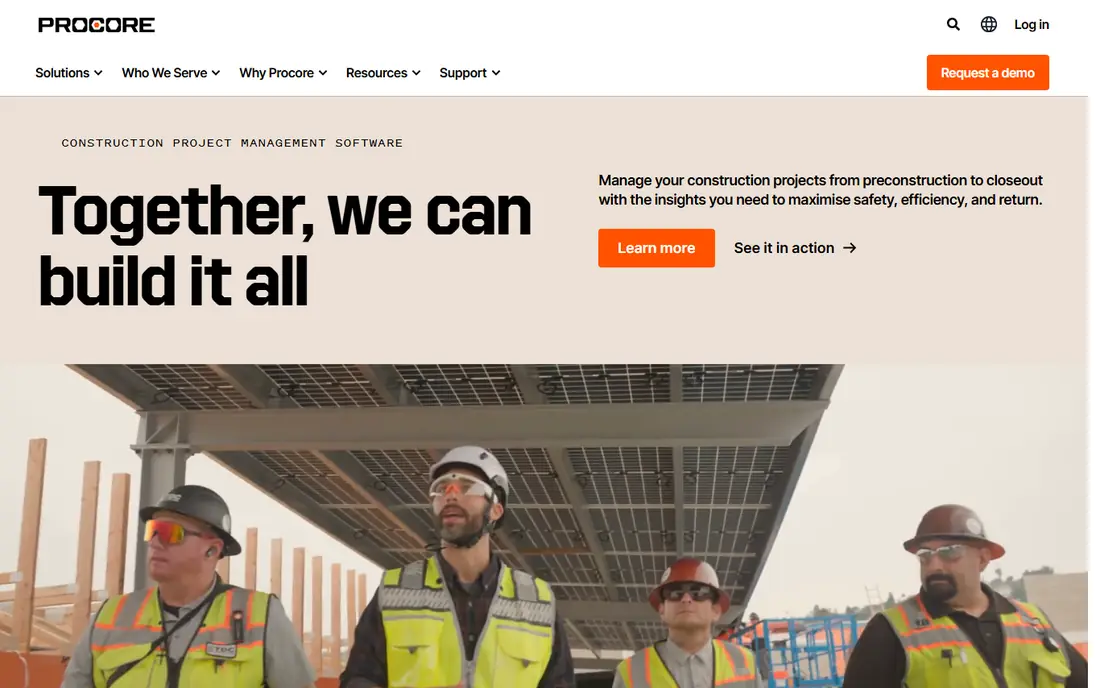
Procore is the broadest platform on this list. It joins project management, cost control, drawings, RFIs, and field tools in one system, so risk data sits next to budgets and schedules instead of in separate files. The vendor charges by annual construction volume, not by seat, and every plan includes unlimited users, unlimited data storage, and 24/7 support. That model suits general contractors that want every subcontractor and client in the same system without counting licences.
Risk features include incident tracking, observations, inspections, and prequalification, plus dashboards that show safety and cost trends across projects. The trade-off is scope and cost. Buying Procore means an annual contract priced on volume, and smaller firms often find the entry cost hard to justify. Rollout also takes planning, training, and admin time before teams see the full benefit. Get a quote based on your volume and modules, and ask what implementation support is included.
- Unlimited users and data storage on every plan
- One system for projects, cost, and field work
- Quote-only pricing based on annual construction volume puts it out of reach for small firms
- Rollout takes planning, training, and admin time
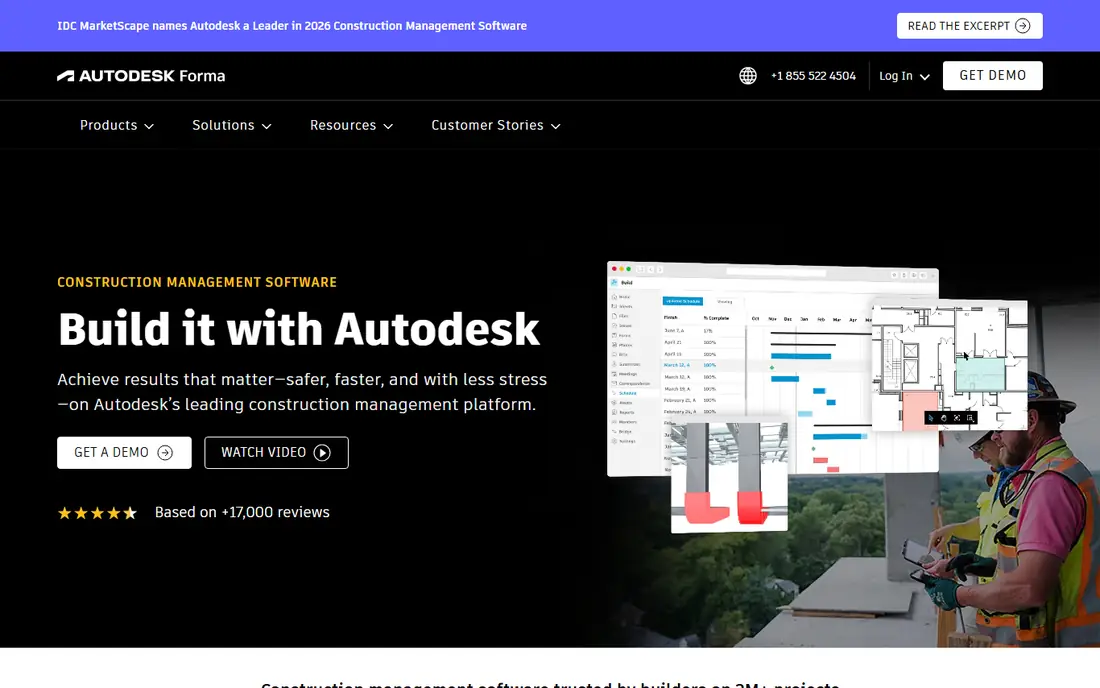
Autodesk Construction Cloud, renamed Autodesk Forma in March 2026, ties design, docs, and field work together. Forma Build covers drawings, RFIs, submittals, cost, and daily logs, while related modules add takeoff and model coordination. For risk teams, the value is a single record of drawings, issues, and changes, with model data that flags clashes before they reach site. The vendor does not publish a fixed per-user price on its pricing page, so expect a quote tied to users, modules, and term.
The platform suits firms already using Revit or AutoCAD, since models and sheets move across tools without rework. The limit is cost structure. Each module carries its own per-user price, so a team that needs Docs, Build, and BIM Collaborate pays three times. Small firms often find the per-user total steep, and there is no free plan, only a trial. Check which modules your risk work truly needs before you buy seats.
- Model coordination, docs, RFIs, and cost in one hub
- Deep integration with Revit and AutoCAD
- Per-user cost is high for small firms
- Each module carries its own price, so costs add up across Docs, Build, and BIM Collaborate
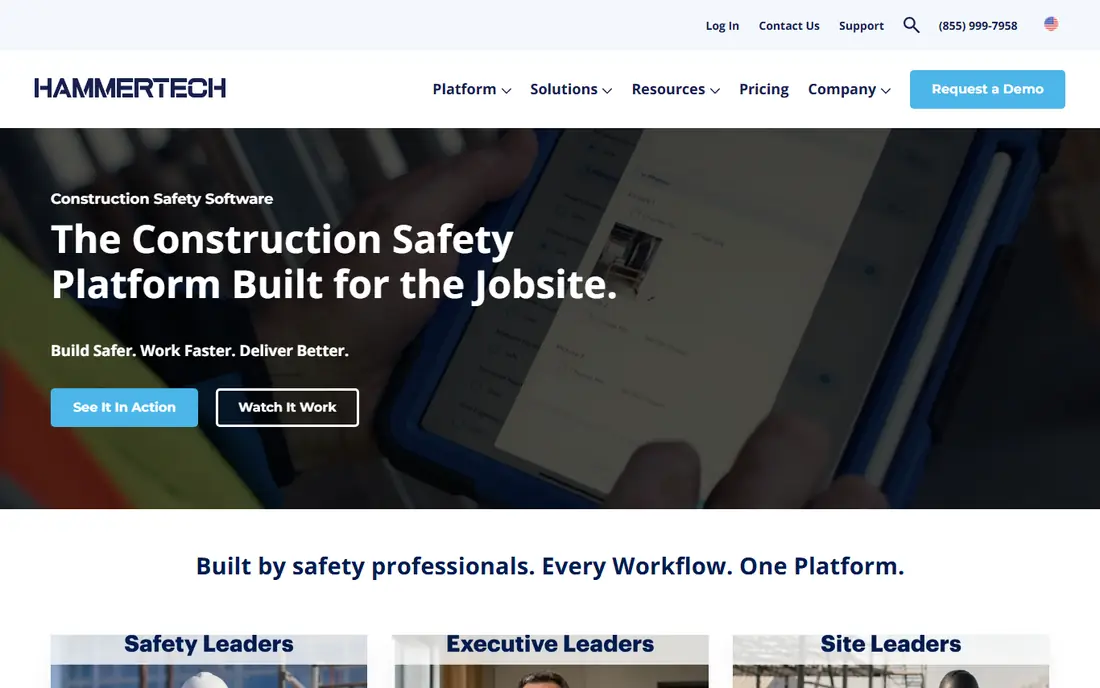
HammerTech focuses on the jobsite. It covers worker inductions, permits, pre-start checks, incident reports, and subcontractor prequalification in one mobile-first system. Every worker and subcontractor can join without a per-seat fee, which removes the cost barrier that keeps field crews out of other systems. That design fits large general contractors running complex projects with many subcontractors on site each day.
The platform also adds analytics that surface filed risks and automate reporting for safety teams. The limit is fit. Pricing is quoted per jobsite and per project scope, so small contractors and single-site builders may find it hard to justify. The tool is built for construction only, so firms that want a general risk register for office or insurance work need a second system. Ask for a quote per jobsite and compare it with your project count.
- No per-seat fees, every worker and subcontractor included
- Inductions, permits, and prequalification in one place
- Jobsite-based pricing suits large projects better than small ones
- Construction-only focus means a second system is needed for office or insurance risk
SafetyCulture, now branded Mitti, started as the iAuditor inspection app, and mobile inspections remain its core strength. Teams build checklists, capture photo evidence, assign corrective actions, and track issues from any phone. The free plan covers up to 10 seats with 5 active templates, and Premium costs $24 per user per month on annual billing, or $29 on monthly billing. That makes it the cheapest way for a small contractor to digitise inspections this week.
Training, sensors, asset tracking, and issue reporting sit beside inspections, so one app covers most daily safety tasks. The limits are depth and scale. Per-user pricing climbs as headcount grows, and incident management and regulatory reporting are lighter than in dedicated EHS platforms. It is the right pick for inspections first, and a weaker pick as a sole enterprise risk register.
- Free plan for up to 10 seats with 5 active templates
- Mobile inspections with photo evidence and a large template library
- Per-user pricing climbs with headcount
- Incident management and regulatory reporting are lighter than in dedicated EHS platforms
Origami Risk is an enterprise platform that joins risk management, insurance, claims, safety, and compliance in one configurable system. It covers risk registers, incident tracking, policy management, and claims administration, with bowtie analysis that links risks to causes, consequences, and controls. The vendor cites a 2025 Verdantix Green Quadrant leader placement for its risk management information system, and construction clients such as McCarthy Building Companies use it for compliance and mitigation planning.
The platform suits large contractors and owners that also manage insurance programs, since insurable and operational risk sit in one place. The limits are access and cost. Origami Risk publishes no prices and runs a demo-first sales process, so budgeting needs a quote and a scoping call. Implementation is configurable and takes time, and smaller firms may find the total cost hard to justify. Ask for a scoped quote that names the modules and user count.
- Unifies risk, insurance, claims, safety, and compliance in one configurable platform
- Bowtie analysis links risks to causes, consequences, and controls
- No published pricing and a demo-first sales process
- Cost and complexity suit large organisations more than small contractors
LogicGate Risk Cloud is a no-code GRC platform. Teams build risk and compliance applications with drag-and-drop tools, without writing code, and pick from prebuilt apps for enterprise risk, third-party risk, audit, and controls. Only Power Users, the admins who build and manage applications, need licences. Standard and External users are included at no extra licence cost, which keeps costs down when many staff only complete forms or questionnaires.
The platform fits risk teams that want to shape their own workflows instead of adapting to fixed forms. Reporting, dashboards, and audit trails come with the applications, and integrations connect to common business systems. The limits are pricing and scope. LogicGate publishes no prices, and each application is priced on its own, so costs rise as you add use cases. There is no free plan or public trial, so evaluation means a demo and a quote. Map your applications first, then ask for one quote that covers them all.
- No-code app builder with prebuilt risk and compliance apps
- Only Power Users need licences, Standard and External users are included
- Per-application pricing rises as you add use cases
- No free plan or public trial, so evaluation means a demo and a quote
Riskonnect Active Risk Manager, known as ARM, tracks risk at project, program, and enterprise levels in one register. It was built for construction, infrastructure, energy, and aerospace work, where a single risk can run across many projects. Teams score risks, assign owners, link mitigations, and report exposure across a portfolio. That portfolio view is the main reason large project owners pick it over a simple spreadsheet or a safety-only app.
The platform also covers audit, controls, and compliance tracking, so risk data feeds governance reporting without rework. The limits are cost and setup. Riskonnect publishes no prices for ARM, and third-party listings describe enterprise pricing with a complex setup that suits large organisations better than small ones. A free trial is listed by software directories, so ask the vendor to confirm trial access and what implementation support is included in the quote.
- Risk registers at project, program, and enterprise levels in one view
- Built for construction, infrastructure, and energy work
- Enterprise pricing and complex setup suit large organisations better than small ones
- Vendor publishes no prices, so budgeting needs a sales quote
Avetta is a contractor prequalification network rather than a classic risk register. Hiring clients set safety, insurance, and compliance requirements, and contractors submit documents and records for verification before they can work on site. The network covers more than 130,000 contractors, and it is widely used in commercial construction, energy, and facilities work. For a general contractor, it cuts the manual work of checking certificates, insurance, and safety records for every subcontractor.
The model shifts cost. Contractors report fees of roughly $400 to $900 per supplier per year for a basic membership, and hiring clients pay a separate enterprise fee that Avetta quotes per program. Avetta publishes no prices, so both sides need a quote during registration. The limits are cost and coverage. Subcontractors that serve several Avetta clients can face stacked fees, and firms outside the network gain nothing from it. Confirm the full fee for your supplier count before you commit.
- Network of more than 130,000 contractors
- Insurance and safety document verification before subcontractors reach site
- No published pricing, both sides need a quote
- Supplier fees fall on subcontractors, which can add cost to bids
How we chose
We compared vendor pricing pages, product docs, and feature lists on 2026-11-11. We opened the pricing pages for Procore, Mitti, and LogicGate, and checked the homepages and docs for the other five vendors. Prices in this guide come from the vendor pricing page or store listing where one exists, and are marked quote only where the vendor hides the price. We did not run hands-on tests, and we did not use review scores to rank the tools. We favoured tools with a real construction fit: jobsite safety, subcontractor prequalification, project risk registers, or insurance and claims. We left out tools that only cover general office risk with no construction features.
What to check before you buy
- Ask for the full quote in writing, with user count, modules, and term. Quote-only tools can look cheap until implementation and support are added.
- Count every user who needs a seat, including office staff and site managers. Per-user tools such as SafetyCulture and Autodesk grow in cost with each seat, while Procore and HammerTech charge by volume or jobsite instead.
- Check what happens to your data if you cancel. Ask about export formats, notice periods, and who owns the records.
- Test the mobile app on a real site with gloves and weak signal. Field crews will judge the tool by the first inspection, not the demo.
- Confirm which compliance reports the tool produces, such as incident logs and audit trails, and who signs them off.
- Ask how subcontractors join, what they pay, and what happens when one fails a check. Avetta and HammerTech answer this differently, and the answer shapes your supply chain.
- Match the rollout plan to your team. A no-code tool such as LogicGate needs admin time, while an enterprise platform such as Origami Risk or Riskonnect needs a longer implementation.
Pick by team size and budget
| Team size and budget | Start with | Why | | 1 to 10 people, under $300 a month | SafetyCulture | Free plan up to 10 seats; Premium is $24 per seat per month on annual billing | | 11 to 50 people, $300 to $1,500 a month | SafetyCulture or HammerTech | Per-seat inspections, or jobsite pricing with no per-seat fees | | 50 to 200 people, multi-site | Procore or Autodesk | Unlimited users, or BIM-led project control across sites | | Enterprise risk and insurance teams | Origami Risk, LogicGate, or Riskonnect | Full risk, insurance, and claims coverage under one roof |
Frequently asked questions
What is construction risk management software?
Construction risk management software is a system that records, scores, and tracks risks across projects, sites, and subcontractors. It covers safety incidents, inspections, permits, prequalification, insurance, and claims in one place, so teams can see exposure early and act before small issues grow into delays, injuries, or cost overruns. It replaces spreadsheets and paper forms with a shared record.
How much does construction risk management software cost?
Most vendors hide prices behind quotes. SafetyCulture publishes $24 per user per month on annual billing, with a free plan for up to 10 seats. Procore, HammerTech, Autodesk, Origami Risk, LogicGate, Riskonnect, and Avetta all quote per project, volume, or scope, so ask for a written quote that names users, modules, and term.
Which tool is best for a small contractor?
SafetyCulture is the best start for a team of up to 10 people, since the free plan covers inspections, tasks, and issue reporting at no cost. If you run one or two jobsites and need inductions and permits, ask HammerTech for a jobsite quote. Avoid enterprise platforms such as Origami Risk and Riskonnect until your project count and insurance needs justify the cost.
Do I need separate tools for safety and project risk?
It depends on your size. Small teams can run inspections, incidents, and training in SafetyCulture alone. Large contractors often pair a jobsite safety tool such as HammerTech with a project platform such as Procore or Autodesk, and add Origami Risk or LogicGate when insurance, claims, and enterprise risk join the picture. One tool rarely covers all four well.
Can this software replace insurance or legal advice?
No. These tools record risk, track controls, and support compliance, but they do not insure a project or give legal advice. Use them to keep evidence, meet contract requirements, and show a clear audit trail. Decisions about cover, limits, and contract terms still belong with your broker and your lawyer, who can read the records the software holds.
Sources
See where you really rank - block by block
ProMapRanker scans Google Maps across a grid of your service area. Simple monthly plans from $19, white-label on every plan.
Start freeKeep reading
 best CRM software for salons
Best CRM Software for Salons Compared
Compare the best CRM software for salons with client records, booking, marketing and loyalty in one place. See prices, trials and the right fit for your team.
Read → best CRM software for roofers
Best CRM Software for Roofers
best CRM software for roofers compared on price, pipelines, estimates, and insurance workflows, so a roofing company can pick the system that fits its crews.
Read → best CRM software for med spas
Best CRM Software for Med Spas in 2026
Compare the best CRM software for med spas, with real prices and lead tracking features, so you can pick a CRM that turns more inquiries into booked treatments.
Read →