 ProMapRanker
Best Construction Photo Management Software for Crews


Photo-first trade crews · Pricing starts at: $63 per month (billed annually)
Key takeaways
- CompanyCam is the most photo-first pick for small trade crews, with time-stamped and GPS-tagged photos from $63 per month on annual billing.
- Fieldwire gives small teams a free Basic plan and strong plan-based photo organisation, with Pro from $39 per user per month on annual billing.
- Raken ties photos to daily reports and time tracking from $23 per user per month on annual billing, with a minimum of 3 users.
- Procore, Autodesk Build, Buildertrend, and OpenSpace do not publish a starting price, so ask each vendor for a quote based on your project volume and team size.
- DroneDeploy adds aerial and 360-degree capture for larger sites, with its Flight and Analysis plan at $4,188 billed annually.
Quick comparison
| Pick | Great for | Pricing starts at | Free tier | |
|---|---|---|---|---|
| CompanyCam | Photo-first trade crews | $63 per month (billed annually) | Free trial (14 days) | Visit |
 Fieldwire | Small field teams on drawings | $39 per user/month (billed annually) | Yes | Visit |
 Raken | Daily reports with photos | $23 per user/month (billed annually) | Free trial | Visit |
 Procore | Large general contractors | quote only | No | Visit |
 Autodesk Build | Design and field coordination | quote only | Free trial (30 days) | Visit |
 Buildertrend | Residential builders | quote only | No | Visit |
 OpenSpace | 360-degree site capture | quote only | No | Visit |
 DroneDeploy | Aerial and site mapping | $349 per month (billed annually) | Free trial (14 days) | Visit |
The best construction photo management software
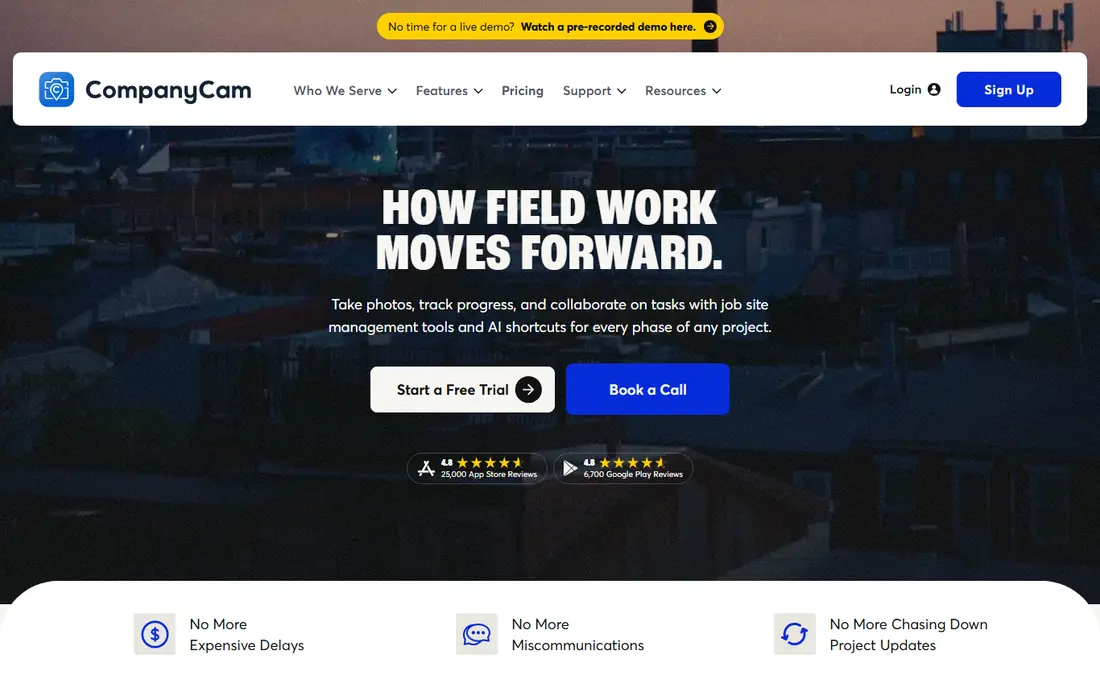
CompanyCam is built around job site photos. Each image carries a time stamp and a GPS tag, and photos group by project. Unlimited photo and video storage is included on every plan, and offline capture syncs when the connection returns.
Core costs $63 per month when billed annually, or $79 per month on monthly billing, and includes 1 user. Crew costs $119 per month on annual billing and includes 3 users, while Scale costs $249 per month on annual billing and also includes 3 users. Extra users cost $29 per user per month on annual billing. Crew adds checklists, templates, and guest access. A 14-day trial is available with no credit card required. CompanyCam fits roofing, restoration, solar, and remodeling teams that live in photos all day, but a crew that wants checklists must move to Crew or Scale.
- Unlimited photo and video storage on every plan
- Time-stamped and GPS-tagged photos with annotations
- Checklists start on the Crew plan, not Core
- No free plan, only a 14-day trial

Fieldwire by Hilti puts photos in the context of the drawing set. A photo can attach to a plan, a task, or a punch item, so the office sees where the issue sits on the sheet. The mobile app works offline. Basic is free for up to 5 users, 3 projects, and 100 sheets, and it includes plan viewing, task management, files, photos, and checklists.
Pro costs $39 per user per month on annual billing and adds reports and exports, sheet compare, project templates, and custom task statuses. Business costs $64 per user per month on annual billing and adds custom forms, app integrations, a BIM viewer, and custom task fields. Business Plus costs $89 per user per month on annual billing and adds RFIs, submittals, change orders, and budget tools. Fieldwire suits superintendents, foremen, and trade contractors who work from drawings every day. The per-user charge is the main cost driver, so count every person who needs a full login before you compare the headline price with a flat-rate tool.
- Free Basic plan for up to 5 users and 3 projects
- Photos pin to plans, tasks, and punch lists
- Reports and exports start on the Pro plan, not Basic
- RFIs and submittals need Business Plus at $89 per user per month
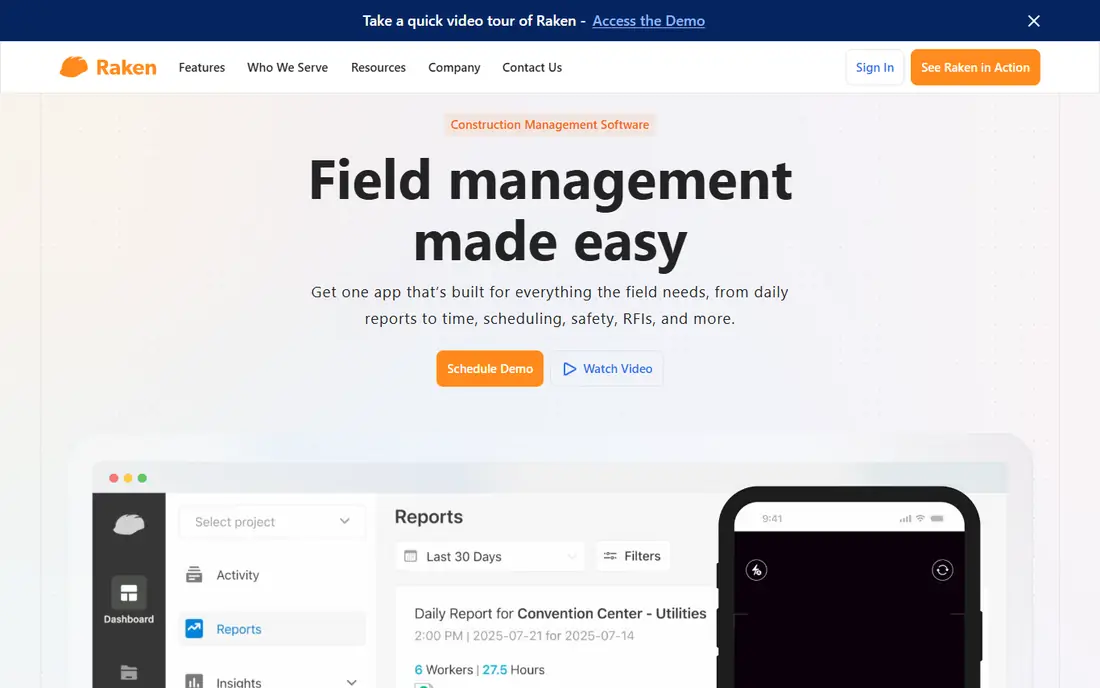
Raken is a field-first daily reporting tool with photo capture at its centre. Crews upload photos and videos, and the app turns that material into a branded daily report for the office. Photos sit in a gallery per project.
Basic costs $23 per user on annual billing, with a minimum of 3 users, and includes unlimited projects, directory and messaging, branded daily reports, and a photo, video, and attachment gallery. Performance costs $59 per user on annual billing, also with a minimum of 3 users, and adds time tracking, safety and quality features, and dedicated training. A free trial gives access to the full feature set, and users are prompted to upgrade when the trial ends. Raken fits general contractors and specialty contractors that need a daily paper trail with photos. The 3-user minimum means a one-person firm will pay for 3 seats, and the Performance tier is the one to price if you need RFIs or full time-card controls.
- Photos flow straight into branded daily reports
- Time tracking and production tracking sit in the same app
- Minimum of 3 users on Basic and Performance
- Photo favourites and RFIs need the Performance plan
Procore is a full construction management platform, and photo management is one part of a much larger system. Photos attach to daily logs, RFIs, punch lists, observations, and drawings, so a single image can support a quality note, a change, or a closeout record.
Pricing is quote only. Procore charges an upfront annual fee by product and based on annual construction volume, which is the total dollar value of construction work across your projects. The vendor states that it typically does not charge a per-user fee, and contracts include unlimited users, unlimited data storage, free training, and 24/7 support. There is no published starting price and no free trial on the pricing page. Procore fits large general contractors, owners, and specialty contractors running complex builds. It is often too much, and too costly, for a small crew that only needs photo documentation.
- Unlimited users and unlimited data storage on annual contracts
- Photos link to RFIs, punch lists, drawings, and financials
- No published price, so budgeting needs a sales quote
- Annual contract and setup effort suit large firms more than small crews
Autodesk Build, now sold as Forma Build within Autodesk Forma, combines field management with document and model coordination. Photos sit beside drawings, models, RFIs, and issues, so a site photo can be checked against the design intent. The platform also covers project management, cost, quality, safety, and closeout.
The vendor pricing page for Autodesk Forma lists three bundles, Model Management, Preconstruction, and Construction Operations, and each one asks the buyer to get a quote. No per-user price is published on that page for Forma Build, so the starting price here is quote only. Earlier vendor material listed a Standard plan per user, but the current pricing page does not show that figure, so do not budget from an old number. A 30-day trial is listed in vendor and review material, and the pricing page also notes a 30-day money-back guarantee and flexible user and project pricing. Autodesk Build fits contractors and design-led teams that already work in Autodesk tools and need photos tied to models and drawings. It is a heavier choice for a small trade crew that only needs photo logs and daily reports.
- Photos connect to models, drawings, RFIs, and issues in one hub
- Strong document and model coordination for design-led teams
- No published price for Forma Build on the vendor pricing page
- The full platform can be more than a photo-only team needs
Buildertrend is an all-in-one platform for home builders and remodelers, and photo management sits inside that wider system. Photos attach to daily logs and schedules, and clients can see progress through the homeowner portal.
Buildertrend does not publish a price on its pricing page. The vendor routes buyers to a custom quote based on annual construction volume, with unlimited users and projects and no per-user fee. Third-party reports put the range at about $339 to $1,099 per month, but those figures are estimates from other sources, not a vendor price, so this guide lists Buildertrend as quote only. There is no free plan, and sources describe a 30-day refund window rather than a free trial. Buildertrend fits established residential builders and remodelers running several projects a year. It is less suited to commercial general contractors, since the workflows, selections, and warranty tools are built around home building. Ask for the quote in writing, with the plan name, the billing term, and any onboarding cost stated.
- Photos sit beside schedules, selections, change orders, and a client portal
- Unlimited users and projects on the platform
- No published price, so the quote is the only firm number
- Workflows focus on residential work, so commercial teams may find gaps
OpenSpace is a visual intelligence platform for builders. A person walks the site with a 360 camera, a phone, or a drone, and OpenSpace pins the images to the floor plan by date and location. Anyone in the office can then revisit any spot on any date. BIM comparison shows the design model against the real site conditions.
Pricing is quote only. OpenSpace offers Core and Enterprise subscriptions, and the vendor states that pricing is based on annual construction volume and the tier chosen, not per user or per project. The vendor notes that projects start at around $10,000, but that is a starting point in vendor guidance, not a published plan price. OpenSpace Track, a progress-tracking add-on, is sold separately at the project or portfolio level. A Core pilot can be requested before buying, and single-project and multi-year subscriptions are available. OpenSpace fits general contractors and owners on larger commercial, industrial, or infrastructure projects where a complete visual record has real value for progress checks, disputes, and handover. It is often too costly for a small residential crew.
- 360-degree capture maps images to the floor plan by date and location
- BIM comparison shows design against site conditions
- Pricing is based on annual construction volume, with no published figure
- A 360 camera or a compatible phone is needed for the full capture flow
DroneDeploy is a reality capture platform for construction, energy, and agriculture. Drones capture aerial photos and maps, while 360 cameras and phones capture ground walks. The platform turns that material into maps, 3D models, panoramas, and videos, and it can overlay designs and track earthworks.
The Flight and Analysis plan for individual pilots costs $4,188 billed annually, which works out to $349 per month on annual billing. It includes a single admin user licence, up to 3,000 images per map, and email and live chat support, but ground capture processing is not included. The Ag Lite plan costs $1,908 billed annually for a single agriculture pilot. Aerial, Aerial Pro, Ground, Ground Pro, and the Unified plan are quote only on the vendor pricing page, and the vendor offers a 14-day free trial with no credit card required. DroneDeploy fits teams that need aerial progress views, volume checks, and site-wide documentation that ground photos alone cannot show. Check the image limit per map and whether you need Ground capture as well as Aerial, because the published individual plan does not cover both.
- Drone maps, 3D models, and 360 walks sit in one platform
- Design overlays and progress tools support large site checks
- The published individual plan covers one admin user only
- Ground capture processing is not included in the Flight and Analysis plan
How we chose
We compared vendor pricing pages, product pages, and help centre material checked on 11 November 2026. Prices come from the vendor pricing page for each tool, or are listed as quote only where the vendor publishes no figure. We looked at photo capture, time and GPS stamps, offline use, plan links, daily reports, 360-degree and aerial capture, and trial terms. We did not claim hands-on testing. Where a vendor page showed a quote form instead of a price, we said so.
The shortlist favours tools that treat photos as a project record, not as loose attachments. A good photo tool should stamp each image with time and location, organise it by project, and work offline. Price was checked per user or per plan, with the billing term stated.
What to check before you buy
Start with the photo workflow your crew will actually use. Check whether photos need a time stamp and a GPS tag, whether they must pin to a drawing, and whether they must flow into a daily report. Then check offline capture, and ask how photos export, how long they are stored, and whether a client can view them without a full licence.
Use this decision table to narrow the list by team size and budget.
| Team size and budget | Best starting point | What to confirm | | 1 to 3 people, under $100 per month | CompanyCam Core or Fieldwire Basic | Extra-user cost and checklist limits on Core | | 4 to 10 people, $100 to $500 per month | Fieldwire Pro or Raken Basic | Per-user total for the whole crew, not one seat | | 11 to 30 people, $500 to $2,000 per month | Raken Performance or Fieldwire Business | Form, RFI, and report limits on each tier | | Large or multi-project teams, quote budget | Procore, Autodesk Build, or OpenSpace | Annual construction volume basis and contract length | | Aerial or 360-degree needs, $350 per month and up | DroneDeploy Flight and Analysis | Image limit per map and Ground capture cost |
Check the contract terms before you sign. Confirm the billing term, the renewal date, the users included, and the cost of extra users. Ask whether the quote covers onboarding and support, and whether the price changes after the first term. For quote-only tools, get the quote in writing. For per-user tools, count every person who needs a login and work out the monthly total for the whole team. A short trial with real site photos is the best test.
Frequently asked questions
What is construction photo management software?
Construction photo management software captures, organises, and stores job site photos by project, date, and location. It adds time stamps, GPS tags, and notes to each image, and it lets the office, the client, and subcontractors find and share photos without digging through phone galleries.
Which tool is best for a small construction crew?
CompanyCam and Fieldwire are strong starting points for a small crew. CompanyCam starts at $63 per month on annual billing and focuses on photos, while Fieldwire offers a free Basic plan for up to 5 users and 3 projects. Pick CompanyCam if photos are the main record, and pick Fieldwire if photos must sit on drawings and punch lists.
Do I need a 360 camera or a drone for photo management?
No, most construction photo tools work with a phone camera and add time and GPS stamps to each image. A 360 camera is useful with OpenSpace for a full walkthrough record, and a drone is useful with DroneDeploy for aerial maps and large sites. Start with phone capture and add hardware only when the project needs it.
How much should a small team budget each month?
A small team of 3 to 5 people can budget $69 to $195 per month on annual billing for Raken Basic at $23 per user, or $117 to $195 per month for Fieldwire Pro at $39 per user. CompanyCam Crew costs $119 per month on annual billing for 3 users, with extra users at $29 per user per month. Add the cost of any extra users before you compare plans.
Can photos from these tools support a dispute or a claim?
Photos with time stamps, GPS tags, and a clear project record can support a dispute, a change order, or a warranty claim, but they are not a legal guarantee. Keep the original files and the project and date context. Ask your legal adviser how photo records are treated in your contracts.
Should I choose a photo-first tool or a full construction platform?
Choose a photo-first tool such as CompanyCam, Fieldwire, or Raken when photos, daily reports, and punch lists are the main need and the budget is limited. Choose a full platform such as Procore, Autodesk Build, or Buildertrend when photos must link to financials and schedules across many projects.
Sources
- https://help.companycam.com/en/articles/14477655-companycam-plans-explained
- https://www.fieldwire.com/pricing
- https://www.rakenapp.com/lp/time-tracking-n1
- https://www.procore.com/pricing
- https://construction.autodesk.com/pricing/
- https://buildertrend.com/pricing
- https://www.openspace.ai/pricing
- https://www.dronedeploy.com/pricing
See where you really rank - block by block
ProMapRanker scans Google Maps across a grid of your service area. Simple monthly plans from $19, white-label on every plan.
Start freeKeep reading
 best CRM software for salons
Best CRM Software for Salons Compared
Compare the best CRM software for salons with client records, booking, marketing and loyalty in one place. See prices, trials and the right fit for your team.
Read → best CRM software for roofers
Best CRM Software for Roofers
best CRM software for roofers compared on price, pipelines, estimates, and insurance workflows, so a roofing company can pick the system that fits its crews.
Read → best CRM software for med spas
Best CRM Software for Med Spas in 2026
Compare the best CRM software for med spas, with real prices and lead tracking features, so you can pick a CRM that turns more inquiries into booked treatments.
Read →