 ProMapRanker
Best Cloud Storage App for Free in 2026

Key takeaways
- MEGA offers the largest headline free allowance in this list at 20 GB, while Google Drive offers 15 GB shared with Gmail and Photos.
- pCloud, Box and Icedrive-style rivals offer around 10 GB free, but getting the full amount can require setup steps.
- Dropbox, OneDrive and iCloud offer less free space, yet they win on sync quality and links to apps people already use.
- Proton Drive and MEGA suit private files best, thanks to end-to-end encryption, while shared allowances and transfer limits matter more than the headline number.
Quick comparison
| Pick | Great for | Pricing starts at | Free tier | |
|---|---|---|---|---|
 Google Drive Google Drive | Google users and sharing | Free | Yes | Visit |
 MEGA MEGA | Largest free space | Free | Yes | Visit |
 pCloud pCloud | Media and lifetime plans | Free | Yes | Visit |
 Dropbox Dropbox | Simple reliable sync | Free | Yes | Visit |
 Microsoft OneDrive Microsoft OneDrive | Windows and Office users | Free | Yes | Visit |
 Apple iCloud Apple iCloud | iPhone and Mac backup | Free | Yes | Visit |
 Box Box | Light document sharing | Free | Yes | Visit |
 Proton Drive Proton Drive | Private encrypted storage | Free | Yes | Visit |
The best cloud storage apps for free
A free cloud storage app should do three things well: keep files safe, sync them across your devices, and let you share a link without friction. Free space matters, but shared allowances, file size limits and transfer caps matter just as much. The eight apps below cover those trade-offs honestly.
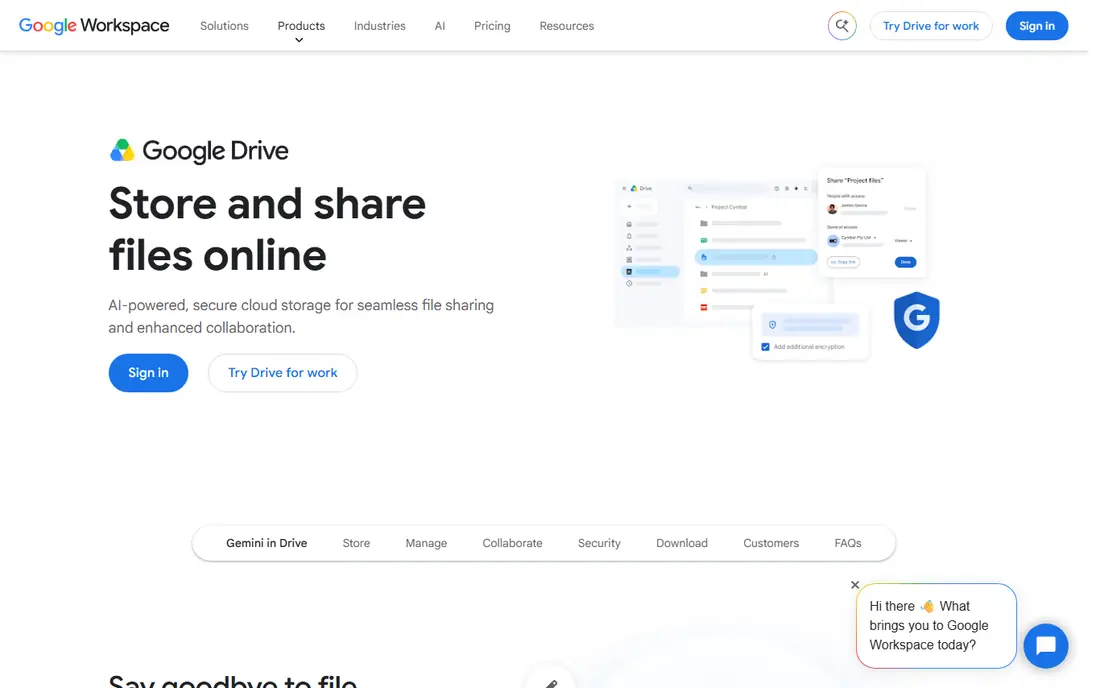
Google Drive is the default free storage for many people, because it arrives with a Google account. The 15 GB free allowance covers Drive files, Gmail and Google Photos together, which is generous for documents and light photo use. Docs, Sheets and Slides collaboration is a further strength, since several people can edit the same file at once.
The shared allowance is the catch. A full Gmail inbox or a large Photos library eats into Drive space, so heavy photo users may hit the limit sooner than expected. Google Drive also does not offer end-to-end encryption by default, so readers with sensitive files should weigh that point. For everyday documents, sharing and Google app users, it remains the best free cloud storage app for most people.
- 15 GB free shared across Google services
- Strong Docs collaboration
- Good mobile and desktop apps
- Allowance is shared with Gmail and Photos
- Privacy is not end-to-end encrypted by default
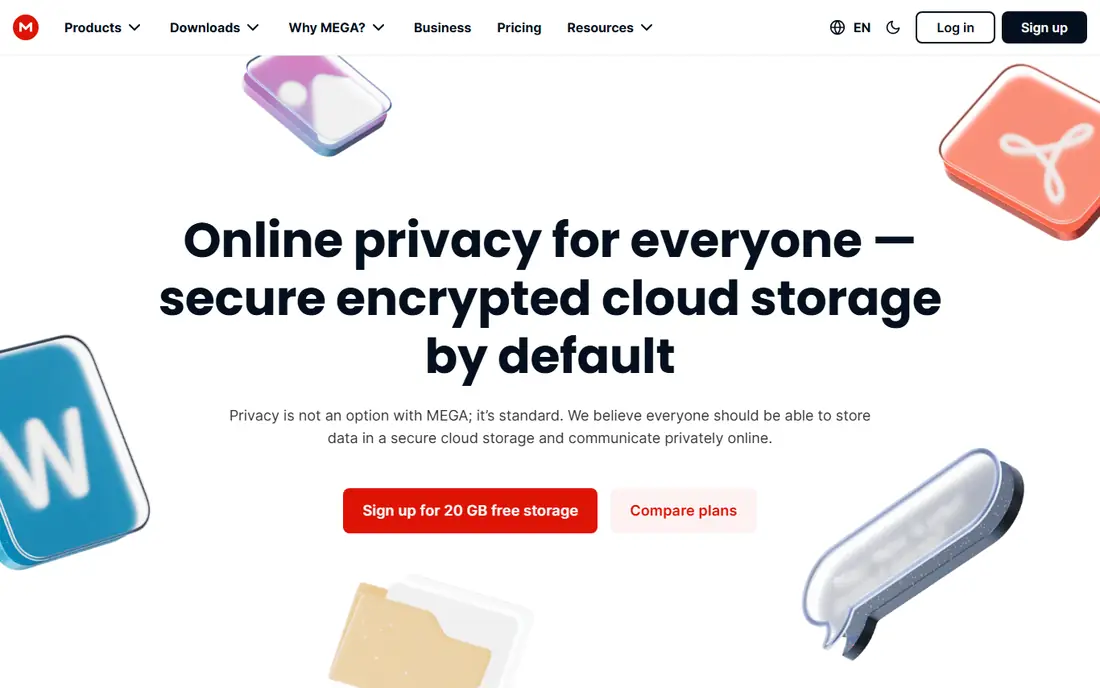
MEGA leads this list on free space, with 20 GB on a free account, and it pairs that space with end-to-end encryption. That means files are encrypted in a way that MEGA cannot read them in plain form, which suits private documents and photos. The allowance is dedicated storage, not shared with an email inbox, so the number you see is the number you get for files.
Free accounts also face transfer allowances, which can limit how much you download in a period, and encrypted accounts need careful recovery planning if you lose access details. For readers who want the most free space with strong privacy, MEGA is the pick. Just check the transfer terms before moving a large archive in one go.
- 20 GB free storage
- End-to-end encryption
- Dedicated storage not shared with email
- Free transfer allowances apply
- Account recovery needs care with encryption keys
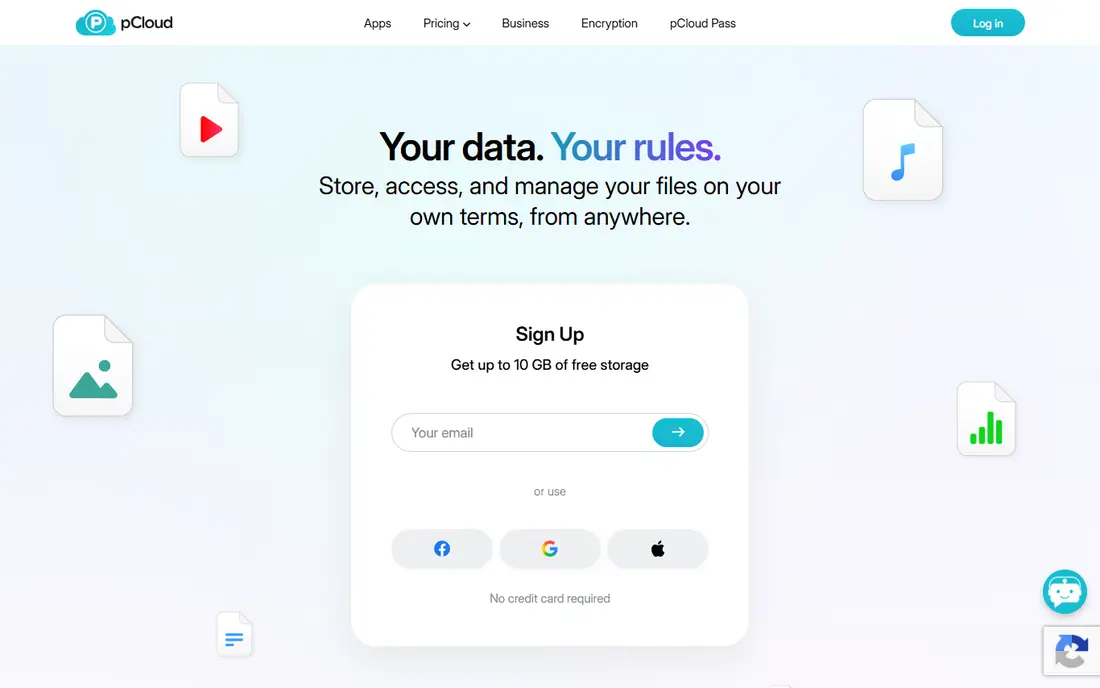
pCloud suits readers who store music, photos and videos and want to play them from the cloud. The free plan offers up to 10 GB, though the full amount becomes available only after setup steps, so new users should complete those steps early. Media playback and sharing are smooth, and the desktop and mobile apps feel polished.
Encryption, under the pCloud Crypto add-on, costs extra, which matters if you want client-side encryption for all files. Paid lifetime plans are a later option for people who dislike subscriptions, though they cost more up front. As a free starting point for media files, pCloud is strong. For private files on a free plan, MEGA or Proton Drive may fit better.
- Up to 10 GB free
- Good media playback
- Lifetime paid plans available for later upgrades
- Full free allowance requires setup steps
- Encryption is a paid add-on
Dropbox remains the benchmark for simple sync, even though its free space is small. Files update quickly across devices, sharing links are easy to set, and many other apps connect to Dropbox directly. That reliability is why many professionals keep Dropbox even when they have larger free allowances elsewhere.
The free plan, Dropbox Basic, offers 2 GB, which fills fast with photos or video. Referrals can add space in some cases, but the free tier is best for documents and small shared folders rather than a full photo library. If sync quality and sharing matter more than free gigabytes, Dropbox still earns a place. For large free storage, pair it with MEGA or Google Drive.
- Reliable sync and sharing
- Clean apps
- Wide third-party integrations
- Only 2 GB free
- Free plan limits linked devices
OneDrive is the natural free storage for Windows and Office users. It is built into Windows, syncs Documents and Desktop folders easily, and works closely with Word, Excel and PowerPoint online. The 5 GB free allowance covers documents and light photo backup, and sharing links work well for Office files.
That allowance is modest, and the strongest OneDrive value appears with a Microsoft 365 subscription, which adds much larger storage and full Office apps. Users outside the Microsoft world may find Google Drive or MEGA more generous. For a Windows household that already uses Office, though, OneDrive free storage is convenient and well integrated.
- 5 GB free
- Deep Windows and Office links
- Photo backup and sharing tools
- Small free allowance
- Best features sit inside Microsoft 365 paid plans
iCloud is less a general file app and more the backbone of Apple device backup. The 5 GB free allowance covers device backups, Photos and iCloud Drive files, and it works without setup on iPhone, iPad and Mac. For Apple-only households, that integration is hard to beat, since backups and photo sync happen in the background.
The same integration is the limit. A single iPhone backup plus Photos can fill 5 GB quickly, and Windows or Android users get a weaker experience. Paid iCloud plans start at a low monthly price for 50 GB, which many Apple users buy for backup alone. As a free general storage app, iCloud is modest. As an Apple backup tool, it is essential.
- 5 GB free
- Built into iPhone, iPad and Mac
- Device backup and Photos sync
- Small free allowance
- Less useful on Windows and Android
- Backups can fill it fast
Box offers 10 GB free for individual users, which is generous for documents and presentations. Sharing links, previews and comments work well for light collaboration, such as sending a report to a client or sharing class files. The web interface is clean, and mobile apps cover basic access on the go.
The free plan limits single uploads to 250 MB, so large videos and design files need another service. Team features, admin controls and larger limits belong to paid plans. For document sharing and everyday files, Box is a solid free choice. For media archives or large files, MEGA, pCloud or Google Drive will suit better.
- 10 GB free for individuals
- Simple sharing links
- Good document preview tools
- 250 MB single-file limit on the free plan
- Collaboration features are stronger on paid plans
Proton Drive is the privacy-first pick in this list. Files are end-to-end encrypted, and the service sits inside the Proton ecosystem alongside Mail and Calendar, which appeals to readers who want one private account for several tools. The free plan offers 2 GB at first and up to 5 GB after welcome steps, so complete those steps to get the full allowance.
That space is smaller than MEGA or Google Drive, and integrations with other apps are fewer, which can slow some workflows. For sensitive documents, tax files or private photos, the privacy gain may outweigh the smaller allowance. Use Proton Drive for private files and a larger free service for bulk media, and you get both privacy and space without paying.
- End-to-end encryption
- Up to 5 GB free after setup steps
- Links to Proton Mail and Calendar
- Smaller free allowance
- Fewer third-party integrations than Google or Dropbox
How we picked these
We compared official plan pages and October 2026 roundups that checked published free allowances against provider information. We kept only services with a genuinely usable free tier for individuals, and we noted shared allowances, setup steps and file limits that change the real value of a headline number. We left out promotional tiers that shrink after a short period, since they mislead new users.
We did not claim hands-on testing that did not happen. Free plans change, so the allowance shown in your own account is the final check before moving an important archive. Prices for paid upgrades were not the focus here, so we kept starting prices as Free where a free tier exists and directed readers to vendor pages for upgrade costs.
How to choose a free cloud storage app
Start with how much space you truly need, and check whether that allowance is shared. Google Drive 15 GB sounds larger than Box 10 GB until Gmail and Photos take a share, while MEGA 20 GB and Box 10 GB are dedicated file storage. Next, check file size and transfer limits, since a 250 MB upload cap or a download quota can block large videos even when space remains.
Then weigh privacy and platform fit. End-to-end encryption matters for sensitive files, while Windows, Apple or Google integration matters for daily convenience. Finally, do not rely on one free account for irreplaceable files. Keep a second copy on an external drive or a second service, and test a restore before you trust any free tier with photos or documents you cannot replace.
Frequently asked questions
What is the best free cloud storage app?
Google Drive is the best free cloud storage app for most people, thanks to 15 GB shared space and strong sharing and collaboration. MEGA offers more free space at 20 GB with encryption, while pCloud and Box offer around 10 GB. The best cloud storage app free choice depends on whether you value space, privacy or links to apps you already use.
Which free cloud storage gives the most space?
MEGA gives the most stable free space in this list at 20 GB, with end-to-end encryption included. Google Drive follows at 15 GB, though that allowance is shared with Gmail and Photos. Some services advertise larger promotional tiers, but those often shrink after a trial period, so check the ongoing allowance in your account.
Is free cloud storage safe for private files?
Free cloud storage can be safe for everyday files, but privacy varies. MEGA and Proton Drive use end-to-end encryption, while Google Drive, Dropbox and OneDrive do not encrypt files in that way by default. For sensitive documents, choose an encrypted service, use a strong password and two-factor authentication, and keep a local backup.
What is the best free cloud storage software for photos?
Google Drive and iCloud suit photo backup inside their own ecosystems, since Photos sync is built in. MEGA and pCloud suit photo libraries that need more space and media playback, with pCloud offering smooth playback. Check whether photo storage counts against the same allowance as files, and back up irreplaceable photos in a second place.
Can I use more than one free cloud storage app?
Yes, and it is often the smartest free strategy. Use one app for documents and sharing, another for private files, and a third for media, so no single free limit blocks you. Keep track of where each file lives, and avoid spreading one project across several services, which makes version control harder.
Sources
See where you really rank - block by block
ProMapRanker scans Google Maps across a grid of your service area. Simple monthly plans from $19, white-label on every plan.
Start freeKeep reading
 zeffy payment processor stripe alternatives
Zeffy and Stripe Alternatives for Nonprofits in 2026
Explore zeffy payment processor stripe alternatives for nonprofits. We compare 8 fundraising platforms on fees, donor tools, and nonprofit focus. Check fees.
Read → workday alternatives
Workday Alternatives in 2026
Workday alternatives compared: we review 8 HR and payroll platforms that replace Workday, with pricing, strengths and honest limits for each team size.
Read → what's the best weather app
What's the Best Weather App in 2026
Wondering what's the best weather app? We compare 10 free and paid apps for forecasts, radar, alerts, and Colorado mountain weather for everyday and storm use.
Read →