 ProMapRanker
Best Cloud Gaming Services in 2026

Key takeaways
- GeForce NOW is our pick for performance, because its Ultimate tier streams at high resolution and frame rates from powerful servers, using games you already own.
- Xbox Cloud Gaming is the best library pick, because Game Pass Ultimate bundles hundreds of games with cloud streaming in one subscription.
- Amazon Luna suits casual players and Prime members, with a smaller curated library included with Prime and a paid channel for more games.
- PlayStation Plus Premium suits PlayStation fans who want to stream PlayStation titles and use existing saves.
- The model matters more than the brand: bring-your-own-games, subscription library, and full cloud PC services fit different players and budgets.
Quick comparison
| Pick | Great for | Pricing starts at | Free tier | |
|---|---|---|---|---|
 GeForce NOW GeForce NOW | PC gamers with a library | Free | Yes | Visit |
 Xbox Cloud Gaming Xbox Cloud Gaming | Game Pass library | See website | No | Visit |
 Amazon Luna Amazon Luna | Casual Prime players | See website | No | Visit |
 PlayStation Plus Premium PlayStation Plus Premium | PlayStation fans | See website | No | Visit |
 Boosteroid Boosteroid | Budget bring-your-own-games | See website | No | Visit |
 Shadow PC Shadow PC | Full cloud PC | See website | No | Visit |
 Blacknut Blacknut | Family gaming | $15.99 per month | No | Visit |
 AirGPU AirGPU | Pay-as-you-go cloud PC | See website | No | Visit |
The best cloud gaming services
Cloud gaming streams games from remote servers to your phone, laptop, TV, or tablet, so you do not need a powerful local machine. Services differ in three ways: whether you bring your own games, whether games are included in a subscription, and whether you get a full PC in the cloud. We compared official pricing pages and published service details for eight services active in 2026. Performance depends heavily on your connection, so a wired connection and a stable broadband plan matter as much as the service you pick.
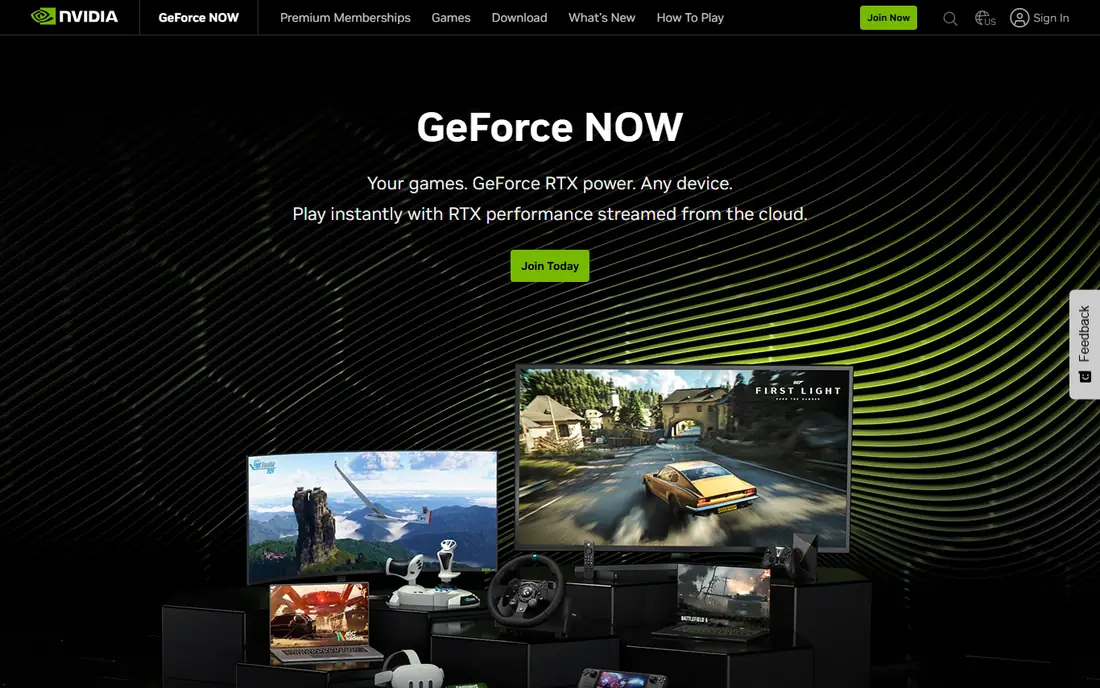
GeForce NOW is the best cloud gaming service for PC gamers who already own games. You link Steam, Epic, GOG, and other libraries, and GeForce NOW streams supported titles to almost any device. The free tier lets you test your connection, the Performance tier costs 9.99 dollars a month, and Ultimate costs 19.99 dollars a month for the highest resolution and frame rates.
The limits are important. GeForce NOW includes no games, so you must own or buy each title, and paid tiers now cap monthly play at 100 hours, with some rollover. Publishers can also remove games from the supported list. If you own a large PC library and want to play it on a weak laptop or Chromebook, GeForce NOW is still the strongest pick.
- High-end streaming performance
- Streams games you own on Steam, Epic, and other stores
- Free tier for testing
- Includes no games
- Paid tiers have a monthly play-hour cap
- Free tier has queues and short sessions
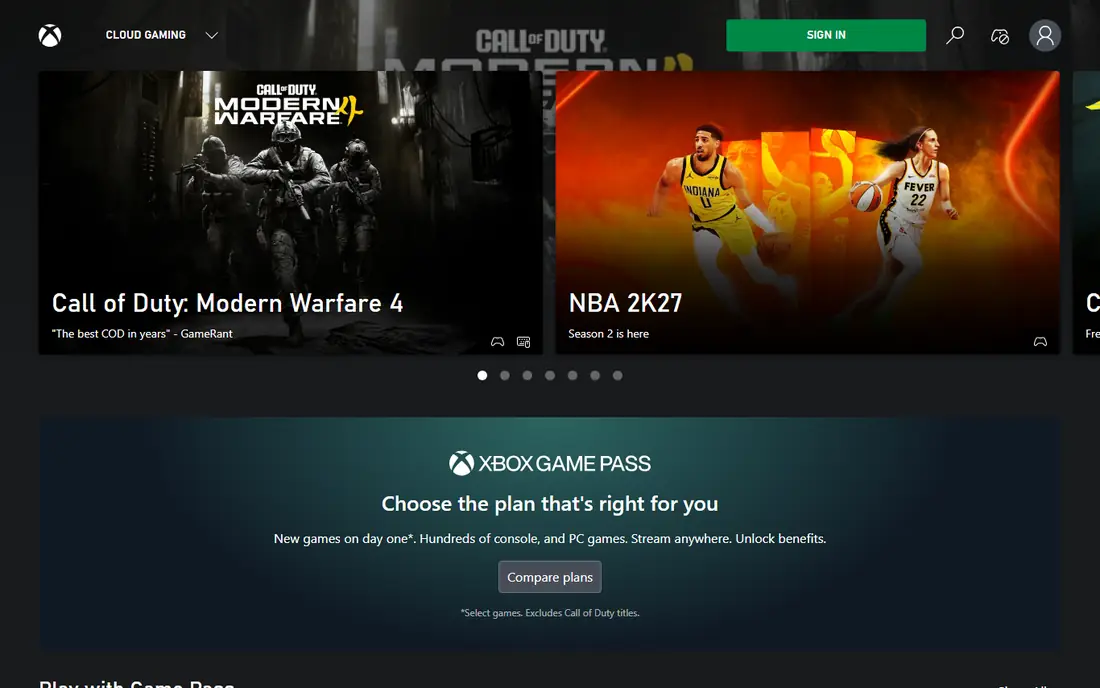
Xbox Cloud Gaming suits players who want a library, not a collection to manage. It is included with Game Pass Ultimate, which bundles hundreds of games, including day-one first-party releases, with cloud streaming on consoles, PC, phones, tablets, and supported TVs. You press play and start, without buying each game or waiting for a download.
The catch is the changing hour model. Xbox has announced metered cloud hour caps by tier, with Ultimate set to a higher cap than lower tiers, so heavy cloud-only players should check current terms before subscribing. Pricing for Game Pass Ultimate has also changed during 2026, so we list it as See website. If you already pay for Game Pass, cloud gaming is a strong bonus. If you only play in the cloud, check the hour cap first.
- Hundreds of games included with Game Pass Ultimate
- Day-one first-party releases
- Works on consoles, PC, phones, and TVs
- Cloud play-hour caps are being introduced
- Performance varies by game and connection
- No full PC access
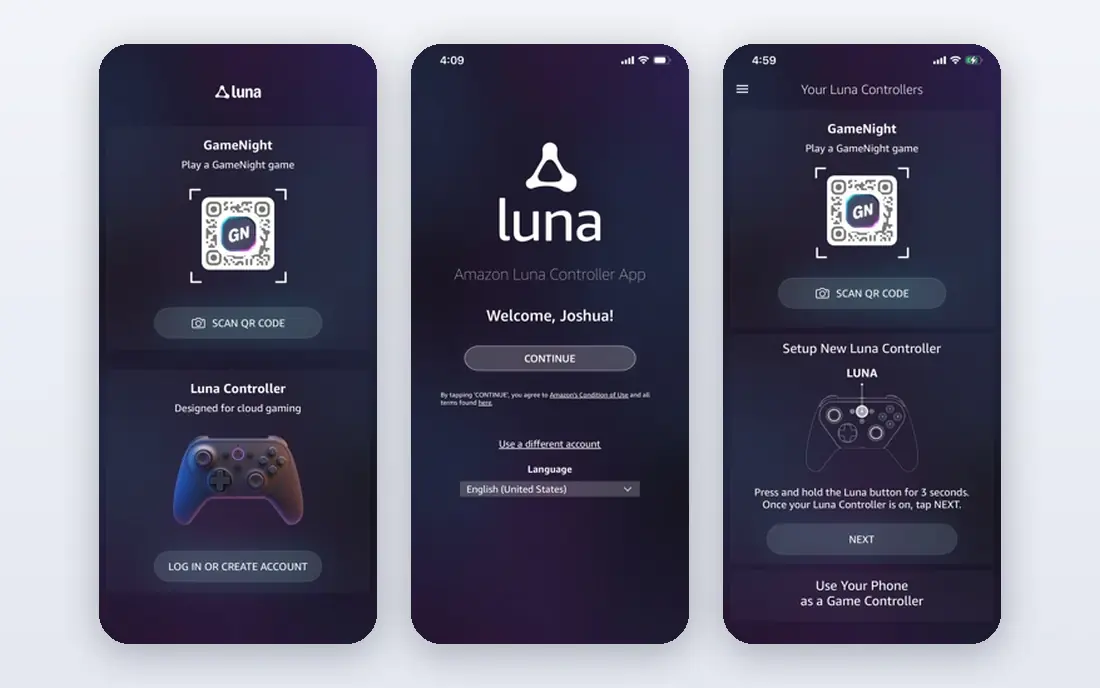
Amazon Luna is the best casual cloud option, especially for Prime members. A curated set of games is included with a Prime membership through the Prime Gaming channel, and a paid Luna channel adds more titles for a monthly fee. Access on Fire TV and in a browser makes it easy to start a game on a living room TV without a console.
It is not a competitor to GeForce NOW or Xbox on library size or performance, and its device support is narrower. Judge Luna on its own terms: as a free perk for Prime members and a low-effort way to play casual games on a TV. If you want a deep library or high-end performance, pick Xbox or GeForce NOW instead.
- Curated games included with Prime
- Simple Fire TV and browser access
- Paid Luna channel adds more games
- Smaller library than Xbox or GeForce NOW
- Device support is narrower than rivals
PlayStation Plus Premium suits players who already live in the PlayStation world. It includes a catalog of games and cloud streaming of PlayStation titles, so you can play on a PS5 or on PC through the PlayStation Plus app without downloading every game. Existing saves carry over on supported devices, which makes it easy to switch between local and streamed play.
The limit is device reach. Cloud streaming is not available on phones and tablets in the same way as Xbox Cloud Gaming, and you need a controller for PlayStation titles. Pricing varies by monthly, quarterly, and annual billing, so check the current price on the official page. For PlayStation fans, Premium is the natural cloud add-on. For multi-platform players, Xbox or GeForce NOW covers more devices.
- Streams PlayStation titles
- Access to a catalog of games
- Works with existing PlayStation saves on supported devices
- Cloud streaming is mainly on PS5 and PC, not phones and tablets
- Pricing varies by billing period
Boosteroid is a budget bring-your-own-games service that suits players in regions where it has strong server coverage, especially in Europe. Like GeForce NOW, it streams games you own from stores such as Steam and Epic, and it supports 4K streaming on supported plans. Browser access makes it easy to use on PC, Mac, and many TVs without a dedicated app.
Pricing is listed in euros in many regions, with monthly plans around 12.89 to 14.89 euros in recent listings, so US players should check current dollar pricing and server locations before subscribing. Library coverage also varies by title and region. If GeForce NOW queues or pricing do not suit you, Boosteroid is the best alternative to test.
- Streams games you own
- 4K streaming on supported plans
- Browser-based access on many devices
- Pricing varies by region and currency
- Library and server coverage vary by location
Shadow PC is different from the other services here, because it gives you a full Windows PC in the cloud, not just a game library. You can install games from any store, run other Windows software, and stream the whole desktop to your devices. That flexibility suits power users who want a cloud machine for gaming and other work.
The cost is higher than a game-only subscription, and some competitive games with strict anti-cheat software will not run on a virtual PC. Shadow also needs a good connection to feel responsive for fast games. If you want a flexible cloud PC and you accept the price, Shadow is the best pick. If you only want to play games, GeForce NOW or Xbox will cost less.
- Full Windows PC in the cloud
- Install games from any store
- High resolution and frame rate options
- Higher monthly cost than game-only services
- Some anti-cheat software blocks certain games
Blacknut is the best cloud gaming service for families with young children. Its catalog focuses on family-friendly games, and its parental controls and family profiles let parents manage what each child can play. It works on many TVs, phones, tablets, and computers, so a family can share one subscription across devices.
The catalog is smaller and more casual than Xbox Game Pass, and you cannot bring your own Steam or Epic games into Blacknut. For a household that wants safe, simple gaming for children, those limits matter less than the controls and the price. For adult gamers who want recent AAA titles, Xbox or GeForce NOW is a better fit.
- Family-friendly catalog
- Parental controls and family profiles
- Works on many TVs and devices
- Catalog is smaller and more casual than Xbox
- No bring-your-own-games option
AirGPU suits irregular players who do not want a monthly subscription. It rents a cloud PC by the hour, so you pay only when you play, and you can install games from stores you already use. That model beats a monthly plan if you play once or twice a week, or if you need a powerful machine for a short project.
Daily players will pay more per hour than a monthly GeForce NOW or Xbox subscription, and setup needs more comfort with cloud PCs than a simple game library. Use AirGPU when your play is sporadic, and switch to a monthly service if you start playing most days. For the right player, pay-as-you-go is the fairest model in this list.
- Pay-as-you-go hourly pricing
- Full cloud PC flexibility
- Good for irregular players
- Hourly costs add up for daily players
- Setup needs more technical comfort than a game library service
How we picked these
We compared official pricing pages and published service details for cloud gaming services active in 2026, and we favored services with clear models, broad device support, and a distinct audience. We included bring-your-own-games services, subscription libraries, and full cloud PCs, so players can compare models rather than just brands. Where pricing changed during 2026 or varied by region, we listed it as See website rather than inventing a single number, and we flagged hour caps where services have announced them.
How to choose a cloud gaming service
Start with your library. If you own many PC games, pick a bring-your-own-games service. If you own few games, pick a subscription library. If you want a full PC, pick Shadow or AirGPU. That one choice narrows the list faster than any comparison of resolution numbers.
Test your connection first
Use a free tier or trial to test your connection before you pay. A wired Ethernet connection gives the most stable result, and a stable broadband plan matters more than peak speed alone. Test the games you actually play, because fast single-player games feel different from competitive shooters over a stream.
Check hour caps and game availability
Hour caps are now a real factor in cloud gaming, so check the monthly cap for your tier and what extra hours cost. Also check that your favorite games are supported, because publishers can remove titles from bring-your-own-games services. A service that lacks your main game is not a good deal at any price.
Match the service to your devices
Check device support before you subscribe, especially for TVs, phones, and tablets. Xbox covers the widest device range, GeForce NOW covers many devices through browsers and apps, and PlayStation Plus Premium is narrower. A service that does not run on the screen you use most will sit unused.
Frequently asked questions
What is the best cloud gaming service overall?
GeForce NOW is the best overall pick for performance, especially for PC gamers with a library. Xbox Cloud Gaming is best for a subscription library, and Amazon Luna is best for casual Prime players.
Which cloud gaming service is best for PC games?
GeForce NOW is best for PC games you already own, because it streams Steam, Epic, and other libraries at high performance. Boosteroid is a budget alternative, and Shadow PC gives a full cloud PC.
What is the best cloud gaming platform for families?
Blacknut is the best family pick, with a family-friendly catalog, parental controls, and family profiles. Xbox Cloud Gaming also suits families with older children who want a wider library.
What is the best cloud streaming service for PlayStation games?
PlayStation Plus Premium is the best choice for streaming PlayStation titles, with a catalog and save support on PS5 and PC. It does not cover phones and tablets like Xbox Cloud Gaming.
Is cloud gaming free?
GeForce NOW has a free tier with queues and short sessions, and Amazon Luna includes a curated set of games with Prime. Most full services need a paid subscription, and hour caps now apply to several paid tiers.
How fast does my internet need to be for cloud gaming?
Most services recommend a stable broadband connection, with higher speeds needed for 4K streaming. Test with a free tier or trial on your own connection, and use a wired connection for the most stable play.
Sources
See where you really rank - block by block
ProMapRanker scans Google Maps across a grid of your service area. Simple monthly plans from $19, white-label on every plan.
Start freeKeep reading
 zeffy payment processor stripe alternatives
Zeffy and Stripe Alternatives for Nonprofits in 2026
Explore zeffy payment processor stripe alternatives for nonprofits. We compare 8 fundraising platforms on fees, donor tools, and nonprofit focus. Check fees.
Read → workday alternatives
Workday Alternatives in 2026
Workday alternatives compared: we review 8 HR and payroll platforms that replace Workday, with pricing, strengths and honest limits for each team size.
Read → what's the best weather app
What's the Best Weather App in 2026
Wondering what's the best weather app? We compare 10 free and paid apps for forecasts, radar, alerts, and Colorado mountain weather for everyday and storm use.
Read →