 ProMapRanker
Best Cloud Design Platforms With Templates


Solo creators and small teams · Pricing starts at: $12 per user/month (billed annually)
Key takeaways
- Canva has the largest template library in this group, with 3.6 million templates on Pro, and it suits solo creators who want one tool for social posts, presentations and documents.
- Adobe Express Premium costs $9.99 per month with no annual commitment, which makes it the lowest cost monthly option here for a single user who wants Adobe fonts and stock photos.
- Figma is the only tool in this list built mainly for interface design and team libraries, so it fits product teams better than it fits quick social graphics.
- VistaCreate Pro covers up to 10 team members for $10 per month on annual billing, while Snappa Pro is $10 per user per month on annual billing.
- Every tool here has a free plan or a free trial, so test template quality, export limits and brand kit controls before you commit to a yearly subscription.
Quick comparison
| Pick | Great for | Pricing starts at | Free tier | |
|---|---|---|---|---|
| Canva | Solo creators and small teams | $12 per user/month (billed annually) | Yes | Visit |
 Adobe Express | Social posts with Adobe stock and fonts | $9.99 per month (billed monthly) | Yes | Visit |
 Figma | Product and interface design teams | $16 per editor/month (billed annually) | Yes | Visit |
 VistaCreate | Small teams on a tight budget | $10 per month (billed annually) | Yes | Visit |
 Snappa | Fast social graphics and ads | $10 per user/month (billed annually) | Yes | Visit |
 PicMonkey | Photo editing and social graphics | $12.99 per month | Free trial (7 days) | Visit |
 Kittl | T-shirts, merch and typography designs | $14 per editor/month (billed annually) | Yes | Visit |
 Visme | Presentations, infographics and reports | $12.25 per month (billed annually) | Yes | Visit |
The best cloud design platforms with templates
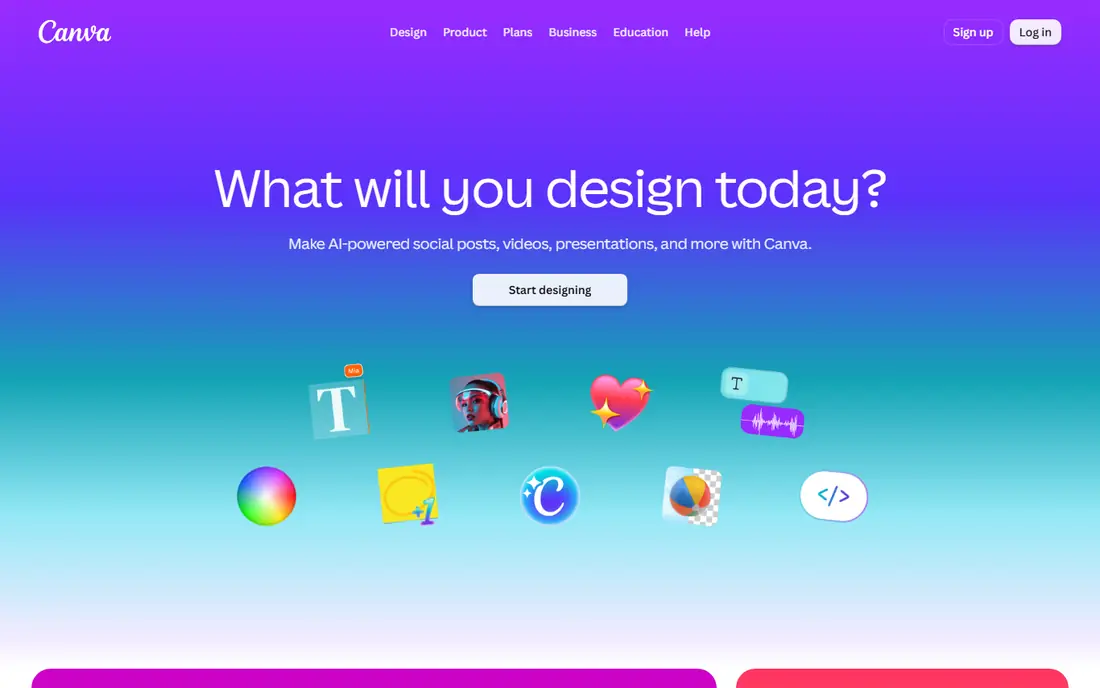
Canva runs in a browser and on mobile apps, and it covers social posts, presentations, videos, documents, whiteboards and print layouts from one account. The free plan includes 1.6 million templates and 5 GB of storage, while Pro raises that to 3.6 million templates, 141 million premium assets, 5 brand kits and 100 GB of storage. The limit to plan around is the seat rule. Pro is a single person licence, so a second editor means a Business seat at $25 per person per month on monthly billing, or $250 per person per year. AI use is also capped by a monthly allowance, with 200 Premium uses or 20 Ultra uses a month on Pro. If you work alone and you want the widest choice of ready templates, Canva is hard to beat. If you work in a team of three or more, compare the Business total with VistaCreate Pro before you buy.
- Largest template library in this group
- Strong brand kit and scheduling tools
- Pro covers one person only, so teams must move to Business at $25 per person per month
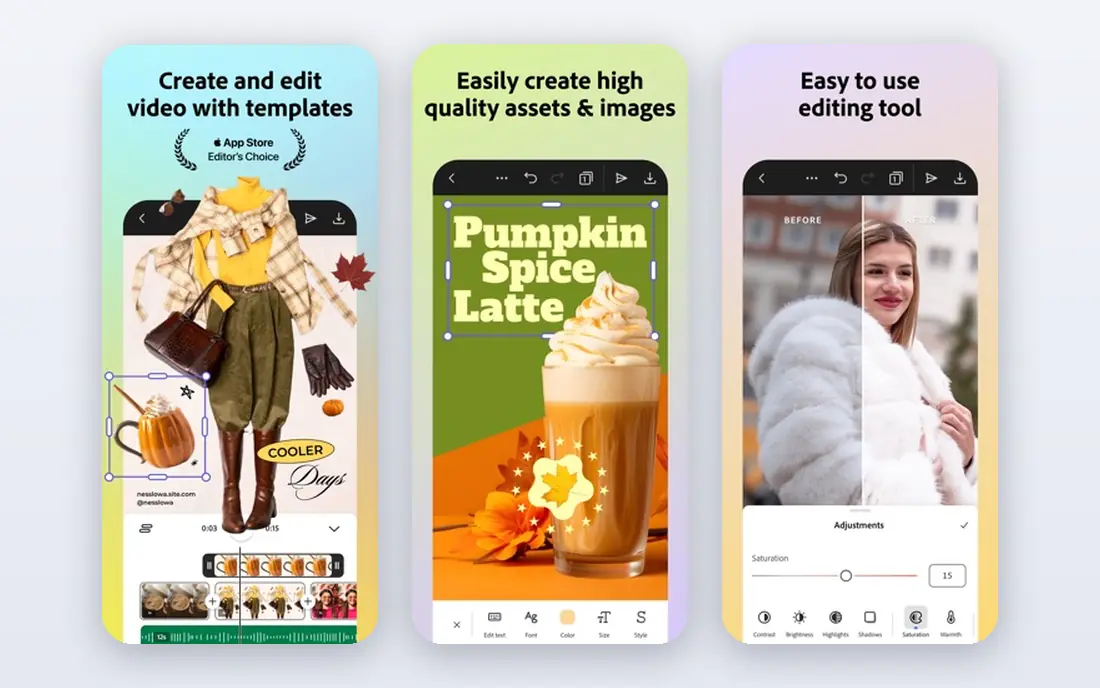
Adobe Express is Adobe's quick design app for social posts, flyers, short videos, logos and PDFs, and it runs in a browser and on mobile. The free plan includes more than 100,000 templates, more than 4,000 Adobe Fonts and 5 GB of storage. Premium adds all premium templates, 30,000 Adobe Fonts, brand kits, one click resize, remove video background and 250 generative credits a month. Premium costs $9.99 a month and is billed monthly with no annual commitment, so twelve months cost $119.88 and you can stop after one month without a yearly contract. A 30 day free trial is available. The main weakness is that Express is a lighter editor than Photoshop or Illustrator, so fine control over paths, masks and print colour is limited. For marketers who already use Adobe tools, Premium is included with Creative Cloud Standard and Pro, which can remove the extra cost entirely.
- Low monthly price with no annual commitment
- 30,000 Adobe Fonts on Premium
- Storage is listed as 100 GB on the plan card and 10 GB in the comparison table, so confirm the figure for your account
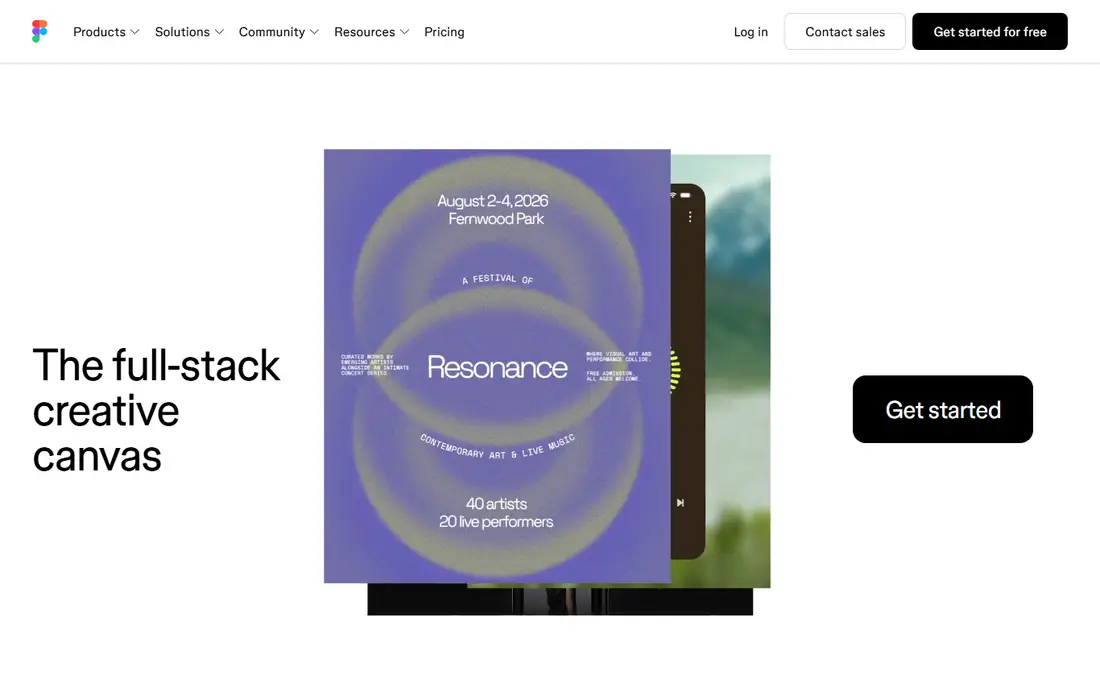
Figma is a cloud design platform built for interface and product design, with files, prototypes, developer handoff and team libraries in one workspace. The Starter plan is free and allows 3 design files and 3 FigJam boards. Professional costs $16 per full editor per month on annual billing, or $20 per month on monthly billing, with Dev seats at $12 and Collab seats at $3. Professional adds unlimited files, shared libraries, branching and Dev Mode. Figma is a different kind of template tool from the rest of this list. Its community templates cover wireframes, design systems, dashboards and mobile screens, not birthday cards or sale flyers. That focus is a strength for product teams and a weakness for social marketers. The per editor model also means cost grows with each designer, while viewers and commenters stay free. If your team designs apps, websites or dashboards and needs one shared library, Figma is the right pick.
- Shared team libraries, version history and developer handoff in one place
- Template library is weaker for social posts than Canva or VistaCreate, and viewers cannot edit without a seat
VistaCreate, formerly Crello, is a browser design tool with 85 design formats, from social posts and ads to print, video and animated graphics. The free Starter plan includes more than 100,000 templates, more than 1 million photos, videos and vectors and one Brand Kit. Pro costs $13 a month billed monthly or $120 a year, which works out at $10 a month on annual billing, and it covers a team of up to 10 people at that one price. Pro adds more than 200,000 templates, 170 million premium assets, unlimited Brand Kits and storage, one click resizing, version history and HD downloads. That team pricing is the main reason to choose VistaCreate. A team of five pays $120 a year in total on Pro, while the same team on Canva Business pays $1,250 a year. The trade off is a smaller library than Canva and a shared AI allowance of 100 image generations a month, with no extra generations to buy. The 14 day Pro trial needs a card and converts unless you cancel. For small businesses, sellers and nonprofits who publish social and print designs as a group, VistaCreate gives the best value per seat in this list.
- Pro covers up to 10 team members at one price
- 200,000 templates on Pro
- AI image generation is capped at 100 generations a month, shared across the whole account
Snappa is a cloud graphic tool built for speed. You pick a size, pick a template, swap the text and image, and download the graphic. The free Starter plan allows 3 downloads a month for one user, with access to templates and stock photos. Pro costs $15 per user a month billed monthly or $120 per user a year, which is $10 a month on annual billing. Pro adds unlimited downloads, Buffer and social media integrations, custom font uploads and background removal. The Team plan costs $30 a month billed monthly or $240 a year for 5 users. Snappa has kept the same price since 2017, and its editor is one of the easiest here for a beginner. There are no AI image tools, no video, no version history and no PDF or SVG export, so you cannot use it for print files. It suits marketers and founders who need a steady flow of social images and ads. If you need video, animation or print layouts, look at Canva, VistaCreate or Visme instead.
- Simple editor with no learning curve
- Unlimited downloads on Pro
- No AI tools, no video editing, no PDF or SVG export and no mobile app
PicMonkey is a browser photo editor and graphic design tool owned by Shutterstock, and it suits users who start from a photo rather than a blank template. Plans start with Basic at $7.99 a month, Pro at $12.99 a month and Team from $33.99 a month. Pro adds higher quality image output, more fonts, graphics and storage, plus the full template set. A 7 day trial gives access to all premium features before you choose a plan. The photo tools are the reason to pick PicMonkey over a template first tool. Touch up, background removal, effects, collage layouts and text on photos are all quick to use. Basic at $7.99 a month covers most casual use, while Pro at $12.99 a month adds output quality and assets that only matter for client work. There is no free plan, so you cannot keep a free account for occasional edits. Choose PicMonkey if photo editing is the core job.
- Strong photo editing, touch up and collage tools in a browser editor
- No free plan, only a 7 day trial, and Pro costs more than Basic for features many users will not need
Kittl is a browser design platform built around typography, vector editing and AI image tools, with a clear focus on T-shirts, merch and print on demand. The free plan costs $0 and includes 5 projects, 100 AI tokens a month, low resolution exports and personal use only. Pro costs $19 a month billed monthly or $168 a year, which is $14 a month on annual billing, and it adds 100 projects, vector exports, a commercial licence for up to 500,000 copies and 1,000 AI tokens a month. Kittl stands out for vintage text effects, font pairing and ready print presets that Canva and Snappa do not match. The commercial licence is also clear, with a 500,000 copy cap per design on Pro and Expert. Prices rose in October 2026, from $15 to $19 a month on Pro, and Kittl states that refunds are generally not provided. For merch sellers and designers who sell printed goods, Kittl is a strong pick.
- Strong typography, vector editing and print on demand presets
- Prices rose in October 2026, and refunds are generally not provided, so test on Free first
Visme is a cloud content tool for presentations, infographics, reports, charts and social graphics, with more than 10,000 templates and a large asset library. The free Basic plan includes unlimited projects, limited templates and assets, 500 MB of storage and 10 AI credits a month, but it adds Visme branding and blocks file downloads. Starter costs $29 a month billed monthly or $12.25 a month billed annually, which is $147 a year, and it adds full template access, premium assets and JPG, PNG and PDF downloads. Visme is the best pick here for data heavy work. Charts, data widgets, animation, hover effects and pop ups turn a flat infographic into an interactive page you can embed on a website. Starter is cheap, but most interactive and animation features need Pro, and PPTX and HTML5 export also need Pro. The free plan is limited to web sharing, so you cannot download a file without a subscription. Choose Visme for reports, decks and infographics.
- More than 10,000 templates for presentations, infographics and documents
- Interactive and animated output
- Free plan adds Visme branding and blocks downloads, and PPTX export needs Pro at $24.75 a month
How we chose
We compared the vendor pricing pages, plan comparison tables, help centre pages and template libraries for each tool in November 2026, and we checked the official homepage for every tool in this list. We compared starting prices on annual billing, free plan limits, template counts, brand kit controls, export formats and team seat rules. We did not claim hands on testing, and we did not use third party ratings, awards or customer counts to rank the tools. Prices change often, so confirm the current price on the vendor pricing page before you buy.
What to check before you buy
Check the free plan limit that will hit you first. Canva Free gives 5 GB of storage, Snappa Free allows 3 downloads a month, VistaCreate Starter allows one seat, and Visme Basic blocks downloads and adds branding. Next, count seats. Canva Pro covers one person, Snappa Pro covers one person, VistaCreate Pro covers up to 10 people, and Figma charges per editor, so the cheapest list price is not always the cheapest team price. Check export formats too. Snappa has no PDF or SVG export, Visme needs Pro for PPTX, and Kittl Free allows personal use only with low resolution exports. Check the commercial licence for client work and merch, and check whether AI credits renew monthly and whether unused credits roll over. Most tools here do not roll credits over.
| Team size and budget | Best pick | Yearly cost | | Solo creator, under $130 a year | Adobe Express Premium | $119.88 a year, billed monthly at $9.99 | | Solo creator, widest template choice | Canva Pro | $144 a year | | Team of 5, under $150 a year | VistaCreate Pro | $120 a year for up to 10 people | | Team of 5, design system and handoff | Figma Professional | $960 a year at $16 per editor per month | | Merch seller, vector and print presets | Kittl Pro | $168 a year | | Reports and infographics, solo | Visme Starter | $147 a year |
Use the table above as a starting point, then test two tools on their free plans with the same real brief. Build one social post and one presentation slide in each, and compare the time it takes and the export quality.
Frequently asked questions
Which cloud design platform has the most templates?
Canva has the most templates in this list. Pro includes 3.6 million templates, while the free plan includes 1.6 million templates. VistaCreate Pro includes more than 200,000 templates, and Visme includes more than 10,000 templates. Template count alone does not decide quality, so test the templates for your own formats before you commit.
Is there a free cloud design platform with templates?
Yes. Canva, Adobe Express, Figma, VistaCreate, Snappa, Kittl and Visme all have free plans with templates. PicMonkey has no free plan, only a 7 day trial. Free plans limit downloads, storage, premium templates or exports, so a free plan suits occasional use, while regular publishing usually needs a subscription plan.
What is the cheapest option for a small team?
VistaCreate Pro is the cheapest option for a small team in this list. It costs $120 a year on annual billing and covers up to 10 team members at that one price. Canva Business costs $250 per person per year, and Figma Professional costs $16 per editor per month on annual billing. Check the seat limit and the template library before you choose on price alone.
Can I use these templates for client work?
Most tools here allow commercial use on their subscription plans, but the terms differ by plan. Kittl Pro allows commercial use for up to 500,000 copies per design, while Kittl Free allows personal use only. Visme Basic and Starter are for personal use only, and commercial use needs Pro. Read the licence terms on the vendor site before you sell client work.
Which tool is best for presentations and infographics?
Visme is the best pick in this list for presentations and infographics. It has more than 10,000 templates, charts, data widgets, animation and interactive output that you can embed on a website. Starter costs $12.25 a month on annual billing, but PPTX export and most interactive features need Pro at $24.75 a month on annual billing.
Do I need Figma for social media graphics?
No. Figma is built for interface and product design, with team libraries, prototypes and developer handoff. Its template library is weaker for social posts than Canva, Adobe Express or VistaCreate. Use Figma when your team designs apps, websites or dashboards.
Sources
See where you really rank - block by block
ProMapRanker scans Google Maps across a grid of your service area. Simple monthly plans from $19, white-label on every plan.
Start freeKeep reading
 best CRM software for salons
Best CRM Software for Salons Compared
Compare the best CRM software for salons with client records, booking, marketing and loyalty in one place. See prices, trials and the right fit for your team.
Read → best CRM software for roofers
Best CRM Software for Roofers
best CRM software for roofers compared on price, pipelines, estimates, and insurance workflows, so a roofing company can pick the system that fits its crews.
Read → best CRM software for med spas
Best CRM Software for Med Spas in 2026
Compare the best CRM software for med spas, with real prices and lead tracking features, so you can pick a CRM that turns more inquiries into booked treatments.
Read →