 ProMapRanker
Best Clock In and Out App in 2026

Key takeaways
- Homebase and Clockify offer the lowest-cost starting points, while Buddy Punch leads on punch verification.
- Per-location pricing suits single-site teams, while per-user pricing suits distributed teams.
- GPS and photo verification help for field teams, but they add setup and privacy questions to handle with care.
- Scheduling matters as much as clocking in, so check whether shifts, swaps and overtime rules are included.
- We favored apps with a free plan or trial, payroll exports, and clear published pricing.
Quick comparison
| Pick | Great for | Pricing starts at | Free tier | |
|---|---|---|---|---|
 Homebase Homebase | Single-site restaurants and retail teams | Free | Yes | Visit |
 Clockify Clockify | Teams that need low-cost time tracking first | Free | Yes | Visit |
 Deputy Deputy | Hospitality and retail teams with compliance needs | $5 per user per month | Free trial | Visit |
 Connecteam Connecteam | Mobile-first teams without desks | Free | Yes | Visit |
 Buddy Punch Buddy Punch | Teams that need to stop buddy punching | $19 per month plus $4.99 per user per month | Free trial | Visit |
 QuickBooks Time QuickBooks Time | Businesses already using QuickBooks payroll | $20 per month plus $10 per user per month | Free trial | Visit |
 When I Work When I Work | Shift-heavy teams on a tight budget | $2.50 per user per month | Free trial | Visit |
 OnTheClock OnTheClock | Small businesses that want GPS-verified punches | $5 per month plus $4 per employee per month | Free trial | Visit |
The best clock in and out apps
A good time clock app does more than record start and finish times. It should handle late arrivals, missed punches, overtime and payroll exports without creating extra admin work. These eight cover free options, field-team tools and payroll-linked systems.
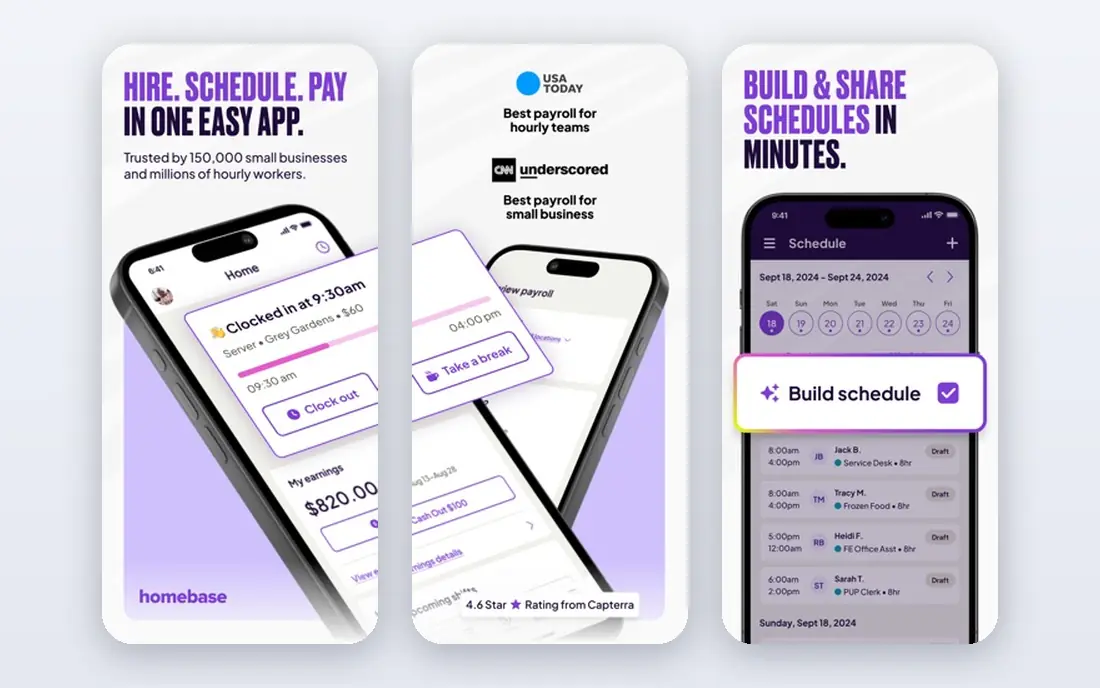
Homebase suits a small team that works in one place and needs scheduling and time tracking together. Staff clock in with a PIN, photo or app, managers build shifts with drag and drop, and timesheets feed into payroll if you add that service. The free plan covers one location with up to 10 employees, which is enough for many cafes, shops and small restaurants to start.
The per-location model is both a strength and a limit. One site stays cheap, but costs rise as you add sites, and GPS or geofencing controls sit on higher tiers. If your team works across many sites or mostly in the field, compare a per-user tool before committing. For a single shop, Homebase is hard to beat on starting value.
- Free plan for one location and up to 10 employees
- Scheduling included
- Payroll add-on available
- Paid plans are priced per location
- Advanced GPS controls need higher tiers
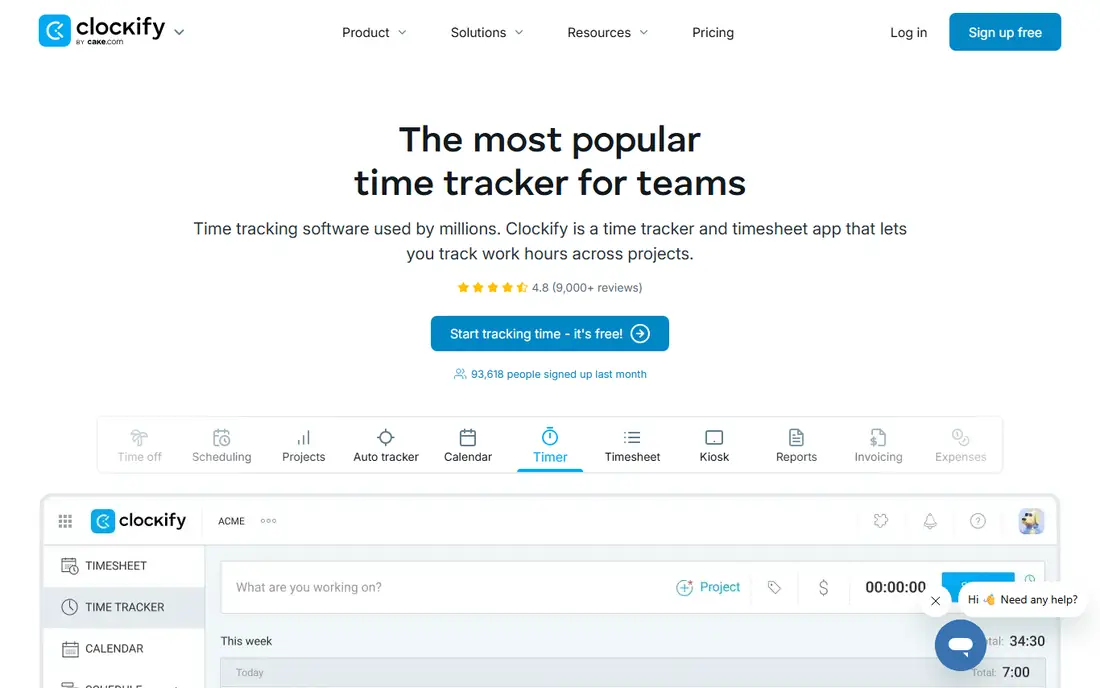
Clockify began as a time tracker, and that focus still shows. Staff can start a timer, log hours manually, or fill in a timesheet, and managers can review hours by project, client or team member. The free plan covers core tracking, which makes it a useful trial for teams that want to test digital timesheets before paying.
Clockify is less of a shift-scheduling tool than Deputy or When I Work. If you need open shifts, swaps and compliance alerts, you may need another system alongside it. For project-based teams and small businesses that mainly need accurate hours for billing or payroll, Clockify offers a calm, low-cost start.
- Free plan for basic tracking
- Simple timer and timesheet views
- Paid plans from low monthly rates
- GPS tracking sits on paid tiers
- Scheduling is less developed than shift-first rivals
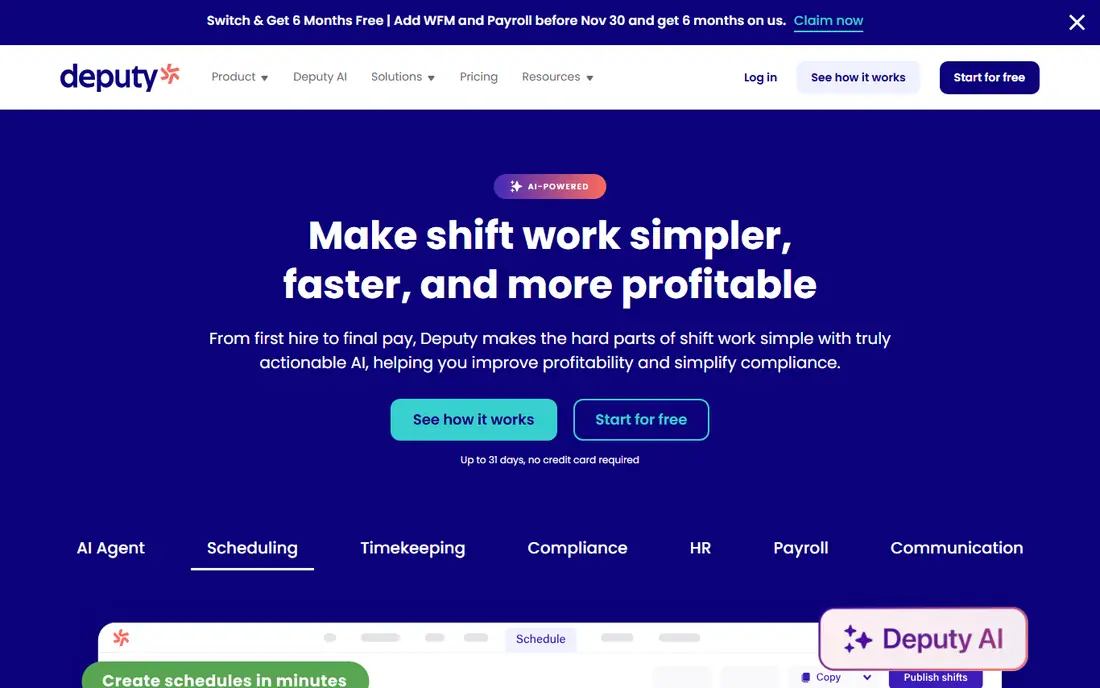
Deputy pairs scheduling with clocking in, so a shift, a punch and a timesheet stay linked. Managers can publish rosters, staff can swap shifts from a phone, and the system flags overtime, late starts and missed breaks based on rules you set. That link matters for hospitality and retail, where labor rules and wage costs need close attention.
Pricing starts at $5 per user per month, with a monthly minimum and higher tiers for added controls. There is no free plan, but the trial runs for 31 days, which gives time to test a full roster cycle. Deputy fits teams that want scheduling discipline first and are willing to pay per user for it.
- Shift scheduling and time clock in one system
- Compliance and overtime tools
- 31-day trial
- No permanent free plan
- Monthly minimum applies
- Costs rise with headcount
Connecteam is built for staff who work on phones, not at desks. The app combines a GPS time clock with scheduling, team chat, task lists and digital forms, so a field crew can clock in, see the day plan and submit a form without switching tools. The free plan covers up to 10 users, which suits small crews testing a mobile setup.
The trade-off is depth in payroll. Exports cover many cases, but teams that want a direct payroll sync should check their provider before choosing Connecteam. Paid plans start at $29 per month for the first 30 users when billed annually. For a small mobile team that wants communication and clocking in one place, Connecteam is a strong fit.
- Free plan for up to 10 users
- GPS clock-ins
- Scheduling, chat and forms in one app
- Payroll links rely on exports for some systems
- Paid plans are priced per hub
Buddy Punch focuses on proving who clocked in. Staff can punch with a PIN, QR code or webcam photo, and managers can add GPS location or geofencing on higher tiers. That verification helps teams that have had problems with shared logins or off-site punches, and it gives payroll a cleaner record to work from.
Pricing combines a $19 monthly base fee with $4.99 per user per month on annual billing, with a 14-day trial. That structure suits small and mid-size teams, but larger teams should model the total before signing up. If punch accuracy is your main worry, Buddy Punch earns its place near the top of this list.
- Photo, PIN and QR clock-ins
- GPS and geofencing options
- Many payroll integrations
- No free plan
- Base fee plus per-user fee adds up for larger teams
QuickBooks Time, formerly TSheets, makes most sense inside a QuickBooks setup. Hours flow into QuickBooks Online and payroll, which removes the export and re-entry step that causes errors. GPS tracking, scheduling and overtime alerts are part of the package, and staff can clock in from a phone, computer or kiosk.
The catch is the ecosystem lock-in. You need paid QuickBooks Online to get full value, and the $20 base fee plus $10 per user per month adds up for a tiny team. If you already run QuickBooks payroll, this is the natural pick. If you do not, a free or cheaper clock app may serve you better.
- Punches sync into QuickBooks payroll
- GPS tracking on all plans
- Scheduling included
- Needs a paid QuickBooks Online plan
- Base plus per-user cost is high for very small teams
When I Work leads with scheduling. Managers build shifts, publish them to the team, and staff claim open shifts or swap with colleagues from a phone. Clock-ins tie to scheduled shifts, which helps managers spot late arrivals and gaps quickly. The starting price of $2.50 per user per month keeps costs low for shift-heavy teams.
Time tracking sits as an add-on rather than the core, so confirm what is included in your plan before you rely on it for payroll. The 14-day trial gives a short window to test scheduling with a real roster. For restaurants, retail and care teams where the roster changes weekly, When I Work offers a simple, low-cost route.
- Low per-user starting price
- Shift swaps and open shifts
- Simple mobile app
- Time tracking is an add-on
- Free trial only, no permanent free plan
OnTheClock keeps the focus on verified clock-ins and clean timesheets. Staff punch from a phone, computer or kiosk, punches carry GPS tags, and managers can review, edit and export hours for payroll providers such as QuickBooks, Gusto and ADP. Scheduling and time-off tools are included, but the product stays simpler than Deputy or Homebase.
Pricing starts at $5 per month plus $4 per employee per month, with a 30-day trial. That flat, predictable model suits very small teams that want GPS proof without a complex suite. If you need deep scheduling or workforce planning, look at a scheduling-first tool instead. If you need reliable punches and exports, OnTheClock does the job well.
- GPS-tagged punches
- Kiosk and mobile clock-ins
- Payroll exports for major providers
- No permanent free plan
- Interface is simpler than full scheduling suites
How we picked these
We compared official pricing pages, feature lists and public user reviews for time clock apps live in October 2026. We kept apps that offer mobile or kiosk clock-ins, timesheet review, and a payroll export or sync, and we favored clear published pricing over quote-only tools. We did not claim hands-on testing. Where pricing varies by billing cycle or tier, we state the annual or starting figure shown in our research and note the trial terms.
What to check before you choose a time clock app
Start with how your team actually works. A single-site team needs a kiosk or shared tablet option, while a field team needs GPS, offline punches and a phone app that works in low signal. Ask staff to test the punch flow during the trial, since a slow or confusing clock-in will create more problems than it solves. Check overtime rules, break tracking and time-off handling early, because those details drive payroll accuracy.
Next, check the total cost at your headcount, not just the headline rate. Per-user, per-location and base-plus-per-user models produce very different totals as you grow. Confirm which payroll system you use and whether hours sync directly or export as a file. Finally, handle location and photo data with care. Tell staff what is collected, when tracking starts and stops, and how long records are kept. A clear policy builds trust and avoids disputes over GPS or photo verification.
Frequently asked questions
What is the best free time clock app for small business?
Homebase offers a free plan for one location with up to 10 employees, and Clockify offers a free plan for basic time tracking. Homebase fits single-site teams that also need scheduling, while Clockify fits project teams that mainly need hours logged. Connecteam also offers a free plan for up to 10 users for mobile teams.
What is the best employee time clock app for field teams?
Connecteam, Buddy Punch and OnTheClock all suit field work, thanks to GPS-tagged punches and mobile apps. Buddy Punch adds the strongest punch verification with photo and QR options, while Connecteam adds chat and forms for crews. Pick based on whether verification, communication or simple exports matter most.
What is the best app to track work hours for payroll?
QuickBooks Time is the strongest choice if you already use QuickBooks payroll, since hours sync directly. For other payroll systems, Homebase, Deputy and OnTheClock all export timesheets, and Buddy Punch integrates with many payroll providers. Confirm your payroll provider is supported before you commit.
Do time clock apps work without internet?
Some apps allow offline punches that sync later, but this varies by product and plan. Check the vendor page for offline support if your team works in areas with weak signal. Do not assume offline mode is included, and test it during the trial in the places your team actually works.
How much should a small business pay for a time clock app?
Many small teams start free with Homebase, Clockify or Connecteam. Paid plans in this list range from $2.50 per user per month to base-plus-per-user models around $20 plus $10 per user per month. Model the cost at your current headcount and at the size you expect in a year, since pricing models scale differently.
Can staff clock in and out from their own phones?
Yes, all eight apps offer mobile clock-ins, and most also offer a shared kiosk or web option. Mobile punches suit field and multi-site teams, while a kiosk suits a single site with shared devices. Decide which method fits your team, and set clear rules for personal device use and location permissions.
Sources
See where you really rank - block by block
ProMapRanker scans Google Maps across a grid of your service area. Simple monthly plans from $19, white-label on every plan.
Start freeKeep reading
 zeffy payment processor stripe alternatives
Zeffy and Stripe Alternatives for Nonprofits in 2026
Explore zeffy payment processor stripe alternatives for nonprofits. We compare 8 fundraising platforms on fees, donor tools, and nonprofit focus. Check fees.
Read → workday alternatives
Workday Alternatives in 2026
Workday alternatives compared: we review 8 HR and payroll platforms that replace Workday, with pricing, strengths and honest limits for each team size.
Read → what's the best weather app
What's the Best Weather App in 2026
Wondering what's the best weather app? We compare 10 free and paid apps for forecasts, radar, alerts, and Colorado mountain weather for everyday and storm use.
Read →