 ProMapRanker
Best Carpet Cleaning Software for Small Crews


Growing carpet cleaning crews that want one system for the whole job · Pricing starts at: $49 per month (Core, billed monthly)
Key takeaways
- ZenMaid is the cheapest entry point here at $19 per month for the Starter plan, which covers up to 40 appointments a month and suits a solo operator.
- Jobber Core costs $49 per month billed monthly, or $29 billed annually, and gives a growing crew quoting, invoicing, online booking and payments in one place.
- Housecall Pro Basic costs $79 per month billed monthly, or $59 billed annually, and includes two-way texting and review requests on the entry plan.
- ServiceM8 is the only tool here with a free plan, and its subscription plans start at $29 per month with unlimited users on every tier.
- Vonigo, Aspire, FieldEdge and ServiceMonster are quote only, so they fit larger operations that want a sales conversation and a tailored setup.
Quick comparison
| Pick | Great for | Pricing starts at | Free tier | |
|---|---|---|---|---|
| Jobber | Growing carpet cleaning crews that want one system for the whole job | $49 per month (Core, billed monthly) | Free trial (14 days) | Visit |
 Housecall Pro | Carpet cleaners that want texting, reviews and financing on the entry plan | $79 per month (Basic, billed monthly) | Free trial (14 days) | Visit |
 ZenMaid | Solo operators and small maid services with recurring appointments | $19 per month (Starter) | Free trial (14 days) | Visit |
 ServiceM8 | High-volume reactive work where headcount should not drive the bill | $29 per month (Starter) | Yes | Visit |
 Vonigo | Multi-location carpet cleaning operations and franchises | quote only | No | Visit |
 Aspire | Commercial carpet cleaning and janitorial work at scale | quote only | No | Visit |
 FieldEdge | Dispatch-heavy field service teams that run carpet cleaning beside other trades | quote only | No | Visit |
 ServiceMonster | Carpet cleaners that want route planning and marketing in one tool | quote only | No | Visit |
The best carpet cleaning software
Jobber
Great for: Growing carpet cleaning crews that want one system for the whole job
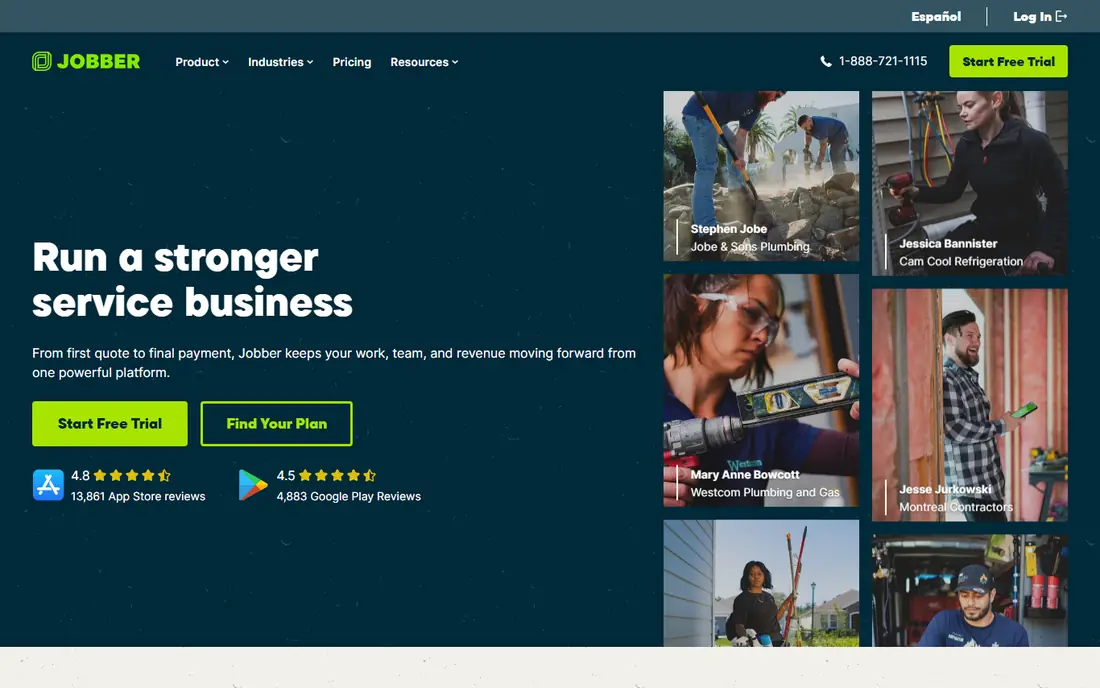
Jobber is the most complete all-in-one option for a carpet cleaning business that is moving past spreadsheets. A customer can book online, receive a quote, approve it, and pay by card, all without a phone call. The schedule shows the day by crew member, and automated reminders go out before each appointment, which cuts no-shows. Invoicing follows the job, and card payments settle at 2.9 percent plus 30 cents per transaction.
The pricing is clear. Core costs $49 per month billed monthly, or $29 billed annually, for one user. Connect starts at $139 per month billed monthly and adds automated reminders, routing and QuickBooks Online sync. Grow starts at $199 per month billed monthly and adds two-way texting, job costing and time tracking. Each extra user costs about $29 per month. A solo operator can start cheap, but a five-person crew should model the Connect or Grow price before committing, because the per-user cost adds up.
- Online booking, quotes, invoicing and payments in one place
- Automated reminders cut no-shows and late payments
- Two-way texting and job costing sit on higher plans
- Per-user pricing means the bill rises as the crew grows
Housecall Pro
Great for: Carpet cleaners that want texting, reviews and financing on the entry plan
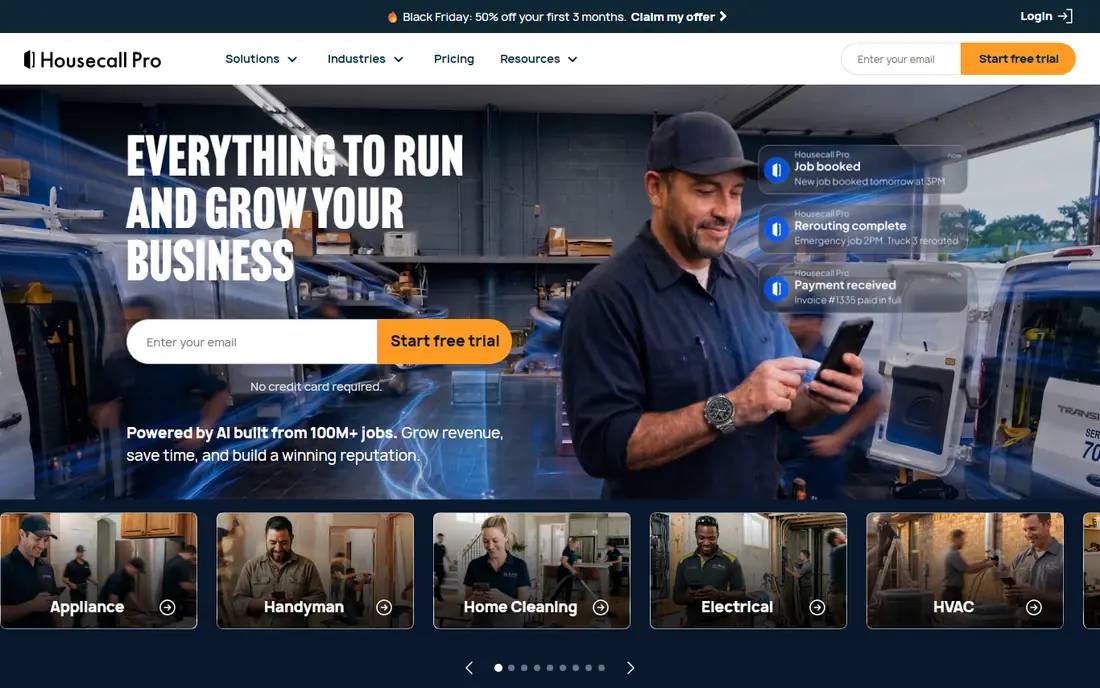
Housecall Pro suits a carpet cleaner who wants strong customer communication from day one. The Basic plan includes online booking, scheduling, estimates, invoicing, payments, a price book and job costing, plus two-way texting and review requests that Jobber reserves for higher tiers. Customers can also finance a large job through Wisetack, which the pro pays for at a flat 3.9 percent fee per financed job. That helps close big carpet and upholstery jobs that a customer might otherwise delay.
The price is higher than Jobber for a solo operator. Basic costs $79 per month billed monthly, or $59 billed annually, for one user. Essentials costs $189 per month billed monthly, or $149 billed annually, for five users, and adds routes, flat-rate pricing, photo reports, employee GPS and QuickBooks Online sync. MAX costs $329 per month billed monthly, or $299 billed annually, for eight users, and adds the sales proposal tool and an open API. A one-person business pays a premium for the communication features, while a five-person crew finds the value in Essentials.
- Two-way texting and review requests included on Basic
- Built-in customer financing through Wisetack
- Costs more than Jobber for one user
- Only one user is included on Basic, so a second technician needs Essentials
ZenMaid
Great for: Solo operators and small maid services with recurring appointments
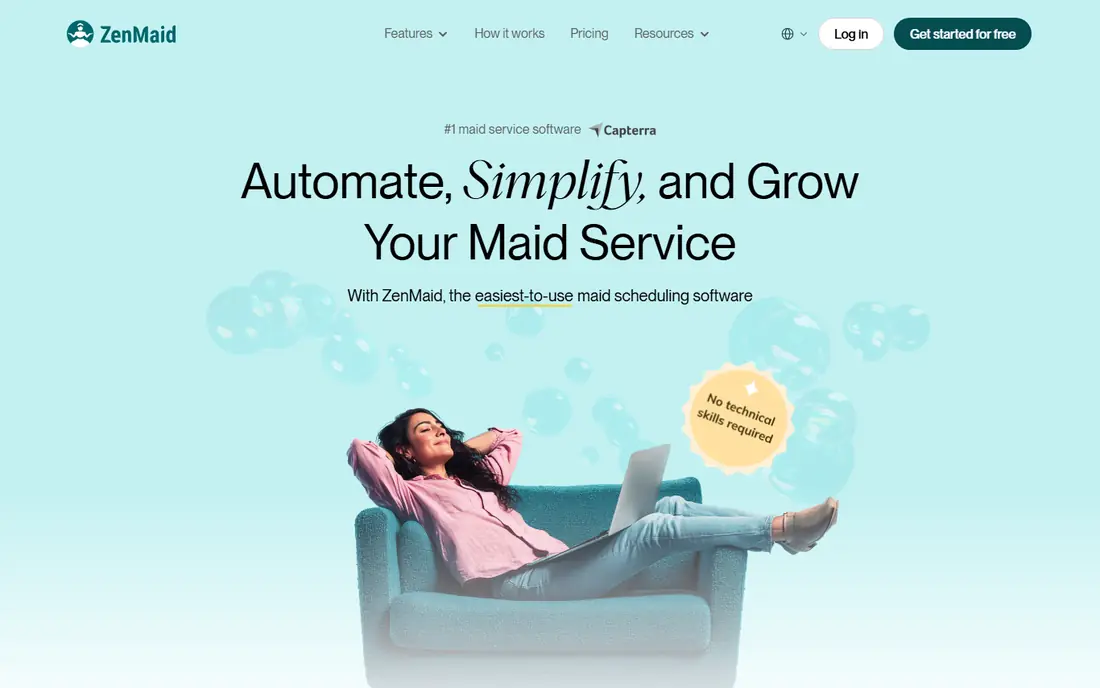
ZenMaid is built for residential cleaning, and carpet cleaning fits its recurring-appointment model well. The calendar shows appointments by cleaner, with map and dispatch views, and a booking form on your website lets customers request a slot. Automated reminders cut missed appointments, and the cleaner mobile app keeps the crew on the same page. GPS tracking shows where each cleaner is during the day, which helps a small owner manage a crew without calling each person.
Pricing starts at $19 per month for the Starter plan, which covers up to 40 appointments a month. Pro starts at $39 per month and Pro Max at $49 per month, with higher appointment limits and more features. A 14-day free trial is available on all plans. The low entry price is the main draw, but a business that outgrows 40 appointments a month will need to step up a tier, and a business that wants deep accounting or marketing tools will find ZenMaid thinner than Jobber or Housecall Pro.
- Cheapest entry price in this guide
- Built for recurring cleaning schedules with cleaner dispatch and GPS tracking
- Appointment caps on Starter limit growth
- Fewer accounting and marketing features than Jobber or Housecall Pro
ServiceM8
Great for: High-volume reactive work where headcount should not drive the bill
ServiceM8 takes a different approach to pricing. Instead of charging per user, it charges by the number of jobs completed each month, and every subscription plan includes unlimited users. That suits a carpet cleaning business with many part-time technicians, because adding a fifth or sixth cleaner does not change the bill. The free plan covers one user and 30 jobs a month, with scheduling, quoting, invoicing, time tracking and recurring jobs included.
Subscription plans start at $29 per month for Starter, which covers 50 jobs a month with unlimited users. Growing costs $79 per month for 150 jobs, Premium $149 per month for 500 jobs, and Premium Plus $349 per month for 1,500 or more jobs. The job-volume model rewards a small crew that does a few big jobs, but it punishes a crew that does many small jobs, because each job counts against the cap. A carpet cleaner doing two or three jobs a day will hit the Starter cap fast, so the real cost depends on job count, not headcount.
- Free plan covers 30 jobs a month for one user
- Subscription plans include unlimited users, so adding staff costs nothing extra
- Pricing is based on job volume, so a busy month costs more
- Built for reactive trade work rather than recurring cleaning rounds
Vonigo is built for home service businesses that run more than one location. It covers scheduling, dispatch, quoting, invoicing, customer management and marketing in one system, and it handles franchise structures, so a head office can see every branch while each branch runs its own day. That scope suits a carpet cleaning company with several vans and a central office, where a simple scheduling app would fall short.
The trade-off is that Vonigo is quote only, and the setup is longer than a self-serve tool. A buyer should expect a demo, a scoping call and a tailored quote, and should ask what is included in the implementation price. A solo operator will find Vonigo too large and too slow to start, but a multi-branch business that needs franchise reporting and central control will find few alternatives with the same depth.
- Handles franchises and multiple branches in one system
- Strong scheduling, dispatch and customer management for larger teams
- No public pricing, so budgeting needs a sales call
- More system than a solo operator needs, with a longer setup
Aspire targets commercial cleaning, including carpet cleaning for offices, hotels and large facilities. It covers estimating, scheduling, job costing, invoicing and property management, with reporting that shows margin by contract and by site. That matters for commercial work, where a contract can cover dozens of rooms and the margin depends on labour hours, not just the headline price. The system also tracks equipment and supplies across sites, which helps a manager keep costs visible.
Pricing is quote only, and Aspire is sold through a sales process aimed at larger businesses. A residential carpet cleaner with a few vans will find it too large, and the setup time reflects that. A commercial operator with contracts, multiple sites and a need for job costing will find Aspire a better fit than a tool built for residential scheduling, but should budget for implementation time and training.
- Built for commercial contracts with job costing, estimating and property management
- Strong reporting for large accounts
- Quote-only pricing with an enterprise sales process
- Overkill for a residential-only carpet cleaner
FieldEdge
Great for: Dispatch-heavy field service teams that run carpet cleaning beside other trades
FieldEdge is a field service platform that covers scheduling, dispatch, quoting, invoicing and customer management for service businesses, including carpet cleaning. Its dispatch board is the centre of the system, showing each technician, each job and each route in one view, and the mobile app keeps the crew updated in the field. The flat-rate price book helps a technician quote a carpet cleaning job on site without calling the office, and the QuickBooks integration keeps the books in step.
Pricing is quote only, so a buyer needs a demo and a sales conversation to get a number. FieldEdge is also a general tool, which means it covers many trades well but has fewer carpet-specific features than a niche product. A business that runs carpet cleaning beside other services, such as upholstery or water damage work, will value the breadth. A carpet-only business that wants a simple recurring schedule may prefer a smaller tool.
- Strong dispatch board and route tools for crews on the road
- QuickBooks integration and flat-rate price book
- Quote-only pricing
- A general field service tool, so carpet-specific features are thinner than in niche tools
ServiceMonster
Great for: Carpet cleaners that want route planning and marketing in one tool
ServiceMonster is built for carpet cleaning and restoration, so its features match the work. Scheduling ties to customer history, so a technician can see the last clean, the rooms done and the products used before arriving. Route optimisation orders the day to cut driving time, and automated marketing sends reminders and follow-ups to past customers, which helps fill quiet weeks. The system also handles invoicing and payments, so the office can run the whole job from one place.
Pricing is quote only, and a demo is the usual first step. The interface is older than the newer tools in this guide, and a team used to a modern app may need time to adjust. Setup also takes longer than a self-serve signup. For a carpet cleaner that values route planning and repeat-customer marketing over a slick interface, ServiceMonster is a solid fit, and its niche focus shows in the features.
- Route optimisation and automated marketing built for carpet and restoration cleaners
- Job scheduling tied to customer history
- No public pricing
- The interface feels dated next to newer tools, and setup takes time
How we chose
We compared vendor pricing pages, product documentation and feature lists for each tool, and we checked which prices are published and which are quote only. We looked at scheduling, quoting, invoicing, dispatch and customer communication, and at how each tool charges as a crew grows. We did not run hands-on tests, and we did not accept vendor claims about customer counts or review scores without a source. Prices were checked on the vendor pricing pages linked in Sources, and quote-only products are marked as such rather than given an estimated figure.
What to check before you buy
| Crew size | First pick | Monthly cost at that size | Watch for | | Solo operator | ZenMaid Starter | $19 per month | 40-appointment cap, so step up when bookings grow | | 1 to 2 technicians | Jobber Core | $49 per month billed monthly | Two-way texting needs the Grow plan | | 2 to 5 technicians | Housecall Pro Essentials | $189 per month billed monthly | No extra users below MAX, so plan the headcount | | 5 plus technicians | ServiceM8 Growing | $79 per month | Job cap of 150 a month, so count jobs, not staff | | Multi-branch | Vonigo or Aspire | quote only | Ask what implementation and training cost |
Check whether the price includes the features you need, because texting, job costing and QuickBooks sync often sit on higher tiers. Confirm the trial length and whether a card is required, and ask how the price changes when you add a user or pass a job cap. Check the card processing fee on payments, because 2.9 percent plus 30 cents per transaction adds up on small jobs. Finally, confirm that the mobile app works offline, because a technician in a basement with no signal still needs the job details.
Frequently asked questions
What is the best software for a solo carpet cleaner?
ZenMaid Starter at $19 per month is the cheapest entry point, and it covers scheduling, dispatch and reminders for up to 40 appointments a month. Jobber Core at $49 per month billed monthly is the stronger all-in-one choice if you also want online booking, quotes, invoicing and payments in one place. A solo cleaner should pick ZenMaid for price and simplicity, and Jobber when the business needs a full sales and billing system.
Does carpet cleaning software handle recurring appointments?
Yes, most tools in this guide handle recurring work. ZenMaid and Jobber both schedule repeat appointments, send reminders before each visit and track the history per customer. ServiceM8 also covers recurring jobs on every plan, including the free plan. If most of your work is repeat residential cleans, check that the tool supports recurring schedules without manual re-entry each week.
How much does carpet cleaning software cost per month?
Published prices run from $19 per month for ZenMaid Starter to $79 per month for Housecall Pro Basic billed monthly, with Jobber Core at $49 and ServiceM8 Starter at $29. Larger platforms such as Vonigo, Aspire and FieldEdge are quote only. The real monthly cost depends on users, job volume and add-ons, so model your crew size and job count before you choose.
Can I take card payments through carpet cleaning software?
Yes. Jobber, Housecall Pro, ZenMaid and ServiceM8 all support card payments, either built in or through an integration. Jobber charges 2.9 percent plus 30 cents per card transaction, and Housecall Pro lists card rates from 2.59 percent. Check the processing fee and the payout timing before you switch, because the fee applies to every job you collect by card.
Do these tools work for commercial carpet cleaning?
Jobber, Housecall Pro and FieldEdge all handle commercial jobs, with quoting, scheduling and invoicing that fit larger sites. Aspire is the strongest pick for commercial work, because it adds job costing, estimating and margin reporting by contract and site. A residential-only cleaner will find Aspire too large, but a business with office or hotel contracts should look at it first.
Sources
See where you really rank - block by block
ProMapRanker scans Google Maps across a grid of your service area. Simple monthly plans from $19, white-label on every plan.
Start freeKeep reading
 best chimney sweep software
Best Chimney Sweep Software: 8 Tools Compared
Compare the best chimney sweep software for scheduling, quotes and invoicing. See starting prices, free trials and the right pick for your crew size now.
Read → best childcare management software
Best Childcare Management Software
Compare the best childcare management software for centres and preschools, with billing, attendance, parent messaging, and learning tools in one clear guide.
Read → best channel manager software for hotels
Best Channel Manager Software for Hotels
Compare the best channel manager software for hotels in 2026, with real prices, channel counts and PMS links, so you can stop double bookings and sell rooms.
Read →