 ProMapRanker
Best Book Analysis Software for Authors in 2026


line-level manuscript revision · Pricing starts at: $10 per month
Key takeaways
- No single tool covers structure, line editing, and proofreading equally well
- Fiction tools that compare against genre norms need a full draft to be useful
- Scene-level tools help most when the plot feels uneven, not when sentences need polish
- A one-off report can cost less than a subscription if you revise one book a year
- Automated feedback still needs a human editor for story judgment and taste
Quick comparison
| Pick | Great for | Pricing starts at | Free tier | |
|---|---|---|---|---|
| ProWritingAid | line-level manuscript revision | $10 per month | Yes | Visit |
 AutoCrit AutoCrit | fiction self-editing against genre norms | $30 per month | Yes | Visit |
 Fictionary Fictionary | scene-level story structure | See website | Free trial | Visit |
 Marlowe Marlowe | a one-off whole-book critique | $29.95 per report | Yes | Visit |
 Hemingway Editor Hemingway Editor | tightening sentences and readability | Free | Yes | Visit |
 Grammarly Grammarly | grammar and clarity for every draft | Free | Yes | Visit |
 Plottr Plottr | planning and tracking story threads | See website | Free trial | Visit |
 PerfectIt PerfectIt | consistency checks in Word | See website | Free trial | Visit |
The best book analysis software for authors
We compared tools that analyze a whole book, not only short passages, and we weighed what each one measures, whether it fits fiction or nonfiction, and what it costs over a full revision. Our pick for most authors is a line-level tool for everyday revision, paired with a structural tool when the story itself needs work.
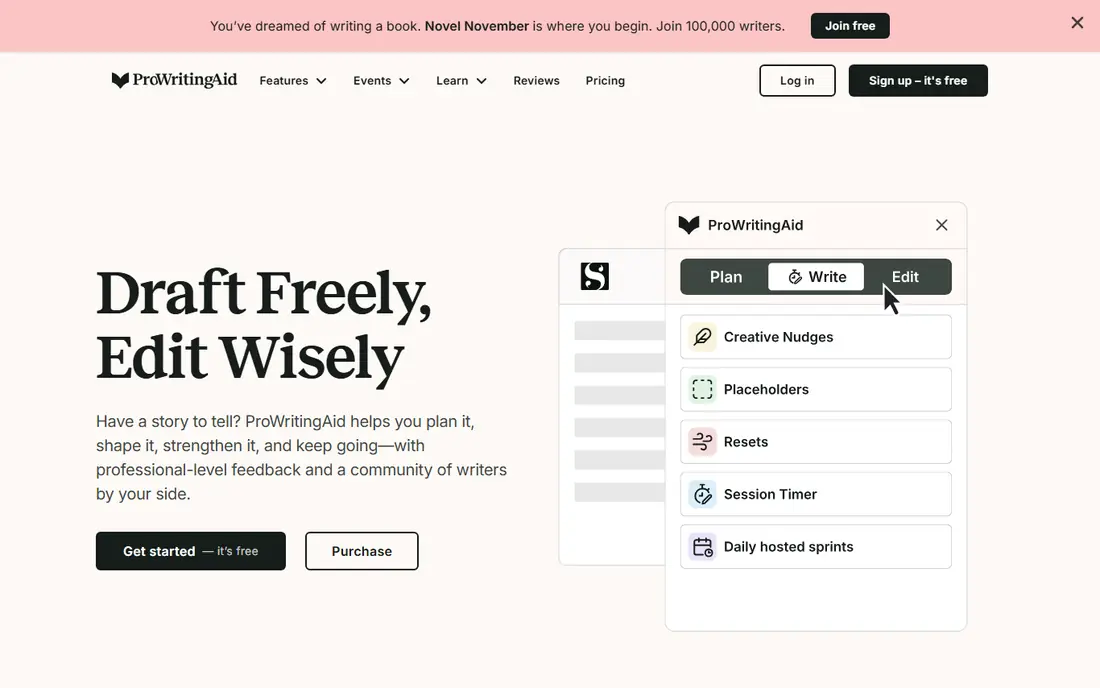
For line-level manuscript revision, ProWritingAid is a practical first choice. Its reports cover style, repetition, sentence length, dialogue, and readability, and the manuscript tool gives a whole-book view rather than chapter fragments. Its main strengths are more than 20 writing reports; works in word, google docs, and scrivener; manuscript analysis for whole books. For many readers, that combination covers the most common jobs without adding extra steps or a steep learning curve.
In daily use, the workflow stays short for repeat jobs, and most settings are easy to find without a manual. On the other side, no mobile app; plagiarism checks cost extra. The catch is worth weighing before you commit, especially if you work with sensitive files every day.
- More than 20 writing reports
- Works in Word, Google Docs, and Scrivener
- Manuscript analysis for whole books
- No mobile app
- Plagiarism checks cost extra
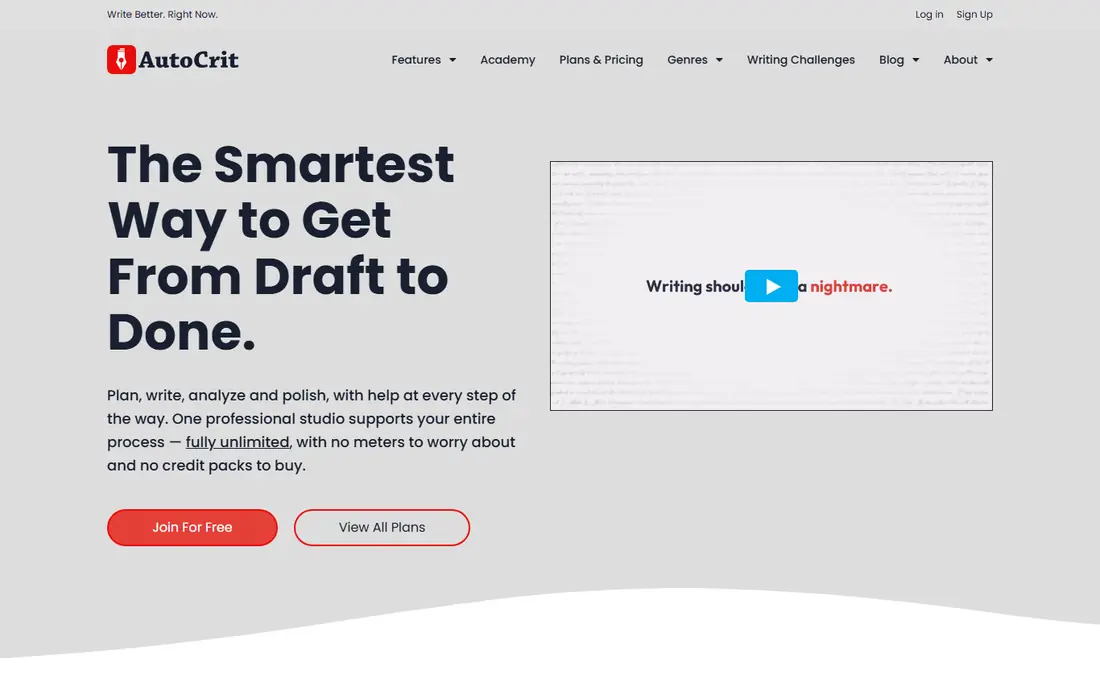
If fiction self-editing against genre norms describes your work, AutoCrit deserves a close look. It compares pacing, dialogue, repetition, and word choice with published fiction, which helps fiction writers see where a draft drifts from genre norms. Its main strengths are fiction-specific reports; pacing and dialogue analysis; comparison with published books in a genre. For many readers, that combination covers the most common jobs without adding extra steps or a steep learning curve.
In daily use, the workflow stays short for repeat jobs, and most settings are easy to find without a manual. On the other side, grammar checking is weaker than general editors; full value needs a long draft. That balance of strength and limits is what should drive your choice, not the headline feature list.
- Fiction-specific reports
- Pacing and dialogue analysis
- Comparison with published books in a genre
- Grammar checking is weaker than general editors
- Full value needs a long draft
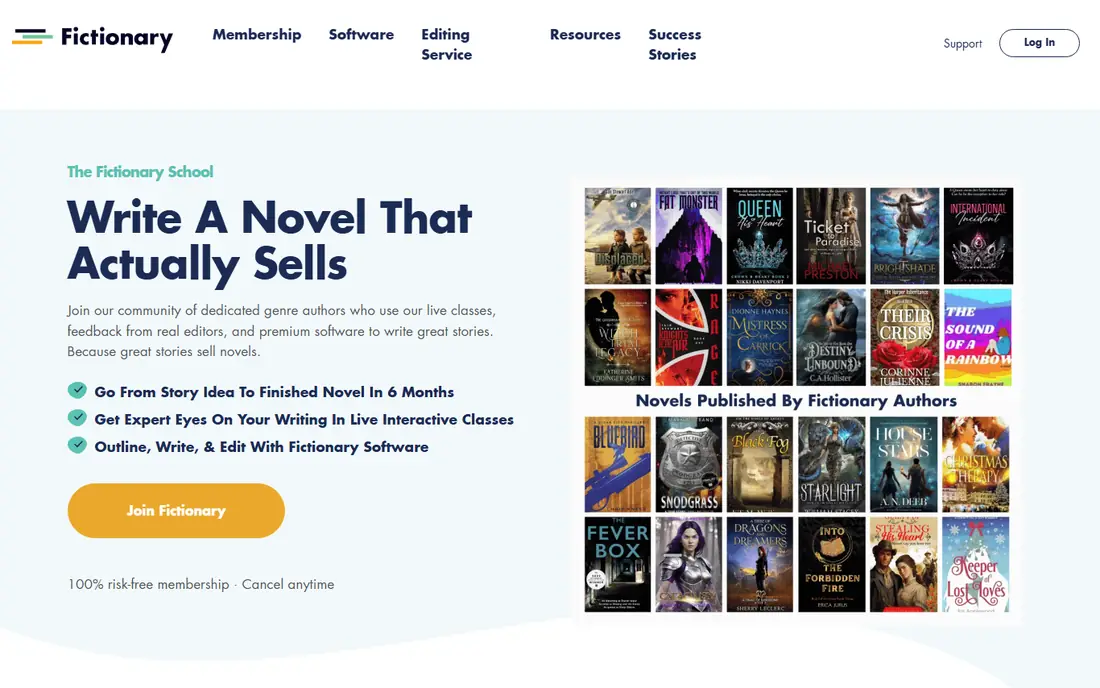
Fictionary stands out for scene-level story structure, and it is easy to see why. It evaluates each scene for purpose, character, and plot movement, so weak scenes stand out instead of hiding inside a long draft. Its main strengths are scene-by-scene structural analysis; character and plot arc tracking; story arc visualization. For many readers, that combination covers the most common jobs without adding extra steps or a steep learning curve.
In daily use, the workflow stays short for repeat jobs, and most settings are easy to find without a manual. On the other side, fiction-focused; less help for sentence-level polish. Check the current plan details before you pay, since limits and included tools change over time.
- Scene-by-scene structural analysis
- Character and plot arc tracking
- Story arc visualization
- Fiction-focused
- Less help for sentence-level polish
People who need a one-off whole-book critique often land on Marlowe after comparing a few options. It returns a developmental-style report on beats, arc, and pacing from an uploaded manuscript, which suits writers who want diagnosis before rewriting. Its main strengths are single-report pricing; story-level diagnosis; comparison with thousands of published novels. For many readers, that combination covers the most common jobs without adding extra steps or a steep learning curve.
In daily use, the workflow stays short for repeat jobs, and most settings are easy to find without a manual. On the other side, no drafting or editing workspace; needs a manuscript of at least 10,000 words. If that trade-off fits your daily work, it is a solid pick; if not, another tool below may fit better.
- Single-report pricing
- Story-level diagnosis
- Comparison with thousands of published novels
- No drafting or editing workspace
- Needs a manuscript of at least 10,000 words
Hemingway Editor is built with tightening sentences and readability in mind, rather than as an afterthought. It highlights long sentences, passive voice, and hard-to-read passages, which makes a fast pass for clarity before deeper editing. Its main strengths are free web editor; clear readability highlights; simple interface. For many readers, that combination covers the most common jobs without adding extra steps or a steep learning curve.
In daily use, the workflow stays short for repeat jobs, and most settings are easy to find without a manual. On the other side, no story or structure analysis; paid app needed for desktop use. The catch is worth weighing before you commit, especially if you work with sensitive files every day.
- Free web editor
- Clear readability highlights
- Simple interface
- No story or structure analysis
- Paid app needed for desktop use
Among tools for grammar and clarity for every draft, Grammarly keeps the workflow short and clear. It catches grammar, spelling, and clarity issues across documents and browsers, which keeps a manuscript clean while you focus on story edits elsewhere. Its main strengths are grammar and spelling checks everywhere you type; tone and clarity suggestions; broad app support. For many readers, that combination covers the most common jobs without adding extra steps or a steep learning curve.
In daily use, the workflow stays short for repeat jobs, and most settings are easy to find without a manual. On the other side, not built for book structure or pacing; best features need a paid plan. That balance of strength and limits is what should drive your choice, not the headline feature list.
- Grammar and spelling checks everywhere you type
- Tone and clarity suggestions
- Broad app support
- Not built for book structure or pacing
- Best features need a paid plan
For planning and tracking story threads, Plottr is a practical first choice. It maps scenes, timelines, and story threads on a visual board, which helps authors spot gaps in plot and character arcs before revision. Its main strengths are visual timeline and outline tools; character and place tracking; series planning. For many readers, that combination covers the most common jobs without adding extra steps or a steep learning curve.
In daily use, the workflow stays short for repeat jobs, and most settings are easy to find without a manual. On the other side, analysis is lighter than dedicated editing tools; one-time pricing varies by platform. Check the current plan details before you pay, since limits and included tools change over time.
- Visual timeline and outline tools
- Character and place tracking
- Series planning
- Analysis is lighter than dedicated editing tools
- One-time pricing varies by platform
If consistency checks in Word describes your work, PerfectIt deserves a close look. It checks a manuscript for consistent spelling, abbreviations, and terminology, which matters most near the end of editing when small slips creep in. Its main strengths are consistency checks for spelling, hyphenation, and terms; works inside word; style sheet support. For many readers, that combination covers the most common jobs without adding extra steps or a steep learning curve.
In daily use, the workflow stays short for repeat jobs, and most settings are easy to find without a manual. On the other side, narrow focus on consistency; not a story or style editor. If that trade-off fits your daily work, it is a solid pick; if not, another tool below may fit better.
- Consistency checks for spelling, hyphenation, and terms
- Works inside Word
- Style sheet support
- Narrow focus on consistency
- Not a story or style editor
How we picked these
We compared official pricing and feature pages for each tool, and we favored tools that analyze book-length work rather than short text only. We noted whether a tool covers structure, line style, or proofreading, and whether it fits fiction, nonfiction, or both. Prices we could not verify on the vendor site are shown as See website.
How to choose book analysis software
Match the tool to the draft stage
Early drafts benefit from planning and structure tools. Later drafts benefit from line and consistency tools. Buying a line editor when the plot is broken wastes money, and buying a structural tool when only polish remains wastes time.
Fiction or nonfiction changes the pick
Fiction tools that compare a draft with genre norms help novelists most. Nonfiction writers usually get more value from line editing, consistency, and readability tools that do not assume a story arc.
Try the free tier on real chapters
Run the same two chapters through two tools and compare the feedback. Look for advice you can act on, not a long list of flags you will ignore.
Budget for the whole revision
A subscription suits authors who revise all year. A single report suits authors who revise one book a year. Add the cost of a human editor separately, since no tool on this list replaces one.
Frequently asked questions
What is book analysis software?
It is software that reads a book-length draft and flags problems in structure, pacing, style, grammar, or consistency. Different tools focus on different levels, from whole-story arcs down to single sentences.
Can analysis software replace a human editor?
No. It finds patterns and likely problems faster than a person can, but it cannot judge taste, theme, or whether a scene earns its place. Use it before a human editor, not instead of one.
Which tool is best for fiction writers?
AutoCrit and Fictionary are the most fiction-focused picks here. AutoCrit suits line-level self-editing against genre norms, while Fictionary suits scene-level story structure.
Which tool is best for nonfiction authors?
ProWritingAid and Grammarly usually fit nonfiction better, since they focus on clarity, style, and grammar without assuming a plot arc. PerfectIt helps with consistency in long nonfiction manuscripts.
How much should I expect to pay?
Free tools cover basic checks, single reports cost around $29.95, and subscriptions range from about $10 to $30 per month. Pick based on how many books you revise each year, not on the longest feature list.
Sources
See where you really rank - block by block
ProMapRanker scans Google Maps across a grid of your service area. Simple monthly plans from $19, white-label on every plan.
Start freeKeep reading
 zeffy payment processor stripe alternatives
Zeffy and Stripe Alternatives for Nonprofits in 2026
Explore zeffy payment processor stripe alternatives for nonprofits. We compare 8 fundraising platforms on fees, donor tools, and nonprofit focus. Check fees.
Read → workday alternatives
Workday Alternatives in 2026
Workday alternatives compared: we review 8 HR and payroll platforms that replace Workday, with pricing, strengths and honest limits for each team size.
Read → what's the best weather app
What's the Best Weather App in 2026
Wondering what's the best weather app? We compare 10 free and paid apps for forecasts, radar, alerts, and Colorado mountain weather for everyday and storm use.
Read →