 ProMapRanker
Best Beat Making Software in 2026

Key takeaways
- FL Studio is our pick for most beatmakers, with a pattern workflow, a strong piano roll, and lifetime free updates.
- Four genuinely free options cover most beginners: MPC Beats, BandLab, LMMS, and GarageBand all make finished beats at zero cost.
- Logic Pro offers the best value on Mac at $199.99 once, with a large sound library included.
- Start free, then pay only when a specific limit blocks you, since that rule saves most beginners $100 or more.
Quick comparison
| Pick | Great for | Pricing starts at | Free tier | |
|---|---|---|---|---|
 FL Studio FL Studio | Pattern based beatmaking | $99 | Free trial | Visit |
 Ableton Live Ableton Live | Live performance and electronic beats | $99 | Free trial | Visit |
 Logic Pro Logic Pro | Best value on Mac | $199.99 | Free trial | Visit |
 GarageBand GarageBand | Free beats on Mac and iOS | Free | Yes | Visit |
 BandLab BandLab | Free browser and mobile beats | Free | Yes | Visit |
 LMMS LMMS | Free open source beats | Free | Yes | Visit |
 Soundtrap Soundtrap | Browser collaboration | $9.99 per month | Yes | Visit |
 MPC Beats MPC Beats | Free MPC style beats | Free | Yes | Visit |
 Cubase Elements Cubase Elements | Recording and MIDI depth | $99.99 | Free trial | Visit |
The best beat making software
Beatmaking software ranges from free phone apps to full studio DAWs, and the best choice depends on your computer, your budget, and how you like to build a track. We compared official pricing, free tiers, included sounds, and workflow to find the best software for making beats at every level.
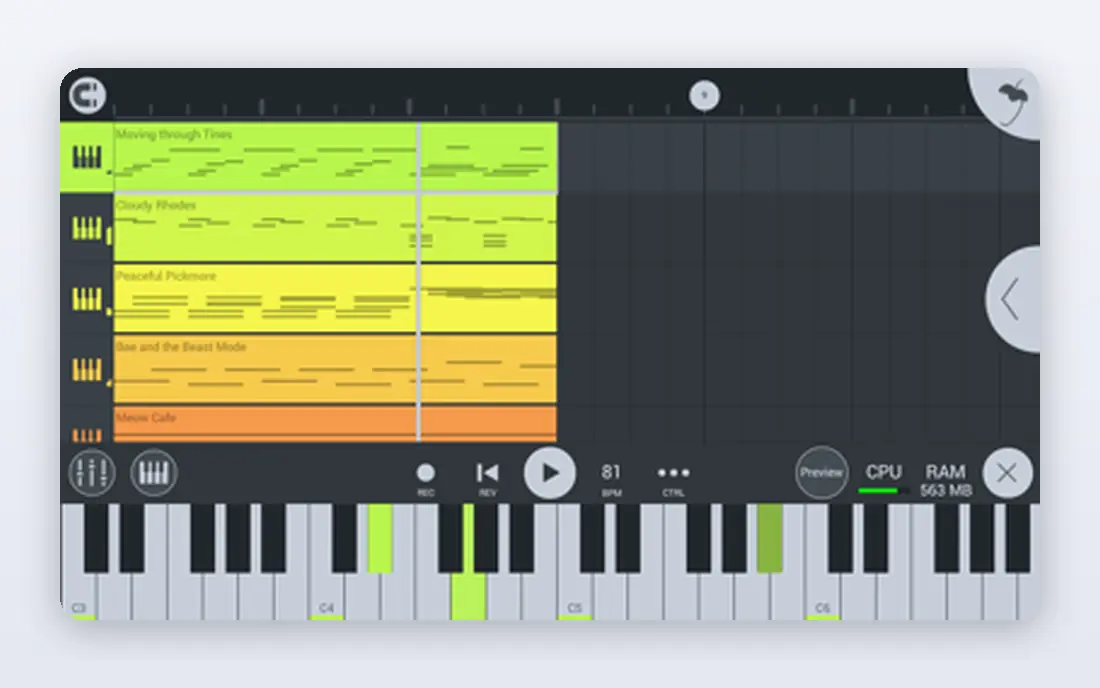
FL Studio earns its place as the best beat making app for many producers because it thinks in patterns. Build a drum loop, copy it into a playlist, and arrange it into a full track without leaving the main window. The piano roll is widely praised for melody and chord editing. Editions start at $99, and Image-Line includes lifetime free updates for the edition you buy. That long term value matters, since other DAWs charge for major upgrades. If you make hip hop, trap, or electronic beats on Windows or Mac, FL Studio is the safest first paid purchase.
- Pattern workflow and piano roll suit beatmakers
- Lifetime free updates
- Large community and tutorial library
- Audio recording feels less direct than in some rivals
- Mixer takes time to learn
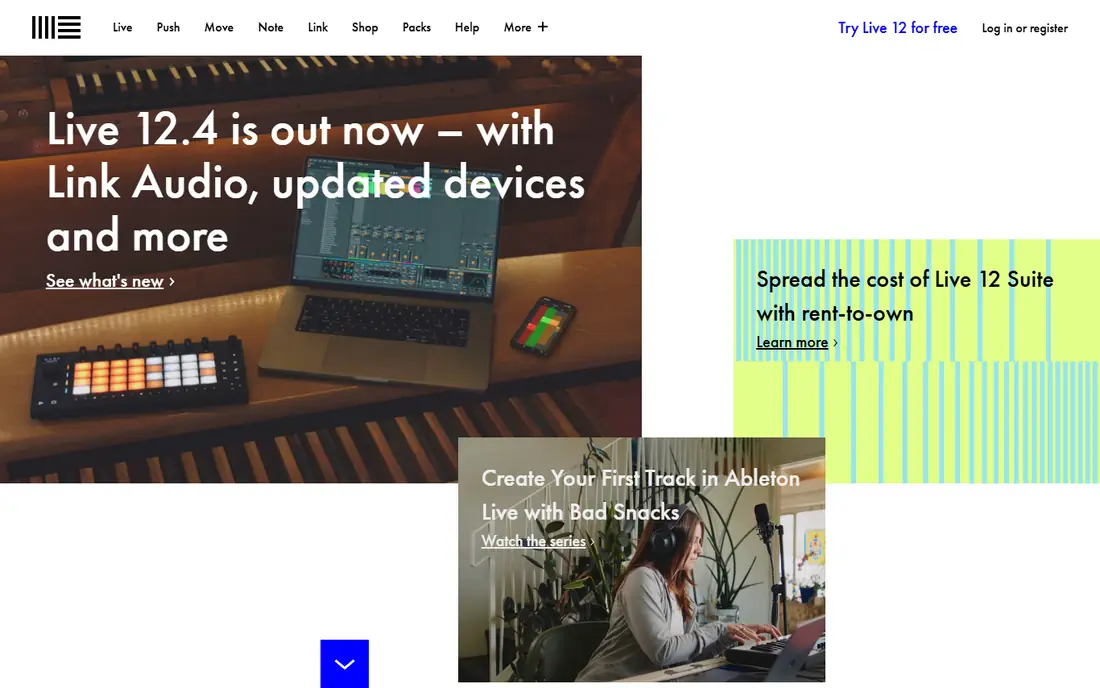
Ableton Live suits producers who perform or who build tracks from loops. Session View lets you trigger clips in real time, test combinations, and record the result into an arrangement. That loop first workflow feels natural for electronic beats and for improvisation. Intro starts at $99, with Standard at $439 and Suite at $749, so the price range is wide. Beginners should start with Intro or the trial, since the core workflow is the same. If you plan to play beats live or remix on stage, Ableton Live is hard to beat.
- Session View for live loop triggering
- Fast idea to arrangement workflow
- Strong warping and sampling tools
- Higher tiers cost $439 and $749
- Less direct for traditional multitrack recording
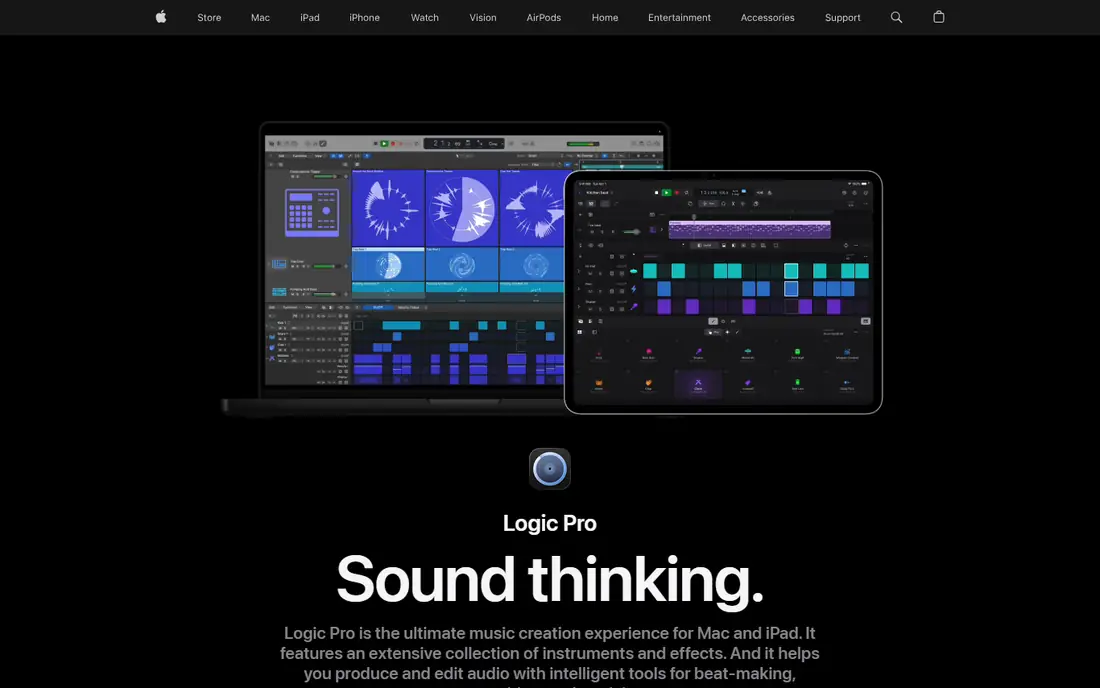
Logic Pro is the best value pick for Mac owners who want a full studio in one purchase. For $199.99 once, you get thousands of loops, sampled instruments, effects, and mixing tools, without a monthly bill. Drummer tracks help you sketch realistic drum parts fast. The obvious limit is platform. There is no Windows version, so cross platform teams must pick another DAW. If you own a Mac and want the best beat production software for the money, Logic Pro is the clear answer, and GarageBand projects open directly in it.
- Large included sound library and instruments
- One-time price with no subscription
- Strong Drummer and sampler tools
- Mac only, with no Windows version
- Large library download needs disk space and time
GarageBand is the best free starting point for Apple users, and it is far more capable than a demo. Live Loops let you trigger drum, bass, and melody cells, while the standard timeline suits arranged beats. Included loops and virtual drummers help beginners finish a track quickly. Advanced mixing, detailed editing, and third party plugin support are limited compared with Logic Pro. That is fine for learning, since skills transfer directly when you upgrade. If you own a Mac or iPhone and want the best app for making beats at no cost, start here.
- Free on Mac and iOS
- Easy loop and Live Loops workflow
- Projects upgrade to Logic Pro
- Mac and iOS only
- Fewer mixing and editing tools than Logic Pro
BandLab is the best free answer for beatmakers without a powerful computer. The Studio runs in a browser and on phones, with loops, virtual instruments, and multitrack recording included. Collaboration is built in, so a vocalist in another city can add to your beat. The trade is depth. BandLab covers arrangement and basic mixing well, but producers who need detailed sound design will outgrow it. For school projects, phone beats, and remote collaboration, it is one of the best apps for making music at any price, let alone free.
- Free studio in browser, Android, and iOS
- Collaboration and sharing built in
- Large loop library
- Browser performance varies on older machines
- Mastering and advanced mixing need other tools
LMMS is a community built DAW that suits electronic beatmakers on any desktop system. The song editor, beat editor, and piano roll cover the core loop workflow, and it supports common plugin formats for extra sounds. Linux users in particular will appreciate a full free option. Sound quality depends on the instruments and samples you add, since the included library is modest next to Logic Pro or FL Studio. The interface also takes patience. If budget is zero and you want a desktop DAW you truly own, LMMS is the best software to make beats without paying.
- Free and open source on Windows, Mac, and Linux
- Pattern editor and piano roll
- No account or subscription
- Smaller sound library than paid DAWs
- Interface feels older and less polished
Soundtrap, by Spotify, is built for making beats together in a browser. Multiple people can work on the same project, chat in the studio, and share finished tracks. Schools and remote teams value that simplicity, since no install or powerful computer is required. The free tier covers basic projects, while paid plans start at $9.99 per month and add more storage, loops, and features. Large projects with many tracks can strain a browser, so serious producers may still export stems to a desktop DAW. For collaborative beats, Soundtrap is a strong pick.
- Browser studio with real time collaboration
- Good for classrooms and remote teams
- Loops and instruments included
- Paid plans start at $9.99 per month for full features
- Browser limits can affect large projects
MPC Beats brings the classic Akai MPC pad workflow to a free desktop app. Tap in drum patterns, chop samples, and arrange beats with a layout that hardware MPC users will recognize. Included kits and instruments are enough to finish real tracks. The free version limits tracks and plugin slots, which pushes heavy projects toward the paid MPC software. For beginners who love pad based beatmaking, that limit rarely matters at first. MPC Beats is one of the best beat making apps for learning sample based production at no cost.
- Free MPC workflow with pads and sampling
- Included drum kits and instruments
- Upgrades to full MPC software
- Limited track count and plugin slots compared with paid MPC software
- Desktop only
Cubase Elements suits beatmakers who also record vocals and instruments and want strong MIDI control. The piano roll, chord tools, and mixer are mature, and projects can grow into Cubase Pro without changing DAWs. That path matters for producers who plan to record full songs, not just loops. Elements starts at $99.99 and limits tracks, instruments, and effects compared with Pro. Pure beatmakers may prefer the faster pattern workflow of FL Studio. If your beats sit inside full songs with vocals and live parts, Cubase Elements is a balanced, affordable choice.
- Deep MIDI editing and scoring tools
- Solid recording and mixing
- Good upgrade path to Cubase Pro
- Beat workflow feels less immediate than FL Studio
- Elements limits tracks and instruments
How we picked these
We compared official pricing pages, free tiers, included sounds, and workflow for software that truly makes beats, not just plays loops. Each product above exists and works today, and its website is its official homepage. Where a vendor lists a one-time price, we wrote that price rather than converting it to a monthly figure.
How to choose beat making software
Start with your computer and your budget, not with a famous producer endorsement. A free app that you use every day beats a $749 DAW that sits unused. Check the trial, the included sounds, and if your favorite plugins work before you pay.
Match workflow to how you think
Pattern producers should try FL Studio, MPC Beats, or LMMS first. Loop and live performers should try Ableton Live. Songwriters on Mac should try GarageBand, then Logic Pro. Browser collaborators should try BandLab or Soundtrap. The workflow you enjoy will keep you making beats longer than any feature list.
Count the real cost
A one-time price, a subscription, and a free app with paid sounds all cost different amounts over two years. FL Studio and Logic Pro charge once, Soundtrap charges monthly, and free apps cost time spent finding sounds. Add sample packs and plugins to your budget before you compare headline prices.
Frequently asked questions
What is the best beat making software for beginners?
FL Studio is our pick for beginners who want a paid DAW, thanks to its pattern workflow and lifetime updates. For free beginners, GarageBand on Apple devices, BandLab in a browser, and MPC Beats on desktop all make finished beats at no cost. Start free, learn arrangement, and pay only when a limit blocks a real project.
What is the best app for making beats on a phone?
BandLab is the strongest phone pick, with a full multitrack studio on Android and iOS. GarageBand is excellent on iPhone and iPad, but it does not run on Android. Soundtrap also works in a mobile browser for collaboration, though a desktop gives more room for large projects.
What is the best software to make beats on Windows?
FL Studio and Ableton Live lead on Windows, with MPC Beats and LMMS as free options. FL Studio suits pattern based hip hop and electronic beats, while Ableton suits live loop performance. Cubase Elements is a good pick if you also record vocals and instruments in the same project.
Is there a best music maker app that is completely free?
Yes. BandLab, LMMS, MPC Beats, and GarageBand are all free for core beatmaking, with no required subscription. They differ on platform and depth, so pick by device first. Paid upgrades add sounds, tracks, or mixing depth, but none of these apps requires payment to finish a beat.
Do I need expensive plugins to make good beats?
No. The included instruments, drums, and loops in FL Studio, Logic Pro, Ableton Live, and even free apps are enough for finished beats. Plugins help with specific sounds, but arrangement, drum choice, and mixing matter far more. Learn the stock tools first, then buy a plugin only for a sound you cannot make otherwise.
Sources
See where you really rank - block by block
ProMapRanker scans Google Maps across a grid of your service area. Simple monthly plans from $19, white-label on every plan.
Start freeKeep reading
 zeffy payment processor stripe alternatives
Zeffy and Stripe Alternatives for Nonprofits in 2026
Explore zeffy payment processor stripe alternatives for nonprofits. We compare 8 fundraising platforms on fees, donor tools, and nonprofit focus. Check fees.
Read → workday alternatives
Workday Alternatives in 2026
Workday alternatives compared: we review 8 HR and payroll platforms that replace Workday, with pricing, strengths and honest limits for each team size.
Read → what's the best weather app
What's the Best Weather App in 2026
Wondering what's the best weather app? We compare 10 free and paid apps for forecasts, radar, alerts, and Colorado mountain weather for everyday and storm use.
Read →