 ProMapRanker
Best Automation Tools in 2026


Simple app-to-app automation for small teams · Pricing starts at: $19.99 per month
Key takeaways
- Zapier suits simple app-to-app flows, while Make and n8n suit longer, branching workflows.
- Billing units matter more than headline prices, since tasks, operations and executions count differently.
- Microsoft Power Automate is the natural pick inside Microsoft 365, but it is not the cheapest standalone option.
- Self-hosted n8n can cut costs for technical teams, but it adds server work.
- We favored tools with a free plan or trial, a wide app catalog, and clear published pricing.
Quick comparison
| Pick | Great for | Pricing starts at | Free tier | |
|---|---|---|---|---|
| Zapier | Simple app-to-app automation for small teams | $19.99 per month | Yes | Visit |
 Make Make | Visual workflows with branches and filters | See website | Yes | Visit |
 n8n n8n | Technical teams that want control and fair volume pricing | $20 per month | Yes | Visit |
 Microsoft Power Automate Microsoft Power Automate | Teams already using Microsoft 365 and Teams | $15 per user per month | Free trial | Visit |
 IFTTT IFTTT | Personal automation and simple device routines | $2.99 per month | Yes | Visit |
 UiPath UiPath | Enterprise robotic process automation | $25 per month | Free trial | Visit |
 Zoho Flow Zoho Flow | Small businesses already using Zoho apps | $25 per month | Free trial | Visit |
 Activepieces Activepieces | Teams that want an open source friendly builder | $20 per month | Yes | Visit |
The best automation tools
Automation tools connect apps, move data and run routine steps without manual work. The right pick depends on how complex your workflows are, which apps you use, and how you are billed. These eight cover simple triggers, visual builders and enterprise robotic automation.
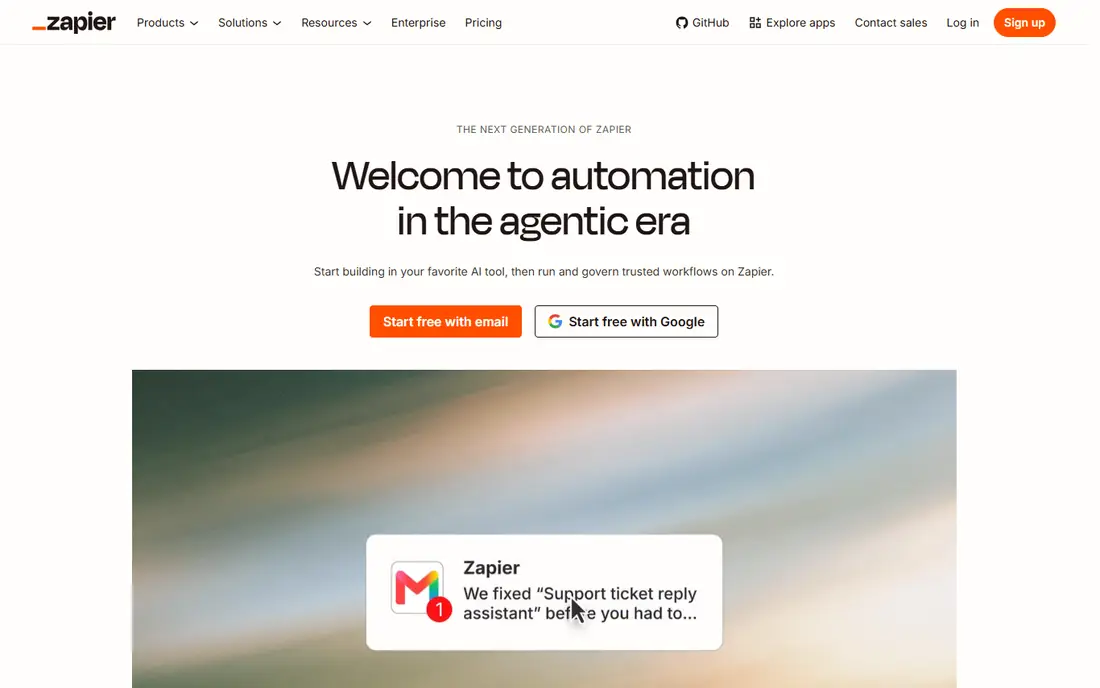
Zapier is the default choice for many small teams because it connects a huge range of apps with a simple trigger and action model. A new form entry can create a spreadsheet row, send a message and update a CRM record without code. The editor is linear and easy to follow, which helps non-technical staff build and fix flows.
The billing model needs attention. Zapier charges per completed task, so a workflow with many steps costs more per run than the same flow on an execution-based tool. The free plan covers 100 tasks per month with two-step flows. Zapier suits light, simple automation. Heavy or long workflows deserve a closer look at Make or n8n first.
- Very wide app catalog
- Simple step editor
- Free plan for basic flows
- Task-based billing grows fast with long workflows
- Free plan limits steps
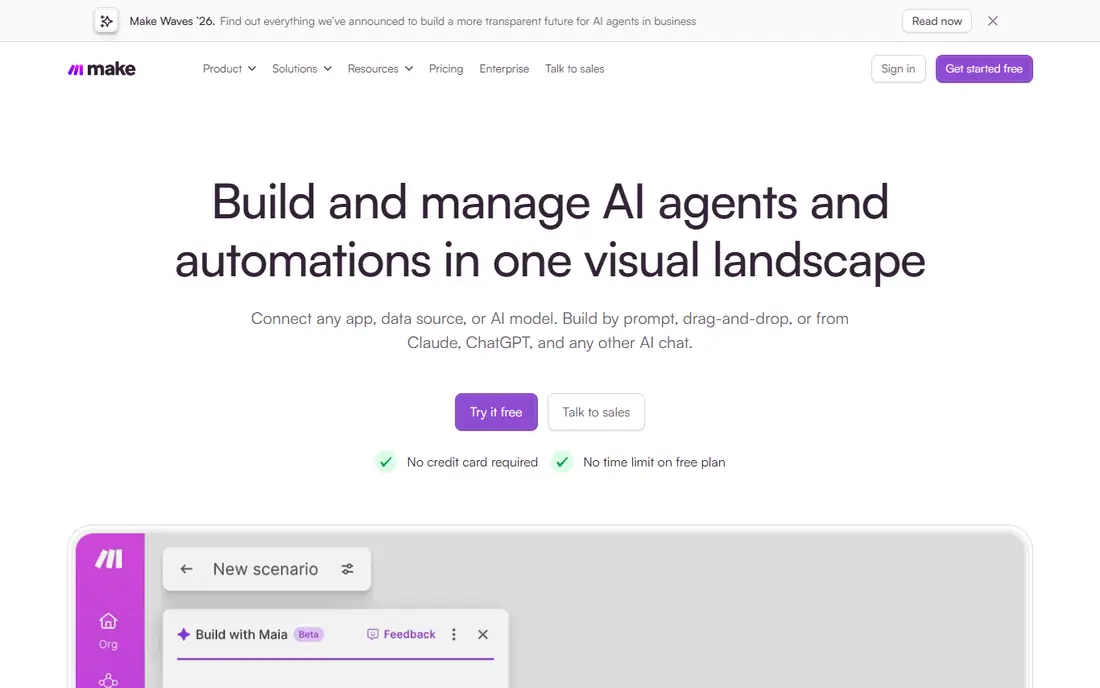
Make, formerly Integromat, builds workflows as visual scenarios on a canvas. You can branch a flow, filter data, repeat steps and handle errors in a way that stays visible on one screen. That layout helps when a process has several paths, such as routing leads by region or handling different order types.
Make bills by credits, with a free plan offering 1,000 credits per month. Most module actions use one credit, but AI-heavy steps can use more, so forecast volume before choosing a tier. For teams that like to see the whole process at once and want more control than a linear editor offers, Make is a strong middle ground.
- Visual canvas with routers and filters
- Free plan with 1,000 credits per month
- Wide app range
- Credit use varies by scenario
- Learning curve is steeper than Zapier for beginners
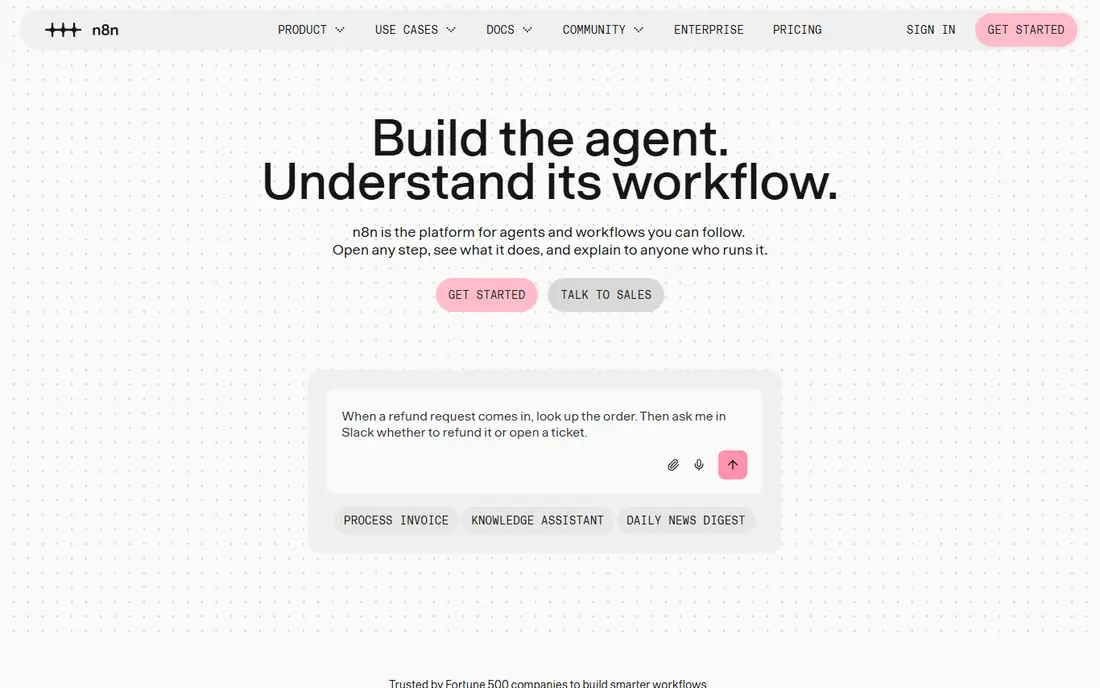
n8n counts one workflow run as one execution, no matter how many steps it contains. That model makes long, complex workflows far cheaper than task-based billing at high volume. The node-based editor supports code, AI agent steps and manual control, which appeals to developers and technical operations teams.
The free route is the self-hosted Community Edition, where you pay only for your own server. Cloud plans start around $20 per month for 2,500 executions. The trade-off is responsibility. Self-hosting means updates, backups and uptime fall to your team. If you have that skill in-house, n8n offers rare value and control.
- Execution-based billing
- Self-hosted Community Edition is free
- Code steps in JavaScript and Python
- Self-hosting needs server care
- App catalog is smaller than Zapier
Power Automate is the natural automation layer for Microsoft shops. Flows can watch a mailbox, update a SharePoint list, post to Teams and run desktop steps on a Windows machine. Because it sits inside the Microsoft platform, sign-in, permissions and data controls follow the same admin rules as the rest of the tenant.
Outside Microsoft apps, the catalog is still broad but less central to the pitch. The premium per-user price of $15 per month applies to paid flows, and some features need a Microsoft 365 license as well. If your team lives in Outlook and Teams, start here. If you use Google Workspace or a mixed stack, compare Zapier, Make and n8n first.
- Deep links to Outlook, Teams, SharePoint and Excel
- Desktop automation included on some plans
- Enterprise controls
- Premium plan costs $15 per user per month
- Best value stays inside Microsoft apps
IFTTT, short for If This Then That, links a trigger to a single action. A new email attachment can save to cloud storage, a smart plug can switch on at sunset, or a social post can cross-post to another network. Setup takes minutes, and the Pro plan starts at $2.99 per month with Pro+ at $8.99 per month.
IFTTT is not a business workflow engine. Multi-step logic, branching and error handling are limited compared with Make or n8n. For personal routines, smart home links and light small-team tasks, that simplicity is a benefit. For order processing or multi-system syncs, choose a tool built for that scale.
- Very low starting price
- Simple applet model
- Smart home and personal app links
- Free plan limits applets
- Not built for complex business workflows
UiPath automates work inside desktop apps and browsers by mimicking user steps, which suits tasks that lack a clean API. A robot can open an invoice system, copy values, check rules and file results, including document classification on higher tiers. Large firms use it for finance, HR and operations processes that run at volume.
Pricing starts around $25 per month for a basic tier, but users, robots and agent calls can add cost, and enterprise tiers are quote-based. Implementation also takes specialist time. UiPath fits firms with repeatable, high-volume desktop processes and an automation team. Small teams with simple app links will find Zapier or Make faster and cheaper.
- Attended and unattended robots
- Document processing
- Enterprise governance
- Entry price is only the start for larger deployments
- Setup needs specialist skill
Zoho Flow connects Zoho CRM, Books, Desk and other Zoho apps with outside tools such as Slack, Google Workspace and Mailchimp. The builder uses triggers, decisions and actions in a clear flow layout, and it handles common small-business routines such as lead routing, invoice follow-ups and support ticket updates.
Paid plans start around $25 per month, with trial access for testing. Outside the Zoho world, the app catalog is smaller than Zapier, so check your key apps before switching. If your business already runs on Zoho, Flow keeps automation inside one vendor and one bill. If not, a general tool may connect more of your stack.
- Strong Zoho app links
- Visual builder
- Good value inside the Zoho suite
- Catalog is narrower outside Zoho
- Free plan is limited
Activepieces offers a visual automation builder with an open source core that teams can self-host. Flows use triggers, actions and branching logic, and the cloud plans start around $20 per month. That mix appeals to teams that like open code, want to run automation on their own servers, or want to avoid heavy per-task billing.
The catalog is still growing, so niche apps may be missing. Check your must-have integrations first, and test a real workflow during the trial or free tier. For straightforward flows on common apps, Activepieces is a credible low-cost option. For rare integrations, Zapier or Make may save time despite higher volume costs.
- Open source core
- Visual flow builder
- Self-hosting option
- App catalog is smaller than the leaders
- Enterprise features are paid
How we picked these
We compared official pricing pages, app catalogs, billing models and public reviews for automation tools live in October 2026. We kept tools that support multi-app workflows, offer a free plan or trial, and publish at least entry pricing. We did not claim hands-on testing. Where pricing varies by billing cycle, we note the figure found in our research and direct readers to confirm current terms on the vendor site.
How to choose the right automation tool
Start by mapping one real workflow, not a wish list. List the trigger, each step, the apps involved and how often it runs each month. That map tells you which billing unit matters. A short flow that runs rarely suits Zapier. A long flow that runs often suits n8n or Make. A Microsoft-heavy flow suits Power Automate, and a desktop process without an API suits UiPath.
Next, test error handling. A good tool shows failed runs, lets you retry, and alerts you when a flow breaks. Check data controls too, including who can edit flows, where data is stored, and how credentials are managed. Finally, count total cost at realistic volume. Add seats, premium apps and overage charges, and compare that total across two or three tools before you build dozens of flows on one platform.
Frequently asked questions
What are the best automation apps for small business?
Zapier suits simple app links, Make suits visual multi-step flows, and Zoho Flow suits Zoho users. For technical teams, n8n offers strong value through execution-based billing and self-hosting. Start with the tool that covers your main apps and fits your monthly run volume.
What are the best Power Automate alternatives?
The closest general alternatives are Zapier, Make and n8n. Zapier offers the widest app catalog, Make offers a visual canvas with branching, and n8n offers execution-based pricing and self-hosting. IFTTT suits only light personal flows, while UiPath suits enterprise desktop automation.
Is there free automation software?
Yes. Zapier, Make, n8n Community Edition, IFTTT and Activepieces all offer free tiers or free self-hosting. Free plans limit volume, steps or features, so they suit testing and light use. Paid plans remove those limits and add support, controls and higher run allowances.
How much does automation software cost per month?
Entry prices in this list range from $2.99 per month for IFTTT Pro to $25 per month for UiPath basic and Zoho Flow. Most small teams land between $15 and $50 per month at modest volume. High-volume or enterprise use costs more, mainly through task, credit or seat charges.
What is the best software for automation without code?
Zapier and Make are the easiest no-code options for most teams, with visual builders and templates. Power Automate is also no-code friendly inside Microsoft 365. n8n and Activepieces allow code when needed but still offer visual building for common flows.
Can automation tools replace manual data entry?
They can reduce it a lot, but they rarely remove it fully. Well-built flows handle routine transfers, notifications and updates, while exceptions still need a human review step. Build in checks, alerts and a manual fallback so a failed flow does not silently lose data.
Sources
See where you really rank - block by block
ProMapRanker scans Google Maps across a grid of your service area. Simple monthly plans from $19, white-label on every plan.
Start freeKeep reading
 zeffy payment processor stripe alternatives
Zeffy and Stripe Alternatives for Nonprofits in 2026
Explore zeffy payment processor stripe alternatives for nonprofits. We compare 8 fundraising platforms on fees, donor tools, and nonprofit focus. Check fees.
Read → workday alternatives
Workday Alternatives in 2026
Workday alternatives compared: we review 8 HR and payroll platforms that replace Workday, with pricing, strengths and honest limits for each team size.
Read → what's the best weather app
What's the Best Weather App in 2026
Wondering what's the best weather app? We compare 10 free and paid apps for forecasts, radar, alerts, and Colorado mountain weather for everyday and storm use.
Read →