 ProMapRanker
Best Apps for Work in 2026

Key takeaways
- Slack and Microsoft Teams lead for chat-first teams, while Asana, Trello and Monday.com lead for task-first teams.
- Notion is the best single home for docs, wikis and light project tracking.
- Google Workspace suits teams that live in Gmail, Drive and Meet.
- Zoom remains the simplest choice when video quality and large meetings matter most.
- Free plans differ sharply on history, seats and storage, so check limits before you roll a tool out.
Quick comparison
| Pick | Great for | Pricing starts at | Free tier | |
|---|---|---|---|---|
 Slack | Team chat and channels | $7.25 per user per month | Yes | Visit |
 Notion | Docs, wikis and projects | $10 per user per month | Yes | Visit |
 Asana | Structured projects and tasks | $10.99 per user per month | Yes | Visit |
 Trello | Visual Kanban boards | $5 per user per month | Yes | Visit |
 Microsoft Teams | Microsoft 365 teams | $4 per user per month | Yes | Visit |
 Google Workspace | Gmail and Drive teams | $7 per user per month | No | Visit |
 Zoom | Video meetings | $13.33 per user per month | Yes | Visit |
 Monday.com | Visual work tracking | $9 per user per month | Yes | Visit |
The best apps for work
We picked tools that cover a full workday: chat, tasks, documents and meetings. Some do one job well, others try to cover several. The right pick depends on where your team already spends its time.
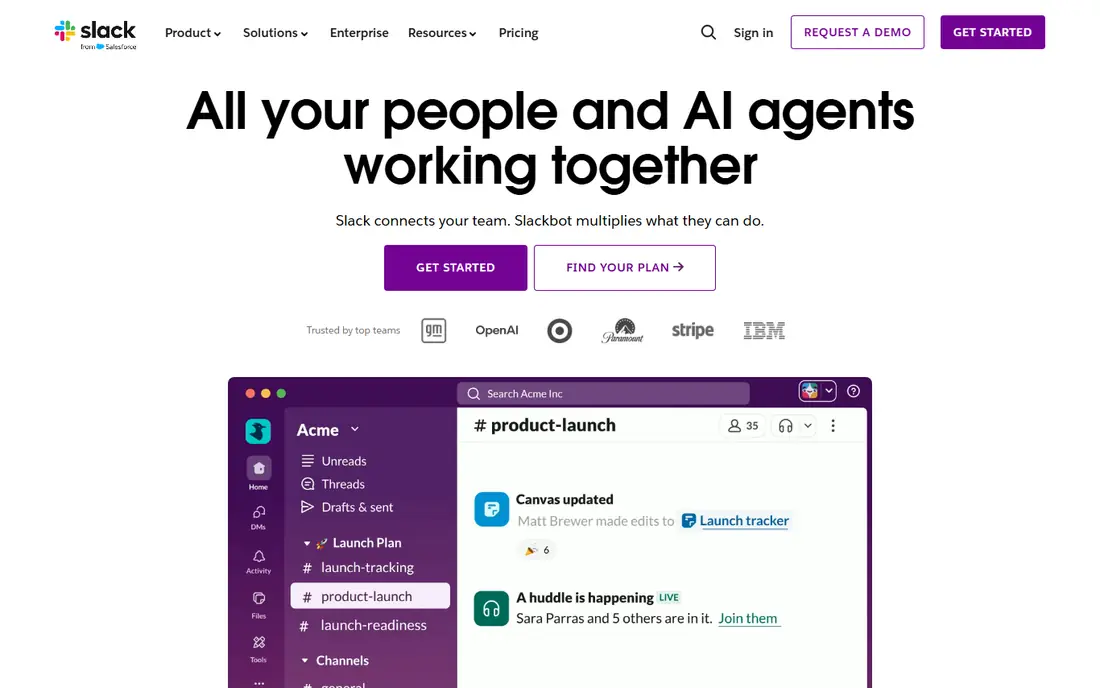
Slack organises work into channels by team, project or topic, with direct messages and threads for side talks. That structure helps a team find decisions later, as long as people post in the right channel. Huddles add quick audio calls without a meeting link.
The free plan is useful for a trial, but the 90-day history limit is a real constraint for a team that needs old decisions. Pro, at $7.25 per user per month billed annually, removes that limit and adds unlimited apps and group huddles. Budget for every active user, since Slack charges by active seat.
- Fast channel chat with threads and search
- Large app directory
- Huddles for quick calls
- Free plan shows only 90 days of history
- Notification volume can grow fast
- Paid price rises per active user
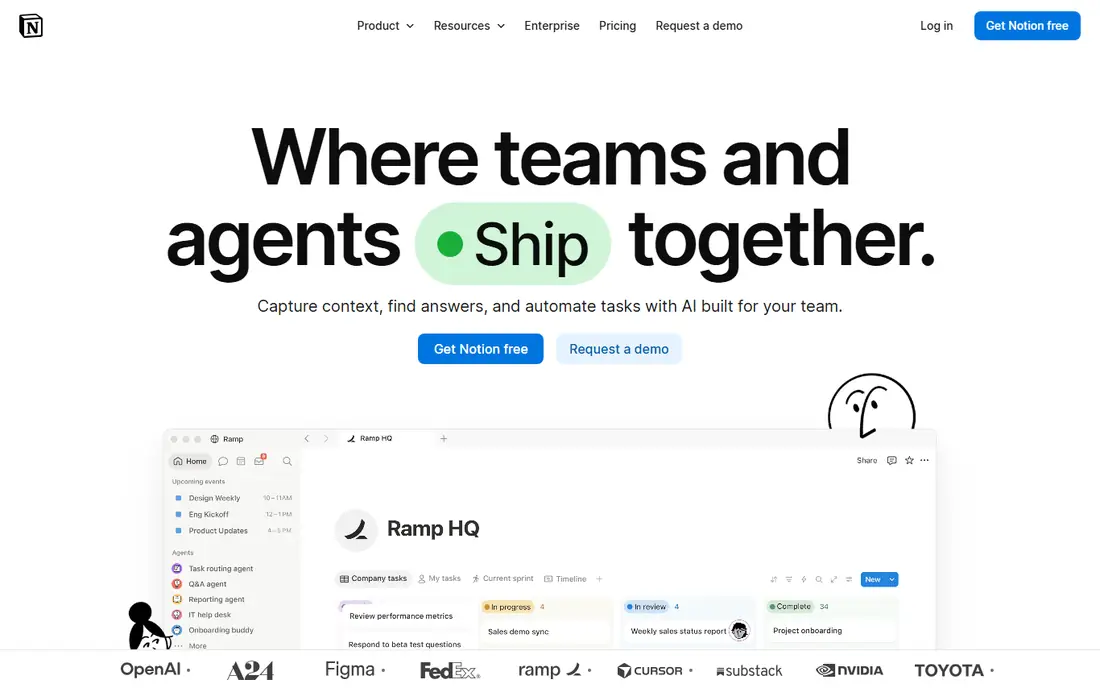
Notion lets a team build a wiki, a meeting notes system, a content calendar and a task board from the same blocks. That flexibility is its main strength. A small team can run most of its shared knowledge in Notion without buying three separate tools.
The trade is structure. Notion will not force due dates, owners and dependencies as firmly as Asana or Monday.com, so a team needs agreed habits. Plus, at $10 per user per month billed annually, removes block limits and adds larger file uploads. Business, at $20, adds admin and security controls.
- Flexible pages, databases and wikis in one place
- Strong templates
- Good for shared knowledge
- Free plan limits apply once a second member joins
- Less strict than a dedicated project tool
- Mobile app is lighter than desktop
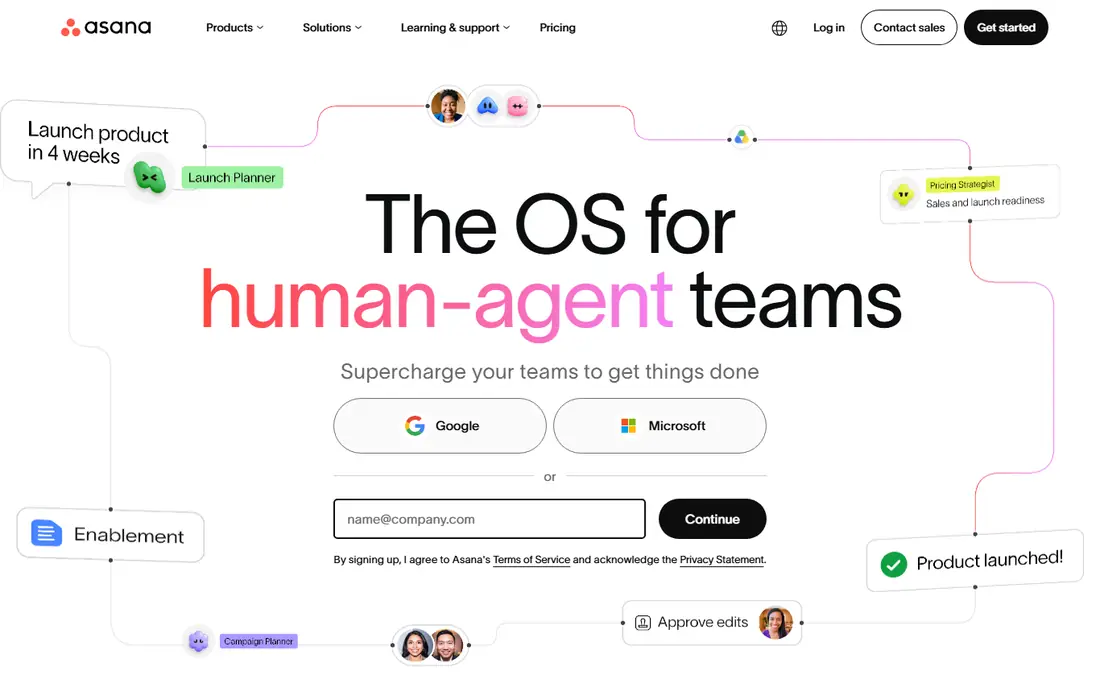
Asana turns work into tasks with owners, due dates and dependencies, then shows that work as lists, boards, timelines or calendars. Marketing, operations and product teams use it to run repeatable projects without losing track of who owns each step.
Personal is free for up to 2 users, which makes it a solo or pair tool in practice. Starter, at $10.99 per user per month billed annually, is the realistic paid start for a team. Advanced, at $24.99, adds portfolios, workload views and deeper controls, so check if you need that depth before you pay for it.
- Clear tasks, timelines and portfolios
- Strong templates for marketing and operations
- Good reporting
- Free Personal plan suits only 1 to 2 people
- Advanced is a large price step
- Setup takes care for complex portfolios
Trello shows work as cards moving across lists, which suits pipelines such as content, hiring or client onboarding. A new team member can grasp a board in minutes, and cards hold checklists, files, dates and comments. That simplicity is why Trello still earns a place next to heavier tools.
Standard, at $5 per user per month billed annually, is the cheapest paid step in this list. Premium, at $10, adds more views, admin controls and automation runs. If your work needs strict dependencies, budgets or resource planning, Trello will feel thin, and Asana or Monday.com will fit better.
- Simple boards that anyone can learn fast
- Free plan for up to 10 collaborators
- Low paid starting price
- Weak for complex dependencies and reporting
- Automation runs are capped on free
- Large portfolios get messy
Microsoft Teams brings chat, video meetings, file sharing and Office apps into one window. For a team already on Microsoft 365, that link is the main benefit: a Word file, a SharePoint site and a meeting can sit in the same team space without extra logins.
Teams Essentials is $4 per user per month, with 30-hour meetings and 300 participants. Microsoft 365 Business Basic, at $7 per user per month billed annually, adds web Office apps and business services. Teams Premium is a $10 add-on for some advanced meeting features, so price it separately if you need it.
- Chat, meetings and files tied to Microsoft 365
- Low Essentials price
- Strong admin controls
- Can feel heavy for a small team
- Best value needs a Microsoft 365 plan
- Interface takes time to learn
Google Workspace is a work platform built around Gmail and Drive. Docs, Sheets, Slides and Meet share one login, one storage pool and one admin panel. For a team that works in a browser and shares files daily, that simplicity beats a patchwork of separate apps.
Business Starter is $7 per user per month billed annually, with 30 GB pooled storage per user. Business Standard, at $14, raises pooled storage to 2 TB per user and adds advanced Meet features. There is no free business tier, so a very small team should compare the total seat cost with Slack plus a free tool mix.
- Gmail, Drive, Docs, Sheets and Meet in one account
- Simple admin
- Gemini features folded into Business plans
- No free business plan
- Storage is pooled by plan
- Desktop Office compatibility still needs care
Zoom Workplace has grown past video into chat, whiteboards and phone, but meetings remain its core strength. Guests join from a link without a complex setup, breakout rooms handle group work, and cloud recording helps teams that miss a session. That ease of joining is why many clients still prefer Zoom.
Basic is free, with 40-minute group meetings for up to 100 participants. Pro is reported at $13.33 per user per month billed annually, with longer meetings and cloud recording. Business, at $18.33, raises participant limits and adds admin controls. If chat is your main need, Slack or Teams may be cheaper.
- Reliable video and audio
- Easy guest joining
- Whiteboards, chat and webinars in Workplace plans
- Free Basic caps group meetings at 40 minutes
- Paid price is per user
- Add-ons can raise the bill
Monday.com shows work as boards with status columns, timelines and dashboards, which managers like for a quick view of progress. Teams use it for projects, CRM-style pipelines, content plans and service requests, with automations that move items when a status changes.
The free plan covers up to 2 seats, so most teams will pay. Basic is $9 per seat per month billed annually, Standard is $12 and Pro is $19, with Enterprise by quote. Since Monday.com sells seats in bundles, price your real team size rather than the headline seat rate, and test automations on a real project before you commit.
- Colourful boards and dashboards for managers
- Many templates
- Automations and integrations
- Free plan suits only up to 2 seats
- Sold in seat bundles
- Price climbs fast on higher tiers
How we picked these
We compared official pricing pages, feature pages and app store listings for tools that cover chat, tasks, docs or meetings for US teams in October 2026. We kept only tools that are widely available and still supported, and we favoured tools with a clear free or trial route so readers can test before paying. Prices are annual-billing figures where a vendor publishes them, and monthly billing is usually higher.
How to choose the right work app
Start with the job that causes the most friction. If messages get lost in email, pick a chat tool first. If deadlines slip, pick a task tool first. If documents are scattered, pick a docs home first. Buying all three at once often leads to three half-used tools.
Next, check what your team already pays for. A Microsoft 365 or Google Workspace subscription may already cover chat and meetings, which changes the value of a separate tool. Then run a two-week trial with one real project, not a demo board. Watch for who actually posts, who still uses email, and where work stalls. That trial tells you more than a feature table.
Finally, set simple rules before launch: one channel per project, one owner per task, and one home for final documents. Tools do not create those habits, but they make good habits easier to keep.
Frequently asked questions
What is the best app for work overall?
There is no single winner. Slack is best for chat, Asana for structured projects, Notion for shared docs, and Google Workspace or Microsoft Teams for a full suite. Pick by the job your team does most each day.
What are the best free work apps?
Slack, Notion, Asana, Trello and Monday.com all offer free plans, and Zoom offers a free Basic plan. Free limits differ: Slack limits history, Asana limits free seats, and Trello limits collaborators, so read the caps before you rely on free.
What is the best work platform for a small team?
Trello and Notion are easy starts for a small team, while Slack covers chat at low cost. A team of up to 10 can often run Trello free plus Slack free, then upgrade only the tool that hits a limit first.
Is Microsoft Teams or Google Workspace better for work?
Teams fits better if your team uses Office apps, SharePoint and Windows admin tools. Google Workspace fits better if your team works in Gmail, Drive and browser-based Docs and Sheets. Both cover chat, meetings and files.
Which work app is best for remote teams?
Slack plus Zoom is a common remote pair, since Slack handles daily chat and Zoom handles face-to-face meetings. Asana or Monday.com adds task visibility, which matters more when a team is not in one office.
Sources
See where you really rank - block by block
ProMapRanker scans Google Maps across a grid of your service area. Simple monthly plans from $19, white-label on every plan.
Start freeKeep reading
 steamunlocked alternatives
Best SteamUnlocked Alternatives in 2026
Looking for steamunlocked alternatives? These 8 legal game stores and subscriptions offer licensed PC games, sales, and cloud play without piracy risks.
Read → mangools alternatives
Best Mangools Alternatives in 2026
Looking for mangools alternatives? We compare 8 SEO tools for keyword research, rank tracking, and site audits, from Semrush and Ahrefs to Keysearch today.
Read → lemlist alternatives
Best Lemlist Alternatives in 2026
Looking for lemlist alternatives? We compare 9 cold email and outreach tools for 2026, covering pricing, deliverability, inboxes, and multichannel steps.
Read →