 ProMapRanker
Best Organisation and To-Do Apps in 2026

Key takeaways
- Todoist and TickTick are the best starting points for most people, with Todoist winning on fast capture and TickTick on built-in calendar and habits.
- Microsoft To Do and Google Tasks are the best free options inside the Microsoft and Google ecosystems.
- Notion, ClickUp, and Trello suit people whose tasks live inside notes, team projects, or visual boards.
- The best app is the one you open daily, so favor a simple list you will use over a powerful system you avoid.
Quick comparison
| Pick | Great for | Pricing starts at | Free tier | |
|---|---|---|---|---|
 Todoist Todoist | Fast task capture | Free | Yes | Visit |
 TickTick TickTick | Tasks, calendar, and habits in one | Free | Yes | Visit |
 Microsoft To Do Microsoft To Do | Free tasks in Microsoft 365 | Free | Yes | Visit |
 Any.do Any.do | Daily planning and shared lists | Free | Yes | Visit |
 Notion Notion | Tasks inside notes and wikis | Free | Yes | Visit |
 ClickUp ClickUp | Tasks inside team projects | Free | Yes | Visit |
 Google Tasks Google Tasks | Simple lists in Google apps | Free | Yes | Visit |
 Trello Trello | Visual boards for personal projects | Free | Yes | Visit |
The best organisation and to-do apps
Organisation means different things to different people: a daily list, a shared household plan, or a project board. These eight apps cover that range, and all of them are still available in October 2026.
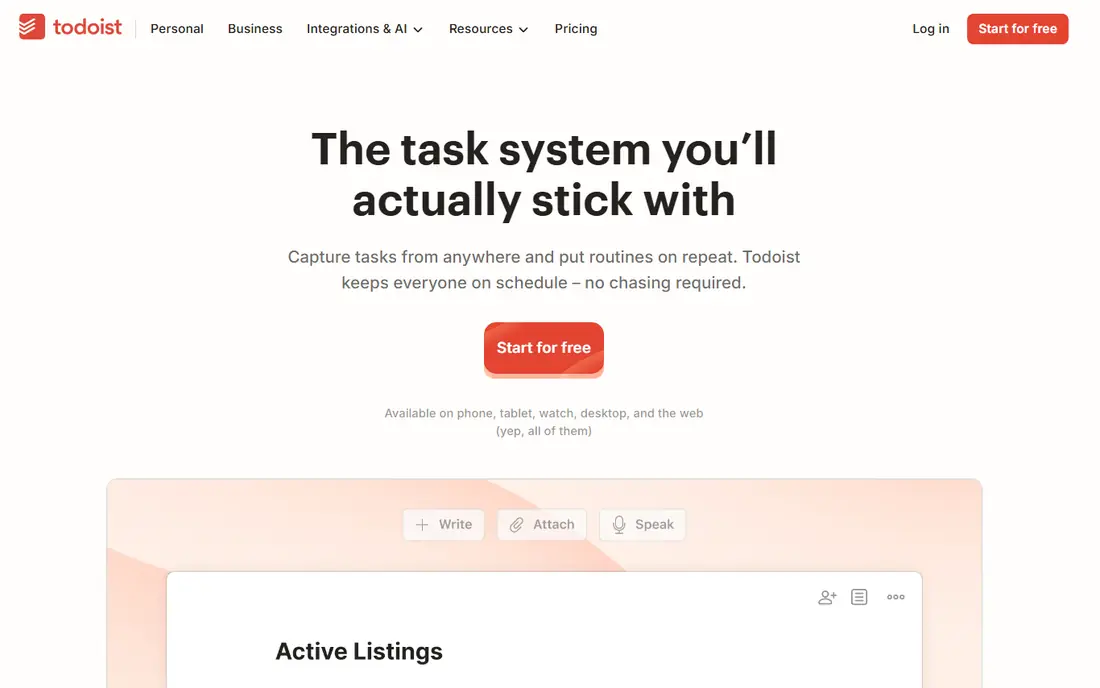
Todoist is our pick for most people because getting a task out of your head is so fast. Type a sentence with a date and time, and the app parses it into a dated, recurring task in the right project. That speed matters, since a to-do app only works if capturing a task takes less effort than remembering it.
The free tier covers personal use well, with projects, due dates, priorities, and recurring tasks. Reminders, labels, filters, and activity history sit on Pro, which costs around $5 per month. If you live in the app daily and want reminders, Pro is worth it; if you just need lists, the free tier will carry you a long way.
- Natural-language task entry
- Fast apps and widgets
- Projects, priorities, and recurring tasks
- Reminders need a paid plan
- Calendar view is newer than rivals
- Labels and filters are paid features
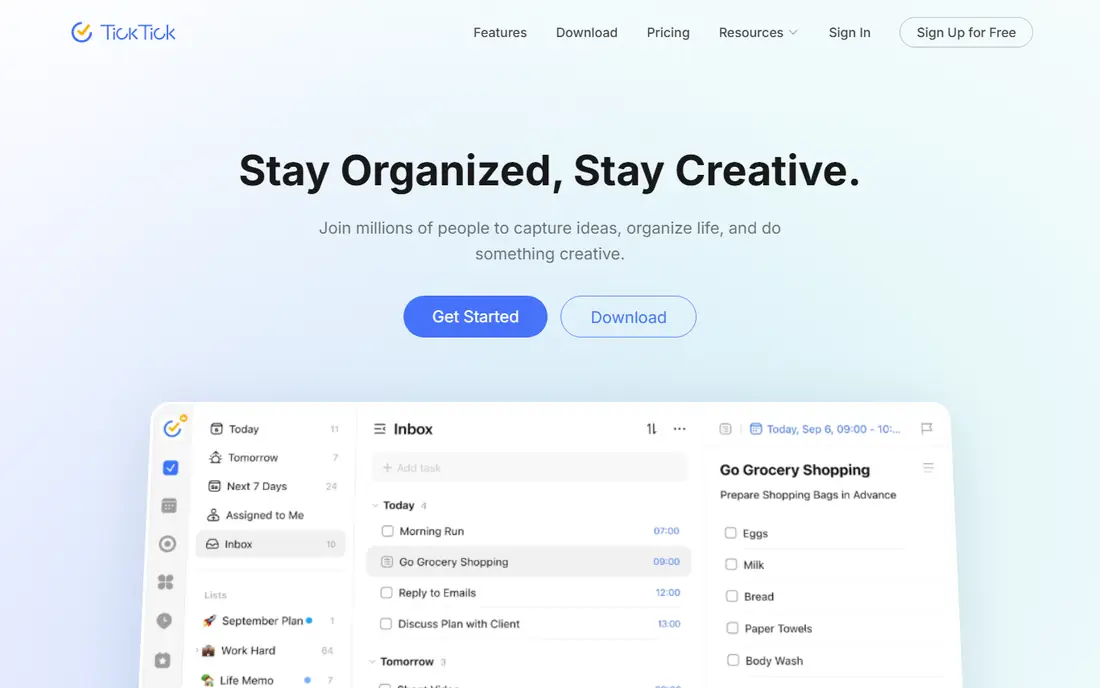
TickTick bundles four tools that many people otherwise install separately: tasks, a calendar view, habit tracking, and a focus timer. That makes it a strong single-app choice for people who want their day, their habits, and their deadlines in one place. The calendar view in particular helps you see a busy week at a glance.
The interface is busier than Todoist, and the free tier limits lists and reminders, so heavy users will need Premium, priced around $35.99 per year in recent listings. If you already use a separate habit app or calendar, Todoist may feel cleaner. If you want one app for the whole daily system, TickTick is the better buy.
- Tasks, calendar, habits, and Pomodoro timer in one app
- Good widgets and voice input
- Lower yearly cost than some rivals
- Interface is busier than Todoist
- Free tier caps lists and reminders
- Design can feel crowded on small screens
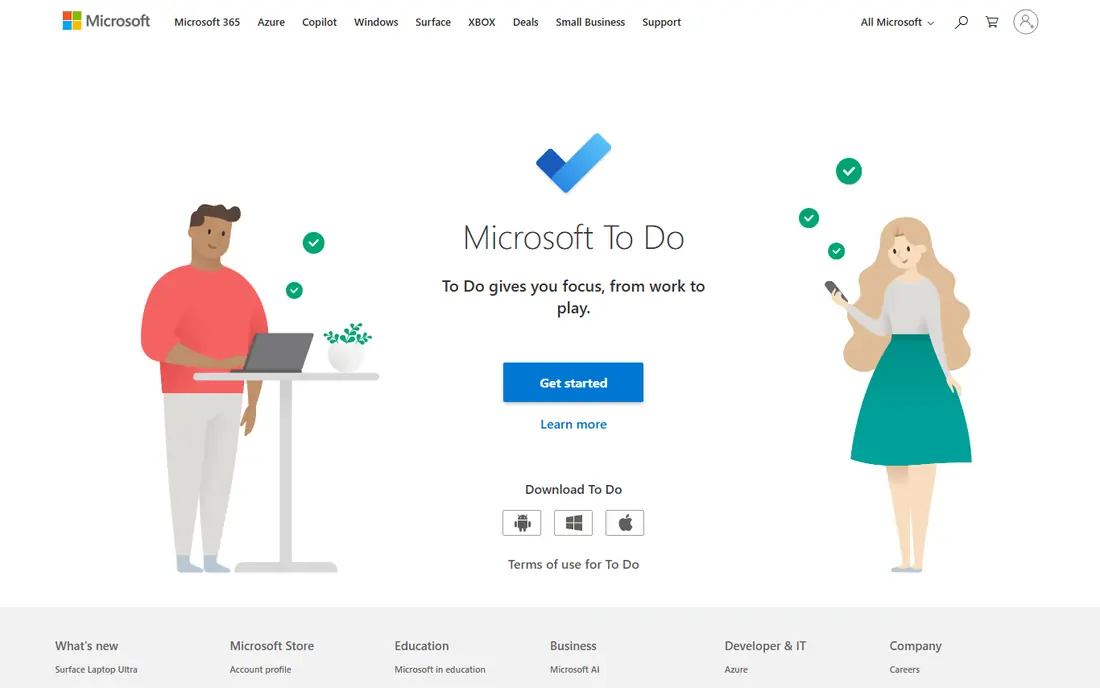
Microsoft To Do is the obvious choice if your work already runs on Microsoft 365. It is free with a Microsoft account, syncs with Outlook tasks and flagged email, and offers My Day, a simple daily planning view that helps you pick a short list each morning. There is no upsell waiting behind the core features.
It is not a project management tool. Complex projects, dependencies, and rich collaboration are better handled in Planner, Notion, or ClickUp. For personal lists, shared household tasks, and work tasks tied to Outlook, Microsoft To Do is hard to beat at its price, which is nothing.
- Completely free
- Syncs with Outlook tasks and flagged email
- My Day daily planning view
- No natural-language dates
- Thin for complex projects
- Weaker sharing than team tools
Any.do suits people who forget to use to-do apps. Its Plan My Day prompt asks you to review tasks each morning, which turns a growing list into a short, doable plan. Shared lists make it useful for households, couples, and small teams who need one grocery or chore list everyone can see.
The free tier covers personal lists, while Premium, around $4.99 per month on yearly billing in recent listings, adds fuller reminders, calendar features, and sharing options. Any.do is less powerful than ClickUp or Notion for projects, but for daily life organisation, its gentle daily ritual is a real advantage.
- Plan My Day prompts
- Calendar and reminders
- Shared lists for households
- Clean design
- Premium needed for full features
- Some features need a paid plan for sharing
- Less powerful than ClickUp for teams
Notion is the pick when your tasks cannot be separated from your notes. A task can live next to meeting notes, a project wiki, a reading list, or a database of ideas, and you can view the same tasks as a list, board, calendar, or table. That flexibility suits students, writers, and small teams with mixed work.
That flexibility is also the risk. It is easy to spend more time building a Notion system than doing the tasks inside it. Start with a simple template and resist adding databases until you need them. For a plain daily list, Todoist or Microsoft To Do will be faster; for a personal knowledge base with tasks inside, Notion is unmatched.
- Tasks blended with notes, databases, and wikis
- Flexible templates
- Free for personal use
- Can feel slow and complex for simple lists
- Paid plans needed for larger teams
- Easy to overbuild a system
ClickUp is the all-in-one option for people whose personal tasks sit inside team projects. The free tier is generous, and paid plans start around $7 per user per month for fuller features. You can view work as a list, board, calendar, or timeline, and add docs, goals, and time tracking without leaving the app.
New users may feel overwhelmed by the number of options, and setting it up well takes time. ClickUp suits teams and freelancers with varied projects, not people who want a single list on their phone. If your work already lives in projects with deadlines and collaborators, ClickUp can replace several tools at once.
- Generous free tier
- Many views including lists, boards, and calendars
- Goals, docs, and time tracking
- Feature-heavy interface
- Learning curve for new users
- Paid plans are per user
Google Tasks is the simplest app on this list, and that is its appeal. It lives inside Gmail and Google Calendar, so tasks appear next to the emails and events that created them. There is nothing to learn, nothing to pay for, and no separate system to maintain.
The limits are clear: no real list sharing, no priorities beyond starring, and no project features. If you need a team tool, look at Trello or ClickUp. If you live in Google apps and just want a reliable list that follows you from inbox to calendar, Google Tasks does that job with no fuss.
- Free and built into Gmail and Calendar
- Very simple to use
- Syncs across devices with a Google account
- No list sharing in the classic sense
- Few features beyond lists and subtasks
- No natural-language entry
Trello suits people who think in columns. A board with lists such as To do, Doing, and Done makes progress visible at a glance, and dragging a card feels more satisfying than ticking a line. It works well for personal projects, moving house, event planning, and small team work.
For a daily list of dated tasks, Trello is less direct than Todoist or TickTick, since dates and recurrence are not its core strength. Use it when the shape of a project matters more than a strict schedule. The free tier covers many personal uses, with paid plans from around $5 per user per month for fuller features.
- Visual kanban boards
- Easy drag-and-drop
- Free tier with collaborators
- Automation with Butler
- Weak for dated, recurring personal tasks
- Paid plans needed for fuller automation
- Boards can grow messy
How we picked these
We compared official pricing pages, feature pages, and app listings for organisation and to-do apps still available in October 2026. We favored apps with a real free tier or free product, cross-device sync, and a clear use case, from simple lists to team projects. We excluded apps that are no longer maintained or that are only a timer, note app, or calendar with no task list.
How to pick the right organisation app
Start with where your tasks come from. If tasks arrive by email in Outlook, Microsoft To Do fits. If they arrive in Gmail, Google Tasks fits. If they arrive as ideas, notes, and projects, Notion or ClickUp fits. Matching the app to your inbox reduces the copying and pasting that kills most systems.
Next, decide how much structure you need. A daily list needs Todoist, TickTick, or Any.do. A household needs shared lists in Any.do or Microsoft To Do. A project needs boards in Trello or views in ClickUp. More features do not help if you never open the app, so choose the simplest tool that covers your real workflow.
Finally, try one app for two weeks before judging it. Set up only your current tasks, use the daily planning view, and notice where you get stuck. If capture is slow, switch to Todoist. If you miss a calendar view, switch to TickTick. If the system feels heavy, strip it back to a single list and rebuild only what you miss.
Frequently asked questions
What is the best free to-do app?
Microsoft To Do and Google Tasks are fully free for their core features. Todoist, TickTick, Any.do, Notion, ClickUp, and Trello all offer free tiers that cover personal use well, with paid plans for reminders, sharing, or team features.
Is Todoist or TickTick better?
Todoist is better for fast capture and a clean list, while TickTick is better if you want tasks, calendar, habits, and a focus timer in one app. Try both free tiers for a week each and keep the one you open more often.
Can I use these apps with my team?
Yes. Trello, ClickUp, and Notion are built for team work, and Any.do and Microsoft To Do support shared lists. Check per-user pricing for paid team plans, since free tiers often limit members or features.
Do these apps work offline?
Most offer offline access on mobile apps, with sync when you reconnect. Check offline support for your device before relying on it for travel, since web-only features vary by app.
How do I stop a to-do list from growing out of control?
Review it daily, keep today short, and move the rest to a later date or a someday list. A long list is not a plan; a short daily list with clear priorities is easier to finish and less stressful to look at.
Sources
See where you really rank - block by block
ProMapRanker scans Google Maps across a grid of your service area. Simple monthly plans from $19, white-label on every plan.
Start freeKeep reading
 zeffy payment processor stripe alternatives
Zeffy and Stripe Alternatives for Nonprofits in 2026
Explore zeffy payment processor stripe alternatives for nonprofits. We compare 8 fundraising platforms on fees, donor tools, and nonprofit focus. Check fees.
Read → workday alternatives
Workday Alternatives in 2026
Workday alternatives compared: we review 8 HR and payroll platforms that replace Workday, with pricing, strengths and honest limits for each team size.
Read → what's the best weather app
What's the Best Weather App in 2026
Wondering what's the best weather app? We compare 10 free and paid apps for forecasts, radar, alerts, and Colorado mountain weather for everyday and storm use.
Read →