 ProMapRanker
Best App to Track Macros in 2026

Key takeaways
- MyNetDiary and Cronometer let you set custom macro targets by grams for free, while MyFitnessPal and Lose It keep gram targets behind Premium.
- MacroFactor and Carbon Diet Coach adjust targets from your logged weight and intake trends, which suits people who want coaching rather than a static diary.
- MyFitnessPal still has the largest food database, but its barcode and photo logging now sit in Premium in the United States.
- Carb Manager is the strongest low carb choice, and Lifesum suits people who want diet plans and recipes alongside macro tracking.
Quick comparison
| Pick | Great for | Pricing starts at | Free tier | |
|---|---|---|---|---|
 MyFitnessPal MyFitnessPal | Largest food database | Free | Yes | Visit |
 MacroFactor MacroFactor | Adaptive macro coaching | $11.99 per month | Free trial | Visit |
 Cronometer Cronometer | Micronutrient detail | Free | Yes | Visit |
 Lose It Lose It | Beginner friendly logging | Free | Yes | Visit |
 MyNetDiary MyNetDiary | Free custom gram targets | Free | Yes | Visit |
 Carb Manager Carb Manager | Low carb and keto macros | Free | Yes | Visit |
 Lifesum Lifesum | Diet plans and recipes | Free | Yes | Visit |
 Carbon Diet Coach Carbon Diet Coach | Weekly macro check ins | $11.99 per month | Free trial | Visit |
The best app to track macros
We compared free macro features, custom targets, food databases, logging speed, and current pricing, so you can pick an app that fits how you actually eat and log.
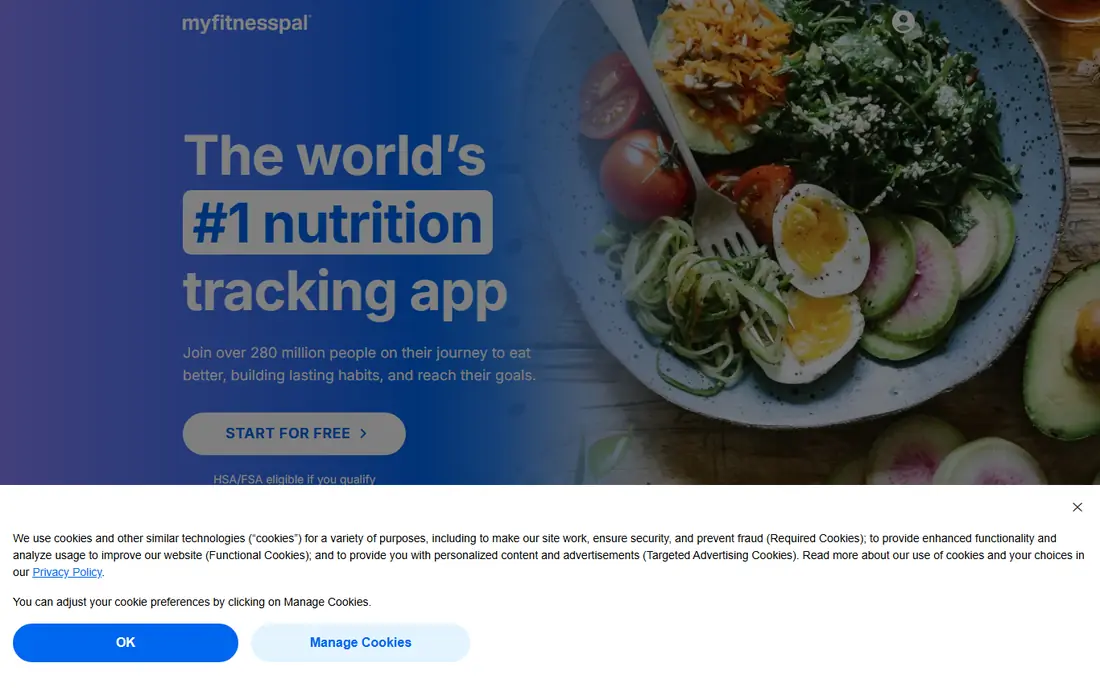
MyFitnessPal remains the default macro tracker for a simple reason: the food you eat is probably already in its database. Logging a branded snack, a restaurant item, or a packaged meal is usually a quick search, and the diary layout is familiar to anyone who has tracked before. That breadth saves time on busy days when you do not want to build custom foods. The free tier has narrowed. Custom macros by percentage are free, but gram targets and per meal targets sit in Premium, at $19.99 per month or $79.99 per year, with a Premium Plus tier at $99.99 per year. If you are happy with percentage targets and manual entry, the free plan still works. If you need gram precision, MyNetDiary or Cronometer give it free.
- Huge food database with many branded items
- Familiar diary layout
- Wide device and app connections
- Gram targets and per meal targets need Premium
- Barcode and photo logging need Premium in the US
- Free tier includes ads
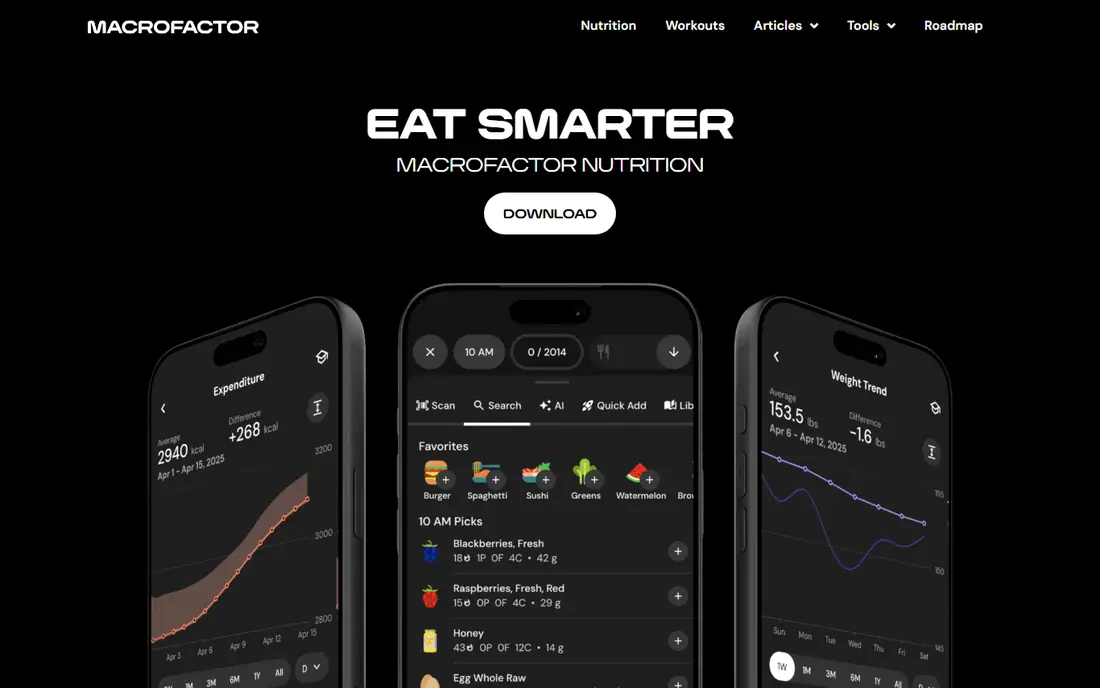
MacroFactor is less a diary and more a coaching system. You log food and weight, and the app estimates your energy expenditure, then adjusts calorie and macro targets each week based on what actually happened. That feedback loop helps people who stall on a fixed plan, since targets move with progress rather than staying frozen. Pricing is $11.99 per month, $47.99 for six months, or $71.99 per year, with no free tier beyond a 7 day trial. That cost is justified only if you log consistently, because the algorithm needs data to adapt. Casual loggers will get more value from a free app, while lifters and dieters who track daily often rate MacroFactor as the most useful paid option here.
- Targets adapt weekly from weight and intake trends
- Manual, collaborative, and coach modes
- Detailed expenditure estimates
- No free tier, only a 7 day trial
- Requires consistent logging to adapt well
- Food database is smaller than MyFitnessPal
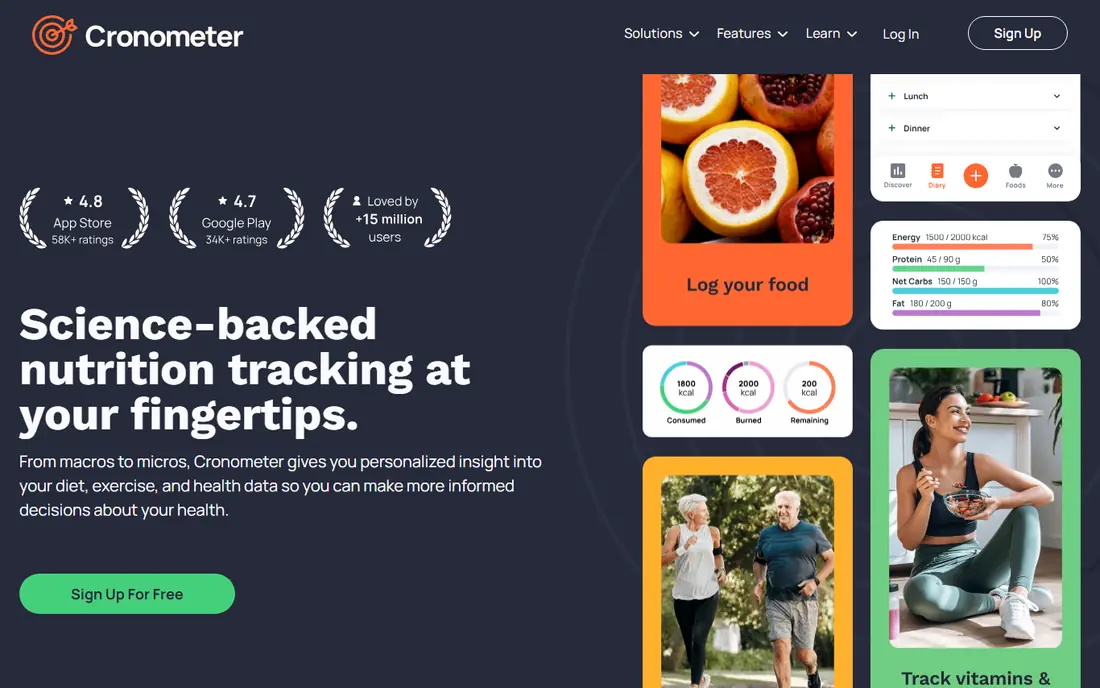
Cronometer appeals to people who want accuracy over simplicity. Its database leans on verified sources, and each food shows a full micronutrient breakdown, not just protein, carbs, and fat. That depth helps anyone tracking sodium, fiber, iron, or other nutrients alongside macros, and it makes the app popular with nutrition focused users. The free plan is generous, with custom gram targets and barcode scanning included, and ads in the free tier. Gold costs $59.99 per year and adds features such as a macro scheduler, custom charts, and no ads. If MyFitnessPal feels too loose with user submitted entries, Cronometer is the stricter alternative.
- Custom macro targets by grams free
- Deep vitamin and mineral data
- Barcode scanning free
- More data than many people need
- Interface feels dense at first
- Gold needed for day by day macro scheduling
Lose It keeps macro tracking approachable for someone starting out. You set a goal, get a daily budget, and log meals against it, with a clear view of what remains. Photo logging through Snap It lowers the barrier on days when typing out a meal feels like too much work, and challenges add a light social push. Free logging covers basic tracking, while Premium is listed at $79.99 per year in recent comparisons and opens up custom macro targets and fuller logging tools. That price is similar to MyFitnessPal Premium, so the choice comes down to interface preference. Pick Lose It if you want a clean, guided start, and Cronometer if you want nutrient depth.
- Simple calorie budget workflow
- Photo logging with Snap It
- Challenges and community features
- Custom macro targets need Premium
- Barcode and photo logging details vary by plan
- Less micronutrient depth than Cronometer
MyNetDiary is the quiet value pick in this list. Its free tier includes custom macro targets by grams or percentages, barcode scanning, and no ads, which is a combination no other major app matches for free. Logging is fast, and the app handles recipes, meals, and custom foods without pushing you toward a subscription at every step. Premium costs $59.99 per year, with a Premium Plus tier at $99.99 per year and a lifetime option listed at $179.99. Paid tiers add advanced diet plans, AI tools, and deeper analysis. For most macro trackers, the free plan alone is enough, which makes MyNetDiary our pick for people who want gram precision without paying.
- Custom macro targets by grams or percentages free
- Free tier has no ads
- Barcode scanning free
- Food database is smaller than MyFitnessPal
- Premium needed for advanced plans and AI tools
- Design feels plain to some users
Carb Manager is built around low carb and keto eating, and that focus shows in every screen. Net carbs are tracked alongside total carbs, keto recipes are easy to log, and the app understands the macro split that keto dieters actually use. For someone on a standard balanced diet, that emphasis is unnecessary, but for low carb eaters it saves constant manual math. The free tier includes custom daily macro targets and no third party ads, while Premium is listed at $39.99 per year and adds per meal targets, day of week targets, and fuller meal planning. That is one of the lowest paid prices here. If keto or low carb is your plan, Carb Manager is the natural first choice.
- Net carb tracking built in
- Custom macro targets free
- Keto recipes and meal plans
- Less useful outside low carb eating
- Per meal and day of week targets need Premium
- Food database is keto focused
Lifesum suits people who want guidance, not just a blank diary. You pick a diet template, get meal plans and recipes matched to it, and track macros against those targets. The Life Score feature summarizes nutrition, hydration, and activity into a weekly view, which helps people who lose interest in raw numbers alone. The free tier covers basic tracking, while Premium is listed in app stores around $99.99 per year in the United States, with shorter plans available and prices varying by promotion. That is a higher price than Carb Manager or MyNetDiary, so Lifesum makes sense mainly if you will use its plans and recipes regularly. For pure macro logging, a free app does the same job cheaper.
- Diet templates for keto, paleo, and balanced eating
- Large recipe library
- Life Score gives a weekly health overview
- Detailed macro tracking and many plans sit behind Premium
- Premium pricing varies by store and offer
- Free tier is limited
Carbon Diet Coach takes a prescriptive approach. Each week you check in with weight, adherence, and progress, and the app adjusts your macros for the next week. It also offers a reverse diet mode for people coming out of a long cut, which few apps handle explicitly. That structure suits dieters who want a coach telling them what to do next, not just a place to record food. Pricing is $11.99 per month, $59.99 for six months, or $99.99 per year, with no free tier. Like MacroFactor, it only works if you log consistently and complete check ins. Choose Carbon if you want weekly accountability and a clear plan, and MacroFactor if you prefer a more flexible algorithm that adapts continuously.
- Weekly check ins adjust macros from adherence and progress
- Reverse diet mode
- Clear calorie planner
- No free tier, only a 7 day trial
- Smaller food database than MyFitnessPal
- Logging heavy by design
How we picked these
We compared official feature pages, pricing pages, app store listings, and public reviews for apps live in October 2026, focusing on tools that track protein, carbs, and fat by grams, not just calories. We weighted free macro features, custom target options, food database breadth, logging methods, and published pricing, and we excluded apps that only count calories with no macro breakdown. This is general information, not medical or nutrition advice, and anyone with a health condition, eating disorder history, or specific medical diet should talk to a clinician or registered dietitian before changing how they eat.
How to pick the right macro app
Start with how you want targets set. If you know your gram targets and want them free, pick MyNetDiary or Cronometer. If you want an app to adjust targets for you, pick MacroFactor or Carbon Diet Coach and accept the subscription. If you follow keto, pick Carb Manager without overthinking it.
Test logging for a week before paying
Log the same three days of eating in two apps and notice which one finds your foods faster and needs fewer corrections. The app you will actually open at dinner is the right one, even if another app has a longer feature list.
Keep targets realistic
Macro targets work best when they fit your real meals, schedule, and budget. A plan that demands perfect logging every day will fail faster than a slightly looser plan you follow for months. Use the app to notice patterns, not to chase a perfect day.
Frequently asked questions
What is the best app to track macros for free?
MyNetDiary and Cronometer are the strongest free picks, since both let you set custom macro targets by grams without paying. Carb Manager is also strong for free low carb tracking, while MyFitnessPal free works best if you are happy with percentage targets.
What is the best free app to track macros with barcode scanning?
MyNetDiary and Cronometer both include barcode scanning in their free tiers. MyFitnessPal now places barcode scanning in Premium in the United States, so free users there should look elsewhere for that feature.
What are the best apps for tracking macros if I want coaching?
MacroFactor and Carbon Diet Coach are the coaching picks here. MacroFactor adapts targets continuously from your trends, while Carbon Diet Coach uses weekly check ins to set the next week plan.
What is the best macro tracking app for weight loss?
The best app for weight loss is the one you log in consistently, but Lose It and MyNetDiary are good starting points for beginners, and MacroFactor suits people who want adaptive targets. Remember that no app replaces medical advice for weight management.
What is the best app to track macros for keto?
Carb Manager is the clear keto pick, with net carb tracking, keto recipes, and low carb meal plans built in. Lifesum also offers keto templates, but its detailed macro features sit behind Premium.
Do macro apps work for muscle gain as well as fat loss?
Yes, the same gram targets work in both directions, with total calories set higher for gain and lower for loss. MacroFactor and Carbon Diet Coach both handle this by adjusting targets as weight trends change, while free apps let you set the targets yourself.
Sources
See where you really rank - block by block
ProMapRanker scans Google Maps across a grid of your service area. Simple monthly plans from $19, white-label on every plan.
Start freeKeep reading
 zeffy payment processor stripe alternatives
Zeffy and Stripe Alternatives for Nonprofits in 2026
Explore zeffy payment processor stripe alternatives for nonprofits. We compare 8 fundraising platforms on fees, donor tools, and nonprofit focus. Check fees.
Read → workday alternatives
Workday Alternatives in 2026
Workday alternatives compared: we review 8 HR and payroll platforms that replace Workday, with pricing, strengths and honest limits for each team size.
Read → what's the best weather app
What's the Best Weather App in 2026
Wondering what's the best weather app? We compare 10 free and paid apps for forecasts, radar, alerts, and Colorado mountain weather for everyday and storm use.
Read →