 ProMapRanker
Best App to Find Jobs in 2026

Key takeaways
- Indeed offers the broadest listing inventory for job seekers who want to apply at volume.
- LinkedIn is the strongest pick for professional roles, recruiter contact, and networking.
- ZipRecruiter stands out for fast one tap applications and quick alerts on mobile.
- Glassdoor is the best companion app for salary data and company reviews before you apply.
- Students, tech workers, and hourly workers do better with a niche app alongside a general one.
Quick comparison
| Pick | Great for | Pricing starts at | Free tier | |
|---|---|---|---|---|
 Indeed Indeed | Broadest job listings | Free | Yes | Visit |
 LinkedIn LinkedIn | Professional roles and networking | Free | Yes | Visit |
 ZipRecruiter ZipRecruiter | Fast one tap applications | Free | Yes | Visit |
 Glassdoor Glassdoor | Salaries and company reviews | Free | Yes | Visit |
 Handshake Handshake | Students and recent graduates | Free | Yes | Visit |
 Dice Dice | Tech and IT roles | Free | Yes | Visit |
 Monster Monster | Personalized job matches | Free | Yes | Visit |
 Snagajob Snagajob | Hourly and shift work | Free | Yes | Visit |
The best apps to find jobs
We compared listing depth, application speed, alerts, and research tools, with a focus on what job seekers can actually do free from a phone.
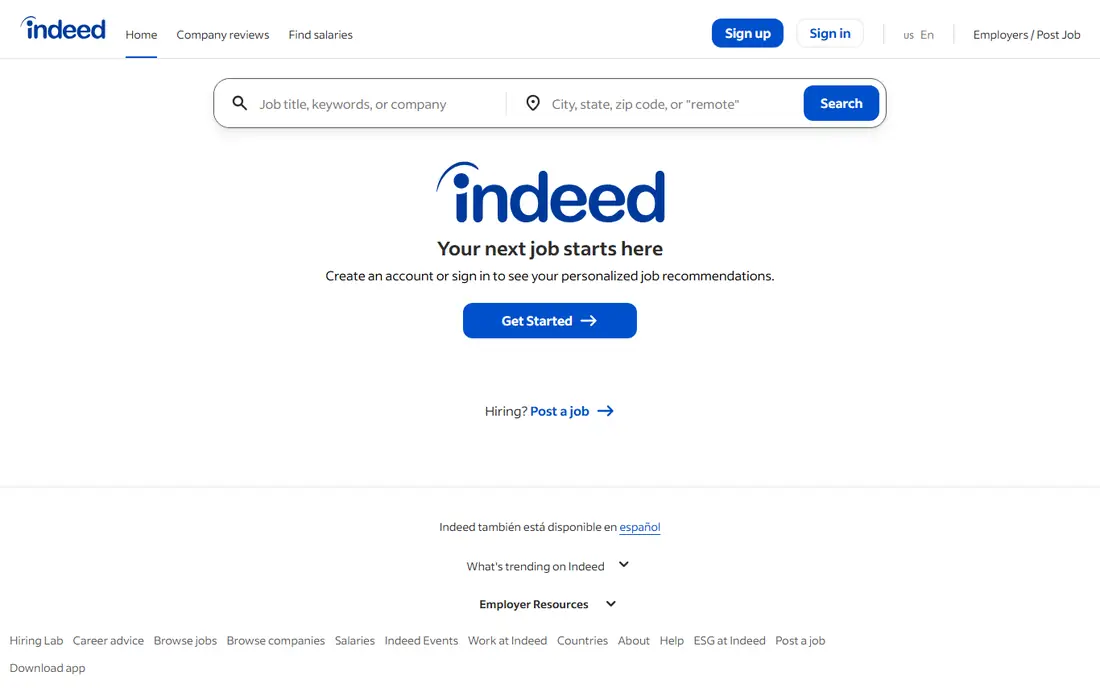
Indeed remains the default starting point for most job searches because of sheer inventory. You can search across industries, filter by salary, location, job type, and remote options, and set alerts that surface new matches without daily manual searching. For job seekers applying at volume, that breadth matters more than any single extra feature. The downside of breadth is noise. Popular roles attract many applicants, and some listings stay visible after the role is filled or appear on multiple boards at once. Treat Indeed as a discovery engine, then verify the role on the employer site before you spend time tailoring an application. Used that way, it is the most useful free app in this list for a broad search.
- Very large listing inventory across industries
- Strong filters for location, salary, and job type
- Saved searches and alerts
- High application volume means more competition
- Some listings are older or duplicated across boards
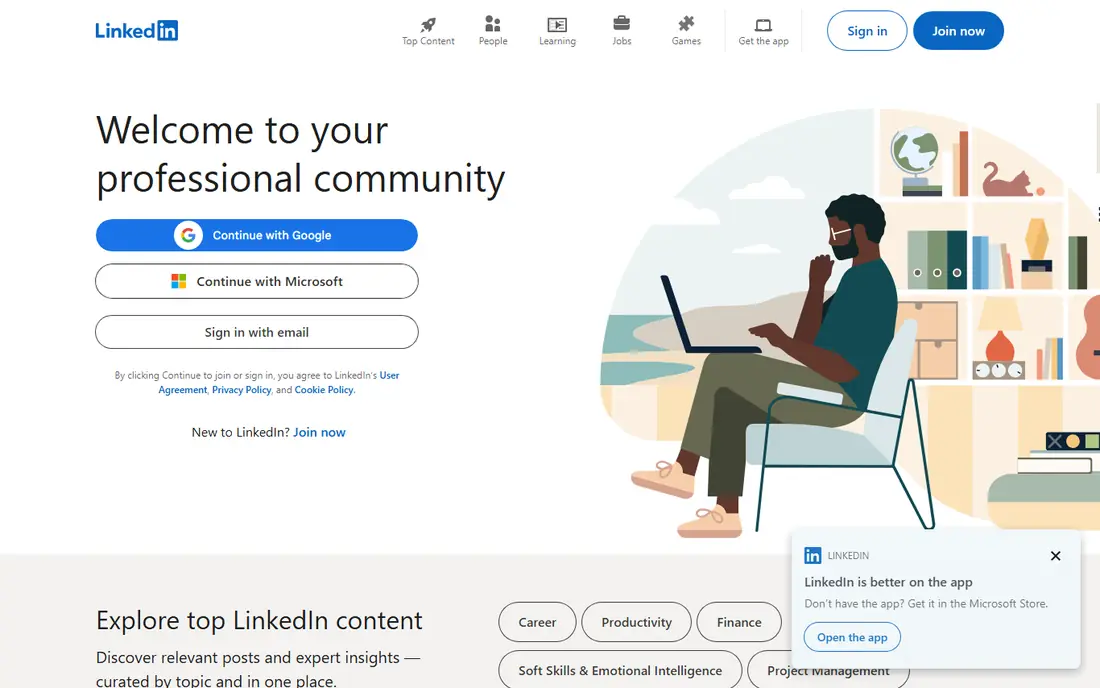
LinkedIn is different from a pure job board because your profile does work even when you are not applying. Recruiters search profiles, hiring managers can be contacted directly, and endorsements, portfolio items, and work history give context that a short application form cannot. For senior or specialized roles, that visibility often matters as much as the listing itself. The free app covers job search, alerts, and many applications well, while Premium adds advanced search, job matching tools, and coaching features at an extra monthly cost. If you are early in a search, start free and build a complete profile before paying. A half finished profile with no headline, summary, or recent role will not attract the recruiter attention that makes LinkedIn worth using.
- Recruiter visibility and direct contact with hiring teams
- Professional profile acts as a living resume
- Strong job alerts and Easy Apply options
- Premium features cost extra
- Feed and networking features can distract from applying
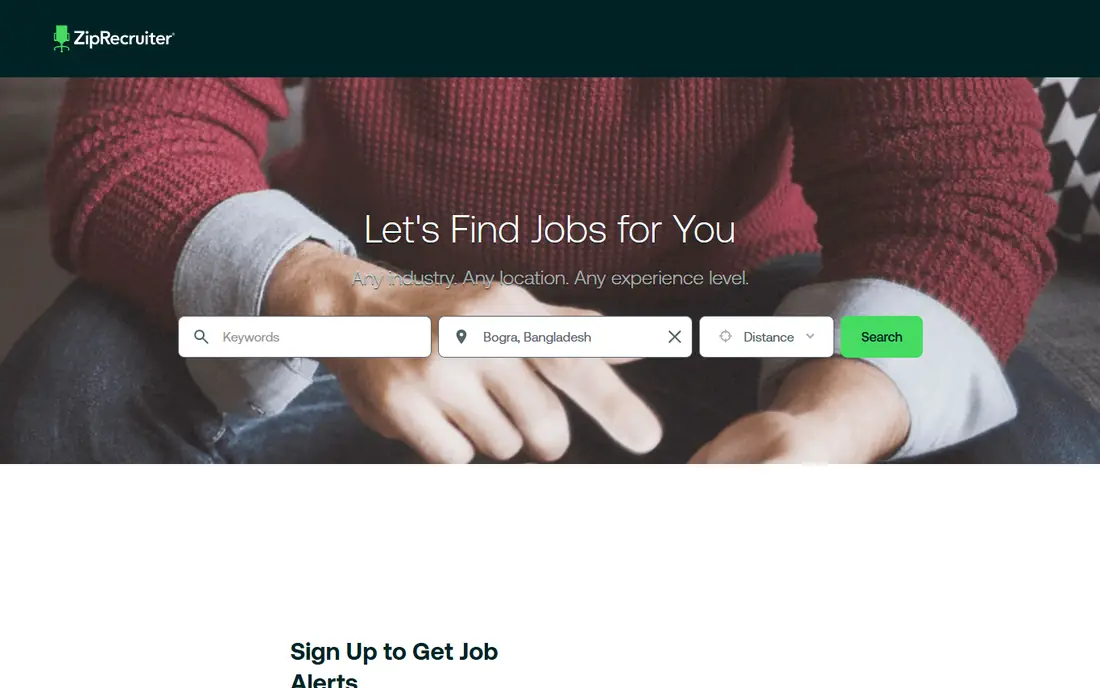
ZipRecruiter is built for speed. Once your profile and resume are stored, many applications take a tap rather than a fresh form, which helps when you are applying from a phone between shifts or during a commute. Alerts arrive quickly, and the matching system pushes roles that fit your profile instead of waiting for you to search each day. Speed has a trade off. Fast applications make it easy to apply to roles you would skip on reflection, and matching is only as good as the profile you built. Spend time on job titles, locations, and salary ranges before turning on alerts, or you will spend the time you saved sorting through poor matches. For hourly and general roles where timing matters, ZipRecruiter is a strong second app beside Indeed.
- Fast applications with a stored profile
- Smart matching and alerts
- Good mobile experience for hourly and general roles
- Matching can surface roles outside your target
- Employers pay for posting, which shapes which jobs appear first
Glassdoor earns its place even if you apply elsewhere, because it answers the question every job seeker asks before an interview: what does this job actually pay, and what is it like to work there. Salary ranges, company reviews, and interview notes sit beside listings, which helps you decide which roles deserve a tailored application and which ones to skip. Treat the data as a guide, not a verdict. Salary figures depend on how many people reported that role in that city, and reviews reflect individual experiences rather than a full picture of a team. Use Glassdoor to set salary expectations, prepare questions for interviews, and spot warning signs such as repeated complaints about turnover or pay. That research step alone can save weeks spent pursuing the wrong employer.
- Salary data and employee reviews beside listings
- Company ratings help filter poor employers
- Job alerts and application tracking
- Salary data varies by role and location sample size
- Reviews are self reported and can skew positive or negative
Handshake is built around a specific moment in a career: the move from study to work. Employers who post there are looking for students and recent graduates, which means the listings, internships, and entry level roles are more relevant than a general board where senior roles dominate. Matching uses your school, major, and interests, so a new graduate sees roles that fit their background first. The limit is timing. Once you have a few years of experience, Handshake becomes less central, and general boards or LinkedIn take over. Students should still use it early, since many employers recruit through campus channels months before a role appears on a public board. Pair it with Indeed for breadth, and use Handshake for the roles aimed directly at your cohort.
- Employers actively recruiting students and graduates
- Internships and entry level roles in one place
- School and major based matching
- Less useful once you leave student status
- Listing depth outside student roles is thinner
Dice narrows the search to technology, and that focus is its strength. Instead of filtering a general board for developer, data, or security roles, you start inside a board where every listing is tech related. Skill based search lets you filter by languages, tools, and frameworks, and you can find contract, freelance, and full time work in the same search. That focus also limits the audience. If you are changing careers into tech, Dice helps once you have skills to list, but it will not guide a broader career change. Tech job seekers should use Dice beside LinkedIn, where recruiters for senior and specialized roles are active, and Indeed for roles at companies that post only on general boards.
- Tech focused listings for software, data, and IT roles
- Skill based search and filters
- Contract, freelance, and full time options
- Little value outside tech
- Some roles require specific certifications or clearances
Monster has been a job board for decades, and its current strength is personalized matching rather than raw inventory. Once you build a profile, the app surfaces roles that fit your history and preferences, which suits job seekers who prefer a short daily list over endless searching. Applications are straightforward, and the app covers many industries. The catch is that Monster no longer leads on inventory in every market, so it works best as a second or third app rather than your only search tool. Keep your profile complete and current, since thin profiles produce thin matches. If you like the swipe style or recommendation approach to job hunting, Monster is a useful addition to Indeed and LinkedIn.
- Personalized recommendations based on your profile
- Straightforward applications
- Broad industry coverage
- Listing inventory feels smaller than Indeed for some roles
- Matching quality depends on a complete profile
Snagajob focuses on hourly work, which makes it far more useful than a general board for retail, food service, warehouse, and other shift based roles. Listings highlight hourly pay, shift times, and location, and many employers hiring through Snagajob move quickly because they need staff for specific shifts. That speed matters when you need work soon. Professional job seekers will find little here, and that is fine, since the app is not built for them. Hourly workers should check Snagajob first for local shift roles, then use Indeed or ZipRecruiter for broader coverage. Be ready to follow up in person or by phone where an employer asks, since hourly hiring often moves faster outside the app than inside it.
- Strong hourly and shift listings
- Fast hiring for retail, food, and warehouse roles
- Shift and location filters
- Limited professional and salaried roles
- Some employers require in person follow up after applying
How we picked these
We compared official app and website features, listing focus, application tools, and public reviews, with attention to what job seekers can do free. We favored apps still available in the United States in October 2026, with mobile apps on iOS and Android, and a clear use case rather than a duplicate general board. We did not claim hands on testing, and we treated salary and review data as reported figures that vary by sample, not as guarantees.
How to use job apps without wasting your search
Use two or three apps with distinct jobs, not eight apps doing the same thing. A good setup is one general board for volume, one research tool for salaries and reviews, and one niche board for your field or stage. Set alerts on each, check them once or twice a day, and spend the rest of your time tailoring applications and contacting people, since those steps convert better than endless scrolling.
Profiles, alerts, and applications
Complete one strong profile and reuse it. Upload a current resume, write a clear headline with your target role, and set location and salary filters honestly, since broad filters produce broad matches. Turn on alerts for your top three role titles, and apply quickly to new listings, while still tailoring the first lines of each application to the role.
Spotting poor listings
Be cautious with listings that ask for fees, bank details, or personal identification before an interview, or that promise very high pay for vague work with no experience required. Legitimate employers interview on video or in person, pay through payroll, and ask for sensitive details only at offer stage. If a listing feels off, verify the employer on its own site before applying.
Frequently asked questions
What is the best app to find jobs?
Indeed is the best general pick for listing breadth, while LinkedIn is the best pick for professional roles and recruiter contact. Most job seekers do best using both, with Glassdoor for salary research. Your field, experience level, and location decide which combination works best.
What are the best apps for job searching on a phone?
Indeed, LinkedIn, ZipRecruiter, and Glassdoor all offer strong mobile apps with alerts and quick applications. ZipRecruiter is the fastest for one tap applications, while LinkedIn is best for managing a profile and recruiter messages on the go. Choose the app whose alerts you will actually open each day.
What are the best job hunting apps for students?
Handshake is the best app for students and recent graduates, since employers there are actively recruiting from colleges. LinkedIn also helps students build a network early, and Indeed covers internships and part time roles outside campus channels. Start with Handshake during study, then add LinkedIn before graduation.
What is the best app to apply for jobs quickly?
ZipRecruiter is the best pick for fast applications, thanks to stored profiles and one tap apply on many roles. Indeed also offers quick apply on many listings. Speed helps, but a short tailored note or a resume matched to the role still improves your chance more than applying to twice as many roles.
What are the best hiring apps for hourly work?
Snagajob is the best app focused on hourly and shift work, with filters for pay, shift, and location. ZipRecruiter and Indeed also list many hourly roles and move fast. If you need shift work soon, check Snagajob daily and be ready to follow up directly with the employer.
Are the best job search apps free for job seekers?
Yes, all the apps in this list are free for job seekers to search and apply. LinkedIn Premium and some extra features cost extra, but they are optional. Never pay a fee to apply for a job, and treat any listing that asks for payment before an interview as a warning sign.
Sources
See where you really rank - block by block
ProMapRanker scans Google Maps across a grid of your service area. Simple monthly plans from $19, white-label on every plan.
Start freeKeep reading
 zeffy payment processor stripe alternatives
Zeffy and Stripe Alternatives for Nonprofits in 2026
Explore zeffy payment processor stripe alternatives for nonprofits. We compare 8 fundraising platforms on fees, donor tools, and nonprofit focus. Check fees.
Read → workday alternatives
Workday Alternatives in 2026
Workday alternatives compared: we review 8 HR and payroll platforms that replace Workday, with pricing, strengths and honest limits for each team size.
Read → what's the best weather app
What's the Best Weather App in 2026
Wondering what's the best weather app? We compare 10 free and paid apps for forecasts, radar, alerts, and Colorado mountain weather for everyday and storm use.
Read →