 ProMapRanker
Best App for Writing a Book in 2026


Long book organisation · Pricing starts at: $59.99 one-time
Key takeaways
- Scrivener remains the strongest organiser for long books, thanks to its corkboard, outlining, and compile tools.
- Novlr and Reedsy Studio suit writers who want cloud access and a simpler editor, with free tiers to test first.
- Dabble and Plottr suit visual planners, while Ulysses suits writers who prefer a clean, distraction-free editor.
- No app finishes a book for you, so pick the tool that matches how you plan, then protect a daily writing habit.
Quick comparison
| Pick | Great for | Pricing starts at | Free tier | |
|---|---|---|---|---|
| Scrivener | Long book organisation | $59.99 one-time | No | Visit |
 Novlr Novlr | Cloud writing | Free | Yes | Visit |
 Reedsy Studio Reedsy Studio | Free book drafting | Free | Yes | Visit |
 Dabble Dabble | Visual plotting | See website | No | Visit |
 Plottr Plottr | Story structure | See website | No | Visit |
 Ulysses Ulysses | Clean writing | $5.99 per month | No | Visit |
 Atticus Atticus | Writing and formatting | $147 one-time | No | Visit |
 Google Docs Google Docs | Simple free drafting | Free | Yes | Visit |
The best apps for writing a book
A book app should do more than hold text. It should help you organise chapters, track characters and research, and export a clean manuscript when the draft is done. We compared official feature pages, pricing, app store listings, and public reviews to find apps that still serve book writers well in October 2026.
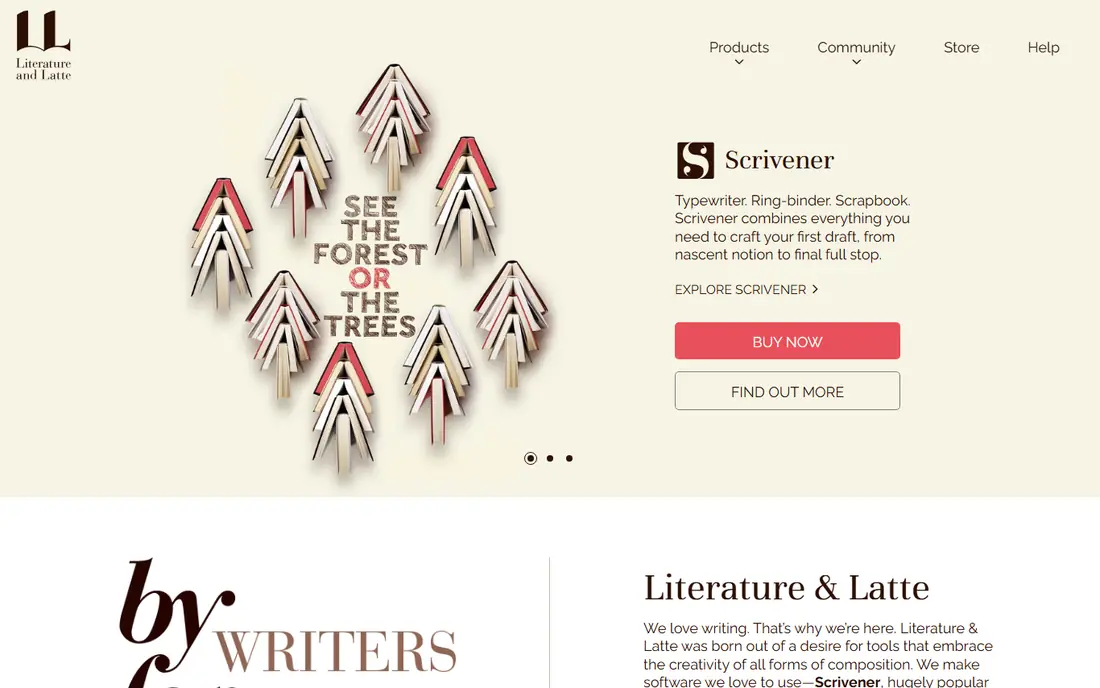
Scrivener is the tool many novelists and nonfiction writers return to when a book grows beyond a single document. Chapters, scenes, research notes, and character sheets live in one project, and the corkboard lets you reorder scenes by dragging cards. When the draft is ready, compile tools turn that structure into a manuscript in common formats.
That power comes with a learning curve. New users often feel lost among menus, templates, and compile settings, and the interface is more functional than pretty. There is also no Android app, and the Mac and Windows versions differ in small ways. For a long, complex book, Scrivener still offers the most control for a one-time price of $59.99 for Mac.
- Corkboard and outlining for complex books
- Compile tools for manuscripts
- One-time purchase, not a subscription
- Learning curve is steep
- Interface looks dated
- No Android app
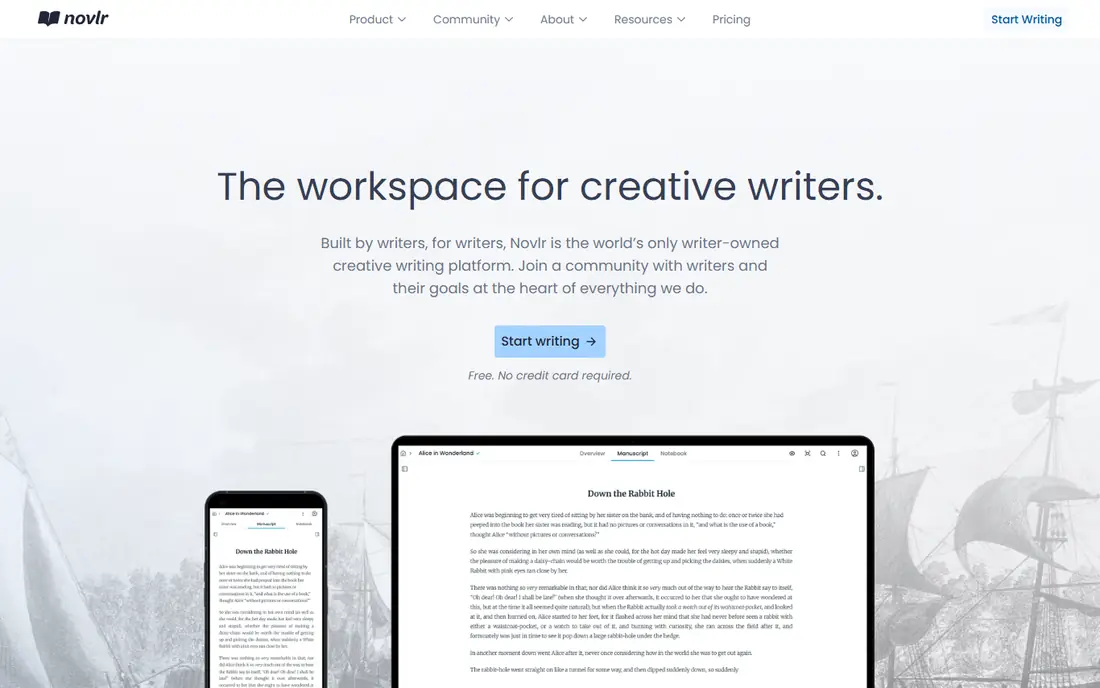
Novlr suits writers who want to open their book on any computer without syncing files by hand. The web editor is clean, chapters sit in a simple sidebar, and progress tracking shows daily word counts and targets. Version history helps when a rewrite goes wrong and an earlier draft needs rescuing.
Outlining and worldbuilding tools are lighter than Scrivener, so heavy planners may miss the corkboard and detailed templates. Paid plans, listed around $10 per month in public comparisons, add fuller features, while the free tier lets writers test the editor first. For a straightforward, cloud-first novel draft, Novlr is a calm and capable choice.
- Cloud access from any browser
- Clean editor
- Progress tracking and version history
- Paid plans cost around $10 per month
- Outlining is lighter than Scrivener
- Needs internet for full use

Reedsy Studio is a free web editor built for book-length writing, with chapters, front matter, and EPUB export in one place. That makes it a strong starting point for a first-time author who does not want to pay before the draft exists. The editor stays focused on text, which helps writers who get distracted by formatting too early.
Planning tools are limited, with one free board in public comparisons, and formatting options are simpler than a dedicated tool such as Atticus. Writers who need deep worldbuilding may pair Reedsy with Plottr or a separate notes app. For a free, book-shaped draft that exports cleanly, Reedsy Studio is hard to beat.
- Free to use
- Clean book editor
- EPUB export for publishing
- Professional marketplace nearby
- One board free for planning
- Formatting is simpler than Atticus
- Web-only workflow
Dabble is built for writers who think in plots and scenes. Its Plot Grid shows storylines across chapters in a visual grid, so a writer can see where a subplot drops or where pacing sags. Cloud sync keeps the manuscript current across devices, and the editor stays clean enough for daily drafting.
It is a subscription product, so check the current price on the official site before committing, and note that export options are more limited than Scrivener or Atticus in some comparisons. Writers who mainly need a strong drafting and plotting tool, rather than a publishing formatter, will get the most from Dabble.
- Plot Grid for visual story planning
- Cloud sync across devices
- Clean writing interface
- Paid subscription with pricing to check at checkout
- No EPUB export in some comparisons
- Less formatting power than Atticus
Plottr is a planning tool first and a writing tool second, and that focus is its strength. Timelines, outline templates, and character and place cards help a writer structure a novel before drafting, or fix a sagging middle during revision. Templates for common story structures give new writers a useful starting shape.
Writers should not expect Plottr to replace a full manuscript editor. It exports outlines and works alongside Scrivener, Dabble, or Docs, rather than carrying a whole book to publication alone. Pricing should be checked on the official site, since yearly and lifetime options have varied. For structure, Plottr is one of the clearest tools here.
- Excellent timeline and outline templates
- Visual story planning
- Exports outlines for use elsewhere
- It plans books, it does not draft full manuscripts as well
- Paid plans to check at checkout
- Learning curve for templates
Ulysses appeals to writers who want words on a clean page, without panels, cards, and menus competing for attention. Its Markdown editor, goal tracking, and publishing exports suit essays, nonfiction, and shorter books, as well as long drafts broken into sheets. Apple users get a polished experience across Mac, iPad, and iPhone.
Book organisation is simpler than Scrivener, with fewer planning tools for complex fiction. The subscription model also puts off writers who prefer a one-time purchase, and Windows and Android users need another tool. For a writer who values focus and a beautiful editor, Ulysses is a strong pick.
- Clean, distraction-free editor
- Markdown-based writing
- Strong Apple device support
- Subscription at $5.99 per month
- Apple-focused
- Book organisation is simpler than Scrivener
Atticus solves the step many writers dread: turning a finished draft into a formatted ebook and print interior. Write in its editor, choose a theme, and export files ready for common publishing platforms. That combination saves a separate formatting tool or a costly formatter for many self-published authors.
The $147 one-time price is a real commitment for a first draft, and planning tools are thinner than Scrivener or Plottr. Writers with complex layouts may still need a designer. For an author who wants to write and format in one purchase, without a subscription, Atticus offers clear value at the publishing stage.
- Writing plus print and ebook formatting in one tool
- One-time purchase
- Themes for professional-looking books
- $147 upfront cost
- Planning tools are limited
- Custom layouts are less flexible than a designer tool
Google Docs deserves a place here because many books start, and some finish, in a simple document. It is free, it saves automatically, and it lets a co-author or editor comment in real time. For a first draft, especially nonfiction with a collaborator, that simplicity removes friction.
Long manuscripts can slow down, and organising chapters, research, and notes takes manual folders and headings rather than built-in book tools. Publication formatting also needs extra steps or another tool such as Atticus. Still, for a writer who wants no new software and no cost, Google Docs remains a practical way to get the draft written.
- Free and familiar
- Real-time collaboration
- Automatic cloud saving
- Struggles with very long manuscripts
- Book organisation is manual
- Formatting for publication needs extra work
How we picked these
We compared official feature pages, pricing pages, app store listings, and public reviews for book writing apps available in October 2026. We kept apps that support long-form writing, chapter organisation, or book export, with a current product and clear pricing. Where a price could not be verified on the vendor site, we wrote See website rather than guessing. We did not claim hands-on testing, and we treated review scores as a guide, not as proof.
How to choose a book writing app
Start with how you plan. If you outline in detail, Scrivener, Dabble, or Plottr will feel natural. If you write straight through and tidy later, Novlr, Ulysses, or Google Docs will feel lighter. If you already know you will self-publish, Atticus or Reedsy Studio can shorten the path from draft to formatted book. Match the tool to your process, not to the most popular name.
Next, test export early, not at the end. Write a sample chapter, add headings, and export it in the format your editor or publisher needs. Check that chapter breaks, italics, and scene breaks survive the export, and that you can back up the project outside the app. A tool that locks your book inside a single service is a risk, however pretty its editor looks.
Finally, protect the habit, not just the file. Set a daily word target you can keep, back up the manuscript in two places, and keep a separate notes file for ideas that arrive away from your desk. The best app is the one you open every day, even on a bad writing day. A simple tool used daily beats a powerful tool that sits untouched.
Frequently asked questions
What is the best app to write a book?
Scrivener suits most long-book writers, thanks to its organisation and compile tools, while Novlr and Reedsy Studio suit writers who want cloud access or a free start. Ulysses suits writers who want a clean editor, and Atticus suits writers ready to format for publication. Pick by planning style and budget, then test a sample chapter.
What is the best book writing app for beginners?
Reedsy Studio and Google Docs are the friendliest free starting points, since both let a beginner draft a book without paying or learning complex tools. Novlr adds progress tracking and cloud access for writers who want a little more structure. Move to Scrivener later if the book outgrows a simple editor.
Is Scrivener worth it for writing a book?
For a long, complex book, yes, because its corkboard, outlining, and compile tools save time that a single document cannot. For a short book or a first draft, a free tool may be enough, and Scrivener learning time can slow early progress. Try its trial period with a real chapter before buying.
Can I write a book on my phone?
Yes, with limits. Novlr, Ulysses, and Google Docs work well on mobile for drafting and editing, while Scrivener offers an iOS app but no Android app. Phones suit capturing scenes and editing, while a larger screen suits planning and revision. Sync and backup matter more on mobile, so check them before relying on a phone alone.
What is the best software for writing books and publishing them?
Atticus combines writing and formatting for self-publishing, while Reedsy Studio offers free drafting with EPUB export. Scrivener compiles manuscripts for editors and publishers, but final print formatting may need another tool. Choose based on if you publish yourself or work with an editor and designer.
Sources
See where you really rank - block by block
ProMapRanker scans Google Maps across a grid of your service area. Simple monthly plans from $19, white-label on every plan.
Start freeKeep reading
 zeffy payment processor stripe alternatives
Zeffy and Stripe Alternatives for Nonprofits in 2026
Explore zeffy payment processor stripe alternatives for nonprofits. We compare 8 fundraising platforms on fees, donor tools, and nonprofit focus. Check fees.
Read → workday alternatives
Workday Alternatives in 2026
Workday alternatives compared: we review 8 HR and payroll platforms that replace Workday, with pricing, strengths and honest limits for each team size.
Read → what's the best weather app
What's the Best Weather App in 2026
Wondering what's the best weather app? We compare 10 free and paid apps for forecasts, radar, alerts, and Colorado mountain weather for everyday and storm use.
Read →