 ProMapRanker
8 Best Apps for Field Service Invoicing On Site


Solo techs and small crews · Pricing starts at: $29 per month (billed annually)
Key takeaways
- Jobber Core at $29 a month and Square Invoices at $0 a month are the cheapest ways for a solo tech to invoice on site.
- Housecall Pro Basic at $59 a month adds job costing and a price book that Jobber Core does not include.
- ServiceTitan and FieldEdge publish no prices, so budget time for a sales quote and a demo before you compare them.
- Kickserv Start at $60 a month covers 5 users, which makes it the best value for a small crew that shares invoicing.
- Card processing fees of 2.59% to 3.3% often cost more per month than the subscription, so check them before you pick.
Quick comparison
| Pick | Great for | Pricing starts at | Free tier | |
|---|---|---|---|---|
| Jobber | Solo techs and small crews | $29 per month (billed annually) | Free trial (14 days) | Visit |
 Housecall Pro | Crews that need job costing | $59 per month (billed annually) | Free trial (14 days) | Visit |
 ServiceTitan | Large multi-crew trade businesses | quote only | No | Visit |
 FieldEdge | HVAC and plumbing shops | quote only | No | Visit |
 Workiz | Call-heavy residential services | quote only | Free trial (7 days) | Visit |
 Kickserv | Small teams that want value | $60 per month (billed annually) | Free trial (30 days) | Visit |
 Invoice2go | Simple mobile invoicing | $5.99 per month | Free trial (30 days) | Visit |
 Square Invoices | Card payments in person | $0 per month | Yes | Visit |
The best apps for field service invoicing on site
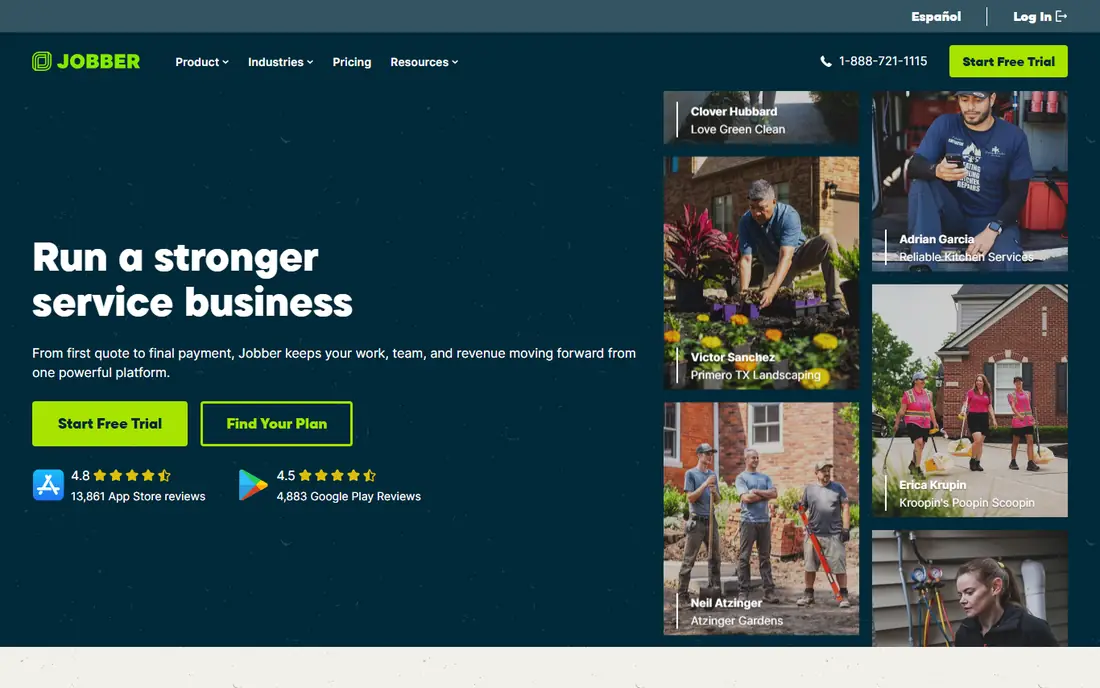
Jobber covers scheduling, quoting, invoicing and payments in one app, and it is built for home service businesses such as HVAC, plumbing, cleaning and landscaping. A technician can build a quote on site, turn it into an invoice in a few taps, and collect a card payment before leaving the driveway. Online booking, client reminders and a client hub keep the office work in the same place as the field work.
Core costs $29 a month on annual billing for one user, or $49 month to month. Connect is $99 a month on annual billing for one user, Grow is $149, and Plus starts at $399 for five users, with extra users at $29 a month each. Jobber counts anyone who logs in as a user, office or field. The app added offline mode in January 2026, so a tech can keep working where signal is weak. Jobber suits solo operators and small crews that want a simple flow from quote to invoice to payment.
- Clean quoting and invoicing flow on mobile
- Offline mode works in basements and rural areas
- QuickBooks Online sync needs the Connect plan
- Card processing fees of 2.9% plus 30 cents apply on top
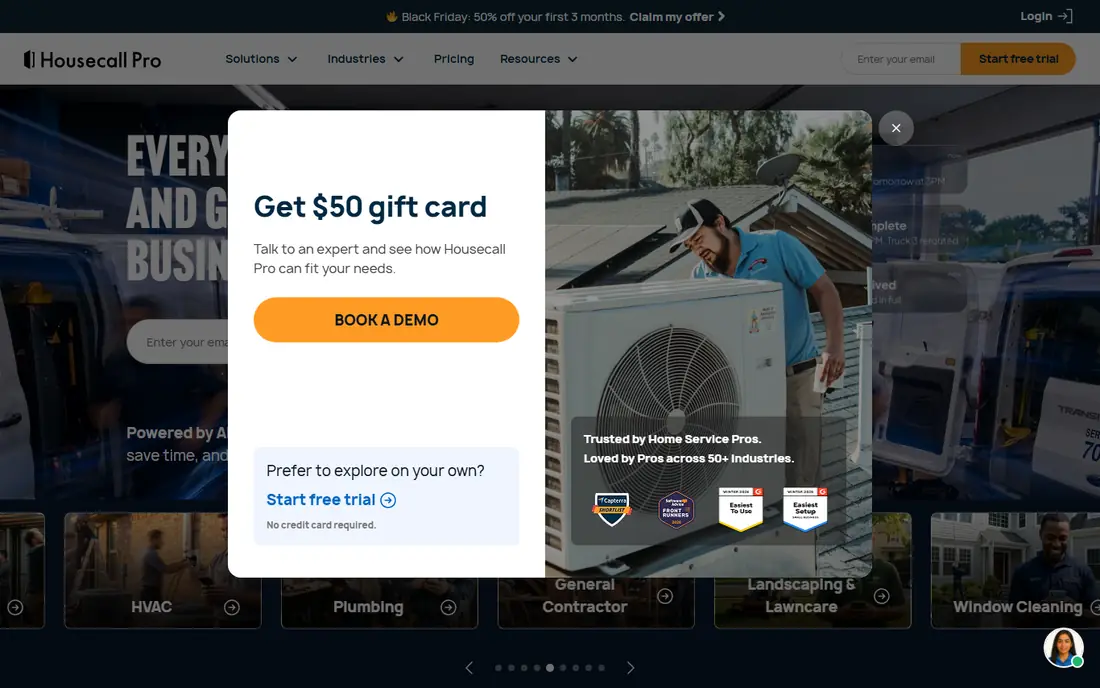
Housecall Pro is a field service platform for residential pros, and its mobile app handles the full job from booking to invoice. A tech can send an estimate, get a signature, complete the work and send the invoice from the same phone, with card payments at 2.59% and bank payments at 1%. The price book keeps material and labor prices consistent across the crew, and job costing on the Basic plan shows whether a job made money.
Basic costs $59 a month on annual billing for one user, or $79 month to month. Essentials is $149 a month on annual billing for five users, and Max is $299 for eight users, with extra Max users at $35 a month each. The 14-day trial runs on Max features and needs no credit card. Housecall Pro suits crews that want job costing from the first plan and are willing to pay more than Jobber Core for it.
- Job costing and a price book on the Basic plan
- Strong consumer booking and marketing tools
- No free plan, only a 14-day trial
- Add-ons such as CSR AI and payroll carry no public price
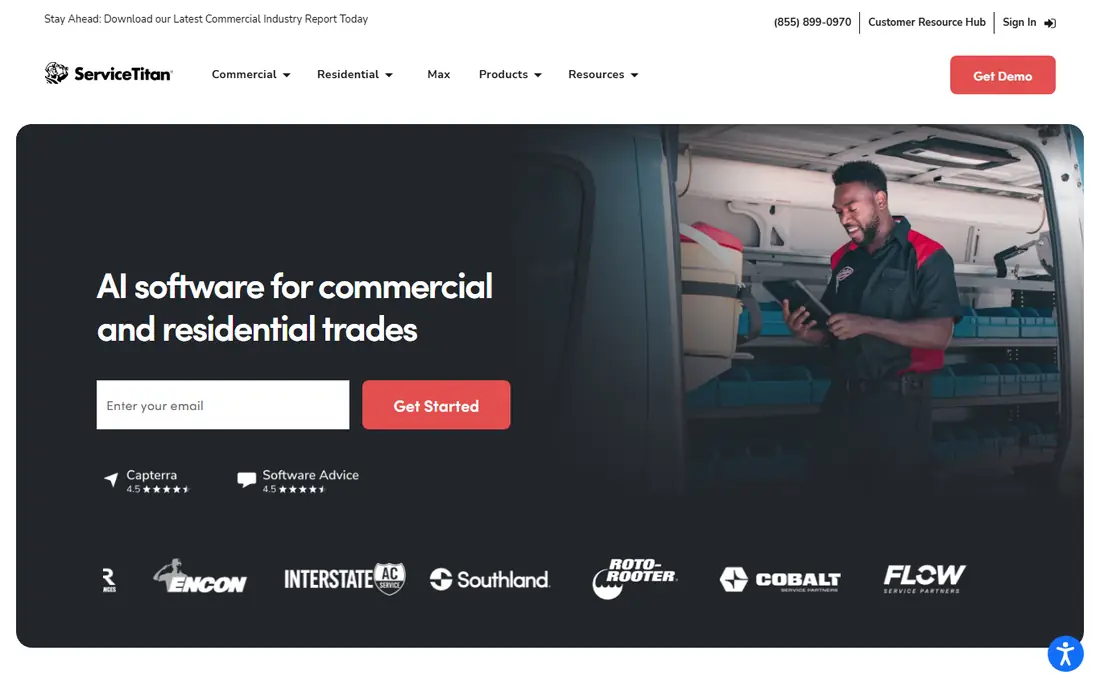
ServiceTitan is the enterprise platform for high-volume HVAC, plumbing, electrical and garage door businesses, and it went public on Nasdaq in December 2024. Its mobile app lets technicians build estimates from the pricebook, present good, better and best options, collect signatures and send invoices on site, while the office sees dispatch, memberships and marketing attribution in real time. Financing options at the point of sale help close larger jobs.
ServiceTitan publishes no prices. Its pricing page lists three per-technician packages, Starter, Essentials and The Works, each behind a Request Pricing button. Third-party analyses put the range near $245 to $500 per technician per month, plus implementation, and there is no free trial, only a demo. ServiceTitan suits shops with 20 or more technicians and dedicated office staff, and it is the wrong pick for a solo operator on a tight budget.
- Deepest reporting and marketing attribution in the category
- Full pricebook with good, better and best options
- No published prices, every quote is custom
- Implementation fees commonly run $5,000 to $50,000
FieldEdge is a long-running field service platform for HVAC, plumbing and electrical contractors, built around a dispatch board that handles a busy call day. Technicians get job details, customer history and equipment records on a mobile app, and they can create invoices on site, collect payment and sync the job back to the office. The QuickBooks integration keeps accounting in step with field work, which matters for shops that already run their books on QuickBooks.
FieldEdge publishes no prices and sells through demos and custom quotes, the same pattern as ServiceTitan. The vendor positions the product for established trade shops rather than solo operators, and pricing depends on team size, modules and contract terms. FieldEdge suits HVAC and plumbing shops that want a proven dispatch tool and are comfortable getting a written quote before they compare costs.
- Dispatch board built for high call volume
- Deep QuickBooks integration for office workflows
- No published prices, demo-gated quotes only
- Older interface compared with cloud-first rivals
Workiz is field service software for residential trades that live and die by inbound calls, such as HVAC, locksmiths, junk removal and appliance repair. The mobile app covers scheduling, dispatch, estimates, invoicing and payments, and the built-in phone system adds call tracking, recording and two-way texting. Automation can chase unanswered quotes and remind customers about appointments, which helps a small office handle more calls.
Workiz does not publish base prices. Its pricing page lists three plans, Standard, Pro and Ultimate, and every one sits behind a quote request. Third parties that verified quotes in early 2026 report $225 to $325 a month for five users on monthly billing, about $187 to $270 on annual billing, with extra users at $55 to $65 each. A 7-day free trial needs no card, and there is no lasting free plan. Workiz suits call-heavy shops that value the phone system enough to accept quote-only pricing.
- Built-in phone system with call tracking and recording
- Strong automation for follow-up messages
- Base prices are not published, only quotes
- The phone system is now a separate add-on
Kickserv is budget field service software for small service businesses such as plumbing, HVAC, electrical, restoration and landscaping. It covers leads, estimates, scheduling, invoicing and payments, with automated email and text reminders, time tracking, expense tracking and QuickBooks Online integration on the Start plan. Dispatch mapping and GPS check-ins arrive on Run, and custom templates and review requests arrive on Scale.
Start costs $75 a month month to month, or $60 a month on annual billing, for 5 users. Run is $149 month to month, or $119 on annual billing, for 10 users, and Scale is $249 month to month, or $199 on annual billing, for 20 users. Card payments cost 2.9% plus 30 cents with tap to pay in the app, and bank payments cost 1% plus 30 cents. Kickserv suits small crews that want transparent pricing and more seats per dollar than Jobber or Housecall Pro.
- Start plan covers 5 users for $60 a month
- Published prices with no quote needed
- No free plan, only a 30-day trial
- No two-way texting on any plan
Invoice2go, now owned by BILL, is a mobile-first invoicing app for small service businesses that need invoices more than full job management. A tech can create an invoice from a template on the phone, add a logo, convert an estimate with one tap, track expenses by photographing receipts, and send the invoice by text or email. Clients pay by card, PayPal or Apple Pay, and the app includes appointment scheduling and a simple website builder.
Starter costs $5.99 a month and allows 2 invoices a month. Professional is $9.99 a month for 5 invoices a month, and Premium is $39.99 a month for unlimited invoices with recurring billing and a custom domain. Card fees run 2.9% to 3.5% depending on the plan. There is no free plan, only a 30-day trial. Invoice2go suits a solo tech who sends few invoices and wants the cheapest mobile option.
- Very low starting price for solo invoicing
- Clients can pay by card, PayPal or Apple Pay
- Starter allows only 2 invoices a month
- Recurring invoices need the Premium plan
Square Invoices is the invoicing part of Square, and it fits a field tech who also takes card payments in person. The free plan includes unlimited invoices, estimates, contracts with e-signatures, recurring invoices, automatic reminders, deposits and saved cards, all at $0 a month. A tech can send an invoice from the job site and take a card payment through the same Square account that runs the card reader back at the shop.
Square makes its money on processing. On the free plan an invoice settled online by card costs 3.3% plus 30 cents, and bank transfers cost 1% with a $1 minimum. Square Plus costs $49 a month per location and cuts the card fee to 2.9% plus 30 cents, with a $10 cap on bank transfer fees. Square Invoices has no dispatch or scheduling, so pair it with a calendar or job tool if the crew needs routing. It suits small businesses that want free invoicing and already use Square for payments.
- Free plan includes unlimited and recurring invoices
- Invoices and card-reader sales share one account
- Online card fee of 3.3% plus 30 cents on the free plan
- No job scheduling or dispatch features
Which app fits your crew size and budget
| Crew size and budget | Best pick | Monthly cost | Why | | Solo tech, $0 budget | Square Invoices | $0 | Unlimited invoices free, you only pay card fees | | Solo tech, under $10 a month | Invoice2go Starter | $5.99 | Cheapest subscription plan, for up to 2 invoices a month | | Solo tech, under $30 a month | Jobber Core | $29 | Full quoting, scheduling and invoicing for one user | | Crew of 5, under $70 a month | Kickserv Start | $60 | Five seats included, with dispatch on the next tier | | Crew of 5, under $150 a month | Housecall Pro Essentials | $149 | Five seats with job costing and marketing tools | | Crew of 20 or more | ServiceTitan or FieldEdge | quote only | Enterprise reporting and dispatch, priced by quote |
How we chose
We compared vendor pricing pages, product documentation and plan pages for each tool in November 2026. Every price in this guide comes from the vendor pricing page listed in Sources, or from a published summary that cites that page with a check date in September or October 2026. We compared starting prices on the same billing basis, invoice limits, mobile invoicing features, offline support, card processing fees and the limits that push a business to a higher tier. We did not run hands-on tests, and we did not count review scores or user counts. Prices change often in this category, so confirm the live pricing page before you buy.
What to check before you buy
Check the invoice limit on the cheapest plan, since Invoice2go Starter allows only 2 invoices a month and Premium is the only unlimited tier. Add card processing fees to the subscription price, since a 3.3% fee on $10,000 of card invoices costs $330 a month. Test the mobile app on a real job site, including offline use in a basement, since some apps need a signal to save an invoice. Confirm whether QuickBooks sync, dispatch and price books sit on the plan you are buying. Ask about setup fees, since ServiceTitan implementation commonly runs $5,000 to $50,000. Finally, confirm the renewal price in writing, since several vendors in this category raised prices in 2026.
Frequently asked questions
What is the best app for field service invoicing on site?
Jobber is the best pick for most small crews, since Core costs $29 a month and covers quoting, scheduling, invoicing and card payments with offline mode. Square Invoices is best when the budget is $0, since the free plan includes unlimited invoices. Large shops with 20 or more technicians should look at ServiceTitan, though it is quote only.
Can I invoice a customer from the job site?
Yes. All eight apps in this guide let a technician create and send an invoice from a phone at the job site. Jobber, Housecall Pro, Kickserv and Square Invoices also collect card payment on the spot. Jobber added offline mode in January 2026, so an invoice can be prepared where signal is weak and sent when the connection returns.
How much does field service invoicing software cost per month?
A solo tech can start at $0 with Square Invoices or $5.99 a month with Invoice2go Starter. A full field service app costs $29 to $59 a month for one user on Jobber or Housecall Pro. A crew of five should expect $60 to $149 a month, and large enterprise platforms such as ServiceTitan are quote only and cost far more.
Do these apps charge card processing fees?
Yes. Card fees sit on top of the subscription on every app in this guide. Jobber charges 2.9% plus 30 cents, Housecall Pro starts at 2.59%, Kickserv charges 2.9% plus 30 cents on tap to pay, and Square Invoices charges 3.3% plus 30 cents on the free plan. Bank transfers usually cost 1%. Check the fee before you compare subscription prices.
Is there a free app for field service invoicing?
Yes. Square Invoices has a free plan with unlimited invoices, estimates, contracts, recurring invoices and reminders at $0 a month, and you only pay when a client pays by card or bank transfer. The other apps offer free trials of 7 to 30 days instead of a free plan, except ServiceTitan and FieldEdge, which offer demos only.
Sources
See where you really rank - block by block
ProMapRanker scans Google Maps across a grid of your service area. Simple monthly plans from $19, white-label on every plan.
Start freeKeep reading
 best chimney sweep software
Best Chimney Sweep Software: 8 Tools Compared
Compare the best chimney sweep software for scheduling, quotes and invoicing. See starting prices, free trials and the right pick for your crew size now.
Read → best childcare management software
Best Childcare Management Software
Compare the best childcare management software for centres and preschools, with billing, attendance, parent messaging, and learning tools in one clear guide.
Read → best channel manager software for hotels
Best Channel Manager Software for Hotels
Compare the best channel manager software for hotels in 2026, with real prices, channel counts and PMS links, so you can stop double bookings and sell rooms.
Read →