 ProMapRanker
Best App for Business Expenses in 2026

Key takeaways
- Ramp and Brex give small teams a free core platform built around corporate cards, while Expensify and Zoho Expense work with cards you already carry.
- Receipt scanning, automatic categorization, and approval routing are now standard, so the real choice is card model, accounting sync, and per user cost.
- Solo owners and drivers get more value from Everlance and Hurdlr, which focus on mileage, receipts, and tax records rather than team approvals.
- Most paid team plans start between $4 and $15 per user per month, but card based platforms can cost nothing for software if you qualify for their cards.
Quick comparison
| Pick | Great for | Pricing starts at | Free tier | |
|---|---|---|---|---|
 Ramp Ramp | Card based spend control | Free | Yes | Visit |
 Expensify Expensify | Simple team expense reports | $5 per month | Yes | Visit |
 Zoho Expense Zoho Expense | Budget teams in Zoho | $4 per month | Yes | Visit |
 Brex Brex | Startups and scaling teams | Free | Yes | Visit |
 BILL Spend and Expense BILL Spend and Expense | Free card controls | Free | Yes | Visit |
 Everlance Everlance | Mileage plus expenses | Free | Yes | Visit |
 Hurdlr Hurdlr | Freelancer tax records | Free | Yes | Visit |
 Fyle Fyle | Receipts inside everyday tools | See website | Free trial | Visit |
The best app for business expenses
We compared receipt capture, approvals, cards, accounting connections, and current pricing to find options for solo owners, small teams, and growing companies.
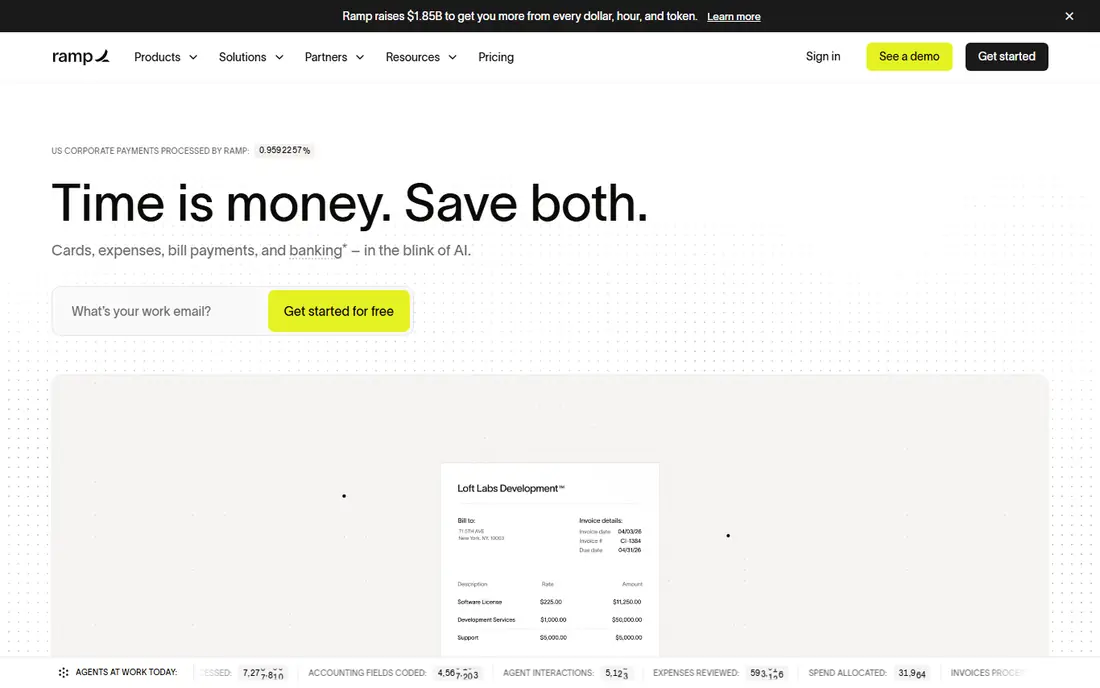
Ramp suits a team that wants spending controlled before money leaves the account, not reconciled weeks later. Staff get cards with limits set by role or budget, receipts are matched to transactions, and managers approve exceptions rather than every routine purchase. That structure cuts down on reimbursement claims, which is the main reason many startups adopt it early. The catch is qualification. Ramp underwrites its cards on business bank activity, so a very new company with thin balances may not be approved. Paid Ramp Plus, from $15 per user per month plus a platform fee, adds deeper accounting connections, multi entity support, and custom workflows. If you qualify and your accounting needs are mainstream, the free tier covers a surprising amount of ground.
- Unlimited corporate cards on the free tier
- Automatic receipt matching
- Bill pay and travel booking in the same platform
- Card approval depends on business finances
- Advanced integrations sit on a paid tier
- Platform fee applies on Ramp Plus
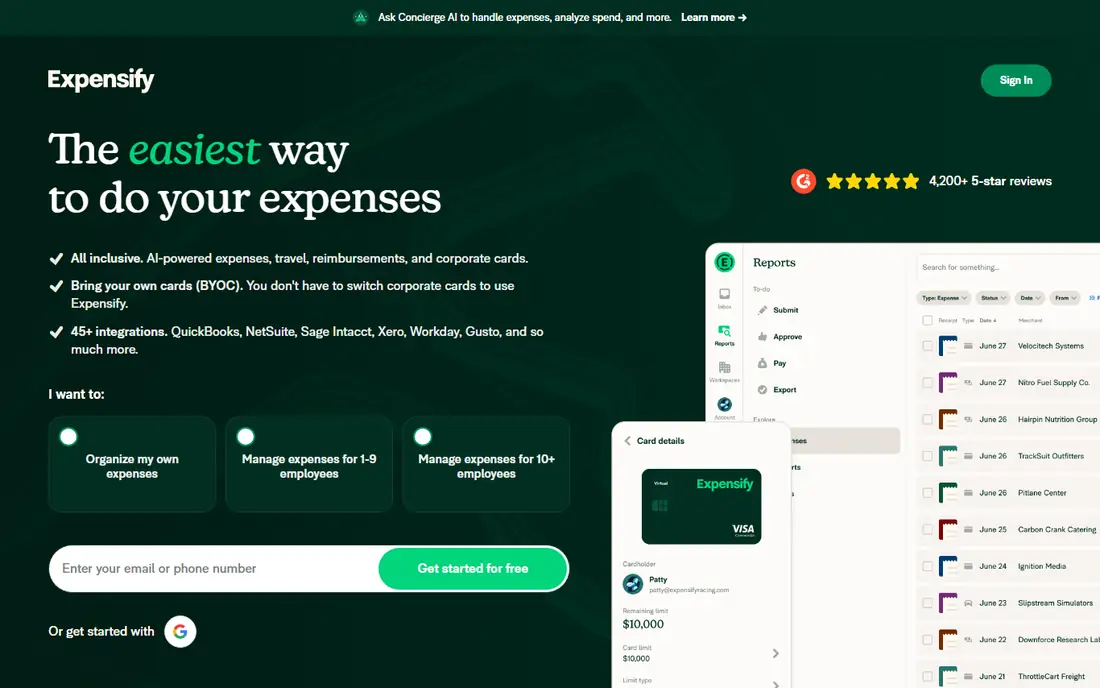
Expensify remains the safe pick for teams that do not want to change banks or cards. Employees photograph receipts, the app reads the amount and merchant, and reports route to a manager for approval. It works with personal cards, company cards, and reimbursements, which makes it flexible for mixed teams and contractors. Pricing starts with a free tier for individuals, and the Collect plan is listed at $5 per user per month. That price reflects annual terms and card conditions in vendor materials, so read the current pricing page before you budget. For a team that mainly needs clean reports and a reliable accounting sync, Expensify is hard to fault.
- Familiar expense report workflow
- SmartScan receipt capture
- Syncs with QuickBooks, Xero, and other accounting tools
- The best value plans assume annual billing and card use
- Costs rise for larger control needs
- Card features are optional, not central
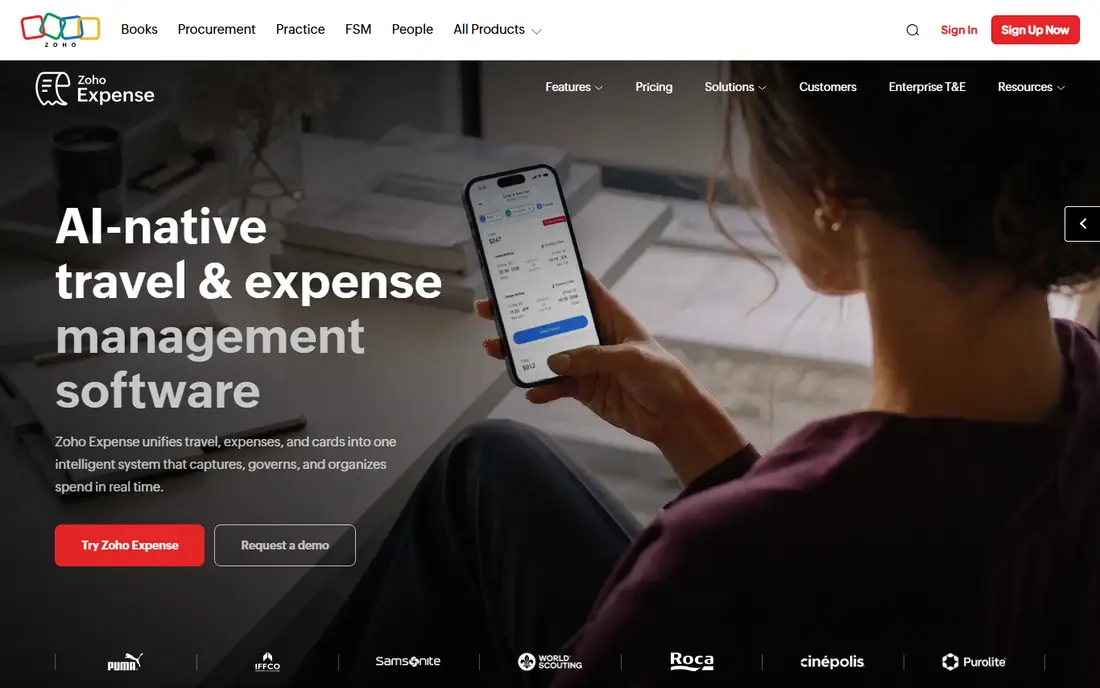
Zoho Expense is the value choice, especially if your business already runs on Zoho tools. Receipts can be scanned, mileage recorded, and expenses grouped into reports and trips. Approvals, per diem rules, and policy checks help a finance lead keep spending consistent without buying an enterprise suite. The free plan covers up to 3 users with a limited number of automatic scans each month, which is enough for a tiny team to test the workflow. Paid plans start at $4 per user per month on annual billing in the sources we checked. If you already use Zoho Books, the connection between expenses and books is the main selling point.
- Free plan for up to 3 users
- Low paid pricing
- Strong fit with Zoho Books and Zoho CRM
- Advanced features need higher tiers
- Card options are less central than Ramp or Brex
- Interface feels busier for very small teams
Brex pairs corporate cards with expense software in a way that suits venture backed startups and remote teams. Employees spend on cards with built in limits, receipts are collected through the app, and finance staff can see spending by team, vendor, or category. Global support matters for teams paying vendors or traveling outside the United States. Essentials is free, which makes Brex easy to trial alongside Ramp. Premium, at $12 per user per month, adds advanced controls, custom approvals, and deeper accounting features. Companies with complex multi entity accounting or strict enterprise policy rules may still need a larger platform, but for most scaling teams Brex covers the core job well.
- Free Essentials tier with cards and spend controls
- Global card support
- Accounting integrations included
- Premium features cost $12 per user per month
- Card qualification applies
- Some controls are simpler than enterprise suites
BILL Spend and Expense, formerly Divvy, gives small teams card based budgeting at no software cost. Managers set budgets by team or project, staff spend within those limits, and transactions flow into accounting with receipts attached. It is a practical pick for a business that already pays bills through BILL or plans to. The trade off is the same as with other card first tools. You get the most from the platform when your team uses its cards, and businesses that want to keep existing bank cards may prefer Expensify or Zoho Expense. For a team willing to switch cards, the free plan removes the usual per seat barrier to getting started.
- Free spend and expense platform
- Cards with budgets and controls
- Ties into BILL bill pay and accounting sync
- Best value comes with BILL cards
- Standalone reimbursement workflows are less prominent
- Pricing for wider BILL products varies
Everlance is built for self employed workers, drivers, and small field teams rather than office finance departments. The app detects trips in the background, lets you classify them as business or personal, and pairs mileage with receipts and card expenses. That combination matters at tax time, when mileage often makes up a large share of deductions. The free plan includes 30 automatic trips per month and unlimited manual trips, plus receipt uploads. Paid plans start at $8 per month on monthly billing, with a lower annual equivalent, and add bank and card sync, unlimited automatic detection, and custom reports. If driving is a major part of your work, Everlance earns its place ahead of a general expense app.
- Automatic mileage detection
- Receipt and expense tracking in one app
- Tax ready reports and exports
- Team features are limited compared with Ramp or Expensify
- Paid plans needed for unlimited automatic trips
- Bank sync sits on paid tiers
Hurdlr takes a different angle from most apps on this list. Instead of starting with approvals, it starts with the freelancer question: how much of this income should be set aside for tax, and what can be deducted. Income, expenses, and mileage are tracked together, and the app produces a running estimate that helps avoid a surprise bill. The free tier covers unlimited manual mileage tracking and basic expense capture. Premium is listed at $9.99 per month, or about $8.33 per month on annual billing, and adds automatic mileage and fuller tax reporting. Pro adds accounting reports and invoicing. Solo consultants, gig workers, and creators who file as self employed will get more from Hurdlr than from a team expense suite.
- Real time income and expense tracking
- Automatic mileage
- Running tax estimates for freelancers
- Team approval workflows are basic
- Pro features cost more
- Interface focuses on taxes more than corporate policy
Fyle stands out for how little it asks employees to change their habits. Receipts can be forwarded from email or submitted through tools staff already use, and the system matches them to card transactions. Managers approve in the same flow, and finance teams get clean data for QuickBooks, Xero, NetSuite, and similar systems. That convenience comes with a more sales led buying process, since pricing is quoted rather than listed plainly. Mid sized teams with real approval rules and multiple entities are the natural audience. Smaller teams that want instant self signup pricing will find Expensify or Zoho Expense simpler to start, but Fyle is worth a demo if receipt chasing is your main pain.
- Receipt submission from email, Slack, and other tools
- Strong approval and policy controls
- Accounting integrations
- Pricing is not published as a simple list price
- Smaller teams may find setup heavier than Expensify
- Card features vary by plan
How we picked these
We compared official feature pages, pricing pages, app store listings, and public reviews for each app, focusing on products that are live in October 2026 and fit business expense tracking rather than personal budgeting. We weighted receipt capture, approval workflows, card models, accounting sync, and published pricing, and we left out tools that only track personal spending or only handle mileage with no expense features. Prices change, so we note where a figure depends on annual billing or card use, and we use See website where a vendor does not publish a clear list price.
What to check before you choose
Start with your card decision, because it shapes everything else. If your team will use new corporate cards, Ramp, Brex, and BILL give you free software and controls at the point of spend. If you want to keep existing cards, pick a card agnostic tool such as Expensify, Zoho Expense, or Fyle, and confirm the accounting sync for your exact system before you migrate data.
Count the true monthly cost
Add per user fees, platform fees, and any card or accounting add ons, then compare that total with the time saved on reimbursements and month end close. A free tier can still cost time if approvals are awkward or exports need manual cleanup.
Test receipts and approvals with real staff
Run a two week trial with receipts from restaurants, fuel, hotels, and online vendors, and ask one manager to approve and one finance user to export to accounting. The app that survives messy real receipts is the one worth paying for.
Frequently asked questions
What is the best app for business expenses for a small business?
For most small teams, Ramp or Expensify are the strongest starting points. Ramp wins if you will switch to its cards and want free software with built in controls, while Expensify wins if you want to keep your current cards and need simple reports.
What is the best business expense tracking app for solo owners?
Everlance and Hurdlr fit solo owners best, because they combine mileage, receipts, and tax records in one place. Everlance leans toward drivers, while Hurdlr leans toward freelancers who want a running tax estimate.
What is the best app to track business expenses for free?
Ramp, Brex, and BILL offer free core tiers built around their cards, and Zoho Expense offers a free plan for up to 3 users. Free tiers work well for small teams, but check scan limits, accounting connections, and approval features before you commit.
What is the best small business expense tracking app that syncs with QuickBooks?
Expensify, Zoho Expense, Ramp, Brex, and Fyle all sync with QuickBooks, though the depth of the sync varies by plan. Confirm whether bills, reimbursements, and card transactions all flow the way your bookkeeper expects.
What is the best expense tracking app for small business with mileage?
Everlance is our pick when mileage matters most, since automatic trip detection sits next to receipts and expenses. Hurdlr is a close alternative for freelancers who also want tax estimates.
Is the best business expense software worth paying for?
Paid plans are worth it when approval rules, accounting sync, or card controls save your finance team several hours each month. If you only file a handful of receipts, a free tier from Zoho Expense, Everlance, or Hurdlr may be enough.
Sources
See where you really rank - block by block
ProMapRanker scans Google Maps across a grid of your service area. Simple monthly plans from $19, white-label on every plan.
Start freeKeep reading
 zeffy payment processor stripe alternatives
Zeffy and Stripe Alternatives for Nonprofits in 2026
Explore zeffy payment processor stripe alternatives for nonprofits. We compare 8 fundraising platforms on fees, donor tools, and nonprofit focus. Check fees.
Read → workday alternatives
Workday Alternatives in 2026
Workday alternatives compared: we review 8 HR and payroll platforms that replace Workday, with pricing, strengths and honest limits for each team size.
Read → what's the best weather app
What's the Best Weather App in 2026
Wondering what's the best weather app? We compare 10 free and paid apps for forecasts, radar, alerts, and Colorado mountain weather for everyday and storm use.
Read →