 ProMapRanker
Best App Builder in 2026

Key takeaways
- Bubble is the most capable choice for complex web apps with real workflows, while Glide is the fastest route from a spreadsheet to a working business app.
- FlutterFlow and Adalo suit teams that need true native mobile apps, and FlutterFlow adds code export for teams that want an exit path.
- Softr and AppSheet work best when the data already exists, in Airtable, Sheets or Google Workspace, and the app is mainly a front end for that data.
- Contractor and construction businesses can use these builders for client portals, job tracking and quote tools, and we note where that fit is strongest.
Quick comparison
| Pick | Great for | Pricing starts at | Free tier | |
|---|---|---|---|---|
 Bubble Bubble | Complex full-stack web apps | $59 per month | Yes | Visit |
 Glide Glide | Spreadsheet to business app | $19 per month | Yes | Visit |
 Adalo Adalo | Simple native mobile apps | $36 per month | Yes | Visit |
 FlutterFlow FlutterFlow | Native apps with code export | $39 per month | Yes | Visit |
 Softr Softr | Portals on existing data | $19 per month | Yes | Visit |
 AppSheet AppSheet | Google Workspace business apps | $5 per user per month | Free trial | Visit |
 Thunkable Thunkable | Block-based mobile apps for beginners | See website | Yes | Visit |
 BuildFire BuildFire | Done-for-you style business apps | $165 per month | No | Visit |
The best app builder platforms
An app builder should let a non-developer ship a real app, not just a prototype that stalls at publishing. We compared official pricing pages, product documentation and recent comparisons, focusing on no-code and low-code builders that publish and maintain apps in 2026.
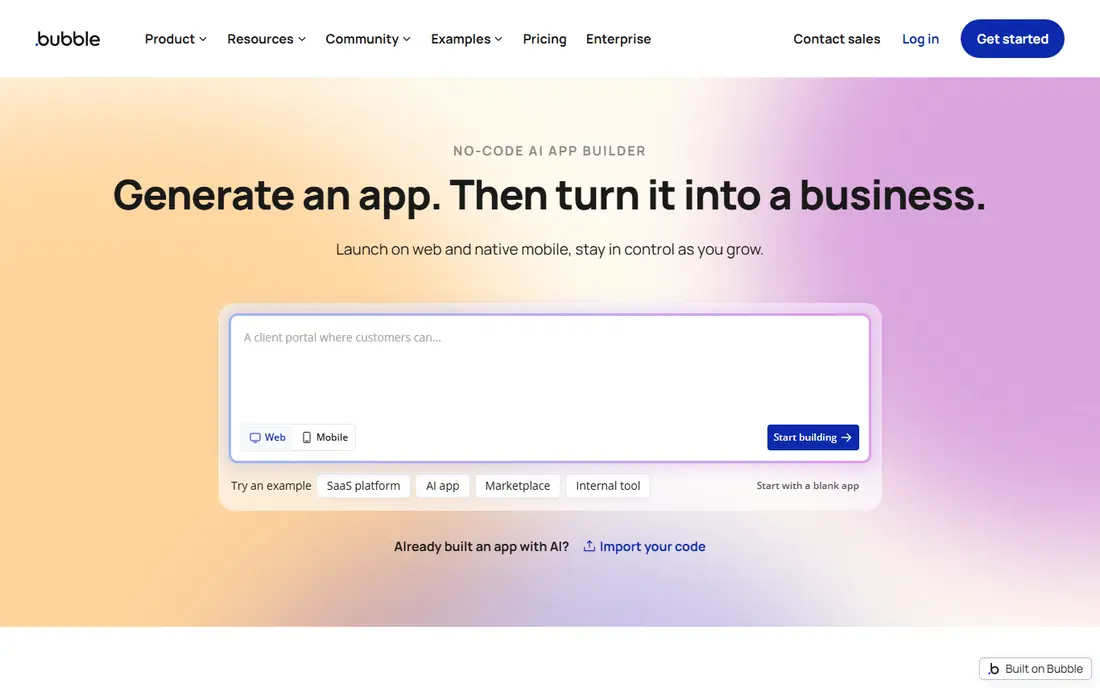
Bubble is the pick when the app has real logic. A visual editor builds pages, a database you define holds the data, and workflows handle sign-ups, payments, approvals and notifications without code. That depth supports marketplaces, client portals and internal tools that simpler builders cannot stretch to cover.
The cost to watch is workload units, the meter for server processing. Inefficient searches and workflows can use the allowance quickly, so build with narrow searches and pagination from the start. For a team that needs one app to do many jobs, Bubble still offers the most room to grow.
- Visual database and workflow engine
- Large plugin and template library
- Built-in hosting
- Pricing uses workload units that need care
- Mobile apps are newer than the web builder
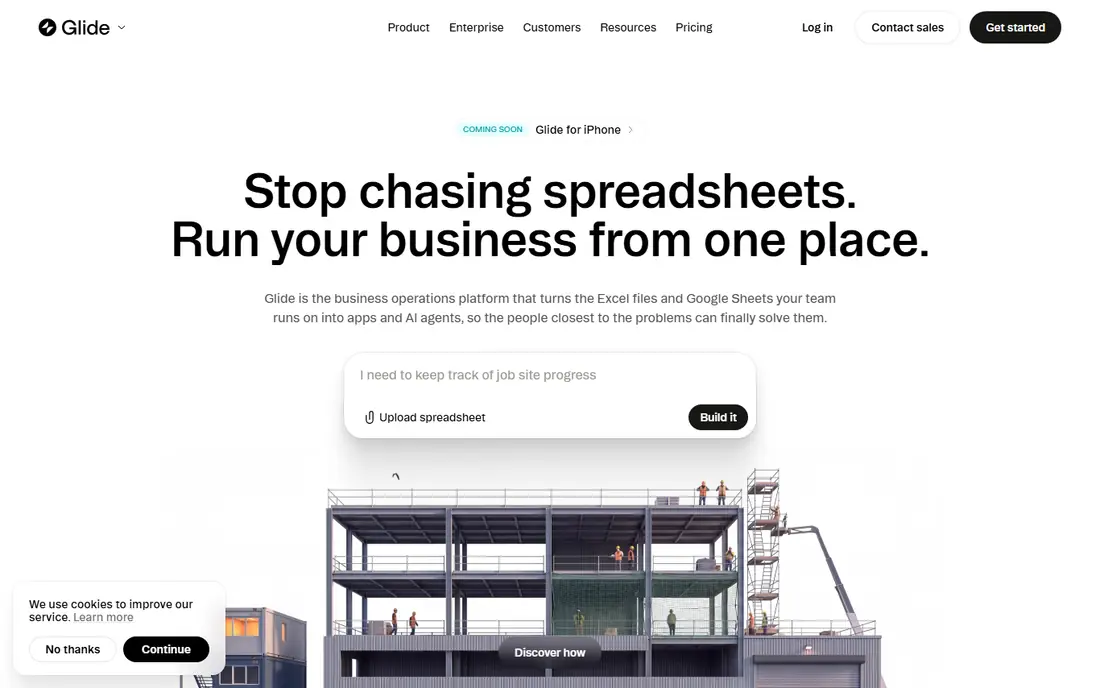
Glide turns a spreadsheet into an app in hours, which makes it a strong choice for a small business that already tracks work in a sheet. A contractor, for example, can turn a job list into a shared app where staff update status, photos and notes from site. The interface stays simple, so adoption is less of a battle than with a heavier platform.
Glide is less suited to a consumer app that needs custom animation or a unique store presence, since output is web and progressive web app rather than fully native. For internal tools, client portals and field apps, that trade is usually worth it.
- Very fast setup from Sheets, Excel or Airtable
- Clean mobile-friendly layouts
- AI help for first drafts
- Limited design control for polished consumer apps
- Large data sets can slow performance
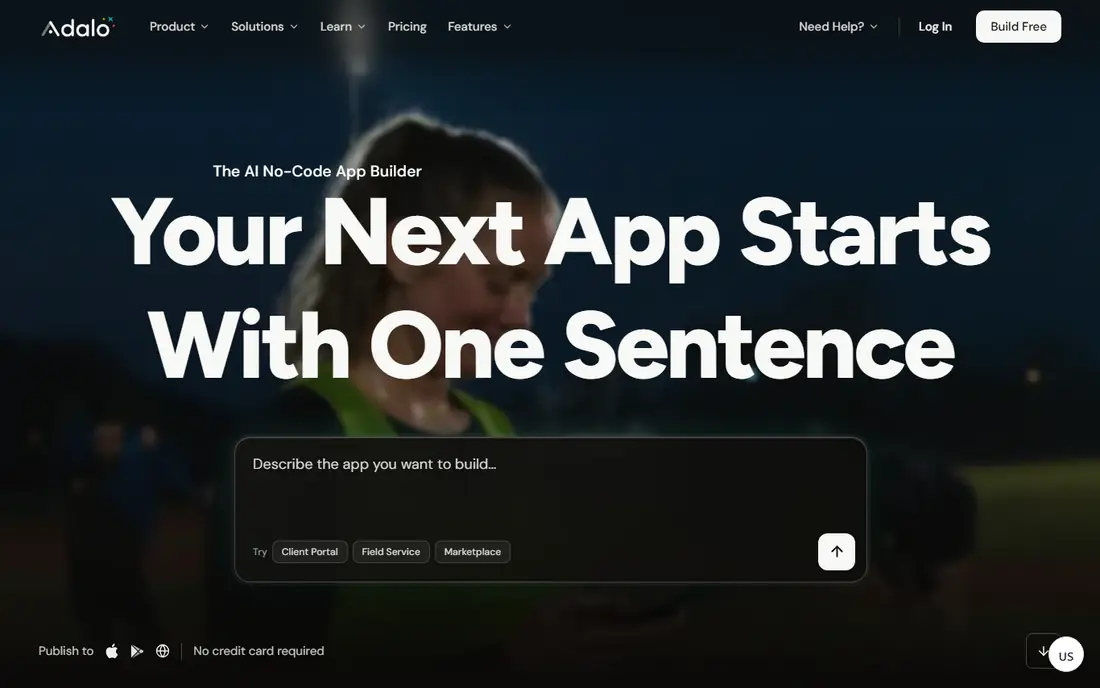
Adalo suits a solo builder or small team that wants a real app in both stores without learning native code. The drag-and-drop builder covers screens, databases, user accounts and payments, and the free plan lets a builder test an idea before paying. For a simple booking, directory or membership app, that is enough.
Larger apps hit limits sooner. Database size, performance and integration depth are not in the same class as Bubble or FlutterFlow, so a team with a long feature list should prototype the hardest screens first. As a first native app, though, Adalo remains one of the friendliest routes.
- Native iOS and Android output from one builder
- Clear free plan
- Approachable for beginners
- Scaling and database limits appear on larger apps
- Fewer advanced integrations than Bubble
FlutterFlow is the builder for teams that want visual speed without giving up ownership. Apps are built visually, then the underlying Flutter code can be exported, which gives a path out if the team later hires developers. Firebase handles logins, data and storage for many projects, and one project can target mobile, web and desktop.
That power comes with more setup. Beginners may need time to learn Firebase concepts, and some backend steps sit outside the builder. For a product team that plans to scale, the code export alone can justify the extra learning.
- Exports real Flutter code
- Native iOS, Android, web and desktop output
- Firebase integration
- Steeper learning curve than Glide or Adalo
- Backend setup can need a second tool
Softr is best when the data already lives somewhere else. Connect Airtable or Sheets, choose a portal template, set who can see each record, and publish a client or team portal in days. Construction businesses use this pattern for client portals where a customer checks job progress, documents and invoices without calling the office.
The limit is depth. Softr is not the tool for a complex marketplace with custom rules, and mobile output is web-based rather than a store app. When the job is a clean front end for existing data, few tools are faster.
- Fast portals from Airtable, Sheets or Notion
- Client logins and permissions
- Polished templates
- Not a full native mobile builder
- Logic is lighter than Bubble for complex workflows
AppSheet, from Google, turns Sheets, Excel and databases into mobile and web apps for operations. Field teams benefit most, since apps can work offline and sync later, which matters on sites with poor signal. Automation handles approvals, notifications and updates, and the Google connection keeps sign-in simple for Workspace teams.
Design is functional rather than beautiful, and every app user needs a licence, so a large field team should model the per-user cost before building. For contractors and service businesses already on Google Workspace, AppSheet is often the lowest-friction builder on this list.
- Deep Google Workspace fit
- Offline use on mobile
- Automation and data capture for field work
- Design flexibility is limited
- Per-user pricing grows with every app user
Thunkable teaches app logic through blocks rather than code, which makes it a good first builder for a beginner or a small team testing a mobile idea. Screens, components and live testing feel direct, and apps can be published to the App Store and Google Play. A simple service app, such as a booking or quote request app for a trade business, fits well here.
The platform is not built for data-heavy products. Database choices and third-party integrations are more limited than in Bubble or FlutterFlow, so check the publishing tier and limits before promising a launch date. For learning and simple apps, the gentle curve is the point.
- Block-based logic suits beginners
- Live testing on a phone
- Native store publishing
- Database and integration options are thinner
- Pricing tiers need checking before publishing
BuildFire targets businesses that want a finished app without building every screen themselves. Templates and plugins cover common needs such as loyalty, ordering, booking and messaging, and the vendor can help with store submission. That structure suits a business owner who wants an app as a service channel, not a product to tinker with.
The price reflects that positioning, and it is the highest starting point in this list. Design freedom is also narrower than in Bubble or FlutterFlow, since much of the app is assembled from ready-made parts. For a business that values a guided build over total control, BuildFire is a reasonable premium option.
- Large plugin catalogue
- Managed store submission help
- Business templates for many industries
- Highest entry price here
- Less design freedom than visual builders
- Plugins can add cost
How we picked these
We compared official pricing pages, product documentation and recent independent comparisons, and we kept builders that let users design, publish and maintain apps without writing a full codebase. We focused on no-code and low-code app builders, as the main keyword requires, rather than on contractor marketplace apps. We mention contractor uses, such as job tracking and client portals, only where a builder genuinely supports that work. We did not test these tools hands-on, and we did not invent prices or features.
How to choose the right app builder
Start with the output you need. A store app points to Adalo, FlutterFlow, Thunkable or BuildFire, while a web portal or internal tool points to Bubble, Glide, Softr or AppSheet. Choosing the wrong output is the most expensive mistake, because rebuilding for a store later costs more than picking the right builder first.
Next, count the real costs. Some builders charge per app, some per user, and some by usage, so a cheap headline price can grow quickly with a large team. Check publishing costs, store fees and any limits on records, users or app updates before you commit.
Finally, build the hardest screen first. If logins, payments or offline field updates are central, prototype those before polishing home screens. A builder that handles the hard part cleanly is the right builder, even if a rival looks prettier in a demo.
Frequently asked questions
What is the best app builder for beginners?
Glide and Adalo are the friendliest starting points, since both offer free plans and simple visual builders. Glide wins when the data starts in a spreadsheet, while Adalo wins when the goal is a native app in both stores. Softr is another easy start when a portal on existing data is the whole job.
What are the best app builders for small businesses?
Bubble suits a business that needs one app with real workflows, while Glide and Softr suit internal tools and client portals built quickly. AppSheet is the natural pick inside Google Workspace, and BuildFire suits owners who prefer a guided build. Match the builder to the output first, then compare price.
What is the best builder software for contractors?
Contractors usually need job tracking, client updates and simple quote or booking tools, and the best app builders for that work are Glide, AppSheet and Softr. Glide and AppSheet handle field updates well, while Softr makes a clean client portal from existing job data. Separate marketplace apps for contractors to find work are a different category, and they do not replace a builder for running your own jobs.
What is the best low code platform for a growing product?
FlutterFlow and Bubble are the strongest low-code choices for growth, for different reasons. FlutterFlow gives code export and native output, while Bubble gives deeper visual workflows and a larger plugin library. A team that may hire developers later should favour FlutterFlow, while a team staying no-code should favour Bubble.
Are free app builders enough to launch?
A free plan is usually enough to build and test, but publishing often needs a paid plan, a custom domain or store accounts. Check what the free plan blocks before promising a launch, and budget for Apple and Google store fees on native apps. Many teams start free, then pay once the app has real users.
Can I build an app without coding experience?
Yes, for many business apps, since these builders use visual editors, templates and blocks instead of code. Complex logic, custom integrations and large data sets still take learning time, and some projects will need a developer for the final polish. Start with a small app, learn the builder, and expand only after the first version works.
Sources
See where you really rank - block by block
ProMapRanker scans Google Maps across a grid of your service area. Simple monthly plans from $19, white-label on every plan.
Start freeKeep reading
 zeffy payment processor stripe alternatives
Zeffy and Stripe Alternatives for Nonprofits in 2026
Explore zeffy payment processor stripe alternatives for nonprofits. We compare 8 fundraising platforms on fees, donor tools, and nonprofit focus. Check fees.
Read → workday alternatives
Workday Alternatives in 2026
Workday alternatives compared: we review 8 HR and payroll platforms that replace Workday, with pricing, strengths and honest limits for each team size.
Read → what's the best weather app
What's the Best Weather App in 2026
Wondering what's the best weather app? We compare 10 free and paid apps for forecasts, radar, alerts, and Colorado mountain weather for everyday and storm use.
Read →