 ProMapRanker
Best AI Video Platforms for E-Learning (2026)

Turning scripts and documents into lessons · Pricing starts at: $12.50 per month, billed yearly
Direct answer
This list puts Pictory first for turning scripts and documents into lessons. Listed starting prices: Pictory from $12.50 per month, billed yearly, InVideo AI from $4 per seat/mo, billed annually and Synthesia from $19 a month. InVideo AI is the stronger choice for prompt-driven video creation and editing, while Synthesia suits Avatar-led corporate training and upskilling. Details, prices and limits for the rest of the 5 tools are below.
Choosing AI video platforms for E-Learning usually comes down to price, fit and limits. This ProMapRanker guide sets 5 tools side by side on those three points, with the facts kept short and checkable.
Key takeaways
- Top of the list is Pictory, which targets turning scripts and documents into lessons.
- Starting prices begin at $4 per seat/mo, billed annually with InVideo AI.
- Only 2 of the 5 tools have a free plan (Synthesia, Descript), so check the caps.
- Descript is the one to check for editing recorded lessons like text.
- The main caution on Veed.io: wide feature set can feel sprawling.
Quick comparison
| Pick | Great for | Pricing starts at | Free tier | |
|---|---|---|---|---|
| Pictory | Turning scripts and documents into lessons | $12.50 per month, billed yearly | Free trial | Visit |
 InVideo AI | Prompt-driven video creation and editing | $4 per seat/mo, billed annually | Not stated | Visit |
 Synthesia | Avatar-led corporate training and upskilling | $19 a month | Yes | Visit |
 Veed.io | All-in-one creation, dubbing and subtitles | See website | Not stated | Visit |
 Descript | Editing recorded lessons like text | $16 per person a month | Yes | Visit |
The full AI video platforms for E-Learning list
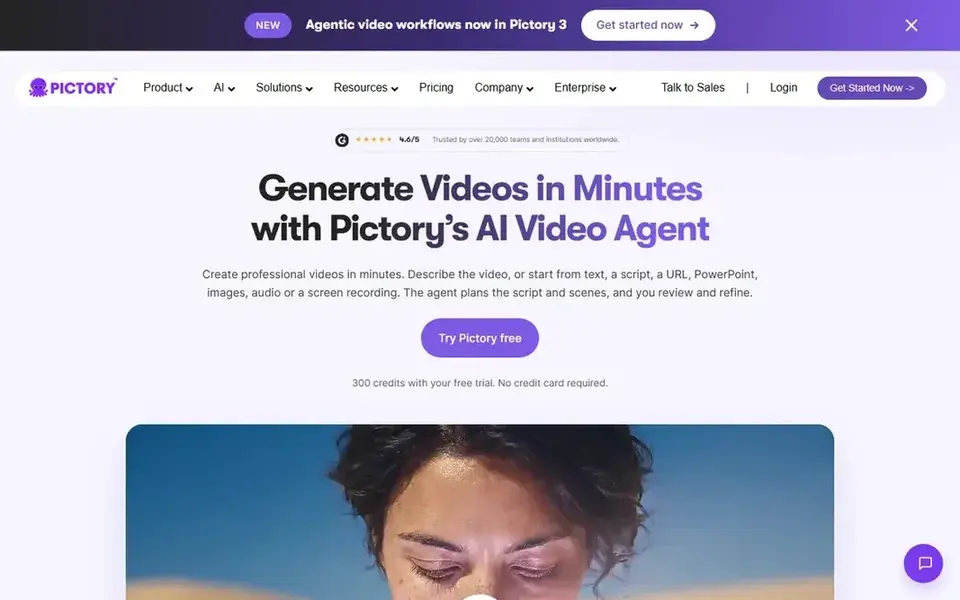
Pictory is built with turning scripts and documents into lessons in mind. Automatic scene planning can produce choices that require review, and teams wanting a refined on-camera presenter may find the output less controlled.
What users get: PowerPoint or audio.
Watch-outs: Scene planning may need manual refinement. Pictory describes itself as an AI video agent and generator that can start from a script, URL, PowerPoint, or audio, with the agent planning scenes for you to review and refine. Also, if your priority is a specific avatar instructor, another product may fit better. What you pay to start with Pictory: $12.50 per month, billed annually. As for free access: Free trial.
- AI agent plans scenes for review
- Handy for repurposing existing material
- Less control over presenter performance
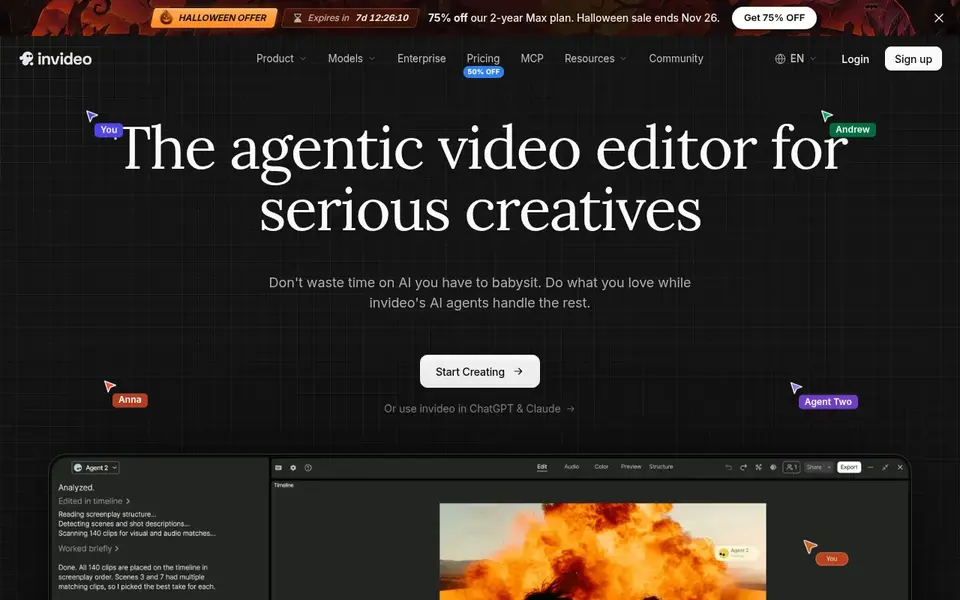
In short, InVideo AI is for prompt-driven video creation and editing. InVideo AI presents an editor for creating and editing videos with agent assistance, positioned around creating videos without limits. For everyday use, consider a more specialized system when consistent instructional design and presenter control are essential.
On top of that, since the homepage concentrates on general video creation, teams needing training-specific structures should confirm capabilities on the vendor site. For e-learning, it suits creators who want to move from a written idea or prompt toward an assembled video and then refine it, instead of starting from a blank timeline. Worth adding: prompt-driven output can vary, so plan for review and refinement. InVideo AI pricing: $4 per seat/mo, billed annually. On free options: Not stated.
What to check first: Output quality relies on prompt detail.
- Wide creation to editing path
- Builds and edits from a prompt
- Excerpt gives you few e-learning specifics
Synthesia is built with Avatar-led corporate training and upskilling in mind. Synthesia is an AI video system positioned for business communication, training, and upskilling.
Its homepage emphasizes avatar presenters and wide language support, which suits L&D teams producing repeatable training modules without cameras or studios. More specifically, since it centers on avatar-driven communication, Synthesia is not the strongest choice for teams that require to cut and arrange large amounts of recorded footage. Starting cost for Synthesia: $19 per month. A free plan is available with Synthesia.
Where it is weaker: General-purpose editing is restricted.
- Avatar presenters remove the have to film
- Built around business training and communication
- Less suited to raw footage editing
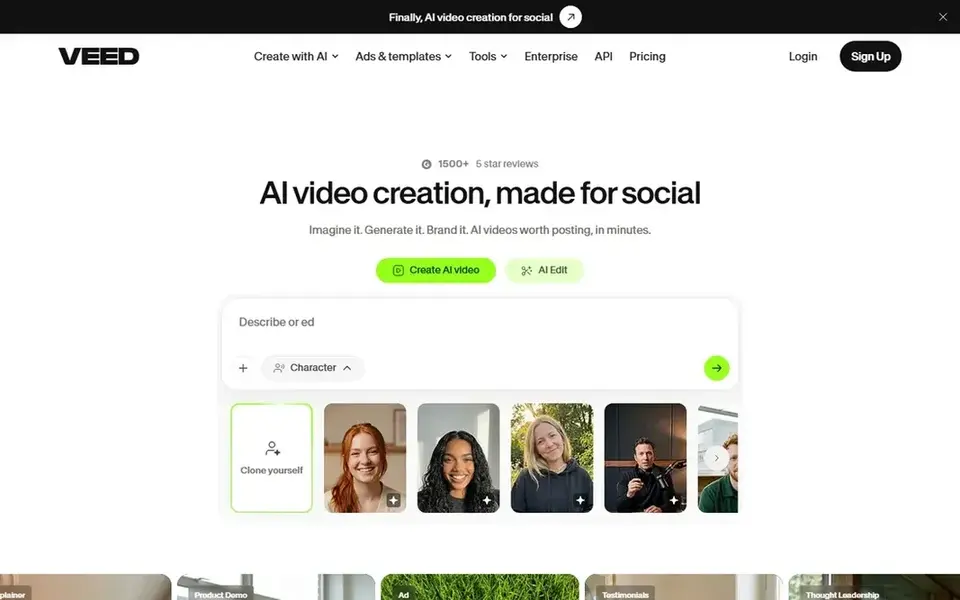
Veed.io is built with all-in-one creation, dubbing and subtitles in mind. VEED is an AI video creation product that merges generating and editing in one workflow, including talking heads, AI editing, dubbing, and subtitles.
The main drawbacks: Wide feature set can feel sprawling.
Its breadth means the system is general-purpose instead of made for instructional design, so complicated course structures may need extra planning. Worth adding: teams needing deep training templates or strict avatar consistency should compare carefully. Veed.io shows no starting price here, so confirm the cost on the vendor site. Free plan details: Not stated.
- Dubbing and subtitles built in
- Talking-head creation supported
- Less specialized for formal course authoring
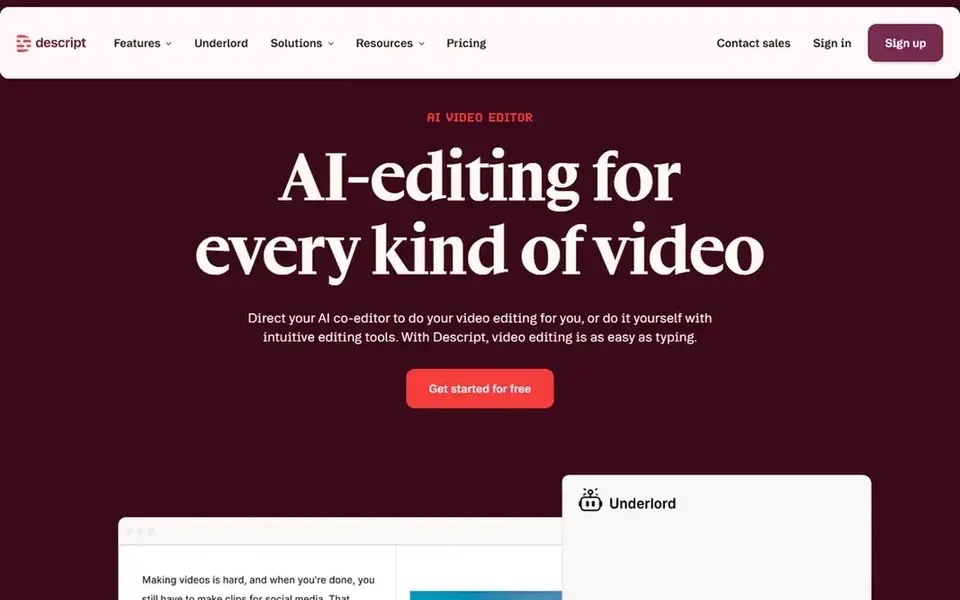
Descript works best for editing recorded lessons like text. It suits instructors and course teams that record themselves, narrate slides, or capture screen lessons and want to cut mistakes by deleting words instead of scrubbing a timeline.
Where it falls short: Not centered on AI avatar presenters.
What Descript does well: Edit video and audio by editing text. Descript starts at: $16 per person per month. You can start on Descript without paying.
- Record, transcribe
- Edit and publish together
- Needs existing or recorded footage
How these tools were picked
The comparison looks at four things: starting price, free access, how well the feature set matches AI video platforms for E-Learning, and the main limit of each tool. Plan names, prices and limits change often. Treat the figures here as a starting point and verify them with the vendor. The sequence is a judgement call: typical use case first, then pricing transparency, then free access. Use the profiles to check fit.
Pre-purchase checklist
- Confirm the entry price on the vendor page. For Veed.io that means a quote rather than a fixed price.
- Read the fine print on the free plans from Synthesia and Descript; seat, project and feature caps differ.
- Run a trial of Pictory with real work before paying for a year; your own workflow is the best test.
- Read the limits listed for Pictory first: less control over presenter performance.
- Ask InVideo AI which support channels and response times come with the plan you would buy.
- Read the plan comparison for Pictory carefully; key features often start on a higher tier.
Frequently asked questions
How do I add subtitles and several languages to lessons?
Look for products that state dubbing and subtitle support, like VEED, and check language coverage for avatar tools like Synthesia. Multilingual delivery matters for global learner groups, so verify supported languages before committing.
How are the tools for AI video platforms for E-Learning ordered?
The order follows typical fit for AI video platforms for E-Learning, with Pictory first and Descript last, then price clarity and free access. It is editorial judgement, not a score, so another team could rank the tools differently.
Can I try these tools before paying?
Often, yes. Synthesia and Descript have a free plan and Pictory offers a free trial. Use your own data and a real task during the test, and check what the free tier or trial limits before you rely on it.
What if my lessons are already recorded?
Descript is aimed at editing recorded video and audio by editing transcribed text, which fits narrated or screen-recorded lessons. Avatar-first products are less handy when you already have footage.
Which options for AI video platforms for E-Learning have a free plan?
Synthesia and Descript offer a free plan in this list. Free plans usually cap users, projects or features, so check the limits on the vendor page. One other tool offers a trial instead.
Which AI video product is best for corporate training?
For most readers this guide would start with Pictory, built for turning scripts and documents into lessons. InVideo AI is the alternative for prompt-driven video creation and editing, and Synthesia for Avatar-led corporate training and upskilling. The right answer depends on budget and workflow.
Sources
See where you really rank - block by block
ProMapRanker scans Google Maps across a grid of your service area. Simple monthly plans from $19, white-label on every plan.
Start freeBrowse all guides
← 5 Best AI Video Generators Software for Startups in 20266 Best AI Video Production Companies Software for 2026 →
 best ai tool for creating video avatars
Best AI Tool for Creating Video Avatars in 2026
Shortlisting the best AI tool for creating video avatars? 6 products compared on cost, free access and ideal buyer. Real limits included. Decide faster.
Read → best transcription software for zoom meetings
6 Best Transcription Software for Zoom Meetings in 2026
Best transcription software for zoom meetings: 6 contenders ranked by fit, with entry costs and free tiers. Plus the drawbacks of each tool. See the full list.
Read → best transcription software for video editing
5 Best Transcription Software for Video Editing Options for 2026
5 products for the best transcription software for video editing, ranked by fit, with starting costs and free tiers. Real limits included. Numbers first.
Read → pstream alternatives
Best Pstream Alternatives in 2026
Looking for pstream alternatives? We compared 9 licensed streaming services on price, catalogs and free options so you can watch movies and TV legally.
Read → best software for transcribing interviews
6 Best Software for Transcribing Interviews for 2026
Need the best software for transcribing interviews? We compare 6 tools on cost, free access and who each suits. Honest caveats for every entry. Start here.
Read → elevenlabs alternatives
ElevenLabs Alternatives in 2026
Compare ElevenLabs alternatives for voiceover, narration, and voice cloning. We check pricing, free plans, and consent rules for each legitimate tool.
Read →More in Video, Audio & Podcasts · All guides A to Z by date · Latest guides