 ProMapRanker
Best AI Video Face Swap Tools in 2026

Key takeaways
- Magic Hour is the strongest all round pick, with photo, video, and GIF swaps in one browser tool and a free tier to test quality first.
- DeepSwap suits longer videos, while Remaker suits batch and multi face work, but both charge by credits, so check the rate per second before uploading.
- Akool fits marketing teams that need scale, APIs, and higher resolution, while Reface and CapCut suit casual mobile creators and short clips.
- Consent safeguards vary widely in this category, so only use your own face or faces with clear consent, and prefer tools with clear consent and misuse safeguards.
Quick comparison
| Pick | Great for | Pricing starts at | Free tier | |
|---|---|---|---|---|
 Magic Hour Magic Hour | All round photo and video swaps | Free | Yes | Visit |
 DeepSwap DeepSwap | Longer video swaps | $9.99 per month | Free trial | Visit |
 Akool Akool | Marketing teams at scale | $30 per month | Free trial | Visit |
 Vidnoz Vidnoz | Browser based quick swaps | See website | Yes | Visit |
 Reface Reface | Casual mobile swaps | Free | Yes | Visit |
 Remaker Remaker | Batch and multi face swaps | Free | Yes | Visit |
 CapCut CapCut | Short form video editing | Free | Yes | Visit |
 FaceFusion FaceFusion | Offline and private swaps | Free | Yes | Visit |
The best AI video face swap tools
We compared video support, output quality, free allowances, credit pricing, and published safety policies for tools that are live in October 2026.

Magic Hour is the easiest place to start in this category, because it covers the full workflow in a browser. You can swap a face in a photo, a video, or a GIF, then chain the result into lip sync, upscaling, or other video tools without switching platforms. That breadth matters for creators who make many short clips rather than one polished project. The free tier includes 400 credits with no expiry in some listings, plus up to five watermark free photo swaps per day without signup. Video on the free tier includes a watermark, and paid Creator plans start around $10 to $12 per month on annual billing. Check the current pricing page, since credit allowances and plan prices have changed across 2026 listings.
- Photo, video, and GIF swaps in one tool
- Free photo swaps without signup
- API access for developers
- Free video exports include a watermark
- Paid plans needed for higher resolution
- Credit use varies by video length and mode
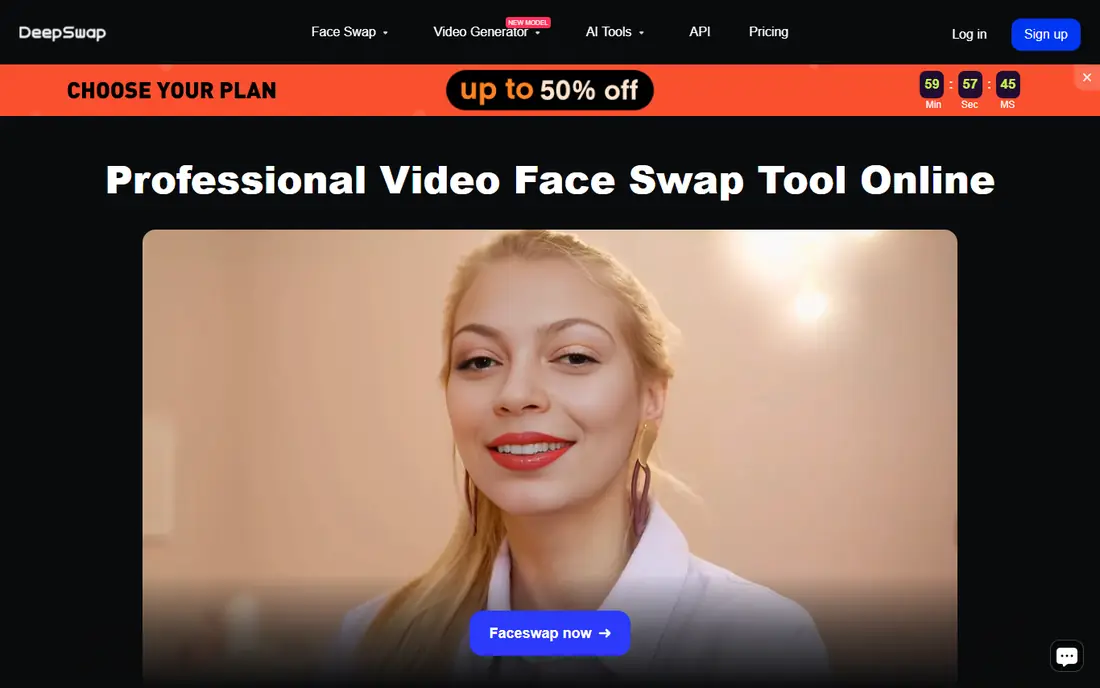
DeepSwap is built for people who need video, not just a fun photo filter. Published guides list rates such as one credit per 15 seconds of regular video, with photo and GIF rates priced separately, and video uploads up to 30 minutes. That structure lets you estimate a project before you commit, which is useful for longer clips. Pricing starts at $9.99 per month in several 2026 comparisons, with credits allocated monthly. The honest catch is that credit packs and plan details change, and DeepSwap publishes less about consent checks and misuse prevention than Akool or Magic Hour. Use it only with your own face or with clear permission, and read its current terms before uploading anyone else.
- Video uploads up to 30 minutes in published guides
- Clear credit rates by format
- Photo, GIF, and video support
- Credits, not minutes, drive the real cost
- Safeguards are less clearly documented than some rivals
- Free access is limited
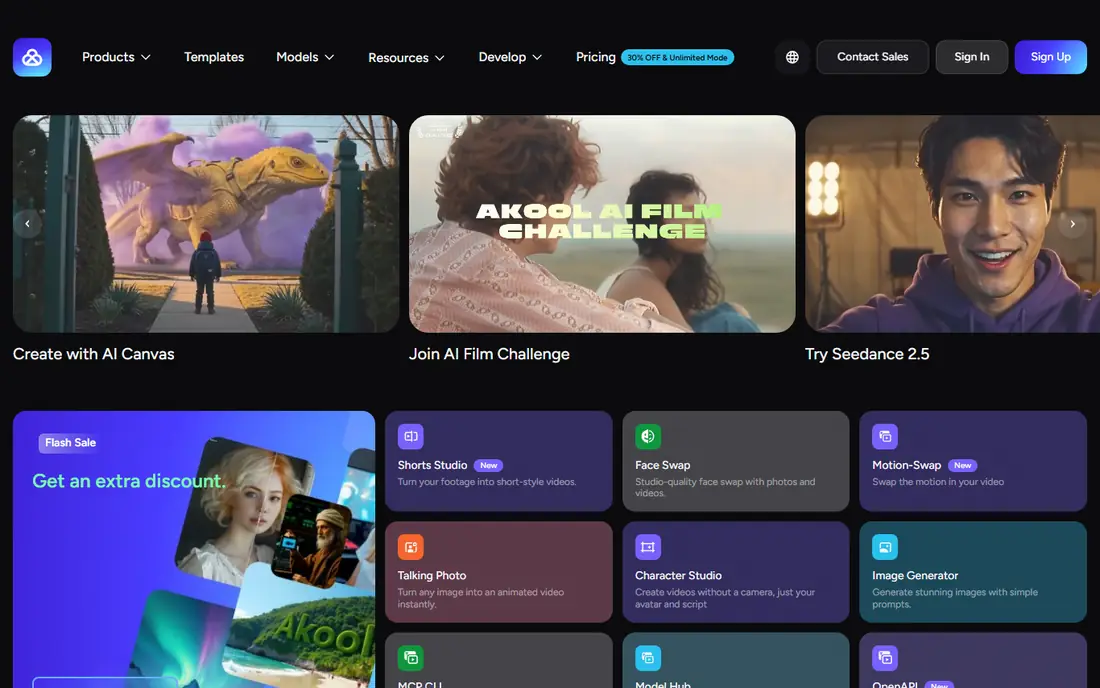
Akool targets teams that make personalised marketing video in volume, not casual social clips. Its face swap tools sit alongside avatar video, translation, and streaming features, with APIs that let a business plug swaps into a campaign workflow. Output quality and batch handling are the reasons teams pay more here. Pricing is listed at $30 per month in several 2026 comparisons, with higher tiers for larger volume and enterprise use. A free trial lets you test quality, but exports are limited and watermarked. For a single creator, Magic Hour or Remaker will be cheaper, but for a brand making many videos, Akool scale and controls justify the price.
- High quality video swaps and personalised video at scale
- API and batch workflows
- Business focused controls
- Higher starting price than consumer tools
- Free trial is watermarked and limited
- Overkill for one off casual swaps
Vidnoz is a browser first option for quick swaps without installing software. You upload a video or photo, choose a face, and generate a result online, which suits creators who work across devices or need a fast turnaround. Published guides mention free daily credits, though the exact allowance and paid prices differ across sources, so we list pricing as See website rather than guess a figure. That pricing uncertainty is the main reason to trial Vidnoz before committing. Run a short clip on the free tier, check resolution, tracking through movement, and watermark rules, then compare the paid cost with Magic Hour for the same length of video. For occasional use, the free tier may be enough.
- Browser based with no install
- Photo and video swaps
- Free daily credits in published guides
- Pricing varies widely across 2026 listings, so verify before paying
- Free exports may include a watermark
- Quality varies by clip
Reface is the casual pick, and it knows it. Open the app, pick a template or clip, add your face, and share a short video in minutes. That speed makes it popular for memes, birthday clips, and social posts, where a polished custom edit is unnecessary. The limits matter if you want control. Reface video swaps work inside templates rather than letting you direct a full custom scene, and the free tier includes a watermark and ads. Paid access is listed around $24.99 per year or a few dollars per month depending on store and plan in 2026 sources. Use Reface for fun, consented clips, and pick a desktop tool for client or campaign work.
- Very easy mobile app
- Templates for quick social clips
- Free tier to try before paying
- Video swaps are template based, not full custom edits
- Free tier includes watermark and ads
- Subscription prices vary by store
Remaker is two tools in one, and the pricing split matters. Its photo tool advertises free, watermark free use without signup, which is genuinely useful for quick tests. Its video tool is different: video generation needs VIP access through a credit purchase, at one credit per second for regular video in published guides, so a 30 second clip costs 30 credits before retries. That rate makes Remaker affordable for short clips and expensive for long ones, unless you buy a larger pack. Paid packs start at $5.99 for 200 credits in published guides. For batch photo work and short multi face videos, Remaker is strong. For long videos, compare DeepSwap credit rates first, and always confirm the current rate in the app.
- Free watermark free photo swaps without signup
- Multi face and batch modes
- Video uploads up to 30 minutes and 500 MB
- Video swaps need paid VIP credits, at one credit per second in published guides
- Credit packs start at $5.99 for 200 credits
CapCut suits creators who already edit short form video and want face swap as one step, not a separate subscription. You can swap a face, trim, add captions, music, and effects, and export for social platforms without leaving the app. That integrated workflow saves time compared with swapping in one tool and editing in another. Pro is listed around $9.99 per month in several 2026 comparisons, with a free tier for basic use. Quality and control are lower than specialist tools such as Magic Hour or Akool for complex scenes, but for TikTok, Reels, and Shorts, CapCut speed often matters more. As with every tool here, use only faces you own or have clear permission to use.
- Face swap inside a full video editor
- Templates and effects for short form
- Free tier for basic use
- Face swap is one feature inside a larger editor, not a specialist tool
- Pro needed for fuller features
- Export and watermark rules vary by plan
FaceFusion is the privacy focused alternative to cloud tools. Because it is open source and runs on your own computer, your source video and face images do not need to be uploaded to a vendor server. That matters for sensitive personal footage and for users who want to inspect the code and settings themselves. The trade off is effort. FaceFusion needs installation, model downloads, and a capable computer, and it lacks the one click templates of Reface or CapCut. Technical users, researchers, and privacy conscious creators will value that control, while casual users should start with Magic Hour or Remaker. FaceFusion is free, which makes it the cheapest long term option if you have the hardware and patience.
- Free and open source
- Runs locally so uploads stay on your machine
- High control for technical users
- Needs installation and technical setup
- No polished consumer interface
- Hardware demands rise with video length and resolution
How we picked these
We compared official feature pages, pricing pages, app store listings, and public reviews for tools live in October 2026, focusing on products that swap faces in video, not only photos. We weighted video length support, multi face handling, free allowances, credit transparency, and published safety information, and we excluded photo only apps and tools that could not be confirmed as live. Safety note: only use your own face or faces with clear consent, and prefer tools with clear consent and misuse safeguards. Say it plainly: where a tool safeguards are unclear, we say so in its section, and non consensual face swapping is not acceptable use.
What to check before you swap a face
Start with consent, then quality. A tool that makes a convincing swap of someone who never agreed to it is not a good tool, it is a misuse risk. Use your own face for tests, get written permission for anyone else, and avoid public figures, private individuals, and sensitive contexts altogether.
Compare credit cost for your clip length
Credit systems hide the true price. A 30 second clip costs 30 credits on Remaker at its published rate, while DeepSwap prices video by 15 second blocks, and Magic Hour prices by credits that vary by mode. Price your typical clip, not a single photo, before you subscribe.
Test tracking through movement
Short, still clips flatter every tool. Test a clip with head turns, fast movement, and changing light, and watch for flicker, blurred edges, and mismatched skin tone. The tool that holds up on a hard clip is the one worth paying for.
Frequently asked questions
What is the best AI video face swap tool for beginners?
Magic Hour is the best starting point for most beginners, since it works in a browser, covers photo and video, and lets you test with free credits. Reface is simpler still, but only for template based mobile clips.
What is the best AI face swap video app for mobile?
Reface and CapCut are the strongest mobile picks. Reface is faster for template clips, while CapCut suits creators who also want to edit, caption, and export short form video in one app.
What are the best AI face swap tools for video with multiple faces?
Remaker and Magic Hour both offer multi face modes, letting you map different faces to different people in a clip. Test with a short multi face clip first, since tracking quality drops when several faces move at once.
What is the best AI face swap tool for marketing teams?
Akool is the marketing pick, with batch workflows, APIs, and higher resolution output for campaigns. Magic Hour is a cheaper alternative for smaller teams that need an API without enterprise pricing.
Are AI video face swap tools free?
Several tools offer free tiers, including Magic Hour, Vidnoz, Remaker for photos, Reface, CapCut, and FaceFusion. Free video usually includes watermarks, resolution limits, or credit caps, so expect to pay for clean, high resolution exports.
Is it safe to use AI face swap tools?
Only use your own face or faces with clear consent, and read each tool privacy and retention terms before uploading personal media. Prefer tools with clear consent and misuse safeguards, and avoid uploading sensitive footage to any service you have not checked.
Sources
See where you really rank - block by block
ProMapRanker scans Google Maps across a grid of your service area. Simple monthly plans from $19, white-label on every plan.
Start freeKeep reading
 zeffy payment processor stripe alternatives
Zeffy and Stripe Alternatives for Nonprofits in 2026
Explore zeffy payment processor stripe alternatives for nonprofits. We compare 8 fundraising platforms on fees, donor tools, and nonprofit focus. Check fees.
Read → workday alternatives
Workday Alternatives in 2026
Workday alternatives compared: we review 8 HR and payroll platforms that replace Workday, with pricing, strengths and honest limits for each team size.
Read → what's the best weather app
What's the Best Weather App in 2026
Wondering what's the best weather app? We compare 10 free and paid apps for forecasts, radar, alerts, and Colorado mountain weather for everyday and storm use.
Read →