 ProMapRanker
Best AI Tools to Generate Images in 2026

Key takeaways
- Midjourney still leads for artistic quality, while ChatGPT image tools lead for following complex prompts in plain language.
- Adobe Firefly suits commercial client work best, thanks to its focus on licensed training data and Adobe app integration.
- Free tiers are useful for testing, but most serious use needs a paid plan for higher limits, privacy and commercial rights.
- Check the licence for each tool before client work, since free outputs sometimes carry different rights from paid outputs.
- We compared official feature and pricing pages and public reviews, and we did not claim hands on testing we did not do.
Quick comparison
| Pick | Great for | Pricing starts at | Free tier | |
|---|---|---|---|---|
 Midjourney | Artistic and cinematic images | See website | No | Visit |
 ChatGPT | Conversational image editing | See website | Yes | Visit |
 Adobe Firefly | Commercial and brand work | See website | Yes | Visit |
 Google Gemini | Google app users | See website | Yes | Visit |
 Ideogram | Text inside images | See website | Yes | Visit |
 Leonardo AI | Game and design assets | See website | Yes | Visit |
 Stable Diffusion | Local control and privacy | Free | Yes | Visit |
 Canva Magic Media | Non designers | See website | Yes | Visit |
 Recraft | Logos and vector style work | See website | Yes | Visit |
The best ai tools to generate images
We compared image generators on output quality, prompt control, text rendering, commercial licence terms and ease of use. The best tool is the one that matches your job, whether that is art, marketing, product images or social posts.
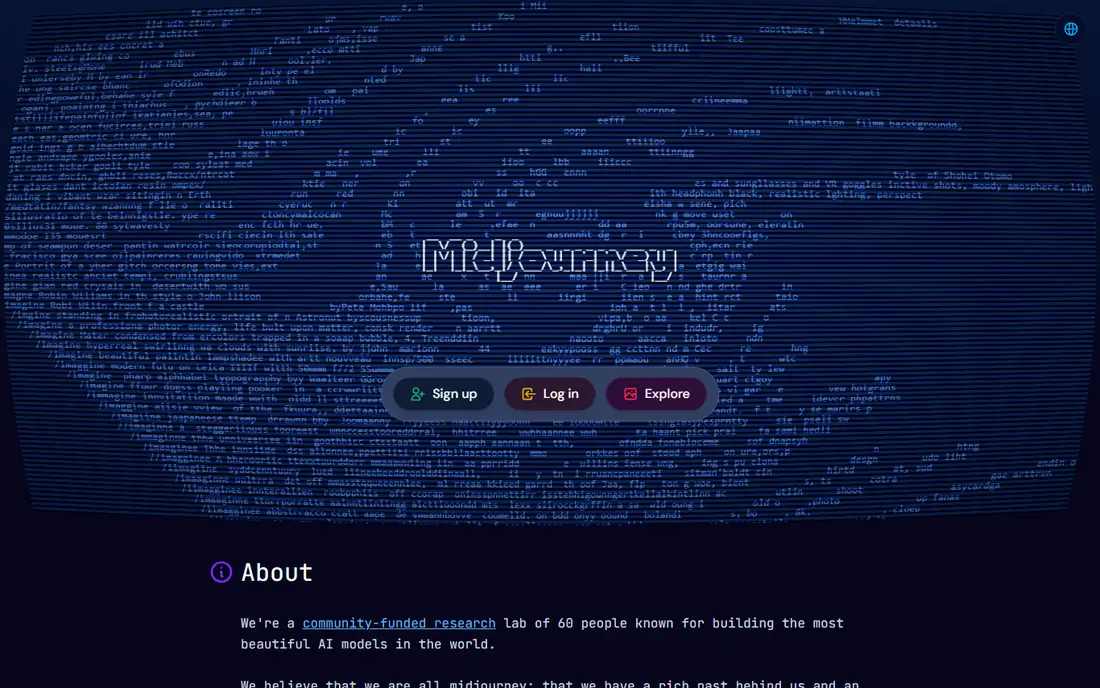
Midjourney remains the benchmark for images that look like art, with polished lighting, composition and style control. The web app now lets users work without Discord, and style references and character consistency tools help keep a series of images coherent. For concept art, editorial illustration and cinematic scenes, it is hard to beat.
The limits are practical. There is no free tier, so testing costs money, and text inside images is less reliable than with Ideogram or ChatGPT tools. Prompt following can also drift toward beauty over accuracy, so product shots that need exact details may need another tool.
- Striking artistic quality
- Strong style control
- Web app with reference tools
- No free tier
- Weaker at exact text rendering
- Prompt following can be loose
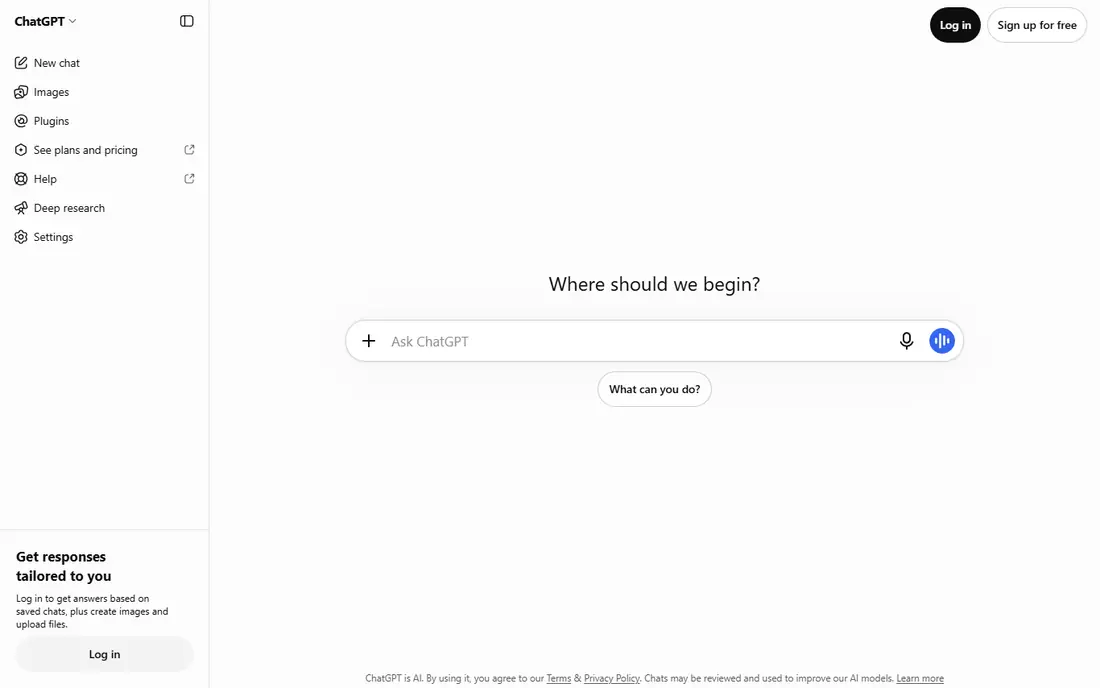
ChatGPT image generation suits people who think in conversation rather than in prompt syntax. You can describe a scene, ask for a change, and refine the result in the next message, which makes iteration fast. It also handles multi element prompts and readable text better than many artistic generators.
The catch is limits and style. Free and paid tiers both cap image use, and the output can look polished but generic compared with Midjourney. For marketing work, check the licence terms for your plan before using outputs in client campaigns.
- Edit images by chatting in plain language
- Strong prompt following
- Readable text in many cases
- Usage limits on paid plans
- Artistic style can feel generic
- Image work sits inside a chat product
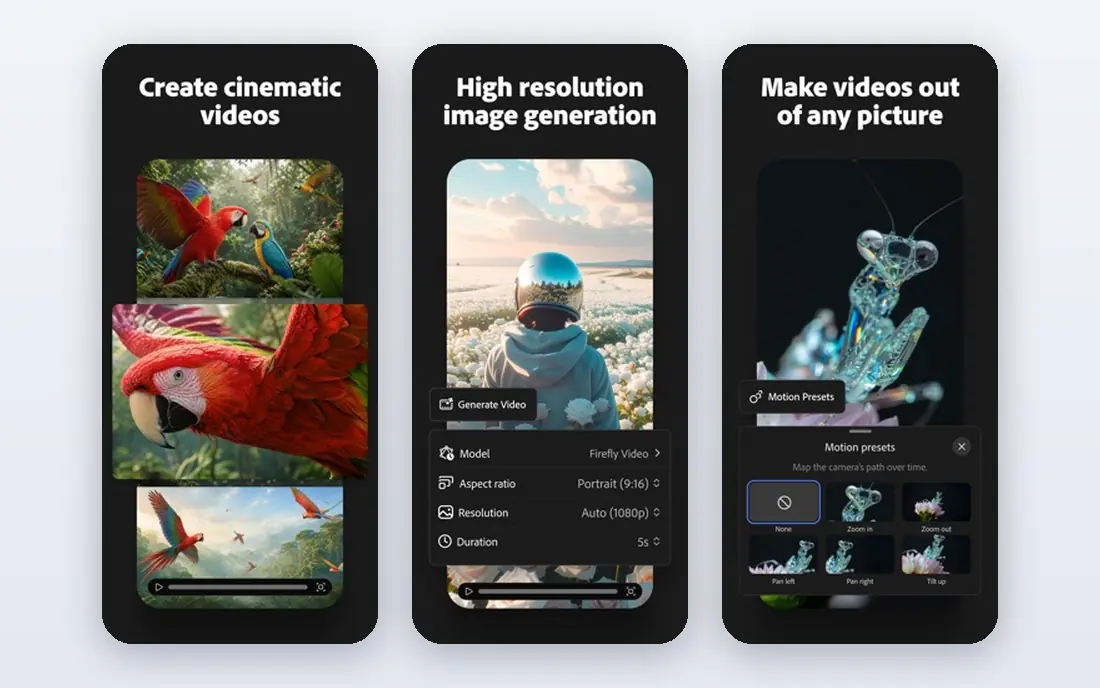
Adobe Firefly is the safest pick for commercial work, because Adobe positions it around licensed content and offers protections for eligible workflows. Generative Fill in Photoshop lets users extend and edit photos in place, which is a real workflow gain for designers. A free tier with monthly credits lets new users test it.
Pure artists may find Firefly less distinctive than Midjourney, and the strongest features sit behind paid plans. Credit systems also need watching, since heavy use can run out fast. For agencies and brand teams, the licence position often outweighs those limits.
- Focus on licensed training data
- Photoshop and Illustrator integration
- Free credits to start
- Less striking for pure art
- Best features need a paid Adobe plan
- Credit limits apply
Google Gemini brings image generation to users who already work in Google apps, with photorealistic results and simple prompting. It suits social posts, blog images and quick mockups, and the free tier makes it easy to try. Integration with other Google services keeps the workflow simple for casual creators.
Specialist users will miss fine controls, such as model choice and detailed style settings, found in Midjourney or Stable Diffusion. Check the current limits and licence terms for your plan, since free and paid use can differ. For everyday images, though, Gemini is a strong, low friction pick.
- Built into Google apps
- Strong photorealistic results
- Easy for casual users
- Limits on free tier
- Less fine control than specialist tools
- Output rights vary by plan
Ideogram solves the problem that trips up many generators: readable words inside an image. Posters, logos, book covers and social graphics with headlines come out far cleaner here than with most rivals. That single strength makes it the best second tool for many creators, even if another tool handles the main art.
The range for pure artistic work is narrower, and free plan outputs may carry usage limits, so check the licence before commercial use. Paid plans add more generations and privacy options. If your work needs text, Ideogram should be on your shortlist.
- Reliable legible text
- Strong for posters and logos
- Free tier to test
- Artistic range is narrower
- Free outputs may have limits
- Smaller community than rivals
Leonardo AI suits game designers and creators who need many related assets, such as characters, environments and props. Custom model training lets teams keep a consistent look across a project, and the free tier gives enough credits to learn the tool. Controls for style and detail are stronger than in casual generators.
The interface packs in a lot, so new users need time to learn it. Paid credits also gate the best quality and volume, so heavy users should compare monthly costs with Midjourney. For asset heavy work, the control is worth the learning curve.
- Useful free tier
- Custom model training
- Good control for game assets
- Interface can feel busy
- Best quality needs paid credits
- Style can vary by model
Stable Diffusion is the pick for users who want control and privacy. The model can run on your own computer, so images never need to leave your machine, and the open ecosystem offers many custom models and tools. There is no subscription for the model itself, though cloud graphics hardware costs money if you rent it.
Setup is the barrier. You need a capable graphics card, some technical skill, and time to pick and tune models. Casual users will get faster results from a hosted tool. For developers, researchers and privacy conscious creators, the freedom is unmatched.
- Free to run locally
- Full control over models
- Private, no cloud upload needed
- Needs a capable graphics card
- Setup is technical
- Quality depends on model choice
Canva Magic Media suits small business owners and social teams who need an image inside a finished design, not a standalone artwork. You can generate an image, drop it into a template, add text and export, all in one place. That workflow saves time for teams without a designer.
Control is limited compared with Midjourney or Stable Diffusion, and heavy generation use needs a paid plan. The style can also feel familiar, since many users draw on the same templates. For fast, usable marketing visuals, the convenience wins.
- Images inside a full design tool
- Very easy to use
- Templates for social and marketing
- Less control than specialist tools
- Best generation needs a paid plan
- Style can feel templated
Recraft stands out for graphic design work, especially logos, icons and vector style illustrations that need clean lines and scalable output. Brand set tools help keep colours and styles consistent across a project, which matters for small businesses building a visual identity. The free tier lets users test the style before paying.
Photographic and cinematic scenes are not its strength, so it works best alongside a photo style generator. Free tier limits also cap heavy use. For logos and brand graphics, Recraft is one of the most practical picks in this list.
- Vector style output for logos
- Brand set tools
- Clean graphic design results
- Less suited to photographic scenes
- Free tier limits apply
- Smaller community
How we picked these
We compared official feature pages, pricing pages and licence terms for image generators that work in October 2026, plus public reviews and app store listings. We weighed output quality, prompt control, text rendering, commercial licence clarity, free tier value and ease of use. We excluded tools that were discontinued, invite only without public access, or too narrow for general image work.
What to check before you pay
Start with the licence, not the gallery. Read whether outputs can be used commercially, whether free plan outputs differ from paid plan outputs, and whether the vendor offers any indemnity for commercial use. For client work, keep a record of the tool and plan used for each image.
Next, test the same prompt across two or three tools. Use a prompt with people, text and specific details, since those reveal weaknesses fast. Check how each tool handles edits, since revision speed matters more than a single lucky result.
Finally, watch credit and limit rules. Monthly credits, daily caps and queue times shape real cost. A cheaper plan with tight limits can cost more in lost time than a higher plan with room to iterate.
Frequently asked questions
What is the best ai tool to generate images?
Midjourney leads for artistic quality, ChatGPT tools lead for conversational editing and prompt following, and Adobe Firefly leads for commercial safety. The best tool depends on whether you need art, marketing images, logos or product shots. Test two tools on the same brief before paying.
What is the best ai art generator app?
For pure art, Midjourney is the most cited pick, with Leonardo AI and Stable Diffusion close behind for users who want more control. Mobile apps exist for several of these tools, but the web versions usually offer fuller controls. Check the official app listing for your device before downloading.
Which ai image generator is best for commercial use?
Adobe Firefly is the strongest commercial pick, thanks to its licensed training data focus and Adobe integration. Always read the licence for your exact plan, since terms can differ between free, individual and enterprise tiers. Keep records of the tool used for client work.
Is there a free ai image generator worth using?
Yes, ChatGPT, Adobe Firefly, Google Gemini, Ideogram, Leonardo AI, Canva and Recraft all offer free tiers or credits, and Stable Diffusion is free to run locally. Free tiers limit volume and sometimes rights, so they suit testing and casual use more than heavy client work.
Can ai generated images include readable text?
Ideogram and ChatGPT image tools handle text inside images better than most rivals, especially for short headlines and poster copy. Longer passages still risk errors, so proof every image before publishing. Short, simple text works far better than dense paragraphs.
What is the best app to generate ai images on a phone?
ChatGPT, Google Gemini and Canva offer strong mobile experiences for quick generation and editing. Midjourney and Leonardo AI work best on the web for full control. Pick the app that fits where you already design and share content.
Sources
See where you really rank - block by block
ProMapRanker scans Google Maps across a grid of your service area. Simple monthly plans from $19, white-label on every plan.
Start freeKeep reading
 best contact center software
Best Contact Center Software in 2026
We compared the best contact center software on channels, AI tools, pricing and scale, so you can pick a platform that fits your team size and budget in 2026.
Read → best compliance management software
Best Compliance Management Software in 2026
Compare the best compliance management software in 2026, with framework coverage, automation, audit support and pricing models explained clearly for teams.
Read → best commercial property management software
Best Commercial Property Management Software in 2026
Compare the best commercial property management software for offices, retail, and mixed portfolios, with pricing, accounting, leasing, and honest trade-offs.
Read →