 ProMapRanker
Best AI Tools to Build a Website in 2026

Key takeaways
- Wix AI is the safest all-round pick, with prompt-to-site generation, manual editing, and a large app base.
- Hostinger AI offers the lowest entry price, while Squarespace Blueprint AI suits design-led brands that want polish.
- Framer AI suits designers and startups that want strong visual control, while Durable suits service businesses that need speed plus bookings.
- 10Web and Webflow AI suit WordPress and professional teams that want more control after generation.
- Jimdo AI suits simple small sites, but check its limits before you build a store or a large content site.
Quick comparison
| Pick | Great for | Pricing starts at | Free tier | |
|---|---|---|---|---|
 Wix AI | All-round business sites | $17 per month | Yes | Visit |
 Squarespace Blueprint AI | Design-led brands | $19 per month | Free trial | Visit |
 Hostinger AI | Lowest entry price | $2.99 per month | No | Visit |
 Framer AI | Design-led landing pages | $10 per month | Yes | Visit |
 Durable | Service businesses | $25 per month | Yes | Visit |
 10Web AI | WordPress sites | $10 per month | No | Visit |
 Webflow AI | Professional marketing sites | $15 per month | Yes | Visit |
 Jimdo AI | Simple small sites | See website | Yes | Visit |
The best AI tools to build a website
AI website tools turn a short prompt about your business into a full site, with pages, copy, and images, which you then edit. The best tools differ in how much control you keep after generation, whether you can export the site, and what a store or booking system costs. These eight tools cover those needs.
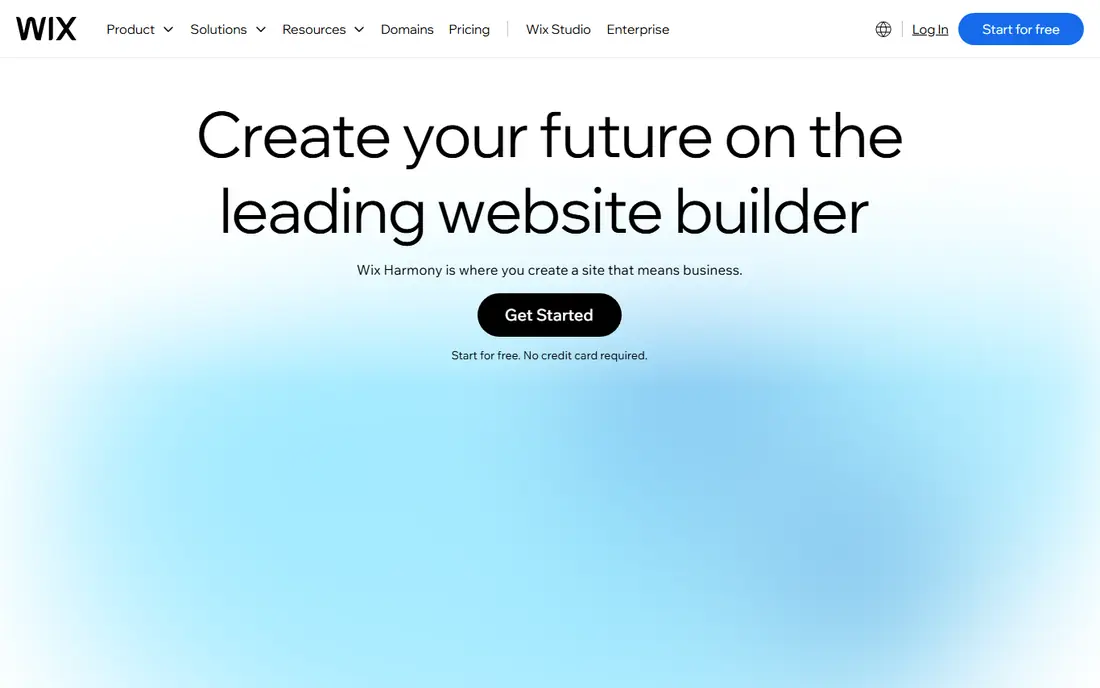
Wix AI is the safest default for a small business that wants a full site fast. You describe your business, answer a few questions, and Wix generates pages, copy, and layout, which you can then edit by dragging elements or by asking its AI chat to make changes. The free plan lets you test generation, while Light at $17 per month, Core at $29 per month, and Business at $39 per month add domains, ecommerce, and business tools.
The lock-in is the catch. You cannot export a Wix site to another host, so leaving Wix means rebuilding, and switching templates after launch is limited. If you value a mature platform, a large app store, and AI help across copy, images, and layout, Wix is still the broadest pick.
- Prompt-to-site plus conversational editing
- Large template and app base
- Free plan to test generation
- No site export
- Switching templates later is limited
- Ecommerce needs higher plans
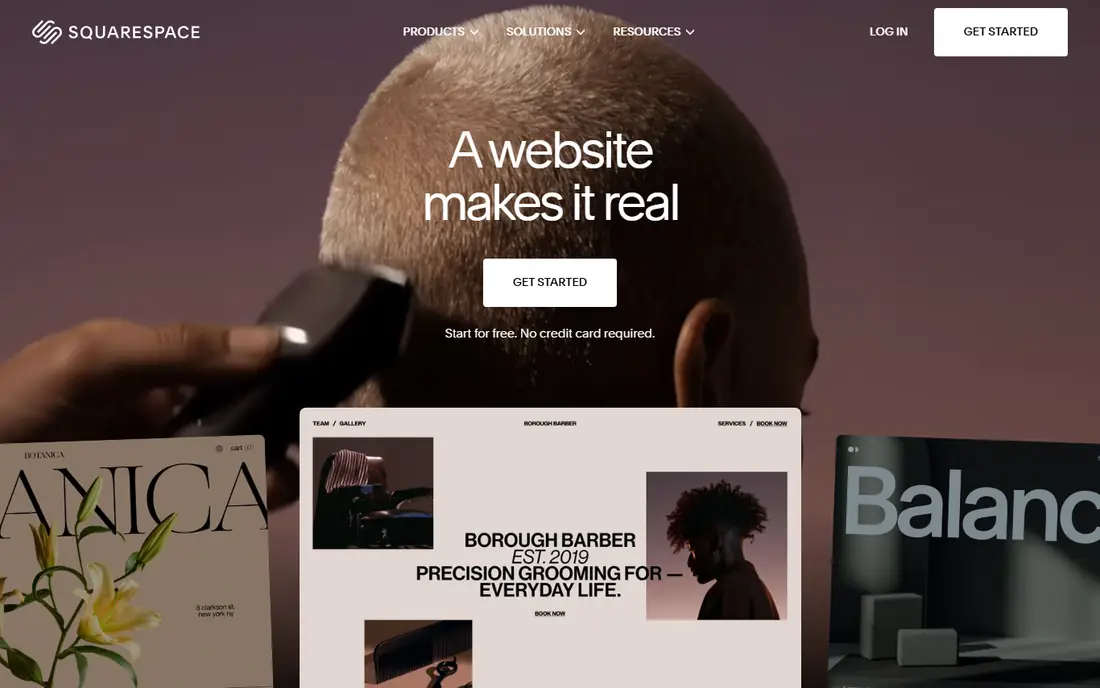
Squarespace Blueprint AI suits brands where design quality matters most. You answer guided questions about your business, style, and pages, and Blueprint generates a multi-page site with polished templates, copy prompts, and layout choices. Basic at $19 per month billed yearly, or $25 monthly, covers a simple site, while higher plans add commerce and marketing tools.
The guided flow is both a strength and a limit. It keeps designs clean, but it gives less free-form layout control than Wix or Framer, and you need a paid plan to publish. For a portfolio, studio, or small brand site where polish matters, Squarespace is a strong pick, but for a complex store, Shopify or Wix may fit better.
- Polished templates and guided generation
- Strong design quality
- Built-in commerce and blogging
- Guided flow gives less layout freedom
- Paid plan needed to publish
- Transaction fees on lower plans
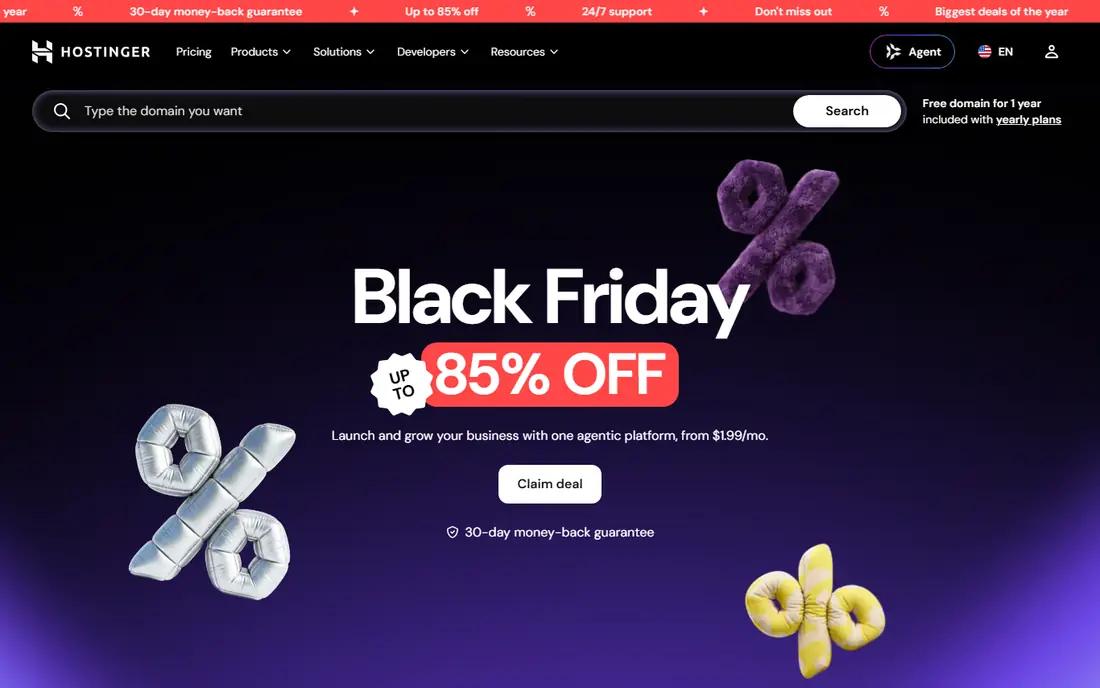
Hostinger AI is the budget pick for a small business that wants a hosted site at the lowest price. Its AI builder generates a full site from a short prompt, which you can then edit with drag-and-drop tools, and hosting is included in the plan. Entry pricing starts at $2.99 per month on a long prepay term, which undercuts most rivals by a wide margin.
Read the renewal terms. The low price needs a long term, often 48 months, and renews at $10.99 per month, so the lifetime cost is higher than the headline rate. Design control is also thinner than Framer or Webflow, but for a simple business site on a tight budget, Hostinger is hard to beat.
- Very low entry price on long terms
- AI generation plus drag-and-drop editing
- Hosting included
- Best prices need long prepay
- Renews at $10.99 per month
- Design control thinner than Framer or Webflow
Framer AI suits designers, startups, and marketing teams that want a landing page or marketing site that looks custom. Its AI agent builds pages, CMS content, and layout from prompts, and you can then refine design, animation, and interactions with precise control. The free plan lets you test generation, while Basic at $10 per month billed yearly covers a published site.
The limits are commerce and credits. Framer has no native full ecommerce store, so product sellers need another platform, and AI credits can run out on heavy use. If your goal is a sharp marketing site or portfolio, Framer gives more design freedom than most AI builders, but for a store, look at Wix or Shopify instead.
- Strong design control and animation
- AI generation plus CMS
- Free plan with AI credits
- No native full ecommerce store
- AI credits can run out
- Learning curve for non-designers
Durable is the speed pick for local service businesses, such as plumbers, cleaners, salons, and consultants. It generates a site in about 30 seconds from your business type and location, then adds a CRM, bookings, invoicing, and AI tools for blogs and reviews in the same plan. Launch at $25 per month monthly, or $22 per month billed yearly, covers that bundle.
Design flexibility is thinner than Wix or Framer, and Durable is not built for a large store or a deep content site. If you need a fast, professional service site with bookings and customer tools in one place, Durable saves the most time, but if you need a distinctive design, Framer or Squarespace will serve you better.
- Site in about 30 seconds
- CRM, bookings, and invoicing built in
- AI tools for blogs and reviews
- Less design flexibility than canvas tools
- Thin for large content sites
- Not built for ecommerce
10Web AI suits owners who want an AI-built site on WordPress, with the ownership and plugin base that WordPress offers. You can generate a site from a prompt, an old URL, or a file, and 10Web hosts it with managed WordPress tools, backups, and speed optimization. AI Starter at $10 per month billed yearly covers one site with AI credits and hosting.
The trade-off is WordPress itself. You gain plugins, themes, and data ownership, but you also take on WordPress updates and plugin choices, even with managed hosting. Prices also rise at renewal on some plans, so check the renewal rate before you commit. For a content or WooCommerce site, 10Web is the best AI route to WordPress.
- AI-generated WordPress sites
- Managed hosting included
- Real WordPress ownership and plugins
- Needs WordPress comfort
- Price rises at renewal
- AI credits limit generation on lower plans
Webflow AI suits professional teams that want AI generation as a starting point, not the final design. Its AI site builder creates a site you can then refine in a professional visual editor, with CMS collections, interactions, and design system controls that go far beyond simple builders. Basic at $15 per month billed yearly covers a simple site, while CMS plans add content tools.
The learning curve is real. Non-designers may find Webflow harder than Wix or Durable, and CMS, team, and ecommerce features sit in higher plans. If your team will refine the site heavily after generation and values clean code output, Webflow is the strongest professional pick here.
- Professional editor after generation
- Clean code output
- Strong CMS and design system tools
- Learning curve for non-designers
- CMS and team features sit in higher plans
- Ecommerce is limited compared with Shopify
Jimdo AI, through its Dolphin builder, suits beginners who want a simple site with minimal decisions. You answer a few questions, Jimdo generates a site with pages and copy, and you edit text and images in a simple editor. The free plan lets you test the flow, while paid plans add a custom domain, ecommerce, and more features.
Depth is the limit. Design control, ecommerce features, and AI tools are thinner than Wix, Framer, or Squarespace, and plan details vary by region, so check the current pricing page for your country. For a simple brochure site, a hobby page, or a first business site, Jimdo is friendly and fast, but for a growing store, choose a deeper platform.
- Simple AI setup for small sites
- Free plan to start
- Easy editing for beginners
- Limited design and ecommerce depth
- AI features thinner than Wix or Framer
- Plan details vary by region
How we picked these
We compared official pricing pages, vendor AI feature pages, and public AI builder comparisons from 2026, and we kept only tools that are still sold and generate a full website from a prompt or guided questions. We weighed generation quality, editing control, design quality, ecommerce and booking features, pricing, and site ownership, and we used See website where pricing varied by region or was not published clearly. We did not claim hands-on use, and we based our notes on vendor pages and public comparisons.
What to check before you buy
Start with a real prompt, not a demo prompt. Write the exact description of your business, your services, and your target customer, then generate a site in each shortlisted tool and compare the result. The tool that produces the closest first draft, with the least editing, will save you the most time over the life of the site.
Check editing after generation
AI generation is only the first hour of a site that lives for years. Test how easy it is to change text, images, layout, and navigation after generation, without regenerating the whole site. A tool that forces every change through AI chat can feel slow when you just want to move a section or fix a typo.
Check ownership, export, and renewal price
Ask whether you can export the site, move the domain, and export content and customer data if you leave. Check renewal prices, since intro prices on long terms can double at renewal, and check AI credit limits, since some tools cap generation on lower plans. A cheap first year is a poor deal when renewal and lock-in costs follow.
Match the tool to the site type
A service business needs bookings and a CRM, a store needs checkout and inventory, and a portfolio needs design control. No single AI tool leads on all three, so pick the tool whose strength matches your main site type, and check that its store, booking, or CMS features sit in the plan tier you will actually buy.
Frequently asked questions
What is the best AI tool to build a website?
For most small businesses, Wix AI is the best AI tool to build a website, thanks to its prompt-to-site generation, manual editing, and large app base. Hostinger AI is the cheapest, Squarespace Blueprint AI is the most polished, and Framer AI gives designers the most control.
What is the best AI platform to build a website for a service business?
Durable is the best AI platform to build a website for a service business, since it generates a site in about 30 seconds and adds a CRM, bookings, and invoicing in the same plan. Wix AI is the better pick when you also need a store or a large app base.
Can AI build a complete website for free?
Yes, for a basic site, Wix AI and Framer AI offer free plans that include AI generation, though free plans carry platform branding and need a paid plan for a custom domain. Hostinger AI and 10Web AI need a paid plan to publish, so free generation alone does not mean a free live site.
Do I need coding skills to use an AI website builder?
No, all eight tools here are built for non-coders, with prompts, guided questions, and visual editing. Webflow AI and 10Web AI reward some design or WordPress comfort after generation, but neither requires you to write code to launch a site.
Can I move my AI-built site to another host?
It depends on the tool. WordPress sites from 10Web can move with WordPress hosting, while Wix, Squarespace, and Durable sites cannot be exported as a full site, so leaving means rebuilding. Check export and domain transfer terms before you commit to a platform.
How much does an AI website builder cost?
Entry prices here range from free plans on Wix, Framer, Durable, Webflow, and Jimdo, to $2.99 per month for Hostinger on a long term, $10 for Framer and 10Web, $15 for Webflow, $17 for Wix, $19 for Squarespace, and $25 for Durable. Renewal prices, AI credits, and ecommerce features sit on top of those entry rates.
Sources
See where you really rank - block by block
ProMapRanker scans Google Maps across a grid of your service area. Simple monthly plans from $19, white-label on every plan.
Start freeKeep reading
 best contact center software
Best Contact Center Software in 2026
We compared the best contact center software on channels, AI tools, pricing and scale, so you can pick a platform that fits your team size and budget in 2026.
Read → best compliance management software
Best Compliance Management Software in 2026
Compare the best compliance management software in 2026, with framework coverage, automation, audit support and pricing models explained clearly for teams.
Read → best commercial property management software
Best Commercial Property Management Software in 2026
Compare the best commercial property management software for offices, retail, and mixed portfolios, with pricing, accounting, leasing, and honest trade-offs.
Read →