 ProMapRanker
Best AI Tools to Animate Photo in 2026


Realistic photo motion on a free tier · Pricing starts at: $10 per month
Key takeaways
- Kling AI and Pika offer the most generous free starting points for turning photos into short video clips.
- Runway gives the most control over motion, letting you direct movement in parts of a still image.
- MyHeritage Deep Nostalgia is the simplest choice for animating old family portraits with one click.
- Hailuo AI and Kaiber suit fast, affordable image-to-video work, while Hedra suits talking-photo videos.
- Free outputs are often watermarked and limited to personal use, so check commercial rights before client work.
Quick comparison
| Pick | Great for | Pricing starts at | Free tier | |
|---|---|---|---|---|
| Kling AI | Realistic photo motion on a free tier | $10 per month | Yes | Visit |
 Pika | Social clips and playful effects | $10 per month | Yes | Visit |
 Runway | Controlled cinematic photo animation | $15 per month | Yes | Visit |
 Hailuo AI | Fast affordable image-to-video | $14.99 per month | Yes | Visit |
 Luma Dream Machine | Fast natural photo motion | See website | Yes | Visit |
 MyHeritage Deep Nostalgia | Animating old family portraits | See website | Yes | Visit |
 Hedra | Talking photos with voice and lip sync | See website | Yes | Visit |
 Kaiber | Stylized photo-to-video clips | $8 per month | No | Visit |
The best AI tools to animate photo
Photo animation tools turn a still image into a short moving clip, using text prompts, motion controls or face animation. We compared tools that accept a photo as input, not only text-to-video generators, and we focused on free tiers, motion quality and rights. Only animate photos you own or have permission to use, and never animate a photo of a real person to mislead others.
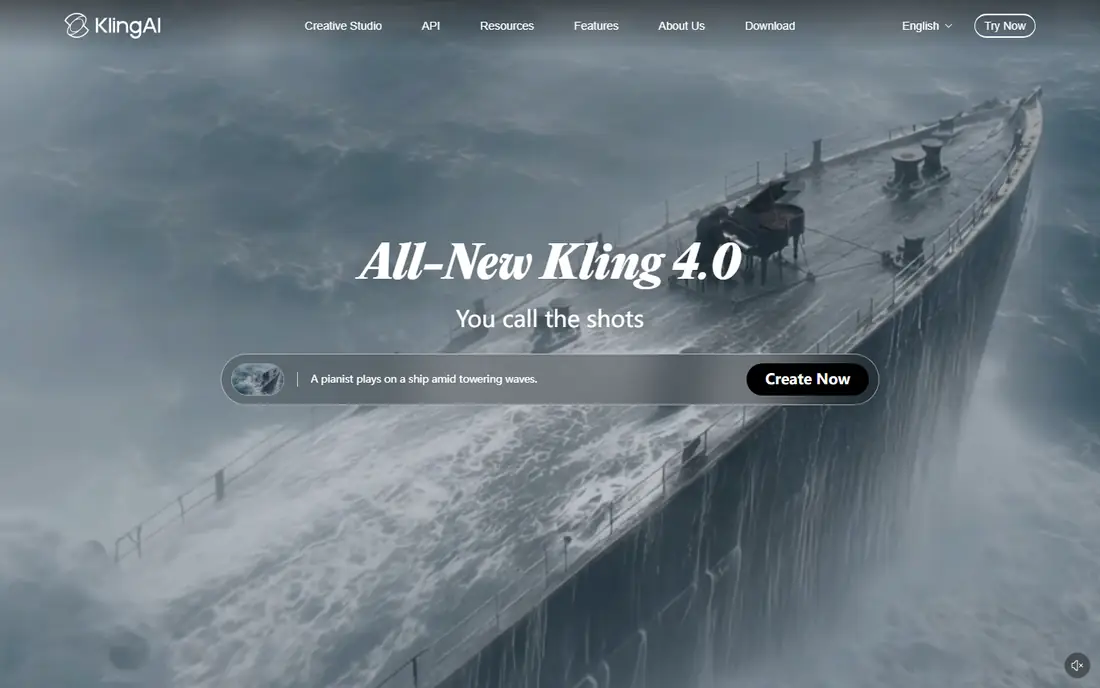
Kling AI turns a photo into a video clip with natural motion and camera movement, and its free tier with daily login credits makes it usable over time without paying. Upload a photo, describe the motion you want, and the model adds movement to subjects and background while keeping the original image recognizable. The Standard plan starts at $10 per month with a larger credit allowance.
Free outputs are watermarked and limited to personal use, so client work needs a paid plan. Generation can also vary between attempts, so budget a few credits for retries on an important clip. For everyday photo animation at low cost, Kling is our first pick.
- Realistic motion and camera movement
- Daily login credits on the free tier
- Strong image-to-video quality
- Free exports carry a watermark
- Commercial use needs a paid plan
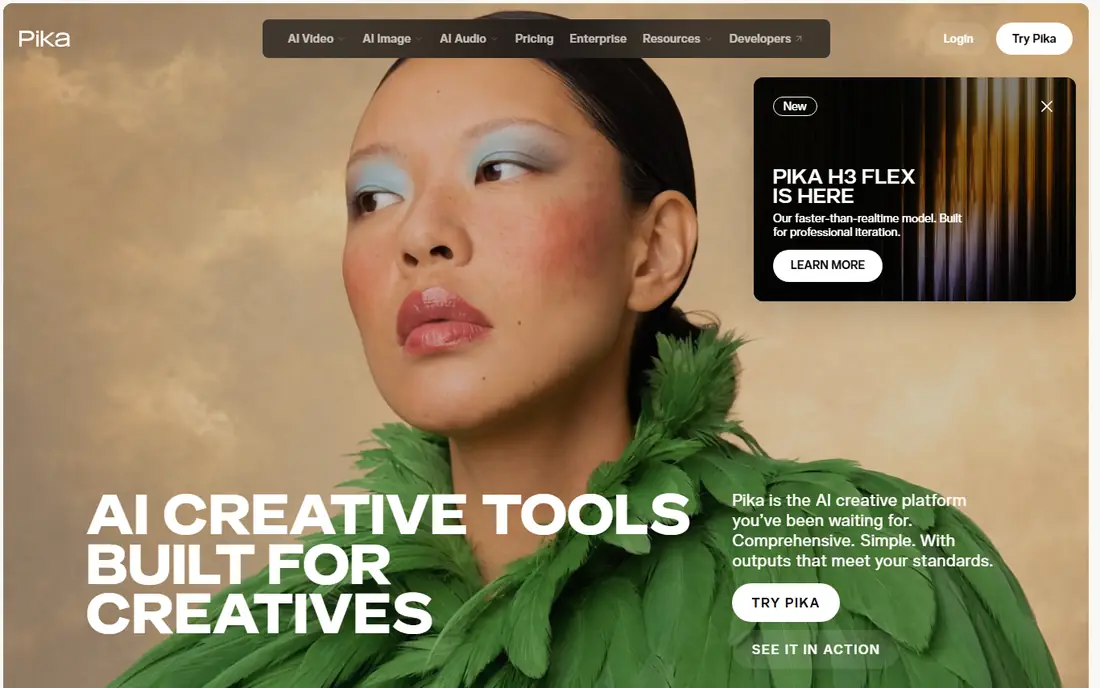
Pika is a social-friendly video generator that animates photos with text prompts and creative effects, and its free plan gives monthly credits for regular small projects. The workflow is simple: upload a photo, write what should move, and generate a short clip for social feeds. The Starter plan starts at $10 per month with a larger credit pack.
The free allowance suits testing and occasional clips, not daily production, since each generation spends credits. Motion can also lean playful rather than photorealistic, which suits social content better than archival work. For creators who post often and want a low-cost tool, Pika is a strong fit.
- Easy image-to-video workflow
- Free monthly credits
- Playful effects for social content
- Free credits run out fast on longer projects
- Commercial use needs a paid tier

Runway is a professional video platform whose image-to-video models animate photos with unusual control, including tools that let you direct motion in selected regions of a still image. That control helps when you want a subject to move while the background stays still, or when a camera move must follow a precise path. The free plan offers a one-time credit allowance, and paid plans start at $15 per month, or $12 per month billed annually on some tiers.
The free allowance works for evaluation, not ongoing production, since it does not renew. Runway also rewards users who learn its controls, so casual users may get better value from a simpler tool. For creators who need precise motion and polished output, it is worth the higher price.
- Motion controls for parts of an image
- Cinematic output quality
- Editing tools for refining clips
- Free plan is a one-time credit allowance
- Paid plans cost more than simpler rivals
Hailuo AI, from MiniMax, converts photos into video clips quickly and at a lower price than some professional platforms. Its Standard plan starts at $14.99 per month, and the free tier offers daily bonus credits for trying the tool. The workflow is straightforward, which suits creators who need many short clips without learning complex controls.
Free outputs carry a watermark, and results depend heavily on the photo and prompt: a clear, well-lit portrait animates more cleanly than a crowded scene. For fast social clips and drafts, Hailuo offers good value, but check each output before publishing, since not every generation will be usable.
- Fast image-to-video generation
- Affordable standard plan
- Daily bonus credits on the free tier
- Free exports are watermarked
- Output quality varies by prompt and photo
Luma Dream Machine turns photos into short videos with smooth, natural motion, and its speed makes it useful for prototyping ideas before committing to a longer edit. Upload a photo, add a short prompt, and the model produces a clip with subject and camera movement that usually looks believable for social use. A free tier offers limited draft videos for testing.
Pricing for Luma has varied across sources, so we list it as See website rather than fixing a figure that may be out of date. Free outputs are also limited and watermarked for personal use. For fast drafts and natural motion, Luma remains a useful tool, but confirm the current plan before buying credits.
- Fast generation with natural motion
- Simple photo upload workflow
- Good for prototyping ideas
- Pricing has changed between tiers and sources, so check live pricing
- Free outputs limited
MyHeritage Deep Nostalgia animates faces in old photos with blinking, smiling and head movements, using preset sequences matched to facial features. It runs in the browser, includes photo enhancement and colorization tools, and lets you download or share the result. A limited free option covers a small number of animations, while fuller use sits inside MyHeritage subscription plans.
The preset approach is both the charm and the limit. You cannot direct custom motion or write a prompt for a specific action, and results suit portraits better than full scenes. For family historians who want to see an ancestor move, no other tool here is as simple or as emotionally direct.
- One-click face animation
- Built-in photo enhancement and colorization
- No editing skill needed
- Motion uses preset sequences, not custom prompts
- Full use needs a MyHeritage subscription
Hedra turns a photo into a talking character video, syncing lip movement to a voice track you supply or generate. That makes it useful for explainers, training clips and character content where a still portrait needs to speak, rather than simply move. A free plan offers an allowance for testing, with paid plans adding credits, resolution and commercial options.
Talking-photo quality depends on the input: a clear, front-facing portrait with good lighting works far better than a side view or group shot. Pricing has also varied between sources, so we list it as See website. For speaking portraits, Hedra fills a gap that general motion tools do not cover well.
- Photo-to-talking-video with voice and lip sync
- Character tools for creators
- Studio workflow
- Pricing tiers have varied across sources
- Best results need a clear front-facing photo
Kaiber converts photos and images into stylized video clips, with artistic styles that suit music videos, album visuals and creative social content. Its paid plans start at $8 per month, which is the lowest paid entry on this list, and the tool emphasizes mood, style and music-driven motion over photorealism. Creators who want a dreamlike or animated look will find more range here than in a realistic motion tool.
There is no free plan, so testing requires a paid month, and realistic portrait animation is not its strength. Kaiber suits artists and musicians who want a distinctive visual style, while users who need a photo to move naturally should pick Kling, Runway or Hailuo instead.
- Stylized and artistic video styles
- Music video and creative project focus
- Low paid entry price
- No free plan
- Stylized output suits art projects more than realistic animation
How we picked these
We compared tools that accept a photo as input and produce video, using vendor pages, current pricing guides and user feedback on motion quality. We kept only tools that are live in 2026 and that handle image-to-video work, and we mixed realistic motion tools with face animation and talking-photo tools so different uses are covered. Where pricing varied between sources, we wrote See website rather than repeating a conflicting figure.
We also weighed free tiers and commercial rights, since many readers test with free credits before paying. Watermarks, personal-use limits and credit renewal all affect real cost, so those details weighed as heavily as headline prices.
How to get a good animation from a photo
Start with the best photo you have. A sharp, well-lit, front-facing image animates far more cleanly than a blurry or crowded shot, and a simple background helps the model track the subject. Enhance or crop the photo first if the tool offers it, since a cleaner input usually means a cleaner clip.
Next, write a short, specific motion prompt. Name the subject, the action and the camera move in one or two sentences, such as a person smiling and turning slightly while the camera stays still. Vague prompts produce vague motion, while overly long prompts can confuse the model.
Finally, generate more than one version and pick the best. Motion tools vary between attempts, so two or three generations of the same prompt often yield one clearly better clip. Check hands, faces and background edges closely before publishing, since those areas show errors first.
Frequently asked questions
What is the best AI tool to animate a photo?
Kling AI is the best all-round choice for realistic photo motion with a usable free tier, while Runway offers the most control. MyHeritage Deep Nostalgia is best for old family portraits, and Hedra is best for talking photos.
Are there free AI tools to animate photos?
Yes, Kling AI, Pika, Runway, Hailuo AI, Luma Dream Machine, MyHeritage Deep Nostalgia and Hedra all offer free tiers or credits. Free outputs are usually watermarked and limited to personal use, so paid plans are needed for client work.
Can AI animate old photos?
Yes, MyHeritage Deep Nostalgia is built for old portraits and adds enhancement and colorization, while Kling, Runway and Hailuo can also animate scanned photos. A clean scan with a clear face gives the best result.
How long are AI photo animation clips?
Most tools produce short clips of a few seconds per generation, which suits social posts and slideshows. Longer videos usually need several clips joined in an editor, since single generations are capped by the model and credit cost.
Is it safe to animate a photo of someone else?
Only animate photos you own or have permission to use, and never use an animated photo to mislead, impersonate or embarrass someone. Animating a photo of a real person without consent can break platform rules and, in some places, the law.
Sources
See where you really rank - block by block
ProMapRanker scans Google Maps across a grid of your service area. Simple monthly plans from $19, white-label on every plan.
Start freeKeep reading
 best contact center software
Best Contact Center Software in 2026
We compared the best contact center software on channels, AI tools, pricing and scale, so you can pick a platform that fits your team size and budget in 2026.
Read → best compliance management software
Best Compliance Management Software in 2026
Compare the best compliance management software in 2026, with framework coverage, automation, audit support and pricing models explained clearly for teams.
Read → best commercial property management software
Best Commercial Property Management Software in 2026
Compare the best commercial property management software for offices, retail, and mixed portfolios, with pricing, accounting, leasing, and honest trade-offs.
Read →