 ProMapRanker
8 Best AI Tools for Virtual Assistant Management


Time tracking and activity reports · Pricing starts at: $4.99 per user/month (billed annually)
Key takeaways
- Hubstaff and Time Doctor suit managers who need hours, screenshots, and activity reports for virtual assistants.
- Motion and Reclaim.ai suit managers who need AI scheduling, focus time, and automatic calendar planning for a VA team.
- ClickUp, Asana, and Notion suit managers who need shared tasks, docs, and clear ownership across remote assistants.
- Slack suits managers who need fast daily communication, channels per client, and searchable history for a VA team.
- Start with one tracking tool and one task tool, then add scheduling AI only after the basic workflow is stable.
Quick comparison
| Pick | Great for | Pricing starts at | Free tier | |
|---|---|---|---|---|
| Hubstaff | Time tracking and activity reports | $4.99 per user/month (billed annually) | Free trial (14 days) | Visit |
 Time Doctor | Accountability with screenshots | $6.67 per user/month (billed annually) | Free trial (14 days) | Visit |
 Motion | AI scheduling and task planning | $19 per user/month (billed annually) | Free trial (7 days) | Visit |
 Reclaim.ai | AI calendar and focus time | $10 per user/month (billed annually) | Yes | Visit |
 ClickUp | All in one tasks, docs, and time | $9 per user/month (billed annually) | Yes | Visit |
 Asana | Structured projects and workload | $10.99 per user/month (billed annually) | Yes | Visit |
 Notion | VA handbooks, SOPs, and task hubs | $10 per user/month (billed annually) | Yes | Visit |
 Slack | Daily team chat and coordination | $7.25 per user/month (billed annually) | Yes | Visit |
The best AI tools for virtual assistant management
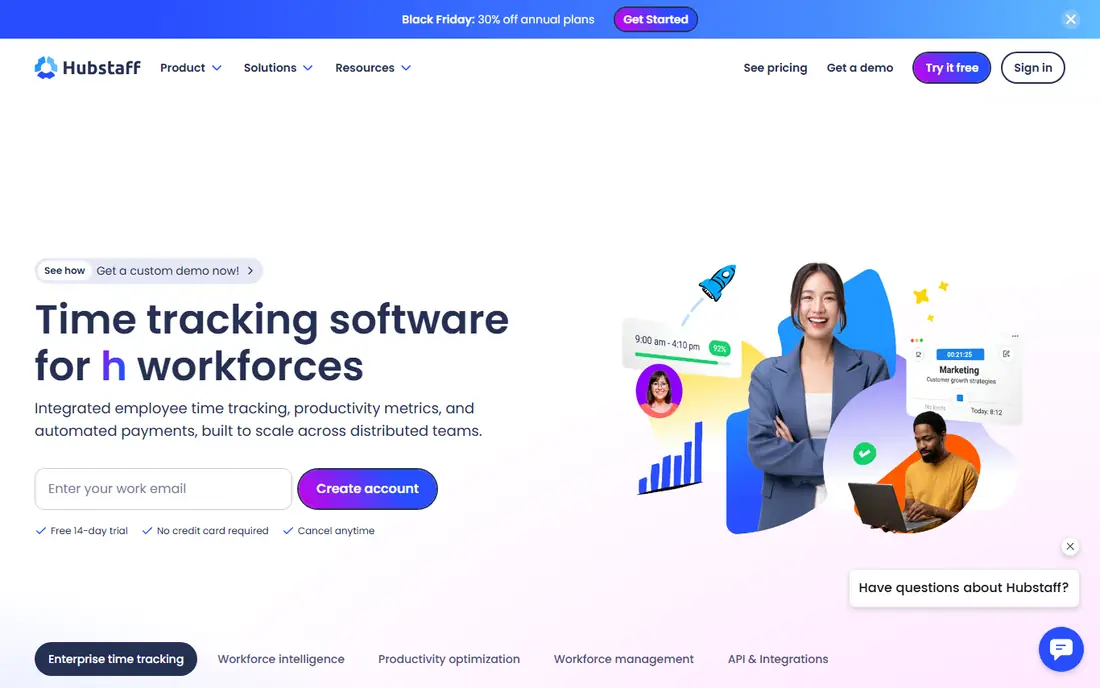
Hubstaff gives a manager a simple record of what each virtual assistant worked on, for how long, and on which client or project. Assistants start a timer, and the dashboard turns those hours into timesheets, activity levels, and app and website reports. The Starter tier starts at $4.99 per user per month on annual billing, or $7 on monthly billing, with a two seat minimum.
Hubstaff also adds scheduling and attendance on the Team tier, plus payroll and client invoicing tools that fit agencies with several assistants. AI features in Hubstaff Insights help managers see patterns in work hours and productivity, while integrations link the data to common project tools. The main limit is scope: Hubstaff tracks work well, but it does not plan a calendar, so most teams pair it with a task tool.
- Clear timesheets with screenshots and activity levels
- Scheduling, time off, and payroll tools on higher tiers
- Starter limits screenshots to 500 per seat per month, and several useful features need higher tiers or add-ons
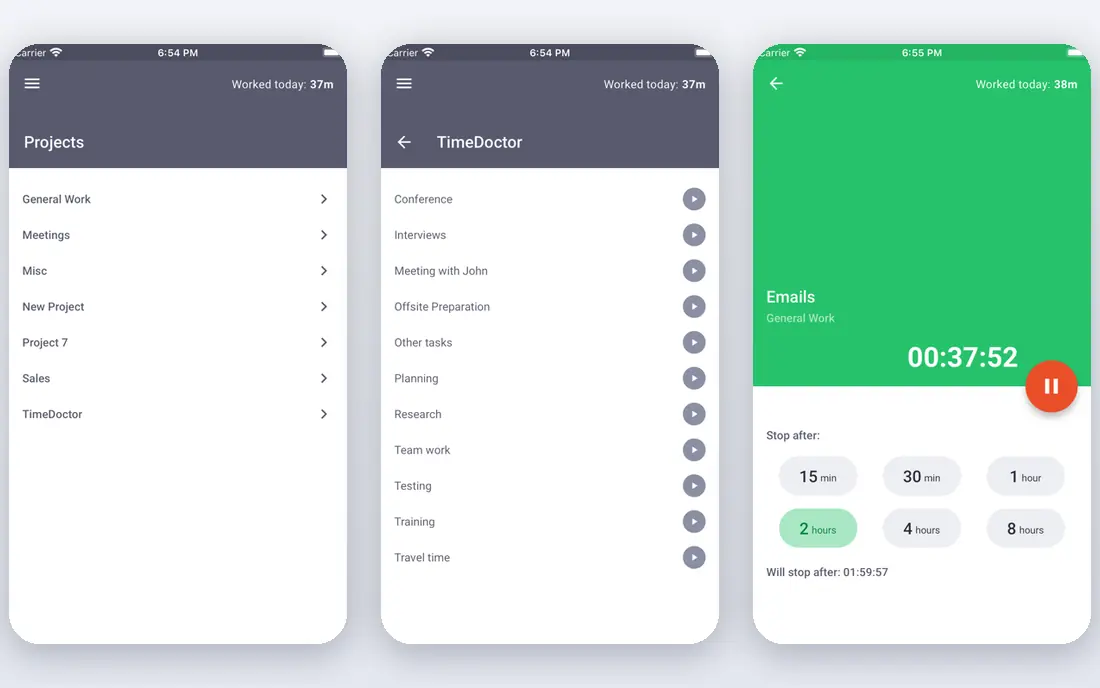
Time Doctor is built for managers who need proof of work from remote staff, and it fits virtual assistant teams that bill by the hour. It records tracked hours, projects, and tasks, with optional screenshots and activity levels that show how time was spent. Managers can approve timesheets, set schedules, and turn approved hours into contractor payments. The Basic tier starts at $6.67 per user per month on annual billing, or $8 on monthly billing, and the 14 day trial needs no card.
Time Doctor also offers AI benchmarking on the Premium tier, which compares team productivity with anonymised peer data, plus add-ons for meeting insights and software cost tracking. Managers should tell assistants in advance what is tracked and how screenshots are used, because clear rules build trust.
- Optional screenshots, app and website reports, and payroll for contractors
- Distraction alerts on higher tiers
- No free plan, and the Basic tier lacks web and app usage reports, so many teams need Standard at $11.67
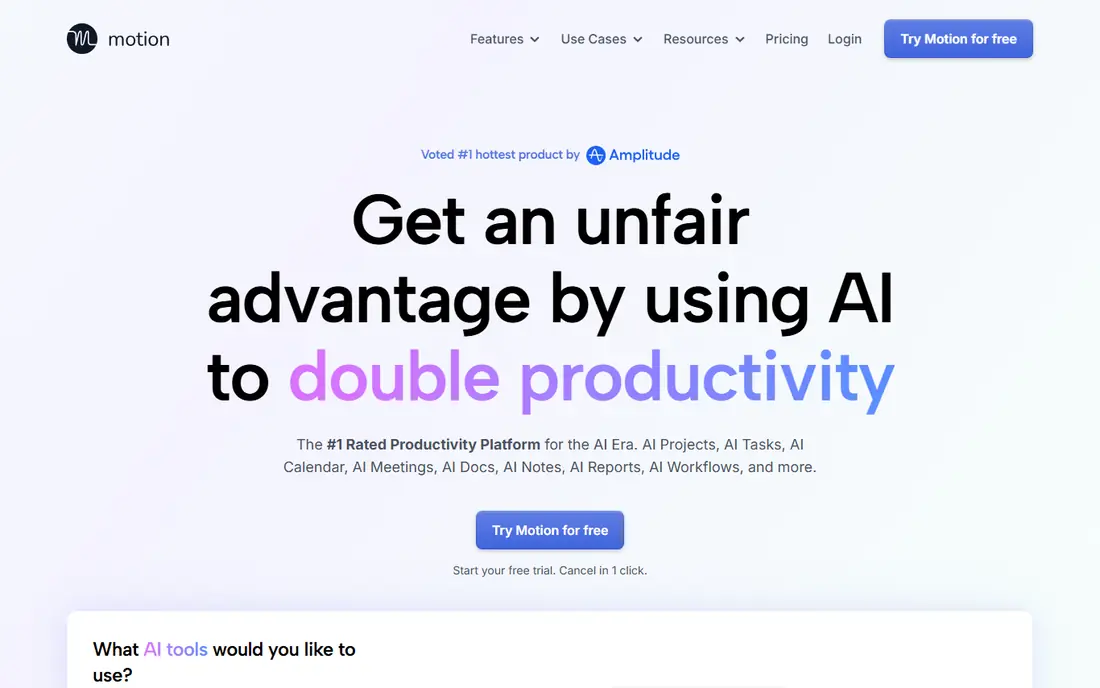
Motion is an AI planner that turns a task list into a dated calendar plan for each virtual assistant. A manager adds tasks, deadlines, and priorities, and Motion places each task in open calendar time, then moves the plan when a meeting runs long or a task slips. That automatic replanning saves the daily back and forth that often slows VA teams, and it gives each assistant a clear order of work. The team price for Pro AI starts at $19 per seat per month on annual billing, with 7,500 AI credits per seat per month.
Motion also includes project boards, meeting booking links, and a meeting notetaker, so a manager can run client work and internal VA work in the same workspace. The main cost risk is the credit model: heavy AI users should watch credit use in the first month.
- AI auto scheduling rebuilds the day when tasks move
- Calendar, tasks, projects, and meeting notes in one place
- No free plan, and AI work runs on monthly credits, so heavy use can add top up costs
Reclaim.ai is an AI scheduling assistant that sits on Google Calendar and Microsoft Outlook and protects time for deep work. It can block focus time, schedule habits and lunch, auto schedule tasks from connected tools, and find the best slot for recurring 1:1 meetings with each virtual assistant. For a VA manager, that means less manual calendar work and fewer clashes between client calls, admin tasks, and review sessions. The Lite plan is free for one user, and Starter starts at $10 per seat per month on annual billing, or $12 on monthly billing.
Reclaim.ai also offers delegated access on Business, which lets an assistant manage a manager calendar with clear limits, plus team out of office calendars and webhooks for larger teams. Teams that already use Asana, ClickUp, or Jira will get the most value, because Reclaim.ai can place tasks on the calendar from due dates.
- Free Lite plan for one user
- Smart scheduling for focus time, habits, 1:1s, and tasks from Asana, ClickUp, and Jira
- Lite limits scheduling to a one week range and one calendar sync, and full team features need Business at $15
ClickUp is a single workspace where a manager can assign tasks to virtual assistants, store SOPs in docs, track time, and watch progress on dashboards. Each assistant sees a clear list, with due dates, priorities, custom fields, and comments in one place, which cuts the need for long email threads. The Free Forever plan costs $0, with unlimited tasks and members and 60 MB of storage, while Core starts at $9 per user per month on annual billing, or $12 on monthly billing, as listed on the vendor pricing page in November 2026.
ClickUp Brain AI adds writing help, summaries, and search across tasks and docs, but buyers should check the current AI allowance for their tier, because AI credits and add-on prices have changed during 2026. The main risk is setup drift: without a simple template, a workspace can grow messy fast, so lock a basic structure first.
- Free Forever plan with unlimited tasks and members
- Native time tracking, docs, goals, and automations in one workspace
- Full AI features cost extra in many workspaces, and the wide feature set takes time to set up well
Asana gives a VA manager a clear, structured way to run repeat work, such as inbox triage, client onboarding, research, and weekly reporting. Tasks move through lists, boards, timelines, and calendars, with start dates, dependencies, and custom fields that show who owns each step. Managers can use portfolios and workload views on Advanced to see who is overloaded and who has room for more work. Starter starts at $10.99 per user per month on annual billing, or $13.49 on monthly billing, and the Personal plan is free for up to 2 users.
Asana AI, through AI Studio and AI teammates, can draft updates, triage requests, and run rule based workflows, with credits included on Starter and Advanced. That helps a manager route new VA requests without manual triage each morning. The main limit is cost at scale: Advanced, at $24.99 per user per month on annual billing, adds native time tracking, goals, and portfolios.
- Clean timeline, Gantt, and workload views
- Unlimited automations and free guests on Starter
- Free Personal plan caps at 2 users, and native time tracking needs Advanced at $24.99
Notion is the best place in this list to store how a VA team works, not just what it must do today. A manager can build a handbook with SOPs, checklists, client notes, login rules, and video links, then link each SOP to a task database with owners, due dates, and status. New assistants can learn the process from one hub instead of asking the same questions in chat. Plus starts at $10 per member per month on annual billing, or $12 on monthly billing, and the Free plan works for a solo manager.
Notion Business, at $20 per member per month on annual billing, adds full AI access, including Notion Agent and AI meeting notes, plus SAML single sign on and private teamspaces. Notion is not a time tracker or a scheduler, so pair it with a tracker for hours and a scheduler for calendar planning.
- Flexible docs, databases, and templates for SOPs and client hubs
- Guests are free and do not use a member seat
- Full AI, including Notion Agent and AI meeting notes, needs Business at $20, and Plus only has a limited AI trial
Slack is the daily hub for many VA teams, with a channel for each client, each assistant, and each workstream. Managers can post briefs, share files, run huddles for quick calls, and use Workflow Builder to route common requests, such as a new task or a time off request. AI summaries on Pro help a manager catch up on a busy channel without reading every message. Pro starts at $7.25 per user per month on annual billing, or $8.75 on monthly billing, and the Free plan keeps 90 days of message history.
Slack works best when a manager sets clear rules: use channels for work, threads for replies, and set hours for replies outside work time. Without those rules, chat can replace deep work with constant pings, so set reply hours. Business+, at $15 per user per month on annual billing, adds stronger admin controls for larger teams.
- Channels per client or VA, unlimited history on Pro, and AI conversation summaries
- Fair billing only for active users
- Pro lacks SAML single sign on and data residency, and chat can turn into constant interruption without clear rules
How we chose
We compared vendor pricing pages, product docs, and feature lists for each tool on 2026-11-11, and we checked that each homepage loads and matches the product named. We looked for tools that fit a specific VA management job: tracking hours, planning calendars, assigning tasks, storing SOPs, or coordinating daily chat. We gave weight to AI features that save manager time, and we checked plan limits that change the real cost. We did not claim hands-on testing, and we did not use third party ratings as proof of quality.
Use this decision table to match team size and budget to a starting stack. Prices below are entry prices on annual billing, per user per month, as listed in the comparison table above.
| Team size | Monthly budget per user | Best starting stack | | 1 to 3 assistants | $0 to $10 | Notion Free, ClickUp Free, Reclaim.ai Lite, Slack Free | | 2 to 5 assistants | $10 to $20 | Hubstaff Starter $4.99, ClickUp Core $9, Reclaim.ai Starter $10 | | 5 to 15 assistants | $15 to $30 | Time Doctor Standard $11.67, Asana Starter $10.99, Motion Pro AI $19 | | 15 or more assistants | $20 to $35 | Time Doctor Premium $16.70, Asana Advanced $24.99, Slack Pro $7.25 |
A team of 5 assistants on Hubstaff Starter at $4.99 each costs $24.95 per month on annual billing, before tax and add-ons. The same team on ClickUp Core at $9 each costs $45 per month. A team of 10 on Asana Starter at $10.99 each costs $109.90 per month. Check these totals against the vendor pricing page before you buy, because seat minimums and billing terms change the invoice.
What to check before you buy
Check the billing basis first. Annual prices in this guide are lower than monthly prices, and the gap is real: Hubstaff Starter is $4.99 on annual billing and $7 monthly, Time Doctor Basic is $6.67 annual and $8 monthly, and Slack Pro is $7.25 annual and $8.75 monthly. Ask for the full first invoice, including tax, seat minimums, and any add-on, before you commit to a year.
Check the free plan and trial limits next. Hubstaff and Time Doctor offer a 14 day trial with no free plan for teams, Motion offers a 7 day trial, and Reclaim.ai, ClickUp, Asana, Notion, and Slack offer a free tier with limits. Use the trial with real VA work, not demo data, and test the exact features you need, such as screenshots, approvals, AI scheduling, or workload views.
Use this checklist with real numbers from this guide before you sign up. Confirm the entry price per user per month on the vendor pricing page. Confirm the seat minimum: Hubstaff needs 2 seats on Starter, Grow, and Team, and Motion team plans start at $19 per seat. Confirm the trial length: 14 days for Hubstaff and Time Doctor, 7 days for Motion. Confirm the free plan cap: Asana Personal caps at 2 users, Notion Free caps file uploads at 5 MB, and Reclaim.ai Lite caps at 1 user and a 1 week scheduling range. Confirm who can see screenshots, activity data, and location data, and write that rule down for your team. Confirm data export, cancellation, and refund terms, and confirm that assistants can use the tool on their own devices.
Frequently asked questions
What is the best AI tool for managing virtual assistants?
The best tool depends on the main job you need to manage. Hubstaff suits hour tracking and activity reports, Motion suits AI calendar planning, ClickUp suits task assignment and docs in one place, and Slack suits daily chat. Most small teams start with one tracker and one task tool, then add AI scheduling once the basic workflow works well each week.
Do I need time tracking for virtual assistants?
Time tracking helps when assistants bill by the hour, work across several clients, or need clear proof of hours for invoices. Hubstaff and Time Doctor both give timesheets, screenshots, and activity reports that support that proof. If assistants work on fixed monthly retainers, a task tool such as Asana or ClickUp may be enough, and tracking can focus on task completion instead of hours.
How much should I budget per virtual assistant per month?
Budget $5 to $20 per assistant per month for one core tool on annual billing, based on the entry prices in this guide. Hubstaff starts at $4.99, Time Doctor at $6.67, ClickUp Core at $9, and Motion team plans at $19. A full stack of tracking, tasks, and chat can reach $25 to $40 per assistant per month, so add the tools one at a time and check the total.
Can AI scheduling really save time for a VA team?
AI scheduling can save time when calendars change often and tasks have clear deadlines and priorities. Motion and Reclaim.ai can place tasks, protect focus time, and move work when meetings shift, which cuts manual replanning. The saving drops when tasks lack due dates or priorities, so set those fields first and review the auto plan each morning for the first two weeks.
Is it fair to use screenshots and activity monitoring with virtual assistants?
Screenshots and activity monitoring can be fair when the rules are clear, written down, and shared before tracking starts. Tell assistants what is captured, when it is captured, how long it is kept, and who can see it. Use the data to support coaching and fair pay, not to watch every minute, and check local law and client contracts before you turn monitoring on.
Sources
See where you really rank - block by block
ProMapRanker scans Google Maps across a grid of your service area. Simple monthly plans from $19, white-label on every plan.
Start freeKeep reading
 best chimney sweep software
Best Chimney Sweep Software: 8 Tools Compared
Compare the best chimney sweep software for scheduling, quotes and invoicing. See starting prices, free trials and the right pick for your crew size now.
Read → best childcare management software
Best Childcare Management Software
Compare the best childcare management software for centres and preschools, with billing, attendance, parent messaging, and learning tools in one clear guide.
Read → best channel manager software for hotels
Best Channel Manager Software for Hotels
Compare the best channel manager software for hotels in 2026, with real prices, channel counts and PMS links, so you can stop double bookings and sell rooms.
Read →