 ProMapRanker
Best AI Tools for Teachers in 2026


All-in-one teacher toolkit · Pricing starts at: $8.33 per month
Key takeaways
- MagicSchool AI is the broadest all-in-one toolkit, with lesson plans, rubrics, differentiation and feedback tools.
- Khanmigo suits student tutoring and teacher support, with free access for teachers in the US.
- Brisk Teaching works inside Google Docs and Slides, so grading and differentiation happen without a new tab.
- Curipod and Wayground suit live, interactive lessons, while Diffit and Eduaide.ai suit differentiation and planning depth.
- Canva for Education and Education Copilot cover visual content and fast standards-aligned drafts, with free tiers for eligible teachers.
Quick comparison
| Pick | Great for | Pricing starts at | Free tier | |
|---|---|---|---|---|
| MagicSchool AI | All-in-one teacher toolkit | $8.33 per month | Yes | Visit |
 Khanmigo Khanmigo | Student tutoring and teacher tools | Free | Yes | Visit |
 Brisk Teaching Brisk Teaching | Feedback inside Google Docs | $99.99 per year | Yes | Visit |
 Curipod Curipod | Live interactive lessons | See website | Yes | Visit |
 Diffit Diffit | Differentiation and leveled reading | $14.99 per month | Yes | Visit |
 Eduaide.ai Eduaide.ai | Pedagogy-first planning | $49.99 per year | Yes | Visit |
 Canva for Education Canva for Education | Visual lesson content | Free | Yes | Visit |
 Wayground Wayground | Interactive quizzes and lessons | Free | Yes | Visit |
 Education Copilot Education Copilot | Fast standards-aligned drafts | $9 per month | Yes | Visit |
The best AI tools for teachers
We compared official pricing pages, feature documentation and public reviews for teacher tools in October 2026. AI can draft, differentiate and give feedback, but final grades and lesson decisions remain a teacher job. Check your school or district policy, student privacy rules and data agreements before using any tool with student work. We did not claim hands-on testing.
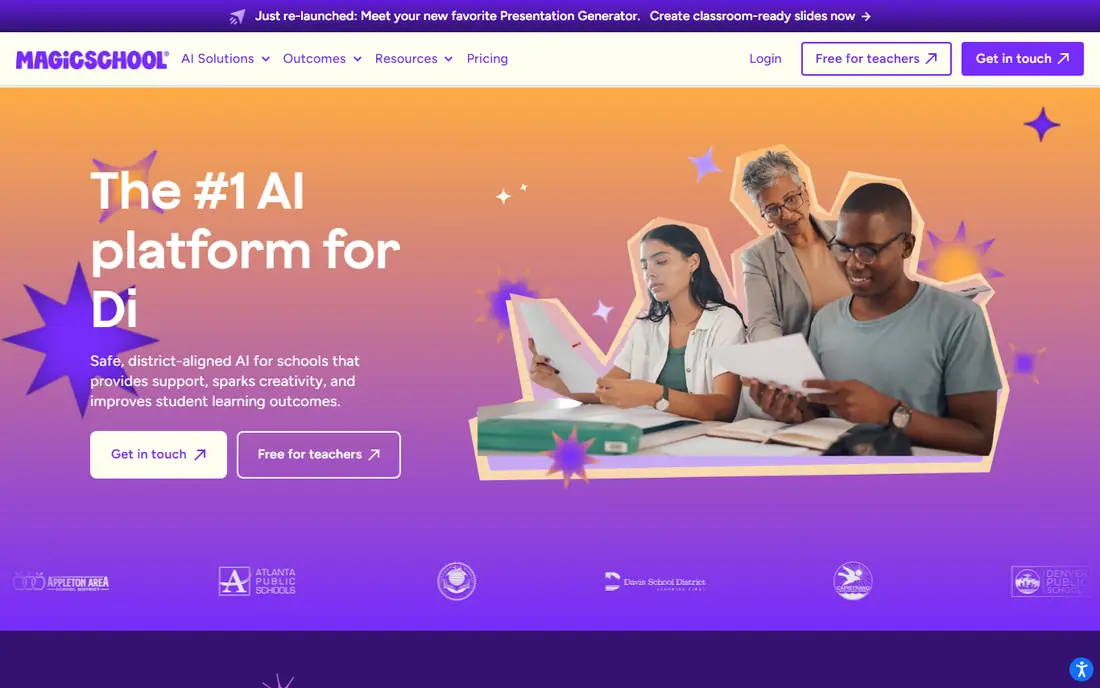
MagicSchool AI is the best ai tool for teachers who want one dashboard for many jobs. Lesson plans, quizzes, rubrics, report-card comments, differentiation and writing feedback sit together, so planning does not scatter across apps. The free tier covers normal weekly planning for many teachers, with Plus adding unlimited generations in vendor terms.
The breadth can overwhelm at first, so start with three tools you use weekly rather than exploring all of them. Usage limits on the free tier also mean heavy users will need Plus. For districts and individual teachers alike, MagicSchool offers the widest practical toolkit in this list.
- More than 80 teacher tools
- Lesson plans, rubrics and feedback in one dashboard
- Student tools and guardrails
- Free tier has usage limits
- Plus price is billed annually for the lower rate
- Tool count can overwhelm new users
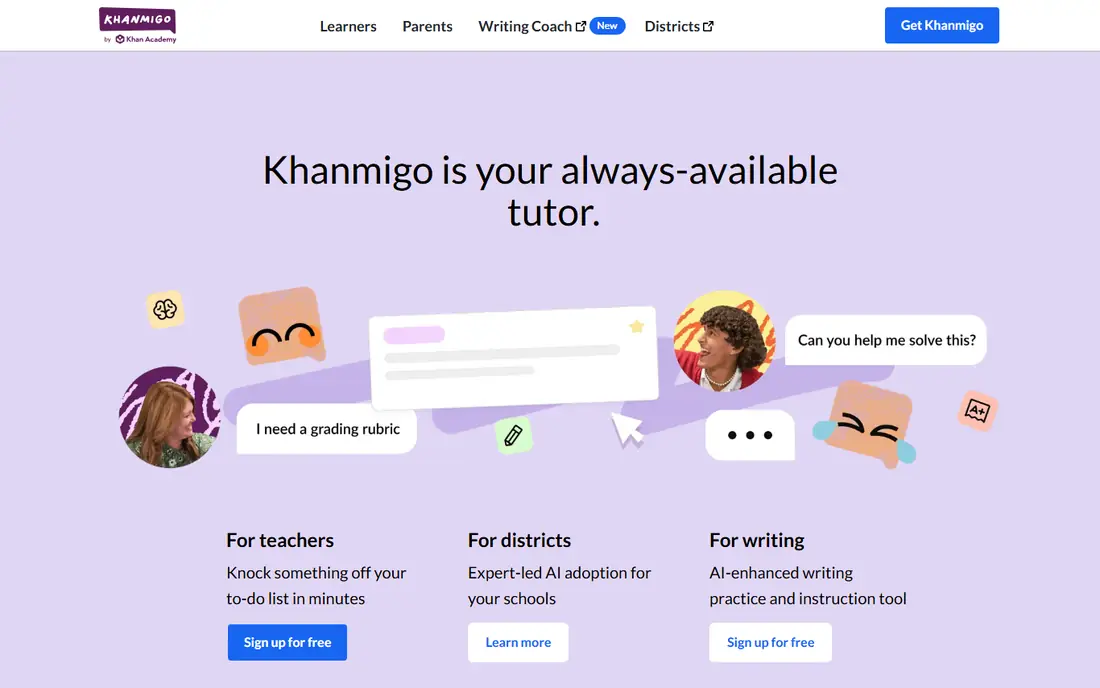
Khanmigo takes a tutoring approach rather than giving direct answers. It guides students with questions, which suits practice, homework help and revision. Teacher tools help with planning and classroom use, and alignment with Khan Academy content gives teachers a familiar library to build on.
Free teacher access is a major strength, while learner and parent access follows separate pricing. District rollouts need school or district plans for admin controls. For teachers who want an AI tutor that teaches rather than completes work, Khanmigo is a strong, principled pick.
- Free for teachers
- Socratic tutoring approach
- Aligned with Khan Academy library
- Learner and parent access is paid
- District features need school plans
- Tutoring style needs student guidance
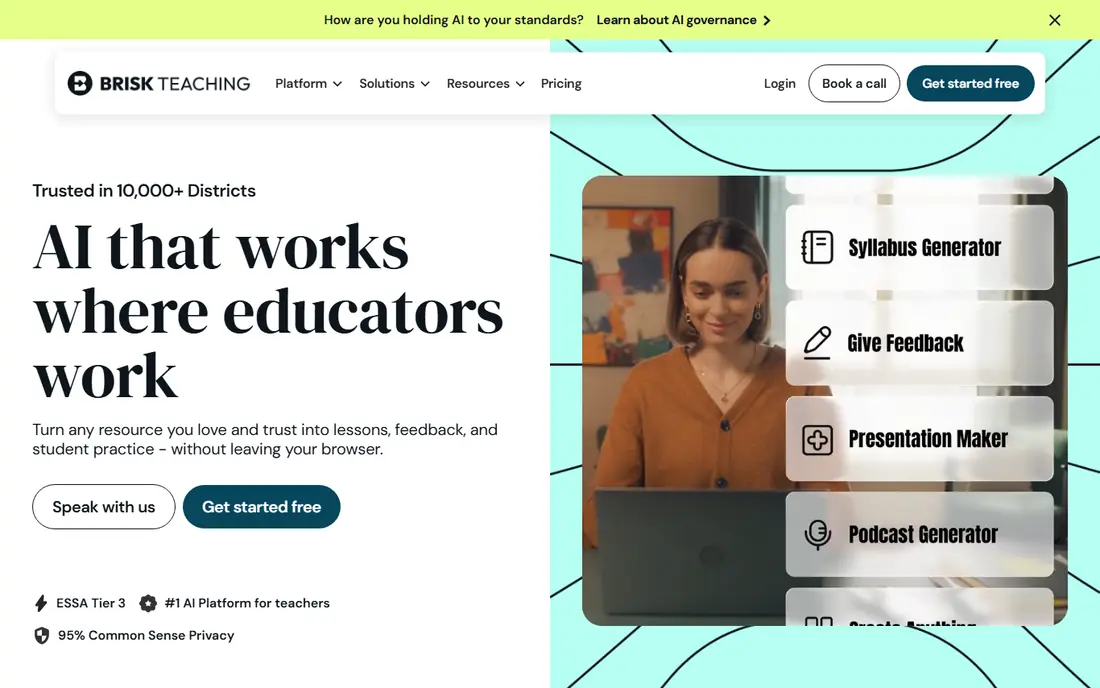
Brisk Teaching wins on workflow. As a Chrome extension, it lives inside Google Docs, Slides, PDFs and YouTube, so teachers can level a text, create a quiz or draft feedback without opening another app. Rubric-based feedback in the document itself saves copy-and-paste time during marking.
Schools outside Google Workspace get less benefit, since the extension centres on Google tools. The free plan covers many tools, while Pro at $99.99 per year adds broader access. For Google schools, Brisk is the easiest second tool to adopt alongside a planner such as MagicSchool.
- Chrome extension inside Docs, Slides and YouTube
- Rubric-based feedback in the document
- Differentiation without switching tabs
- Best value for Google Workspace schools
- Paid Pro adds features
- Daily limits may apply on free use
Curipod turns static slides into live lessons. Students respond on devices with polls, drawings, word clouds and open-ended writing, and AI feedback arrives during the lesson. Teachers receive participation reports for the class and for individual students, which helps follow-up work.
Free use covers weekly writing-practice sessions with limits, while unlimited use needs a school or district plan. Live lessons also need reliable devices and connectivity. For engagement and writing practice in class, Curipod offers a format that static slides cannot match.
- Interactive slides with polls, drawings and writing
- Real-time AI feedback
- Class and individual participation reports
- School and district pricing is quoted
- Free sessions have weekly limits
- Live use needs student devices
Diffit answers a daily classroom problem: one text, many reading levels. Paste or upload a source, choose levels, and receive adapted passages with questions and vocabulary. That speed helps teachers support multilingual learners and mixed-ability classes without rewriting every text by hand.
Free history is limited to 90 days in vendor summaries, and premium costs $14.99 per month or $149.99 per year. AI-adapted text still needs teacher review for accuracy and tone. For differentiation, Diffit is one of the most practical best ai education tools in this list.
- Leveled passages at varied reading levels
- Questions and vocabulary from any text
- Useful for multilingual learners
- Resource history limited on free plan
- Premium price is monthly unless billed annually
- Output needs teacher review
Eduaide.ai suits teachers who plan with pedagogy in mind. It generates lesson resources, scaffolds and assessments across many formats, with support for frameworks and depth-of-knowledge levels. That structure helps teachers who want more than a generic lesson outline.
Free generations are limited, so regular users will likely need the Pro plan at $49.99 per year. The tool also rewards detailed inputs, which takes a few minutes per resource. For teachers who value planning depth over speed alone, Eduaide.ai is a strong choice.
- More than 75 resource types
- Frameworks and depth-of-knowledge support
- Strong for unit and lesson planning
- Free generations are limited each month
- Interface rewards users who plan in detail
- School pricing varies
Canva for Education gives verified K-12 teachers and students free access to most premium features, including AI writing, activities and image generation. Teachers can build slides, worksheets, posters and videos in one design tool, then share assignments with students. That visual range suits many subjects.
Education access needs verification, so not every adult user qualifies. Canva also focuses on design and content, not grading or tutoring depth. For visual lesson material at no cost to eligible teachers, Canva for Education is one of the best free ai tools for teachers available.
- Free for verified K-12 teachers and students
- AI writing and image tools
- Presentations, worksheets and classroom media
- Verification needed for education access
- AI tools suit visual content more than grading
- Classroom management features vary
Wayground, formerly Quizizz, combines a large library of quizzes and interactive lessons with AI generation. Teachers can create or adapt activities, run them live or as homework, and review reports on student responses. The free Starter plan includes AI features, which makes it easy to test.
Free storage is limited to 20 activities in vendor summaries, so active teachers may need a paid plan. Individual pricing also varies by region, so check the current price for your location. For quick formative checks and interactive revision, Wayground is a reliable classroom tool.
- Free Starter plan with AI included
- Large library of quizzes and lessons
- Interactive reports for teachers
- Storage limit on free plan
- Individual paid price varies by region
- Advanced features need paid plans
Education Copilot focuses on speed. Teachers can generate lesson plans, handouts and other documents from templates, with standards alignment built into the workflow. The free plan needs no credit card and covers core templates, while Pro at $9 per month billed annually adds more templates and long-form handouts.
The tool count is smaller than MagicSchool, so teachers who need rubrics, feedback and student tools will need another app. Standards fit still needs teacher checking, since AI drafts can miss local requirements. For fast, print-ready drafts, Education Copilot is a practical, low-cost pick.
- Fast lesson plan and handout drafts
- Standards-aligned templates
- Free plan needs no credit card
- Fewer tools than MagicSchool
- Pro templates need paid plan
- Output needs teacher review for standards fit
How we picked these
We compared official pricing pages, feature documentation and public reviews for teacher tools in October 2026. We favoured tools with a clear classroom job, a usable free tier for teachers, and education-specific privacy handling where vendors publish it. We included planning, tutoring, feedback, interactive lessons and visual content, since teachers use AI across all those jobs. Prices reflect vendor pricing summaries at the time of writing, and we wrote See website where school pricing is quoted. We did not claim hands-on testing. Always review AI output before sharing it with students, and follow school policy on student data.
What to check before you use AI with students
Check privacy first. Confirm whether student data is used for model training, what data is stored, and whether your district has a data agreement with the vendor. Tools with education-specific privacy pages and single sign-on usually suit school use better than general chatbots. Never paste sensitive student information into a tool without checking policy.
Test output quality with your subject and grade level. AI drafts can contain errors, biased examples or misaligned standards, so review every lesson, quiz and feedback note before use. Start with teacher-only tasks such as planning and drafting, then add student-facing use slowly. The best ai software for teachers is the one that saves time without lowering accuracy or privacy standards.
Frequently asked questions
Which ai tools are best for teachers starting out?
MagicSchool AI covers most planning jobs in one free tier, Khanmigo offers free teacher tutoring tools, and Canva for Education offers free visual content for verified K-12 teachers. Start with one planner and one classroom tool, rather than adopting five apps at once. Check school policy before any student-facing use.
What are the best free ai tools for teachers?
MagicSchool AI, Khanmigo, Brisk Teaching, Canva for Education, Wayground and Education Copilot all offer free tiers for teachers. Free tiers have usage, storage or feature limits, so heavy users may need paid plans. Verified K-12 status gives the fullest free access on Canva for Education.
Can AI tools grade student work?
AI can draft feedback and score against a rubric, and tools such as MagicSchool and Brisk Teaching support that workflow. Final grades should remain a teacher decision, especially for borderline work, growth and effort. Review AI feedback for errors and tone before sharing it with students or parents.
Are AI tools for teachers safe for student data?
Safety depends on the vendor, the plan and school policy. Education-focused tools often publish FERPA and COPPA-aligned handling and state that student data is not used for training, but terms vary. Check the vendor privacy page and district agreement, and avoid entering sensitive student details into general-purpose chat tools.
What is the best ai tool for teachers for lesson planning?
MagicSchool AI leads for breadth, Eduaide.ai leads for pedagogy-first depth, and Education Copilot leads for fast standards-aligned drafts. Brisk Teaching leads for planning inside Google Docs. Try each free tier with a real upcoming unit, and pick the workflow that needs least rework.
Do teachers need paid AI tools?
Many teachers manage well on free tiers, especially with MagicSchool, Khanmigo and Canva for Education. Paid plans help when usage limits, storage limits or school admin features block regular work. Start free, track how often you hit a limit, and pay only for the tool that saves the most time each week.
Sources
See where you really rank - block by block
ProMapRanker scans Google Maps across a grid of your service area. Simple monthly plans from $19, white-label on every plan.
Start freeKeep reading
 zeffy payment processor stripe alternatives
Zeffy and Stripe Alternatives for Nonprofits in 2026
Explore zeffy payment processor stripe alternatives for nonprofits. We compare 8 fundraising platforms on fees, donor tools, and nonprofit focus. Check fees.
Read → workday alternatives
Workday Alternatives in 2026
Workday alternatives compared: we review 8 HR and payroll platforms that replace Workday, with pricing, strengths and honest limits for each team size.
Read → what's the best weather app
What's the Best Weather App in 2026
Wondering what's the best weather app? We compare 10 free and paid apps for forecasts, radar, alerts, and Colorado mountain weather for everyday and storm use.
Read →