 ProMapRanker
Best AI Tools for Students in 2026

Key takeaways
- ChatGPT, Claude, and Gemini form the core study trio, and all have free tiers worth trying before you pay for any of them.
- Perplexity is the best research starting point because its answers come with sources you can check.
- NotebookLM is the best tool for studying your own course material, because it works from readings you upload rather than general web knowledge.
- Grammarly, Notion, and Quizlet reward steady use across a semester, for writing polish, organization, and memorization.
- Check your school's academic integrity rules before you use AI for assessed work, and treat AI output as a draft to verify, not as a final answer.
Quick comparison
| Pick | Great for | Pricing starts at | Free tier | |
|---|---|---|---|---|
 ChatGPT ChatGPT | Everyday studying and drafts | Free | Yes | Visit |
 Claude Claude | Long readings and writing feedback | Free | Yes | Visit |
 Gemini Gemini | Students in Google apps | Free | Yes | Visit |
 Perplexity Perplexity | Cited research answers | Free | Yes | Visit |
 NotebookLM NotebookLM | Studying your own readings | Free | Yes | Visit |
 Grammarly Grammarly | Polishing essays | Free | Yes | Visit |
 Notion Notion | Organizing a semester | Free | Yes | Visit |
 Quizlet Quizlet | Flashcards and memorization | Free | Yes | Visit |
The best AI tools for students
AI tools help students in different ways: explaining a concept, finding sources, polishing writing, organizing notes, and testing recall. The best tool for a student depends on the task, the subject, and the budget, and most students need two or three tools rather than one. We compared official pricing pages and feature pages for eight tools that students use in 2026, with a focus on free tiers and student offers.
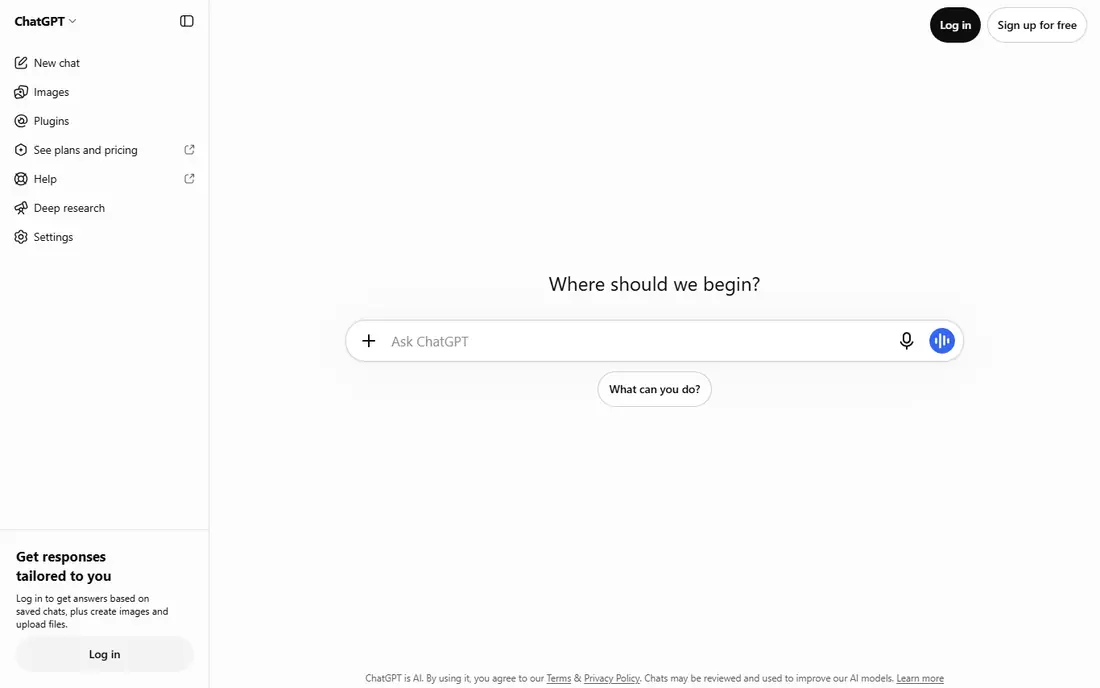
ChatGPT is the best all-round study assistant for most students. It explains concepts step by step, helps brainstorm essay plans, works through practice problems, and drafts outlines you can revise in your own words. Study mode is useful because it guides reasoning rather than handing over a finished answer, which fits how learning actually works.
The risk is trust. ChatGPT can sound confident while being wrong, especially on citations, dates, and specialist facts, so verify important claims against course material or a reliable source. Start with the free tier, which covers everyday studying, and only pay for Plus if you hit limits or need faster, more capable responses regularly.
- Strong general tutor
- Study mode for guided learning
- Wide subject coverage
- Paid plans start at 8 dollars a month for Go and 20 dollars for Plus
- Answers can contain errors and need checking
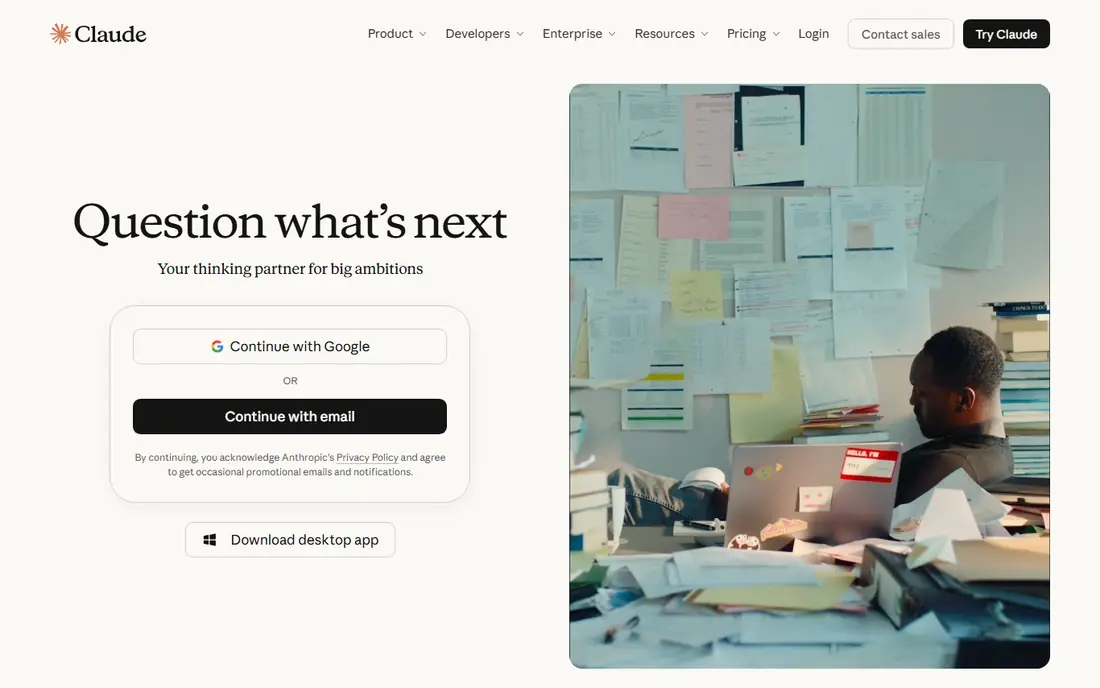
Claude is the best choice for long readings and writing feedback. It handles large PDFs and long passages without losing track of the argument, and it gives feedback that points to specific sentences and suggests clearer phrasing. Students who need to work through dense articles or revise a draft will notice the difference from a short-answer chatbot.
The free tier has session limits, so heavy users may need Pro at 20 dollars a month, or about 17 dollars a month on annual billing. For most students, the free tier is enough to test whether Claude fits your workflow. Use it for readings and revision, and use ChatGPT or Gemini for quick questions.
- Handles long documents well
- Patient re-explanations
- Useful writing feedback
- Pro costs 20 dollars a month
- Free tier has session limits
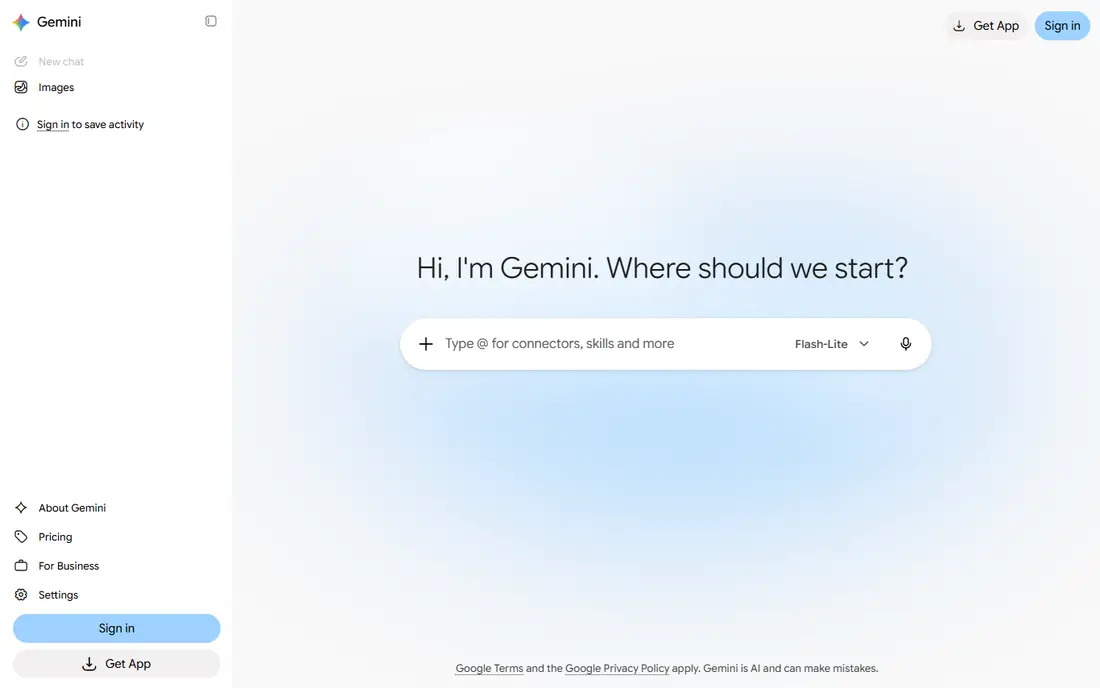
Gemini is the best value pick for students who already live in Google Docs, Gmail, and Drive. It can summarize documents, help draft in Docs, and support study planning, without forcing you to copy material between apps. Eligible US students can get a free year of Google AI Pro, which adds higher limits and storage, though you should check the current eligibility terms and end date.
After any student offer ends, AI Pro costs 19.99 dollars a month, so set a reminder before renewal. If your school uses Google Workspace, Gemini's integration alone may make it your main tool. If you use Microsoft tools instead, ChatGPT or Claude may fit better.
- Works inside Docs and Drive
- Free AI Pro year for eligible US students
- Guided Learning mode
- Paid AI Pro costs 19.99 dollars a month after a student offer ends
- Student offer has eligibility rules
Perplexity is the best research starting point in this list, because it cites sources. Instead of giving an answer you must trust, it shows where the information came from, so you can open the source, check the claim, and cite the original in your own work. That habit matters for essays and research projects, where a chatbot answer alone is not a source.
The free tier includes a small daily allowance of Pro searches, which is enough for occasional research. Students who research often can consider Education Pro at 10 dollars a month with verification, compared with 20 dollars for standard Pro. Use Perplexity to find sources, then read those sources yourself before you write.
- Answers include sources you can open and check
- Good for research starts
- Education Pro plan available
- Full Pro costs 20 dollars a month
- Education Pro at 10 dollars needs verification
NotebookLM is the best tool for revising course material, because it stays grounded in your own readings. Upload lecture notes, articles, and textbook chapters, and it can build study guides, answer questions about those sources, and create audio overviews for revision. That focus reduces the risk of invented facts, because answers are tied to material you chose.
The limit is scope. NotebookLM will not help with a topic you have not uploaded, and its free tier caps sources, chats, and audio overviews per day. For exam revision, that trade is worth it: upload the week's readings, generate a guide, and quiz yourself from it. Pair it with Perplexity for topics beyond your course material.
- Works from your uploaded readings
- Study guides and audio overviews
- Free with a Google account
- Limited to the sources you upload
- Higher limits need a paid Google AI plan
Grammarly is the best writing polish tool for students, especially those writing in English as an additional language. It catches grammar, spelling, and awkward phrasing in real time, and it works inside browsers, Google Docs, and Word, so you do not need to change how you write. The free tier includes a monthly allowance of AI prompts for rewriting and clarity help.
Pro costs 12 dollars a month on annual billing, or 30 dollars month to month, so annual billing is the better value if you use it all year. Grammarly improves writing, but it does not replace your own argument or analysis, and you should check your school's rules on AI writing help before you use its AI features on assessed work.
- Grammar, spelling, and tone checks
- Works in browsers, Docs, and Word
- Free tier includes AI prompts
- Pro costs 12 dollars a month on annual billing
- Full AI features need a paid plan
Notion is the best organization tool for students who juggle many courses, deadlines, and notes. With a school email, students can get the Plus tier free, which covers notes, wikis, databases, and task tracking in one workspace. Templates for course notes, assignment trackers, and revision plans help you start without building a system from scratch.
The catch is setup time. Notion rewards a weekend of organizing, but it can become a distraction if you spend more time designing pages than studying. Keep the system simple: one page per course, one task list for deadlines, and one notes database. Add AI features later only if you need summaries and drafting help inside Notion.
- Free Plus tier with a school email
- Notes, tasks, and databases in one place
- Good templates
- Full AI features need a paid plan
- Setup takes time to get right
Quizlet is the best memorization tool in this list, because it is built around active recall. You can make your own flashcard sets from lecture notes, or use shared sets for common courses, and Learn mode tests you on weak areas until recall improves. That method beats re-reading notes for vocabulary, definitions, dates, and formulas.
The free tier limits Learn rounds and practice tests per set, and shows ads, so heavy users may want the paid plan at 7.99 dollars a month or 35.99 dollars a year. For most students, the free tier is enough to test whether flashcards fit your subjects. Use Quizlet for facts, and use ChatGPT, Claude, or NotebookLM for understanding.
- Large library of shared flashcard sets
- Learn mode uses spaced repetition
- Easy to make your own sets
- Free tier limits Learn rounds and practice tests
- Paid plan costs 7.99 dollars a month
How we picked these
We compared official pricing pages, feature pages, and student offers for AI tools that students use in 2026, and we favored tools with usable free tiers, clear student pricing, and a distinct job in a study workflow. We included general assistants, a research tool, a source-grounded study tool, a writing tool, an organization tool, and a memorization tool, so students can build a small stack rather than relying on one app. We did not claim hands-on testing, and where student offers had eligibility rules, we said so.
How to choose AI tools for studying
Start with the task, not the tool. A student who needs to understand a concept, find sources, polish an essay, and memorize terms needs different tools for each job. Pick one tool per job, learn it well, and ignore the rest until a real need appears.
Build a small stack
A practical stack is one general assistant, one research tool, and one organization or memorization tool. For many students, that means ChatGPT or Claude, plus Perplexity for sources, plus Notion or Quizlet for notes and recall. Three tools used well beat ten tools opened once.
Verify everything that matters
AI tools can invent citations, dates, and facts, so treat every important claim as unverified until you check it. Open Perplexity sources, compare NotebookLM answers with your readings, and read your course material before you trust a summary. That habit protects your grades and your learning.
Check your school's rules first
Schools differ on AI use for assessed work, and some courses ban AI drafting while allowing AI explanations. Read your course rules and your school's academic integrity policy before you use AI on an assignment, and keep your own notes and drafts so you can show your work if asked.
Frequently asked questions
What is the best AI tool for students overall?
ChatGPT is the best all-round pick for everyday studying, with Claude close behind for long readings and Gemini best for Google users. Try all three free tiers before you pay for any of them.
What are the best AI apps for students on a budget?
ChatGPT, Claude, Gemini, Perplexity, NotebookLM, Grammarly, Notion, and Quizlet all have free tiers that cover real study work. Student offers, such as Gemini's free AI Pro year and Perplexity Education Pro, add value if you qualify.
Which AI tool is the best for students doing research?
Perplexity is the best research starting point because its answers include sources you can open and check. NotebookLM is best for studying your own course readings, because it answers from sources you upload.
What is the best AI app for students writing essays?
Grammarly is best for polishing grammar, tone, and clarity, while ChatGPT and Claude help with planning, explanations, and feedback on drafts. Always follow your school's rules on AI writing help for assessed work.
Are AI tools for students free?
Most tools in this guide have free tiers, and several have student offers. Paid plans add higher limits and extra features, but a student can study well on free tiers alone, especially by combining two or three tools.
Can students use AI without harming learning?
Yes, when AI is used for explanations, practice, and feedback rather than for finished answers. Use Study mode or guided learning features, quiz yourself from AI-generated guides, and verify claims against course material.
Sources
See where you really rank - block by block
ProMapRanker scans Google Maps across a grid of your service area. Simple monthly plans from $19, white-label on every plan.
Start freeKeep reading
 zeffy payment processor stripe alternatives
Zeffy and Stripe Alternatives for Nonprofits in 2026
Explore zeffy payment processor stripe alternatives for nonprofits. We compare 8 fundraising platforms on fees, donor tools, and nonprofit focus. Check fees.
Read → workday alternatives
Workday Alternatives in 2026
Workday alternatives compared: we review 8 HR and payroll platforms that replace Workday, with pricing, strengths and honest limits for each team size.
Read → what's the best weather app
What's the Best Weather App in 2026
Wondering what's the best weather app? We compare 10 free and paid apps for forecasts, radar, alerts, and Colorado mountain weather for everyday and storm use.
Read →