 ProMapRanker
Best AI Tools for Research in 2026


Structured extraction and systematic reviews · Pricing starts at: $49 per month
Key takeaways
- Consensus is the fastest route to an evidence-backed answer to a plain question, while Elicit is stronger for structured extraction across many papers.
- Scite is the best check for whether later papers support or contradict a finding, and Semantic Scholar is the best free starting point for search.
- ResearchRabbit suits visual discovery through citation networks, and SciSpace suits reading and questioning individual papers in depth.
- No tool replaces checking the original paper, because AI summaries can miss methods, limits and context that change a conclusion.
Quick comparison
| Pick | Great for | Pricing starts at | Free tier | |
|---|---|---|---|---|
| Elicit | Structured extraction and systematic reviews | $49 per month | Yes | Visit |
 Consensus | Evidence-backed answers to questions | $12 per month | Yes | Visit |
 Scite | Checking how papers are cited | $12 per month | Free trial | Visit |
 Semantic Scholar | Free paper search and discovery | Free | Yes | Visit |
 ResearchRabbit | Citation network discovery | Free | Yes | Visit |
 SciSpace | Reading and questioning papers | See website | Yes | Visit |
 Perplexity | Cited web and academic search | $20 per month | Yes | Visit |
 Litmaps | Visual citation timelines | $10 per month | Yes | Visit |
The best ai tools for research
We compared these tools on paper coverage, citation handling, synthesis quality, export options, pricing and how clearly they show sources for each claim.
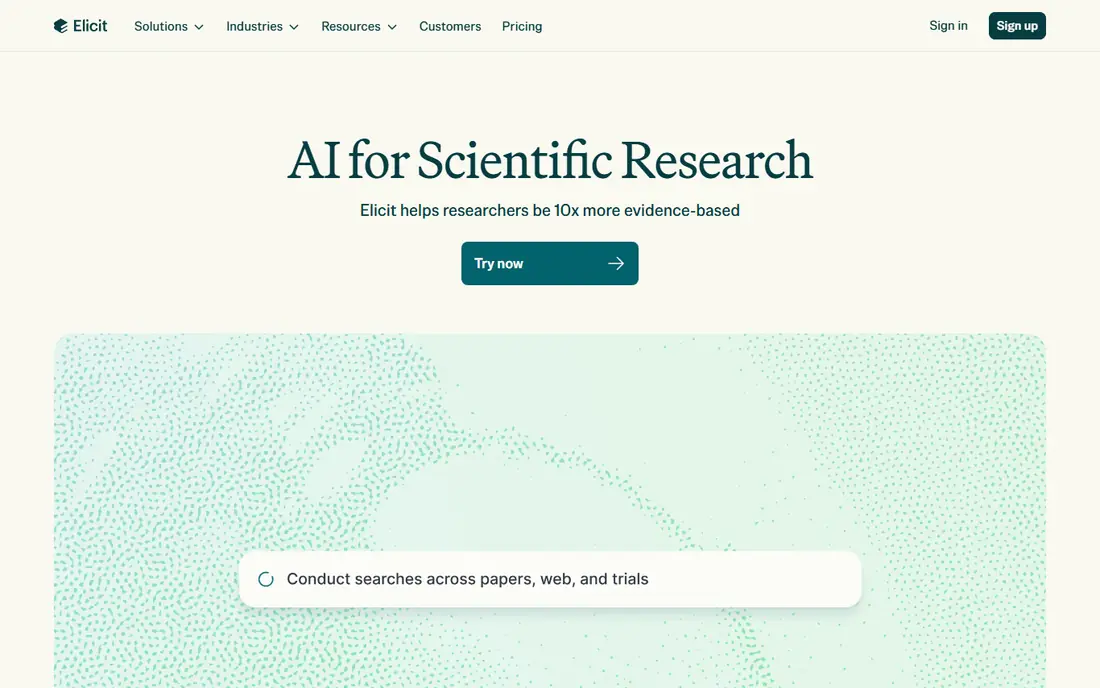
Elicit helps when you need the same facts from many papers, such as study design, sample size, intervention and outcome. You can set custom columns, screen papers against criteria and build a table that grows as you add sources, which is far faster than copying details by hand into a spreadsheet. That structure is why systematic review teams use it, even though casual readers may not need its full workflow.
The price is the main barrier. Pro is listed at $49 per month billed annually in recent pricing guides, which is steep for a student or solo researcher who only needs occasional extraction. The free Basic plan covers lighter use, so start there and upgrade only if you hit its limits on a real project. Always open the original paper for any finding you plan to cite, because extraction can misread a table or a subgroup result.
- Custom extraction tables
- Screening workflow for reviews
- Export to common formats
- Pro price is high for solo researchers
- Learning curve for new users
- Summaries still need verification
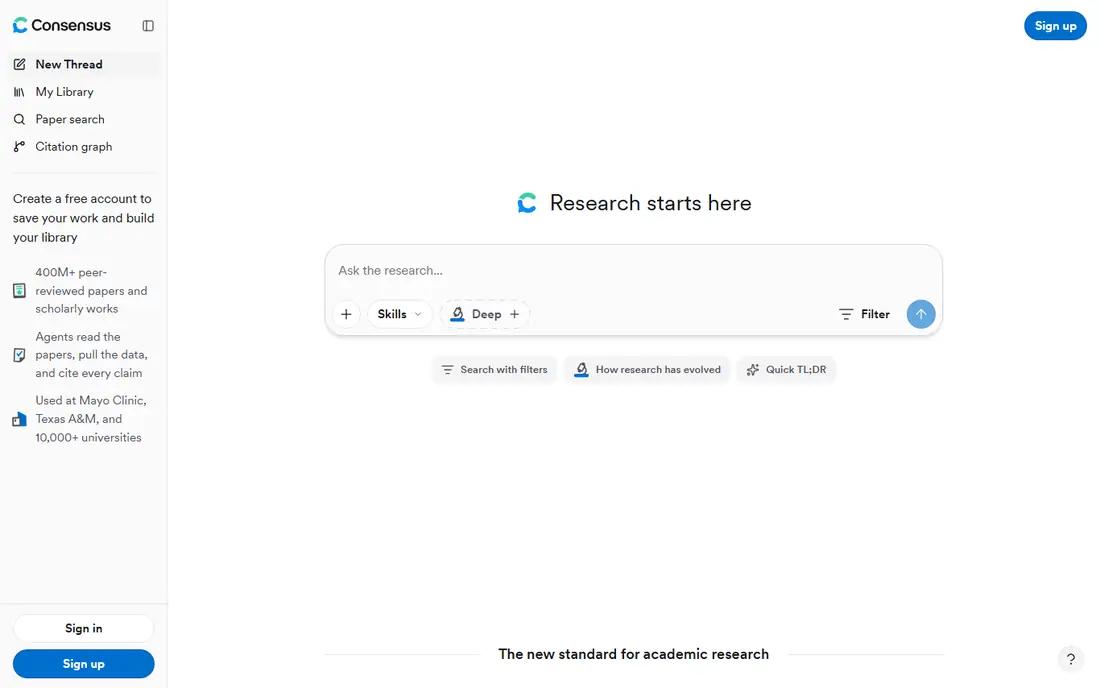
Consensus answers a research question in plain language, with citations to peer-reviewed papers and a meter that shows how much the literature agrees. That makes it useful for a first check on a claim, a lecture slide or a literature search starting point. The free plan includes unlimited paper searches with limited Pro messages and deep reviews, while Pro at $12 per month billed annually adds more of both.
Consensus is less suited to building a detailed extraction table or running a formal systematic review, where Elicit is stronger. It can also smooth over disagreement in the literature if you only read the summary, so follow the citations and check for conflicting studies before you rely on an answer. Used as a discovery and orientation tool, it saves real time.
- Fast synthesized answers with citations
- Consensus Meter shows agreement
- Affordable Pro plan
- Limited deep reviews on the free plan
- Weaker for structured extraction
- Not a full review replacement
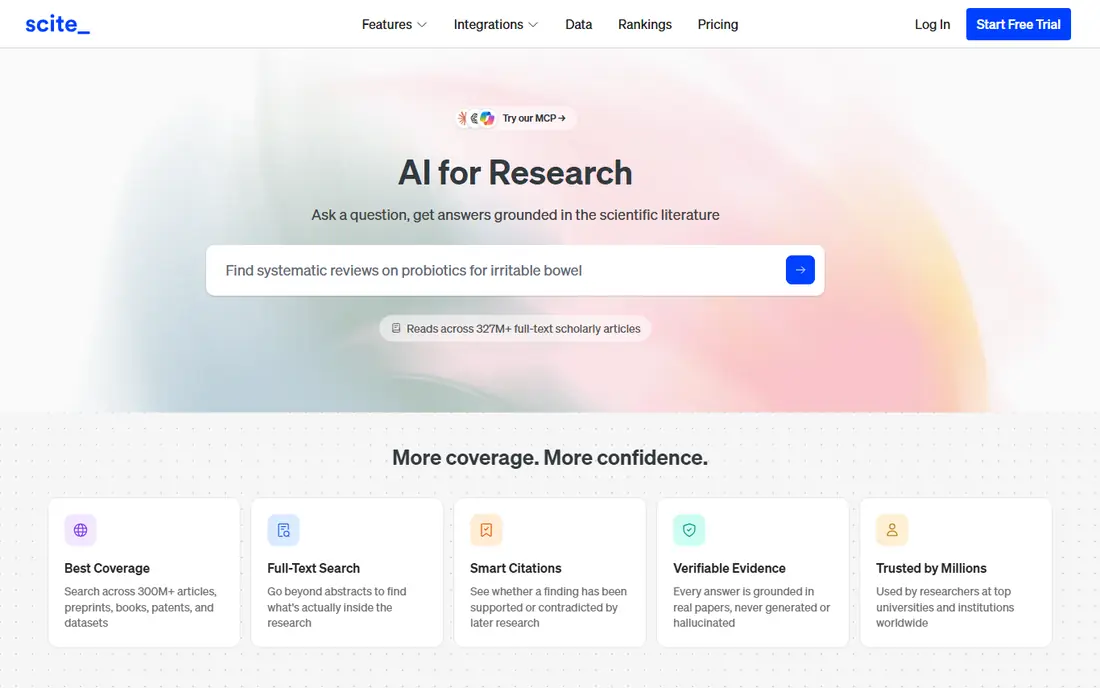
Scite answers a different question from Consensus and Elicit: not what a paper says, but how later papers treat it. Its Smart Citations classify citing statements as supporting, mentioning or contrasting, which helps you spot a finding that has been challenged or that rests on a single early study. That check is valuable before you cite a paper in your own work or build an argument on it.
Scite does not write a narrative synthesis for you, and its paid plans start at $12 per month billed annually, with only a 7-day trial for new users. That makes it a specialist tool rather than an all-purpose research assistant. Pair it with a search tool and a synthesis tool, and use it for the papers that matter most to your argument.
- Smart Citations show support or contrast
- Large citation statement index
- Useful for claim checking
- No free plan, only a trial
- No narrative synthesis
- Interface takes time to learn
Semantic Scholar, from the Allen Institute for AI, is the best free foundation for research search. You can search papers, follow authors, save papers to a library and get recommendations based on what you read. Short TLDR summaries give a quick sense of a paper before you open the full text, and the service is free with no paid tier to push you toward.
It does not offer the structured extraction of Elicit or the claim synthesis of Consensus, so it works best as the search layer under a paid tool or alongside manual reading. Coverage is strong in computer science and related fields, but thinner in some humanities areas, so check whether your field is well covered. For a student on a zero budget, start here and add a paid tool only for a specific job.
- Completely free
- Large paper index
- TLDR summaries and recommendations
- No deep AI synthesis
- Fewer workflow tools than paid rivals
- Coverage varies by field
ResearchRabbit helps you discover papers you would miss with keyword search alone. Add a few seed papers, and it maps citations and related work, showing authors and papers connected to your topic. That visual approach is useful when you are new to a field, writing a literature review or looking for gaps in your reading list. The core service is free, with a paid ResearchRabbit Plus tier for heavier use.
ResearchRabbit does not summarise or synthesise papers, so you still need to read the papers it finds and judge them yourself. Its maps are only as good as your seed papers, so start with strong, recent and well-cited sources rather than a single narrow paper. For discovery, it is one of the best free tools in this list.
- Visual citation maps
- Free core service
- Good for finding related papers and authors
- No AI synthesis
- Paid tier adds limits for heavy users
- Needs seed papers to work well
SciSpace focuses on reading a paper, not just finding it. Its Copilot lets you ask questions about a PDF, explain a formula or method and pull out key points, which helps when a paper is dense or outside your main field. Literature review tools can compare papers side by side, and the paper index covers a large number of sources. A free tier lets you try the Copilot with limits.
Pricing for SciSpace has varied in recent guides, so check the current pricing page before you budget for it, and treat any price quoted elsewhere as a guide only. Like every AI reading tool, it can misread a method or overstate a result, so verify important claims against the PDF itself. SciSpace fits readers who spend most of their time inside individual papers.
- PDF Copilot for questions
- Literature review matrices
- Large paper index
- Pricing varies and needs checking
- Free tier is limited
- Answers still need source checks
Perplexity is a general search assistant with citations, which makes it useful when a research question spans academic papers, reports, news and official sources. You can ask a question, follow citations to the source and refine with follow-up questions, which is faster than opening many search results by hand. The free plan covers light use, while Pro at $20 per month adds more Pro searches and model choice.
Perplexity is not a peer-review-specific tool like Consensus or Elicit, so it can cite lower-quality sources alongside strong ones if you do not check them. Use it for orientation, current events and cross-source questions, then switch to Semantic Scholar, Consensus or Elicit for peer-reviewed depth. Always open the cited source before quoting a claim.
- Fast cited answers across web and academic sources
- Good for current topics
- Pro adds more searches
- Not peer-review specific
- Answers can mix source quality
- Pro needed for heavy research use
Litmaps turns a set of papers into a visual timeline, showing how ideas developed, which papers influenced later work and where clusters form. That view helps you spot research gaps, trace a debate over time and explain a field to a reader or supervisor. A free tier covers a small map, while paid plans from around $10 per month add larger maps and features.
Litmaps is a discovery and presentation tool, not an extraction or synthesis engine, so it pairs best with a tool like Elicit or Consensus for the detailed work. If you only need one map for a single project, the free tier may be enough. For a thesis or a long review, the visual timeline can save hours of manual citation tracing.
- Chronological citation maps
- Gap spotting through visual clusters
- Academic pricing in some guides
- Smaller feature set than full review tools
- Free map limits
- Less suited to extraction
How we picked these
We compared official pricing pages, product documentation and recent pricing guides checked in October 2026, focusing on tools that are still active, show sources for claims and cover peer-reviewed papers or academic search. We favoured tools with a distinct job, whether that is search, synthesis, extraction, citation checking or visual discovery, rather than listing many tools that do the same thing. We did not claim hands-on testing, and we left out tools that had closed or that offered no clear way to verify their sources.
How to use AI research tools safely
Start with a clear question and a note of what would count as good evidence for it. A vague question gives you a vague synthesis, while a precise question about a population, intervention and outcome gives you papers you can actually check. Save the papers you rely on, not just the AI summary, and keep a note of the search terms and filters you used so your review can be repeated.
Check every claim that matters. Open the original paper, read the abstract and methods, and confirm that the AI summary matches what the authors actually found. Pay special attention to sample size, study design, limitations and whether a result was a main finding or a subgroup result. If two tools disagree, trust the original paper and the citation context from Scite over either summary.
Finally, cite the paper, not the tool. AI tools are a way to find and understand sources, but the source of a claim in your work should be the paper itself, with its authors, year and journal. That habit protects you from hallucinated citations, misread results and the embarrassment of citing a paper that says the opposite of what you claimed.
Frequently asked questions
What is the best ai tool for research for academic work?
Elicit and Consensus are the strongest pair for academic work. Elicit suits structured extraction and systematic reviews, while Consensus suits fast evidence-backed answers. Add Scite to check citation context and Semantic Scholar for free search, and you cover most academic needs.
What are the best ai research tools for literature reviews?
For a literature review, combine Semantic Scholar or ResearchRabbit for discovery, Elicit for extraction tables and Scite for citation checks. No single tool handles discovery, extraction and citation checking equally well, so a small stack usually beats one tool used for everything.
Is there a free ai tool for research?
Yes. Semantic Scholar and ResearchRabbit offer strong free services, Consensus and Elicit offer free tiers with limits, and Perplexity offers a free plan for light cited search. Paid plans add more messages, deep reviews and larger extraction limits, but a student can start without paying.
Can AI research tools replace reading papers?
No. AI summaries and extraction tables are useful for orientation and for finding papers, but they can miss methods, limits and context. Read the original paper for any claim you cite, and use Scite to check whether later work supports or challenges it.
How do I check if an AI citation is real?
Open the cited paper through its DOI or publisher page, check the title, authors and year, and confirm the claim appears in the abstract or results. If the citation does not resolve or the paper says something different, do not use it, and report the error to the tool vendor if the tool allows feedback.
What is the best ai platform for research on current topics?
Perplexity suits current topics because it searches live web sources as well as academic papers, with citations you can follow. For peer-reviewed depth on the same topic, follow up with Consensus or Semantic Scholar, and check the publication dates of the papers you find.
Sources
See where you really rank - block by block
ProMapRanker scans Google Maps across a grid of your service area. Simple monthly plans from $19, white-label on every plan.
Start freeKeep reading
 best contact center software
Best Contact Center Software in 2026
We compared the best contact center software on channels, AI tools, pricing and scale, so you can pick a platform that fits your team size and budget in 2026.
Read → best compliance management software
Best Compliance Management Software in 2026
Compare the best compliance management software in 2026, with framework coverage, automation, audit support and pricing models explained clearly for teams.
Read → best commercial property management software
Best Commercial Property Management Software in 2026
Compare the best commercial property management software for offices, retail, and mixed portfolios, with pricing, accounting, leasing, and honest trade-offs.
Read →