 ProMapRanker
Best AI Tools for Productivity in 2026

Key takeaways
- Notion AI and ChatGPT cover the widest daily work, from drafting and summarizing to answering questions across notes and documents.
- Otter.ai and Fireflies.ai save the most time for people in many meetings, by turning calls into searchable notes and action items.
- Grammarly improves writing quality where you already type, without changing your main tools.
- Motion and Reclaim.ai tackle calendars and planning, which is where many productivity gains actually come from.
- Microsoft Copilot suits teams already on Microsoft 365, while other tools suit teams that mix Google, Slack, and independent apps.
Quick comparison
| Pick | Great for | Pricing starts at | Free tier | |
|---|---|---|---|---|
 Notion AI Notion AI | AI inside notes and docs | $20 per user per month | Free trial | Visit |
 ChatGPT ChatGPT | General drafting and research | Free | Yes | Visit |
 Microsoft Copilot Microsoft Copilot | AI across Microsoft 365 | See website | No | Visit |
 Grammarly Grammarly | Writing and editing help | See website | Yes | Visit |
 Otter.ai Otter.ai | Meeting transcription | $8.33 per user per month | Yes | Visit |
 Motion Motion | AI calendar and task planning | See website | Free trial | Visit |
 Reclaim.ai Reclaim.ai | Smart calendar blocking | See website | Yes | Visit |
 Fireflies.ai Fireflies.ai | Meeting notes for teams | $10 per seat per month | Yes | Visit |
The best ai tools for productivity
We compared official feature pages and pricing pages for AI tools that reduce real daily work: writing, summarizing, transcribing meetings, planning calendars, and organizing tasks. We favored tools with clear free tiers or trials and distinct jobs, rather than eight similar chatbots.
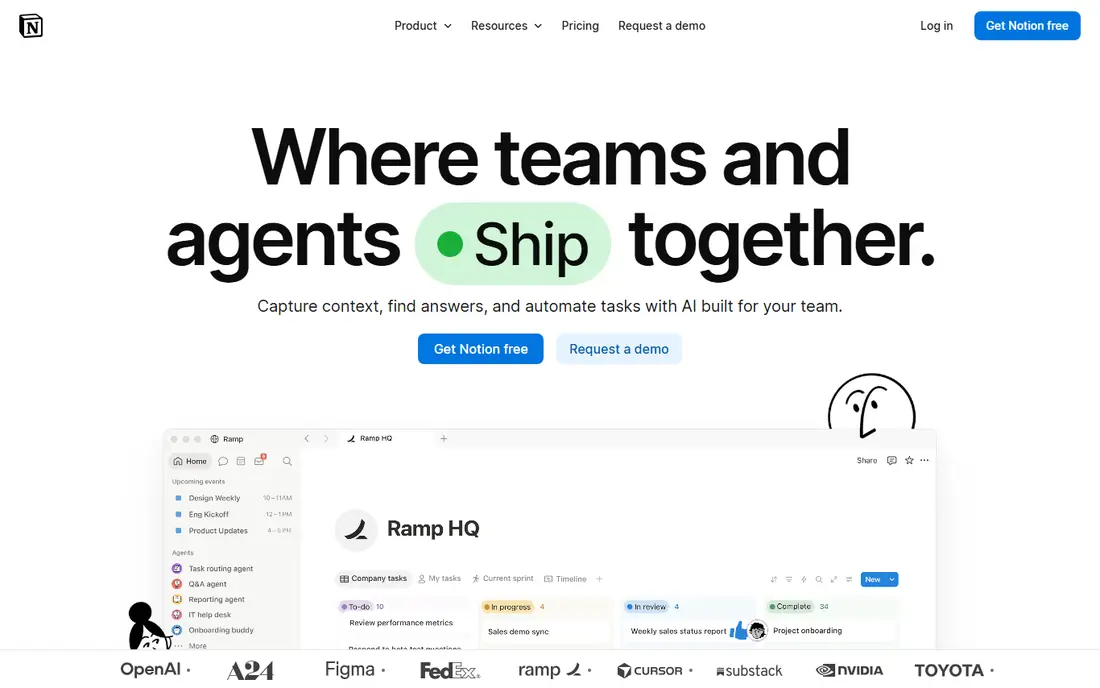
Notion AI brings drafting, summarizing, and question answering into the workspace where notes already live. You can ask it to summarize a long meeting note, turn rough bullets into a draft, or find an answer across pages without opening another app. That closeness to your own notes is its main advantage over a separate chatbot.
Full AI is included on the Business plan, listed at $20 per user per month on annual billing, with a limited trial for other plans. Notion AI suits teams and individuals who already keep work in Notion and want AI to work on that material. If your notes live elsewhere, ChatGPT or a meeting tool may give faster value.
- Summarizes and drafts inside your existing workspace
- Answers questions across pages
- Helps organize docs and wikis
- Full AI sits on Business tier
- Credit limits can apply to heavy use
ChatGPT remains the most versatile AI productivity tool for most people. It drafts emails, summarizes documents, brainstorms ideas, explains concepts, and helps with code and spreadsheets, all from one chat window. For many daily tasks, it is faster than opening a specialized tool.
The free plan covers everyday use with limits, while Plus is listed at $20 per month for higher limits and more advanced models. ChatGPT suits anyone who wants one general assistant before buying specialized tools. Treat its output as a draft: check facts, dates, and numbers against primary sources before using them at work.
- Versatile for drafting, summarizing, brainstorming, and coding help
- Free tier is usable
- Large integration options
- Answers need fact checking
- Free tier has usage limits and less advanced models
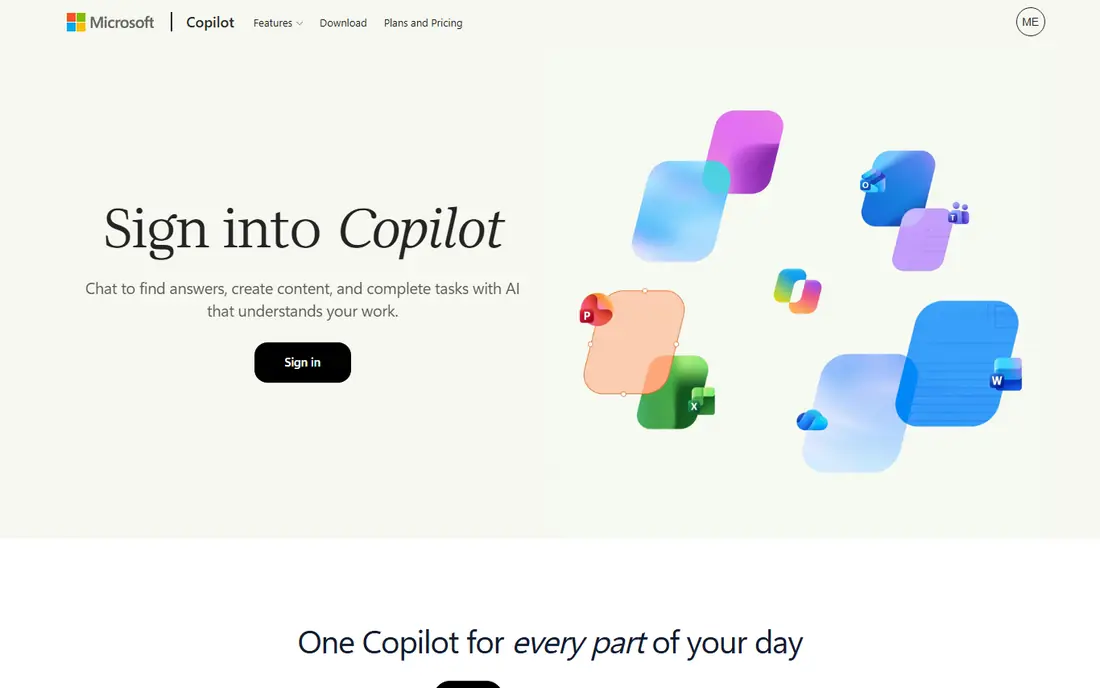
Microsoft Copilot adds AI to the Microsoft 365 apps many office teams already use. It can draft documents in Word, summarize email threads in Outlook, recap Teams meetings, and analyze data in Excel, using the files and messages you already have permission to see. That context saves time that a standalone chatbot cannot, since you do not need to paste material in by hand.
Copilot pricing varies by product and plan, including Microsoft 365 Copilot for business users, so check the vendor site for current terms. Copilot suits organizations already committed to Microsoft 365. Teams on Google Workspace or mixed tools will likely get better value from Notion AI, ChatGPT, or Grammarly.
- Works inside Word, Excel, Outlook, and Teams
- Summarizes meetings and emails in context
- Enterprise controls for large organizations
- Best value requires Microsoft 365
- Pricing varies by plan and needs checking
Grammarly improves writing where you already type, in email, documents, browsers, and messaging apps. It checks grammar, spelling, clarity, and tone, and its AI features can rewrite sentences, shorten passages, and adjust formality. That makes it useful for people who write all day but do not need a separate drafting app.
The free plan covers basic grammar and spelling checks, with paid plans adding more AI prompts and advanced suggestions, priced on the vendor site. Grammarly suits professionals, students, and support teams who want cleaner writing without changing tools. It does not replace ChatGPT for research or Otter.ai for meetings, so pair it with those tools when needed.
- Works in browsers, email, and documents
- Catches grammar, tone, and clarity issues
- AI prompts for rewriting
- AI features are limited on free plan
- Not a full drafting or research tool
Otter.ai turns meetings into live, searchable transcripts. It joins video calls, labels speakers, and produces summaries and action items you can search later, which saves the time spent rewatching recordings or reconstructing decisions. It also works for lectures and in-person recordings through its mobile app.
The free Basic plan covers 300 transcription minutes per month with a 30-minute cap per conversation. Pro is listed at $8.33 per user per month on annual billing with 1,200 minutes per month. Otter.ai suits individuals and teams in many meetings who want reliable transcripts. Check minute caps against your actual meeting load before paying, since heavy users hit them quickly.
- Live transcription with speaker labels
- Searchable transcripts and summaries
- Joins Zoom, Teams, and Meet calls
- Free plan caps minutes and meeting length
- Minute limits apply on paid plans too
Motion uses AI to plan your day around your calendar. You add tasks with deadlines and priorities, and Motion schedules them into open calendar slots, rescheduling automatically when meetings move. That removes the daily planning work of deciding what fits where, which is where many people lose time.
Motion offers a trial, with paid plans listed on the vendor site. It suits busy professionals and small teams juggling many tasks and meetings, especially those who like time blocking but hate maintaining it by hand. If your calendar is light, Reclaim.ai or a simple task app may be enough.
- Auto-schedules tasks around meetings
- Prioritizes work by deadline
- Combines calendar, tasks, and projects
- Pricing needs checking on the vendor site
- Auto-scheduling needs setup to match your work style
Reclaim.ai protects your calendar for the work that matters. It automatically blocks focus time, recurring habits, lunch breaks, and task time, moving those blocks when meetings appear. It also finds the best meeting times across a team without endless back-and-forth messages.
A free plan covers basic smart scheduling, with paid plans adding more features, priced on the vendor site. Reclaim.ai suits people whose calendars fill with meetings and who struggle to protect focus time. It is lighter than Motion, since it focuses on calendar blocking rather than full project planning, which makes it easier to start.
- Auto-blocks focus time, habits, and tasks
- Syncs with Google Calendar
- Protects time for deep work
- Works best with Google Calendar
- Advanced features need a paid plan
Fireflies.ai records, transcribes, and summarizes meetings, then stores them in a searchable library your team can query. It integrates with video platforms, CRMs, and task tools, so meeting outcomes can flow into follow-up work without manual copying. Its AskFred assistant answers questions across past meetings.
The free plan offers unlimited transcription with limited storage and AI summaries. Pro is listed at $10 per seat per month on annual billing. Note that AI credits are a separate allowance on top of seat pricing, so heavy users should check credit limits and add-on costs before budgeting. Fireflies.ai suits sales and product teams that need a shared, searchable meeting record.
- Unlimited transcription on free plan
- Searchable meeting library
- CRM and task integrations
- AI summaries and advanced features use a separate credit system
- Credits can raise the real cost
How we picked these
We compared official feature pages and pricing pages, and we kept only tools that exist and work in October 2026 and truly support productivity work, from writing and meetings to calendars and planning. We favored distinct jobs rather than similar chatbots, and we wrote See website where pricing varied by plan or source, rather than publishing a disputed figure.
How to choose an AI productivity tool
Start with where you lose time. If meetings eat your week, pick Otter.ai or Fireflies.ai. If writing eats your week, pick Grammarly plus ChatGPT or Notion AI. If planning eats your week, pick Motion or Reclaim.ai. If your team lives in Microsoft 365, Copilot may cover several of these jobs at once, though at a higher bundled cost.
Trial one tool at a time with real work for two weeks. Measure time saved on a specific task, such as meeting notes or weekly planning, rather than judging by how impressive a demo looks. Check privacy terms too, especially for meeting recorders: tell participants when a meeting is recorded, check storage and retention settings, and confirm who can access transcripts.
Avoid tool sprawl
Adding every AI tool here will cost more time than it saves. Pick one general assistant, one meeting tool if you meet often, and one planning tool if your calendar is crowded. Turn off tools you do not open weekly, and review subscriptions quarterly. Productivity comes from fewer tools used well, not from a larger stack.
Frequently asked questions
What are the best AI productivity apps?
Notion AI and ChatGPT suit general work, Otter.ai and Fireflies.ai suit meetings, Grammarly suits writing, and Motion and Reclaim.ai suit planning. The best app depends on which task costs you the most time.
What is the best new AI tool for productivity?
Newer planning and meeting tools such as Motion, Reclaim.ai, and Fireflies.ai have gained ground because they solve specific jobs, not just general chat. Try them against your current workflow before switching from a tool you already use well.
Is there a free AI productivity tool?
Yes. ChatGPT, Grammarly, Otter.ai, Reclaim.ai, and Fireflies.ai all offer free tiers, though each limits minutes, prompts, or features. Start free, then pay only for the tool that saves measurable time.
What is the best AI app for productivity at work?
For Microsoft 365 teams, Copilot is the natural fit. For mixed tool stacks, ChatGPT plus Notion AI covers drafting and notes, with Otter.ai or Fireflies.ai added for meetings.
Do AI meeting tools record without permission?
They join calls as participants and usually announce recording, but you should still tell attendees and follow your company policy and local consent rules. Check each tool's notification and storage settings before first use.
How do I avoid wasting money on AI tools?
Pick tools for a specific time loss, trial them on real work, and check limits on minutes, credits, and seats. Cancel tools you do not open weekly, since unused subscriptions are the most common waste in this category.
Sources
- https://thetechno360.medium.com/best-ai-meeting-notes-apps-in-2026-free-and-paid-options-compared-4b14e1a65449
- https://diginomad818.com/8-best-ai-note-taking-tools-in-2026/
- https://dev.to/stimlau/otterai-vs-firefliesai-which-meeting-notetaker-earns-its-seat-54l0
- https://aicopse.com/best-ai-note-taking-app/
- https://www.notion.so
- https://chatgpt.com
- https://copilot.microsoft.com
- https://www.grammarly.com
- https://otter.ai
- https://www.usemotion.com
- https://reclaim.ai
- https://fireflies.ai
See where you really rank - block by block
ProMapRanker scans Google Maps across a grid of your service area. Simple monthly plans from $19, white-label on every plan.
Start freeKeep reading
 zeffy payment processor stripe alternatives
Zeffy and Stripe Alternatives for Nonprofits in 2026
Explore zeffy payment processor stripe alternatives for nonprofits. We compare 8 fundraising platforms on fees, donor tools, and nonprofit focus. Check fees.
Read → workday alternatives
Workday Alternatives in 2026
Workday alternatives compared: we review 8 HR and payroll platforms that replace Workday, with pricing, strengths and honest limits for each team size.
Read → what's the best weather app
What's the Best Weather App in 2026
Wondering what's the best weather app? We compare 10 free and paid apps for forecasts, radar, alerts, and Colorado mountain weather for everyday and storm use.
Read →