 ProMapRanker
Best AI Tools for Developers in 2026


Low-cost completion and GitHub teams · Pricing starts at: $10 per month
Key takeaways
- GitHub Copilot remains the lowest-cost entry point for most developers, while Cursor and Windsurf suit developers who want an agent-first editor.
- Claude Code suits terminal-first work and larger multi-file tasks, and Amazon Q Developer suits teams already building on AWS.
- Tabnine and JetBrains AI suit regulated teams and developers who already live in JetBrains editors, where privacy and editor fit matter more than price.
- Pricing is now usage-based in several tools, so check credit allowances, not just the monthly seat price, before you commit.
Quick comparison
| Pick | Great for | Pricing starts at | Free tier | |
|---|---|---|---|---|
| GitHub Copilot | Low-cost completion and GitHub teams | $10 per month | Yes | Visit |
 Cursor | Agent-first editing with model choice | $20 per month | Yes | Visit |
 Windsurf | Agentic editing with a free tier | $20 per month | Yes | Visit |
 Claude Code | Terminal-first agentic coding | $20 per month | No | Visit |
 Tabnine | Privacy-focused enterprise teams | $39 per user per month | No | Visit |
 JetBrains AI | Developers in JetBrains IDEs | $10 per month | Yes | Visit |
 Amazon Q Developer | AWS-focused development teams | $19 per user per month | Yes | Visit |
 Gemini Code Assist | Google Cloud development teams | $19 per user per month | No | Visit |
The best ai tools for developers
We compared these tools on code completion, agent workflows, model choice, editor support, privacy controls and the real cost once credits and limits are included.
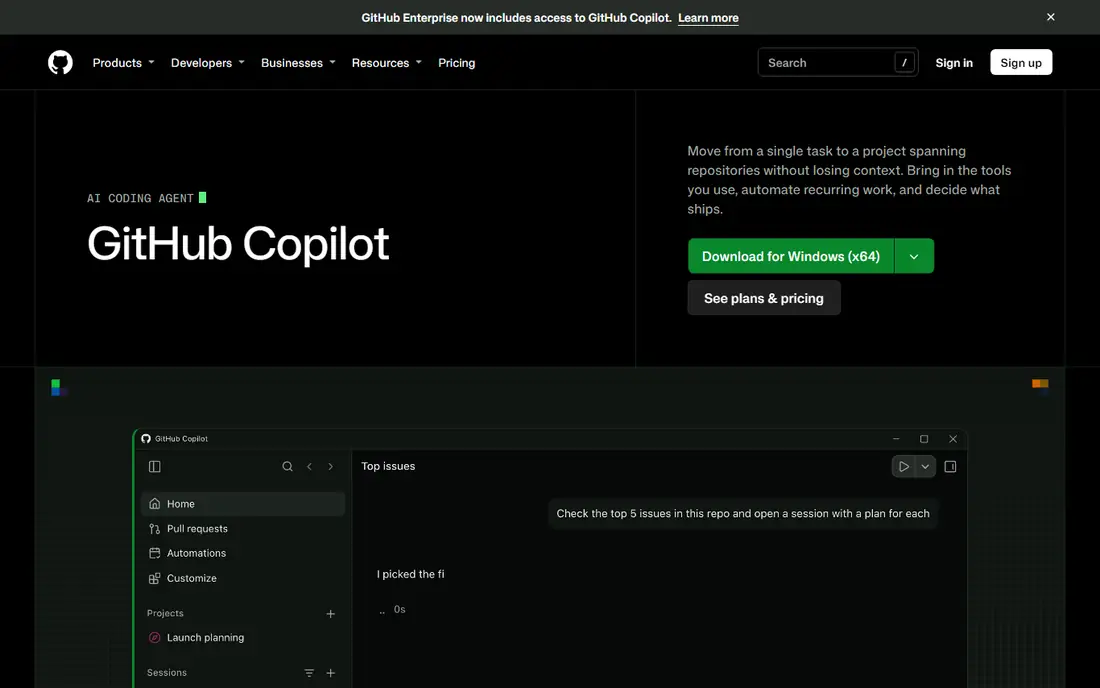
GitHub Copilot is the easiest default choice for many developers because it plugs into editors they already use and starts at a low monthly price. Completions are included on paid plans, and chat, agent mode and premium models use AI credits, with one credit worth one cent and a monthly allowance included in each plan. That structure keeps routine completion cheap while making heavier agent work a metered cost.
The main limit is that credit system itself. A developer who leans on agent mode every day can burn through the included allowance and face extra charges or slower access, so teams should track usage in the first month. Copilot also works best inside the GitHub workflow, with pull requests and repositories, so developers outside that world may get less value from its integrations. For most individual developers, though, the price and editor coverage are hard to beat.
- Low entry price
- Works in VS Code and JetBrains
- Deep GitHub integration
- Agent and premium model use draws on credits
- Free tier is limited
- Model access varies by plan
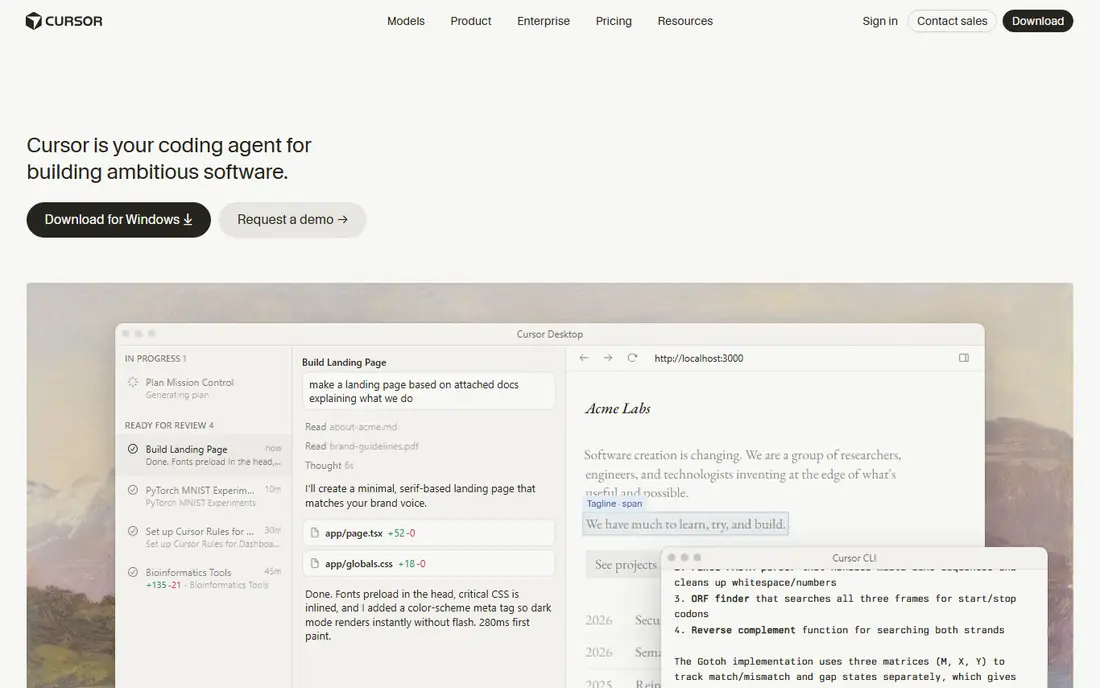
Cursor is a full editor rather than a plugin, and that difference shows in agent work. You can ask it to read a codebase, edit several files, run commands and explain changes in one flow, and switch between models for different tasks. The free Hobby tier lets you try the editor, while paid plans add larger usage allowances for regular agent use.
Cursor pricing changed during 2026, with new plan names and separate billing for some third-party models, so check the current pricing page rather than an older review before you sign up. Heavy agent users often need a higher tier than the entry plan, which narrows the price gap with other tools. Cursor fits developers who want agent work as the main workflow, not just an occasional assistant.
- Full editor built around agents
- Multi-model choice
- Strong multi-file editing
- Usage can push costs above the base price
- Plan names changed in 2026
- Third-party models may bill separately
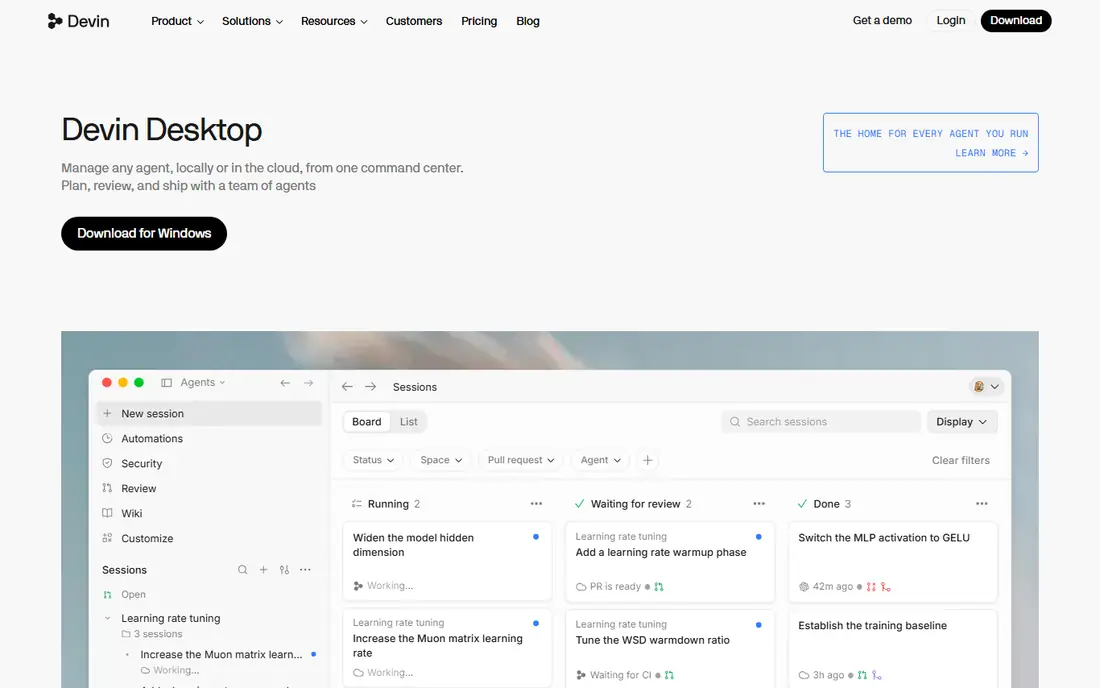
Windsurf, formerly Codeium, offers an editor built around its Cascade agent, which can plan steps, search code and make edits across files. The free tier gives new users a way to test that workflow before paying, and the Pro plan adds frontier model access and larger quotas. Teams can also use Windsurf as a plugin in other editors, which helps if you do not want to switch editors fully.
The product changed ownership in late 2025, and pricing and plan names have shifted since then, so confirm the current terms on the vendor site. Like Cursor, Windsurf meters heavier agent use, and the entry plan may not cover a full day of agent work for a power user. It fits developers who want an agent editor and a usable free tier to start with.
- Agentic Cascade workflow
- Free tier for trying it
- Editor and plugin options
- Ownership changed in 2025
- Plan details changed during 2026
- Usage limits apply
Claude Code is built for developers who are comfortable in the terminal. It can read a codebase, plan a change, edit multiple files and run checks, with conversation driving the work rather than inline suggestions alone. It is included with Claude Pro, and heavier users can move to Max plans with larger usage allowances. IDE integrations let you bring the same agent into an editor when you need visual context.
There is no free tier, so trying it means paying for Pro or using API access, which can make casual comparison harder. The terminal-first style also suits some developers far more than others, and those who prefer a graphical editor may prefer Cursor or Copilot. For deep refactoring, debugging and architecture work, Claude Code is a strong pick.
- Strong multi-file reasoning
- Works from the terminal
- IDE integrations available
- No free tier
- Heavy use needs a Max plan
- Terminal workflow is not for everyone
Tabnine stands apart on privacy and deployment. It supports self-hosted and fully air-gapped setups with zero code retention, which matters for banks, defence suppliers, healthcare firms and other regulated teams that cannot send code to a public cloud service. Enterprise controls, private model options and indemnity terms are part of the pitch, and those features explain the higher price.
For a solo developer or a small team without strict data rules, Tabnine is hard to justify at $39 per user per month when cheaper tools cover completion and agent work. It also moved toward team and enterprise sales, so individual buyers may find less support for a single seat. Choose Tabnine when data residency is a hard requirement, not just a preference.
- Self-hosted and air-gapped deployment options
- Zero code retention options
- Enterprise controls
- High entry price
- No individual free tier
- Less suited to casual solo use
JetBrains AI is the natural choice if your daily work already happens in IntelliJ IDEA, PyCharm, WebStorm or another JetBrains editor. Completion, chat and refactoring sit inside the editor you know, and the Junie agent can handle larger tasks on paid tiers. A free tier covers basic completion with limited credits, so you can test it without paying.
The catch is editor lock-in. Developers who split time between VS Code and JetBrains tools will not get the same smooth experience everywhere, and the credit system was restructured during 2026, so older price guides may be out of date. JetBrains AI fits teams that have already standardised on JetBrains IDEs and want AI help without switching editors.
- Native fit for IntelliJ and PyCharm
- Local model options
- Agent Junie included on higher tiers
- Best value only inside JetBrains IDEs
- Credit system changed in 2026
- Higher tiers add cost
Amazon Q Developer is built for teams whose infrastructure lives on AWS. It can suggest code, explain AWS services, help modernise older code and answer questions about your AWS setup, all from inside supported editors and the AWS console. The free tier covers individual use with limited agent requests, while Pro adds larger allowances and team controls.
Outside AWS, much of that advantage fades. A team on Google Cloud or Azure will find less native value, and the Pro price is similar to other paid tools without the same general agent depth. Amazon Q Developer fits AWS-heavy teams who want code help tied to their cloud accounts, deployment patterns and legacy modernisation work.
- Deep AWS integration
- Code transformation help
- Free tier for individuals
- Less compelling outside AWS
- Pro plan needed for full agent use
- Team pricing adds up
Gemini Code Assist brings Google Gemini models into VS Code, JetBrains IDEs and Google Cloud workflows. It can complete code, explain functions, generate tests and help with cloud deployment patterns, and enterprise tiers add stronger governance and controls. For teams already building on Google Cloud, that integration can save time switching between docs, console and editor.
The individual free tier ended in June 2026, so new users now start on a paid Standard plan at $19 per user per month or an Enterprise plan at $45 per user per month. That change makes Gemini Code Assist harder to recommend for solo trial use, even though team buyers may still find value. It fits Google Cloud teams who want a supported, governed AI coding tool.
- Deep Google Cloud integration
- Gemini model access
- Enterprise controls on higher tiers
- Individual free tier ended in June 2026
- Standard plan needed for team use
- Less editor breadth than Copilot
How we picked these
We compared official pricing pages, product documentation and recent pricing guides for each tool, focusing on tools that are still sold and supported in October 2026. We favoured tools with clear editor support, a published free tier or trial where one exists, and a distinct strength, whether that is price, agent depth, privacy or cloud integration. We did not claim hands-on testing, and we avoided tools that had been withdrawn from sale or that only offered a waitlist with no public pricing.
How to choose without overspending
Start by matching the tool to your editor and cloud, not to a headline model name. A tool that lives inside the editor you already use will get used every day, while a powerful tool in an editor you dislike will sit idle. Run the free tier or the lowest paid plan for two weeks on real work, including a refactoring task and a debugging task, and note where the tool helps and where it invents code you must fix.
Next, read the credit rules before you buy for a team. Check what counts toward credits, what happens when credits run out, whether unused credits roll over and how much extra usage costs. A $10 plan with expensive overages can cost more than a $20 plan with a larger allowance, especially for agent-heavy developers. Set a monthly budget per developer and review the first invoice against actual usage.
Finally, check privacy and code retention terms if you work with client code, health data or financial systems. Look for zero retention options, self-hosting, single sign-on and audit logs on team plans, and ask whether training uses your code. A tool that is cheap but sends code to a service your client forbids is not a bargain, and a private tool that your team avoids is not a solution either.
Frequently asked questions
What is the best ai tool for developers on a budget?
GitHub Copilot Pro at $10 per month is the lowest-cost paid entry in this list, with a limited free tier for light use. JetBrains AI Pro also starts at $10 per month, but its value is highest inside JetBrains editors, so Copilot is the safer budget pick for most developers.
What are the best developer productivity tools for agentic coding?
Cursor, Windsurf and Claude Code are the strongest agentic picks here. Cursor and Windsurf give you a full editor built around agents, while Claude Code gives you a terminal agent that can handle multi-file work. Choose the editor or terminal style you already prefer, then compare credit allowances.
Is there a free ai tool for developers worth using?
Yes. GitHub Copilot, Cursor, Windsurf, JetBrains AI and Amazon Q Developer all offer free tiers with limits, and those tiers suit light completion and trial use. Free tiers are not enough for heavy daily agent work, so expect to pay if agent use becomes part of your routine.
Which ai tool is best for software developers in regulated teams?
Tabnine is the clearest pick for regulated teams because it supports self-hosted and air-gapped deployment with zero code retention options. Check your own compliance rules, data residency needs and audit requirements before choosing, and confirm the deployment model in writing with the vendor.
Does AI code need to be reviewed?
Yes, always. AI tools can produce code that looks correct but misses edge cases, uses outdated libraries or introduces security flaws. Treat every suggestion as a draft, run tests, review changes line by line and keep responsibility for the final code with a human developer.
How much do ai developer tools cost per month?
Entry prices in this list range from free tiers to $10, $19, $20 and $39 per user per month, depending on the tool and plan. Agent-heavy use can push the real monthly cost higher through credits or higher tiers, so track usage for at least a month before judging value.
Sources
See where you really rank - block by block
ProMapRanker scans Google Maps across a grid of your service area. Simple monthly plans from $19, white-label on every plan.
Start freeKeep reading
 best contact center software
Best Contact Center Software in 2026
We compared the best contact center software on channels, AI tools, pricing and scale, so you can pick a platform that fits your team size and budget in 2026.
Read → best compliance management software
Best Compliance Management Software in 2026
Compare the best compliance management software in 2026, with framework coverage, automation, audit support and pricing models explained clearly for teams.
Read → best commercial property management software
Best Commercial Property Management Software in 2026
Compare the best commercial property management software for offices, retail, and mixed portfolios, with pricing, accounting, leasing, and honest trade-offs.
Read →