 ProMapRanker
Best AI-Powered Writing Tools in 2026

Key takeaways
- Grammarly is the strongest editor on this list, while Jasper and Copy.ai are stronger for drafting marketing copy at volume.
- Free plans are useful for short work, but long-form drafting and brand voice controls usually sit behind paid plans.
- The cheapest tool is not always the best value, since editing, paraphrasing, and drafting are different jobs.
- Check output carefully for facts and tone, since AI drafts can sound polished while still being wrong.
Quick comparison
| Pick | Great for | Pricing starts at | Free tier | |
|---|---|---|---|---|
 Grammarly Grammarly | Editing any draft | $12 per month | Yes | Visit |
 Jasper Jasper | Brand-voice marketing drafts | $59 per month | Free trial | Visit |
 Copy.ai Copy.ai | Sales and marketing workflows | $24 per month | No | Visit |
 QuillBot QuillBot | Paraphrasing and summarising | $8.33 per month | Yes | Visit |
 Rytr Rytr | Budget short-form drafts | $7.50 per month | Yes | Visit |
 Writesonic Writesonic | SEO articles and visibility | See website | Free trial | Visit |
 Sudowrite Sudowrite | Fiction and creative writing | See website | Free trial | Visit |
 Wordtune Wordtune | Rewriting sentences | See website | Yes | Visit |
 ProWritingAid ProWritingAid | Long-form editing and style | See website | Yes | Visit |
The best ai-powered writing tools
Writing tools now split into editors, drafters, and paraphrasers, and picking the wrong type is the most common mistake. The list below groups them by the job they actually do, so you can match a tool to drafting, editing, or rewriting. Prices are for entry paid plans where vendors publish them, with annual billing noted in the text.
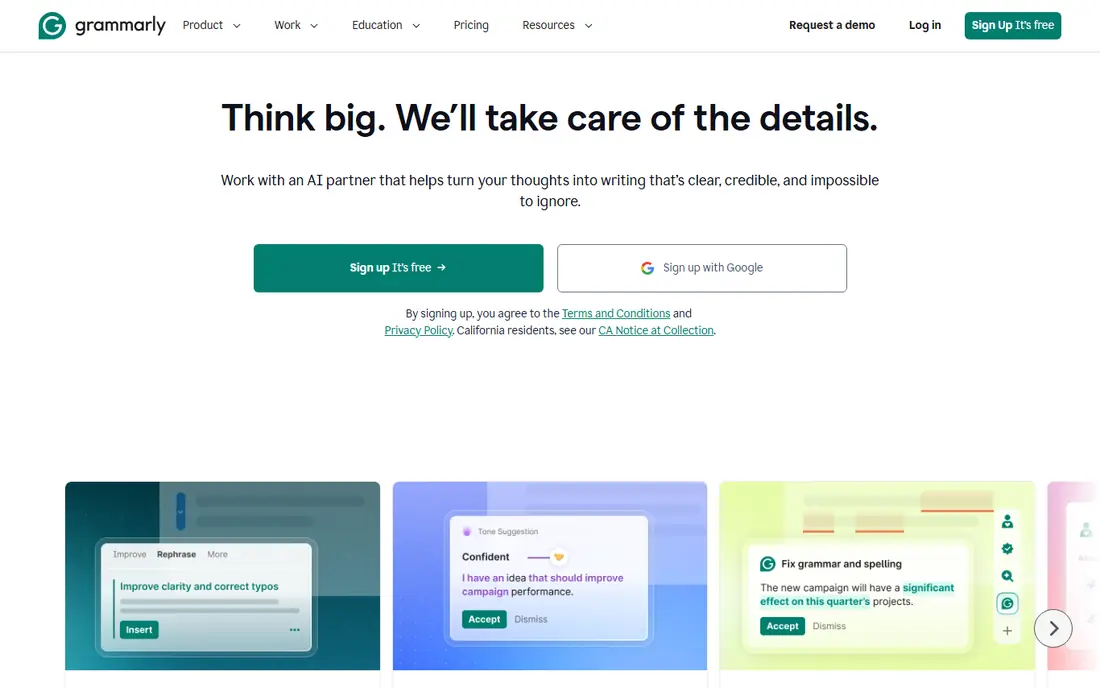
Grammarly is the editor most people should try first, because it follows your writing into almost every app you already use. It catches grammar, spelling, and clarity issues in email, documents, and browser text fields, and its paid plan adds tone and fuller AI rewriting help. The free tier is genuinely useful for everyday checks, with a limited number of AI prompts each month.
The limit is scope. Grammarly will improve a draft you wrote, but it is not the best tool for generating a long article from a brief. If your main problem is blank-page drafting, pair it with a drafting tool or choose one of those instead. For editing, though, its breadth across apps is hard to beat.
- Works across browsers, docs, and email
- Free tier covers basic checks plus AI prompts
- Clear annual price advantage
- Polishes drafts rather than writing long-form pieces
- Monthly billing is much higher
- Advanced style controls need a paid plan

Jasper is built for marketing teams that need a steady flow of on-brand copy. You can train brand voices, build campaign workflows, and move from a brief to a blog post, email sequence, and social captions in one workspace. That structure helps when several writers need to sound like one brand, and it saves time on repetitive marketing formats.
The price reflects that team focus. Solo writers may find $59 per seat per month hard to justify, and the 7-day trial is short for a proper test. Jasper also drafts rather than optimises for search on its own, so teams with strict SEO goals often pair it with a separate optimisation tool.
- Brand voice controls for consistent marketing copy
- Long-form drafting and campaign workflows
- Supports team seats
- No permanent free plan
- Entry price is high for solo users
- SEO optimisation needs a separate tool
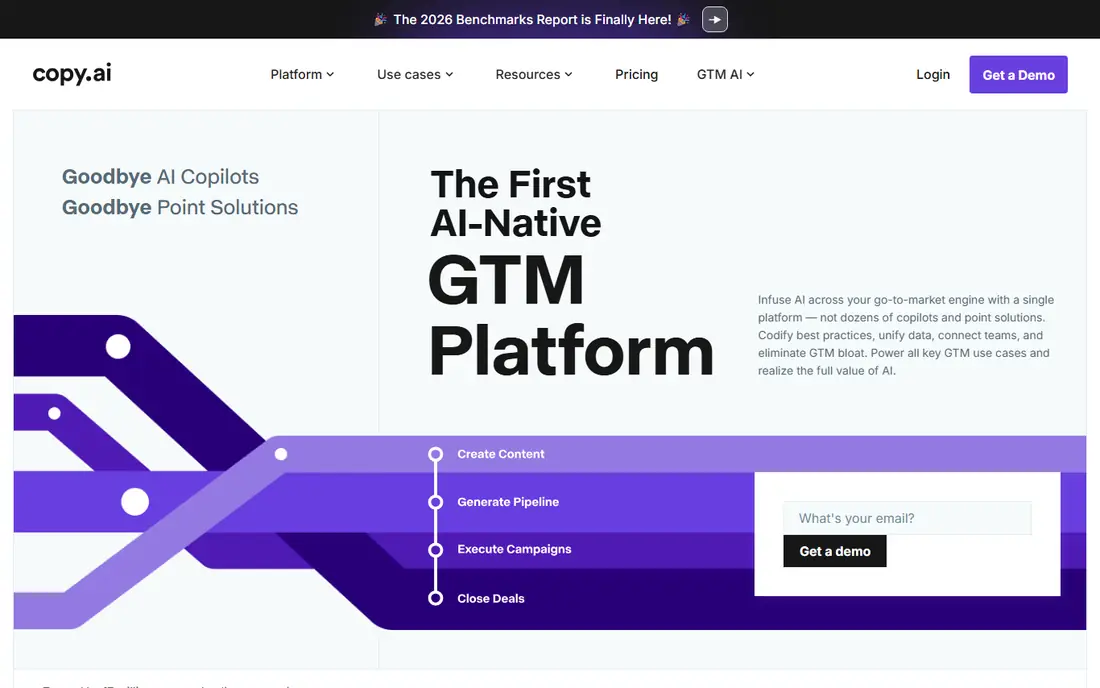
Copy.ai has shifted toward go-to-market workflows, with chat and multi-step automation for sales and marketing teams. Its entry Chat plan supports several seats at a flat monthly price, which makes it easier for a small team to share one workspace. Short copy, prospecting sequences, and follow-up drafts are its natural strengths.
It is less of a pure long-form publishing tool than Jasper, and teams that need heavy workflow automation will pay more as they scale. The lack of a permanent free plan also means you should use the trial period well. For a sales-heavy team that wants shared AI workflows, Copy.ai is a practical middle option.
- Chat workspace for small teams
- Workflow automation for sales and marketing
- Lower entry price than Jasper
- No free plan on the current pricing page
- Workflow tiers can get expensive
- Less suited to long-form brand publishing
QuillBot does one job well: it rewords and shortens text you already have. Students, researchers, and editors use it to paraphrase a passage, tighten a paragraph, or summarise a long document. The free tier covers occasional use, with shorter paraphrases and fewer modes, while the premium plan lifts those limits at a modest annual price.
Do not buy QuillBot expecting it to write articles from scratch. Its value is in revision, and that focus is also its strength, since the controls for tone and rewrite style are clearer than in a general chatbot. For rewriting and summarising, it is one of the best-value tools here.
- Multiple rewrite modes
- Strong summariser
- Low annual entry price
- Free paraphrases are limited in length
- Built for rewording, not fresh drafting
- Plagiarism checking is a paid feature in some plans
Rytr is the budget pick for short copy such as emails, captions, product descriptions, and ad variations. Its free plan gives a monthly character allowance that covers everyday short tasks, and the paid unlimited plan stays under $10 per month on annual billing. Templates and tone settings help when you need many small variations quickly.
Long-form writing is not its strength, and output can feel generic if you accept the first draft. Treat Rytr as a first-draft helper for short formats, then edit for your own voice. At this price, that trade-off is reasonable, and it is a good way to test whether AI drafting helps your workflow at all.
- Permanent free plan
- Very low paid price
- Many short-form templates and tones
- Free plan has a monthly character limit
- Not ideal for long-form work
- Output needs editing for voice
Writesonic targets teams that publish SEO content regularly and now also track how brands appear in AI answers. Its article workflows can move from a topic to a structured draft, which helps content teams that publish often. The visibility features add a second reason to consider it, since ranking and AI citation are now linked questions for many publishers.
The catch is familiar: generated articles need human checking for facts, sources, and originality. Pricing and plan limits have also shifted, so treat older roundups with care and check the vendor page before buying. For a content team that wants drafting plus visibility tracking in one place, Writesonic is worth a trial.
- SEO article workflows
- AI visibility tracking features
- Article generation at scale
- Pricing has changed over time, so check the current page
- Article output still needs fact-checking
- Entry plans can be pricey
Sudowrite is the only tool here built mainly for fiction. It helps writers brainstorm, expand scenes, develop characters, and work through plot problems, rather than churning out marketing copy. That focus shows in its tools, which are framed around story craft instead of conversion and SEO.
Business writers should look elsewhere, since Sudowrite is not trying to be a general marketing tool. Fiction writers, though, may find its approach more useful than a general chatbot, because the prompts and features match how stories are actually drafted. Use the trial on a real chapter, since creative fit is personal and hard to judge from a feature list.
- Built for fiction writers
- Brainstorming and story tools
- Focused creative workflow
- Not built for marketing or business copy
- Pricing needs checking on the vendor site
- Creative output still needs heavy editing
Wordtune works at sentence level, which makes it useful when you know what you want to say but not quite how to say it. It can rewrite a sentence more formally, more casually, or more concisely, and it fits into browser and document workflows. That makes it a good companion to a draft you have already written.
It is not a replacement for a drafting or editing suite on its own. Think of Wordtune as a rewriting aid for tricky sentences, emails, and short passages. If most of your work is sentence-level polish, it can be enough. If you need full articles, pair it with a drafting tool.
- Sentence-level rewriting
- Tone and length controls
- Works in browsers and docs
- Narrower than a full drafting tool
- Free plan is limited
- Paid pricing needs checking
ProWritingAid is the editor for writers who want detail. It reports on style, readability, repetition, sentence variety, and other patterns across a long manuscript, which helps authors revise a book or a long report. That depth suits fiction writers, academics, and professionals who revise in passes rather than fixing single errors.
New users may find the volume of reports a lot to take in, and the interface is less minimal than Grammarly. The free tier lets you test basic checks before paying. If you write long pieces and like structured revision, ProWritingAid is a strong alternative to a simpler editor.
- Detailed style and readability reports
- Useful for books and long manuscripts
- Free tier for basic checks
- Reports can overwhelm new users
- Interface is busier than Grammarly
- Pricing varies by plan and platform
How we picked these
We compared official pricing pages, feature pages, and app descriptions for widely used AI writing tools in October 2026. We kept tools that are currently available, cover a distinct writing job, and have a clear free, trial, or paid route to test. We did not claim hands-on testing, and we note where pricing has changed, since several vendors have repriced plans during 2026.
How to choose the right type
Start by naming the bottleneck in your writing. If drafting is slow, choose a drafting tool such as Jasper, Copy.ai, or Rytr. If drafts are rough, choose an editor such as Grammarly or ProWritingAid. If rewording is the job, QuillBot or Wordtune will serve you better than a general chatbot.
Next, test on real work, not sample prompts. Run one genuine article, email sequence, or chapter through the trial, and judge the edit time, not just the first output. A tool that produces a fast first draft but needs heavy correction may be slower overall than a simpler editor.
Finally, set a checking rule before you publish. AI tools can invent facts, flatten your voice, and repeat phrasing across pieces. Keep source checking, brand voice review, and a final human read as fixed steps, whatever tool you choose.
Frequently asked questions
What are the best ai writing tools free?
Grammarly, QuillBot, Rytr, Wordtune, and ProWritingAid all offer free tiers, though limits differ. Rytr and QuillBot are best for short free use, while Grammarly is best for free editing. For free long-form drafting, a general chatbot may help, but expect more editing.
What are the best ai apps for writing on a budget?
Rytr is the cheapest paid option here, followed by QuillBot on annual billing. Both suit short-form work and occasional use. If you need editing rather than drafting, Grammarly at $12 per month on annual billing is still modest for daily use.
What is the best ai software for writing marketing copy?
Jasper is the strongest marketing-focused pick for brand voice and campaign volume, with Copy.ai close behind for sales workflows. Smaller teams may start with Rytr or Writesonic and move up once volume justifies a higher plan.
Do AI writing tools replace human writers?
No, they speed up first drafts and revision, but they do not replace judgement, research, or voice. The best results come from a human brief, human fact-checking, and human editing, with the tool handling the repetitive parts.
Is it safe to paste unpublished work into these tools?
Check each vendor privacy policy before pasting sensitive or unpublished material, and avoid sharing confidential client or personal data in free tools unless the terms are clear. For sensitive work, use a paid plan with clear data controls or keep drafts local until they are ready to share.
Sources
See where you really rank - block by block
ProMapRanker scans Google Maps across a grid of your service area. Simple monthly plans from $19, white-label on every plan.
Start freeKeep reading
 zeffy payment processor stripe alternatives
Zeffy and Stripe Alternatives for Nonprofits in 2026
Explore zeffy payment processor stripe alternatives for nonprofits. We compare 8 fundraising platforms on fees, donor tools, and nonprofit focus. Check fees.
Read → workday alternatives
Workday Alternatives in 2026
Workday alternatives compared: we review 8 HR and payroll platforms that replace Workday, with pricing, strengths and honest limits for each team size.
Read → what's the best weather app
What's the Best Weather App in 2026
Wondering what's the best weather app? We compare 10 free and paid apps for forecasts, radar, alerts, and Colorado mountain weather for everyday and storm use.
Read →