 ProMapRanker
Best AI Phishing Detection Tools in 2026


behavioral detection of impersonation · Pricing starts at: See website
Key takeaways
- Behavioral tools catch payload-free impersonation that link scanners often miss
- Gateway tools still matter for spam, malware, and malicious attachments
- Many enterprise tools are quote-based, so budget from a vendor quote, not a list price
- API tools can layer on top of Microsoft 365 or Google Workspace without changing mail flow
- Detection alone is not enough: response, reporting, and user training close the loop
Quick comparison
| Pick | Great for | Pricing starts at | Free tier | |
|---|---|---|---|---|
| Abnormal AI | behavioral detection of impersonation | See website | Free trial | Visit |
 Proofpoint Proofpoint | enterprise email security at scale | See website | Free trial | Visit |
 Mimecast Mimecast | email security plus continuity | See website | Free trial | Visit |
 Microsoft Defender for Office 365 Microsoft Defender for Office 365 | Microsoft 365 shops that want native protection | See website | Free trial | Visit |
 Barracuda Email Protection Barracuda Email Protection | mid-market email security bundles | See website | Free trial | Visit |
 IRONSCALES IRONSCALES | mid-market account takeover defense | See website | Free trial | Visit |
 Check Point Harmony Email Check Point Harmony Email | inline API email protection | See website | Free trial | Visit |
 Sublime Security Sublime Security | transparent detection rules for engineers | See website | Free trial | Visit |
 Cofense Cofense | phishing response and user reporting | See website | Free trial | Visit |
The best AI phishing detection tools
We compared tools that use AI or machine learning for phishing detection, not only blocklists, and we weighed detection approach, deployment style, response features, and pricing transparency. Our pick for most teams is a layered setup: a gateway or native filter plus a behavioral layer for impersonation and business email compromise.
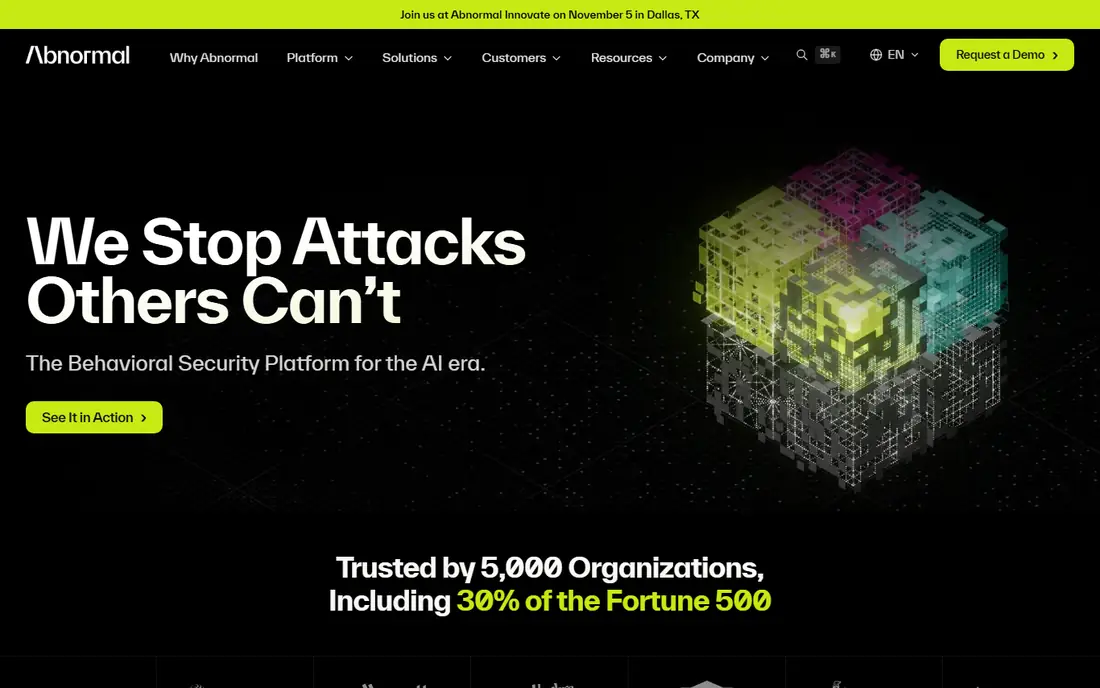
For behavioral detection of impersonation, Abnormal AI is a practical first choice. It builds a behavioral profile for each identity and flags messages that break normal patterns, even when they carry no malicious link or attachment. Its main strengths are behavioral ai per identity; api deployment beside existing mail; strong business email compromise focus. For many readers, that combination covers the most common jobs without adding extra steps or a steep learning curve.
In daily use, the workflow stays short for repeat jobs, and most settings are easy to find without a manual. On the other side, no published list price; blocking-only response in some setups. The catch is worth weighing before you commit, especially if you work with sensitive files every day.
- Behavioral AI per identity
- API deployment beside existing mail
- Strong business email compromise focus
- No published list price
- Blocking-only response in some setups
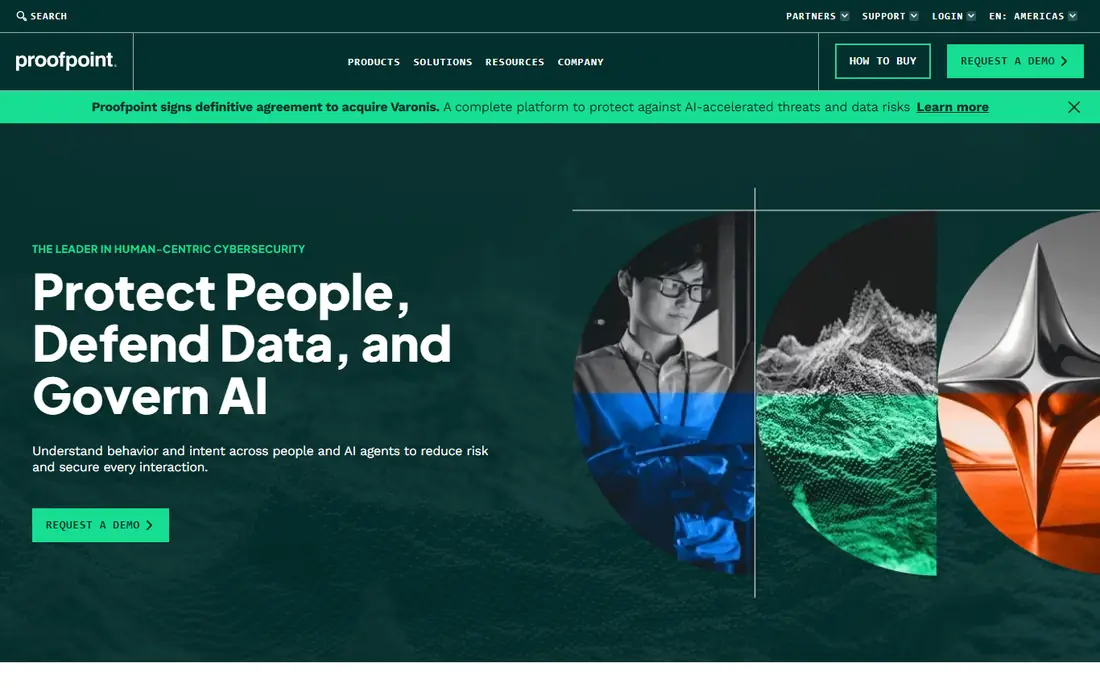
If enterprise email security at scale describes your work, Proofpoint deserves a close look. It combines gateway filtering, sandboxing, and impersonation defenses, which suits large teams with compliance and archiving needs. Its main strengths are gateway and api options; sandbox and url defense; broad compliance and archiving options. For many readers, that combination covers the most common jobs without adding extra steps or a steep learning curve.
In daily use, the workflow stays short for repeat jobs, and most settings are easy to find without a manual. On the other side, pricing is quote-based; bundles can grow complex. That balance of strength and limits is what should drive your choice, not the headline feature list.
- Gateway and API options
- Sandbox and URL defense
- Broad compliance and archiving options
- Pricing is quote-based
- Bundles can grow complex
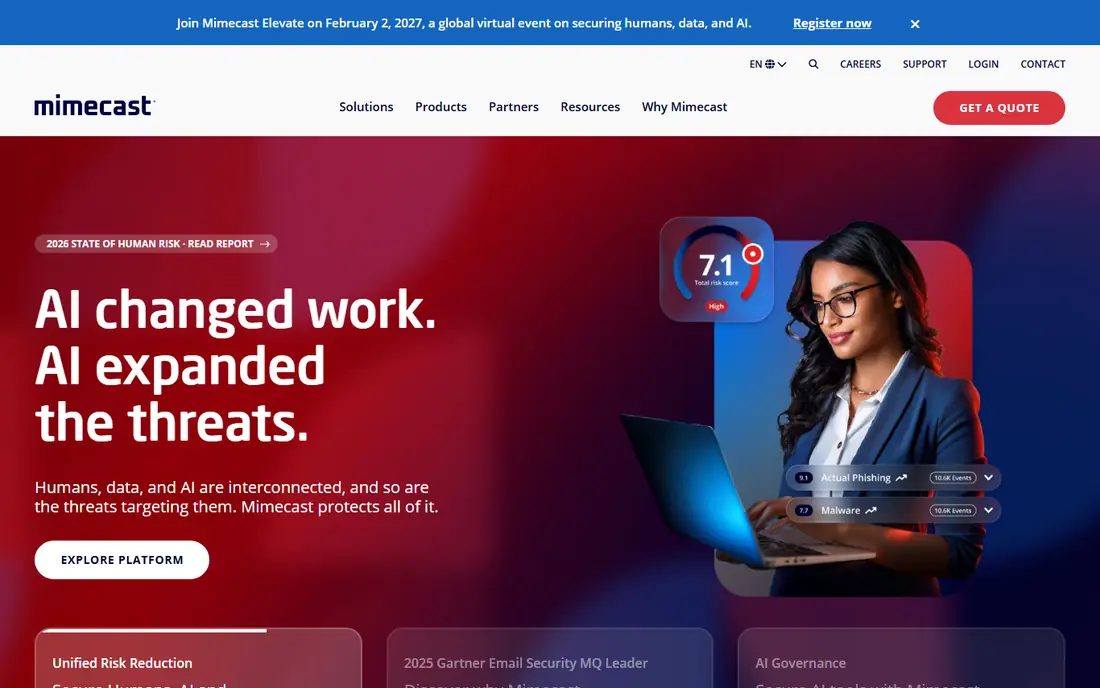
Mimecast stands out for email security plus continuity, and it is easy to see why. It maps detection across the attack chain and adds continuity, so mail keeps flowing during an outage while threats are still filtered. Its main strengths are ai-enhanced detection; url and attachment analysis; email continuity and archiving. For many readers, that combination covers the most common jobs without adding extra steps or a steep learning curve.
In daily use, the workflow stays short for repeat jobs, and most settings are easy to find without a manual. On the other side, pricing is quote-based; full suite can be more than small teams need. Check the current plan details before you pay, since limits and included tools change over time.
- AI-enhanced detection
- URL and attachment analysis
- Email continuity and archiving
- Pricing is quote-based
- Full suite can be more than small teams need
Microsoft Defender for Office 365
Great for: Microsoft 365 shops that want native protection
People who need Microsoft 365 shops that want native protection often land on Microsoft Defender for Office 365 after comparing a few options. It adds phishing, impersonation, and safe-link protection inside Microsoft 365, with automated investigation tools for security teams. Its main strengths are native microsoft 365 integration; automated investigation and response; anti-phishing policies. For many readers, that combination covers the most common jobs without adding extra steps or a steep learning curve.
In daily use, the workflow stays short for repeat jobs, and most settings are easy to find without a manual. On the other side, best value inside microsoft 365 bundles; less depth outside that ecosystem. If that trade-off fits your daily work, it is a solid pick; if not, another tool below may fit better.
- Native Microsoft 365 integration
- Automated investigation and response
- Anti-phishing policies
- Best value inside Microsoft 365 bundles
- Less depth outside that ecosystem
Barracuda Email Protection is built with mid-market email security bundles in mind, rather than as an afterthought. It bundles threat protection, account takeover defense, and encryption, which gives mid-market teams one vendor for several email risks. Its main strengths are threat protection plus account takeover defense; dmarc reporting; backup options on higher plans. For many readers, that combination covers the most common jobs without adding extra steps or a steep learning curve.
In daily use, the workflow stays short for repeat jobs, and most settings are easy to find without a manual. On the other side, bundle tiers can confuse pricing; some features need higher plans. The catch is worth weighing before you commit, especially if you work with sensitive files every day.
- Threat protection plus account takeover defense
- DMARC reporting
- Backup options on higher plans
- Bundle tiers can confuse pricing
- Some features need higher plans
Among tools for mid-market account takeover defense, IRONSCALES keeps the workflow short and clear. It focuses on account takeover and uses community signals to speed up detection of new phishing campaigns. Its main strengths are api-based deployment; crowdsourced threat signals; phishing simulation and training options. For many readers, that combination covers the most common jobs without adding extra steps or a steep learning curve.
In daily use, the workflow stays short for repeat jobs, and most settings are easy to find without a manual. On the other side, smaller vendor footprint than enterprise leaders; pricing is quote-based. That balance of strength and limits is what should drive your choice, not the headline feature list.
- API-based deployment
- Crowdsourced threat signals
- Phishing simulation and training options
- Smaller vendor footprint than enterprise leaders
- Pricing is quote-based
For inline API email protection, Check Point Harmony Email is a practical first choice. It inspects mail through an API layer and extends protection to collaboration tools, which suits teams worried about more than inbox mail. Its main strengths are api-native inline protection; coverage beyond email into collaboration apps; threat prevention engine. For many readers, that combination covers the most common jobs without adding extra steps or a steep learning curve.
In daily use, the workflow stays short for repeat jobs, and most settings are easy to find without a manual. On the other side, enterprise pricing is quote-based; setup needs security team time. Check the current plan details before you pay, since limits and included tools change over time.
- API-native inline protection
- Coverage beyond email into collaboration apps
- Threat prevention engine
- Enterprise pricing is quote-based
- Setup needs security team time
If transparent detection rules for engineers describes your work, Sublime Security deserves a close look. It lets detection engineers read and adjust the rules behind alerts, which helps teams that want to understand why a message was flagged. Its main strengths are open detection rules; machine learning plus rule engine; analyst-friendly investigation views. For many readers, that combination covers the most common jobs without adding extra steps or a steep learning curve.
In daily use, the workflow stays short for repeat jobs, and most settings are easy to find without a manual. On the other side, needs skilled staff to get full value; newer brand than gateway leaders. If that trade-off fits your daily work, it is a solid pick; if not, another tool below may fit better.
- Open detection rules
- Machine learning plus rule engine
- Analyst-friendly investigation views
- Needs skilled staff to get full value
- Newer brand than gateway leaders
Cofense stands out for phishing response and user reporting, and it is easy to see why. It turns employee reports into triage and response, so a missed phish can be pulled from inboxes quickly once one person reports it. Its main strengths are user reporting button; phishing incident response; simulation and training programs. For many readers, that combination covers the most common jobs without adding extra steps or a steep learning curve.
In daily use, the workflow stays short for repeat jobs, and most settings are easy to find without a manual. On the other side, detection is only part of the package; value depends on staff reporting. The catch is worth weighing before you commit, especially if you work with sensitive files every day.
- User reporting button
- Phishing incident response
- Simulation and training programs
- Detection is only part of the package
- Value depends on staff reporting
How we picked these
We compared vendor product pages, deployment documents, and pricing pages for each tool, and we favored tools with a clear AI or behavioral detection story. We noted whether pricing is published or quote-based, and we did not invent per-user prices where vendors publish none. Where a price could not be verified, we wrote See website.
How to choose an AI phishing detection tool
Start with your mail platform
Microsoft 365 and Google Workspace shops often get strong native protection already. Add a behavioral layer for impersonation rather than replacing a working gateway without a clear reason.
Separate detection from response
A tool that only flags mail leaves your team to act. Look for quarantine, automatic removal, and reporting workflows, and test how fast a reported phish can be pulled from every inbox.
Test with real attack types
Run business email compromise, vendor impersonation, and QR-code phishing examples through a trial. Link scanners alone will miss many of these, so results here matter more than a generic spam score.
Get a real quote early
Most enterprise tools in this list are quote-based. Ask for pricing by mailbox count and contract length, and confirm which modules are included before you compare totals.
Frequently asked questions
What is AI phishing detection?
It uses machine learning and behavioral analysis to spot phishing mail that blocklists and signature checks miss, including impersonation and business email compromise with no malicious link.
Can AI phishing tools replace a secure email gateway?
Often they layer on top of one rather than replacing it. Gateways still handle spam, malware, and attachments well, while behavioral tools add impersonation detection.
Do these tools work with Microsoft 365 and Google Workspace?
Yes. Many connect through an API without changing mail flow, while gateway tools may need a mail routing change. Check deployment options during a trial.
How much do AI phishing detection tools cost?
Most enterprise tools are quote-based and priced per mailbox. Smaller tools may publish prices, but for this list you should budget from a vendor quote for your mailbox count.
Do employees still need phishing training?
Yes. Detection reduces risk but never reaches zero. User reporting and short training sessions help catch the messages that slip through and speed up response.
Sources
See where you really rank - block by block
ProMapRanker scans Google Maps across a grid of your service area. Simple monthly plans from $19, white-label on every plan.
Start freeKeep reading
 zeffy payment processor stripe alternatives
Zeffy and Stripe Alternatives for Nonprofits in 2026
Explore zeffy payment processor stripe alternatives for nonprofits. We compare 8 fundraising platforms on fees, donor tools, and nonprofit focus. Check fees.
Read → workday alternatives
Workday Alternatives in 2026
Workday alternatives compared: we review 8 HR and payroll platforms that replace Workday, with pricing, strengths and honest limits for each team size.
Read → what's the best weather app
What's the Best Weather App in 2026
Wondering what's the best weather app? We compare 10 free and paid apps for forecasts, radar, alerts, and Colorado mountain weather for everyday and storm use.
Read →