 ProMapRanker
Best AI Job Search Tools in 2026


Professional search and recruiter visibility · Pricing starts at: Free
Key takeaways
- LinkedIn, Indeed, and ZipRecruiter remain the largest places to search, and AI matching works best when your profile is complete.
- Jobright, Teal, and Simplify add AI matching, alerts, and tracking on top of job boards, rather than replacing them.
- Free job search for job seekers is the norm on large boards; paid tools charge for matching, tracking, and resume help.
- Set alerts by role, location, and salary range, and check them daily, because good roles close fast.
- AI matching is a shortlist aid, not a decision maker: read the full job post before you apply.
Quick comparison
| Pick | Great for | Pricing starts at | Free tier | |
|---|---|---|---|---|
| LinkedIn | Professional search and recruiter visibility | Free | Yes | Visit |
 Indeed | Broad general job search | Free | Yes | Visit |
 ZipRecruiter | AI matched alerts across industries | Free | Yes | Visit |
 Glassdoor | Search with salary and company insight | Free | Yes | Visit |
 Dice | Tech job search and salary tools | Free | Yes | Visit |
 Jobright | AI matching for professional roles | Free | Yes | Visit |
 Teal | Tracking a job search with AI matching | Free | Yes | Visit |
 Simplify | Job discovery with fast autofill | Free | Yes | Visit |
 Huntr | Visual job search organization | Free | Yes | Visit |
The best ai job search tools
We focused this list on finding jobs: search, AI matching, alerts, and filters. Application automation and resume writing are mentioned only where they support search, because this article is about discovering the right roles, not about mass applying. All tools below are free for job seekers at the entry level, with paid options for extra features.
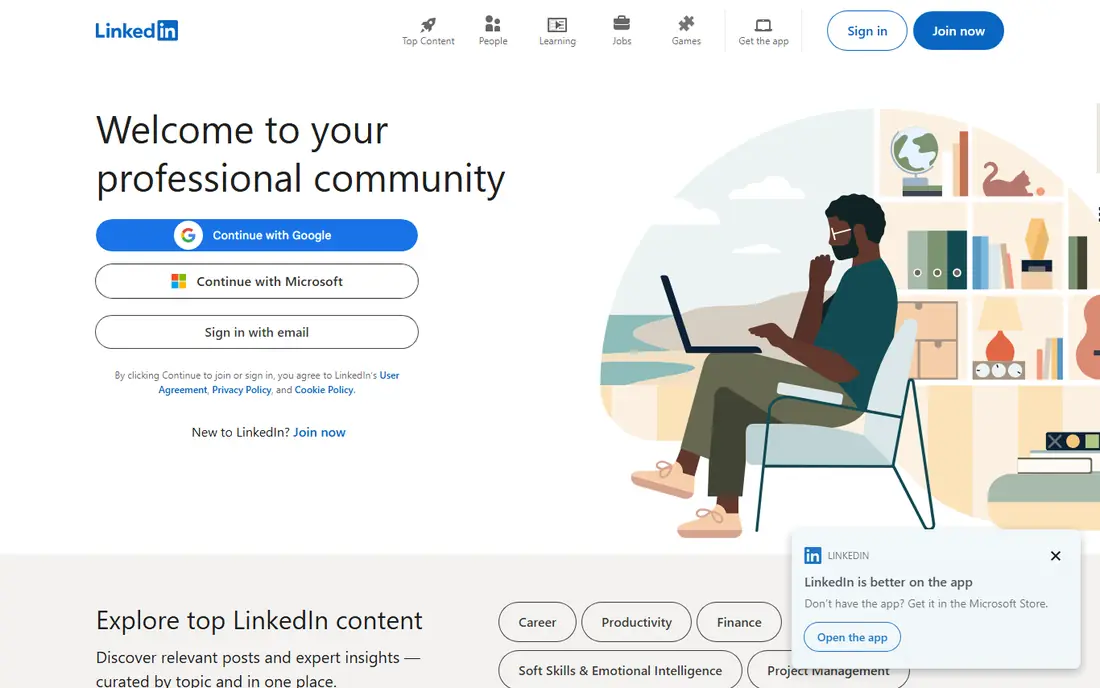
LinkedIn is still the first place to search for professional and white collar roles, because recruiters search it as well as post on it. AI matching uses your profile, skills, and past roles to rank jobs, and alerts can follow a role, a company, or a location. A complete profile with skills, a clear headline, and recent experience improves match quality more than any paid feature.
The free tier covers search, alerts, and applications for most jobs. LinkedIn Premium adds applicant insights and extra search filters, but it is not required to find roles. Use LinkedIn for search and for following companies, and keep your profile updated, because that profile is part of the matching data.
- Largest professional network
- AI search and job match signals
- Recruiter outreach alongside job search
- Premium features cost extra
- Feed and networking features can distract from search
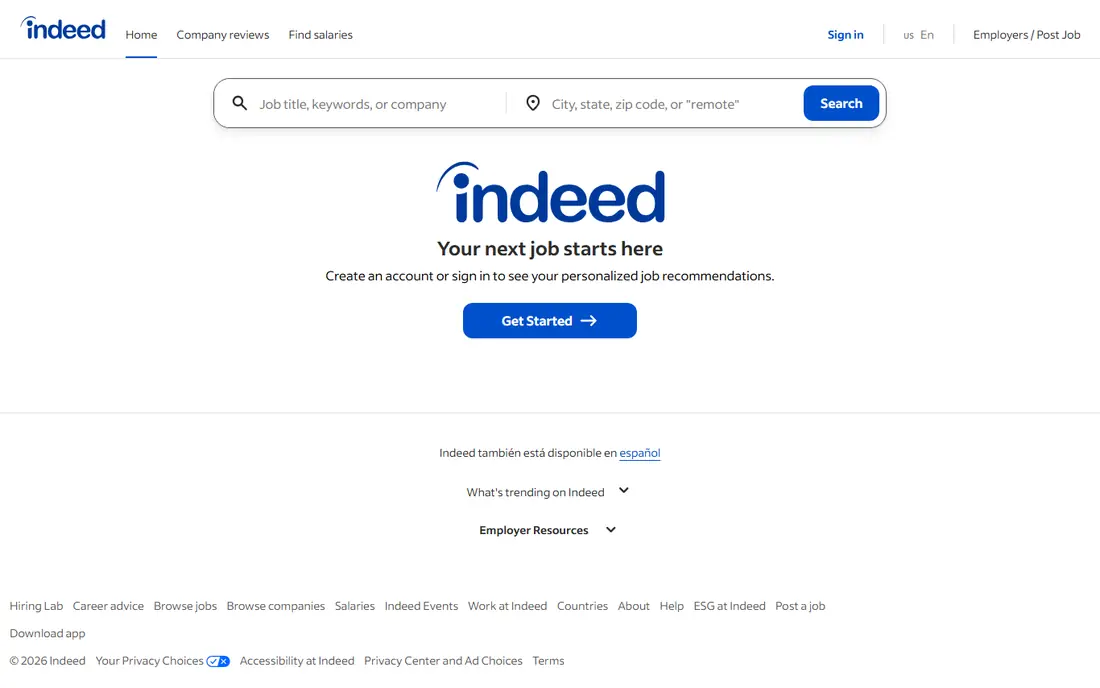
Indeed suits a broad search across industries, locations, and seniority levels. Its search covers company career pages, job boards, and direct posts, and filters for salary, job type, and date posted help narrow a large result set. Company reviews and salary pages sit next to listings, so you can check a role and an employer in one place.
The size is also the drawback. You will see duplicates and older posts, so sort by date and set alerts for new matches rather than paging through stale results. Upload a current resume and set a clear job title and location, because Indeed matching leans heavily on those fields. For job seekers, Indeed is free.
- Very large job database
- Simple search and filters
- Salary estimates and company reviews alongside listings
- Duplicate and stale listings appear
- AI matching quality depends on resume and profile completeness
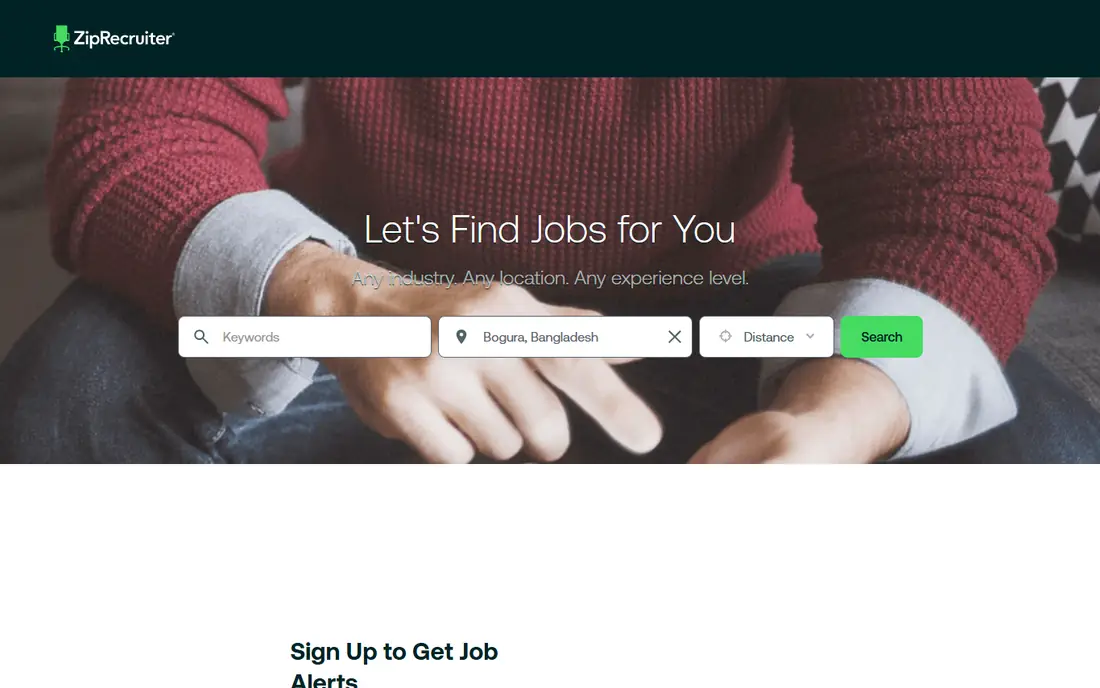
ZipRecruiter leans harder into AI matching than a plain search board. Its system learns from your profile, applications, and responses, then sends matched roles as alerts. That makes it useful when you want a daily shortlist rather than a manual search each morning, especially for hourly, service, and mid level professional roles.
Free job search is the core offer for seekers, with employers paying to post. Match quality improves when you respond to alerts and update your profile, because the system learns from what you open and skip. Treat ZipRecruiter as a discovery channel alongside Indeed and LinkedIn, not as a single source, because coverage differs by industry and city.
- AI matching sends roles to your inbox
- One-click apply on many listings
- Mobile app with alerts
- Match quality varies by industry
- Some listings lead to employer sites to finish applying
Glassdoor adds context to a job search that a plain listing cannot give. Salary ranges, company reviews, and interview reports help you judge whether a role is worth pursuing before you apply, and the search itself covers a wide range of professional roles. Alerts can follow a job title and location, so new matches arrive without a daily manual search.
Salary figures are estimates from reported data, not offers, so use them as a range for negotiation research, not as a promise. A free account covers search and alerts, with some content gated behind sign-in or contribution. For seekers who care about pay transparency and company culture, Glassdoor is a useful second search source.
- Job search plus salary ranges and company reviews
- Interview insight for some roles
- Alerts by role and location
- Salary data is estimated and varies
- Some features require a free account and contributions
Dice is the specialist board for technology roles in the US. Its search filters by skill, tech stack, clearance, and work type, which matters more for tech hiring than a general keyword search. Salary tools and tech career articles sit alongside listings, helping you compare roles by skill demand and pay range.
The focus is also the limit. If you search outside technology, Dice will not help, and total listings are smaller than general boards. For developers, engineers, data roles, and IT support, Dice gives cleaner matches and less noise than a general board. It is free for job seekers.
- Focused tech listings
- Skills based search and filters
- Salary and tech career content
- Tech only, so not suited to general searches
- Smaller total listing count than Indeed
Jobright positions itself as an AI job search assistant rather than a single board. It matches your profile against roles from many sources, scores the fit, and surfaces roles you might miss on one board alone. That breadth is useful for professional seekers who want a daily matched list without checking five boards separately.
Pricing for extra features is not always clearly listed on the public homepage, so we list the entry as free and recommend checking the current plan page before paying. The free tier covers matching and search, which is enough to judge whether its matches suit your field. If its matches are consistently relevant, it can replace part of your manual board checking.
- AI matching across many job sources
- Match scores and role insights
- Alerts for new matches
- Paid pricing is not always clearly listed
- Match quality depends on a complete profile
Teal combines search support with organization, which is where many job searches fail. The Chrome extension saves jobs from LinkedIn, Indeed, and company pages into a tracker, and AI match scoring ranks saved roles against your resume. That turns a scattered set of bookmarks into a ranked shortlist with deadlines and notes.
The free plan covers unlimited tracked jobs and resumes in recent listings, which is generous. Premium at $29 per month adds advanced AI features and extra tools, but the free tracker alone helps most seekers. Teal works best if you save every role you consider and review the tracker daily, rather than letting saved jobs pile up unranked.
- Job tracker with match scoring
- Chrome extension to save jobs from boards
- Resume tools in the same workspace
- Premium costs $29 per month
- Tracker needs regular updating to stay useful
Simplify started as a tool for new graduates and has grown into a broader job search aid. Its discovery feed curates roles based on your profile, and the Chrome extension autofills application forms on many platforms, which speeds up the step after you find a role. A built-in tracker keeps saved and applied jobs in one view.
The free tier covers autofill, tracking, and basic resume tools, which is enough for most searches. Premium at $39.99 per month adds AI resume tailoring and analytics, but for finding jobs, the free tier is the main value. Use Simplify as a discovery and tracking layer, and keep your main search on LinkedIn and Indeed for coverage.
- Curated job discovery feed
- Autofill extension for applications
- Tracker for saved and applied roles
- Premium at $39.99 per month is steep for search alone
- Autofill does not suit every employer form
Huntr suits visual planners who lose track of applications in a spreadsheet. Jobs move across a Kanban board from wishlist to applied to interview, and the extension saves roles from boards and company pages with one click. Contact tracking and notes help you remember who you spoke to and what was promised, which matters in a long search.
The free plan covers a set number of tracked jobs, with Pro at $40 per month for unlimited tracking and extra features. That price is high if you only need tracking, so test the free tier first and check whether the board habit sticks. If it does, Huntr turns a chaotic search into a clear pipeline.
- Kanban boards for job search stages
- Browser extension to save jobs
- Contact and note tracking
- Pro at $40 per month is high for tracking alone
- AI matching is lighter than Jobright or Teal
How we picked these
We compared official product pages, app listings, and recent job tool roundups for tools that help job seekers find roles in October 2026. We required a search, matching, or alert function, a free tier for seekers, and live US listings. We favored tools that add matching or tracking to large boards, and we left out recruiter only sourcing tools and pure resume builders.
We did not apply for jobs through these tools for this roundup. Our findings rest on published features and plan details, and prices change often, so confirm the current plan before paying for a premium tier.
How to run an AI job search without missing good roles
Use two large boards and one matching tool, not ten tools at once. LinkedIn and Indeed give coverage, and Jobright, Teal, or Simplify gives a ranked shortlist and tracking. Set alerts with a tight title, a realistic location or remote filter, and a salary floor, then review new matches each morning and save only roles you would actually accept.
Keep your profile and resume aligned. AI matching reads skills, titles, and recent experience, so a vague profile produces vague matches. Update both when you change target roles, and note which alerts produce interviews. If a tool sends mostly irrelevant roles after two weeks, change its filters or drop it, because a noisy shortlist wastes the time AI search is meant to save.
Frequently asked questions
What is the best ai job search app?
LinkedIn is the best overall app for professional search and recruiter visibility, while Jobright is a strong AI matching specialist. For broad coverage, pair LinkedIn with Indeed, and add Teal or Simplify for tracking.
Are AI job search tools free?
Yes, for job seekers, the main boards and matching tools in this list offer free search and alerts. Paid plans add resume help, advanced matching, or unlimited tracking, but you can run a full search on free tiers.
How do AI job alerts work?
AI alerts match your profile, skills, past roles, and past applications against new listings, then send roles that score highly. They improve when you update your profile and respond to matches, and they work best with a tight title and location filter.
Can AI find jobs I would miss on a job board?
Yes, when it searches many sources at once and scores fit, it can surface roles with different titles or from smaller company pages. That is why a matching tool adds value on top of a single board, even though no tool covers every listing.
Should I only apply to AI matched jobs?
No. Use AI matches as a shortlist, then read the full post, check the company, and decide yourself. Some good roles use unusual titles or list skills differently, so a manual search for your target companies still matters.
Sources
See where you really rank - block by block
ProMapRanker scans Google Maps across a grid of your service area. Simple monthly plans from $19, white-label on every plan.
Start freeKeep reading
 best contact center software
Best Contact Center Software in 2026
We compared the best contact center software on channels, AI tools, pricing and scale, so you can pick a platform that fits your team size and budget in 2026.
Read → best compliance management software
Best Compliance Management Software in 2026
Compare the best compliance management software in 2026, with framework coverage, automation, audit support and pricing models explained clearly for teams.
Read → best commercial property management software
Best Commercial Property Management Software in 2026
Compare the best commercial property management software for offices, retail, and mixed portfolios, with pricing, accounting, leasing, and honest trade-offs.
Read →