 ProMapRanker
Best Accounts Payable Software in 2026

Key takeaways
- Melio and Ramp Bill Pay are the best free starting points, with Melio suiting pure bill pay and Ramp suiting card-led teams that want spend control too.
- BILL is the established standard for approval-heavy small businesses that sync with QuickBooks Online or Xero and need mature controls.
- Tipalti is the clear pick for global payments, with broad country and currency coverage plus tax forms and compliance built in.
- Stampli, ApprovalMax, and Yooz suit teams with specific needs, meaning collaboration, approval controls, or document-heavy workflows.
- Quote-based tools can look similar on a feature page, so model your invoice volume, user count, and payment methods before you compare prices.
Quick comparison
| Pick | Great for | Pricing starts at | Free tier | |
|---|---|---|---|---|
 Melio Melio | Simple small business bill pay | Free | Yes | Visit |
 Ramp Bill Pay Ramp Bill Pay | Card-led teams and free AP | Free | Yes | Visit |
 BILL BILL | Approval-heavy teams | See website | No | Visit |
 Tipalti Tipalti | Global vendor payments | See website | No | Visit |
 Stampli Stampli | Collaborative invoice workflows | See website | No | Visit |
 Brex Brex | Card and bill pay in one place | Free | Yes | Visit |
 QuickBooks Bill Pay QuickBooks Bill Pay | QuickBooks Online users | See website | No | Visit |
 ApprovalMax ApprovalMax | Approval controls for Xero and QuickBooks | See website | Free trial | Visit |
 Yooz Yooz | Document-heavy AP automation | See website | Free trial | Visit |
The best accounts payable software
We compared these tools on invoice capture, approval routing, payment options, accounting sync, and pricing, using official pricing pages and public comparisons checked in October 2026. Every tool here handles real vendor payments, not just invoice storage, and each one fits a different team size or workflow. This is general business information, not tax or accounting advice.
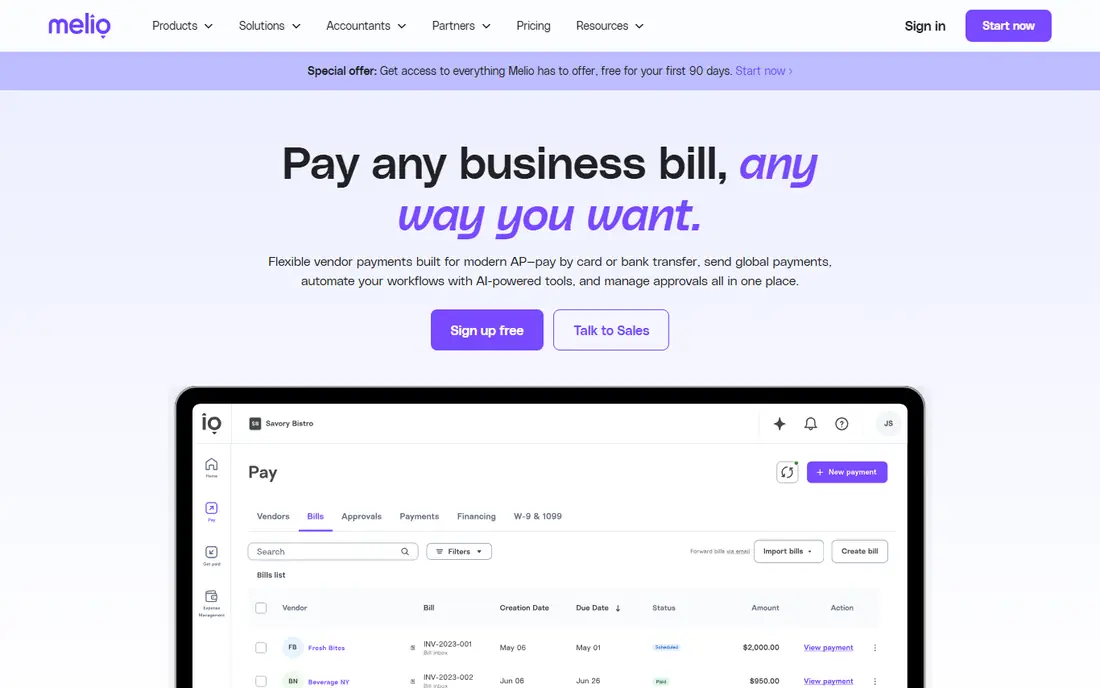
Melio is the easiest starting point for a small business that wants to stop paying bills by hand. You upload or forward an invoice, the system captures the amount and due date, you approve it, and Melio pays the vendor by bank transfer, card, or mailed check. The check option is genuinely useful, because you can pay by ACH on your side while a vendor who only accepts checks still gets a check.
The free plan is limited to one user and a small number of free ACH payments per month, so a growing team will outgrow it quickly. Paid plans raise those limits, and card payments carry a percentage fee that adds up if you pay mostly by card. For a small team paying a modest number of vendors each month, Melio remains the simplest and cheapest way to get started.
- Free plan for a single user
- Pays vendors by ACH, card, or check
- Syncs with QuickBooks and Xero
- Free plan limits users and free ACH payments
- Card payments carry a percentage fee
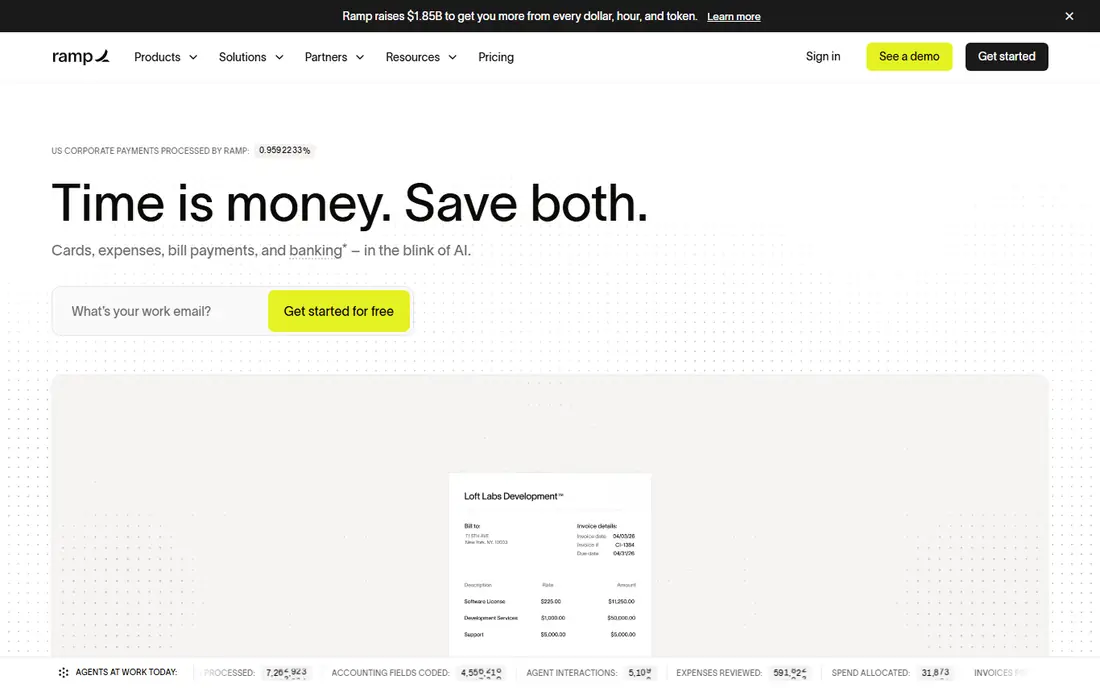
Ramp Bill Pay brings AP into the same platform as corporate cards and expenses, which is why it suits card-led teams so well. Invoices are captured with AI, coded automatically, routed for approval, and paid, all without a separate AP subscription on the free tier. That bundling removes the usual choice between a card tool and an AP tool, because one platform covers both.
The free tier covers basic approvals, while advanced routing and three-way PO matching sit on paid tiers. Teams that mainly process invoices without cards should compare Ramp with Melio or BILL, because the free model works best when card spend flows through Ramp. For teams that already use cards heavily, Ramp is the strongest value in this list.
- Free AP with AI invoice capture
- Bundles with cards and expenses
- Syncs with QuickBooks, Xero, and larger systems on paid tiers
- Advanced approvals and PO matching sit on paid tiers
- Best value when teams use Ramp cards
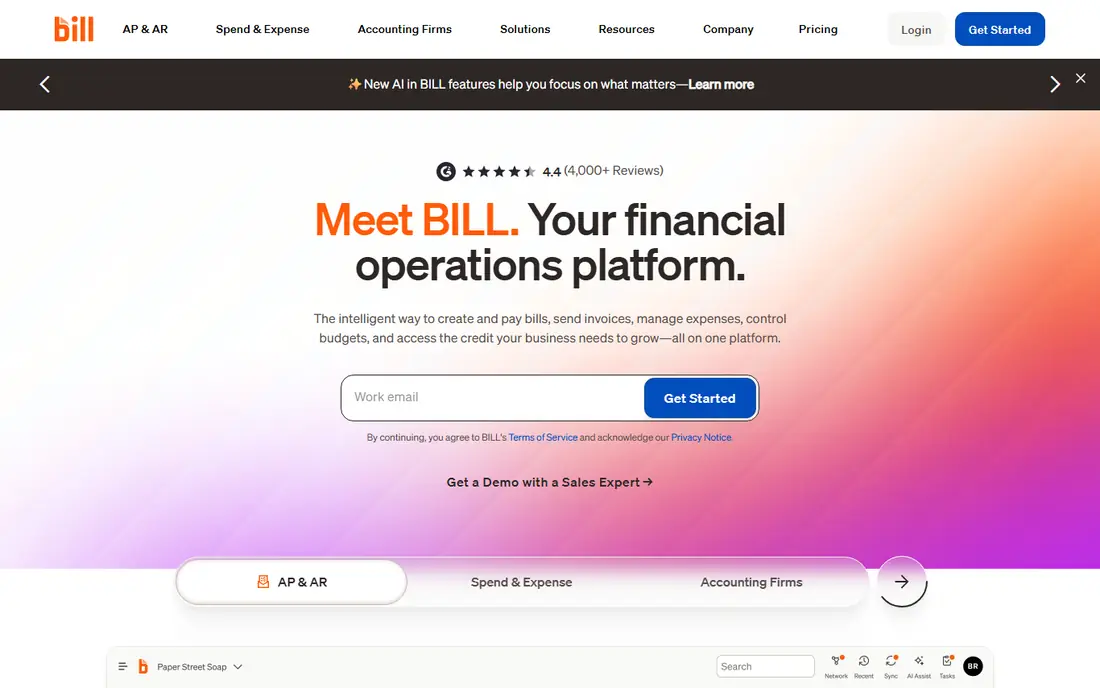
BILL is the established standard for small businesses that need serious approval controls. It handles invoice capture, multi-step approvals, payment by ACH or check, and sync with QuickBooks Online and Xero, with deeper ERP sync on higher tiers. Teams that need segregation of duties, audit trails, and custom approval policies will find BILL more complete than the free tools here.
Pricing is per user, so a team with many approvers pays more than a team with a few finance users. That model makes BILL expensive for companies that want every manager to approve in the system. If your approval chain is complex and your accounting sync must be dependable, BILL is worth the price. If your needs are simple, start free elsewhere.
- Mature multi-step approvals and controls
- Strong QuickBooks and Xero sync
- Covers AP and AR
- Per-user pricing adds up for larger teams
- Higher starting price than free rivals
Tipalti is built for companies that pay vendors, contractors, and partners around the world. It covers a large number of countries and currencies, collects tax forms, validates payee details, and handles reporting that small business tools leave to spreadsheets. That compliance layer is the reason global teams choose Tipalti, because paying across borders without it creates tax and fraud risk.
The trade-off is price and setup. Tipalti starts higher than Melio or Ramp, and onboarding takes more work, because payee verification and tax setup need to be done properly. A US-only small business does not need this depth. A company with international payees, or one planning to add them, will find Tipalti the most complete option here.
- Payments in many countries and currencies
- Tax form collection and reporting built in
- Multi-step approvals
- Higher starting price
- More setup than small business tools
Stampli is designed around a simple idea: invoices get stuck when approvers cannot ask questions in context. Its interface lets finance staff and approvers discuss an invoice, see its history, and resolve issues in one place, rather than in email threads that get lost. Its AI assistant helps with coding and data capture, and it syncs with a wide range of accounting systems.
Pricing is quote-based, which makes it harder to compare at a glance, and it is aimed at mid-market budgets rather than the smallest teams. If your AP pain is slow approvals and scattered communication, Stampli addresses that directly. If your pain is simply paying a few bills a month, a free tool will do the job for less.
- Collaboration on every invoice
- AI assistant for coding
- Syncs with many accounting systems
- Quote-based pricing
- No published starting price to compare easily
Brex combines corporate cards, expenses, and bill pay, which makes it a natural fit for startups and growing companies that want one spend platform. Invoices are captured with AI, drafted with line items, and routed through multi-level approvals, and payments can go out by ACH or wire to many countries. The free core plan covers a lot, with paid tiers adding advanced controls and PO matching.
Like Ramp, Brex works best when card spend flows through the platform, because that is how the free model is funded. Traditional businesses that rarely use cards may get less value from the bundle. For card-led teams that want bill pay alongside cards and travel, Brex is a strong alternative to Ramp.
- Free core plan
- AI invoice drafts with line items
- Multi-level approvals
- Global wires
- Advanced features sit on paid tiers
- Card-led model suits startups and tech teams best
QuickBooks Bill Pay is the obvious pick if your books already live in QuickBooks Online. Because bill pay sits inside the accounting system, there is no second login, no sync to configure, and no mismatch between the payment record and the books. Invoices can be captured, approved, and paid without leaving QuickBooks, which keeps a small team moving fast.
The limit is scope. QuickBooks Bill Pay is built for QuickBooks users, so it is not a choice if you use Xero or another system. Complex approval chains and global payment needs are also better served by BILL or Tipalti. If you are a QuickBooks shop with straightforward AP, staying native is simpler than adding a separate tool.
- Native to QuickBooks Online with no second login
- Invoice capture and approvals inside accounting
- Familiar interface
- Tied to QuickBooks Online
- Less depth than dedicated AP tools for complex workflows
ApprovalMax does one job well: approvals. It adds multi-level approval workflows, spending controls, and audit trails to Xero and QuickBooks Online, for bills, purchase orders, and expenses. Its flat pricing is a welcome change from per-user models, because adding approvers does not raise the bill in the same way. For teams whose main problem is uncontrolled approvals, that focus is an advantage.
ApprovalMax is not a standalone payment platform, so you still need your accounting system and a payment method to move money. Think of it as a control layer, not a replacement for Melio, BILL, or Ramp. If your books are in Xero or QuickBooks and approvals are your weak point, ApprovalMax is the most focused fix in this list.
- Pure approval engine with flat pricing
- Strong controls for Xero and QuickBooks Online
- Bill and expense approvals
- Not a full payment platform on its own
- Needs an accounting system to sit alongside
Yooz is built for teams that process a high volume of documents and want automation across capture, coding, approval, and payment. Its document workflow is its strength, with automated routing that reduces manual handling and speeds up the cycle from receipt to payment. Pricing based on document volume suits companies whose invoice count is the main cost driver, rather than user count.
Very small teams with a handful of invoices a month will find Yooz heavy and harder to price than a free tool. Mid-size teams with document volume, multiple approvers, and a need for audit trails will get more from it. If your AP bottleneck is document handling rather than payments alone, Yooz deserves a demo alongside Stampli and BILL.
- Strong document capture and workflow automation
- Pricing based on document volume
- Free trial available
- Quote-style volume pricing
- Less suited to very small teams with few invoices
How we picked these
We compared official pricing pages, feature documentation, and accounting integrations for each tool, along with public AP comparisons checked in October 2026. We favored tools that are available to US businesses today, that capture invoices, route approvals, and execute payments, rather than tools that only store documents. We noted where pricing is quote-based or per user, because those models change the total cost more than the feature list suggests.
We did not claim hands-on testing with live vendor payments, and we did not treat vendor marketing claims as verified results. AP software affects cash flow and audit trails, so we weighted accounting sync, approval controls, and payment reliability alongside automation claims. Confirm sync depth, payment fees, and approval features in a demo with your own invoice types before you buy.
How to choose the right tool
Start with your invoice volume and your accounting system. If you use QuickBooks Online and pay a modest number of bills, QuickBooks Bill Pay or Melio may be enough. If you use Xero and need approval controls, ApprovalMax plus a payment tool is a strong combination. If you use cards heavily, Ramp or Brex bundle AP with spend control at a lower total cost.
Next, map your approval chain and your payment methods. Complex approvals point to BILL or Stampli, global payments point to Tipalti, and document volume points to Yooz. Finally, model total cost for a typical month, including per-user fees, payment fees, and card fees, because the cheapest subscription can become expensive once payment fees are added. A short trial with real invoices will tell you more than any feature page.
Frequently asked questions
What is the best accounts payable software for a small business?
Start free with Melio if you want pure bill pay, or Ramp Bill Pay if you also want cards and expenses. Step up to BILL when you need mature multi-step approvals and deeper accounting controls. The right pick depends on invoice volume, approver count, and whether you use cards.
What is the best accounts payable automation software for global payments?
Tipalti is the strongest pick for global payments, with broad country and currency coverage plus tax form collection and reporting. Melio and Ramp also handle some international payments, but they are built for US payments first, so they suit a smaller international footprint.
How much does accounts payable software cost?
Costs range from free for Melio and Ramp core tools to per-user pricing for BILL and quote-based pricing for Stampli, Tipalti, and Yooz. Payment fees, such as ACH, check, and card fees, add to the subscription cost, so model a typical month rather than comparing subscription prices alone.
Does AP software work with QuickBooks and Xero?
Yes, across this list, with differences in depth. Melio, BILL, Ramp, and Brex sync with QuickBooks Online and Xero, while higher tiers add NetSuite and Sage Intacct. Confirm two-way sync, not just export, before you buy, and test it with your chart of accounts during a trial.
What is the difference between AP automation and invoice approval?
Invoice approval is one stage of AP automation, meaning the routing and sign-off workflow. Full AP automation adds invoice capture, coding, PO matching, payment execution, and reconciliation. Every tool here does both to some degree, with enterprise tools going deepest on the full cycle.
Should I choose a free AP tool or a paid one?
Choose free if your volume is low, your approvals are simple, and your accounting sync needs are basic. Choose paid when you need multi-step approvals, PO matching, global payments, or a large number of users. The free tools in this list are real products, not trials, so there is no harm in starting free and upgrading when you outgrow them.
Sources
See where you really rank - block by block
ProMapRanker scans Google Maps across a grid of your service area. Simple monthly plans from $19, white-label on every plan.
Start freeKeep reading
 zeffy payment processor stripe alternatives
Zeffy and Stripe Alternatives for Nonprofits in 2026
Explore zeffy payment processor stripe alternatives for nonprofits. We compare 8 fundraising platforms on fees, donor tools, and nonprofit focus. Check fees.
Read → workday alternatives
Workday Alternatives in 2026
Workday alternatives compared: we review 8 HR and payroll platforms that replace Workday, with pricing, strengths and honest limits for each team size.
Read → what's the best weather app
What's the Best Weather App in 2026
Wondering what's the best weather app? We compare 10 free and paid apps for forecasts, radar, alerts, and Colorado mountain weather for everyday and storm use.
Read →