 ProMapRanker
Best Accounting Software With Online File Storage in 2026


US businesses with an accountant · Pricing starts at: $30 per month
Key takeaways
- The best accounting software with online file storage keeps receipts, bills, and contracts attached to the transaction, not in a separate folder no one checks.
- QuickBooks Online and Xero lead for receipt capture, with QuickBooks favoring US accountants and Xero favoring unlimited users and clean bank reconciliation.
- Zoho Books and Wave offer the lowest-cost routes to cloud books with document handling, while FreshBooks suits service firms that bill by time or project.
- Check storage limits, retention, and export options before you commit, since moving years of attached documents is harder than moving a chart of accounts.
Quick comparison
| Pick | Great for | Pricing starts at | Free tier | |
|---|---|---|---|---|
| QuickBooks Online | US businesses with an accountant | $30 per month | Free trial | Visit |
 Xero | Teams with unlimited users | $29 per month | Free trial | Visit |
 FreshBooks | Service billing and invoicing | $19 per month | Free trial | Visit |
 Zoho Books | Low-cost cloud books with documents | Free | Yes | Visit |
 Wave | Free books for very small firms | Free | Yes | Visit |
 Sage 50 Accounting | Inventory-heavy desktop accounting | See website | Free trial | Visit |
 ZipBooks | Simple low-cost bookkeeping | Free | Yes | Visit |
 AccountEdge | Desktop accounting with documents | $20 per month | Free trial | Visit |
 FreeAgent | Freelancers and small firms | See website | Free trial | Visit |
The best accounting software with online file storage
These tools combine cloud bookkeeping with receipt capture, bill attachments, and document storage, so the paper trail sits with the numbers.

QuickBooks Online remains the safe US default because accountants know it, integrations are broad, and receipt capture works from a mobile app straight into a transaction. Bills, receipts, and statements can be attached to the relevant record, and bank feeds with matching rules keep the books current without manual entry. Payroll, inventory on higher plans, and tax preparation tools round out a full small-business system.
The cost is the main caution. Simple Start is listed at $30 per month with one user, Essentials and Plus add users and features at higher prices, and Advanced reaches $200 per month in several comparisons. A business whose accountant lives in QuickBooks will save time that outweighs the price. A business with no accountant preference should compare Xero and Zoho Books before defaulting to QuickBooks.
- Widely used by US accountants
- Receipt capture and bill attachments
- Broad integrations and payroll options
- Price rises steeply on higher plans
- Entry plan covers one user
- Promotional prices expire
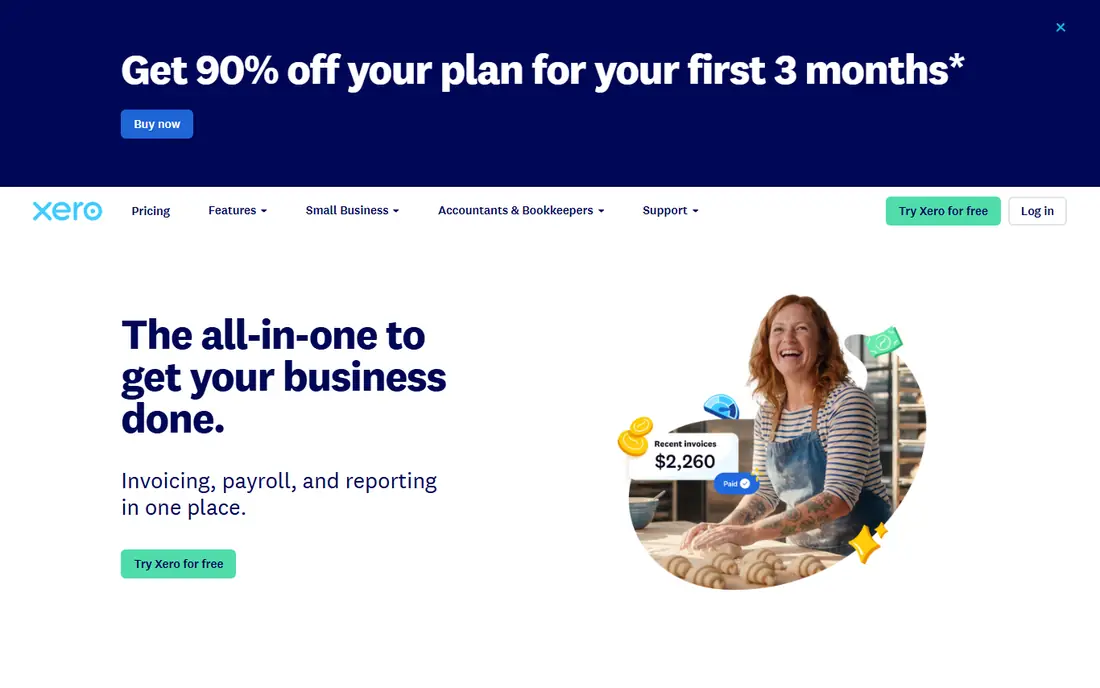
Xero pairs cloud accounting with document handling through Hubdoc, which captures receipts and bills and pushes them into Xero with the transaction data attached. That link matters at tax time, when an auditor or accountant wants the receipt next to the expense, not in a separate Drive folder. Unlimited users on every plan also help a team that shares books with an accountant, a bookkeeper, and staff without per-seat math.
Pricing in several comparisons runs $29 per month for Starter, $46 for Standard, and $62 for Premium, with a 30-day trial. The entry plan caps invoices and bills, so a growing firm should price the Standard plan from the start. For a team that values clean reconciliation, unlimited users, and document capture, Xero is a strong alternative to QuickBooks.
- Unlimited users on all plans
- Clean bank reconciliation
- Hubdoc receipt capture
- Strong app marketplace
- Entry plan caps invoices and bills
- Inventory is basic
- US payroll runs through partners such as Gusto
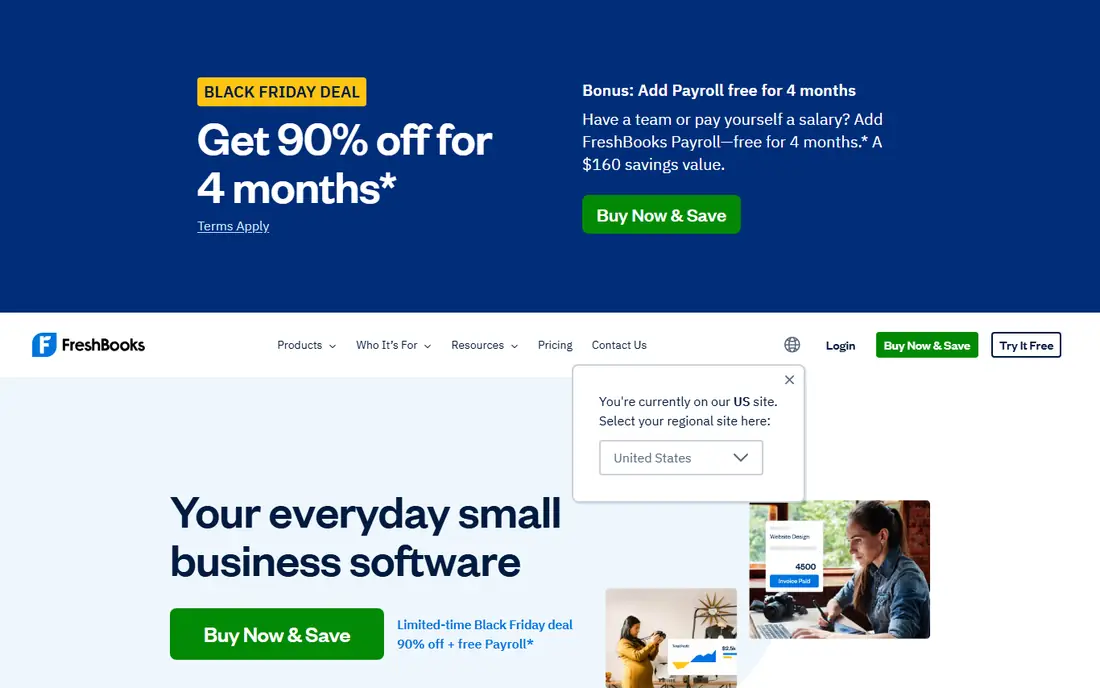
FreshBooks started as invoicing software and still leads there, with polished invoices, recurring billing, expense tracking, and receipt capture that attach documents to expenses. Service firms that bill by hour or project get time tracking and project profitability views alongside the books, which keeps client work and billing in one place. Plans start at $19 per month for Lite, with Plus and Premium at higher prices in several comparisons.
FreshBooks limits billable clients per tier and lacks the inventory and accounting depth of QuickBooks or Xero, so product businesses should look elsewhere. For freelancers, agencies, and service shops that live on invoices and receipts, its speed and clarity beat a heavier accounting system.
- Polished invoicing and client billing
- Expense and receipt handling
- Time tracking and project billing
- Client limits per tier
- Inventory is limited
- Accounting depth is lighter than QuickBooks or Xero
Zoho Books offers a free plan for businesses under a set revenue limit, with paid plans from $15 per organization per month in several listings, which makes it one of the cheapest routes to cloud books with document handling. Users can attach documents to transactions, scan receipts, and link to Zoho WorkDrive for broader file storage, while automation rules handle recurring invoices and payment reminders. Inventory and project accounting appear on higher tiers.
The free plan is genuinely useful for a very small firm, but its revenue cap and invoice limits mean a growing business will need a paid plan. Teams already in the Zoho ecosystem, using Zoho CRM or Zoho Inventory, will get the most value, since documents and customer records share the same platform.
- Free plan for small businesses under a revenue limit
- Document attachment and Zoho WorkDrive links
- Automation and inventory on higher tiers
- Free plan has revenue and invoice limits
- Reporting is lighter on entry tiers
- Multi-business pricing stacks
Wave gives sole proprietors and very small firms free core accounting, invoicing, and receipt handling, with a Pro plan at $16 to $19 per month in several comparisons for added features. Receipts can be captured on mobile and attached to expenses, and invoices and payments keep the paper trail in one cloud account. For a freelancer starting out, that free core is hard to beat.
Wave is not built for complex inventory, multi-entity books, or deep reporting, and payroll is a paid add-on where available. A business that outgrows Wave should move to QuickBooks, Xero, or Zoho Books before the books get messy, and should export documents and reports before migrating.
- Free core accounting and invoicing
- Receipt capture on mobile
- Simple interface for solos
- No automatic bank import on the free tier in some listings
- Payroll and payments cost extra
- Support is limited
Sage 50 Accounting suits established businesses that need inventory depth, serialized stock, job costing, and accounting controls that lighter cloud tools lack. Documents can be attached to transactions, and the cloud-connected version adds remote access and collaboration for teams that need it. That depth is why product and distribution businesses stay with Sage 50 even as cloud tools grow.
The trade-off is cost and setup. Sage 50 pricing in several comparisons starts well above cloud-only tools, and the desktop heritage means setup and training take longer. A product business with inventory complexity will value that depth. A service business with simple books will find QuickBooks or Xero faster and cheaper.
- Deep inventory and job costing
- Document attachment to transactions
- Strong fit for established product businesses
- Desktop focus with cloud add-ons
- Pricing is higher than cloud-only tools
- Setup takes time
ZipBooks offers a free plan with unlimited invoicing, time tracking, and basic reporting, with paid plans from $15 per month in several listings for more users and features. It suits freelancers and small firms that want straightforward books without a steep learning curve, and documents can be attached to transactions for a basic paper trail.
ZipBooks will not match QuickBooks or Xero for inventory, payroll depth, or integrations, and its document handling is simpler than Hubdoc or QuickBooks receipt capture. For a micro-business that needs clean, simple books and a low bill, it is a credible free starting point.
- Free plan with invoicing and basic books
- Simple interface
- Paid plans add users and features
- Feature depth is lighter than QuickBooks or Xero
- Document handling is basic
- Smaller ecosystem
AccountEdge is a desktop accounting product with hosted options, starting at $20 per month in several listings, that covers invoicing, inventory, payroll add-ons, and document attachment to transactions. It suits small businesses that prefer desktop software, or that have used AccountEdge for years and want to keep their books and documents in a familiar system.
Mobile access and third-party integrations are narrower than cloud-native tools, and setup is more hands-on. A business that values desktop control and does not need constant mobile access will like AccountEdge. A remote team that lives on phones and browsers should pick a cloud-native tool instead.
- Desktop accounting with cloud hosting options
- Document attachment
- Payroll add-ons for US users
- Desktop focus limits mobile access
- Smaller app ecosystem
- Setup is more hands-on
FreeAgent is popular with freelancers, contractors, and small firms, especially in the UK, for its clean handling of invoicing, expenses, bank feeds, and tax estimates in one dashboard. Receipts captured on mobile attach to expenses, and the tax timeline helps a solo owner see what is due without digging through separate files. That clarity is why many accountants recommend it to small clients.
US buyers should check accountant familiarity and payroll coverage, since QuickBooks has a stronger US accountant base. FreeAgent suits a freelancer or small firm that wants simple books, clear tax views, and document capture without the complexity of a full enterprise system.
- Clean interface for freelancers and small firms
- Receipt capture and bank feeds
- Invoicing, expenses, and tax views
- Pricing is quote-based on some pages
- US accountant familiarity is lower than QuickBooks
- Feature depth varies by plan
How we picked these
We compared official pricing pages, feature pages, and public reviews for cloud and desktop accounting tools, and kept only tools live in October 2026 with real online file handling, such as receipt capture, bill attachments, or linked cloud document storage, not just a desktop file on one PC. We favored tools where documents attach to transactions, where bank feeds and invoicing work alongside storage, and where export options exist, and we marked pricing as See website where a vendor quotes or varies price by region. We did not claim hands-on testing.
How to judge online file storage in accounting software
Start with the document journey for one receipt. Can you photograph it on a phone, does it attach to the right expense automatically, and can your accountant find it from the transaction a year later. If any step needs a separate folder, a manual rename, or an email to yourself, the storage is not really part of the accounting system.
Next, check limits and retention. Ask how many documents each plan stores, whether scanned receipts count toward a cap, how long attachments are kept after cancellation, and how you export documents with their transactions. Finally, test permissions: can staff upload receipts without seeing payroll, and can an accountant view documents without editing the books. Those three checks separate true accounting document storage from a simple file upload button.
A migration tip
Before you switch tools, export a full transaction report plus all attached documents, and keep a copy outside the old system. Accounting migrations often move numbers cleanly and lose attachments, and rebuilding a paper trail at tax time is far harder than keeping a backup now.
Frequently asked questions
What is the best accounting software with online file storage?
QuickBooks Online and Xero lead for most small businesses, with QuickBooks favoring US accountants and Xero favoring unlimited users and clean reconciliation. Zoho Books and Wave are strong low-cost options, while FreshBooks suits service billing.
How does online file storage work in accounting software?
Receipts and bills are captured on mobile or uploaded on the web, then attached to the matching transaction, invoice, or bill. That link keeps the document with the number it supports, so an accountant or auditor can find both in one place.
Is Zoho Books really free?
Zoho Books offers a free plan for businesses under a set revenue limit, with paid plans from $15 per organization per month in several listings. The free plan has invoice and revenue limits, so growing businesses should price a paid plan early.
Which accounting tool has the best receipt capture?
QuickBooks Online and Xero, through Hubdoc, offer the most mature receipt capture in this list, with mobile capture, automatic data extraction, and attachment to transactions. FreshBooks and Zoho Books also offer solid receipt capture for smaller firms.
Can I store contracts and other files, or only receipts?
Most tools in this list attach documents to transactions, bills, and customers, and several link to broader cloud storage such as Zoho WorkDrive, Google Drive, or Dropbox. For large contract libraries, pair the accounting tool with a dedicated document system and link records by customer or project.
Sources
See where you really rank - block by block
ProMapRanker scans Google Maps across a grid of your service area. Simple monthly plans from $19, white-label on every plan.
Start freeKeep reading
 zoho books alternatives
Best Zoho Books Alternatives in 2026
Compare the best zoho books alternatives for small business accounting, from QuickBooks Online and Xero to FreshBooks, Wave, and Sage in 2026, with pricing.
Read → zluri alternatives
Best Zluri Alternatives in 2026
Compare zluri alternatives for 2026, with SaaS management platforms for app discovery, spend tracking, renewals, and automation for IT, finance and procurement.
Read → zerobounce alternatives
Best ZeroBounce Alternatives in 2026
Best zerobounce alternatives for list hygiene: compare 8 email verification tools for bulk cleaning, real-time checks and catch-all handling in 2026 today.
Read →