 ProMapRanker
Best Accounting Software for Contractors in 2026


Small contractors and easy setup · Pricing starts at: See website
Key takeaways
- QuickBooks Online and Xero suit small contractors with straightforward books, while purpose-built construction tools suit firms that need job costing and retainage.
- Sage 100 Contractor, Foundation Software, and Jonas Premier are the purpose-built tier, with deep job costing, payroll, and project financials, usually at quote-based prices.
- Knowify fills a middle gap for trade and specialty contractors that bill fixed-price and AIA-style work without buying a full ERP system.
- Buildertrend is more project management than pure accounting, but it suits residential builders that need client communication alongside QuickBooks or Xero.
- Almost no construction tool publishes a full price list, so budget time for demos and get implementation quotes in writing before you choose.
Quick comparison
| Pick | Great for | Pricing starts at | Free tier | |
|---|---|---|---|---|
| QuickBooks Online | Small contractors and easy setup | See website | Free trial | Visit |
 Sage 100 Contractor Sage 100 Contractor | Established contractors and job costing | See website | No | Visit |
 Foundation Software Foundation Software | Trade contractors and payroll | See website | No | Visit |
 Jonas Premier Jonas Premier | Mid-size contractors and dashboards | See website | No | Visit |
 Xero Xero | Contractors with larger office teams | See website | Free trial | Visit |
 FreshBooks FreshBooks | Solo contractors and invoicing | See website | Free trial | Visit |
 Knowify Knowify | Trade contractors and AIA billing | See website | Free trial | Visit |
 Buildertrend Buildertrend | Residential builders and project management | See website | No | Visit |
 Acumatica Construction Acumatica Construction | Growing firms needing cloud ERP | See website | No | Visit |
The best accounting software for contractors
Construction accounting differs from general small business accounting, because costs must be tracked by job, phase, and cost code, and progress billing, retainage, and change orders affect every report. We compared these tools on job costing, payroll, billing methods, accounting integrations, and pricing, using official product pages and public comparisons checked in October 2026.
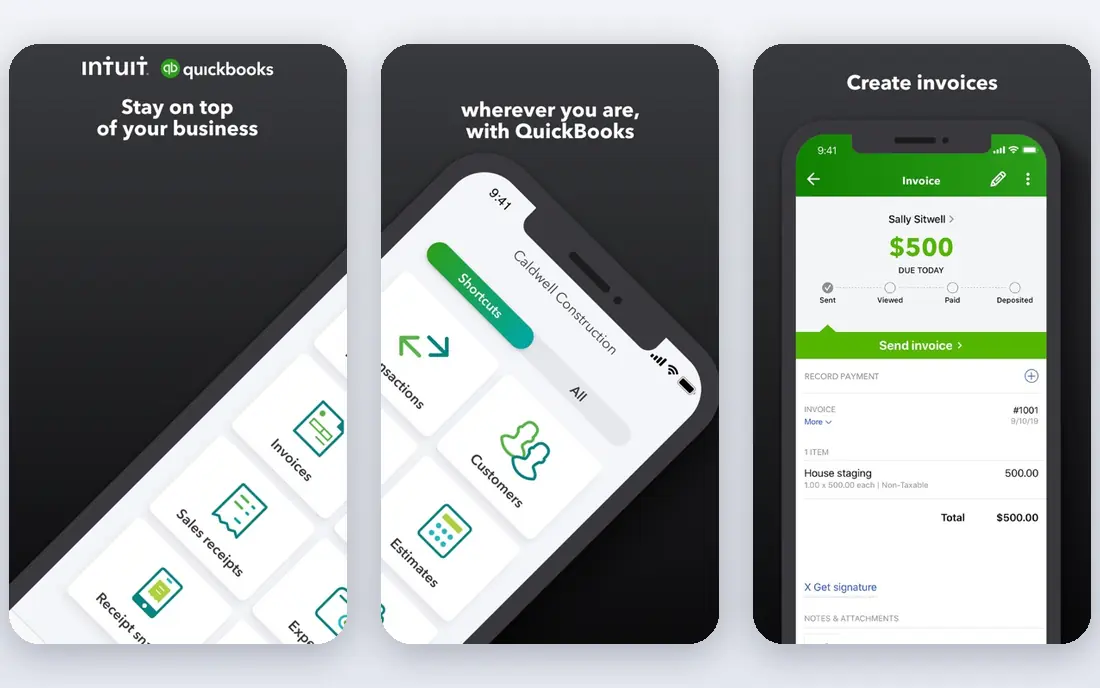
QuickBooks Online is the starting point for most small contractors, and for good reason. Setup is fast, the interface is familiar to bookkeepers and accountants, and project tracking covers basic job profitability, estimates, and progress invoicing. For a small firm with a handful of active jobs, that is often enough, and the large network of QuickBooks accountants makes help easy to find.
The limit appears as jobs grow more complex. Job costing by phase and cost code, retainage tracking, and work-in-progress reporting are more limited than in purpose-built construction systems. If you regularly handle large commercial jobs, subcontractor compliance, or union payroll, you will likely outgrow QuickBooks. Start here if your books are straightforward, and move up when job reporting becomes the bottleneck.
- Fast setup and familiar interface
- Project tracking and progress invoicing
- Large accountant network
- Job costing is basic compared with purpose-built tools
- Higher tiers needed for project profitability
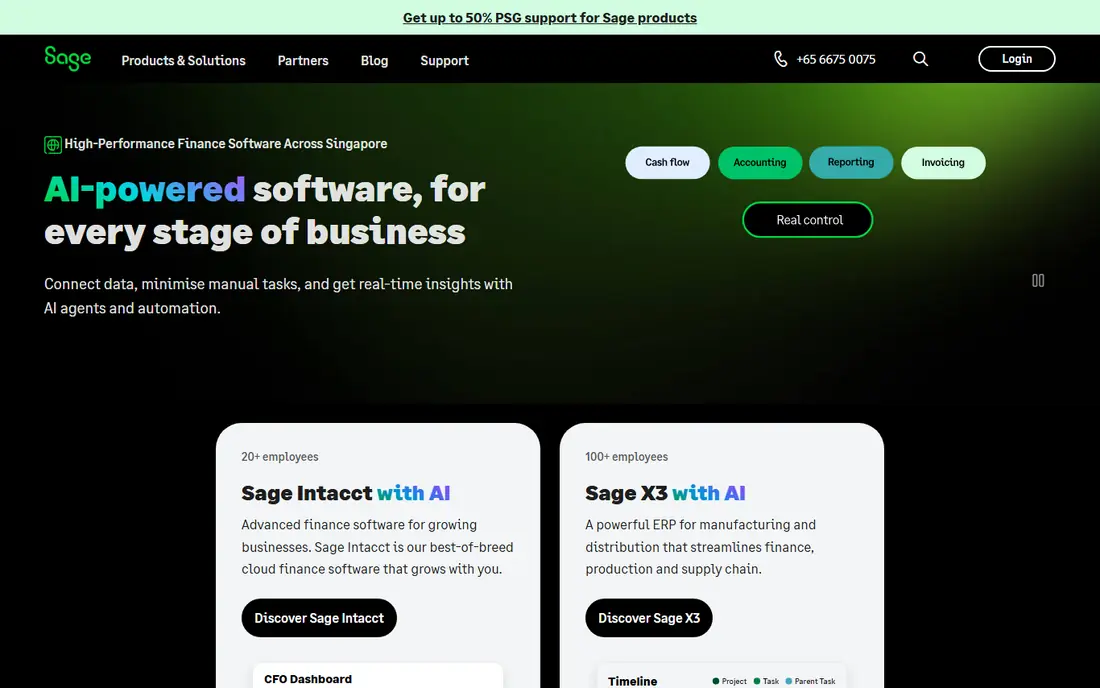
Sage 100 Contractor is a purpose-built construction system, not a general accounting tool with a construction add-on. It covers job costing, estimating, project management, payroll, and service management in one package, with cost tracking by job, phase, and cost code. That depth is why established contractors stay with it for years, even as newer cloud tools appear.
Pricing is quote-based, and implementation needs planning and training, so it is not a quick purchase for a solo contractor. The interface also reflects its long history, which some users find less modern than cloud rivals. If your firm needs real construction accounting and you are ready to invest in setup, Sage 100 Contractor is a proven choice.
- Genuine construction accounting with job costing
- Payroll and project management
- Long record in construction
- Quote-based pricing
- Implementation and training take time
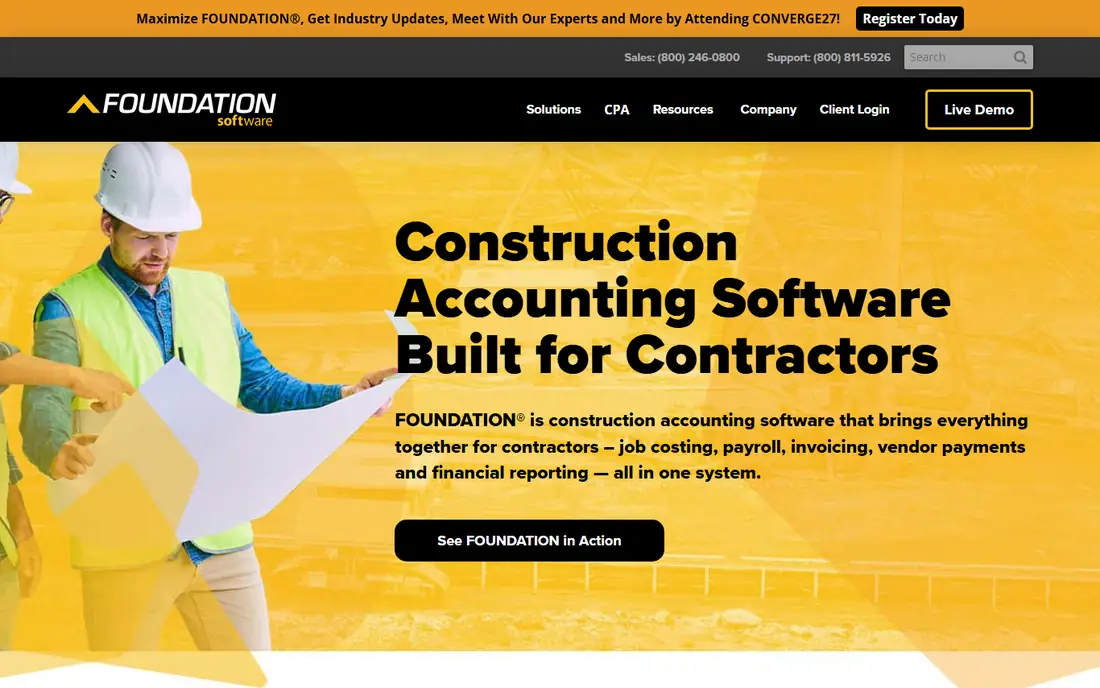
Foundation Software is built for small to mid-size trade and general contractors that need job costing and payroll depth. Its payroll handling is a particular strength, covering prevailing wage, union, and multi-state needs that general accounting tools handle poorly. Job costing, project management, and accounting sit together, so project financials stay linked to payroll and costs.
Like other purpose-built tools, Foundation is quote-based and requires implementation time. Small firms with simple payroll may not need that depth, and the cost will reflect it. For contractors where payroll complexity and job costing drive the decision, Foundation is one of the strongest picks in this list.
- Deep job costing
- Strong payroll including prevailing wage and union needs
- Project management tools
- Quote-based pricing
- Best suited to firms ready for a dedicated system
Jonas Premier, also known as Jonas Construction Software, is a cloud system for mid-size general contractors and developers. It combines accounting, job costing, project management, and dashboards that show project financials in real time, which helps managers spot overruns before they become losses. Subcontractor management and document tools support larger, multi-project operations.
Pricing is quote-based, and the system is aimed at firms with enough project volume to justify a dedicated platform. Solo contractors and very small firms will find it heavy and expensive. For a growing contractor moving from QuickBooks to a real construction system, Jonas Premier is a strong cloud option to demo.
- Cloud accounting with strong dashboards
- Job costing and project management
- Subcontractor tools
- Quote-based pricing
- Aimed at mid-size firms, not solo contractors
Xero suits contractors with larger office teams because every plan allows unlimited users, which removes the per-user cost that grows quickly in other systems. Its interface is clean, bank feeds are dependable, and the app ecosystem lets firms add project, time, and expense tools around the core accounting. For a specialty trade firm with straightforward jobs and a bigger office team, that combination works well.
Xero is not a construction system on its own. Job costing, retainage, and progress billing need add-ons or workarounds, and firms with complex commercial jobs will feel those limits. If your priority is unlimited users, clean books, and a strong accountant network, Xero is a good fit. If job costing is the priority, look at the purpose-built tools above.
- Unlimited users on all plans
- Clean interface
- Strong app ecosystem and bank feeds
- Job costing is basic
- Construction-specific features need add-ons
FreshBooks is the invoicing pick for solo contractors and tiny firms. Estimates convert cleanly to invoices, time can be tracked and billed, clients can pay online, and payment reminders are automated. For a one-person trade business that mainly needs to bill cleanly and get paid fast, FreshBooks is easier to run than a full accounting system.
The trade-off is accounting depth. FreshBooks lacks the job costing, retainage, and work-in-progress reporting that larger construction jobs require, and it is not a substitute for a full general ledger for a growing firm. Use it while your business is small and invoicing-led, and plan to move to QuickBooks, Xero, or a construction system as job complexity grows.
- Clean invoicing and estimates
- Time tracking
- Easy client payments
- Limited job costing
- Not built for large construction projects
Knowify fills a useful middle gap for trade and specialty contractors. It covers job costing, estimating, project tracking, and billing, including fixed-price and AIA-style progress billing that general tools handle awkwardly. It syncs with QuickBooks, so firms can keep their books in a familiar system while running jobs in Knowify. That combination suits electrical, plumbing, HVAC, and similar trades.
Pricing starts higher than FreshBooks or Xero, and Knowify is not aimed at large general contractors running complex multi-project ERP operations. For a trade firm that bills progress work and needs real job costs without buying a full ERP, Knowify is one of the best fits in this list. Use the trial to test AIA billing with a real job before committing.
- Job costing and project tracking for trades
- Fixed-price and AIA-style billing
- QuickBooks sync
- Higher starting price than general tools
- Less suited to large general contractors
Buildertrend is primarily a project management platform for residential remodelers and custom home builders, with accounting sync rather than a full accounting core. Its strengths are client communication, selections, scheduling, change orders, and daily logs, which are the daily pain points for residential builders. Sync with QuickBooks or Xero keeps the books in the accounting system while the project runs in Buildertrend.
Firms that need deep construction accounting should not buy Buildertrend as an accounting replacement, because that is not its job. It works best as a project layer on top of QuickBooks or Xero. If your clients expect clear communication, photo updates, and selection approvals, Buildertrend adds value that pure accounting tools do not.
- Client communication and selections
- Scheduling and project management
- QuickBooks and Xero sync
- Quote-based pricing
- More project management than pure accounting
Acumatica Construction Edition is the cloud ERP pick for growing construction firms that have outgrown QuickBooks but want a modern, configurable system. It covers financials, job costing, project accounting, payroll, and field service, with a construction module built for project-based work. Its consumption-based pricing model differs from per-user pricing, which can suit firms with many occasional users.
The cost is configuration and implementation. Acumatica is flexible, but that flexibility means setup takes time, skilled implementation help, and a clear project plan. Small firms will find it heavy. For a growing firm that needs ERP depth without a legacy on-premise system, Acumatica is a strong contender alongside Jonas Premier and Sage 100 Contractor.
- True cloud ERP with construction module
- Job costing and project accounting
- Flexible configuration
- Quote-based pricing
- Implementation and configuration take time and budget
How we picked these
We compared official product pages, pricing pages, and feature documentation for each tool, along with public construction accounting comparisons checked in October 2026. We favored tools that are available to US contractors today, that handle job costing or project billing in a meaningful way, and that integrate with common accounting systems where they are not accounting systems themselves. We used See website where pricing is quote-based, rather than quoting third-party figures that may not match a real quote.
We did not claim hands-on testing with live job data, and we did not treat vendor claims about savings or accuracy as verified results. Construction software affects payroll, retainage, and project profitability, so we weighted job costing depth, payroll handling, and billing methods alongside ease of use.
How to choose the right tool
Start with job complexity, not company size alone. A small firm doing complex commercial work may need Sage 100 Contractor or Foundation, while a larger firm doing simple residential work may be fine with QuickBooks plus Buildertrend. List your must-have features first, including job costing by phase, retainage, AIA billing, prevailing wage payroll, and change order handling, then shortlist only tools that cover them.
Next, demo with a real job, not a sales demo job. Run an estimate, a change order, a progress bill, and a job cost report through the system, and check how payroll and retainage flow through. Finally, get implementation, training, and renewal costs in writing, because quote-based tools vary widely in total cost. A tool that looks affordable on license price alone can become expensive once implementation is added.
Frequently asked questions
What is the best accounting software for construction companies?
For small firms, QuickBooks Online or Xero cover the basics well. For firms that need real job costing, retainage, and construction payroll, Sage 100 Contractor, Foundation Software, and Jonas Premier are stronger. The best pick depends on job complexity, payroll needs, and whether you want cloud or desktop software.
What is the best accounting software for a small construction business?
QuickBooks Online is the safest starting point for most small construction businesses, because setup is fast and accountants know it well. Xero suits teams with many office users, and FreshBooks suits solo contractors focused on invoicing. Move to a construction system when job costing and progress billing become hard to manage in a general tool.
What is the best accounting software for a contractor who bills AIA work?
Knowify is a strong pick for trade contractors billing fixed-price and AIA-style work, with job costing and QuickBooks sync. Larger firms should also demo Sage 100 Contractor, Foundation, and Jonas Premier, which handle AIA billing within a fuller construction system.
Does QuickBooks handle construction accounting?
QuickBooks Online handles basic project tracking, estimates, and progress invoicing, which is enough for many small contractors. It lacks the deep job costing, retainage, and work-in-progress reporting of purpose-built construction tools, so larger or more complex firms usually need a dedicated system or a construction add-on.
How much does construction accounting software cost?
General tools publish prices, while purpose-built construction tools are usually quote-based, so total cost depends on users, modules, and implementation. Get written quotes from at least three vendors, including implementation and training, before you compare, because license price alone does not tell the full story.
Should a contractor use Buildertrend instead of accounting software?
No, Buildertrend is best used alongside accounting software, not instead of it. It excels at project management, client communication, and selections for residential builders, and it syncs with QuickBooks and Xero. Keep your books in the accounting system and run the project in Buildertrend.
Sources
See where you really rank - block by block
ProMapRanker scans Google Maps across a grid of your service area. Simple monthly plans from $19, white-label on every plan.
Start freeKeep reading
 zeffy payment processor stripe alternatives
Zeffy and Stripe Alternatives for Nonprofits in 2026
Explore zeffy payment processor stripe alternatives for nonprofits. We compare 8 fundraising platforms on fees, donor tools, and nonprofit focus. Check fees.
Read → workday alternatives
Workday Alternatives in 2026
Workday alternatives compared: we review 8 HR and payroll platforms that replace Workday, with pricing, strengths and honest limits for each team size.
Read → what's the best weather app
What's the Best Weather App in 2026
Wondering what's the best weather app? We compare 10 free and paid apps for forecasts, radar, alerts, and Colorado mountain weather for everyday and storm use.
Read →