 ProMapRanker
Best 2D Animation Software in 2026


Studio production and rigged characters · Pricing starts at: $30 per month
Key takeaways
- Toon Boom Harmony remains the studio standard for rigged and cut-out work, while Adobe Animate suits vector animation for the web.
- OpenToonz, Synfig Studio, Pencil2D and Krita give beginners a free route into real 2D animation without a subscription.
- Moho offers strong bone rigging at a one-time price, which makes it a practical middle step between free tools and studio software.
- TVPaint Animation is the pick for hand-drawn, frame-by-frame work, but it costs more and has no rigging system.
- Animaker suits marketers and teachers who need a finished video fast, not animators who want to draw every frame.
Quick comparison
| Pick | Great for | Pricing starts at | Free tier | |
|---|---|---|---|---|
| Toon Boom Harmony | Studio production and rigged characters | $30 per month | Free trial | Visit |
 Adobe Animate Adobe Animate | Vector animation for web and video | $22.99 per month | Free trial | Visit |
 OpenToonz OpenToonz | Free studio-grade 2D animation | Free | Yes | Visit |
 TVPaint Animation TVPaint Animation | Hand-drawn frame-by-frame animation | See website | Free trial | Visit |
 Moho Moho | Rigged character animation on a budget | $59.99 one-time | Free trial | Visit |
 Krita Krita | Drawing and light animation for beginners | Free | Yes | Visit |
 Synfig Studio Synfig Studio | Vector tweening without redrawing frames | Free | Yes | Visit |
 Pencil2D Pencil2D | Simple hand-drawn animation | Free | Yes | Visit |
 Animaker Animaker | Template-based animated videos | Free | Yes | Visit |
The best 2D animation software
We compared official feature pages, pricing pages and public reviews to build this list. Our picks cover frame-by-frame drawing, rigged characters, vector work and template video, so you can match the tool to the style you actually want to make.
Harmony earns the top spot for serious production work. Its rigging tools let you build a character once and reuse it across scenes, which saves a large amount of time on a series or a long project. The node-based compositing and camera tools also help small teams produce work that looks polished without a separate compositing app.
The catch is the learning curve and the price. Beginners may feel lost in the first week, and the lower tier still limits some advanced features. If you plan to animate as a job or run a small studio, that investment makes sense. If you only want a short cartoon for fun, start with a free tool first.
- Advanced rigging and deformers
- Vector and bitmap workflows in one tool
- Used by professional studios for television and film
- Steep learning curve for beginners
- Higher tiers get expensive
- Interface can feel crowded at first
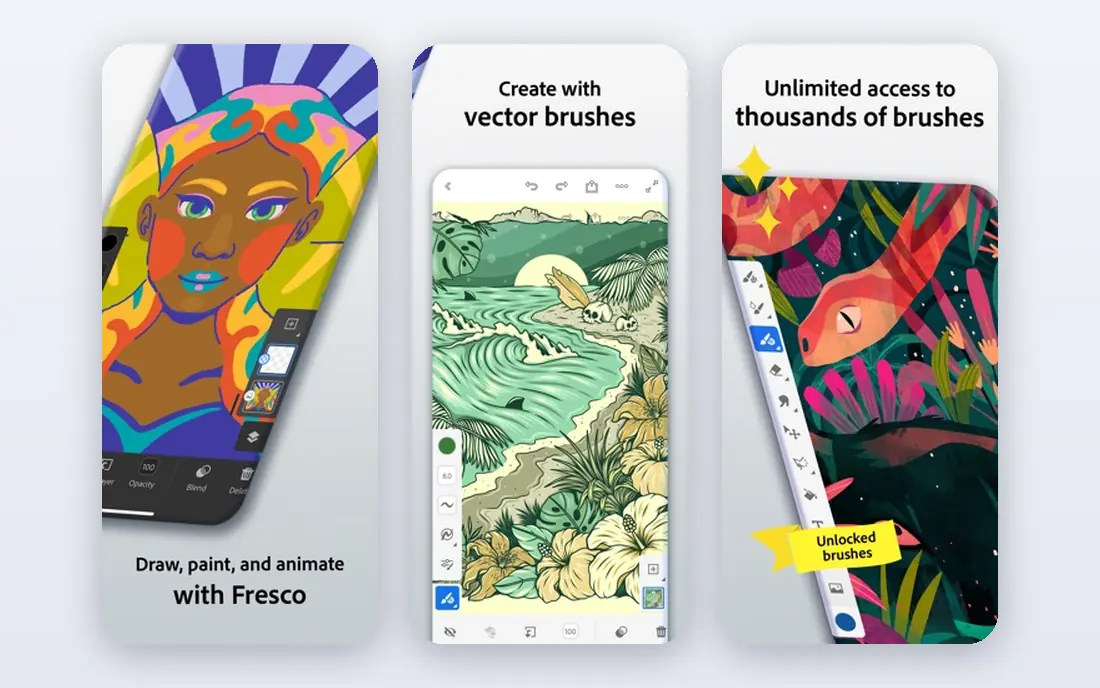
Animate is a strong choice for web banners, ads, explainer clips and interactive content. Vector artwork stays crisp at any size, and the timeline will feel familiar to anyone who has used other Adobe tools. Publishing to video, HTML5 canvas and other formats is straightforward, which matters when a client needs several versions of one piece.
The subscription is the main drawback, and the price adds up over a year. Animate also lacks the deep rigging and compositing depth of Harmony. For motion graphics and web work, though, it is fast, reliable and widely understood by clients.
- Clean vector drawing that scales well
- Strong export options for web and video
- Works with other Adobe apps
- Subscription only
- Less suited to high-end film pipelines
- Frame-by-frame drawing feels less natural than in TVPaint
OpenToonz gives you professional features at no cost, which is rare in this category. It was built from software used in real studio production, and it handles scanning paper drawings, cleaning up lines and colouring scenes in a structured way. Animators who like traditional methods will find tools here that cheaper apps simply do not offer.
That power comes with a demanding interface. New users often need tutorials and patience before the workflow clicks. There is no paid support line to call, so you rely on documentation and community forums. If budget is zero and you are willing to learn, OpenToonz is hard to beat.
- Free and open source
- Strong hand-drawn and scanning tools
- Supports vector and raster artwork
- Complex interface
- Community support only
- Occasional bugs reported by users
TVPaint is the tool many traditional animators reach for when drawing quality matters most. Brushes feel close to pencil and paint on paper, and the timeline is built around drawing one frame at a time. That focus makes it a joy for short films, music videos and hand-drawn commercials where every frame is crafted by hand.
The trade-off is clear. Without rigging, you redraw or reuse drawings manually, which takes longer on a long series. The price also puts it out of reach for casual users. For artists who value the drawn line above speed, TVPaint is still one of the best 2d animation apps for PC and Mac.
- Excellent natural drawing feel
- Built for traditional frame-by-frame work
- Strong brush and timeline tools
- No rigging system
- Expensive for hobbyists
- Less common in web and game pipelines
Moho sits in a useful middle ground. You can rig a character with bones, set up smart actions for mouth shapes and hand poses, and then animate dialogue scenes far faster than redrawing each frame. The entry version at a one-time price makes it one of the cheapest paid routes into rigged animation.
Drawing inside Moho will not match TVPaint or Krita for pure illustration. Some animators draw characters elsewhere and import them, which adds a step. If your goal is a YouTube series or a game with recurring characters, that trade is usually worth it.
- Strong bone rigging
- One-time purchase for the entry version
- Fast setup for recurring characters
- Smaller studio footprint than Harmony
- Drawing tools are less refined
- Higher tier costs much more
Krita is first a painting app, and that shows in the best way. Brushes, colour tools and stabilisers make drawing enjoyable, and the animation timeline handles onion skinning and frame playback for short projects. Beginners can learn drawing and timing in one free program without switching tools.
For longer or more complex animation, Krita reaches its limits sooner than OpenToonz or Moho. There is no bone rigging system and no deep compositing pipeline. Use Krita to learn the craft, make short loops and test ideas, then move to a dedicated animation tool when a project outgrows it.
- Free and open source
- Excellent brushes for illustration
- Simple animation timeline for short clips
- Animation tools are basic compared with dedicated apps
- No advanced rigging
- Large files can slow older PCs
Synfig takes a different path from frame-by-frame tools. You set key poses and let the software calculate the movement between them, which suits vector characters, infographics and motion graphics. The bone system also helps with simple cut-out animation, and the price is zero.
New users should expect a learning period. The interface is less polished than paid rivals, and some features need forum posts or tutorials to understand. If you want the best free tools for 2d animation with tweening, Synfig deserves a place on your shortlist despite those rough edges.
- Free and open source
- Automatic tweening between key poses
- Bone system for cut-out animation
- Steeper learning curve than Pencil2D
- Interface feels dated
- Documentation can be uneven
Pencil2D is the simplest tool on this list, and that is its strength. You open it, draw a frame, add the next frame and press play. Onion skinning helps you judge movement, and the lack of extra panels means beginners are not overwhelmed. It runs well on older computers too.
That simplicity limits what you can finish. There is no rigging, no compositing depth and few effects, so longer projects become hard to manage. Pencil2D is best as a first step for students and hobbyists, or as a sketchbook for testing a movement before rebuilding it in a stronger tool.
- Free and open source
- Very simple to learn
- Light on system resources
- Very limited features
- No rigging or advanced effects
- Best only for short, simple projects
Animaker serves a different reader from the rest of this list. Instead of drawing, you pick characters, scenes and movements from a library, add voiceover or text, and export a finished explainer or social video. Teachers, marketers and small business owners can produce a usable video in an afternoon.
Animators who want original art will find the templates restrictive. The free plan also carries limits that push regular users toward a paid plan. For top 2d animation software used to make business videos quickly, Animaker is practical, but it is not a replacement for a drawing-based tool.
- Large template and character library
- No drawing skill needed
- Fast export for social and business video
- Limited creative control
- Free plan has branding and limits
- Not suited to original character animation
How we picked these
We compared official feature pages, pricing pages and app store listings, plus public reviews, for tools that exist and work in October 2026. We favoured tools that cover distinct styles, including frame-by-frame drawing, rigging, vector tweening and template video, and we checked that free tools were genuinely free rather than trials in disguise. Prices shown come from vendor pricing summaries available at the time of writing, and we wrote See website where a price could not be confirmed. We did not claim hands-on testing, and we weighed learning curve, export options and long-term cost alongside features.
What to check before you pay
Start with the style you want to make, not the longest feature list. Frame-by-frame artists need strong brushes and onion skinning, while series makers need rigging and reusable assets. Vector animators need clean export for web and video, and business users need templates and fast turnaround.
Test the free version or trial with a real short project. Draw or rig one character, animate ten seconds, and export it in the format your audience will watch. That short test reveals interface friction, export problems and performance issues far better than a feature table. Check the total yearly cost too, including higher tiers, because entry prices often exclude the features you will need after a few months.
Frequently asked questions
What is the best 2d animation software for beginners?
Pencil2D and Krita are the easiest free starting points, since both let you draw and play back animation without a complex setup. OpenToonz and Synfig Studio offer more power for free, but they need more learning time. Try a free tool for a few weeks before paying, and pick the one whose workflow feels natural to you.
What is the best software for animation 2d on PC?
Toon Boom Harmony, Adobe Animate, TVPaint Animation, Moho and OpenToonz all run on PC and cover different styles. Harmony suits studio rigging, Animate suits web vector work, TVPaint suits hand-drawn film, and OpenToonz suits free studio-grade work. Your style and budget should decide the pick, not brand alone.
What is the best free 2d animation software?
OpenToonz offers the deepest free feature set, Synfig Studio offers free vector tweening, and Krita offers free drawing with a simple timeline. Pencil2D is the simplest free option for pure hand-drawn tests. None of these charge for the core software, though paid tools may still suit a professional pipeline better.
Are there good best 2d animation apps for tablets or phones?
Some tools on this list focus on desktop, while Animaker works in a browser and suits quick video creation on many devices. For serious drawing and timing, a PC with a drawing tablet remains the stronger setup. Check each vendor page for current mobile and tablet support before you buy hardware for a specific app.
Is Toon Boom Harmony or Adobe Animate better for a studio?
Harmony usually wins for television and film pipelines because of its rigging, compositing and camera tools. Animate usually wins for web, advertising and interactive projects because of its vector workflow and export options. Many studios use both, with Harmony for series work and Animate for web deliverables.
Do I need to draw well to use 2d animation software?
Drawing helps for hand-drawn tools such as TVPaint and Krita, but rigged tools such as Moho and template tools such as Animaker need less drawing skill. Rigging lets you pose a ready-made character, and templates provide characters and scenes. Strong timing and storytelling matter in every style, even when drawing skill matters less.
Sources
See where you really rank - block by block
ProMapRanker scans Google Maps across a grid of your service area. Simple monthly plans from $19, white-label on every plan.
Start freeKeep reading
 zeffy payment processor stripe alternatives
Zeffy and Stripe Alternatives for Nonprofits in 2026
Explore zeffy payment processor stripe alternatives for nonprofits. We compare 8 fundraising platforms on fees, donor tools, and nonprofit focus. Check fees.
Read → workday alternatives
Workday Alternatives in 2026
Workday alternatives compared: we review 8 HR and payroll platforms that replace Workday, with pricing, strengths and honest limits for each team size.
Read → what's the best weather app
What's the Best Weather App in 2026
Wondering what's the best weather app? We compare 10 free and paid apps for forecasts, radar, alerts, and Colorado mountain weather for everyday and storm use.
Read →