 ProMapRanker
Best Archbee Alternatives in 2026

Key takeaways
- GitBook is the strongest pick for developer docs with Git sync and polished public sites.
- Document360 suits teams that need structured internal and customer knowledge bases with versioning.
- Confluence and Notion suit internal wikis, with Confluence stronger for Atlassian teams and Notion more flexible.
- Mintlify and Docusaurus suit API-first teams, with Mintlify faster to start and Docusaurus free to self-host.
- Pricing varies by site, seat, or both, so count authors and public sites before comparing plans.
Quick comparison
| Pick | Great for | Pricing starts at | Free tier | |
|---|---|---|---|---|
 GitBook | Developer documentation | See website | Yes | Visit |
 Document360 | Structured knowledge bases | See website | Free trial | Visit |
 Confluence | Internal team docs in Atlassian | Free | Yes | Visit |
 Notion | Flexible internal wikis | Free | Yes | Visit |
 Mintlify | Modern API documentation | Free | Yes | Visit |
 ReadMe | Interactive API hubs | See website | Free trial | Visit |
 Docusaurus | Open source docs sites | Free | Yes | Visit |
 Nuclino | Lightweight internal docs | $6 per user per month | Yes | Visit |
 Helpjuice | Highly branded customer knowledge bases | $249 per month | Free trial | Visit |
The best Archbee alternatives
Archbee combines product docs, API references, and knowledge bases in one editor. The tools below cover that same ground with different strengths, from Git-based developer docs to branded customer help centers. The right pick depends on who writes, who reads, and how much control you need over branding and search.
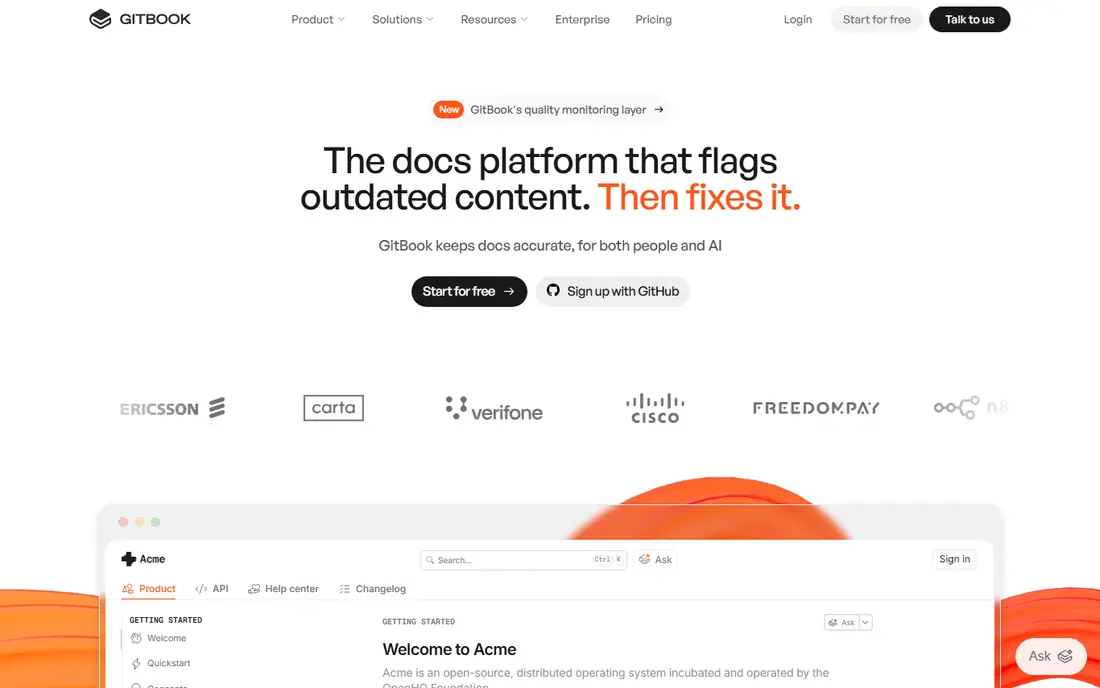
GitBook is the most direct replacement for a team that writes docs alongside code. Its Git sync keeps docs close to the repository, and its public sites look polished without heavy design work. That combination suits API and developer products where docs are part of the product experience.
The caution is pricing and authoring scope. GitBook has changed pricing terms over time, so a team should check the current plan for site limits, seat costs, and branding rules before migrating. Non-engineers can also find some editing patterns less flexible than a general wiki, which matters for mixed teams.
For developer-led docs, GitBook remains our top pick here. It balances writing, publishing, and search well, and it is the tool most readers will already recognize.
- Git sync and Markdown workflows
- Polished public docs sites
- AI search and writing help
- Pricing changed in recent years, so check current site and seat terms
- Non-engineer authoring can feel limited

Document360 suits a team that needs order. It supports structured categories, versioning, and separate spaces for internal and customer docs, which helps a support team keep public answers clean while internal playbooks stay private. Its API documentation tools, including OpenAPI support, make it a credible Archbee replacement for product teams.
The main drawback is price transparency. Document360 quotes pricing rather than publishing a simple starting price, so a small team cannot budget quickly without a sales conversation. Large libraries also need planning for categories and permissions, or search quality will suffer.
We recommend Document360 for teams that treat docs as a structured product, with version control and analytics. Smaller teams may prefer a simpler tool with published pricing.
- Separate internal and external knowledge bases
- Versioning and API docs
- Analytics and AI assistant
- Pricing is quoted
- Setup takes care for large structured libraries
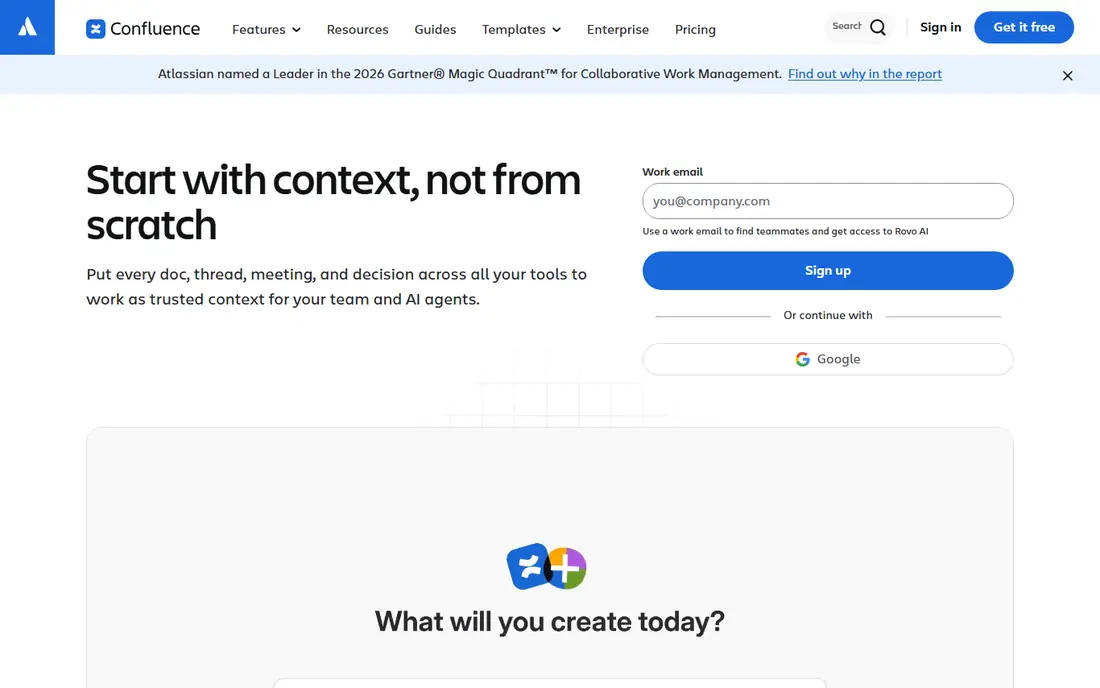
Confluence is the safe pick for a team already using Jira and other Atlassian tools. Docs link directly to issues and projects, permissions follow team structure, and the free tier covers up to 10 users. That integration saves time for internal documentation, meeting notes, and process guides.
The limit is customer-facing polish. Confluence can publish docs, but its public sites do not match the design quality of GitBook or Document360 without extra work. Small teams outside Atlassian may also find it heavier than Notion or Nuclino for simple wikis.
For internal knowledge in an Atlassian shop, Confluence is hard to beat. For public product docs, pair it with a dedicated docs tool or choose a different primary platform.
- Free for up to 10 users
- Deep Jira integration
- Structured spaces and permissions
- Public docs sites feel less polished than GitBook
- Interface can feel heavy for small teams
Notion works well as an internal wiki because almost anyone can edit it. Blocks, databases, and templates let a team build wikis, roadmaps, and process docs in one workspace, and the free plan is generous for small teams. That flexibility is why many startups start their docs in Notion.
The weakness is developer docs. Notion does not offer the same Git sync, OpenAPI rendering, or versioned API hubs as GitBook or ReadMe, so a product with a large API will outgrow it. Large wikis also need owners and structure, or pages multiply and search becomes noisy.
We recommend Notion for internal team knowledge and early product docs. When public API docs become central, move those docs to a dedicated tool and keep Notion for internal use.
- Free plan for individuals and small teams
- Flexible blocks and databases
- Wide template range
- API docs support is weaker than GitBook
- Large wikis need structure to stay searchable
Mintlify appeals to developer teams that want docs that look modern with little design effort. It uses MDX files, so docs can live in a repository and update with code changes, and its AI features help readers ask questions and help teams keep pages current. A free plan for individuals and small teams makes a trial easy.
The caution is cost at scale. Higher tiers and usage-based elements can make total cost harder to predict than a flat seat price, so a growing team should get a clear quote for its expected traffic and authors. Mintlify is also less of a general wiki than Notion or Confluence, so internal process docs may live elsewhere.
For API-first products, Mintlify is a strong Archbee alternative. It prioritizes developer experience and reader experience over general wiki breadth.
- Clean MDX-based docs
- AI chat and maintenance help
- Fast setup for developer teams
- Scaling costs can be hard to estimate
- Less suited to general internal wikis
ReadMe is built around API hubs, where developers can read references, try calls, and follow guides in one place. That interactive layer is its main advantage over a general wiki, because it turns docs into a working tool for API users. Versioning helps teams that support several API versions at once.
The trade-off is scope and price. ReadMe is less flexible for general product docs and internal wikis, and pricing is quoted for many plans, so a team needs a sales conversation to budget. A product with a small API may not need its full hub features.
We recommend ReadMe for companies whose API is a core product. For broader product docs, GitBook or Document360 will cover more ground for a similar effort.
- Interactive API explorer with try-it features
- Versioned API docs
- Analytics on API usage
- Pricing is quoted for many plans
- Less flexible for non-API product docs
Docusaurus is the free, self-hosted route to a polished docs site. It is open source, Markdown-based, and widely used for open source projects and developer docs. A team with developers can customize design, hosting, and search fully, with no per-seat license cost.
The cost is time and skill. Setting up, theming, and maintaining a Docusaurus site needs developer effort, and non-technical writers may struggle without a hosted editor. Search, analytics, and feedback features need plugins or third-party tools, rather than arriving built in.
For an open source project or a developer team that wants full control, Docusaurus is an excellent free choice. For a mixed team that needs a hosted editor, a commercial tool will be faster to adopt.
- Free open source
- Markdown-based
- Full control over hosting and design
- Self-hosting and setup need developer time
- No built-in hosted editor for non-technical writers
Nuclino suits a small team that wants a wiki up today, not a docs project. Its editor is fast, its visual graph shows how pages connect, and the price is low at $6 per user per month on paid plans. That simplicity helps teams that have avoided heavier tools because setup felt like work.
The limits are depth and branding. Nuclino does not match GitBook on API docs or Document360 on structured customer knowledge bases, and customization options are thinner. A team that later needs a polished public help center may need to migrate.
For lightweight internal docs, Nuclino is a strong value pick. It trades advanced docs features for speed, and for many small teams that trade is correct.
- Fast and simple editor
- Visual graph of connected docs
- Low price
- API docs features are limited
- Customization is thinner than Document360
Helpjuice is aimed at customer help centers where branding and self-service matter. It offers strong customization, so a help center can match a company site closely, and analytics show which articles actually reduce support tickets. That focus suits support teams with a clear return on fewer tickets.
The entry price of $249 per month puts it out of reach for many small teams, and it is overkill for a simple internal wiki. A team should be sure it needs branded customer docs at scale before paying that starting price, rather than using a cheaper wiki for the same job.
We recommend Helpjuice for support-led companies that treat the help center as a product. Smaller teams should start with GitBook, Document360, or Nuclino and upgrade only when branding and analytics justify the cost.
- Strong branding and customization
- Analytics for help center use
- Good for customer self-service
- High entry price
- Overkill for small internal wikis
How we picked these
We compared official feature pages, pricing pages, and public reviews, and we kept only tools that still offer documentation or knowledge base publishing in October 2026. We checked editing, Git support, API docs, search, branding, permissions, and pricing models, and we noted where pricing is quoted rather than published. We did not claim hands-on testing.
How to choose a docs tool
Start with the reader. Developer docs need Git workflows, API rendering, and search that understands code terms. Customer help centers need branding, clear categories, and analytics on which articles solve problems. Internal wikis need fast editing and permissions that match team structure. One tool rarely leads on all three, so pick the reader that matters most.
Next, count authors and sites. Some tools charge per seat, some per site, and some both, so a team with many occasional writers will face a different bill from a team with few full-time authors. List authors, editors, and public sites before comparing plans, and ask how read-only users are counted.
Finally, test migration with a real section, not a single page. Import a full guide with images, code samples, and links, then check search, navigation, and mobile display. A tool that imports one page cleanly can still struggle with a full library, and that struggle appears only after a team has committed.
Frequently asked questions
What is the best Archbee alternative for developer docs?
GitBook is the best general pick for developer docs, with Mintlify close for API-first teams and Docusaurus best for free self-hosted sites. GitBook offers Git sync and polished publishing, Mintlify offers a modern MDX workflow, and Docusaurus offers full control at no license cost. Choose by team skill and hosting preference.
Can Notion replace Archbee?
Notion can replace Archbee for internal wikis and early product docs, because it is flexible and easy to edit. It is weaker for versioned API docs, Git sync, and polished public developer sites. Many teams keep Notion for internal knowledge and use GitBook or Mintlify for public API docs.
Which tool is best for a customer help center?
Document360 and Helpjuice are the strongest help center picks here, because both support structured categories, branding, and analytics. Helpjuice offers deeper branding at a higher entry price, while Document360 covers internal and external bases in one tool. Test both with your support team before choosing.
Is there a free Archbee alternative?
Yes. Docusaurus is free and open source for self-hosted docs, while Notion, GitBook, Mintlify, and Nuclino offer free plans with limits. Free plans usually limit sites, seats, or branding, so check those limits against your team size. A free plan is a good trial, but not always a long-term home for a large library.
How do I migrate docs from Archbee?
Export content as Markdown where possible, then import it into the new tool and rebuild navigation, categories, and links. Test a full section first, including images and code samples, and check search after import. Keep the old docs live until the new site has passed a full review, so readers never hit a gap.
Do these tools support API documentation?
GitBook, Document360, Mintlify, ReadMe, and Docusaurus support API docs with different strengths. ReadMe and Mintlify lead on interactive API hubs, GitBook and Docusaurus suit repository-based docs, and Document360 suits structured API references alongside help content. Check OpenAPI support and try-it features during a trial.
Sources
See where you really rank - block by block
ProMapRanker scans Google Maps across a grid of your service area. Simple monthly plans from $19, white-label on every plan.
Start freeKeep reading
 zoho books alternatives
Best Zoho Books Alternatives in 2026
Compare the best zoho books alternatives for small business accounting, from QuickBooks Online and Xero to FreshBooks, Wave, and Sage in 2026, with pricing.
Read → zluri alternatives
Best Zluri Alternatives in 2026
Compare zluri alternatives for 2026, with SaaS management platforms for app discovery, spend tracking, renewals, and automation for IT, finance and procurement.
Read → zerobounce alternatives
Best ZeroBounce Alternatives in 2026
Best zerobounce alternatives for list hygiene: compare 8 email verification tools for bulk cleaning, real-time checks and catch-all handling in 2026 today.
Read →