 ProMapRanker
Best AppSheet Alternatives in 2026

Key takeaways
- Glide and Softr are the fastest routes from a spreadsheet or Airtable base to a working app for a small team.
- Bubble and Retool suit teams that need deeper logic, while Budibase suits teams that want to self-host.
- Power Apps and Zoho Creator make most sense when a team already lives inside Microsoft or Zoho software.
- Per-user pricing can change the total fast, so count every person who will open the app before choosing a plan.
Quick comparison
| Pick | Great for | Pricing starts at | Free tier | |
|---|---|---|---|---|
 Glide | Spreadsheet apps for internal teams | $25 per month | Yes | Visit |
 Bubble | Complex web apps without code | $32 per month | Yes | Visit |
 Softr | Client portals on existing data | $19 per month | Yes | Visit |
 Budibase | Self-hosted internal tools | $23 per month | Yes | Visit |
 Retool | Developer-built internal tools | $10 per user per month | Yes | Visit |
 Microsoft Power Apps | Microsoft 365 teams | $20 per user per month | Yes | Visit |
 Zoho Creator | Small businesses using Zoho | $8 per user per month | Yes | Visit |
 Adalo | Native mobile apps | $36 per month | Yes | Visit |
 Knack | Database apps with simple forms | See website | Yes | Visit |
The best AppSheet alternatives
AppSheet users often leave because they want a different builder style, clearer pricing, or a stronger web or mobile result. We compared official feature pages, pricing pages, app store listings, and public reviews for the tools below.
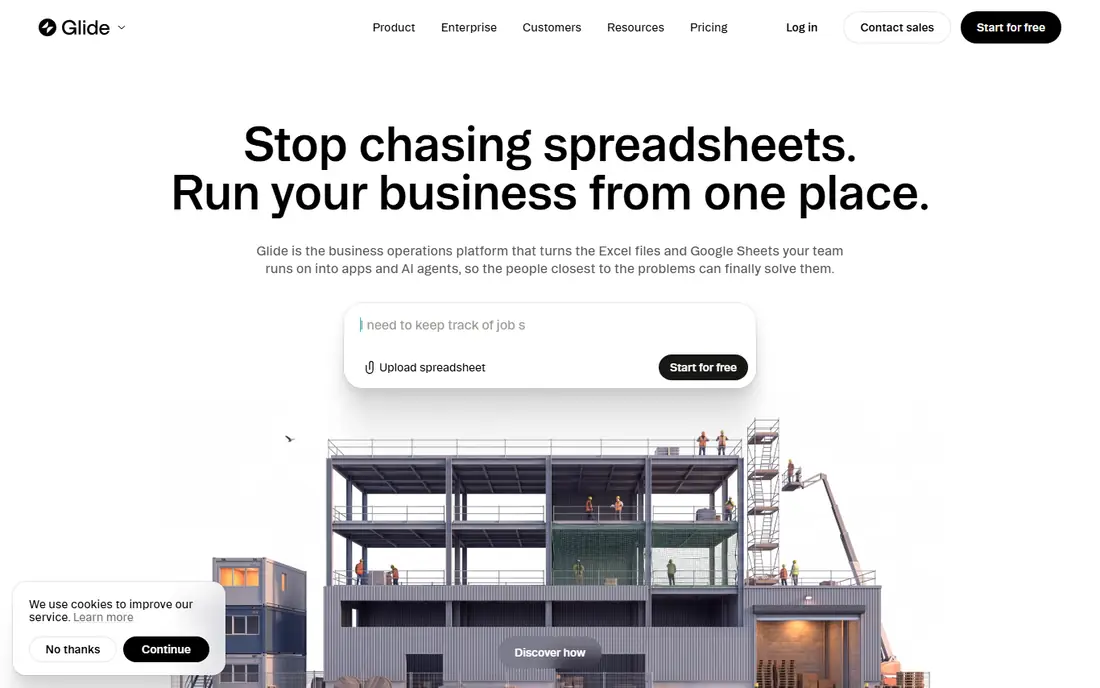
Glide starts from data, not a blank canvas. You connect a spreadsheet or a Glide table, and the builder turns rows into lists, forms, and detail screens that a team can use on a phone or a desktop browser. That data-first approach is why it fits inventory checks, field forms, client lists, and simple internal trackers so well.
The catch is the shape of the finished app. Glide apps run in the browser and can be added to a home screen, but they are not native apps built for the App Store in the usual sense. Teams that need offline work in areas with poor signal, deep device features, or a fully custom design should test those limits on the free plan before committing.
- Fast to build from sheets
- Clean mobile layouts
- Role-based access on paid plans
- Apps are web-based rather than native store apps
- Credit and app limits need checking on lower plans
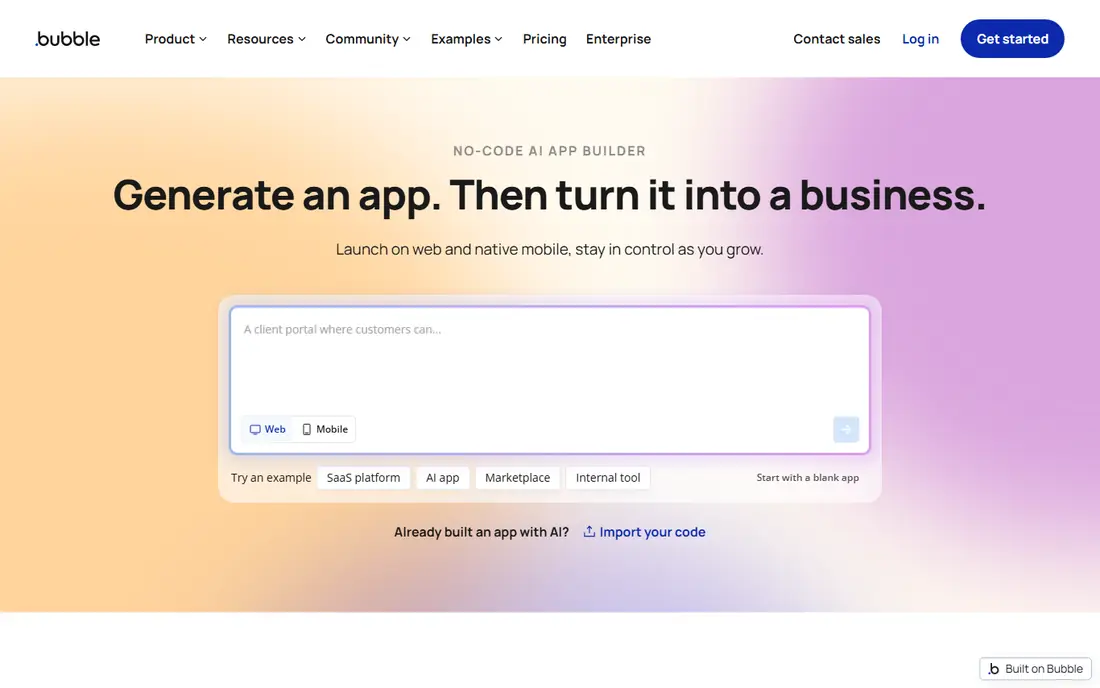
Bubble is the choice on this list for a full product rather than a single internal form. Its visual workflow editor handles logic that simpler builders cannot express, and the built-in database supports multi-user apps, marketplaces, and dashboards. Templates and plugins cover payments, maps, and many common integrations.
That depth comes with a longer learning period. New builders should expect weeks of practice before a complex app feels comfortable, and workload pricing means an inefficient workflow can cost more than expected. Bubble still suits founders and small product teams who want control without hiring developers, provided they budget for both learning time and usage.
- Deep visual workflows and a built-in database
- Large plugin and template library
- Custom domains on paid plans
- Steep learning curve
- Workload-based pricing can rise with heavy use
- No code export
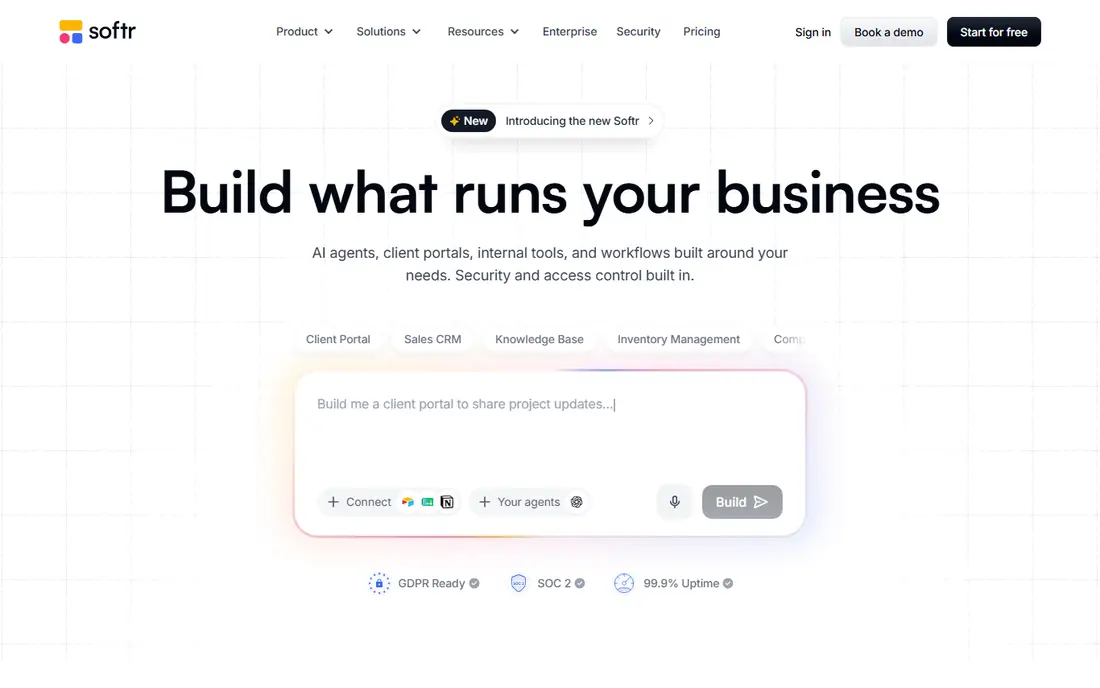
Softr turns data you already keep into a tidy portal for clients, partners, or staff. Blocks cover lists, charts, forms, and tables, and sign-in controls help you show each user only the records they should see. For an AppSheet user whose app is mainly a window onto a base or sheet, this is a comfortable move.
The trade-off is flexibility. If your layout does not fit the available blocks, you will feel the limits sooner than on Bubble. User caps also matter for a portal with many clients, so map team users and client users separately against the plan before you build.
- Ready-made blocks for portals
- Connects to Airtable and Google Sheets
- Separate team and client user counts
- Design is block-based rather than fully free-form
- Builder and user caps rise with plan size
Budibase appeals to teams that want control over where their app and data live. The open-source edition can be self-hosted with no license fee, and the visual builder covers screens, forms, automations, and role-based access. It also connects to common databases and REST sources when the built-in database is not enough.
Cloud pricing is a different calculation. Paid cloud plans meter actions, which include automation steps and row changes, so a busy app can hit a cap sooner than a seat-based plan would suggest. Self-hosting avoids that meter but adds server work, so choose the route that matches the skills your team actually has.
- Open-source self-hosted edition
- Built-in database and automations
- Connects to SQL and REST sources
- Cloud plans meter actions
- Self-hosting puts updates and backups on your team
Retool is built for teams with some technical skill who need internal tools fast. Drag-and-drop components connect to databases, APIs, and common business software, and developers can drop into code where a visual component is not enough. Admin panels, support tools, and operations dashboards are its natural home.
It is not the first pick for a polished public product or a consumer mobile app. The pricing shape also needs care, since builders and internal users are billed separately and higher plans change that split. For an internal tool used by staff, though, it is one of the strongest options here.
- Large component and integration library
- Good fit for admin panels and operations tools
- Builders and end users priced separately
- Less suited to public customer apps
- Advanced security controls sit on higher plans
Power Apps makes sense when your data, identity, and documents already live in Microsoft 365. Apps can draw on SharePoint, Excel, SQL, and Dataverse, and the platform fits teams that already manage access through Microsoft accounts. For a company standardising on Microsoft, that fit can outweigh a lower headline price elsewhere.
The main warning is the per-user model. Every person who opens a premium app generally needs a license, so a tool used by hundreds of staff costs far more than a flat-rate builder. It also fits internal work better than a public portal, so test the audience model before choosing it for customers.
- Deep fit with Microsoft 365 and Dataverse
- Strong data controls
- Large enterprise support
- Per-user cost grows fast for large teams
- Weaker fit for public-facing apps
Zoho Creator is a practical pick for a small business that already uses Zoho CRM, Books, or Mail. You can build forms, reports, and approval workflows without code, and the low per-user entry price keeps a first app affordable. The platform also supports scripting for teams that outgrow pure drag-and-drop building.
It will not match Bubble for a complex public product, and its design options feel more businesslike than consumer-grade. For internal tracking, approvals, and customer record apps inside a Zoho shop, that is a fair trade. Check which plan your Zoho bundle already includes before paying separately.
- Low entry price
- Forms, reports, and workflows included
- Fits well with other Zoho apps
- Less depth for complex consumer apps
- Design polish trails the leaders on this list
Adalo is the clearest pick here for a team that wants a real mobile app in the App Store and Google Play. The drag-and-drop builder, templates, and built-in database cover many MVP and internal mobile cases, and paid plans avoid usage-based charges. Features such as barcode scanning and device access help field teams in ways a web app cannot.
Plan caps still apply to published apps, editors, and storage, so a growing product may need to step up a tier. Publishing also means budgeting for Apple and Google developer accounts. For a mobile-first idea, those costs are normal, and Adalo keeps the build itself approachable.
- Publishes native iOS and Android apps
- Flat pricing with no usage charges on paid plans
- Built-in database
- Published app and storage caps per plan
- Complex apps can outgrow its database
Knack focuses on turning a database into a usable app without fuss. Tables, forms, searches, and user logins cover portals, order tracking, and internal record systems, and non-technical builders can get a working version live quickly. It is a steady choice when the job is record management rather than a flashy consumer product.
The look and feel is more functional than polished, and teams that want pixel-level design control may find it plain. Pricing also varies by records and users, so confirm the tier that fits your data size. For a database-led app with clear forms, Knack does the job with little overhead.
- Straightforward database and form building
- Good for customer portals and record tracking
- No code needed for common apps
- Design options are limited compared with modern web builders
- Pricing needs a direct check for larger teams
How we picked these
We compared official feature pages, pricing pages, app store listings, privacy policies, and public reviews for each tool, and we kept only tools that are live and genuinely fit the AppSheet use case of building data-driven apps without code. We favoured a mix of spreadsheet-first builders, full web app platforms, developer-leaning internal tools, and mobile-first builders, so readers can match the tool to the app they actually need. Prices reflect vendor pages and October 2026 comparisons, and we marked prices as See website where vendor pricing was unclear or changed by audience size.
What to check before you switch
Start with your data, not the builder demo. List where your records live today, who edits them, and whether people need to work offline, because those answers rule out several tools at once. A spreadsheet-first builder fits a team that already maintains sheets, while a tool with a built-in database fits a team that wants stricter rules and fewer sync errors.
Count users the way the vendor counts them
Some plans charge per builder, some per user, and some split team users from client users. Add up builders, staff users, and customers separately, then compare the total on each plan. A low monthly headline can double once every person who opens the app is counted.
Test the hard parts early
Build one real screen, one real form, and one real workflow during a trial. Check permissions, search, and how the app behaves on a phone, since those details decide whether staff will actually use it. If offline work or store publishing matters, test that first rather than last.
Frequently asked questions
Can I move my AppSheet data to one of these tools?
Yes, in most cases, by exporting tables to a spreadsheet or CSV file and importing them into the new tool. Field types, formulas, and automation rules usually need rebuilding by hand, so allow time for that step.
Which AppSheet alternative is easiest for a non-technical team?
Glide and Softr are the easiest starting points for a spreadsheet or Airtable team. Knack is also approachable for database apps, while Bubble and Retool suit teams with more technical confidence.
Which alternative is best for a native mobile app?
Adalo is the strongest mobile-first pick on this list because it publishes to iOS and Android. Glide and Softr produce web apps that can be added to a home screen, which is a different result.
Is there a free AppSheet alternative?
Budibase offers a free open-source self-hosted edition, and most tools here offer a free plan for building and testing. Free plans usually limit published apps, users, or usage, so a live team app generally needs a paid plan.
How much should a small team budget per month?
A small internal app often fits in the 19 to 36 dollar per month range on a flat-rate builder. Per-user tools start lower per person but rise with headcount, so multiply the per-user price by every user before comparing totals.
Sources
- https://www.glideapps.com
- https://bubble.io
- https://www.softr.io
- https://budibase.com
- https://retool.com
- https://www.microsoft.com/en-us/power-apps
- https://www.zoho.com/creator
- https://www.adalo.com
- https://www.knack.com
- https://www.analyticsinsight.net/technology/8-best-appsheet-alternatives-no-code-app-builders-compared-for-2026
See where you really rank - block by block
ProMapRanker scans Google Maps across a grid of your service area. Simple monthly plans from $19, white-label on every plan.
Start freeKeep reading
 zoho books alternatives
Best Zoho Books Alternatives in 2026
Compare the best zoho books alternatives for small business accounting, from QuickBooks Online and Xero to FreshBooks, Wave, and Sage in 2026, with pricing.
Read → zluri alternatives
Best Zluri Alternatives in 2026
Compare zluri alternatives for 2026, with SaaS management platforms for app discovery, spend tracking, renewals, and automation for IT, finance and procurement.
Read → zerobounce alternatives
Best ZeroBounce Alternatives in 2026
Best zerobounce alternatives for list hygiene: compare 8 email verification tools for bulk cleaning, real-time checks and catch-all handling in 2026 today.
Read →