 ProMapRanker
Alternatives to Google Docs in 2026

Key takeaways
- Microsoft Word for the web is the easiest free switch for people who exchange DOCX files with clients, schools, and employers.
- LibreOffice Writer is the best fully free offline option, with no account and no subscription.
- Notion and Coda suit teams that want docs, databases, and tasks in one workspace, not just a word processor.
- For privacy, Proton Docs and ONLYOFFICE give you encryption or self hosting options that Google Docs does not offer by default.
Quick comparison
| Pick | Great for | Pricing starts at | Free tier | |
|---|---|---|---|---|
 Microsoft Word Microsoft Word | DOCX compatibility | $9.99 per month | Yes | Visit |
 Zoho Writer Zoho Writer | Free Google Docs replacement | Free | Yes | Visit |
 Notion Notion | Docs, wikis, and databases | $10 per user per month | Yes | Visit |
 LibreOffice Writer LibreOffice Writer | Offline free writing | Free | Yes | Visit |
 ONLYOFFICE Docs ONLYOFFICE Docs | Office compatibility and self hosting | $20 per admin per month | Yes | Visit |
 Apple Pages Apple Pages | Apple users | Free | Yes | Visit |
 WPS Office WPS Office | Cross platform Office formats | See website | Yes | Visit |
 Proton Docs Proton Docs | Private collaborative docs | $3.99 per month | Yes | Visit |
 Coda Coda | Docs that act like apps | See website | Yes | Visit |
The best alternatives to google docs
Google Docs is free and easy, but it is not the best fit for offline work, strict privacy, or complex Word formatting. We compared official pricing, free plans, collaboration features, and file compatibility to find google docs alternatives that truly replace it for different kinds of writers.
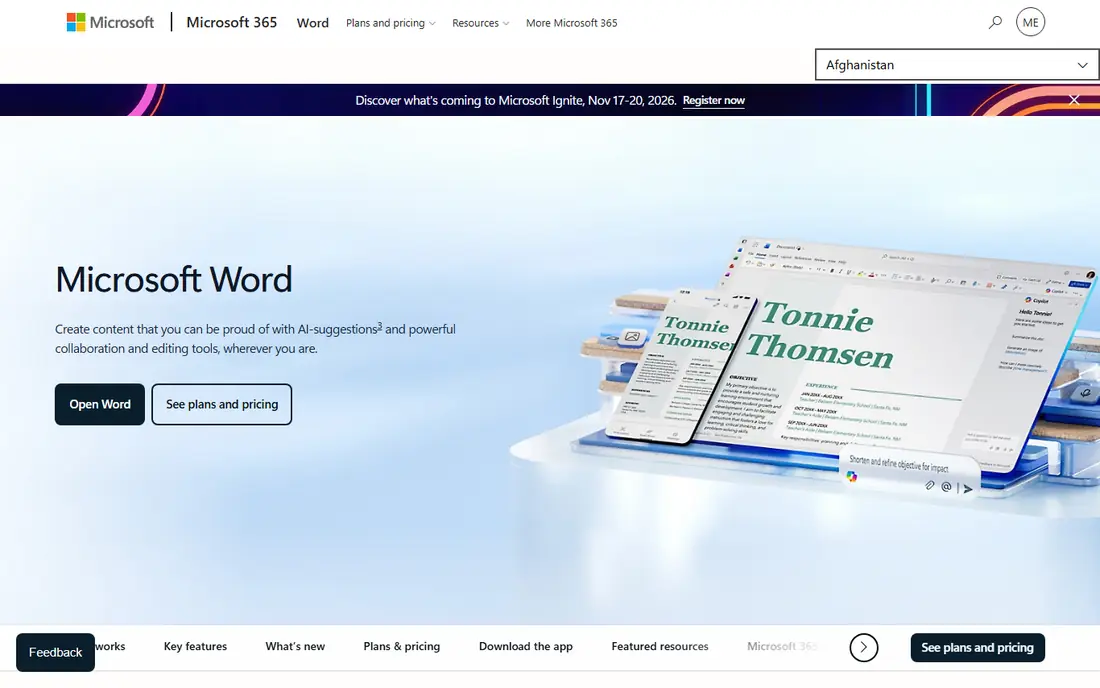
Microsoft Word for the web is the safest pick among free alternatives to google docs for anyone who sends Word files. You can edit in a browser with a free Microsoft account, and formatting survives far better than in most rivals. Paid Microsoft 365 Personal costs $9.99 per month and adds the desktop apps and storage. Coauthoring works well, and comments and tracked changes match what most offices expect. The web version will not replace desktop Word for long reports with complex styles, but for daily documents and shared drafts, it is the closest direct replacement for Google Docs.
- Best DOCX fidelity for clients and employers
- Real time coauthoring on the web
- 1 TB OneDrive storage on paid plans
- Full desktop app needs a paid plan
- Web version has fewer advanced features than desktop Word
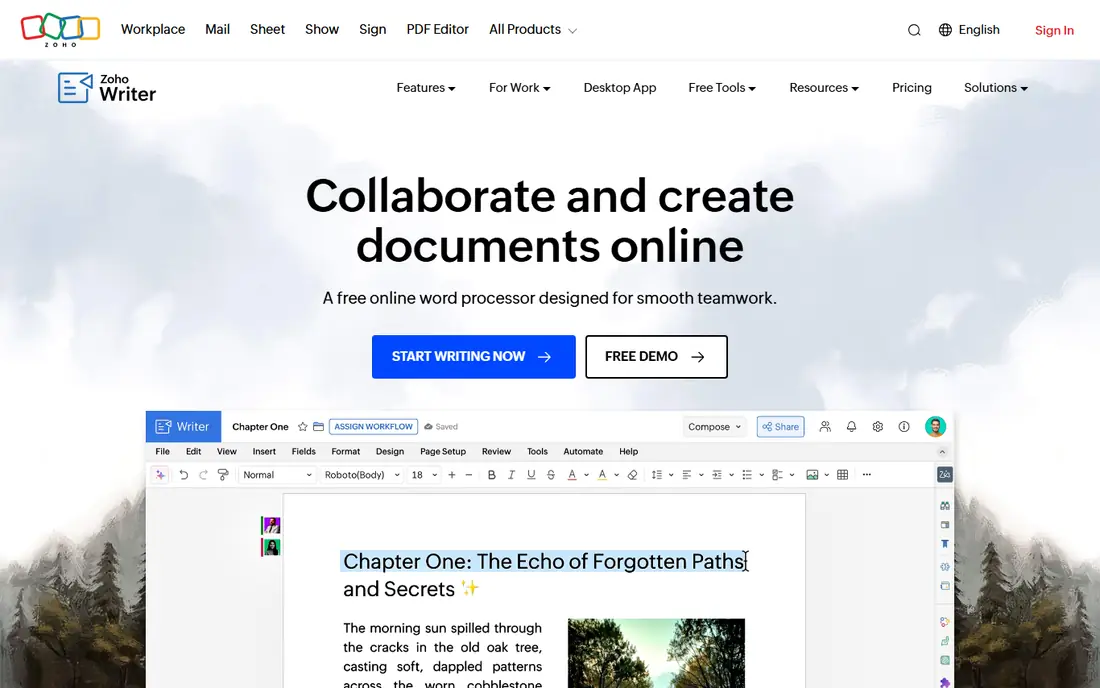
Zoho Writer feels familiar from the first document, which helps teams that want to leave Google without retraining everyone. Real time collaboration, comments, and version history cover the core Google Docs workflow. Offline mode helps when wifi is unreliable. Zoho charges mainly for WorkDrive team plans and extra automation credits, not for basic editing. That makes it one of the strongest free alternatives to google docs for small teams. If your team relies on Google specific add-ons, check replacements before you move, since the catalog is smaller.
- Free for individuals and teams
- Offline mode and document automation
- Clean interface similar to Google Docs
- Smaller third party integration catalog
- Advanced automation credits cost extra beyond the free allowance
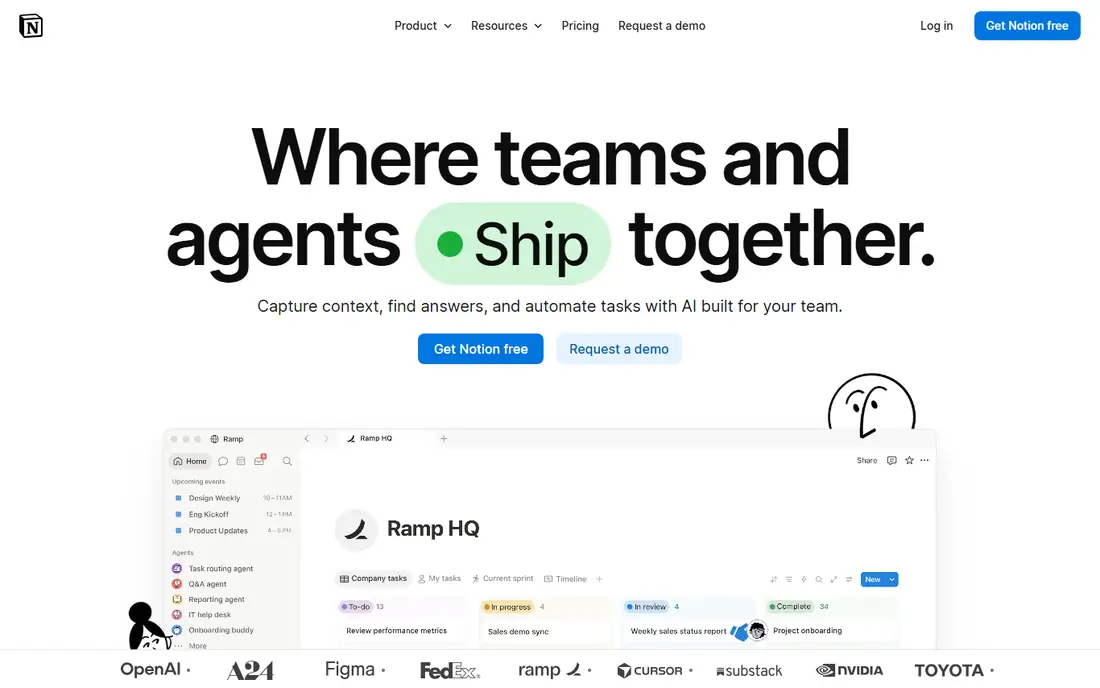
Notion is less a word processor and more a workspace that happens to hold documents. Pages can link to databases, task boards, and wikis, which suits product teams, agencies, and student groups. The free plan covers individuals and small teams well. Paid Plus costs $10 per user per month on annual billing and adds larger file uploads and longer version history. If you mainly write letters and essays, Notion adds complexity you may not need. If you want a shared knowledge base, it is one of the best google docs alternatives available.
- Docs, wikis, tasks, and databases in one workspace
- Huge template library
- Strong collaboration for teams
- Not a traditional word processor
- Export and Word formatting need extra care
LibreOffice Writer is the answer for writers who want control and no subscription. It runs on Windows, Mac, and Linux, stores files locally, and handles long documents well. Styles, tables, and exports to PDF cover most professional writing needs. Real time collaboration is the gap. You can share files through cloud storage, but you will not get Google Docs style live co-editing in the app itself. For solo writers, students, and privacy minded users, that trade is easy to accept, since the price is zero and the files are yours.
- Completely free with no account
- Strong offline writing and formatting
- Opens DOCX and ODT files
- No built in real time collaboration
- Interface feels older than web editors
ONLYOFFICE Docs targets teams that need Office files to look right after editing. The editors handle Word, Excel, and PowerPoint formats with fewer layout surprises than many web rivals. Self hosting gives IT teams control over data and access. The cloud Startup plan is free with limits on admins, rooms, and storage, while Business costs $20 per admin per month. That per admin model can be cheaper than per user pricing for large teams with many guests. Test a real DOCX file first, since font and macro handling still varies by document.
- Strong DOCX, XLSX, and PPTX compatibility
- Self hosted and cloud options
- Desktop apps are free
- Cloud free tier limits storage and rooms
- Business pricing is per admin, which needs careful budgeting
Apple Pages is an underrated pick for people already in the Apple ecosystem. It is free, looks polished, and handles everyday letters, reports, and resumes with ease. Collaboration through iCloud works on the web too, so Windows colleagues can join a document. Complex Word files can shift on export, so Pages suits writers who control the final format or export to PDF. For Apple users who want a free, simple writer without a Google account, Pages is a strong alternative to Google Docs.
- Free on Apple devices and on the web through iCloud
- Polished templates and typography
- Real time collaboration
- Best on Apple devices
- Word export sometimes shifts complex layouts
WPS Office gives you a full office suite, not just a writer, which appeals to students and small businesses. Writer opens and saves DOCX files well, and the mobile apps are stronger than most free rivals. That breadth makes it a practical Google Docs replacement on a phone or tablet. The free version includes ads and nudges toward paid features, which some users find distracting. Paid plans vary by device and region, so check the current price on the WPS site before you upgrade. For cross platform Office work on a budget, WPS is worth a trial.
- Free tier with Writer, Spreadsheets, and Presentation
- Good Office format compatibility
- Apps for desktop and mobile
- Free version includes ads and some feature prompts
- Paid pricing varies by platform
Proton Docs is built for readers who care about privacy first. Documents are encrypted, collaboration does not feed an advertising profile, and the free tier includes Drive storage for personal use. Drive Plus costs $3.99 per month on annual billing and adds more storage. Feature depth is the trade. Proton Docs covers writing, comments, and sharing well, but it lacks the add-on catalog and advanced formatting of Google Docs or Word. For personal documents, health notes, and sensitive drafts, that privacy gain outweighs the missing extras.
- End to end encryption for documents
- Collaboration without Google tracking
- Free tier with Proton Drive storage
- Fewer formatting and integration options than Google Docs
- Best value needs a Proton paid plan
Coda turns a document into a small app, with tables that act like databases and buttons that trigger actions. Teams use it for trackers, project hubs, and meeting notes that update themselves. That flexibility sets it apart from every traditional alternative for google docs on this list. The learning curve is real, since building a good Coda doc takes more thought than typing a page. Pricing is based on doc makers rather than every viewer, so check the current plan details before rolling it out. For teams that want docs to do work, not just hold text, Coda is a strong pick.
- Docs with tables, buttons, and automations
- Packs connect to common tools
- Flexible for team workflows
- Learning curve for doc builders
- Pricing is maker based, which needs planning for larger teams
How we picked these
We compared official pricing pages, free plans, collaboration features, and file format support for tools that truly replace Google Docs for writing and sharing. Each product above exists and works today, and its website is its official homepage. Where pricing varies by platform or plan type, we wrote See website rather than copying a third party estimate.
How to choose a Google Docs alternative
Start with your must have file format. If clients send DOCX files, pick Word, ONLYOFFICE, or WPS. If you work offline, pick LibreOffice or a desktop app. If privacy matters most, pick Proton Docs or a self hosted option, and accept fewer add-ons.
Test with a real document
Open a copy of a real document, not a blank page, in each shortlisted tool. Check headings, tables, images, comments, and tracked changes, since those are where exports break. Share the copy with a colleague and test simultaneous editing before you move a whole team.
Plan the move for shared files
Moving docs is easy, moving permissions is harder. List who owns each shared folder, who can edit, and which links are public before you switch. A clean move keeps old Google Docs read only for a month, so nothing disappears during the transition.
Frequently asked questions
What are the best google docs alternatives for free?
LibreOffice Writer, Zoho Writer, and Microsoft Word for the web lead the free options. LibreOffice is fully free and offline, Zoho Writer offers free collaboration, and Word for the web gives the best DOCX compatibility. Your choice should follow if you need offline work, live collaboration, or Word files.
What is the best free alternative to Google Docs for collaboration?
Zoho Writer and Microsoft Word for the web both offer free real time collaboration. Zoho Writer feels closest to Google Docs for small teams, while Word for the web suits people who share DOCX files. Notion also offers a free plan, but it works better as a wiki than as a traditional word processor.
Which Google Docs alternative works best offline?
LibreOffice Writer works fully offline, since files live on your device and no account is needed. Zoho Writer and Apple Pages also offer offline modes on supported devices. Web only tools such as Notion and Coda need a connection for full use, though their apps can cache some pages.
Are there alternatives for google docs with better privacy?
Yes. Proton Docs offers end to end encryption, LibreOffice keeps files local with no account, and ONLYOFFICE can be self hosted. These options reduce tracking and third party access compared with a free cloud editor. Check each privacy policy, since encryption and hosting claims vary by plan.
Can I open Google Docs files in these alternatives?
Yes, in most cases by exporting from Google Docs first. Export to DOCX for Word, ONLYOFFICE, WPS, and LibreOffice, or to PDF for a final version. Formatting may shift slightly, so open a copy, check tables and images, and keep the original until you are happy with the result.
Sources
See where you really rank - block by block
ProMapRanker scans Google Maps across a grid of your service area. Simple monthly plans from $19, white-label on every plan.
Start freeKeep reading
 zeffy payment processor stripe alternatives
Zeffy and Stripe Alternatives for Nonprofits in 2026
Explore zeffy payment processor stripe alternatives for nonprofits. We compare 8 fundraising platforms on fees, donor tools, and nonprofit focus. Check fees.
Read → workday alternatives
Workday Alternatives in 2026
Workday alternatives compared: we review 8 HR and payroll platforms that replace Workday, with pricing, strengths and honest limits for each team size.
Read → what's the best weather app
What's the Best Weather App in 2026
Wondering what's the best weather app? We compare 10 free and paid apps for forecasts, radar, alerts, and Colorado mountain weather for everyday and storm use.
Read →