 ProMapRanker
Best AI Photo Generator App in 2026


Most people who want one AI app for everything · Pricing starts at: Free, paid from $8 per month
Key takeaways
- Every app on this list can be downloaded for free, and all nine offer some free image generation, so you can test before paying.
- ChatGPT has by far the most US App Store ratings of these apps (about 11.6 million at 4.83 stars), and its cheapest paid tier, ChatGPT Go, is $8 a month in the app.
- Google Gemini's AI Plus plan costs $4.99 a month in the App Store, and the free app already generates and edits images with Nano Banana 2.
- Adobe Firefly says its own models are trained on licensed content, which matters if you make images for a business.
- Ideogram stands out for clean text inside images, such as posters and logos, with free weekly credits.
Quick comparison
| Pick | Great for | Pricing starts at | Free tier | |
|---|---|---|---|---|
| ChatGPT | Most people who want one AI app for everything | Free, paid from $8 per month | Yes | Visit |
 Google Gemini Google Gemini | Photo edits and mockups on a budget | Free, paid from $4.99 per month | Yes | Visit |
 Meta AI Meta AI | Casual image creation at no cost | Free | Yes | Visit |
 Adobe Firefly Adobe Firefly | Business-safe images and Adobe users | Free, paid from $4.99 per month | Yes | Visit |
 Canva Canva | Turning AI images into finished designs | Free, Pro from $14.99 per month | Yes | Visit |
 Leonardo.Ai Leonardo.Ai | Hobbyists who want many models and controls | Free, paid from $15.99 per month | Yes | Visit |
 Ideogram Ideogram | Posters, logos and images with text | Free, paid from $11.99 per month | Yes | Visit |
 Picsart Picsart | AI photos plus a full photo editor | Free, paid from $11.99 per month | Yes | Visit |
 Krea Krea | Trying many top image and video models | Free, paid from $9 per month | Yes | Visit |
The best AI photo generator apps
An AI photo generator app turns a text prompt, or a photo you upload, into a new image. Below are the nine we would install first in 2026, with prices taken from each app's US App Store listing or the maker's own website.
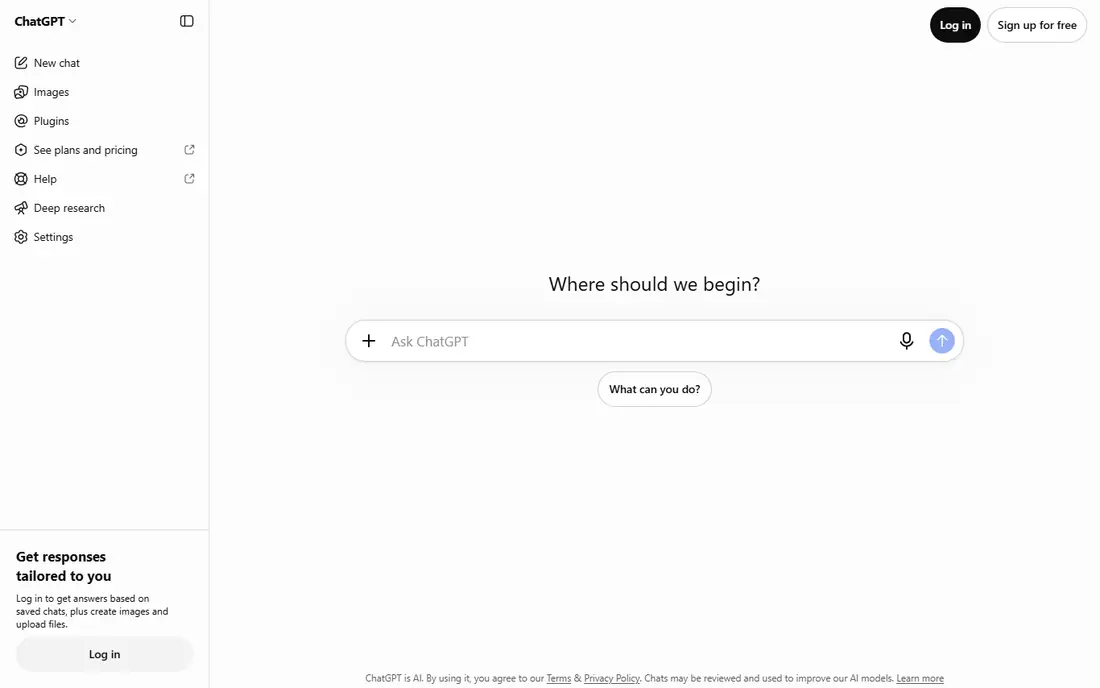
If you only want one app, ChatGPT is our pick. OpenAI's App Store listing says the free app includes its image generator, which can create original images from a description or change an existing photo "with a few simple words". That second part is the real draw: you can upload a picture of your living room and ask for a different paint color.
Because it is also a chat assistant, it is good at taking vague ideas and turning them into a usable prompt. You can keep refining in the same conversation, which beginners find easier than learning prompt syntax.
The catch is limits. Heavy image users will hit caps on the free plan, and the upgrades (ChatGPT Go at $8, Plus at $19.99 a month in the App Store) are general AI subscriptions, not image-only plans.
- Image generation is included in the free app
- Can transform your own photos with plain-language requests
- About 4.83 stars from roughly 11.6 million US App Store ratings
- Free users get tighter limits
- Paid tiers are mainly priced for chat, not images
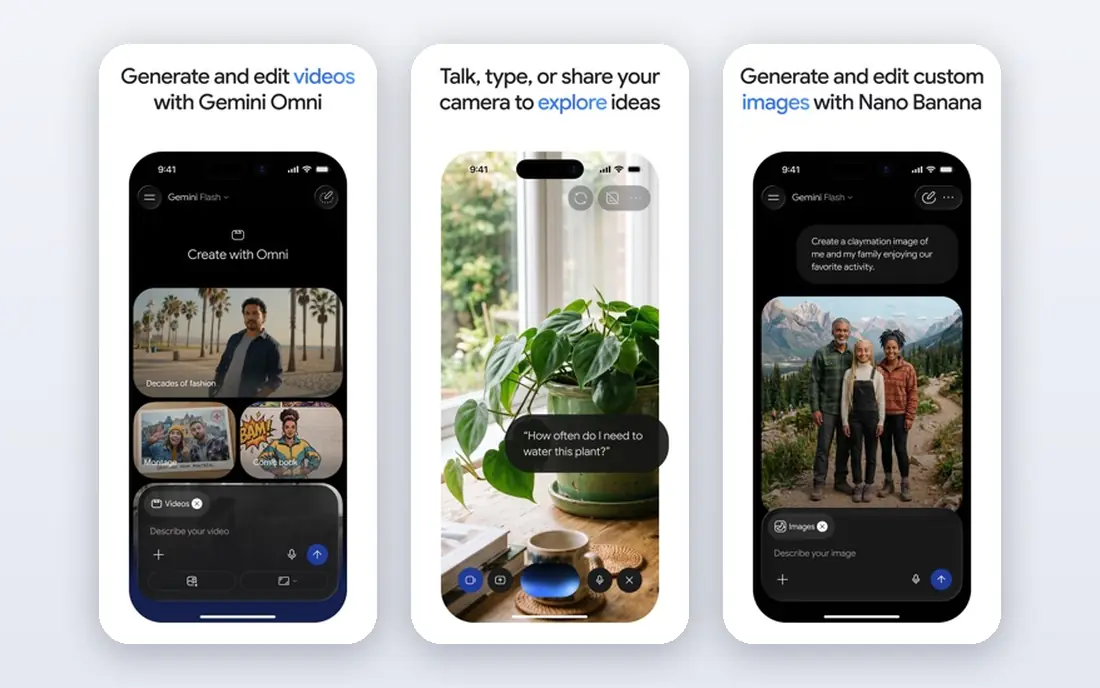
Gemini is the value pick. Google's App Store listing says the app generates and edits photos with Nano Banana 2, including camera and lighting controls, mockups made by blending several images, and posters with sharp text. Google's subscription page confirms image generation and editing are part of the free plan.
If you want more, Google AI Plus is $4.99 a month in the App Store, and Google says it gives about twice the free plan's usage. Google AI Pro is $19.99 a month and adds more model access and Flow credits. Gemini also connects to Google Photos, which helps if your pictures already live there.
The weakness is that Google's plan pages describe usage in multiples of the free tier instead of exact image counts, so it is hard to know your limit in advance. Some newer models are only available in certain countries.
- Free image generation and editing with Nano Banana 2
- Blends multiple images into mockups
- Cheapest paid tier on this list
- Higher image limits require a Google AI plan
- Some newer image features are limited by country
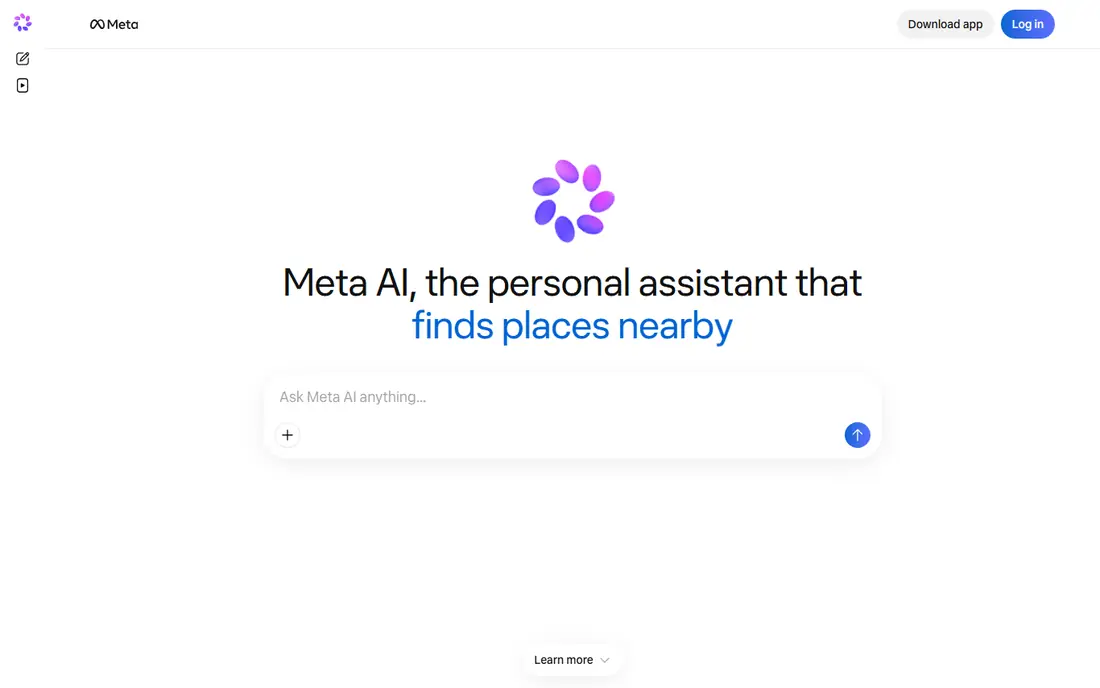
Meta AI is the simplest free option. Its App Store listing says you can create and edit images with Meta's newest image generation features, and edit photos by sketching on them or describing what to change. We found no paid subscriptions listed in the app.
It also works with Meta's AI glasses and uses Meta's Muse Spark model, according to the listing. For quick party invites, meme ideas or playful edits, it does the job without asking for money.
What you give up is control. There are no detailed style settings or model choices like Leonardo or Krea offer, and you should read Meta's privacy policy before uploading personal photos.
- No in-app purchases listed on the App Store
- Edit photos by sketching on them or asking for changes
- About 4.69 stars from roughly 284,000 ratings
- Fewer controls than dedicated image apps
- Tied to Meta's account system and data practices
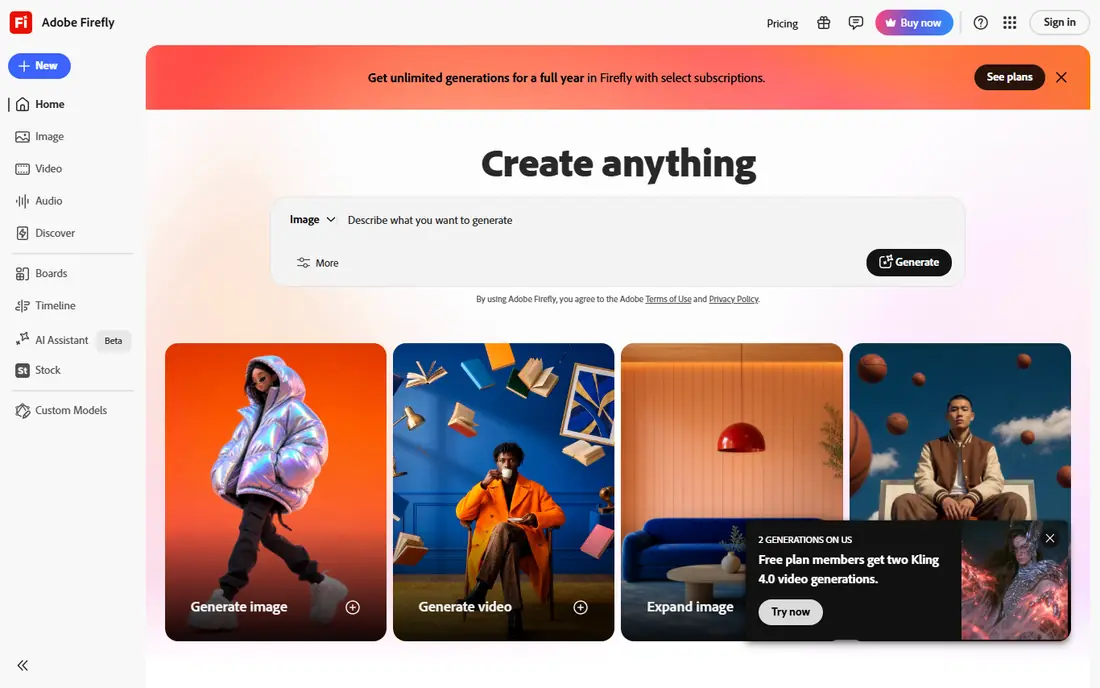
Firefly is our pick for anyone making images for a business. Adobe's App Store listing highlights its AI models trained on licensed content, and the app also offers partner models from Google, OpenAI, Luma and Runway. You can create high-resolution images from text, use Generative Fill to add or remove objects, and replace backgrounds.
Adobe's plans page lists a free plan with daily generations that refresh each day. In the App Store, Firefly Mobile costs $4.99 a month, and credit packs start at $4.99 for 500 credits.
The downside is complexity. Adobe sells several Firefly tiers plus credit packs, and partner models can use credits faster. It shines most if you already use Photoshop or Premiere, since work moves between them.
- Adobe says its models are trained on licensed content
- Includes partner models from Google, OpenAI and others
- Works with Photoshop and Premiere
- Credit system can be confusing
- Strongest value if you already pay for Adobe apps
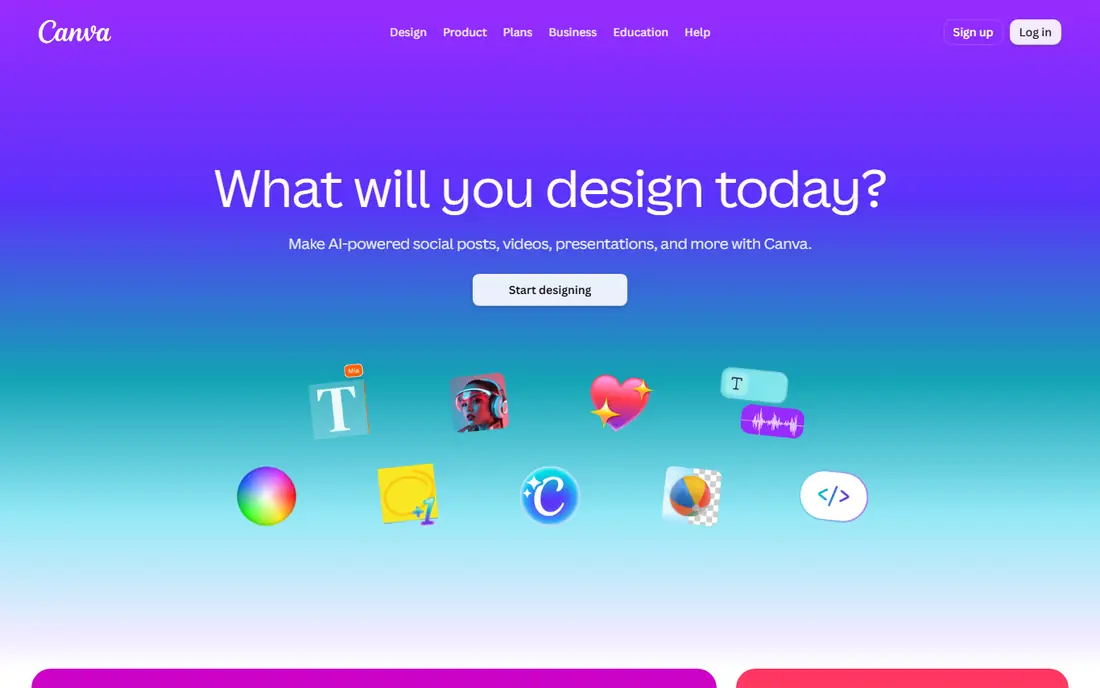
Canva makes sense when the image is only step one. Canva's website promotes a free AI image generator that turns a prompt into a picture in the style and aspect ratio you pick, and you can drop the result straight into a flyer, social post or presentation.
Its photo tools also include Generative Fill for adding objects, and Image Expander for widening a shot on Canva Pro. Canva Pro is listed at $14.99 a month in the App Store, and the app lists a Canva Business plan at $25 a month.
The honest catch is that Canva is a design tool first. If you care most about striking, detailed images, a dedicated generator like Ideogram or Leonardo gives you more control.
- Free text-to-image generator inside a full design app
- Huge template library
- About 4.87 stars from roughly 3.6 million US App Store ratings
- Some AI tools such as Image Expander need Canva Pro
- Image quality is not its main focus
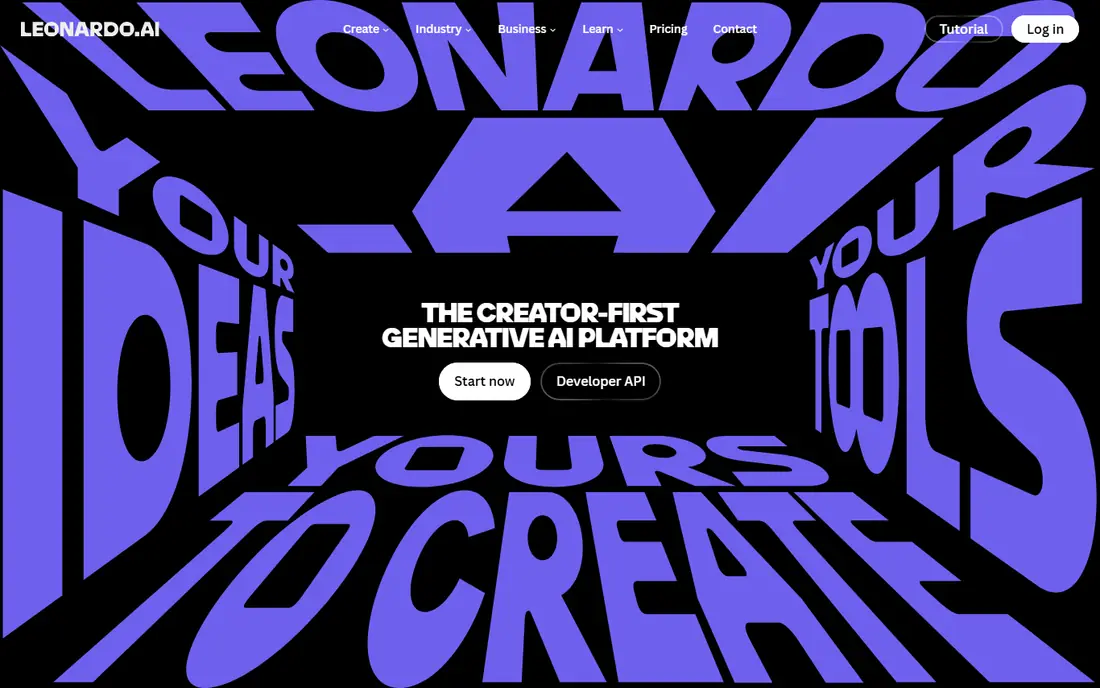
Leonardo is for people who enjoy tinkering. Its App Store listing says you can generate with Nano Banana by Google, Seedream, FLUX and Leonardo's own models, then edit by describing changes, enhancing, unzooming or removing backgrounds.
Leonardo's website lists a free plan with 150 fast tokens a day, plus Essential, Premium and Ultimate paid tiers with a discount for yearly billing. In the iPhone app, Essential is $15.99 a month or $159.99 a year. Paid plans add more tokens, private creations and more model access.
The weakness is that the free plan shows your creations publicly, according to its pricing page, and the token math can be confusing at first. Casual users may find ChatGPT or Gemini simpler.
- Free plan with 150 fast tokens a day
- Access to Nano Banana, Seedream, FLUX and its own models
- About 4.83 stars from about 11,000 ratings
- Token system takes time to learn
- Free creations are public
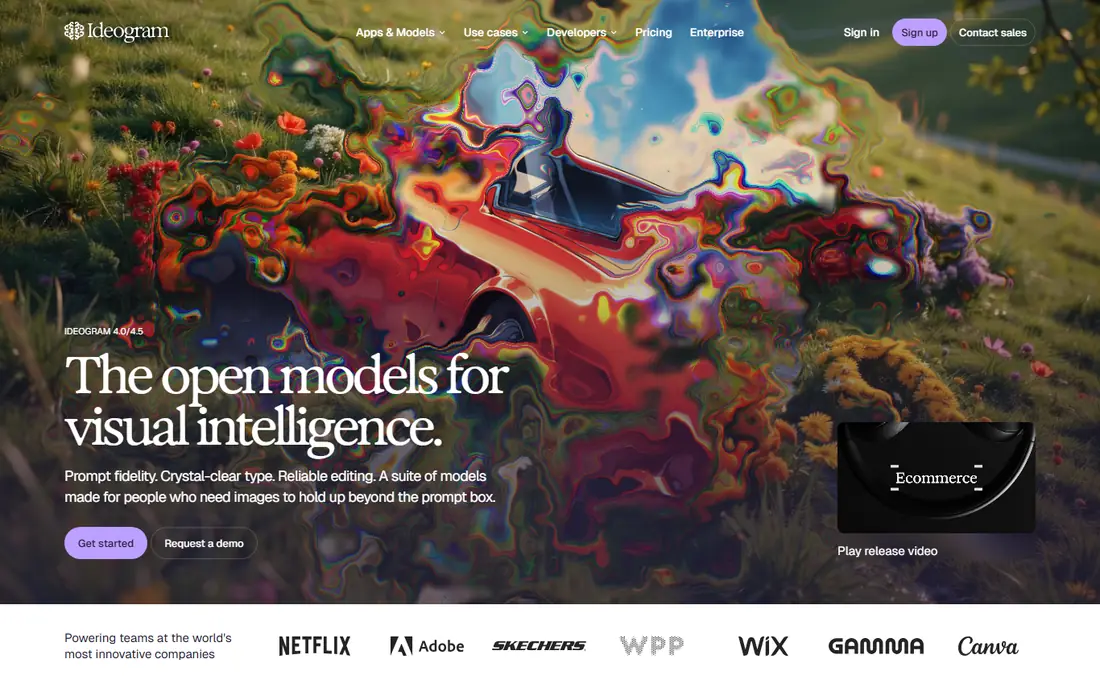
Most AI image apps still struggle with spelling. Ideogram focuses on it, and its App Store listing promotes images with "beautiful, stylized text and precise composition" for posters, marketing and design work.
The app also includes generative fill, aspect ratio expansion, background removal, AI headshots and face swap. You start with free weekly credits, and the Basic plan is $11.99 a month in the App Store.
The trade-off is scale. Ideogram is a smaller company than Google or Adobe, and weekly credits will not last if you generate a lot. It is a specialist tool worth keeping next to a general app.
- Strong at readable text inside images
- Free weekly credits
- Generative fill, background removal and headshots
- Smaller app with about 2,700 App Store ratings
- Free credits run out quickly
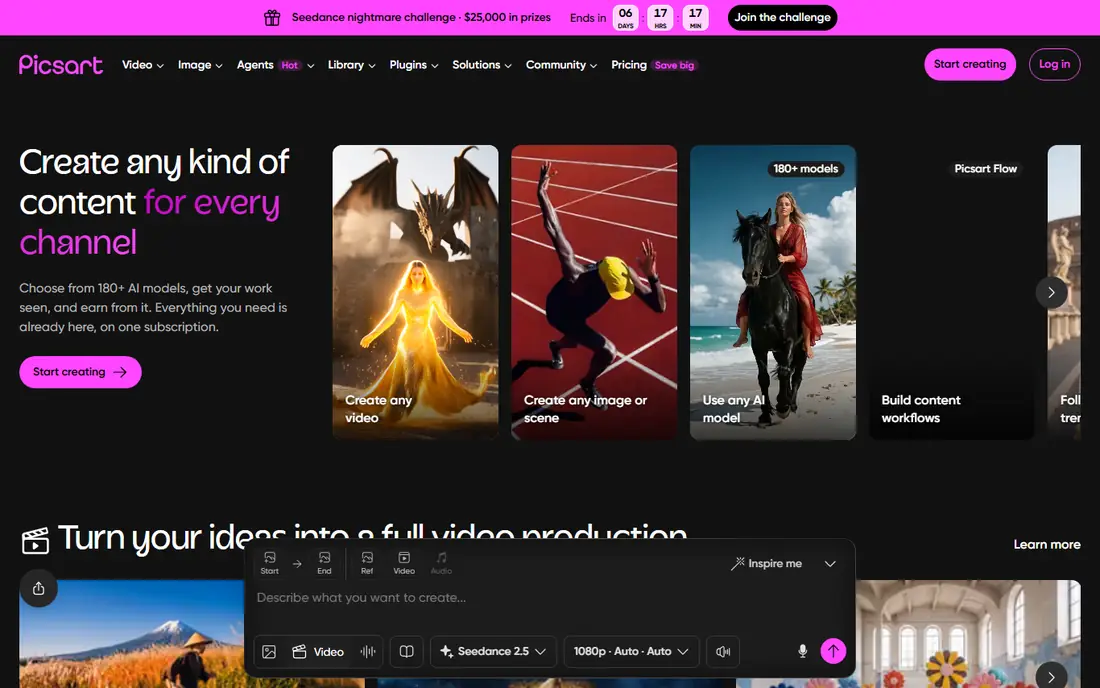
Picsart combines a photo editor with AI generation, which suits people who post a lot on social media. Its App Store listing says its Aura assistant uses Nano Banana for images and models like Veo 3, Kling and Runway for video, alongside background removal, object erasing and AI avatars.
In the App Store, Picsart Plus is $11.99 a month and Pro is $13.99 a month, with yearly and weekly options too. The free app still covers basic editing and some AI features.
Our main complaint is the pricing menu. Picsart lists Plus, Gold and Pro plans with weekly, monthly and yearly versions, and weekly plans are expensive over time. Pick the yearly plan if you commit.
- AI image generator plus background remover, object eraser and collage tools
- Uses Nano Banana for image generation
- About 4.66 stars from roughly 1.2 million ratings
- Many overlapping plans, including weekly ones
- Best features sit behind paid tiers
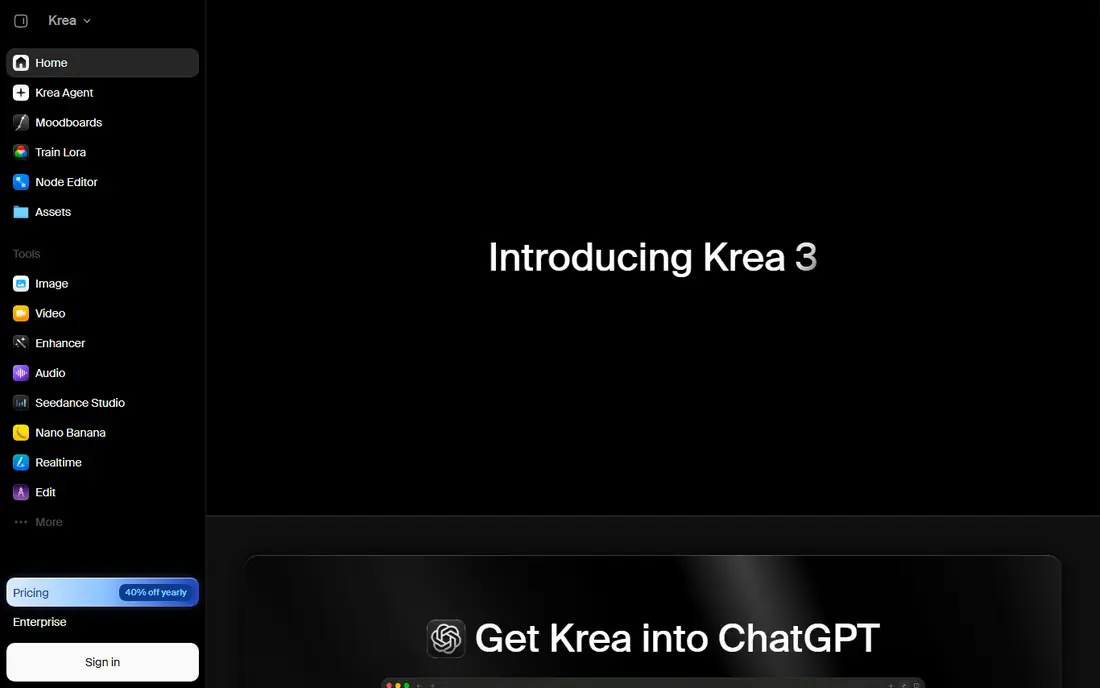
Krea is a smaller app that gathers several popular models in one place. Its website lists a free plan with 100 compute units a day, and it estimates how many images or videos each paid plan covers. The Basic plan, for example, includes about 112 Nano Banana 2 generations a month.
The iPhone app supports text-to-image, image-to-video and multiple aspect ratios. Basic is $9 a month in the App Store, and Krea's website was showing a lower promotional price when we checked.
The catch is maturity. Krea has about 710 App Store ratings at 4.51 stars, far fewer than the big names. It suits curious creators more than people who want a simple, single-button app.
- Free plan with 100 compute units a day
- Access to Nano Banana 2 and video models in one place
- Clear estimates of generations per plan
- Small App Store presence with about 700 ratings
- Units system needs some math
How we picked these
We looked at apps whose official App Store listing or website says they generate images from text or photos, and that work in the US in October 2026. For each one we checked the maker's own site and the US App Store listing for free tiers, in-app subscription prices, ratings and stated features. We also read pricing pages where the vendor allowed it.
We did not run a blind image-quality test, so we do not rank apps by output quality alone. Instead we judged them on what each maker documents: free allowances, price, controls, editing tools and licensing statements. We left out Midjourney because it does not have an official iPhone app, and Microsoft Copilot because its current App Store listing does not describe image generation.
How to choose an AI photo generator app
Decide what the image is for
For fun edits and quick ideas, a free general app like ChatGPT, Gemini or Meta AI is enough. For flyers and social posts, Canva saves time. For client or business work, Adobe Firefly's licensed-content approach is worth paying for.
Check the free allowance
Free tiers are measured differently: daily generations (Firefly), daily tokens (Leonardo), weekly credits (Ideogram) or daily units (Krea). Try two or three apps for a week before paying for any of them.
Watch privacy and photo rights
Read the privacy policy before uploading photos of yourself, your kids or other people. Some free plans make your creations public, and you should never use AI tools to create images of real people without their consent.
Compare monthly and yearly prices
Yearly billing usually saves money if you know you will keep using an app. Leonardo's Essential plan, for example, is $15.99 a month or $159.99 a year in the iPhone app, and prices on a maker's website can differ from App Store prices, so compare both.
Frequently asked questions
What is the best AI photo generator app for free?
For most people, ChatGPT and Google Gemini are the strongest free options because both include image generation and photo editing in their free apps. Meta AI is fully free with no paid tiers listed. Adobe Firefly also offers free daily generations.
Which AI photo generator app is best for realistic photos?
Gemini's Nano Banana 2 and ChatGPT's image generator are both built to edit real photos with plain-language requests. Leonardo and Krea let you choose between several models if you want to compare results. Test the same prompt in two apps to see which style you like.
Can I use AI-generated images for my business?
Often yes, but check each app's terms. Adobe says Firefly's own models are trained on licensed content, which is why many businesses prefer it. Avoid generating logos or images that copy trademarks or real people.
Are AI photo generator apps safe for kids?
Most require users to meet a minimum age and follow content rules, so check the app's age rating and terms first. Parents should also review privacy settings, since some apps share free creations publicly.
What is the cheapest paid AI photo generator app?
Google AI Plus is $4.99 a month in the App Store, and Adobe Firefly Mobile is also $4.99 a month. Krea's Basic plan is $9 a month, and ChatGPT Go is $8 a month.
Sources
- https://apps.apple.com/us/app/chatgpt/id6448311069
- https://apps.apple.com/us/app/google-gemini/id6477489729
- https://gemini.google/subscriptions/
- https://apps.apple.com/us/app/meta-ai/id1558240027
- https://apps.apple.com/us/app/adobe-firefly-ai-video-photo/id6742595426
- https://www.adobe.com/products/firefly/plans.html
- https://apps.apple.com/us/app/canva-ai-photo-video-editor/id897446215
- https://www.canva.com/ai-image-generator/
- https://apps.apple.com/us/app/leonardo-ai-image-generator/id1662773014
- https://leonardo.ai/pricing/
- https://apps.apple.com/us/app/ideogram-ai-image-generator/id6476790495
- https://apps.apple.com/us/app/picsart-ai-photo-editor-video/id587366035
- https://picsart.com/pricing
- https://apps.apple.com/us/app/krea-ai-images-and-videos/id6742134132
- https://www.krea.ai/pricing
- https://apps.apple.com/us/app/microsoft-copilot/id541164041
See where you really rank - block by block
ProMapRanker scans Google Maps across a grid of your service area. Simple monthly plans from $19, white-label on every plan.
Start freeKeep reading
 philippines best loan apps
Philippines Best Loan Apps in 2026
The Philippines best loan apps for 2026, compared on SEC or BSP registration, loan limits, monthly rates and fees, from GCash GLoan and Maya to Tala and BillEase.
Read → best secret management tools enterprise devsecops
Best Secret Management Tools for Enterprise DevSecOps in 2026
The best secret management tools for enterprise DevSecOps in 2026, compared on pricing, free tiers, rotation, dynamic secrets and self-hosting, from Vault to Infisical.
Read → best png to svg free tool
Best PNG to SVG Free Tool in 2026
Looking for the best PNG to SVG free tool? We compared 7 free converters in 2026, from Inkscape and SVGcode to Adobe Express, on tracing quality, limits and privacy.
Read →