 ProMapRanker
Best PNG to SVG Free Tool in 2026

Key takeaways
- Inkscape is the most capable free option. It is open source desktop software for Windows, macOS and Linux, and its Trace Bitmap tool offers five tracing modes, including centerline tracing for line drawings.
- SVGcode runs the Potrace tracing engine as a web app and is open source under the GPL-2.0 license, so it is a good pick when you want a quick, no-account converter.
- Adobe Express converts JPEG and PNG files up to 40MB to SVG for free with no credit card, but it gives you almost no control over the trace.
- Online converters set daily limits: CloudConvert's free tier allows 10 conversion credits a day, and FreeConvert gives free users 20 conversion minutes a day.
- Recraft's pricing FAQ says images generated on its Free plan are owned by Recraft and publicly visible, so read its terms before uploading a client's logo.
Quick comparison
| Pick | Great for | Pricing starts at | Free tier | |
|---|---|---|---|---|
 Inkscape Inkscape | Full control and editing after the trace | Free | Yes | Visit |
 SVGcode SVGcode | Quick, no-signup conversion in the browser | Free | Yes | Visit |
 Adobe Express Adobe Express | One-click conversion for beginners | Free | Yes | Visit |
 FreeConvert FreeConvert | Fine-tuning settings in an online converter | Free, paid from $12.99 per month | Yes | Visit |
 CloudConvert CloudConvert | Presets for line art, posters and photos | Free | Yes | Visit |
 Recraft Recraft | AI vectorizing and recoloring | Free | Yes | Visit |
 Convertio Convertio | Converting many file types in one place | Free, paid from $11.99 per month | Yes | Visit |
The best PNG to SVG free tools
A real PNG to SVG conversion traces the pixels into paths, which is called vectorizing. These seven tools do that for free, and each one fits a different kind of user and image.
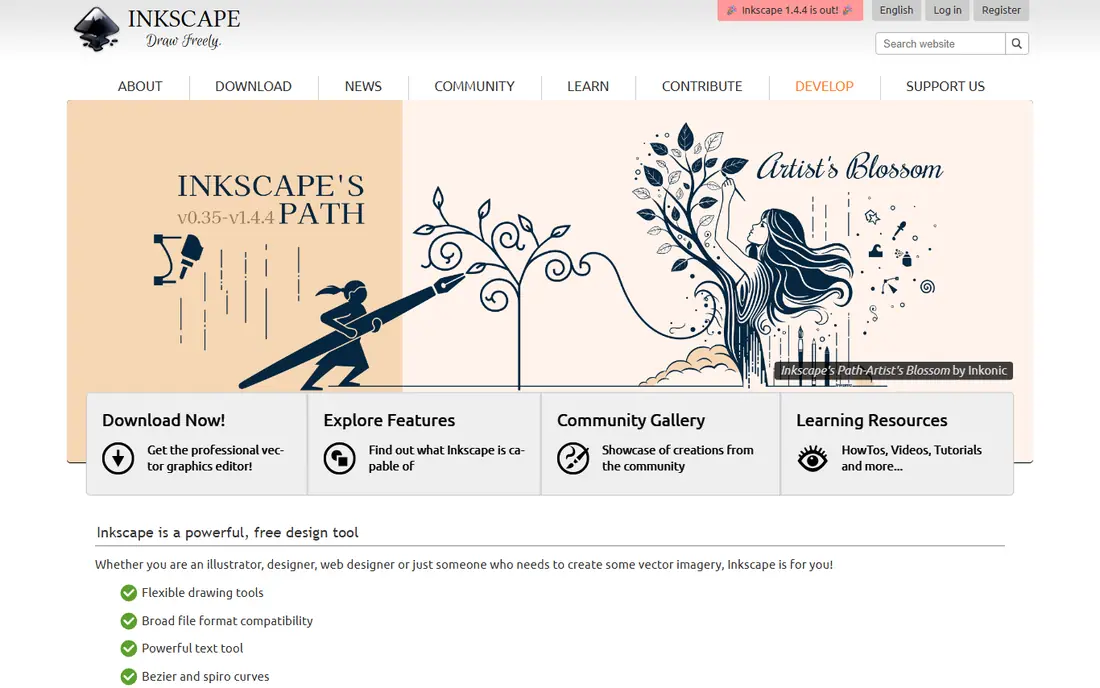
If you want our pick for the best PNG to SVG free tool, it is Inkscape. It is a full vector editor, free and open source under the GPL, with downloads for Windows, macOS and Linux. Version 1.4.4 was released on May 6, 2026, with 20 crash fixes and installers for Windows on Arm.
You import a PNG, select it and choose Path, then Trace Bitmap (Shift+Alt+B). Inkscape's own tutorial lists Brightness Cutoff, Edge Detection and Color Quantization filters built on Potrace, plus Autotrace and a centerline mode that turns line drawings into editable strokes instead of filled shapes. After tracing, Path, then Simplify (Ctrl+L) cuts down the number of nodes.
The honest catch is effort. Inkscape's tutorial itself says no autotracer reproduces an exact copy of the original, and getting a clean logo can take a few tries with different settings. For one quick icon, a web tool is faster.
- Free and open source under the GPL
- Trace Bitmap offers brightness, edge, color, Autotrace and centerline modes
- Lets you edit and simplify paths after tracing
- Desktop install and a learning curve
- Settings take trial and error
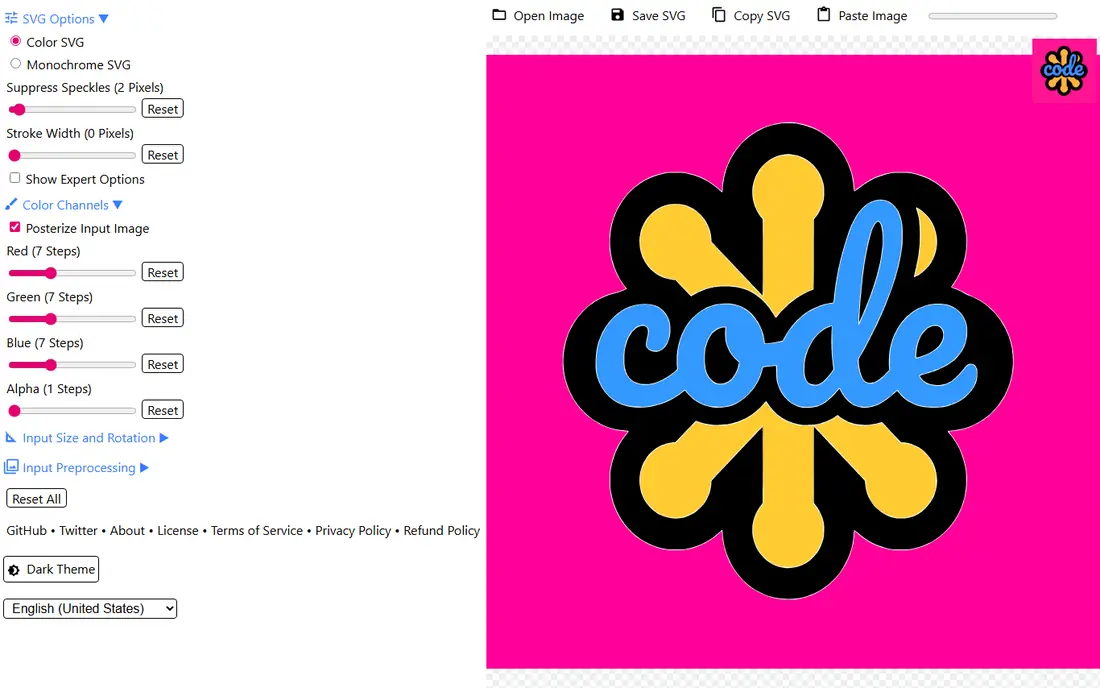
SVGcode is a small open source web app that does one job well. Its GitHub page describes it as a Progressive Web App that converts raster images, including JPG, PNG, GIF, WebP and AVIF, into SVG, with color images turned into color vectors.
Under the hood it uses Potrace, the same tracing engine Inkscape builds on, compiled to WebAssembly so it can run as a web app, and the output is optimized with svgo. You can install it like an app, and it is also listed on the Microsoft Store.
The weakness is scope. SVGcode is a converter, not a vector editor, so it cannot fix individual paths afterward. A practical workflow is to trace in SVGcode, then open the file in Inkscape for cleanup.
- Open source under GPL-2.0
- Uses Potrace compiled to WebAssembly
- Accepts JPG, PNG, GIF, WebP and AVIF and supports color output
- Fewer editing options than Inkscape
- No batch tools for large jobs
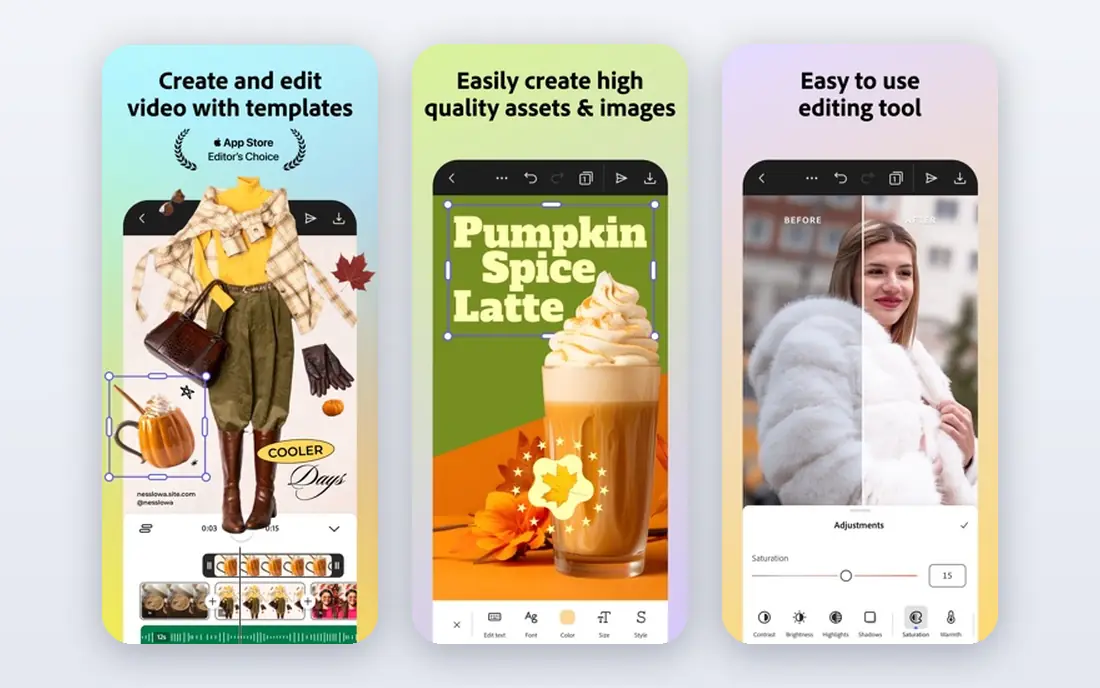
Adobe Express is the easiest tool on this list. Its PNG to SVG page says you pick a PNG under 40MB, upload it, and it converts to SVG automatically, free to use with no credit card required.
It suits someone who needs an SVG for a cutting machine or a website and does not want to learn tracing settings. Because it sits inside Adobe Express, you can also keep editing the design there.
The trade-off is control. Adobe's page notes that the final product will look different than a traditional image, and you cannot pick colors, smoothing or detail levels the way you can in Inkscape or FreeConvert. Uploading also means agreeing to Adobe's terms and privacy policy.
- Free with no credit card required
- Accepts JPEG, JPG and PNG files up to 40MB
- Converts automatically after upload
- Almost no control over the trace
- Adobe warns the result will look different from the original image
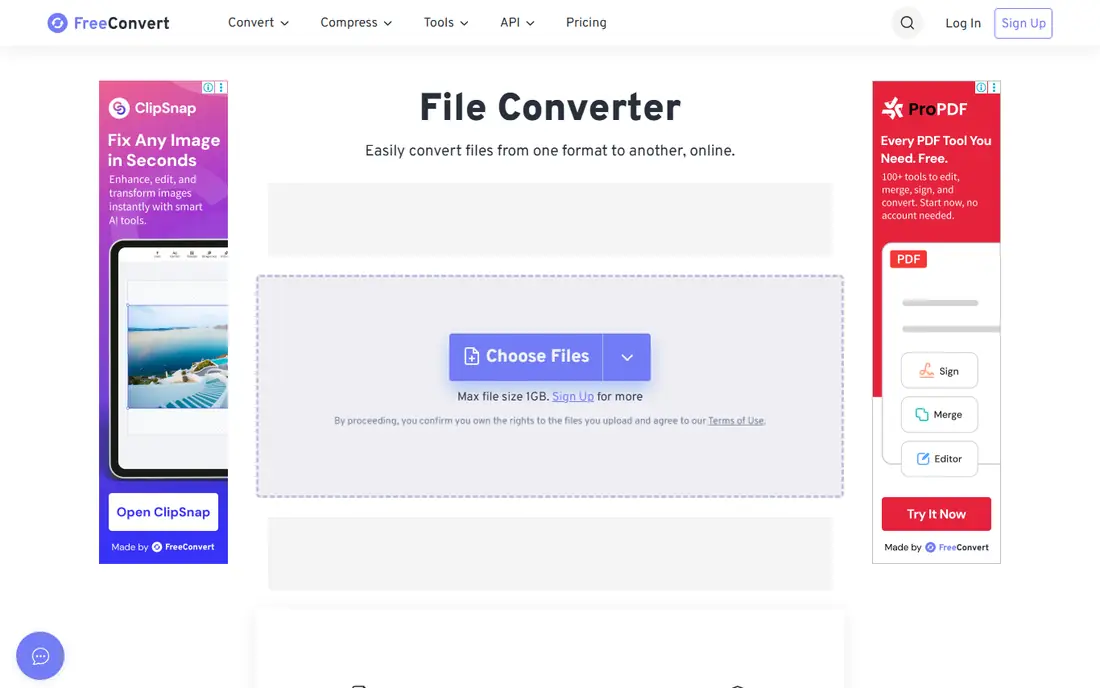
FreeConvert is the online tool with the most knobs. Its PNG to SVG page offers color or black and white output, color precision, gradient step, speckle filtering, and a choice of spline, polygon or pixel curves, plus corner and segment settings. That makes it easier to get a clean logo without installing software.
The page says files are protected with 256-bit SSL encryption and deleted after 8 hours, with a 1GB maximum file size. Its pricing page says free users get 20 conversion minutes a day, and that most conversions take a minute or less.
The catch is the paywall for heavy use. Paid plans start at $12.99 a month for the Basic tier, and the free version shows ads. For a few logos a week, the free tier is plenty.
- Detailed tracing settings for color, speckles, curves and corners
- Files deleted after 8 hours
- Up to 1GB per file
- Free users get 20 conversion minutes a day
- Ads on the free tier
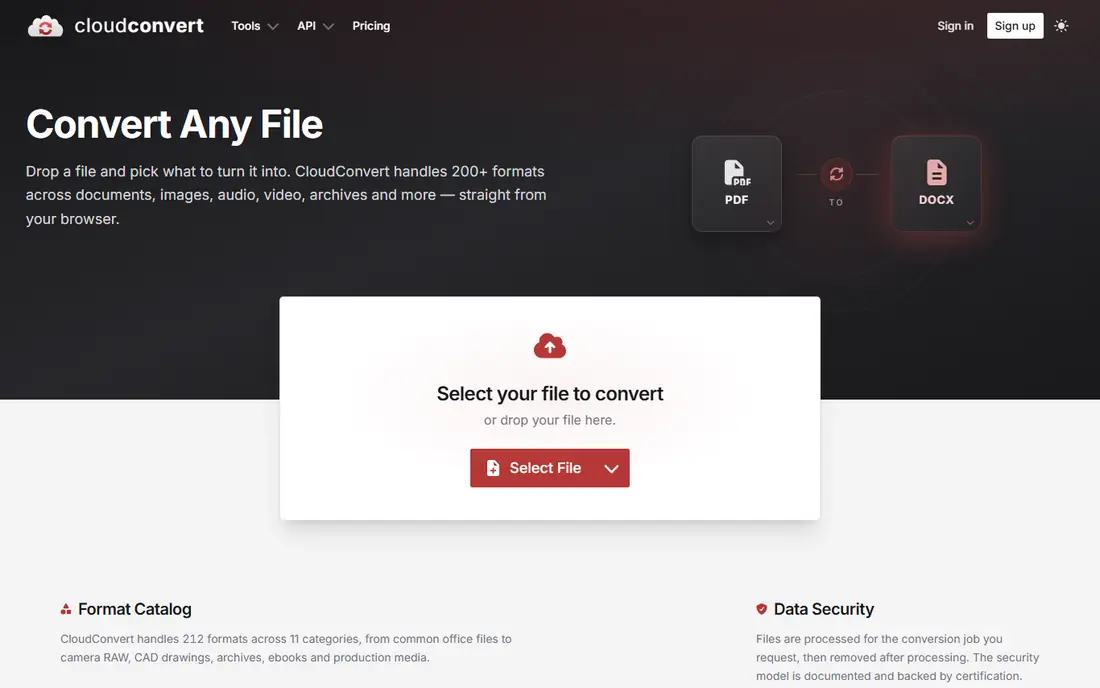
CloudConvert, run by Lunaweb GmbH in Munich, is a long-running file converter with a capable PNG to SVG option. Its page says its tracing engine turns pixels into scalable paths, with presets for line art, posters or photos, smooth or polygon curves, speckle removal and path simplification.
The free plan is meant for personal use, testing and hobby projects. It includes 10 conversion credits a day, a 1GB maximum file size and a 5-minute processing limit, with low priority. Paid credit packages and subscriptions remove those caps.
The downside is that free conversions can queue behind paying users, and the paid plans are priced in euros, which US buyers may find less clear. For occasional conversions it is a solid, no-fuss choice.
- Presets for line art, posters and photos
- Options to remove speckles and simplify paths
- Free tier with 10 conversion credits a day
- Free tier has low processing priority and a 5-minute processing limit
- Paid pricing is shown in euros
Recraft takes an AI approach. Its free SVG converter turns PNG, JPG or WebP images up to 5MB into SVG, or Lottie for animation, and you can continue in Recraft Studio to adjust colors, cut the color count or apply a palette.
Recraft says its vectorizer is built to produce smooth paths and clean edges, even on complex designs. It suits illustrators and marketers who also want Recraft's AI image and vector generators in the same place.
The honest warning is ownership. Recraft's pricing FAQ says images generated on the Free plan are owned by Recraft and publicly visible in its community gallery, while images made on a paid plan stay private and yours. If you are converting a client logo, read the terms carefully or pick an offline tool.
- AI vectorizer that converts PNG, JPG and WebP to SVG or Lottie
- Recolor and reduce colors after conversion
- Free version needs no credit card
- Free-plan images are owned by Recraft and publicly visible
- 5MB upload limit
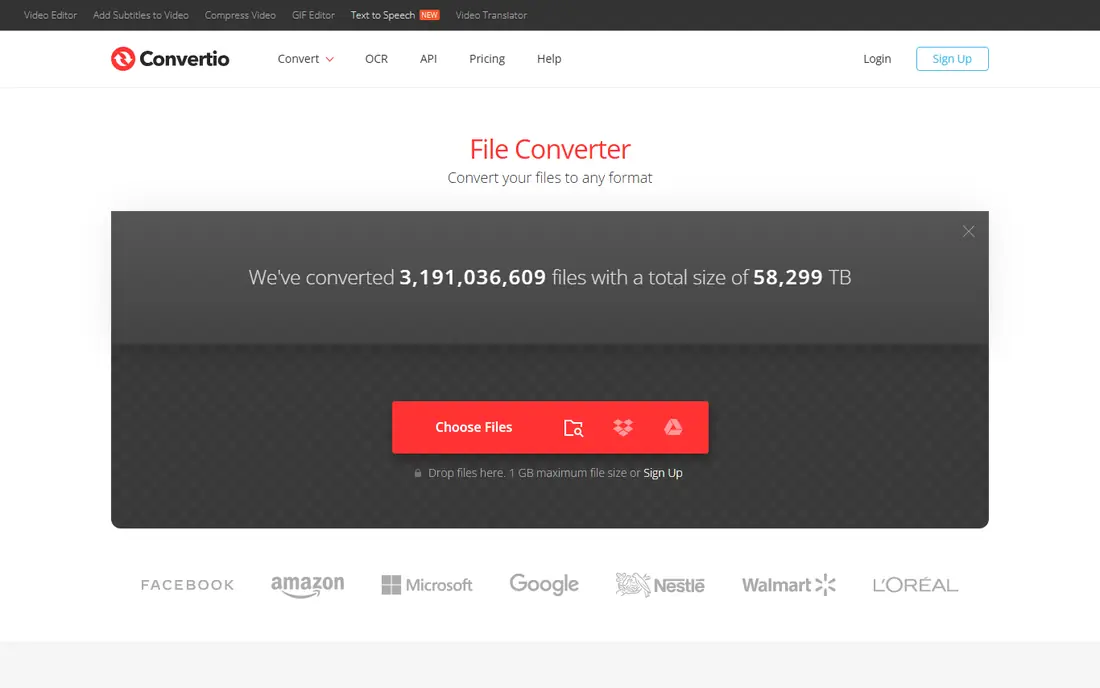
Convertio is a general file converter that supports more than 200 formats, and its PNG to SVG page focuses on logos, icons and design assets. You can pull files from your computer, Google Drive, Dropbox or a link.
Its page says basic conversions are completely free, uploaded PNG files are removed right after processing, and converted SVGs are deleted within 24 hours. Transparency in your PNG is kept in the SVG. Paid plans start at $11.99 a month, or $6.99 a month billed yearly, for 1,000 conversion credits.
What you give up is tuning. Convertio does not offer the detailed tracing options of FreeConvert or Inkscape, so complex images may need cleanup elsewhere.
- Basic conversions are free
- Works in any browser with uploads from Google Drive, Dropbox or a URL
- Uploaded PNGs removed right after processing
- Few tracing controls
- Paid plans needed for larger batches and priority
How we picked these
We looked for tools that truly trace a PNG into vector paths and can be used for free in October 2026. For each tool we read the official product page, pricing page and documentation for supported formats, file size limits, daily caps, privacy and file deletion policies, and ownership terms.
We did not run a formal side-by-side quality test on a fixed set of images. Instead we focused on what each maker documents about its tracing engine and settings. We left out Vectorizer.AI and Vector Magic from the main list because both require a paid plan to download results, though both let you preview for free.
How to get a clean SVG from a PNG
Start with the best source image
Tracing works best on simple, high-contrast images like logos, icons, signatures and line art. A larger, sharper PNG gives better edges. Photos rarely make good SVGs, because they turn into thousands of tiny shapes.
Reduce colors before you trace
Fewer colors means fewer shapes and a smaller file. Tools like Inkscape (Color Quantization), FreeConvert (color precision) and Recraft (reduce colors) let you control this.
Remove speckles and simplify paths
Small specks become stray shapes in the SVG. Use speckle filtering in FreeConvert or CloudConvert, or run Path, then Simplify in Inkscape, to cut down the node count.
Check that the result is really vector
Some converters simply wrap the PNG inside an SVG file, which will still blur when you scale it up. Open the result in Inkscape or a browser, zoom in far, and check that edges stay sharp.
When to pay
If free tools keep producing rough results on a detailed logo, paid tracers may be worth it. Vectorizer.AI lists an unlimited web plan at $9.99 a month, and Vector Magic offers an online plan at $5.99 a month or a $295 desktop license, with free previews before you buy.
Frequently asked questions
What is the best free PNG to SVG converter?
For most people, Inkscape gives the best results because you can choose a tracing mode and then edit the paths. If you want a quick online option, SVGcode and FreeConvert are both free and offer tuning settings. Adobe Express is the simplest one-click choice.
What is the best PNG to SVG app for Mac or Windows?
Inkscape is free for Windows, macOS and Linux and works offline once installed. SVGcode can also be installed as a web app, and it is listed in the Microsoft Store for Windows users.
Can I convert a PNG to SVG for Cricut or other cutting machines?
Yes. Logos and simple graphics work best. Use a black and white or low-color trace, remove speckles, and check that the SVG contains clean paths before sending it to your cutting software.
Is it safe to upload my logo to an online converter?
Check each tool's policy first. FreeConvert says files are deleted after 8 hours and Convertio deletes converted SVGs within 24 hours. Recraft's free plan makes generated images public, and offline tools like Inkscape keep files on your computer.
Why does my converted SVG look different from the PNG?
Tracing turns pixels into shapes, so fine details, gradients and soft edges get simplified. Inkscape's own tutorial says no autotracer can reproduce an exact duplicate. Try a different mode, more colors or a higher-resolution source image.
Sources
- https://inkscape.org/release/inkscape-1.4.4/
- https://inkscape.org/doc/tutorials/tracing/tutorial-tracing.html
- https://github.com/tomayac/SVGcode
- https://svgco.de
- https://www.adobe.com/express/feature/image/convert/png-to-svg
- https://www.freeconvert.com/png-to-svg
- https://www.freeconvert.com/pricing
- https://cloudconvert.com/png-to-svg
- https://cloudconvert.com/pricing
- https://www.recraft.ai/ai-image-vectorizer
- https://www.recraft.ai/pricing
- https://convertio.co/png-svg/
- https://convertio.co/pricing/
- https://vectorizer.ai/pricing
- https://vectormagic.com/pricing
See where you really rank - block by block
ProMapRanker scans Google Maps across a grid of your service area. Simple monthly plans from $19, white-label on every plan.
Start freeKeep reading
 philippines best loan apps
Philippines Best Loan Apps in 2026
The Philippines best loan apps for 2026, compared on SEC or BSP registration, loan limits, monthly rates and fees, from GCash GLoan and Maya to Tala and BillEase.
Read → best secret management tools enterprise devsecops
Best Secret Management Tools for Enterprise DevSecOps in 2026
The best secret management tools for enterprise DevSecOps in 2026, compared on pricing, free tiers, rotation, dynamic secrets and self-hosting, from Vault to Infisical.
Read → best gold ira companies
Best Gold IRA Companies in 2026
Comparing the best gold IRA companies for 2026 on published minimums, annual fees, buyback terms and pricing transparency, from Noble Gold to American Hartford Gold.
Read →